
10 Best AI Video Summarizers 2026 — Free Tiers, Billing Traps & What Actually Works
Watched 11 minutes and gave up? We tested 10 AI video summarizers across YouTube, uploads, and meeting recordings — with honest notes on where free tiers run out.
On this page
You opened that 90-minute conference keynote three days ago. You've watched 11 minutes of it. The tab is still pinned, quietly judging you. Meanwhile, a colleague already pulled six talking points from it and dropped them into the team Notion before lunch — using an AI video summarizer.
That gap is real, and it's widening. The best AI video summarizers in 2026 don't just dump a wall of bullet points at you. They give you timestamped chapters, clickable highlights, and outputs you can paste directly into your workflow without reformatting. The difference between tools is whether they handle your actual source — a YouTube link, a recorded Zoom call, a raw MP4 you uploaded — without making you jump through hoops. If you're specifically looking for AI YouTube summary tools, we also have a dedicated category page with the latest options.
We tested ten tools across three source types: YouTube URLs, uploaded video files, and live meeting recordings. We compared transcript accuracy, summary quality, export flexibility, and whether the free tier is genuinely useful or just a loss-leader designed to trap you into annual billing. Here's what we found.
| Tool | Best For |
|---|---|
| ScreenApp | All-in-one: YouTube, uploads, and live meetings |
| Video Highlight | Private video uploads with chat and export |
| NoteGPT | Students processing long lectures and batch videos |
| Summify | YouTube-first summaries with 130+ language support |
| WayinVideo | Searchable video libraries with generous free credits |
| tl;dv | Team meeting recaps across Zoom, Meet, and Teams |
| Descript | Creators who edit video and need summaries in one tool |
| Happy Scribe | Compliance-sensitive workflows needing SOC 2 / GDPR |
| Glasp | Free YouTube timestamps and transcripts inside Chrome |
| Recall | Personal knowledge base linking videos, articles, and PDFs |
How We Selected and Tested
We started with a field of 20+ tools, then narrowed to ten based on three filters: the tool had to have a working free tier or free trial, it had to support at least two video source types (URL, upload, or meeting bot), and its summary output had to be exportable in some form — not locked inside a proprietary interface.
Our research methodology combined direct testing with multi-source validation. We analyzed official pricing pages and feature documentation, cross-referenced user feedback from Trustpilot, G2, Product Hunt, and Reddit threads, and reviewed third-party benchmark write-ups. Where user complaints clustered around the same friction point across multiple platforms, we weighted that as a reliable signal — not a one-off bad review.
Evaluation Dimensions: We evaluated each tool across five dimensions:
- Source Flexibility — Does it handle YouTube URLs, direct uploads, and live meetings, or only one? This determines real-world fit.
- Summary Quality — Are outputs timestamped, skimmable, and accurate enough to replace watching the video? We tested with 20–90 minute videos.
- Export & Workflow Integration — Can you get the summary into Notion, Google Docs, or Slack without copy-paste workarounds? This overlaps with AI meeting notes tools, which often have deeper calendar and CRM integrations than standalone summarizers.
- Free Tier Honesty — What can you actually do without paying, and how quickly does the free tier run out?
- Pricing Transparency — Are per-minute or credit-based limits clearly disclosed, or buried in a help article?
Note on Testing Scope: We conducted hands-on testing of free-tier features for all ten tools. For enterprise features (SSO, audit logs, custom models), we relied on official documentation and verified user reports from G2 and Capterra to ensure balanced coverage.
Transparency & Limitations: All pricing and feature information comes from official sources and credible third-party platforms — we don't fabricate ratings or performance claims. Pricing can change; verify directly with each vendor before purchasing. Research conducted April–May 2026.
Top 10 AI Video Summarizers Compared
The ten tools below cover a spectrum from lightweight Chrome extensions to full meeting-intelligence platforms. The right choice depends on whether your videos live on YouTube, in a cloud drive, or in your calendar.
| Tool | Best For | Free Tier | Source Types | Export Options | Pricing From |
|---|---|---|---|---|---|
| ScreenApp | All-in-one use | Yes, 3 free recordings | YouTube, Upload, Meeting bot | Text, Transcript | Free; paid from $19/mo billed annually |
| Video Highlight | Private uploads | Yes | YouTube, Upload | Transcript, Chat | Free; $3.49/mo |
| NoteGPT | Long videos, batch | Yes | YouTube, Upload | Notes, Flashcards | Free; paid partial |
| Summify | YouTube + multilingual | Yes (limited) | YouTube, Audio, File | Notes, Transcript | $8/mo billed yearly |
| WayinVideo | Searchable libraries | Yes, generous | YouTube, Web | Transcript, Captions | Free; paid undisclosed |
| tl;dv | Meeting recaps | Yes (10 full AI) | Zoom, Meet, Teams, Upload | Slack, Notion, CRM | Free; Pro ~$18/mo yearly |
| Descript | Creator workflows | Yes (limited AI) | Upload, Web, Desktop | Full editor export | Hobbyist $16/mo yearly |
| Happy Scribe | Compliance-sensitive | Yes, limited/watermarked | YouTube, MP4, Meetings | DOCX, SRT, TXT | Basic $17/mo or $8.50/mo billed annually |
| Glasp | Quick YouTube lookup | Fully free | YouTube, Web, iOS/Android | Transcript copy | Free; Pro $12.50/mo |
| Recall | Knowledge base | Yes | YouTube, Web, PDF | Internal links | Free; Plus $10/mo yearly |
Detailed Reviews
ScreenApp
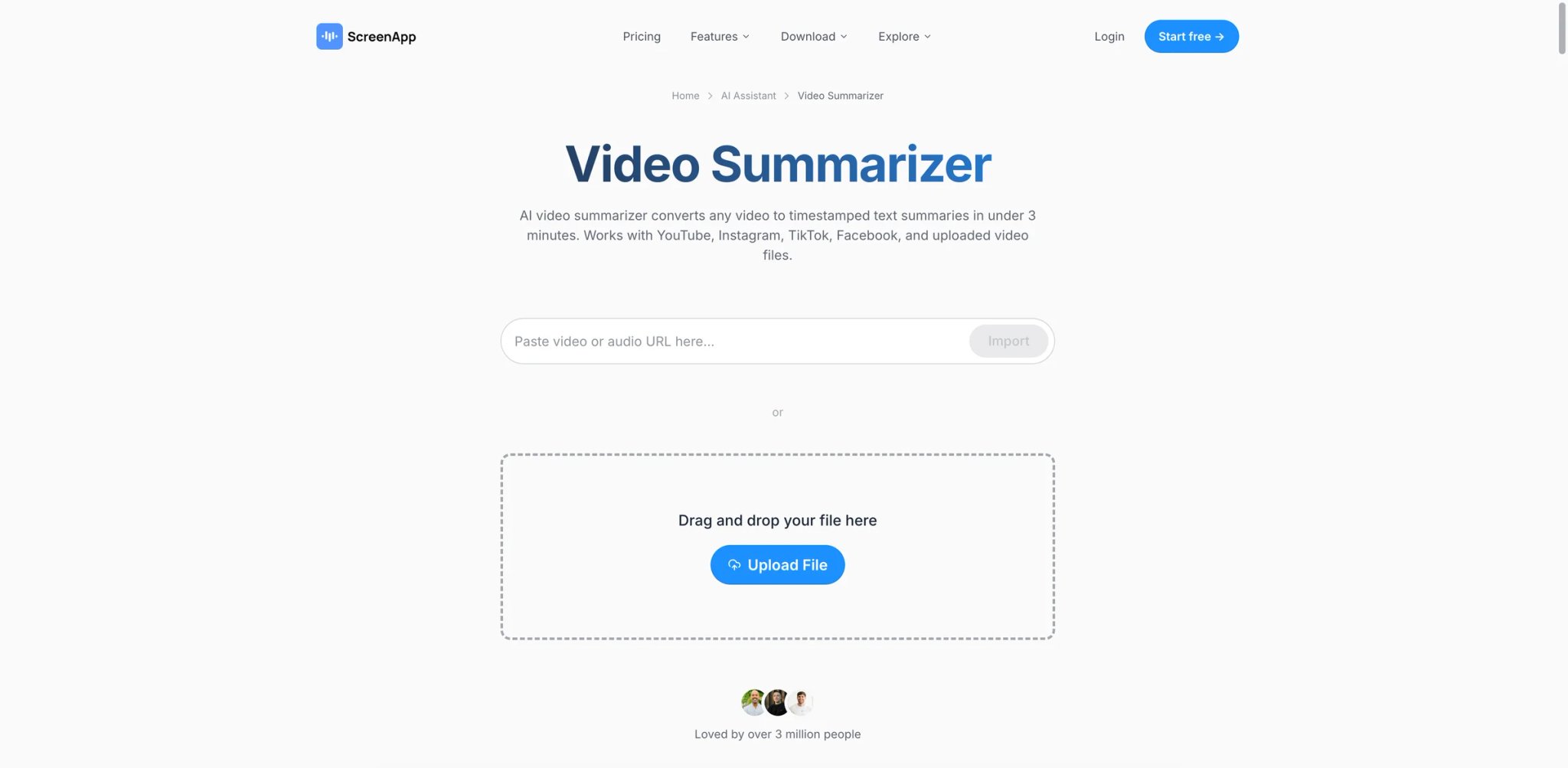
The problem most video summarizer tools can't solve: your videos don't live in one place. You have a YouTube conference talk, a Zoom recording from last week, and an MP4 a client sent you — and you need them all processed the same way. ScreenApp is the rare tool that handles all three sources under a single interface, without requiring you to switch between apps or re-upload to different services.
The platform covers screen recording, YouTube URL summarization, uploaded video files, and live meeting capture via a bot. Summaries arrive with timestamped chapters you can click to jump to exact moments — useful when you want to verify a specific claim rather than trust the AI's interpretation. The transcript-first architecture means every summary is grounded in actual words spoken, not inferred context.
Key Features
Multi-source coverage without tab-switching: YouTube URLs, direct video/audio uploads, and a meeting bot for Zoom/Meet/Teams all process through the same workspace. This matters if your workflow regularly mixes source types — you don't need separate tools for each.
Timestamped chapter summaries: Rather than a flat bullet list, ScreenApp breaks long videos into labeled chapters with time codes. If the summary says "competitor analysis," you can click the timestamp and go directly to that moment — eliminating the re-watch cycle that defeats the purpose of summarizing.
AI chat over transcripts: After summarization, you can ask follow-up questions against the transcript. "What did they say about pricing?" returns the relevant quote with timestamp, which is more reliable than trusting a summary to have captured every detail.
Pricing & Plans
- Free: 3 free recordings to test summaries, chat, templates, and transcripts
- Growth: $19/month billed annually, with 600 AI credits/year, unlimited recordings, meeting bot, and export/download access
- Business: $34/month billed annually with unlimited AI credits, unlimited transcriptions, video analysis, API access, and white label; Enterprise is available for larger teams
The credit model is largely transparent in the UI, but the auto-conversion of the free trial to an annual paid plan has generated Trustpilot complaints. Multiple users report being charged for a full year without a clear warning. Check the cancellation policy before entering payment details.
Limitations
The credit-based model means heavy users hit limits faster than the plan description implies, especially on long videos (60+ minutes cost proportionally more credits). Transcription accuracy on videos with heavy background noise or non-native English speakers drops noticeably. Customer support response times have been reported as slow in billing dispute threads.
Best For: Teams or individuals who regularly process videos across all three source types — YouTube, uploads, and live meetings — and want one workspace instead of three. Not the right fit if you primarily need meeting-only summaries (tl;dv is more specialized there) or if you're uncomfortable with credit-based billing models.
Get started with ScreenApp
Video Highlight
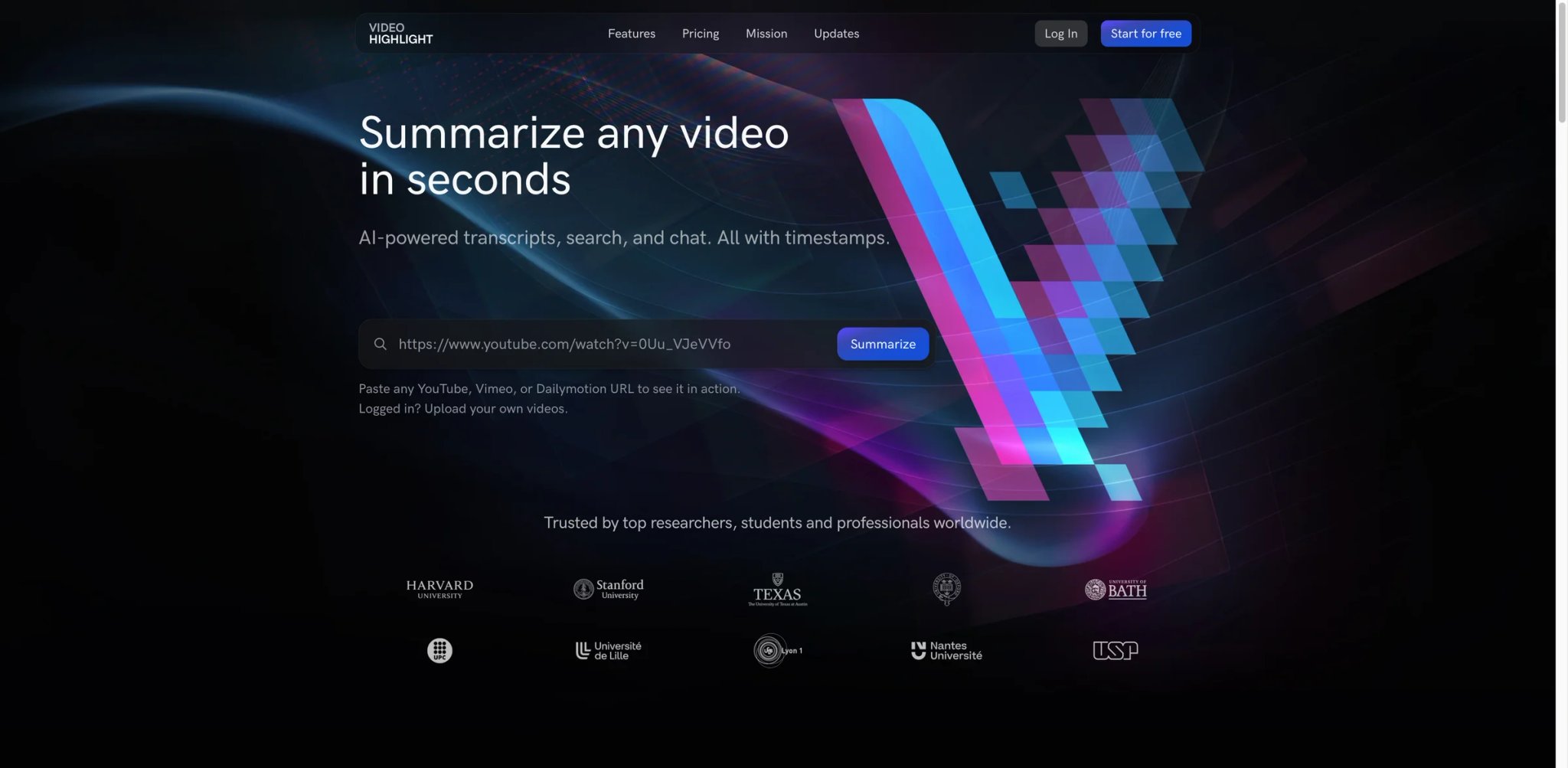
Most YouTube summary tools are technically uploading your video URL to an external server and processing the public transcript — which is fine until you need to summarize a private client demo, an unlisted training video, or footage you don't want shared. Video Highlight is built around private file uploads, making it the cleaner choice when the content itself is sensitive or not publicly indexed.
The tool accepts direct video uploads and YouTube/Vimeo links, generating a transcript alongside an AI summary. The interface keeps both visible simultaneously, so you can read the summary while spot-checking it against the raw transcript — a habit that quickly reveals when AI paraphrasing has softened or shifted meaning.
Key Features
Private upload support with no public indexing: Files you upload stay in your account and aren't processed as public data. This distinction matters for legal, HR, or client-facing content that can't be routed through general-purpose AI services. For teams that also need compliant transcription, our AI transcription tools roundup covers options with formal SOC 2 and GDPR documentation.
Side-by-side transcript and summary view: The dual-pane layout lets you read the AI summary while the full transcript is a click away. When a summary bullet looks suspiciously confident, you can verify the source quote in seconds rather than scrubbing the video.
AI chat over video content: Ask specific questions — "What were the objections raised in the Q&A?" — and get answers grounded in the transcript, with the relevant section highlighted.
Pricing & Plans
- Free: YouTube URL summarization and limited private upload usage
- Paid plans: Plus, Pro, and Business plans are available; verify current prices on the official pricing page before publishing because public snippets and third-party listings do not consistently expose the current monthly price.
- No advertised enterprise tier; aimed at individuals and small teams
The low starting price is genuine, not a teaser that gates all useful features. The free tier for YouTube links is actually functional, not a watermarked preview.
Limitations
Desktop-only web app — no mobile experience to speak of, which limits quick lookups on the go. Export destinations are lighter than meeting-focused tools: Video Highlight supports Notion, Readwise, Word, Markdown, and CSV export, but does not offer the same Slack or CRM push workflow as tools like tl;dv. Processing speed on videos longer than 45 minutes can slow down noticeably.
Best For: Researchers, consultants, or anyone who routinely processes non-public video content and needs transcript accuracy they can verify inline. Not the right fit if you need mobile access or one-click Slack/Notion export.
Get started with Video Highlight
NoteGPT
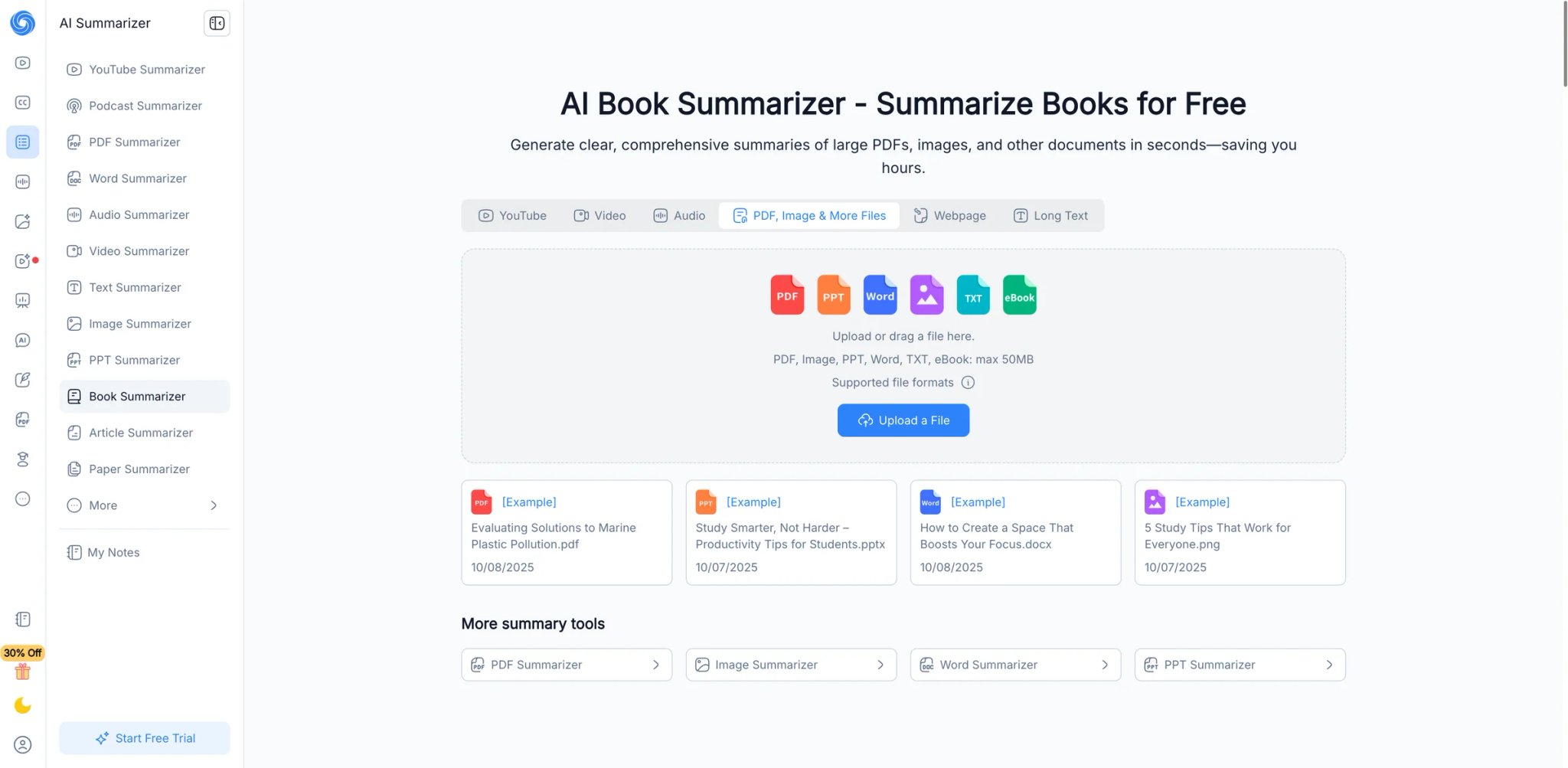
A single 45-minute lecture is manageable. A backlog of thirty recorded lectures across a semester — or a research project with twelve conference talks to digest — is where most summarizer tools quietly fail. NoteGPT was built with that kind of volume in mind: batch processing and a 5GB upload ceiling make it the tool students and researchers reach for when they're facing a pile, not a single video.
Beyond raw summarization, NoteGPT layers in a learning toolkit — AI-generated flashcards, mind maps, and Q&A prompts — that converts video content into study material rather than just a notes document. That's a meaningful difference if the goal is retention, not just intake.
Key Features
Batch processing for high-volume workloads: Submit multiple YouTube URLs or video files in one session rather than processing them one by one. For researchers or course creators working through a library of content, this cuts workflow time significantly.
5GB upload limit: Handles long-form video files that would time out or exceed limits on most competitors. A 3-hour conference recording or a full online course module can be processed without splitting.
Learning output formats beyond summaries: The AI doesn't just summarize — it generates flashcard decks, mind maps, and comprehension questions from the video content. Useful for studying or building course materials, less relevant if you just need a quick briefing.
Pricing & Plans
- Free: Functional summarization with usage caps
- Paid: Partial pricing disclosed; quota limits apply (some plans marketed as "unlimited" have undisclosed monthly caps per user reports)
- Verify current tier limits before committing; the Trustpilot rating reflects billing transparency complaints
Limitations
Trustpilot feedback is mixed: multiple users report quota deductions without output being generated, and some "unlimited" plan descriptions have turned out to have undisclosed caps. Note organization features are limited — there's no flexible folder or tagging system. The mobile app receives stronger ratings than the web interface, suggesting the product has invested unevenly across platforms.
Best For: Students, researchers, and educators who process high volumes of educational video and want summaries converted into study-ready formats. Not the right fit if billing transparency is a hard requirement — verify limits carefully before upgrading.
Get started with NoteGPT
Summify
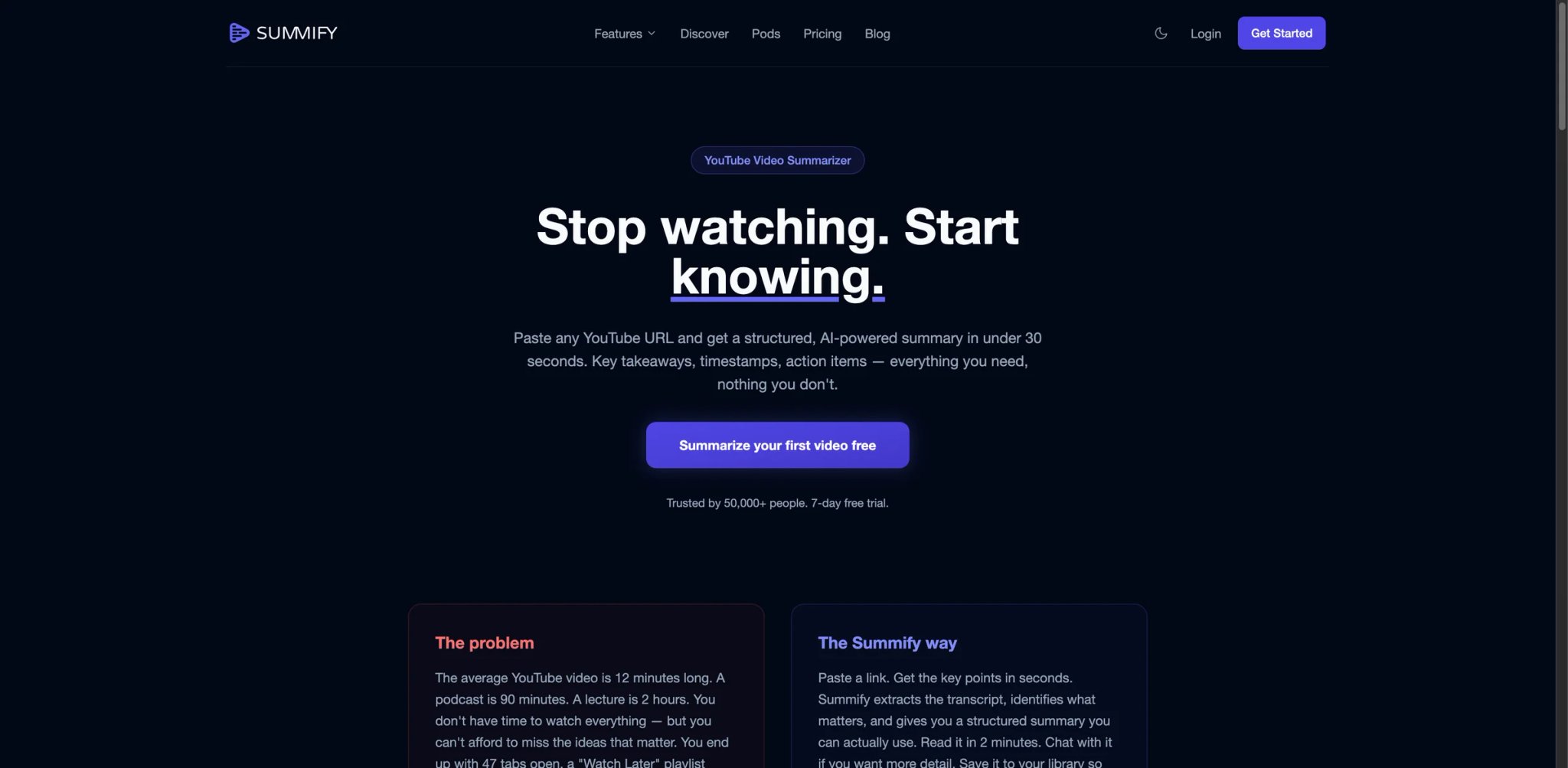
If your content library is predominantly YouTube — podcast episodes, conference talks, course videos — and you distribute or consume content in multiple languages, Summify's combination of timestamp-linked summaries and 130+ language support covers a gap that most tools in this category ignore. The Chrome extension means you can trigger a summary directly from a YouTube page without switching tabs or copying URLs.
The tool also handles audio files and uploaded video, making it workable for podcast producers who want to generate show notes or summaries without re-watching recordings.
Key Features
130+ language support with consistent output quality: Not just detection — Summify can summarize and output in languages other than the video's original language. For multilingual teams or international research, this removes the manual translation step.
Timestamp-linked summary chapters: Each summary bullet links back to the exact timestamp in the video, so fact-checking or pulling a specific quote doesn't require scrubbing. This is a table-stakes feature for research use, but not all tools implement it cleanly.
Chrome extension for YouTube-native workflow: Activate the summarizer directly on any YouTube page. The summary appears alongside the video without leaving the tab — a minor UX detail that adds up when you're processing dozens of videos per week.
Custom summary styles: Choose between formats — bullet-point recap, executive summary, key takeaways — based on what you're feeding the summary into.
Pricing & Plans
- Free: Limited summaries/trial access; verify the current cap before publishing
- Basic: $10/month, or $8/month billed annually
- Lifetime plan: $179 one-time — includes all future features; unusual but genuinely available
- Free tier is functional but will run out for active users within days
Limitations
No dedicated meeting bot — this is a YouTube-and-file tool, not a meeting recorder. If live meeting summaries are part of your workflow, you'll need a second tool. The free tier caps are tighter than the marketing suggests; expect to hit the limit within 10–15 video summaries. Summaries occasionally miss nuanced details in videos with complex technical content.
Best For: Content creators, multilingual researchers, and podcast producers who live primarily in YouTube and need clean, timestamped summaries in multiple languages. Not the right fit if you need meeting bot integration or process fewer than 10 videos per month (the free tier may be enough for casual use).
Get started with Summify
WayinVideo
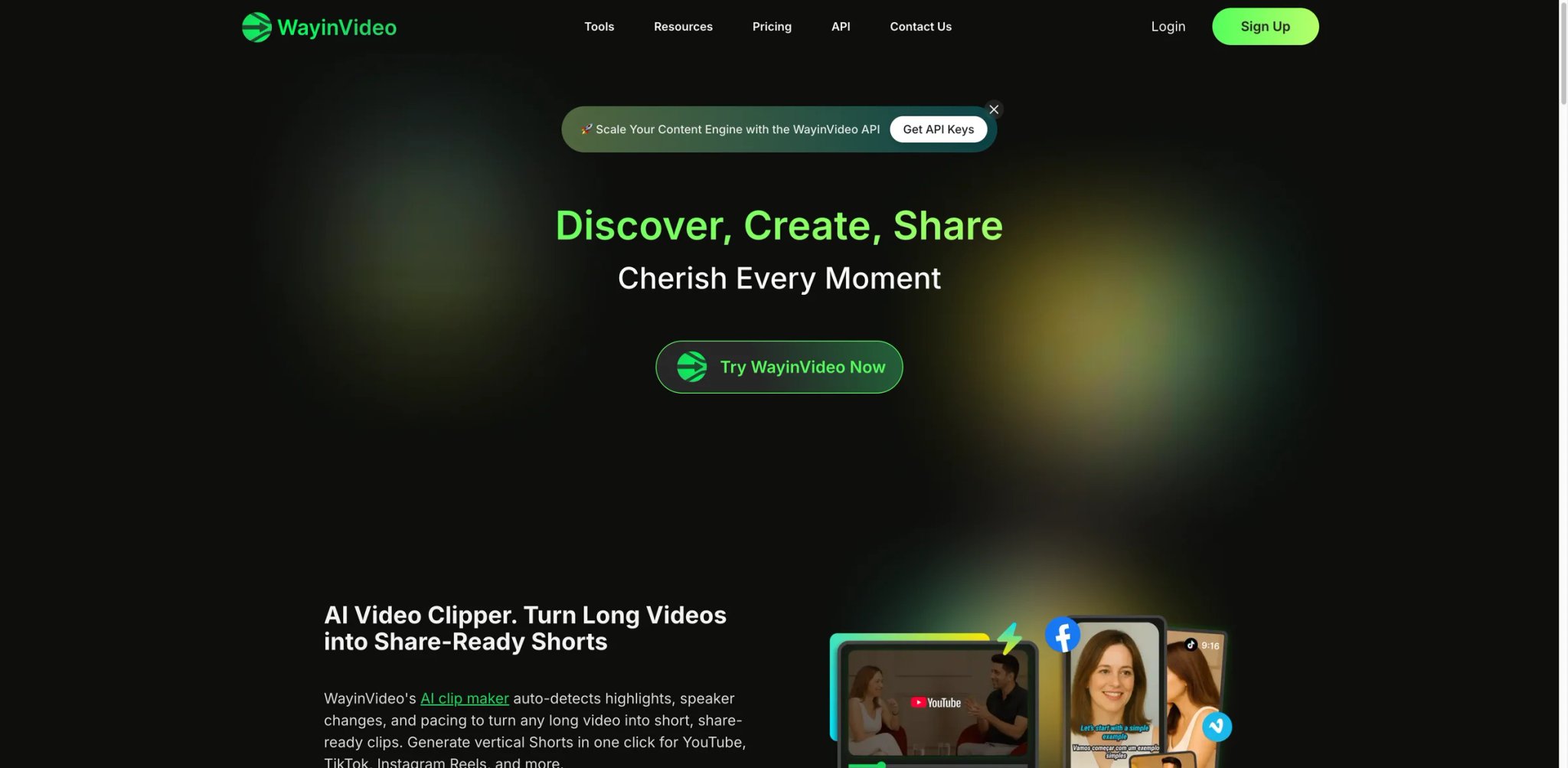
The frustration that WayinVideo addresses isn't "I need to summarize this one video." It's "I know I watched something about this topic three months ago across twenty videos and I can't find it." The platform indexes your video library and makes the content searchable — so instead of re-watching to locate a specific claim, you search for it like a document.
The tool supports YouTube URLs and web-based video, generates transcripts and captions in 100+ languages, and offers a genuinely generous free tier — 200 welcome credits plus 30 daily tool credits, enough for roughly three hours of content immediately after signup.
Key Features
Cross-library video search: The standout feature isn't the summary — it's the ability to search across all processed videos by keyword or topic. Ask "what did anyone say about pricing models" and WayinVideo returns timestamped results from across your library. This is fundamentally different from processing one video at a time.
100+ language transcript and caption support: Transcripts are generated in the video's original language and can be used to produce captions for export. For content teams distributing across international markets, this is a production feature, not just a consumption one.
Generous free-tier credits: 200 welcome credits plus 30 daily replenishing credits means new users can process meaningful amounts of content before hitting a paywall — uncommon in this category where free tiers often expire after two or three videos.
Pricing & Plans
- Free: 200 welcome credits + 30 daily credits (replenishing)
- Paid: Not publicly disclosed; requires account creation to see upgrade options
- Pricing transparency is the primary weakness — paid tier details aren't on the public pricing page
Limitations
Paid pricing is not publicly disclosed, which makes budget planning difficult before you've invested time setting up a library. The platform is newer with a smaller track record than tools like tl;dv or Descript — enterprise reliability data is limited. Currently web and Chrome only; no desktop app or mobile client.
Best For: Power users who process videos in volume and need search across their library, not just summaries of individual videos. Content researchers, competitive analysts, and knowledge managers will get the most out of this. Not the right fit if you need transparent pricing before signing up or if your primary source is live meeting recordings.
Get started with WayinVideo
tl;dv
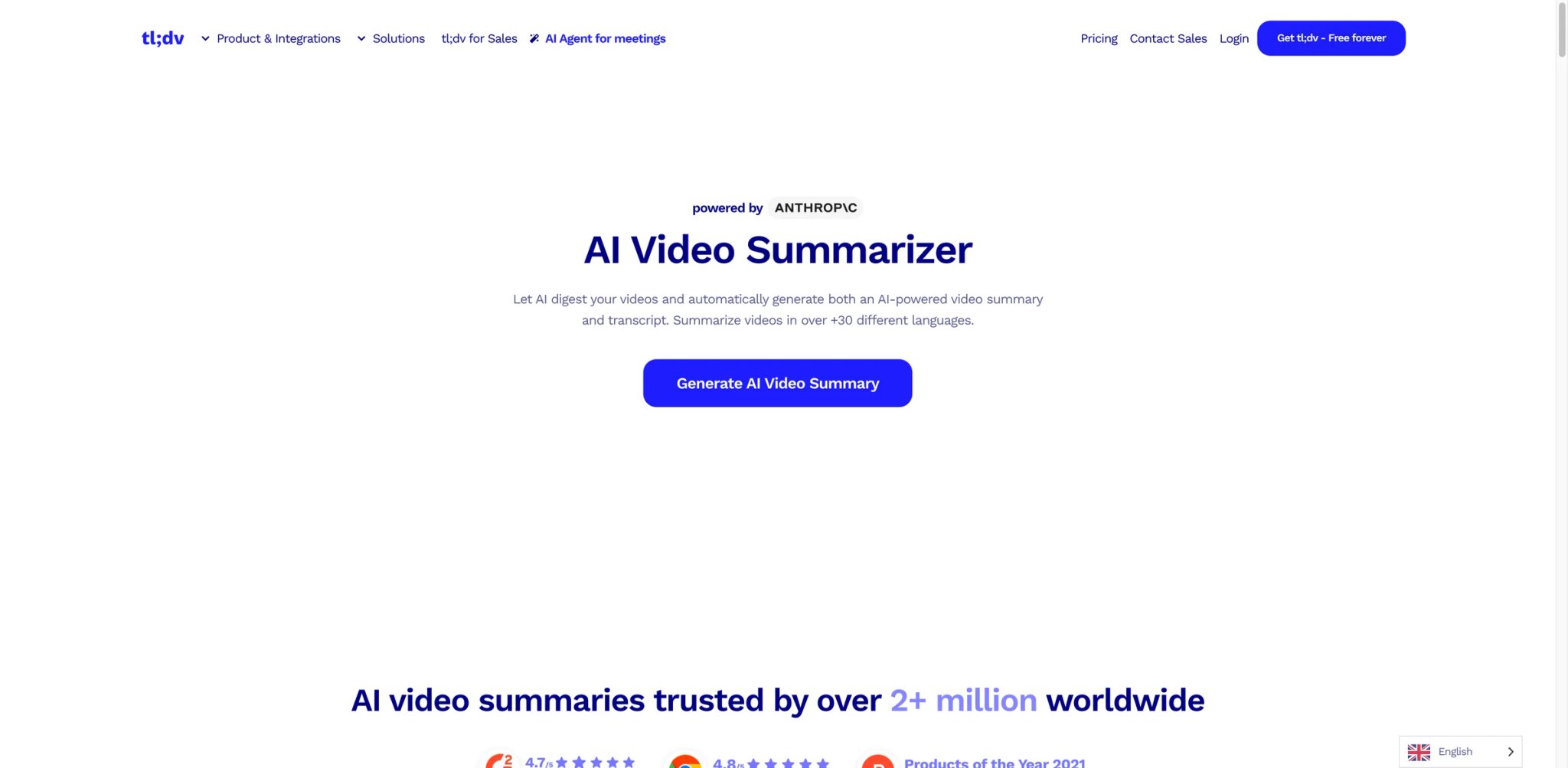
Sales teams lose deals because the follow-up email doesn't reflect what the prospect actually said — it reflects what the rep remembered under pressure 40 minutes later. tl;dv is built around this exact failure mode: recording the meeting, attributing statements to specific speakers, and surfacing action items and decisions as structured output rather than an undifferentiated transcript.
The tool integrates directly as a bot into Zoom, Google Meet, and Microsoft Teams meetings. After the call ends, you get a summary broken down by speaker, with timestamps on every key moment, and one-click sharing to Slack or CRM systems.
Key Features
Speaker-attributed meeting summaries: Not just "someone mentioned the budget" — tl;dv ties every key point to the speaker who said it. For sales calls, stakeholder interviews, or multi-party negotiations, knowing who said what is as important as knowing what was said.
30+ language transcription coverage: Among the strongest multilingual meeting support in this category. For international teams running calls across languages, transcription and summary quality holds up better than most alternatives.
One-click integration to Slack and CRM tools: Push the meeting summary directly to a Slack channel or into HubSpot/Salesforce without copy-paste. This closes the loop between the call and the downstream action — the step where most meeting notes go to die.
Clip sharing for async teams: Highlight a 30-second moment from a meeting and share just that clip. Useful for briefing stakeholders who weren't on the call without sending them to the full recording.
Pricing & Plans
- Free: Full AI notes for the first 10 meetings; after that, only the first 10 minutes of each meeting get AI notes
- Pro: Approximately $18/month billed annually
- Business and Enterprise: Higher tiers with SSO, advanced analytics
The free tier degradation after 10 meetings is a real cliff that Reddit users flag consistently — the limit is buried in the help center, not surfaced upfront during signup.
Limitations
AI accuracy degrades when multiple speakers talk simultaneously or when audio quality is poor — a real-world problem in remote meetings with mixed home-office setups. The free tier's 10-meeting full-AI limit is not prominent during onboarding; users often discover it only when summaries get truncated. Customer support response times have drawn consistent complaints, particularly for billing issues.
Best For: Sales teams, customer success managers, and remote-first teams who need structured, speaker-attributed notes from recurring meetings pushed automatically into their CRM or Slack. Not the right fit if you primarily need YouTube or file-based video summaries, or if you're evaluating on a free tier alone (the cliff at 10 meetings will block you quickly).
Get started with tl;dv

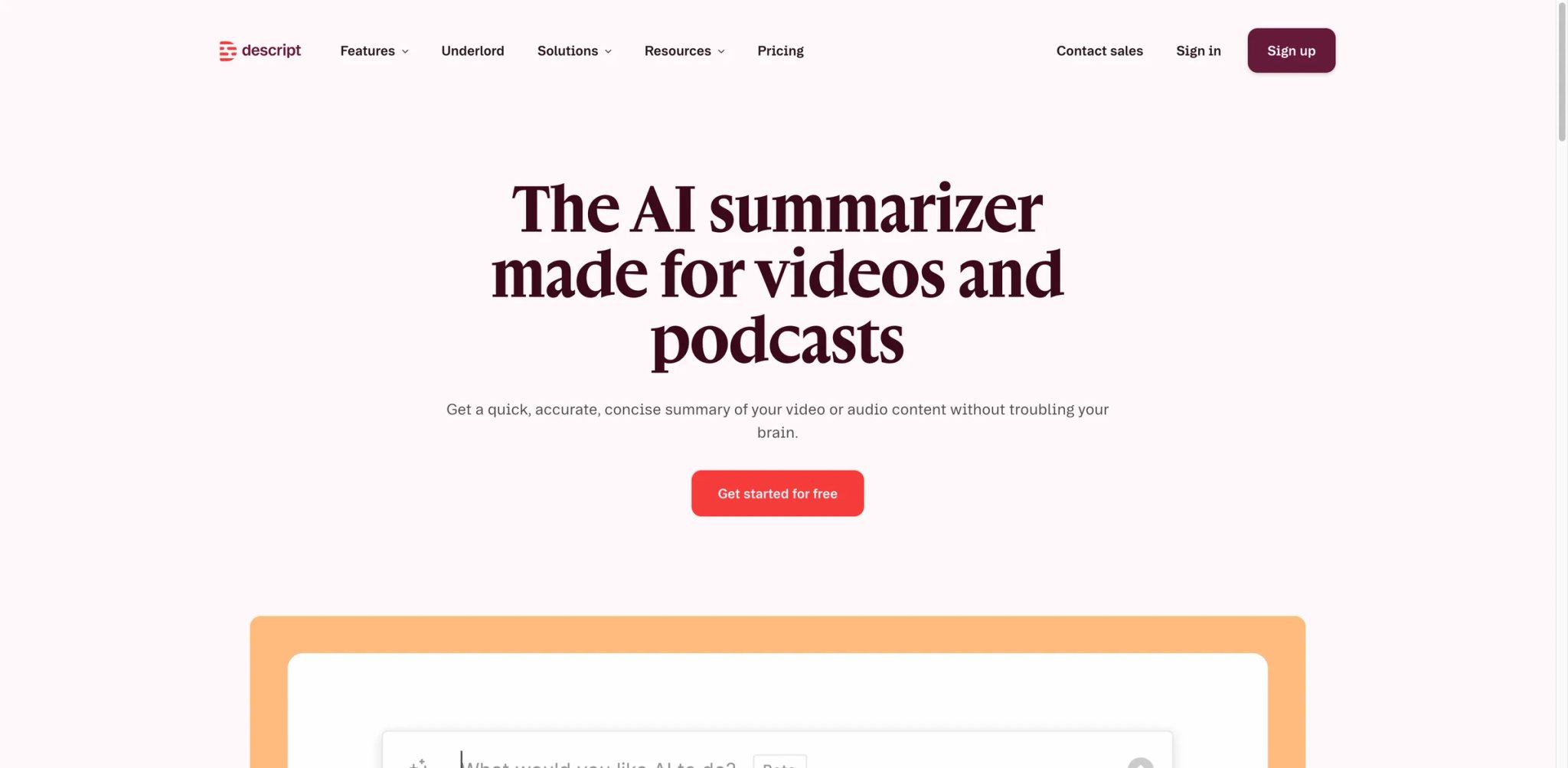
The summarization feature in Descript exists because the people who use it are already editing videos there — podcast producers, course creators, YouTube creators — and they need summary output as part of that editing workflow, not as a standalone step that requires switching tools. The AI summarizer is embedded inside a full video and audio editor, which is either exactly what you need or an overcomplicated path to a summary if you're not editing at all.
If you are a creator, the integration matters: Descript can turn a transcript into a summary, then use that summary to identify cuts, generate show notes, and export to publication platforms without leaving the editor. The summarizer is most powerful as a step inside that pipeline, less compelling as an isolated feature.
Key Features
Summary as part of an end-to-end creator workflow: Generate a summary, then use it to identify the sections worth keeping, the filler to cut, and the hook for social clips — all without leaving Descript. For creators who already edit in Descript, this eliminates an export-import cycle.
Podcast and long-form video support: Descript handles audio and video natively. Podcast episodes, recorded webinars, and course content all get the same transcript-then-summary treatment, with chapters the creator can map directly to edit points.
Underlord AI features (higher tiers): Automatic filler-word removal, Studio Sound audio enhancement, and AI-generated show notes are bundled into the same workflow. The summarizer becomes one step in a sequence of AI enhancements rather than a standalone action.
Pricing & Plans
- Free: Limited media/AI usage for testing — heavy feature users can burn through monthly allocation in under a day
- Hobbyist: $24/month or $16/month billed annually
- Creator and Business: Higher tiers; pricing scales significantly
- Monthly AI credit limits apply to AI features; frequent users will hit them regularly
Limitations
Stability issues are the most consistent complaint in Reddit and Trustpilot threads: the app lags and crashes on projects over an hour long or those using multiple tracks with effects. AI credits can deplete within a single editing session for heavy users, effectively making AI features pay-per-use regardless of your subscription tier. Some AI features are released in incomplete states — users report having to manually correct AI-generated content more than the marketing implies. Export video quality compression is a recurring complaint from creators.
Best For: Podcast producers, YouTubers, and course creators who are already editing in Descript and want summaries as part of an integrated creation workflow. Not the right fit if you only need video summarization without editing — the pricing and complexity overhead won't be justified.
Get started with Descript

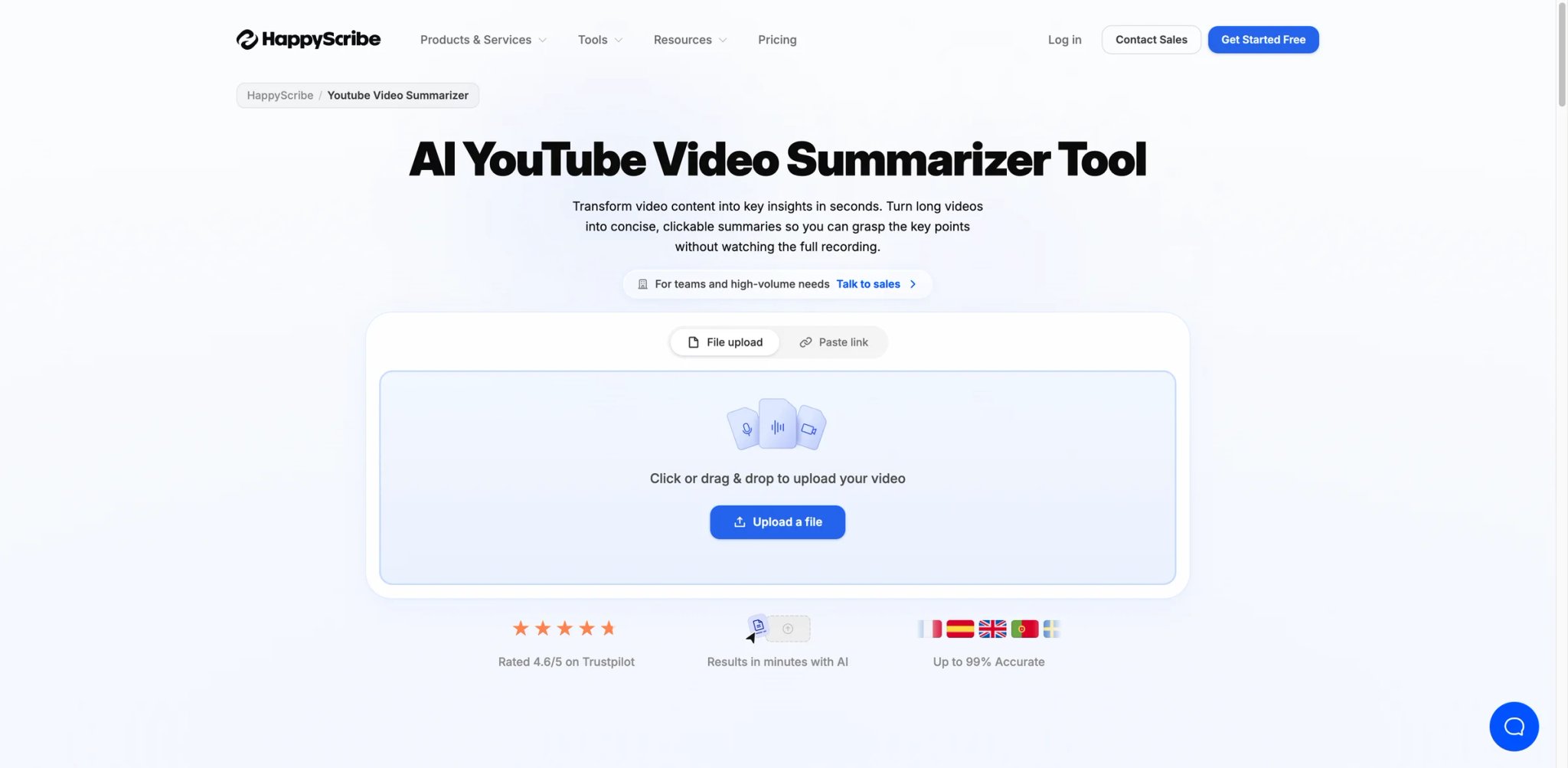
Most AI video summarizers are built for individual productivity. Happy Scribe is built for teams that have to explain their data handling to a compliance officer. SOC 2 Type II certification and GDPR compliance aren't checkbox items here — they're the reason media companies, newsrooms, and legal teams choose Happy Scribe over more feature-rich alternatives that can't produce a data processing agreement on request.
The tool handles YouTube links, MP4 uploads, and meeting recordings across 60+ languages, generating both transcripts and summaries. The difference from competitors is the audit trail and the enterprise-grade documentation behind the output.
Key Features
SOC 2 Type II and GDPR compliance: For organizations processing interviews, legal depositions, medical recordings, or internal HR content, the compliance certification isn't optional. Happy Scribe is one of the few summarizer tools with formal audit documentation — important for procurement reviews and vendor risk assessments.
60+ language transcript and summary support: Covers a wider language set than most tools in this category, with particular strength in European languages — relevant for multinational teams or EU-based organizations processing content across member-state languages.
Human review option: For high-stakes transcription (legal, medical, journalism), Happy Scribe offers a human-reviewed transcription service alongside AI — a hybrid model that competitors rarely offer. The AI summary is a starting point; human verification is available for accuracy-critical content.
Export to DOCX, SRT, TXT, and subtitle formats: Clean export options for downstream workflows — video editors, legal review software, content management systems. Not just copy-paste; structured file formats.
Pricing & Plans
- Free tool: Available with limited/watermarked export
- Basic: $17/month, or $8.50/month billed annually; includes 120 AI transcription/subtitling/translation minutes per month on monthly billing, 90-minute recording limit, and watermark removal from video exports
- Pro: $29/month, or $19/month billed annually; includes 600 AI transcription/subtitling/translation minutes per month, unlimited minutes per recording, unlimited AI Chat, and 3 user seats
- Free tier exports with watermarks, which is a genuine limitation for professional deliverables — a complaint noted consistently in AppSumo and Software Advice reviews
Limitations
Accuracy drops on content with heavy accents, multiple simultaneous speakers, or significant background noise — the 85% accuracy claim holds up in clean conditions but degrades in real-world recordings. The free trial's watermarked exports make professional evaluation difficult; you often have to pay before you can fully assess output quality. Pricing changes to subscription plans have been reported without clear advance notice by some users.
Best For: Legal teams, journalists, HR professionals, and enterprise media teams that need compliant, auditable video transcription and summarization with a human review option. Not the right fit if compliance is not a concern — the pricing premium over more feature-rich tools isn't justified for individual users or small teams without data governance obligations.
Get started with Happy Scribe
Glasp
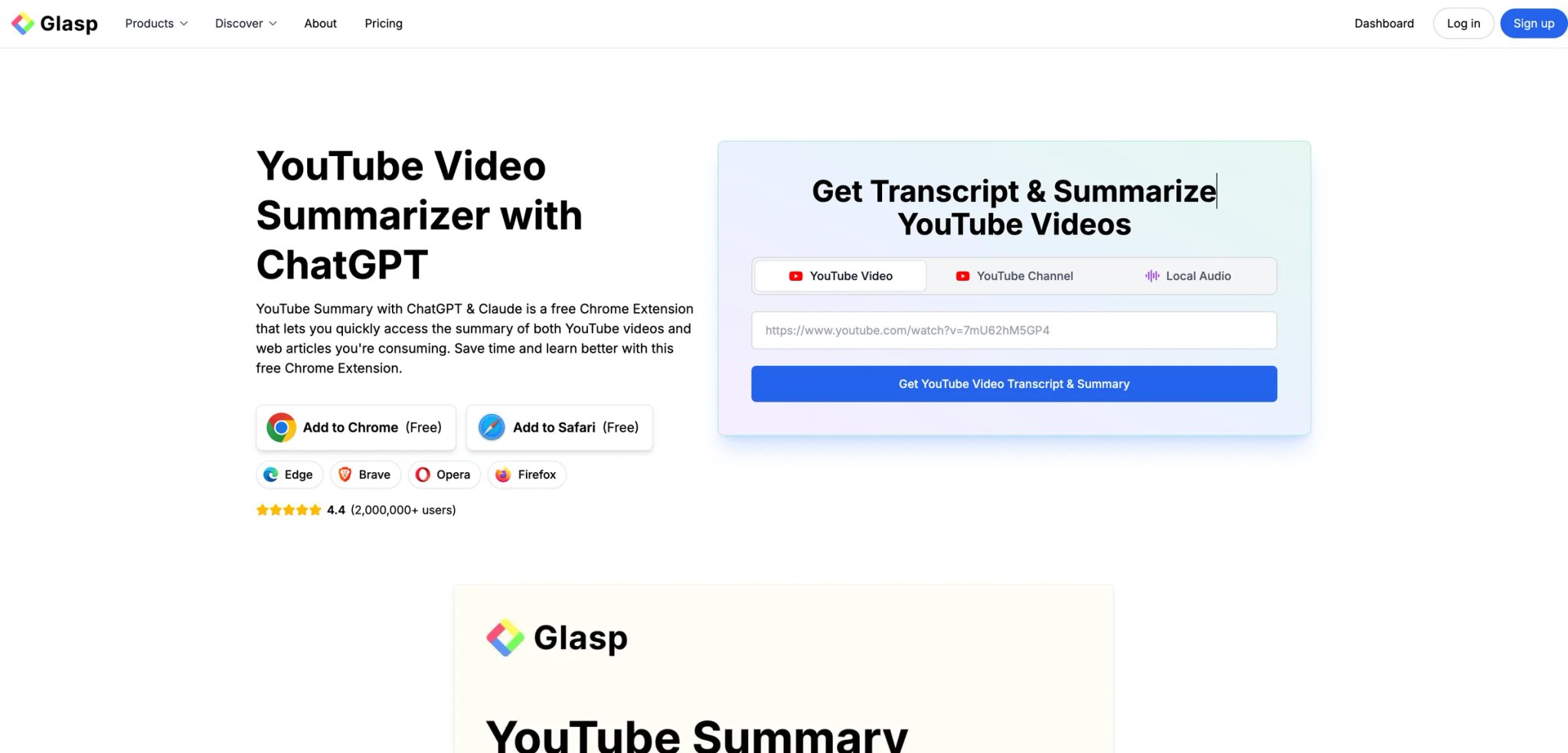
Before committing to any paid summarizer, most people should try Glasp for YouTube — because it's free, it works directly inside your browser, and for YouTube-only use cases it covers the core need without a credit system or a subscription. The extension surfaces a timestamped transcript and an AI-generated summary in a sidebar while the video plays, powered by your choice of ChatGPT, Claude, Gemini, or Mistral.
The constraint is the shape of the workflow, not the platform list: video summarization happens in the browser extension (Chrome, Safari, Edge, and Firefox), while the iOS and Android apps carry the reading and highlighting side, with highlights syncing across devices. What it doesn't do is process uploaded video files or join your meetings. For what it does, though, it's genuinely hard to beat at $0.
Key Features
Fully free YouTube summarization inside Chrome: No credits, no monthly cap, no watermarks on the output. The free tier is the product, not a degraded version of a paid tier.
Multiple AI model selection: Choose which AI generates your summary — ChatGPT, Claude, Gemini, or Mistral. Users who have strong preferences about AI output quality or privacy implications of specific providers can make an active choice rather than accepting whoever the tool vendor has contracted with.
Transcript copy with timestamps: The full video transcript is copyable from the sidebar with timestamps intact. Paste directly into Notion or a document without losing the time codes.
Web highlighting and annotation: Beyond video, Glasp also highlights and annotates web pages — if your research spans both YouTube and written content, the tool creates a unified layer for both.
Pricing & Plans
- Free: Basic YouTube summarization, transcript copy, and web highlighting; Pro unlocks higher advanced-summary limits and additional workflow features
- Pro: $12.50/month — unlocks additional features like team collaboration and extended annotation
- The free tier is genuinely complete for YouTube-only users
Limitations
The video summarization workflow runs in the browser extension, so it's a desktop-browser motion in practice — the iOS and Android apps cover highlighting and reading rather than replicating the YouTube sidebar. YouTube transcript availability is required; videos without captions or with auto-generated captions of poor quality produce degraded summaries. The extension has faced service interruptions when YouTube or Chrome updates break the transcript retrieval mechanism — check the status page before relying on it for time-sensitive work.
Best For: Students, researchers, and anyone who processes YouTube videos regularly and wants a zero-cost, no-signup-friction solution inside their existing browser. Also a strong default first tool for evaluating AI summary quality before committing to a paid subscription. Not the right fit if you process uploaded video files or need meeting recordings joined and transcribed automatically.
Get started with Glasp
Recall
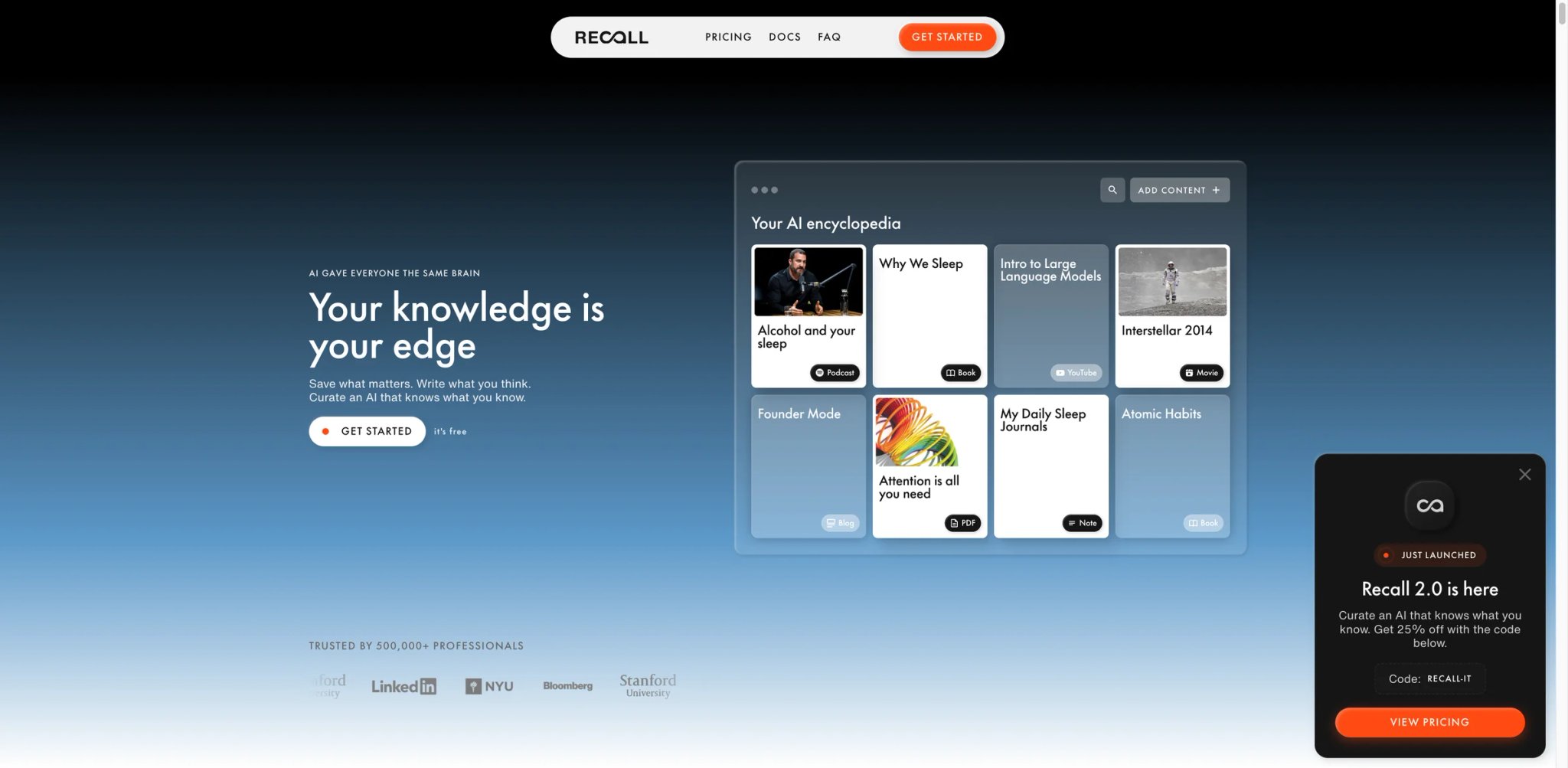
The problem Recall targets isn't a single video — it's the slow accumulation of half-remembered content across YouTube videos, articles, and PDFs that you bookmarked and never connected. Recall is a personal knowledge base that processes all three source types and links related content automatically, surfacing connections between a YouTube talk you watched last month and a PDF you saved last quarter.
The summarization is a means to an end here: the real product is a second brain that remembers what you consumed and shows you how ideas relate across sources.
Key Features
Cross-format knowledge linking: Recall processes YouTube videos, web articles, and PDFs into the same knowledge base, then surfaces connections between them. A note from a video and a highlight from an article on the same topic get linked — reducing the cognitive overhead of maintaining separate note systems.
Automatic concept extraction and tagging: Rather than manual tagging, Recall extracts key concepts and topics automatically, creating a browsable taxonomy of your knowledge base. Useful for research workflows where the volume of sources makes manual organization impractical.
Browser extension for one-click capture: Add a YouTube video or web page to your knowledge base from the browser without switching apps. The summarization and linking happen in the background.
Pricing & Plans
- Free: 10 AI cards per month, unlimited saves and connected notes, plus API and MCP access
- Plus: $10/month billed annually
- Max: $38/month billed annually
- Pricing is clearly structured and publicly disclosed — a differentiator given the opacity of some competitors in this category
Limitations
The knowledge-base orientation means Recall is slower to learn than single-purpose summarizers — there's onboarding involved in understanding how the linking system works. It's a tool for building over time, not for quick one-off video lookups. Meeting bot integration is absent; this is a consumption and research tool, not a meeting capture tool. The free tier is functional but the linking features that define the product are more fully realized on paid plans.
Best For: Knowledge workers, researchers, and lifelong learners who consume content across multiple formats (video, articles, PDFs) and want a single system that remembers and connects it all. Not the right fit if you need meeting summaries, live recording capture, or just a quick one-off video summary without building a persistent knowledge base.
Get started with Recall
Best AI Video Summarizer by Use Case
For Researchers Processing Dozens of Videos Per Month
If you're a PhD student, journalist, or competitive analyst who regularly burns through conference recordings, YouTube talks, and uploaded lectures, the volume problem is the real constraint. NoteGPT's batch processing and 5GB upload ceiling handle that load better than tools optimized for single-video use. Pair it with Glasp for quick YouTube lookups on the free tier, reserving NoteGPT credits for longer, higher-priority content. If your research crosses source formats — videos, articles, PDFs — Recall's cross-format knowledge linking is worth the $10/month for the organizational overhead it removes.
For Sales and Customer Success Teams
Meeting-to-CRM is the workflow that matters here. tl;dv's speaker attribution and one-click Salesforce/HubSpot integration mean the summary from a discovery call shows up in the deal record automatically, attributed to the prospect's actual words. The free tier covers early evaluation, but the cliff at 10 full-AI meetings comes up fast in active sales cycles — budget for the Pro tier from the start if this is going into your team's stack. ScreenApp is a viable alternative if your team also handles non-meeting video content in the same workflow.
For YouTube Creators and Podcast Producers
Descript is the only tool here that treats summarization as one step inside an editing workflow rather than the destination. If you're already editing there, the AI summarizer surfaces the moments worth keeping and generates show notes as a byproduct of editing — not a separate task. For creators who don't edit in Descript, Summify's timestamp-linked summaries and custom output styles produce clean show notes from YouTube or audio files at a lower cost and complexity overhead.
For Multilingual Teams
Summify's 130+ language coverage and WayinVideo's 100+ language transcript and caption support are the two strongest options here. Summify has a clear pricing model; WayinVideo has a more generous free tier but undisclosed paid pricing. Happy Scribe's 60+ language coverage is the right choice when compliance documentation matters alongside multilingual support — EU-based teams processing cross-border content will value the GDPR certification.
For Privacy-Sensitive or Compliance-Bound Organizations
Happy Scribe's SOC 2 Type II certification and formal GDPR documentation make it the default choice for legal, HR, medical, and enterprise media teams. Video Highlight's private-upload architecture (no public indexing) is the lighter-weight option for teams without formal compliance requirements but with content they'd rather not route through general-purpose AI infrastructure.
How to Choose the Right AI Video Summarizer
1. Start with your video source, not your budget. The first filter is simple: where do your videos live? YouTube-only needs point to Glasp (free) or Summify. Uploaded files point to Video Highlight or NoteGPT. Live meeting recordings point to tl;dv or ScreenApp. Multi-source needs point to ScreenApp. Get this right before comparing features.
2. Test the free tier on your actual content. Every tool on this list has some free access. Before evaluating pricing, run your real content — the actual video length, accent profile, and language — through the free tier. Summary quality varies more by content type than by tool; the only way to know how a tool handles your specific videos is to test it.
3. Evaluate the free tier ceiling honestly. Glasp is genuinely unlimited for YouTube. Summify and NoteGPT hit limits within a week of active use. tl;dv's free tier is functional for 10 meetings and then significantly degraded. Map the ceiling against your actual monthly volume before assuming "free" means sustainable.
4. Check export format compatibility. Where does the summary go next? If the answer is Notion, check whether the tool has a direct integration or requires copy-paste. If the answer is a legal document or subtitle file, verify whether export formats match your downstream tool. Glasp and Recall produce copy-pasteable text; Happy Scribe produces DOCX and SRT; tl;dv pushes to Slack and CRM directly.
5. Ask about pricing transparency before entering payment details. ScreenApp's auto-conversion of free trials to annual plans and NoteGPT's undisclosed quota caps on "unlimited" plans are real friction points. Read the cancellation and refund policy before entering a credit card number, not after.
6. Consider the total workflow cost, not just the subscription price. A free tool that requires 20 minutes of manual reformatting per video is more expensive than a $10/month tool that exports clean output directly. Calculate cost in time, not just dollars. For teams building a broader knowledge management practice around video content, our guide to AI knowledge base tools covers how to connect summaries to a permanent, searchable archive.
Frequently Asked Questions
Which AI video summarizer works best for YouTube videos without installing anything?
Can AI video summarizers handle non-English videos accurately?
Is it safe to upload confidential meeting recordings to an AI video summarizer?
What's the difference between a video summarizer and a meeting notetaker?
Do AI video summarizers work on videos without subtitles?
How do I summarize a 2-hour video without hitting credit limits?
Is tl;dv free worth using for a small team?
Get ToolWorthy Weekly
New AI tools, practical guides, and selected AI signals in one weekly brief.
Related Posts
- Best AI Transcription Tools 2026: Choose by Workflow, Not a Generic Ranking
Compare 11 AI transcription tools by workflow: meetings, uploaded media, subtitles, human-reviewed transcripts, and developer speech-to-text APIs.
- 20 Best AI Meeting Assistant Tools 2026 - Notes, CRM & Search
Compare 20 AI meeting assistant tools for notes, transcripts, action items, CRM sync, bot-free capture, pricing, privacy and team workflow fit.
- 13 Best AI Note-Taking Apps in 2026 — Ranked for Real Meeting Loads
Transcription is the easy part. We compared 13 AI note-taking apps on the harder stuff: action item accuracy, bot visibility, CRM integration depth, and pricing traps.
For AI tool founders
Built a tool that belongs in this decision set?
Request an editorial evaluation for possible inclusion in ToolWorthy.
Submit your tool for reviewPaid submission does not guarantee a ranking, recommendation, inclusion, or editorial outcome.