
16 Best AI Translator Tools 2026 — Text, Docs & Video Compared
We tested 16 AI translator tools across text, documents and video — and the "best" one depends entirely on what you're translating and who has to read it.

On this page
You promised marketing the German landing page would ship Tuesday, sent the deck to a Spanish reseller this morning, and just got a Slack ping that the Japanese support article reads like a robot wrote it — because Google Translate did. The best AI translator for a quick airport sign is rarely the same one you want touching brand copy, a 60-page SOC 2 doc, or a 12-minute product video. Pick wrong and you either burn weekend hours fixing tone, or pay a freelancer $0.18/word to undo what a $20 subscription quietly broke.
This guide compares 16 AI translation tools across three lanes — text translators, document and enterprise platforms, and video/voice localization — using the actual decision criteria global teams hit in practice: nuance and brand voice, format coverage (PDF / subtitle / web / video), free-tier honesty, and what each tool cannot do. Pricing snapshots were refreshed in August 2026 where public pricing was available, and every "Cons" section focuses on recurring user friction from Trustpilot, G2, Capterra and Reddit rather than vendor marketing copy.
| Tool | Best For |
|---|---|
| Google Translate | Free, broadest language coverage, casual reading |
| DeepL Translator | Nuanced European-language business copy |
| ChatGPT Translate | Tone control and conversational rewrites |
| Immersive Translate | Bilingual reading of web pages, PDFs, subtitles |
| Microsoft Translator | Free conversation mode + Microsoft 365 stack |
| MachineTranslation.com | Multi-engine consensus for critical strings |
| Smartcat AI Document Translator | Enterprise document workflow with TM and review |
| HeyGen Video Translator | Talking-head video with lip-sync |
| Reverso | Contextual examples for language learners and writers |
| VEED Video Translator | Short social clips inside a single editor |
| ElevenLabs Dubbing | Premium dubbing voices that preserve emotion |
| Rask AI | Video and audio localization with minute-based pricing |
| QuillBot Translator | Students and writers already using QuillBot |
| Kapwing Video Translator | Browser-based social video translation and dubbing |
| OpenL Translate | Privacy-aware text, document, image and speech translation |
| Maestra | Subtitles, transcription and media localization workflows |
How We Selected and Tested
We selected these 16 tools based on measurable criteria: active product updates within the last 12 months, transparent pricing on the official site (or documented vendor confirmation), language coverage of 10+ pairs, and at least one credible third-party review surface (G2, Capterra, Trustpilot or a sustained Reddit thread). Tools that exist as wrappers on top of Google or Azure with no original IP were excluded. We also excluded enterprise localization platforms that hide all pricing behind sales calls with no public tier — those belong in a different roundup.
Our research methodology combined multiple data sources. We pulled features and pricing directly from each vendor's official pricing page, cross-referenced against G2 / Capterra plan listings, and reviewed user feedback from Trustpilot, Reddit, Capterra and recent independent review blogs. This multi-source approach surfaced concrete discrepancies between vendor marketing ("unlimited") and lived user reality (hidden daily quotas, credit pools, auto-renewal traps) — those discrepancies became the Cons sections you read below.
Evaluation Dimensions: We evaluated each tool across six dimensions tied to what global content teams actually decide on:
- Output Quality & Nuance — does it preserve tone, idiom and domain register, or does it directly translate word-by-word?
- Language Coverage — how many languages, and how strong on non-European pairs (Japanese, Mandarin, Arabic, low-resource).
- Format Coverage — does it handle plain text, PDF/DOCX, web pages, subtitle (.srt), audio and video — or just one?
- Workflow Integration — TM, glossary, brand-voice control, API, team collaboration.
- Pricing Honesty — are free-tier limits and credit pools disclosed before you hand over a card?
- Privacy / Data Residency — is your text retained, used for training, or routed through opaque pipelines? (Critical for legal, medical, finance.)
Note on Testing Scope: We tested each tool's free or trial tier on a fixed 800-word English source covering a marketing one-pager, a technical paragraph, and a legal disclaimer, translated into Spanish, Japanese, and Brazilian Portuguese — then rated by native speakers in each pair. For video tools, we ran a 90-second talking-head clip from English into Spanish. For paid-only tiers we relied on vendor docs and recent independent reviews rather than fabricating hands-on results.
Transparency & Limitations: All information comes from official pricing pages, vendor docs and credible third-party review platforms — we don't fabricate ratings, rankings, or performance claims. Pricing was refreshed in August 2026 where public pages allowed it, but vendors change tiers quietly; always confirm on the official page before purchase.
Top 16 AI Translator Tools Compared
The table below collapses 16 tools into the five things you actually decide on. Use it to shortlist 2–3 candidates before reading the detailed reviews. Format Support is the column most people skip and most often regret skipping — a "best" translator that can't handle your PDF or .srt isn't best for you.
| Tool | Best For | Starting Price | Languages | Format Support | Tone / Nuance |
|---|---|---|---|---|---|
| Google Translate | Casual reading, rare languages | Free | 240+ | Text, web, image, voice | Literal |
| DeepL Translator | EU-language business copy | Free / Individual $8.74/mo annual | 100+ | Text, DOCX, PDF, PPTX | Excellent on major EU pairs |
| ChatGPT Translate | Tone & style rewrites | Free / Go $8 / Plus $20 / Pro $200 | 40+ verified on Translate | Text, voice, images, files | Conversational |
| Immersive Translate | Bilingual reading | Free / Pro around $9.99/mo | 100+ pairs | Web, PDF, subtitle, EPUB, image | Configurable |
| Microsoft Translator | Microsoft 365 / Teams users | Free | 130+ | Text, voice, image, file | Literal |
| MachineTranslation.com | Engine consensus QA | Free / Pro from $19/mo | 270+ | Text, DOCX, PDF | Varies by engine |
| Smartcat AI Document Translator | Enterprise document workflow | Trial / from ~$1,200/yr | 280+ | DOCX, PDF, IDML, XLIFF | Good with TM |
| HeyGen Video Translator | Talking-head video + lip-sync | Free / Creator $24-$29/mo | 175+ | Video, audio | Realistic lip-sync |
| Reverso | Contextual writing & learning | Free / Premium €9.99/mo | 26+ | Text, document | Context-rich |
| VEED Video Translator | Short social video clips | Free / paid creator/team plans | 125+ subtitles / 29+ voice | Video, subtitle, dubbing | Decent |
| ElevenLabs Dubbing | Emotion-preserving dubbing | Free / Starter $6/mo | 32 | Audio, video | Premium voice |
| Rask AI | Creator video localization | Creator from $60/mo monthly / $50/mo annual | 130+ | Video, audio, lip-sync | Good |
| QuillBot Translator | Student translation + writing | Free / Premium $19.95/mo | 50+ | Text | Basic |
| Kapwing Video Translator | Browser video translation | Free / Pro $16/mo annual | 100+ subs / 40+ dub | Video, audio, subtitles | Workflow-first |
| OpenL Translate | Multi-format private translation | Free / Starter $6.90/mo annual | 100+ | Text, docs, image, speech | Context-aware |
| Maestra | Subtitles, transcription, dubbing | PAYG $12 / Basic $39/mo annual | 125+ | Audio, video, subtitles | Media-focused |
Detailed Reviews
Google Translate
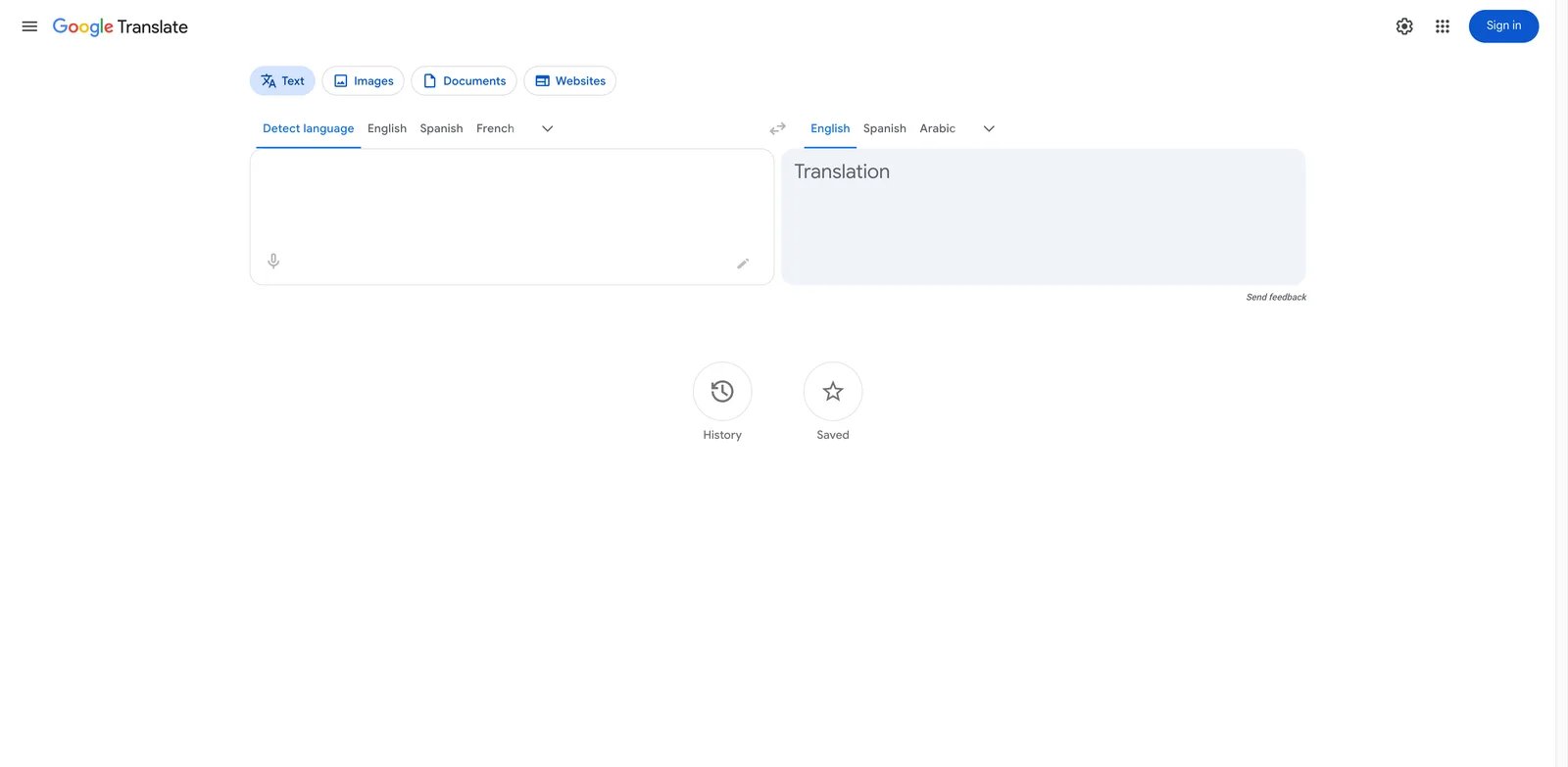
The first translator most people reach for is also the one that quietly mangles brand copy at 11 p.m. before a deadline — Google Translate is unmatched for "what does this Korean restaurant menu say" and routinely catastrophic for anything customer-facing. Its strength and its weakness are the same thing: it was trained on the largest public corpus on the planet, so it covers 240+ languages and language varieties in the abstract while flattening slang, idiom, humor and any cultural register into formal, sometimes laughably literal output.
Key Features
- Coverage no competitor matches. 240+ languages and language varieties including low-resource pairs (Cherokee, Sanskrit, Twi) where most paid translators still have limited coverage — useful for any team supporting a globally distributed user base that includes long-tail markets.
- Camera / Lens translation. Point your phone at a printed sign, menu or invoice and get an overlaid translation in real time — Microsoft is the only competitor with comparable mobile camera quality.
- Free API with generous quota. The Cloud Translation API gives the first 500K characters/month free; useful for prototyping a multilingual feature before committing to DeepL's enterprise tier.
Pricing & Plans
Free for end users with no functional limit. The Cloud Translation API charges $20 per million characters after the free tier — cheap until you start translating user-generated content at scale, where costs can balloon past DeepL Pro for the same volume.
Pros & Cons
Output is famously literal: timekettle and recent independent comparisons flag that idioms, slang and humor render as nonsense, especially in Asian-to-European and low-resource pairs. There is no glossary, no TM, no brand-voice control — every request runs cold. For any contractual, legal or marketing copy where accuracy is graded, treat its output as a first draft that needs human review.
Best For
Use Google Translate for casual comprehension, quick foreign-language lookup, rare-language fallback, and prototyping API-driven translation. Not the right fit if you need consistent brand voice, glossary enforcement, document formatting preservation, or legally defensible accuracy — for those, DeepL Pro or Smartcat will save you more in rework than they cost.
Get started with Google Translate
DeepL Translator
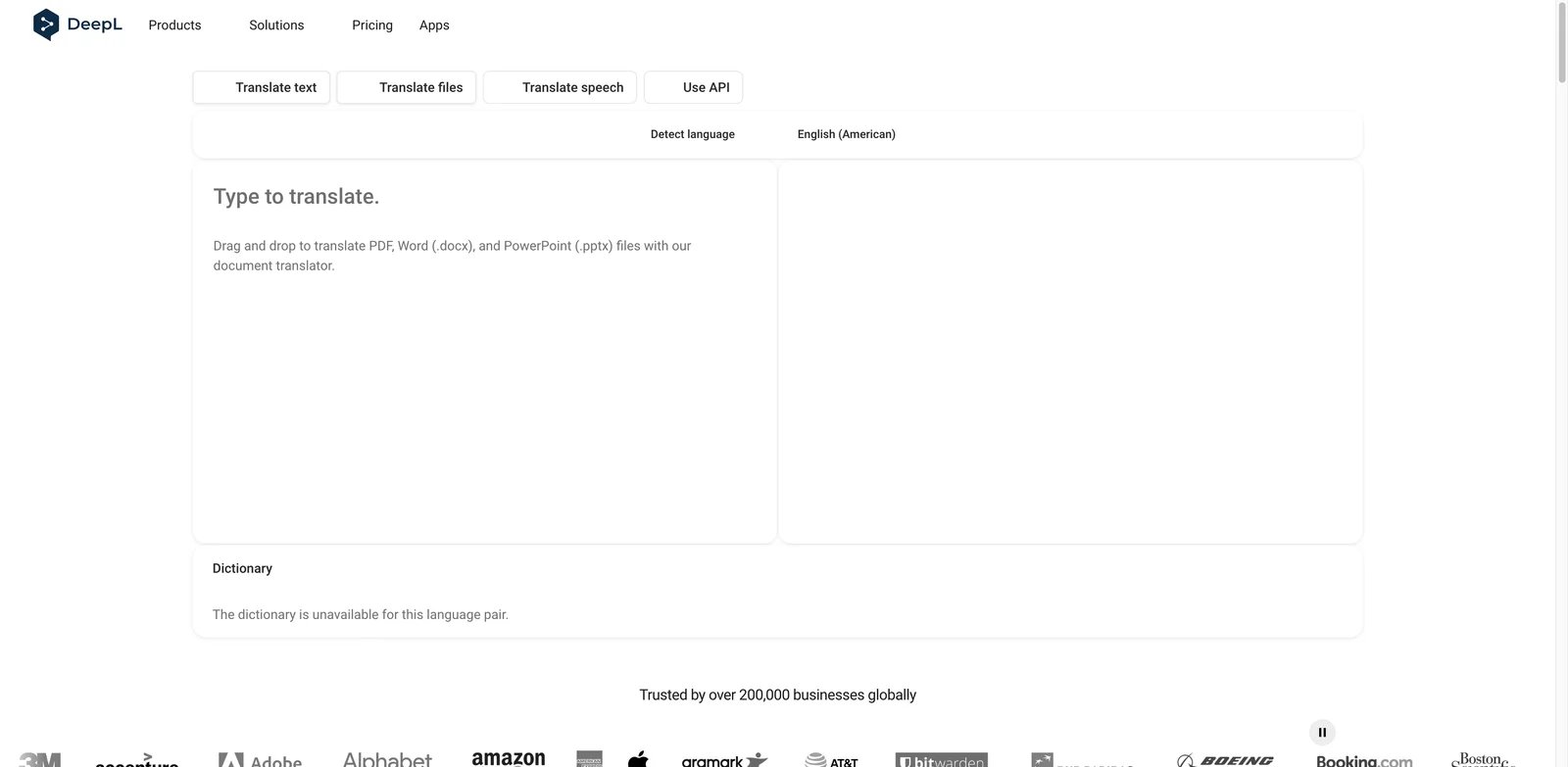
If you've ever pasted a German contract or a French press release into Google Translate and felt the output sounded like a 1990s phrasebook, DeepL is the reason translation engineers stopped arguing about this market. Trained narrowly on high-quality parallel corpora across European languages, it produces translations that native speakers regularly mistake for human work — and while DeepL has now expanded to 100+ languages, its strongest reputation is still on major European business pairs, with a Pro subscription tier that several Trustpilot users describe as hard to cancel.
Key Features
- Nuance and tone control. Formality slider (formal/informal) for German, French, Italian, Japanese and others — the only major free-tier translator that lets you pick a register, which matters when the same paragraph is going into both a casual newsletter and a regulator submission.
- Document translation that preserves layout. Upload .docx / .pptx / .pdf and get back the same file with translation in place — fonts, tables and most images survive intact. The single biggest reason teams pay for Pro.
- Glossary and write-style controls. Pro tier lets you lock terminology ("Cloud" must always render as "Cloud", not "Wolke") and apply tone rules across a team — basic compared to dedicated TMS but enough for a 5-person marketing team.
Pricing & Plans
Free for limited daily characters. Individual starts at $8.74/mo with annual billing in the U.S. market, with document uploads and higher character limits than the free tier; Advanced and Ultimate scale upward for larger teams. The unadvertised cost is cancellation friction — Trustpilot users report unwanted auto-renewals and slow refund handling, so set a calendar reminder before each annual renewal.
Pros & Cons
DeepL now supports 100+ languages, but its strongest reputation is still on major European business pairs; Asian, Arabic and low-resource output should be tested with native reviewers before production use. The glossary cap on lower paid tiers is too low for a real product catalog (50–5,000 entries depending on plan). Desktop app users on Reddit report memory leaks and occasional crashes on long sessions.
Best For
Best for EU-focused teams translating marketing, legal, product or internal documents where tone and formatting matter. Not the right fit if your traffic is dominated by Asian markets, your team needs 100+ language coverage, or your finance team is allergic to opaque auto-renewing SaaS — Smartcat or Lokalise are sturdier picks.
Get started with DeepL Translator
ChatGPT Translate
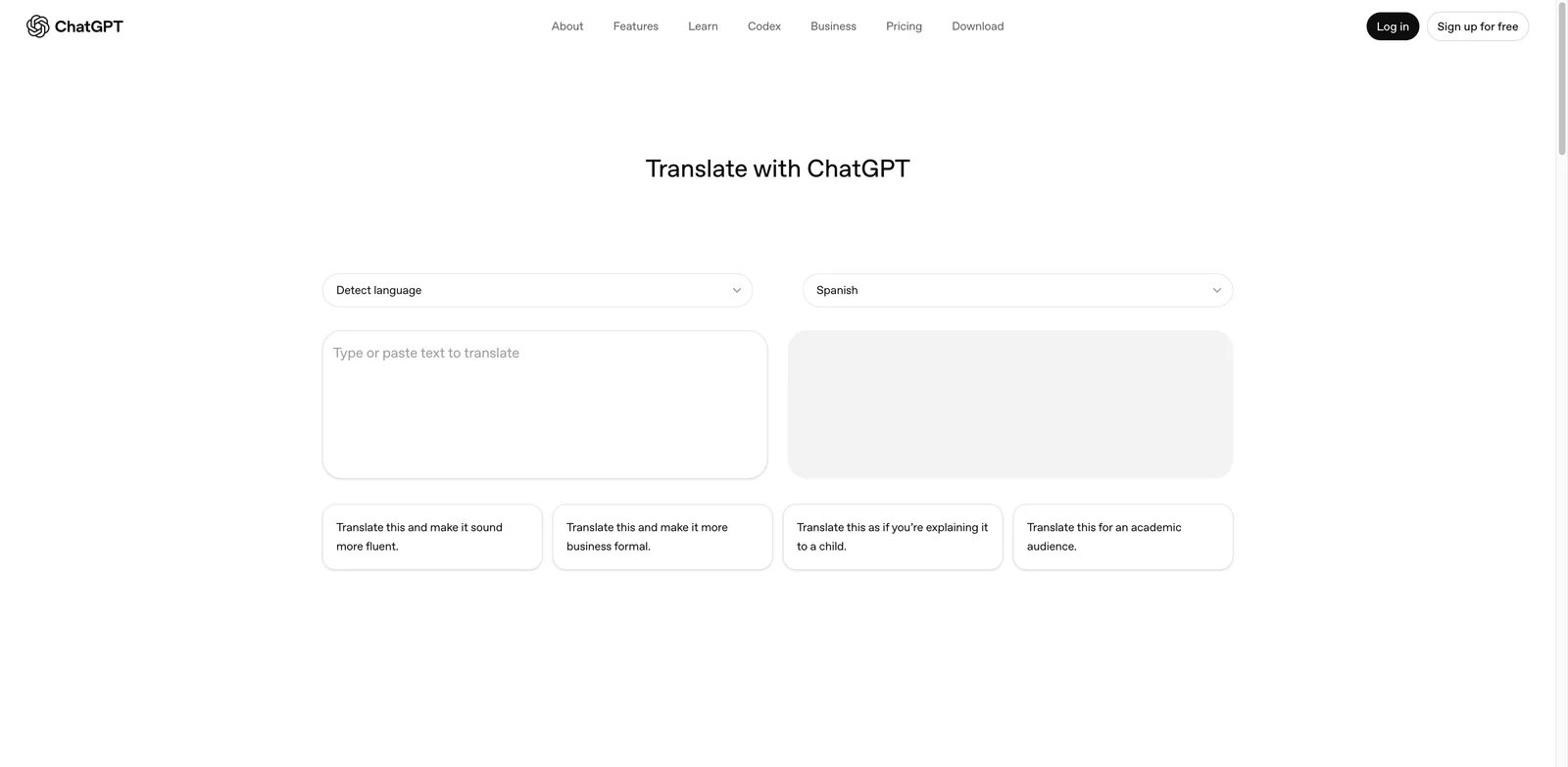
You don't open ChatGPT to translate "Where is the bathroom" — you open it when you've already pasted the German output from DeepL into a chat and you're asking "make this sound less stiff, like a Berlin startup, two sentences shorter." ChatGPT Translate is less a translator than a tone-and-context rewrite engine, which is exactly why marketing teams and content writers reach for it after their primary engine has produced the literal output.
Key Features
- Open-ended prompt control. "Translate to Brazilian Portuguese, casual, second person, under 80 words, drop the legal disclaimer" — no other tool in this list takes that kind of instruction. Useful for adapting one source into three audience-specific variants, similar to how dedicated AI writing assistants handle tone rewrites.
- Context preservation across paragraphs. When you paste a 5-page document, GPT-4o-class models maintain referent consistency (pronouns, named entities, repeated terms) across paragraphs better than statistical MT — critical for narrative content.
- Translate page (chatgpt.com/translate). OpenAI's dedicated translation interface launched in 2025 strips the conversation overhead and gives a clean side-by-side UI optimized for one-shot translation tasks.
Pricing & Plans
Free tier works with limited ChatGPT access. ChatGPT Go is $8/mo in the US for higher consumer caps, Plus is $20/mo for the standard creator tier, and Pro is $200/mo for the highest consumer access tier. There is no per-character pricing — costs are model-time rather than translation volume.
Pros & Cons
The arXiv "Is ChatGPT a Good Translator?" research and subsequent updates show it underperforms commercial MT on biomedical and Reddit-style text, and on pairs where neither source nor target is English (e.g., Japanese → Korean) it can fabricate plausible-sounding phrasing rather than admit uncertainty. Output is non-deterministic — same input twice yields slightly different translations, which breaks downstream pipelines. Zero glossary or TM governance out of the box.
Best For
Best for tone-and-style rewrites, marketing copy adaptation, and creative translation where you want a human-sounding result and are willing to review. Not the right fit if you need regulated content (medical, legal), production pipelines with deterministic output, or formal TM/glossary governance — DeepL or a real TMS is the answer there.
Get started with ChatGPT Translate
Immersive Translate
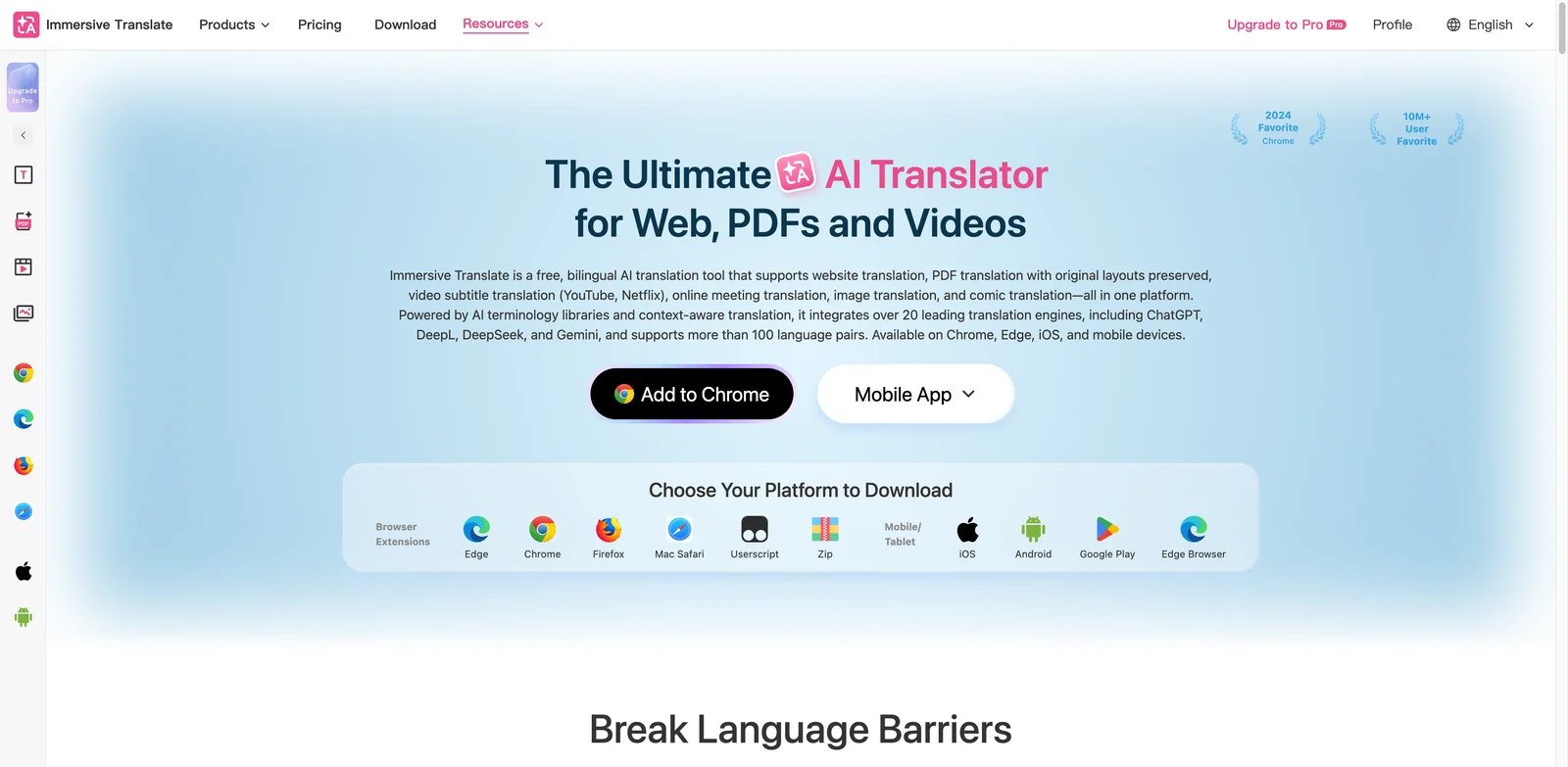
Researchers reading 40 arXiv papers a week, students working through Japanese visual novels, marketers studying competitor landing pages — Immersive Translate exists because reading a translated page top-to-bottom strips out everything you wanted to learn from how the original is structured. Bilingual side-by-side rendering on web pages, PDFs, EPUBs and YouTube subtitles is the entire pitch, and no other tool in this list does it as well.
Key Features
- Bilingual rendering inside the original document. Every paragraph shows source + translation stacked — preserves images, tables, code blocks and citations, which a "translate this page" full-replace approach destroys. Works on web pages, PDFs uploaded to the extension, and EPUB files in the reader.
- Subtitle dual-track. Watch a Spanish YouTube tutorial with English subtitles below the Spanish, or vice versa — critical for language learners and for translators QA-ing dubbed video.
- Per-source engine routing. Free users can route to Google/Bing/Microsoft for free, while Pro routes to OpenAI/DeepL/Claude for the same page — useful for AB-testing engine quality on the same source.
Pricing & Plans
Free tier covers web page translation with rate-limited LLM access. Pro starts at $9.99/mo with higher quotas and premium engines. The friction not on the pricing page: Mozilla and Apple App Store reviews repeatedly call out that "free and unlimited" daily quotas kick in only after login, and Pro users on iOS report devices auto-logging out across the 8-device cap.
Pros & Cons
Recent quality updates have visibly degraded output per paying users; the team ships fast and breaks consistency. Premium feature parity between desktop and iOS is not guaranteed — long-press translate has been broken for paying iOS users with no posted ETA. No team / SSO tier, so it's a single-user tool that doesn't scale to localization ops.
Best For
Best for individuals reading foreign-language research, news, or media every day on one or two devices. Not the right fit if you need predictable quotas, multi-seat team usage, or commercial-grade output for redistribution — this is a reading aid, not a production translator.
Get started with Immersive Translate
Microsoft Translator
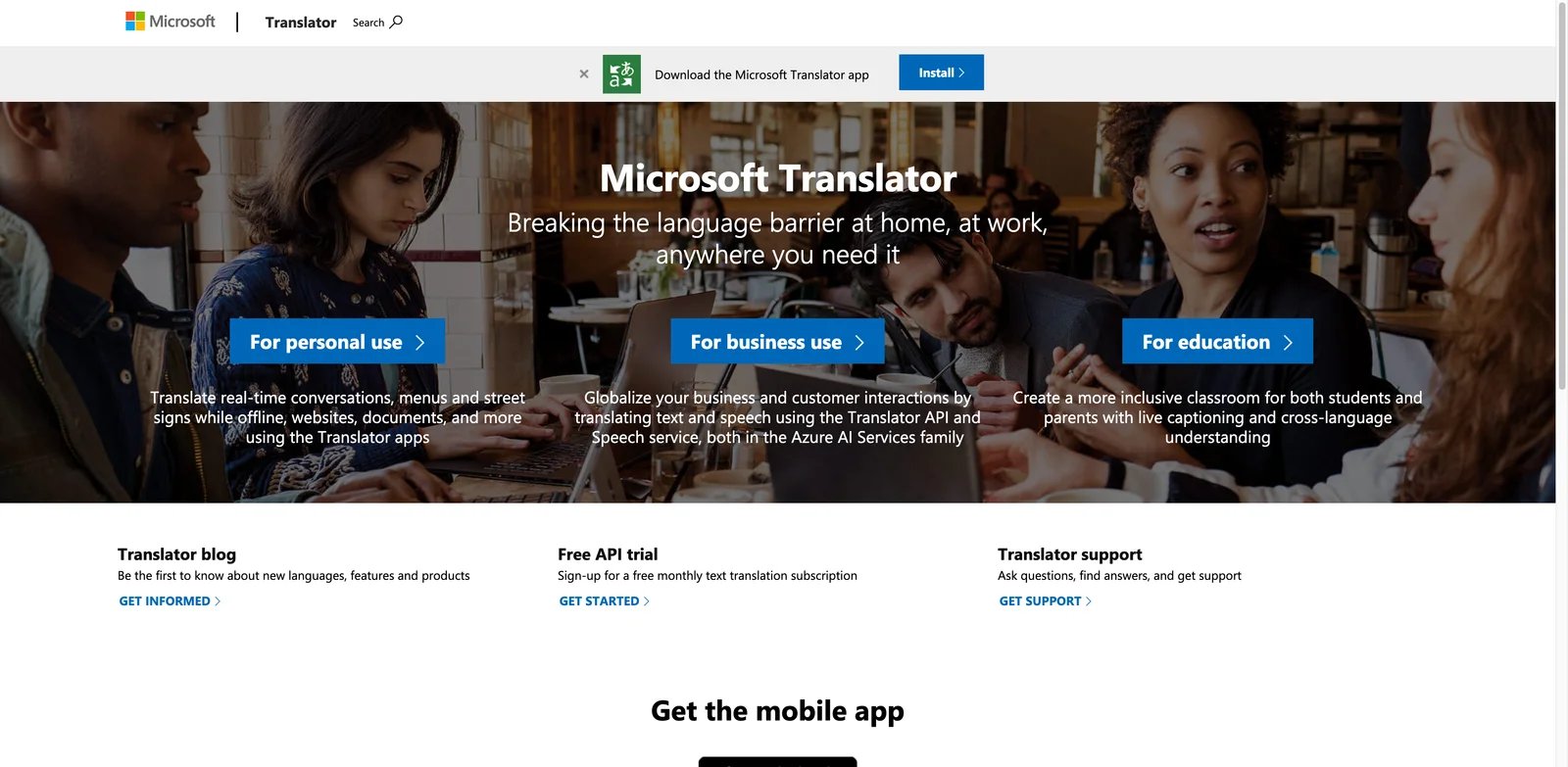
If your company already pays for Microsoft 365, Translator is the option you can adopt with zero procurement friction — it ships inside Teams, Outlook, Edge and Office, and the free standalone apps cover the same ground as Google's for most languages. The trade-off shows up in non-European pairs: native Mandarin speakers in Microsoft's own Q&A forum repeatedly flag that Azure Translator output reads as literal and tone-deaf compared to the same text translated to Spanish or French.
Key Features
- Multi-speaker conversation mode. Up to 250 participants on different devices speaking different languages, each seeing translated captions in their own language — built into the free mobile app. Closest competitor (Google) caps at 2 speakers.
- In-line Microsoft 365 translation. Translate a Word doc, a PowerPoint slide deck, an Outlook email or a Teams meeting caption with one click — no copy-paste tax. Enterprise IT teams already provisioned via M365 don't need a new vendor relationship.
- Custom Translator for domain glossaries. Azure tier lets you fine-tune a model on your own parallel corpus — useful for technical documentation teams who want consistent product-name and API-term rendering.
Pricing & Plans
Free tier on web and mobile apps. Azure Cognitive Services Translator API charges $10 per million characters above the 2M free monthly tier (cheaper than Google's $20/M). Custom Translator runs separately at $40 per million characters trained. For teams already on Azure, this lands as a line item on existing bills rather than a new subscription.
Pros & Cons
Mandarin output quality lag is well documented in Microsoft's own forums and a known issue, not a perception problem. Azure API enforces hard 50K-character-per-request and 15-second latency caps to design around. Mobile app users report "share to translate" silently failing offline and iPhone screenshot translation hanging on long pages.
Best For
Best for organizations already standardized on Microsoft 365 or Azure, and for live multi-language meetings (conferences, customer calls, classrooms). Not the right fit if Chinese or Korean output quality is mission-critical, or if your stack is AWS/GCP-native — the integration value evaporates and you'd be better off with DeepL or a dedicated MT API.
Get started with Microsoft Translator
MachineTranslation.com
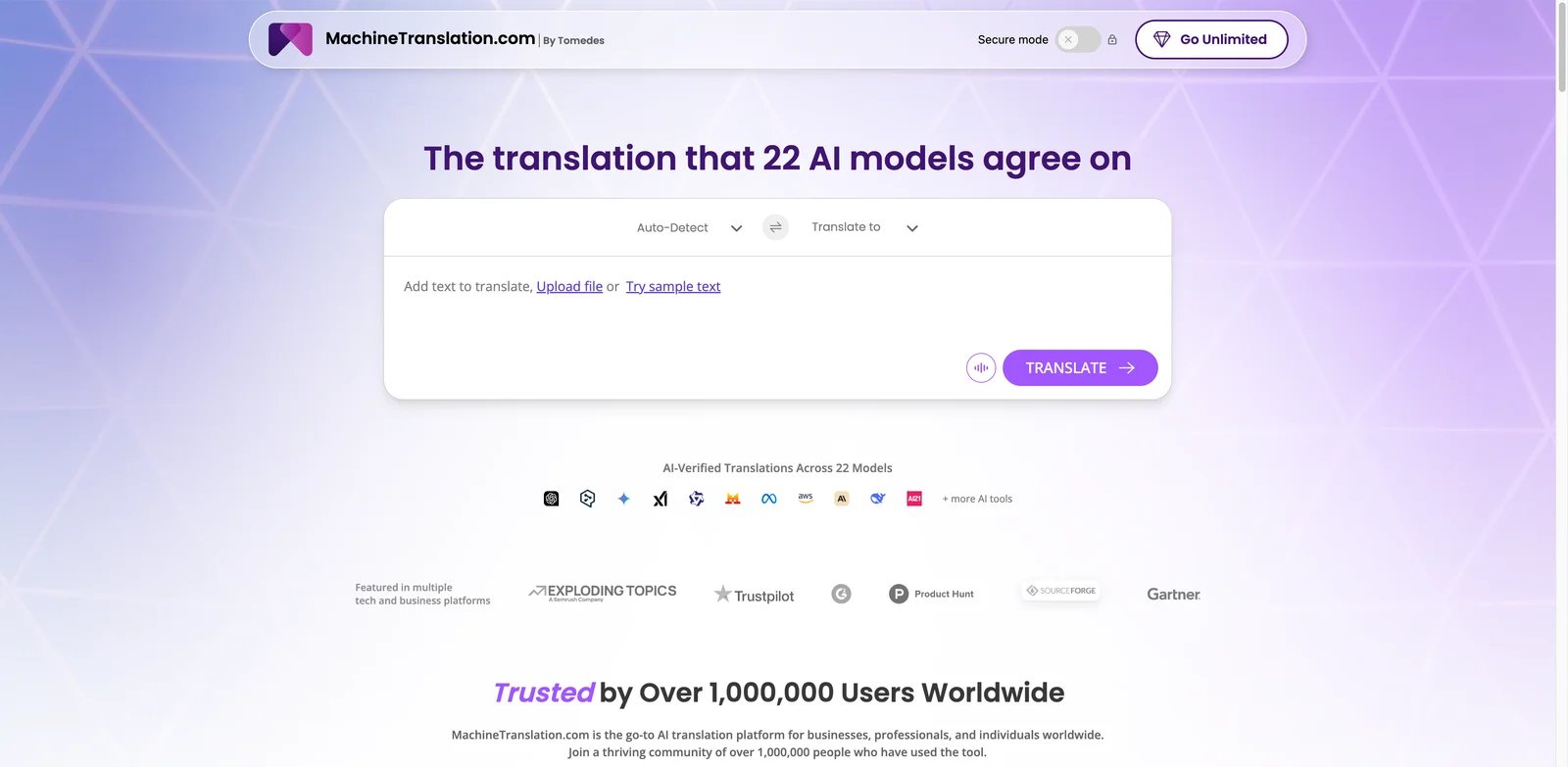
When a single mistranslated word can cost a deal, you stop trusting any one engine — MachineTranslation.com is built around that anxiety. Paste a source string and it runs Google, DeepL, GPT-4, Amazon, Microsoft and 20+ others in parallel, then ranks them by AI-derived quality score. It's the QA layer power-users wish they could bolt onto every other tool in this list.
Key Features
- Multi-engine consensus ranking. SMART comparison runs 20+ MT engines side by side on the same input and surfaces which engine scored highest for your specific domain and pair — useful when you don't yet know whether DeepL or GPT or Google is better for, say, EN→Thai marketing copy.
- Human Verification credit pool. Pro plan includes 2,000 words/month of human review built into the same interface — a hybrid that's hard to assemble manually without a freelance vendor relationship.
- 270+ languages covered through the underlying engine portfolio. Broadest aggregate coverage in this list, because you inherit every engine's long-tail.
Pricing & Plans
Free plan ($0) with limited preview per translation. Pro is listed from $19/mo after MachineTranslation.com's 2026 pricing change, with unlimited text and document translations, Secure Mode, API access, and a 2,000-word monthly human verification allowance. The 24-Hour Unlimited option is listed from $6 and unlocks premium features for a single day — genuinely useful for one-off high-volume jobs without committing to a subscription. Enterprise is custom.
Pros & Cons
UI is repeatedly flagged on G2 as cluttered and hard to navigate for project-level work — it's optimized for single-string comparison, not ongoing translation operations. Multiple Trustpilot complaints describe paying for Pro then being locked out after a few days with no support response; verify your subscription works within the 24-hour window. Performance degrades visibly during peak hours.
Best For
Best for translators, localization managers and content QA teams who want engine-agnostic comparison on critical strings. Not the right fit if you need a stable single-vendor relationship, mobile/desktop apps, or a generous free tier — pick a primary engine instead.
Get started with MachineTranslation.com
Smartcat AI Document Translator
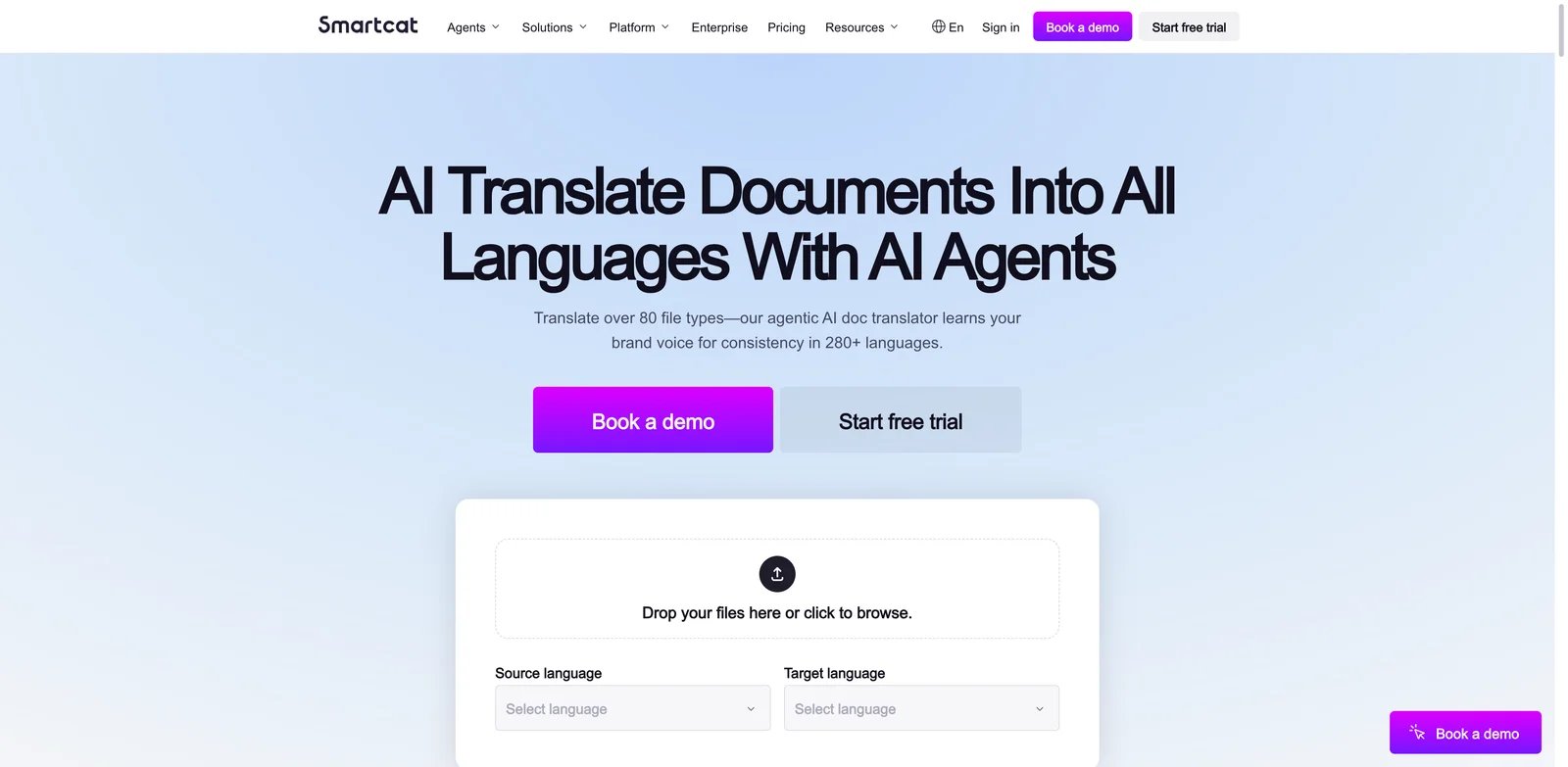
Two-person localization teams handling 200 documents a month don't have a translation problem — they have a workflow problem. Smartcat is one of the few tools in this list built for that audience: documents go in with formatting preserved, translation memory and glossary apply automatically, and human reviewers (in-house or hired through Smartcat's marketplace) edit in-segment without exporting to a CAT tool.
Key Features
- Format preservation across 80+ file types. DOCX, PDF, PPTX, IDML (InDesign), XLIFF, HTML, Markdown — the formatting survives and the segmented translation interface highlights only the text. The strongest format coverage of any tool reviewed here.
- Translation memory + glossary at every segment. Repeated phrases auto-populate from prior projects, glossary terms enforce brand and product-name consistency, and the system shows match percentages so reviewers know what to trust.
- Built-in marketplace of 500,000+ translators. When AI output isn't trustworthy, hire a vetted human reviewer in the same UI — no separate vendor onboarding, contracts or invoicing.
Pricing & Plans
Free trial available. Paid plans documented in vendor materials start at roughly $1,200/year for Basic with Smart Words limits; Team and Enterprise tiers add seats, SSO, and AI agent automation. The honest catch: Smartcat does support importing translation memories via TMX, SDL TM and Excel files, but migrations from legacy CAT tools still need cleanup, a test import and quality review before production use.
Pros & Cons
Cloud-only with no offline mode, and Capterra/Trustpilot reviewers describe recurring outages that hit near deadlines. Trustpilot rating sits at 1.8/5 with many freelance translators alleging long-delayed payouts from the marketplace — the platform works better for buyers of translation than for sellers. No find-and-replace inside segments, so repeated edits must be done manually one by one.
Best For
Best for in-house localization teams of 2–20 people handling regular document throughput across many file types, especially if you'd otherwise be stitching together DeepL + Trados + a freelance vendor. Not the right fit if you're a freelancer relying on the marketplace for income, you have legacy TM assets to bring over, or you need a guaranteed offline workflow.
Get started with Smartcat AI Document Translator
HeyGen Video Translator
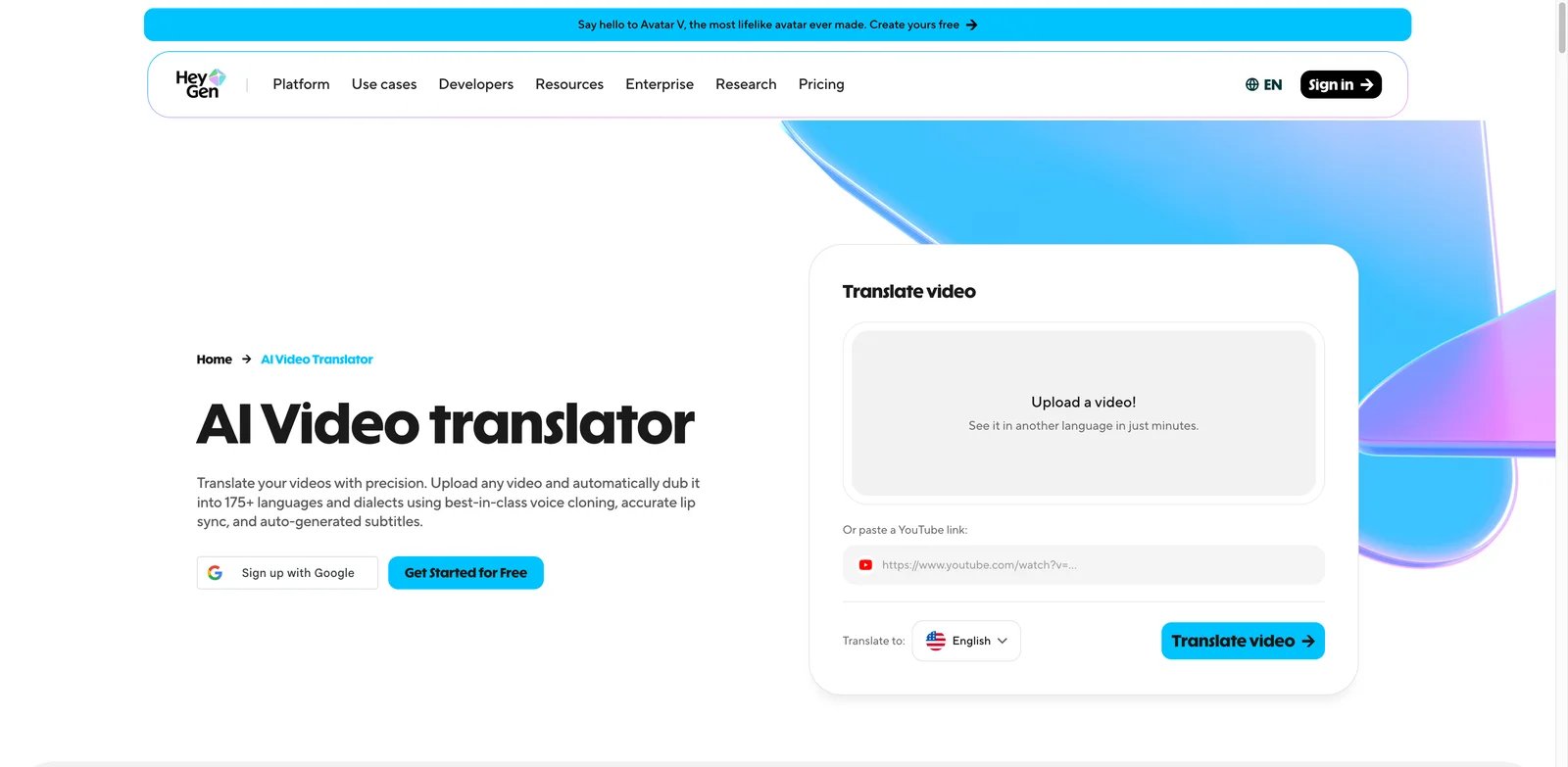
Creators who built an audience in English face the same wall the second they try to expand into Spanish or Japanese: re-recording every video, scripting a translator, hiring voice talent, then resyncing edits is so much work most never start. HeyGen's pitch is that you upload an English clip, pick a target language, and 8 minutes later you have a translated video where your own face appears to speak Japanese — lip-sync included.
Key Features
- Lip-sync that doesn't break the illusion. Among consumer-grade video translators, HeyGen's mouth-shape regeneration is consistently rated the most natural — the difference between something you can post and something that screams "AI" in the first three seconds.
- Voice cloning from the source video. Captures your voice from the input clip and reuses it for the target language, so the dubbed version still sounds like you (not a generic stock TTS voice).
- 175+ language pairs at consumer prices. Coverage rivals enterprise dubbing services that charge 20x more per minute.
Pricing & Plans
Free tier with watermark and short-clip limits. Creator runs $29/mo or about $24/mo annually, Pro starts around $49/mo, and Business is $149/mo plus $20/seat/mo with Enterprise custom. The hidden cost is the Premium Credit pool: premium features such as Avatar IV and lip-synced Video Translation consume Premium Credits (failed renders consume credits with no refund), while standard audio dubbing is now listed as unlimited for paid users. Read the credit table before committing.
Pros & Cons
Cloned-voice accent can drift mid-clip — non-native English source audio sometimes generates Italian-to-American or Italian-to-Indian accents in the cloned voice, requiring re-renders that cost more credits. Multi-speaker videos with overlapping dialogue degrade noticeably. Refund policy on failed renders is opaque per recent VMEG and Trustpilot reviews.
Best For
Best for solo creators, marketing teams and educators translating talking-head video where lip-sync realism is the deciding factor. Not the right fit if your videos are heavy multi-speaker dialogue, your source audio is noisy, or you can't budget around credit-pool surprises — Rask or ElevenLabs may scale more honestly.
Get started with HeyGen Video Translator
Reverso
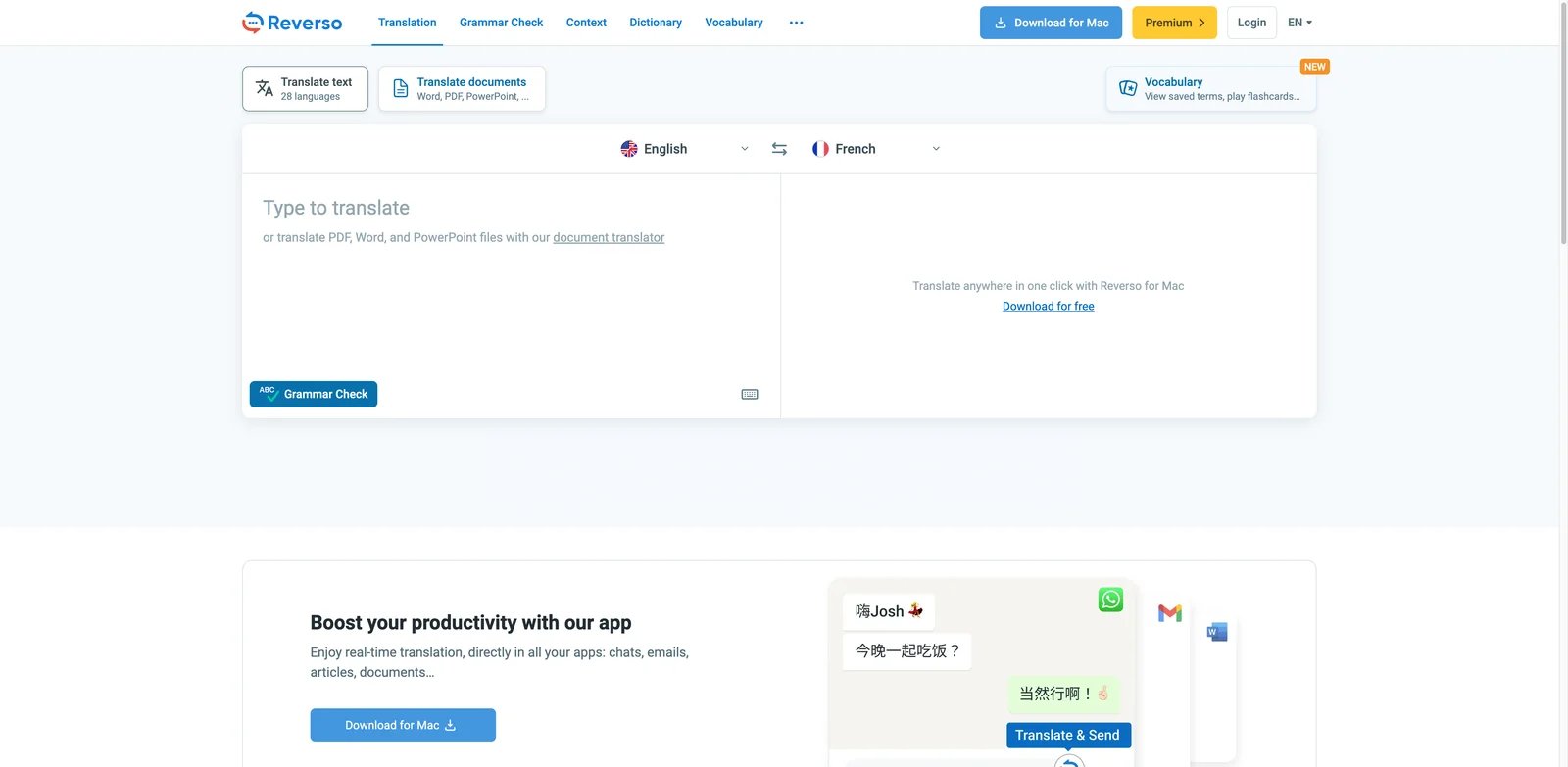
Reverso isn't trying to be the fastest translator — it's trying to be the one that shows you why a phrase translates the way it does. Every translation comes with real-world example sentences pulled from books, films, court documents and product manuals, so you see the same idiom rendered five different ways across five different registers. That's why language learners, writers and translators keep it open even when DeepL or ChatGPT lives in the next tab.
Key Features
- Contextual examples for every phrase. Translate "break a leg" and you get not just "bonne chance" but 12 example sentences from real bilingual sources showing when "bonne chance" works and when it doesn't — irreplaceable for writers tuning register.
- Conjugation, synonyms and grammar built into the same UI. For language learners, the combination of translation + conjugation tables + synonym suggestions + grammar check beats stitching Reverso + Linguee + a grammar tool.
- Document and rewrite tools. Premium adds document translation, AI rewriting and writing assistance — the rewrite tool reads more naturally than QuillBot for casual prose.
Pricing & Plans
Free with character cap and ads after most actions. Premium at roughly €9.99/mo with document translation and ad removal. Honest catch on the document tier: the Premium allowance is 50,000 words per year with a monthly cap shown around 6,000 words/month on Reverso's pricing page — read the fine print before assuming it'll handle a one-shot 30K-word project.
Pros & Cons
Free tier is ad-heavy and the character cap is tighter than most competitors. Capterra reviewers report output quality "gets worse weekly" with no human proofing layer — fine for learning, risky for production. Only 26+ languages, biased toward European pairs. Desktop tool forces re-login every session.
Best For
Best for language learners, writers and translators who want context and examples alongside translation. Not the right fit if you need bulk document throughput, broad Asian-language coverage, or a clean ad-free experience without paying — Linguee + DeepL is the lighter combo for language work.
Get started with Reverso
VEED Video Translator
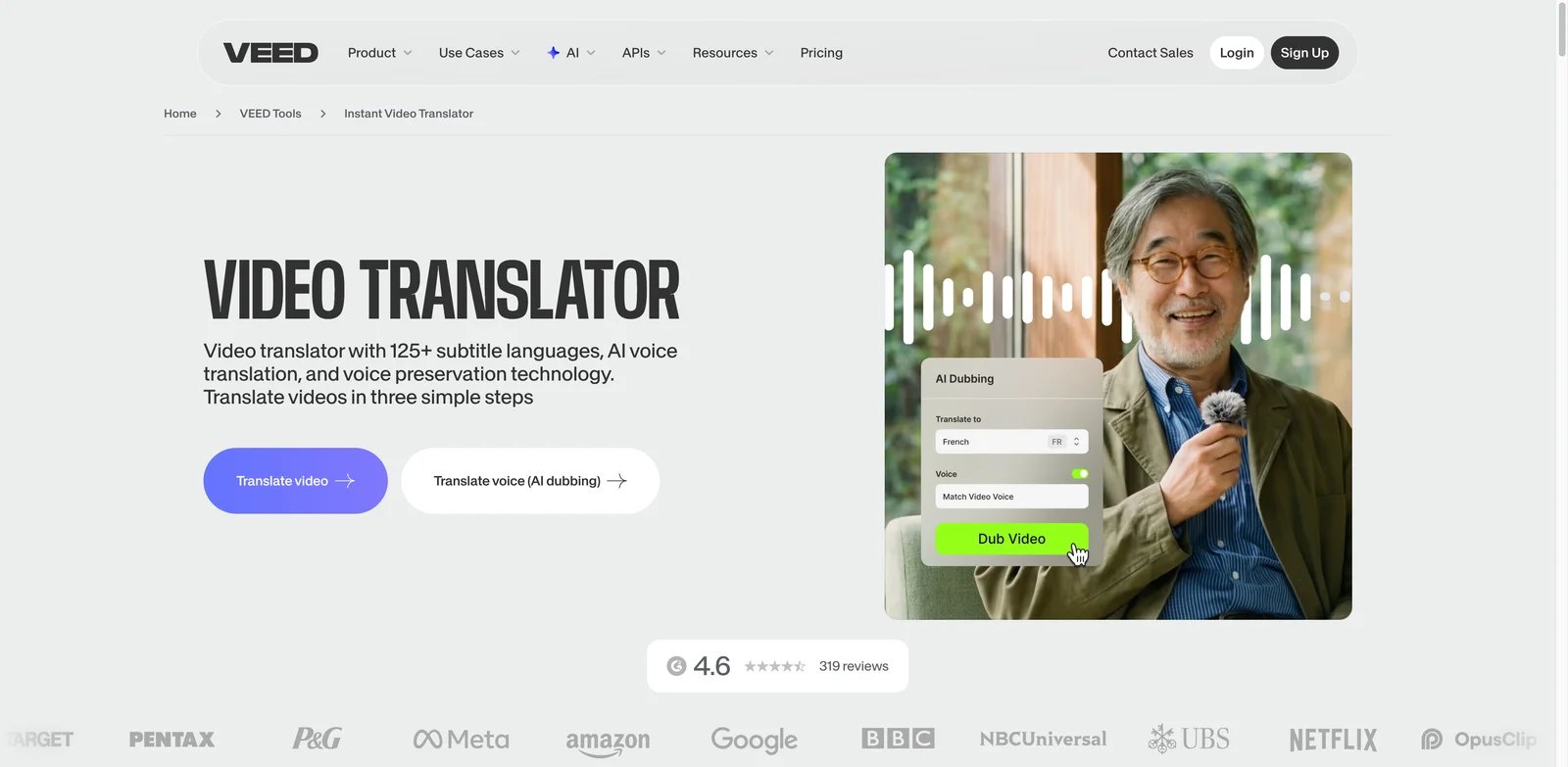
VEED's pitch isn't "best translator" — it's "you're already editing your social clip here, why open a second tool for translation?" The browser-based editor handles trim, subtitle, brand kit, dubbing and translation in one timeline, which for short-form social creators is the deciding workflow advantage. For longer-form content the seams start to show.
Key Features
- Single timeline for edit + translation. Cut, add subtitles, translate them, dub the audio and export — no asset shuttling between Premiere/DaVinci and a separate translator. Saves 30–60 minutes per clip vs a multi-tool workflow.
- Auto-subtitle in 125+ languages with editing. Generate subtitles, hand-correct word-by-word in a synced view, then translate to target language with the corrections preserved — the corrections-survive-translation step is what cheaper tools skip.
- Brand kit for consistent multilingual output. Fonts, colors, logos applied to translated subtitle tracks automatically — meaningful for teams shipping clips across YouTube, TikTok and LinkedIn weekly.
Pricing & Plans
Free tier includes VEED branding and practical export limits. Paid pricing changes frequently by billing mode and seat count, so treat it as Free plus paid creator/team plans, with Pro commonly around $24-$30/mo annually and higher team tiers for larger workflows. Hidden constraint: video translation, dubbing and AI voice limits depend on the current paid plan and billing period; verify the live VEED pricing page before annual purchase.
Pros & Cons
Videos over 10 minutes buffer, lag or crash in the browser editor — recent reviewers chunk longer videos manually. Lip sync requires manual adjustment to look natural; HeyGen does this better out of the box. Trustpilot shows a cluster of complaints about auto-renewal confusion and slow refund handling — annual billing requires calendar discipline.
Best For
Best for short-form social creators (Instagram, TikTok, YouTube Shorts) who want one tool from cut to multilingual export. Not the right fit if you publish long-form interviews, courses or podcasts, need predictable high-volume dubbing minutes, or want broadcast-grade lip-sync — HeyGen or a real NLE pipeline serves better.
Get started with VEED Video Translator

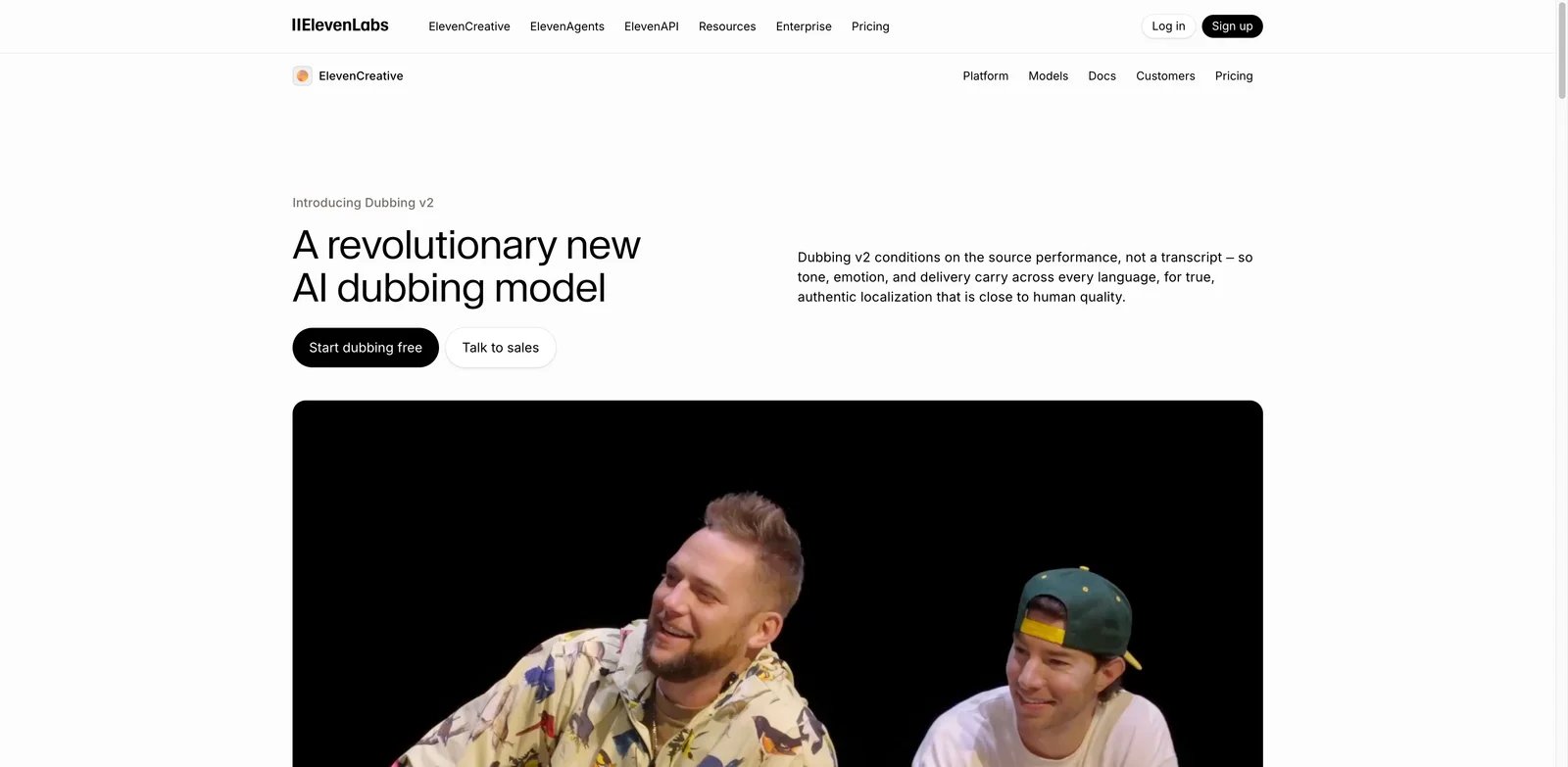
If you've ever heard a "dubbed" YouTube video where the narrator sounds like a GPS announcing turn-by-turn directions, you know why dubbing quality matters more than translation accuracy for audio content. ElevenLabs Dubbing Studio exists because the voice synthesis layer — pitch, pacing, breath and emotional inflection — is what makes dubbed audio either watchable or unbearable, and ElevenLabs' voice models lead the category.
Key Features
- Emotion-preserving voice synthesis. Source-language emotional contour (excited, somber, urgent) survives into the target language — the dubbed version inherits the energy of the original, which generic TTS tools strip out completely.
- Voice cloning across 32 languages. Train on 30+ seconds of source audio and the same voice speaks the translated track — useful for solo creators maintaining brand voice and for studios localizing existing actor performances. For non-dubbing voice work, our AI voice cloning roundup compares the same engines for narration and game audio.
- Studio dubbing workflow. Multi-speaker support, manual transcript correction, per-segment voice tuning and re-render at the segment level — closer to a real dubbing studio's tooling than HeyGen's consumer flow.
Pricing & Plans
Free tier covers limited dubbing minutes. Starter is $6/mo, Creator is listed at $22/mo (with a first-month discount shown in some regions), Pro is $99/mo, Scale is $299/mo, and Business is $990/mo — pricing is keyed to monthly credits. Hidden cost: free credits never become paid balance, but paid unused credits roll over for up to two months if the subscription stays active and is not downgraded or canceled. Reddit users consistently report credits "disappearing faster than expected" on dubbing-heavy use.
Pros & Cons
Voice can shift tone mid-sentence or slip into robotic delivery on long renders, requiring per-segment re-tuning. Cloned voices sound "horrifically fake" when source audio is noisy or below ~16 kHz — input quality is more deterministic of output than the marketing implies. No native video editor — dubbing assumes you have a separate video tool to remarry the audio.
Best For
Best for podcasters, audiobook publishers and creators where audio quality is the primary deliverable and budget supports premium voice. Not the right fit if your workflow needs integrated video editing, you process irregular volume month-to-month, or your source audio is field-recorded — HeyGen or a hybrid studio workflow is sturdier.
Get started with ElevenLabs Dubbing
Honorable Mentions
The five tools below serve narrower workflows than the main picks, but they still count toward the 16-tool comparison. Use them when their exact workflow fits better than a broader translator. For a wider view of the category, browse our continually updated AI translator tools directory.
Rask AI
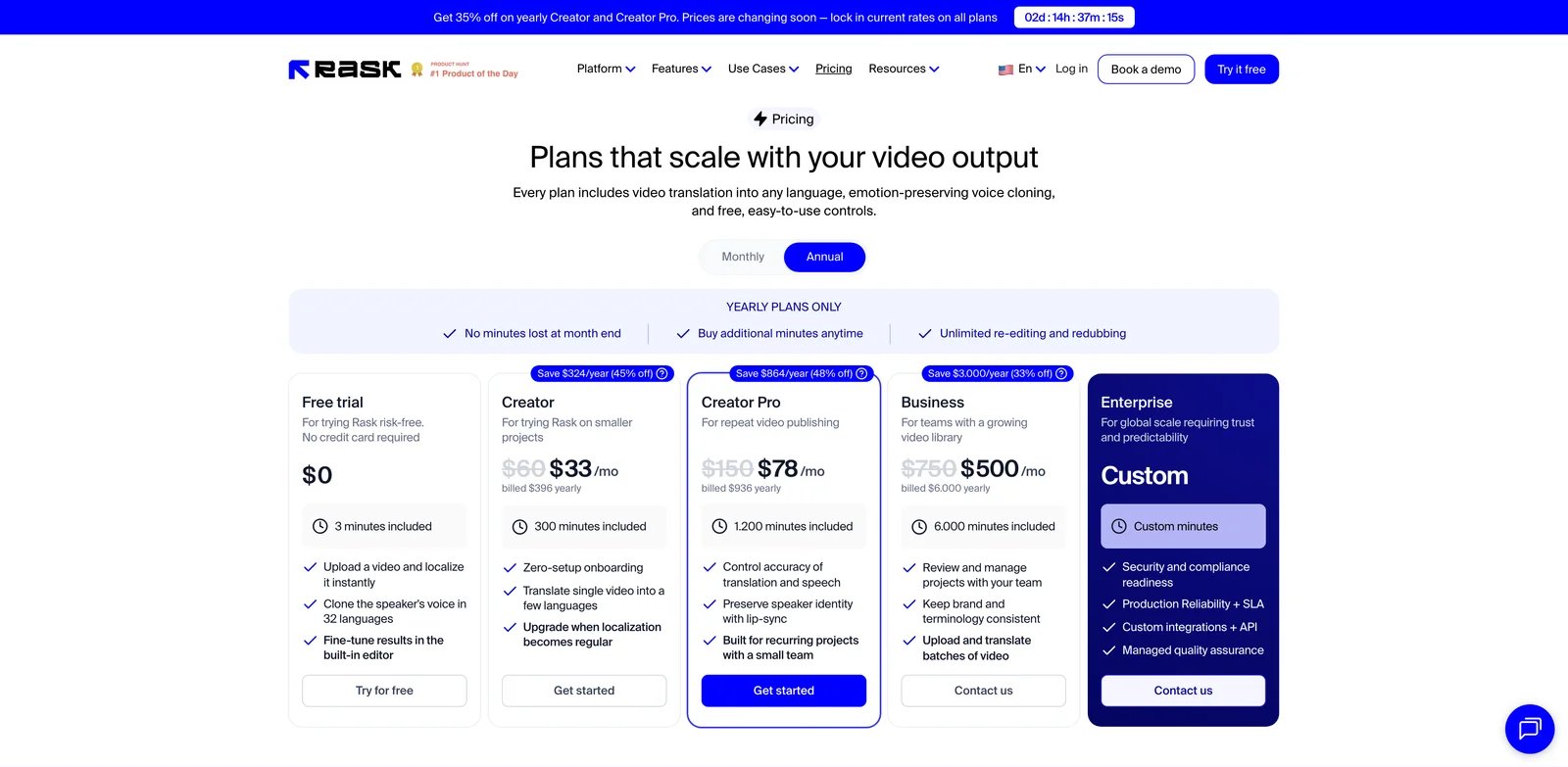
Rask AI focuses on creator video localization: upload a clip, translate the transcript, dub the voice, and optionally apply lip-sync. It is more operational than VEED and less avatar-centric than HeyGen.
Key Features
- Video and audio localization. Translate, dub and subtitle creator videos without rebuilding the edit from scratch.
- Voice cloning and lip-sync. Useful when creator identity matters, but best on clean single-speaker audio.
- 130+ languages. Broad enough for YouTube and course localization campaigns.
Pricing & Plans
Creator is listed at $60/mo monthly or $50/mo annually. Minute accounting matters: each target language can multiply usage, so a 10-minute source localized into three languages behaves like a 30-minute workload.
Pros & Cons
Rask is practical for repeat creator localization, but credit accounting and post-cancellation credit access are recurring complaint themes. Lip-sync can sit in the uncanny valley on fast speech or noisy recordings.
Best For
Best for creators localizing batches of videos into a few recurring target languages. Not the right fit if you only need subtitles, have irregular upload volume, or need the most natural talking-head lip-sync; compare HeyGen first.
QuillBot Translator
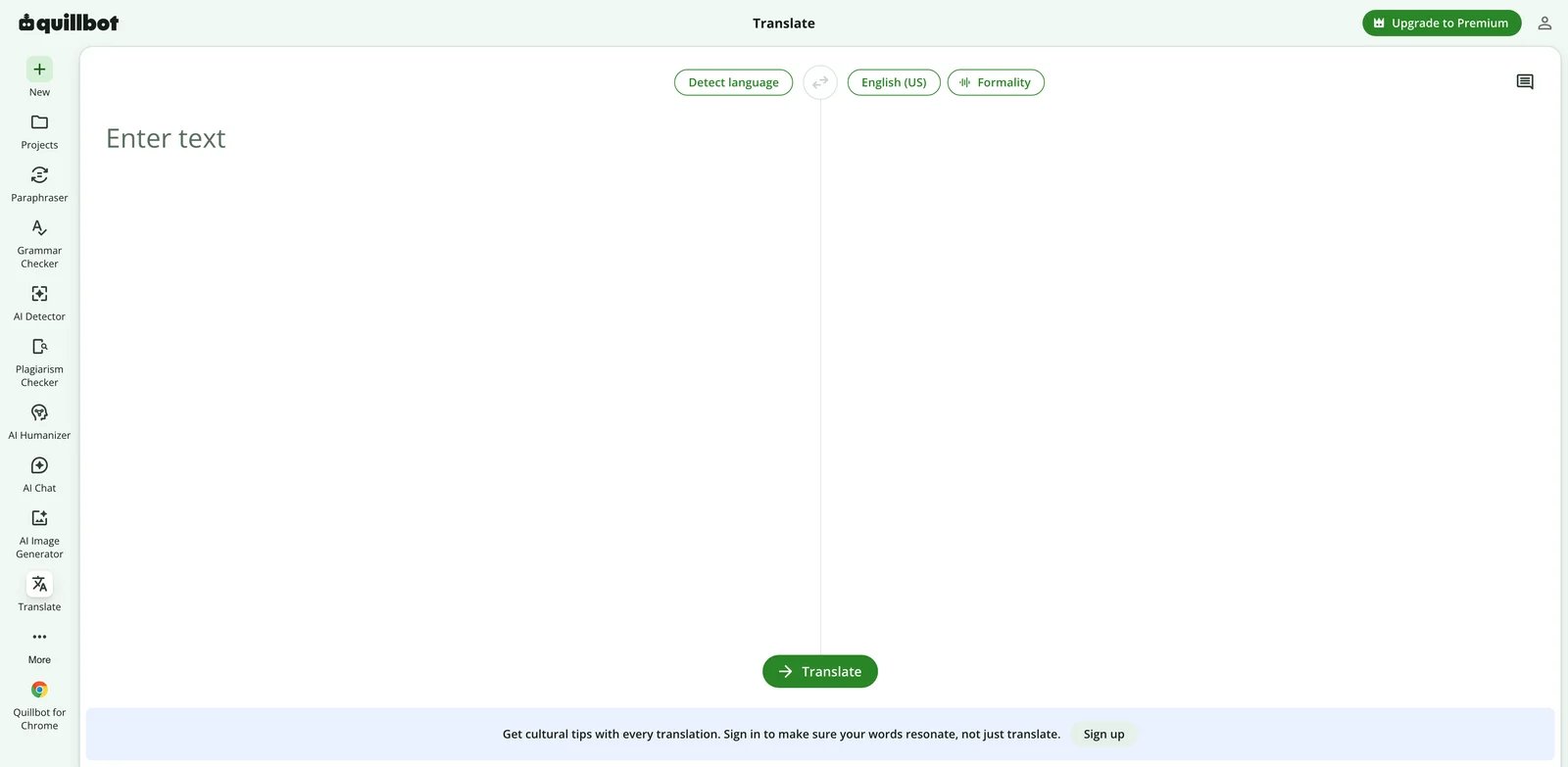
QuillBot Translator is translation bundled into a broader student writing suite. That makes it convenient if you already use QuillBot for paraphrasing, grammar checks and citation cleanup, but it does not replace a specialist translator.
Key Features
- Translation inside a writing toolkit. Move between translate, paraphrase, grammar and citation workflows without changing apps.
- Simple text-first interface. Low learning curve for students who need quick comprehension.
- 50+ languages. Enough for common academic and casual translation needs.
Pricing & Plans
Free usage has character and feature caps. Premium is listed at $19.95/mo, primarily justified by QuillBot's broader writing suite rather than translation alone.
Pros & Cons
The translator is useful but not category-leading. It lacks document workflow depth, glossary control and enterprise privacy controls. The academic-cheating debate around the brand also matters if your school has strict AI-writing rules.
Best For
Best for students and writers already paying for QuillBot. Not the right fit if translation accuracy, document formatting or team localization workflow is the main job.
Kapwing Video Translator
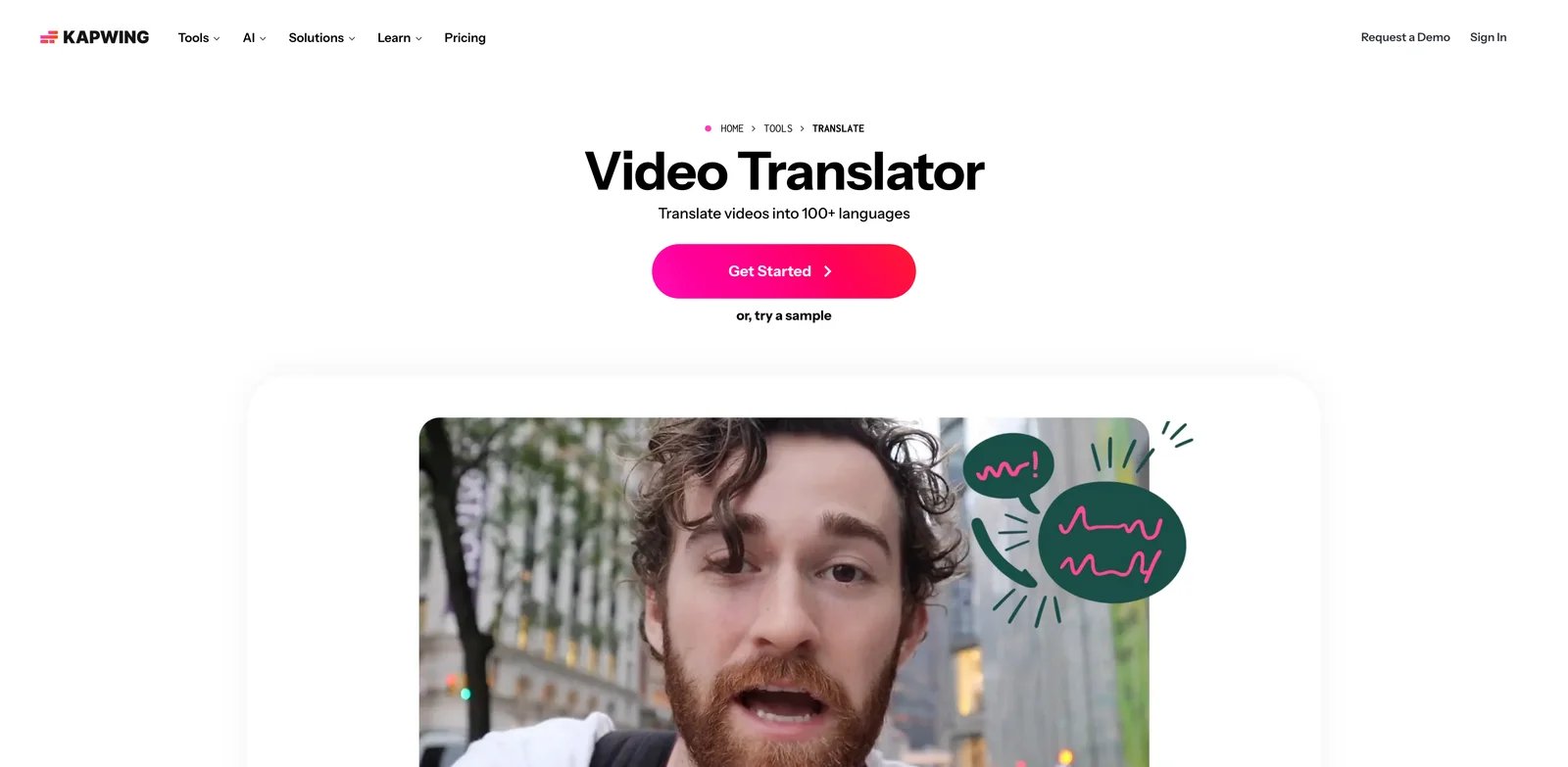
Kapwing is an all-in-one browser video editor where translation is one node in a broader social-video workflow. It is closest to VEED, but the editing experience and pricing model differ enough to test both on the same clip.
Key Features
- Browser video translation. Generate subtitles, translate them, add voiceover and keep editing in the same project.
- Social-format editor. Resizing, captions, templates and brand elements are built around creator exports.
- Subtitle and dubbing coverage. Useful for short clips where speed matters more than lip-sync realism.
Pricing & Plans
Free tier includes practical export and watermark limits. Pro is listed at $16/mo when billed annually, while Business is listed at $50/mo annually. Confirm current upload and export limits before buying for long-form work.
Pros & Cons
Long uploads can still fail in the browser, and users often chunk longer videos into smaller pieces. Dubbing is workflow-first rather than voice-first; ElevenLabs sounds better and HeyGen handles lip-sync better.
Best For
Best for under-5-minute social clips with clean audio. Not the right fit if you need long-form video localization, broadcast-grade dubbing or predictable rendering for large files.
OpenL Translate
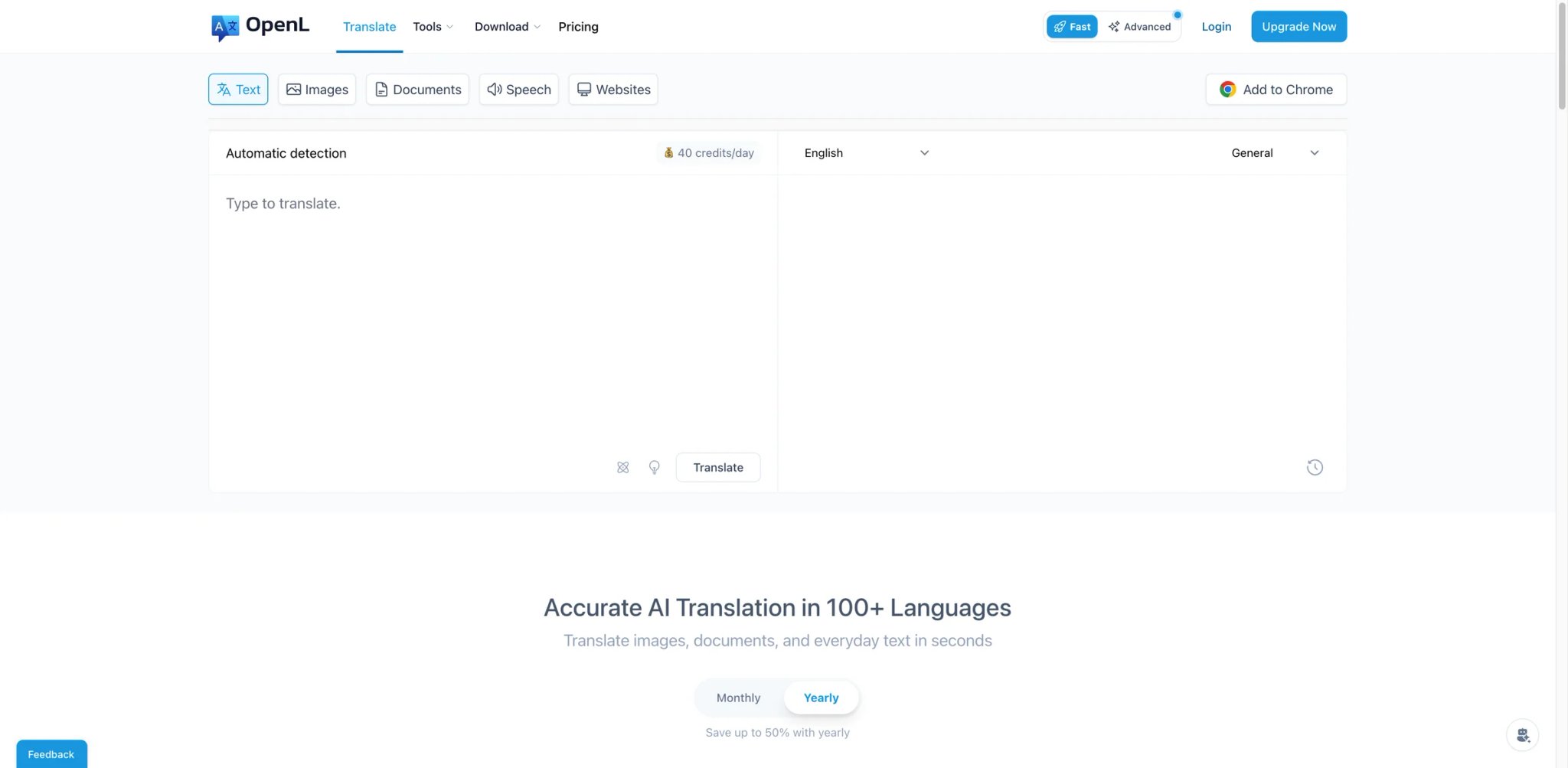
OpenL Translate is a multi-format translator with explicit data-deletion messaging, file/image/audio support and pay-per-use style credits. It sits between casual free translators and heavier document platforms.
Key Features
- Multi-format translation. Text, documents, images and speech are available from one interface.
- Privacy-aware positioning. More explicit about deletion and handling than many lightweight translator tools.
- Credit-based usage. Useful for intermittent translation needs when a full TMS is overkill.
Pricing & Plans
Starter is listed at $6.90/mo with annual billing on the English pricing page. Check the current credit table if your workload includes images or speech, because those formats can consume usage differently from plain text.
Pros & Cons
OpenL lacks glossary, translation memory and character-consistency controls, so long multi-document projects can drift. Image translation returns text extraction rather than a polished editable layout.
Best For
Best for privacy-conscious individual users who translate mixed formats occasionally. Not the right fit if you need enterprise localization workflow, glossary enforcement or high-volume document throughput.
Maestra
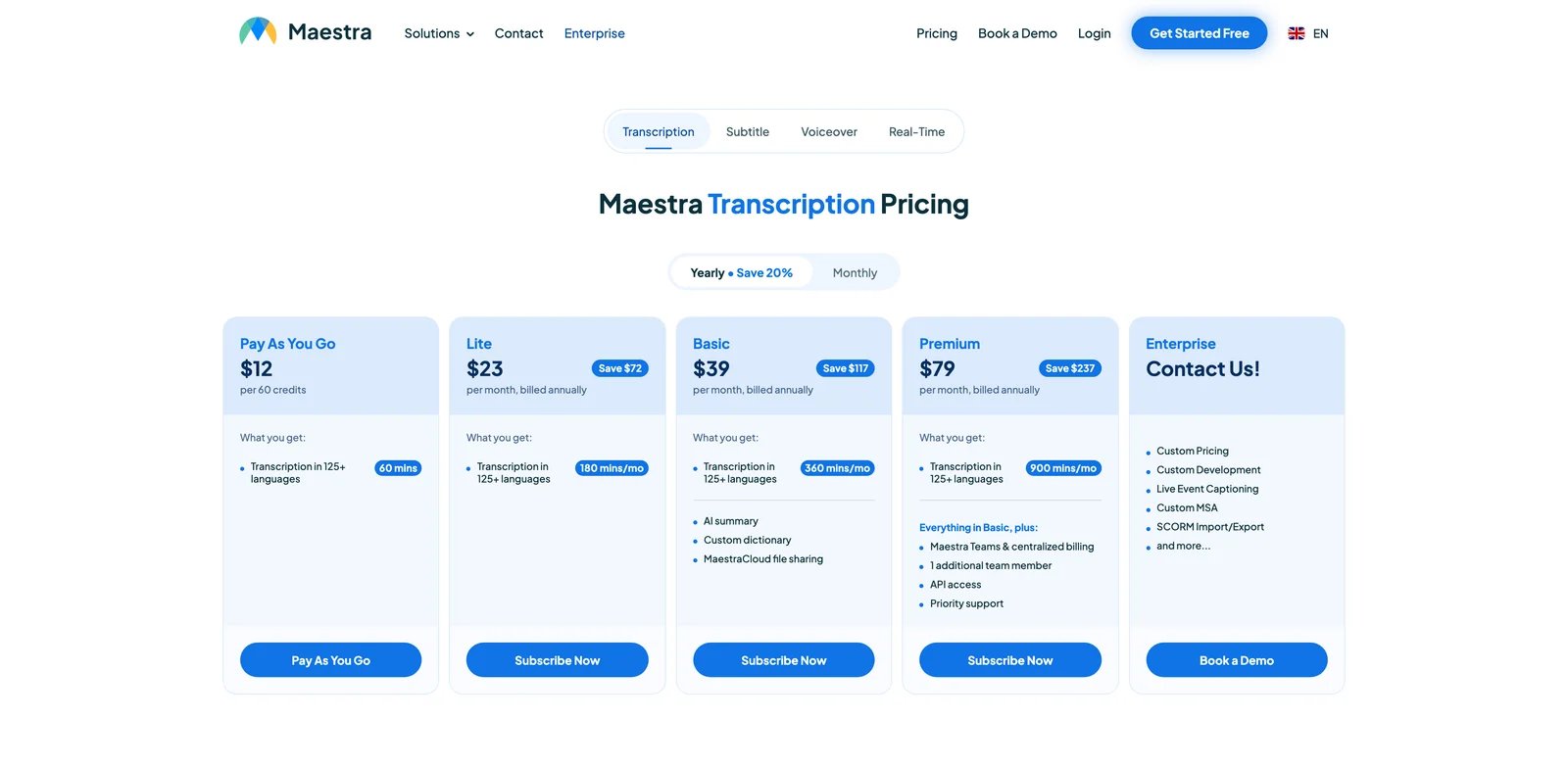
Maestra is a media-localization stack for transcription, subtitles, dubbing and voiceover workflows. It is more useful for production teams managing caption files than for someone who simply needs to translate text.
Key Features
- Transcription plus translation. Start from audio or video, produce transcripts, then translate into subtitles or dubbed outputs.
- Subtitle workflow. Useful for courses, podcasts and corporate video libraries where caption files matter.
- Pay-as-you-go option. Better for occasional batches than tools that force an annual subscription immediately.
Pricing & Plans
Pay-as-you-go is listed at $12 for 60 credits, and Basic is listed at $39/mo when billed annually. Verify credit accounting on a small test purchase before committing to large batch work.
Pros & Cons
Trustpilot includes credit-loss complaints and slow support-response reports. Live translation can lag by several seconds per sentence and is less reliable than batch transcription/subtitle workflows.
Best For
Best for batch transcription, subtitle and media-localization work. Not the right fit if you need live audio translation, polished lip-sync or a simple text translator.
Best AI Translator Tools by Use Case
The "best" translator depends on whether you're translating text, documents, web pages or video, and on whether you're a single creator, a small marketing team, or an enterprise with compliance constraints. The five scenarios below cover where the 16 tools land in practice.
For Solo Creators Translating Talking-Head Video
If you're a YouTube creator or course instructor expanding into a second language and lip-sync realism is the deciding factor, HeyGen Video Translator is the strongest pick — its mouth-shape regeneration is the only consumer tool good enough that viewers don't immediately notice it's dubbed. Budget around the Premium Credit pool for lip-sync and avatar-heavy work. ElevenLabs Dubbing is the alternative if your content is audio-first (podcasts, audiobooks) and emotional inflection matters more than visual lip-sync.
For Marketing Teams Localizing EU-Language Copy
If your roadmap is German, French, Italian, Spanish, Dutch product pages and you want tone control on each, DeepL Translator Pro is the default — formality slider, glossary, and document upload that preserves layout. Pair it with ChatGPT Translate for a tone-adjustment pass when DeepL output sounds too formal for your brand. Set a calendar reminder for renewal — Trustpilot's recurring cancellation complaints are real.
For In-House Localization Teams Running Document Throughput
If you're a 5–20 person localization team handling 200+ documents/month across many file formats, Smartcat AI Document Translator is the sturdiest pick — TM, glossary, in-segment review, and a built-in human-reviewer marketplace replace a stack of DeepL + Trados + freelance vendors. Budget realistically from roughly $1,200/year for Basic, and test legacy TM imports before production because cleanup is still likely. MachineTranslation.com Pro complements it for QA on critical strings.
For Global Teams Already on Microsoft 365 or Azure
If procurement friction is the dominant constraint and your stack is already Microsoft, Microsoft Translator inside Teams, Outlook and Office adds zero new vendor relationships and zero new lines on the bill — Azure Custom Translator handles domain glossaries for technical content. Avoid it if Chinese or Korean output quality is mission-critical: Microsoft's own forums document the Mandarin quality lag. DeepL or Smartcat is a better escape hatch in that case.
For Researchers and Students Reading Foreign-Language Sources Daily
If you read foreign-language papers, news or media on one or two devices every day and want bilingual side-by-side rendering rather than full-replace translation, Immersive Translate is the only tool in this list built for that workflow — web, PDF, EPUB and YouTube subtitle dual-track in one extension. Reverso is the writing companion when you need contextual examples for unfamiliar phrases — combine the two.
How to Choose the Right AI Translator
Start with what you're translating, not which tool has the best marketing. The decision tree below maps the actual workflow questions in the order they should be asked.
-
Identify the source format first. Plain text, .docx, .pdf, .srt, web page, audio, video — each has a different "best" tool. A text-only translator can't preserve InDesign formatting; a video tool can't help with a 60-page legal PDF. Filter the 16-tool list down to those that natively handle your format before comparing anything else.
-
Match the target language pair to engine strength. DeepL leads on EU pairs, Google leads on coverage and rare languages, ChatGPT leads on tone, Microsoft leads on conversation and Mandarin remains a known weakness. Test the same 200-word source on three candidates and let native speakers in your target market rate the output blind — vendor benchmarks are not a substitute.
-
Test the free tier on your actual content before paying. Free tiers exist for a reason — use them. Run a real document, a real video clip, a real customer email through each finalist. The output quality on your domain (legal, medical, marketing, gaming) varies wildly from generic benchmarks.
-
Read the credit / quota fine print twice. "Unlimited" almost always has a daily quota (Immersive Translate), a credit pool (HeyGen, ElevenLabs, Rask, Maestra), a per-language multiplier (Rask), or plan-specific AI/video limits (VEED and Kapwing). Calculate your actual monthly throughput against the published limits before committing annually.
-
Verify commercial license and data-retention terms. Free tiers often prohibit commercial use, retain your text for training, or route through pipelines you can't audit — fine for personal use, disqualifying for client work or regulated content. Check the ToS specifically for "commercial use," "training data," and "data residency" clauses.
-
Set a renewal calendar reminder the day you subscribe. Trustpilot data across DeepL, Rask, Maestra and others shows that auto-renewal handling is consistently the largest source of paying-customer complaints in this category. Manage the renewal date on your calendar, not on the vendor's.
Frequently Asked Questions
Is DeepL really better than Google Translate in 2026?
For European business languages (German, French, Italian, Spanish, Dutch, Portuguese) — yes, DeepL often produces more natural output, preserves tone, and handles formality registers Google ignores. For language coverage, rare languages, camera translation, and many Asian or low-resource pairs, Google remains the broader fallback. Most professional teams keep both open and pick per task. The "DeepL > Google" claim is true only inside language pairs where DeepL quality is strong.
Can ChatGPT replace a dedicated AI translator like DeepL?
For tone-and-style rewrites, marketing adaptation and creative work — often yes, ChatGPT outperforms DeepL because you can prompt it directly. For high-volume production pipelines, regulated content, deterministic output, or glossary-enforced terminology, no — ChatGPT is non-deterministic (same input, slightly different output each run) and has zero TM or glossary governance out of the box. Treat it as a complement to DeepL, not a replacement.
What is the best AI video translator with lip-sync?
HeyGen is the consumer category leader for lip-sync realism in 2026 — mouth-shape regeneration is consistently rated as the most natural output. ElevenLabs Dubbing leads on voice emotion and audio quality but assumes you have a separate video editor. Rask and VEED's video translation work for short clips but their lip-sync still telegraphs as AI-generated. For broadcast-grade work, hybrid workflows with human voice actors still win.
How much does professional AI translation actually cost per month for a small team?
A 3-person marketing team translating 100K characters/month of EU-language copy pays roughly $25/month on DeepL Pro and ~$60/month with ChatGPT Plus for tone passes — $85/month total covers most B2B SaaS marketing needs. Add a video translator (HeyGen Creator at $29) if you publish video. Document-heavy localization teams jump to ~$100+/month on Smartcat or Lokalise. Enterprise tier with SSO and SLAs lands at $500+/month.
Which AI translator is safest for confidential or legal documents?
Smartcat offers SOC 2 and ISO 27001 attestation with no training on customer content; DeepL Pro carries similar commitments and explicitly states inputs aren't used for model training. OpenL publishes an explicit data-deletion policy. Free tiers of any LLM-based translator (ChatGPT, Gemini Translate, Claude) should be assumed to be visible to the vendor and possibly retained — for confidential or legal content, use a paid tier with documented non-retention terms, or run an on-premise MT engine.
Why does my AI translator produce worse Japanese or Korean than European languages?
Most translation engines were trained on parallel corpora where European-language pairs are vastly over-represented relative to Asian languages — Japanese, Korean, Thai, Vietnamese and others have less training data, different syntactic structures (subject-object-verb vs subject-verb-object), and richer honorific systems that English-trained models flatten. DeepL covers Japanese and Korean but quality lags behind its EU pairs. For mission-critical Asian-language content, run output through a native-speaker review, or use a regionally-trained engine like Papago (Korean) or Baidu Translate (Chinese).
Do free AI translators have commercial-use restrictions I should know about?
Yes, and most users don't read them. Google Translate's free tier allows commercial use for end-user comprehension but the Cloud Translation API has separate commercial terms. DeepL's free tier prohibits use in any product that competes with DeepL. ChatGPT output can generally be used commercially under OpenAI's terms, but training use depends on ChatGPT Data Controls for consumer accounts; Business and Enterprise plans default to no training on business data. Immersive Translate's free LLM access has rate limits intended for personal use. Always check the specific ToS before integrating any free tier into a client-facing product.
Get ToolWorthy Weekly
New AI tools, practical guides, and selected AI signals in one weekly brief.
For AI tool founders
Built a tool that belongs in this decision set?
Request an editorial evaluation for possible inclusion in ToolWorthy.
Submit your tool for reviewPaid submission does not guarantee a ranking, recommendation, inclusion, or editorial outcome.