
16 Best AI Job Application Tools 2026 — Auto-Apply, ATS & Hidden Costs
We tested 16 AI job application tools on auto-apply reliability, resume accuracy, and billing practices — from free Simplify to $40/mo Huntr, with real scam and billing complaints verified.

On this page
Submitting 200 job applications in a week sounds productive until you realize half went to ghost listings, a quarter triggered spam recruiter emails, and the rest used a resume so generic it never cleared an ATS filter. The core problem with scaling a job search isn't volume — it's maintaining application quality at volume. AI job application tools promise to solve this by automating form fills, tailoring resumes per listing, and tracking every submission in one place. But the gap between marketing claims and actual performance is wider in this category than almost any other SaaS vertical.
We evaluated 28 AI job application tools across five dimensions — auto-apply reliability, resume AI accuracy, pricing transparency, ATS pass-through rate, and verified user feedback — then narrowed the field to 16 that deliver measurable results for real job seekers. This guide covers auto-apply engines, AI resume builders, job trackers, and full-pipeline platforms, with honest pricing breakdowns (including the weekly billing traps and credit expirations nobody advertises) and real limitations sourced from Trustpilot, BBB, Reddit, and G2. If you're also building resumes from scratch, our AI resume builders guide covers that side in depth.
| Tool | Best For |
|---|---|
| Simplify | Free autofill + centralized job tracking |
| AIApply | End-to-end application pipeline with interview prep |
| Teal | Job tracker + ATS resume matching |
| Huntr | Organized tracking with lightweight AI resume help |
| Jobright | AI-powered job matching and personalized feedback |
| LoopCV | Automated bulk apply across European and global boards |
| JobCopilot | Wide auto-apply across multiple job platforms |
| Careerflow | Full search management from tracking to networking |
| JobWizard | Smart autofill with match scoring and referral finding |
| EarnBetter | 100% free resume and cover letter generation |
| Kickresume | AI resume and cover letter builder with 40+ templates |
| Rezi | ATS-focused optimization with lifetime plan option |
How We Selected and Tested
We started with 28 candidates identified through job seeker forums (r/jobs, r/resumes, r/careerguidance), G2 rankings, Trustpilot reviews, and product directories. After removing tools that had been discontinued, lacked English-language interfaces, or had no verifiable user reviews outside their own marketing, we evaluated each tool against measurable criteria: active development within the past 90 days, publicly available pricing, documented auto-apply or resume AI capabilities, and availability in major job markets.
Our research combined multiple data sources to ensure accuracy. We analyzed official websites and pricing pages, cross-referenced feature claims against user reviews from G2, Trustpilot, BBB, and Reddit, and tested free tiers or trials where available. This multi-source approach was critical in a category where marketing language frequently oversells automation capabilities.
Evaluation Dimensions: We scored each tool across five dimensions:
- Auto-Apply Reliability (25%) — Success rate on real job postings, handling of multi-step applications, "Easy Apply" vs. full-form coverage, and ghost/scam listing filtering
- Resume AI Accuracy (25%) — Quality of generated content, factual accuracy (no fabricated details), ATS keyword optimization, and amount of manual editing required post-generation
- Pricing Transparency (20%) — Clear pricing tiers, hidden add-on costs, billing frequency traps (weekly vs. monthly), refund policies, and credit expiration terms
- ATS Pass-Through Rate (15%) — Template formatting compatibility, keyword density tools, and explicit ATS checking features
- Verified User Feedback (15%) — Trustpilot scores, BBB ratings, G2 reviews, Reddit sentiment, and patterns in 1-star reviews (billing complaints vs. product issues)
Note on Testing Scope: We tested all free tiers and trial periods, including submitting test applications and generating sample resumes. For premium-only auto-apply features, we relied on verified user reviews and detailed analysis of official documentation. Several tools in this category gate their core value proposition (auto-apply) behind expensive add-on tiers that aren't accessible through standard trials.
Transparency & Limitations: All information comes from official sources and credible third-party platforms — we don't fabricate ratings or performance claims. Job application tools are uniquely difficult to evaluate because auto-apply success depends on geography, industry, and job market conditions. This research was conducted in March–April 2026, and pricing or features may have changed since publication.
Top 12 AI Job Application Tools Compared
The AI job application tool market splits into three categories: auto-apply engines (Simplify, AIApply, LoopCV, JobCopilot), job search management platforms (Teal, Huntr, Careerflow, Jobright, JobWizard), and AI resume/cover letter builders (EarnBetter, Kickresume, Rezi). The biggest differentiators are whether auto-apply actually works beyond "Easy Apply" buttons, how much manual editing AI-generated resumes require, and whether the pricing you see is the pricing you pay.
| Tool | Best For | Price | Auto-Apply | ATS Matching | Free Tier |
|---|---|---|---|---|---|
| Simplify | Free autofill + tracking | Free / $39.99/mo | One-click autofill | Resume keyword matching | Yes (strong) |
| AIApply | End-to-end pipeline | Free / $29/mo ($12/mo billed yearly) | Credit-based add-on | AI resume tailoring | Yes |
| Teal | Job tracker + ATS match | Free / $13 every 7 days, $29 every 30 days, or $79 every 90 days | No | Match scoring | Yes (limited) |
| Huntr | Organized tracking | Free / $40/mo | Autofill extension | AI resume builder | Yes (limited) |
| Jobright | AI job matching | Free / paid pricing not clearly disclosed on public homepage | Yes | AI resume tailoring | Yes |
| LoopCV | Bulk auto-apply | From €9.99/mo | Yes (Easy Apply) | Basic | Yes (limited) |
| JobCopilot | Wide auto-apply | $8.90/week | Yes | AI resume builder | No |
| Careerflow | Full search management | Free / $23.99/mo | Autofill extension | AI resume tools | Yes (limited) |
| JobWizard | Autofill + match scoring | Free tier available | Smart autofill | Match scoring | Yes |
| EarnBetter | Free resume/cover letter | Free | No | AI resume builder | Yes (100% free) |
| Kickresume | AI resume builder | $8/mo | No | ATS checker | Yes (basic) |
| Rezi | ATS optimization | $29/mo | No | Core feature | Yes (3 PDFs) |
Detailed Reviews
Simplify

If you've ever spent 45 minutes filling out the same Workday application for the third time that day, Simplify's Chrome extension exists to end that particular form of suffering. The tool auto-detects job application forms across major platforms and fills them with your saved profile data in one click, while a built-in tracker logs every application you submit. The free tier is genuinely useful — not a teaser for a paywall — which is rare in this category.
Key Features
-
One-Click Autofill — Browser extension detects application forms on LinkedIn, Greenhouse, Lever, Workday, and 100+ ATS platforms, then populates fields from your saved profile. Handles multi-page forms without requiring you to click through each section manually.
-
Application Tracker — Centralizes every application you submit into a dashboard with status tracking, deadlines, and notes. Eliminates the spreadsheet most job seekers maintain alongside their actual applications.
-
AI Resume Builder — Generates tailored resume versions based on job descriptions. Uses keyword analysis to align your experience with specific role requirements.
-
Job Discovery Feed — Curated job listings based on your profile and preferences, with one-click apply directly from the feed.
Pricing & Plans
- Free: Autofill, application tracking, basic resume tools — genuinely usable without paying
- Premium: $39.99/month — AI resume tailoring, advanced analytics, priority support
Cost Warning: The premium tier has no trial period and no refund policy. Multiple Trustpilot reviewers report being unable to get refunds after finding the premium features underwhelming relative to the strong free tier.
Pros & Cons
Pros:
- Free tier is one of the most generous in the category — autofill and tracking work without paying
- Extension covers 100+ ATS platforms, not just LinkedIn Easy Apply
- Clean, functional interface without unnecessary complexity
Cons:
- Because Simplify stores a large amount of career data, privacy due diligence still matters — review the permissions and stored profile fields before relying on it heavily
- AI resume builder outputs require heavy editing; generated bullet points often feel generic and disconnected from your actual experience
- The tool still requires trust with sensitive profile data, so privacy-conscious users should review its current policy and permissions before storing everything in one account
- No trial or refund on paid tier — you're committing $39.99 before seeing premium features
Best For
Job seekers who apply to 20+ jobs per week and need fast, reliable form filling without paying anything. The free tier handles the core workflow well. Not the right fit if you need polished AI-generated resumes without manual editing, or if data privacy is a top concern given the reported PII incident.
Get started with Simplify
AIApply
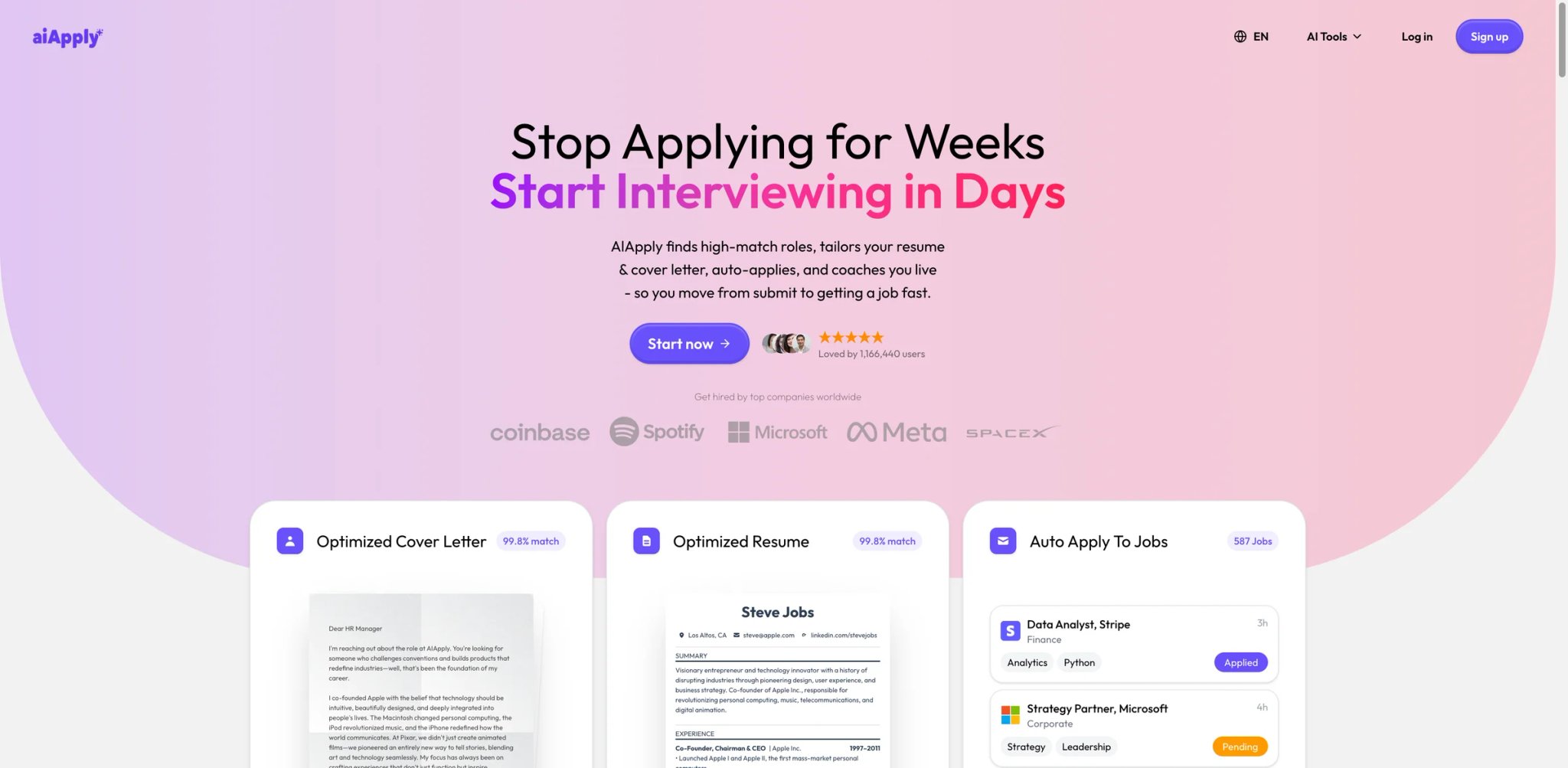
From resume generation to mock interviews, AIApply tries to cover every step of the job application process in one platform. The base plan includes AI resume and cover letter builders, LinkedIn optimization, and interview preparation tools. Where it gets complicated — and expensive — is the auto-apply feature, which lives behind a separate add-on tier that more than triples the base price.
Key Features
-
AI Resume & Cover Letter Generator — Creates tailored documents from job descriptions using AI analysis of role requirements. Includes multiple template options and ATS-friendly formatting.
-
Mock Interview Simulator — AI-powered practice interviews with real-time feedback on your answers. Covers behavioral, technical, and industry-specific question formats.
-
LinkedIn Profile Optimizer — Analyzes your LinkedIn profile against job market trends and suggests specific improvements to headline, summary, and experience sections.
-
Auto-Apply Add-On — Submits applications on your behalf across job boards. Available as a separate subscription tier above the base plan.
Pricing & Plans
- Free: $0/month — sample cover letters and job-board browsing
- Premium: $29/month, or $12/month billed yearly — unlimited AI resumes, cover letters, job tracking, interview prep, resume hosting, and translations
- Apply Automation: handled through separate apply-credit purchases rather than included in the base subscription Cost Warning: The headline subscription price is real, but auto-apply is not a standard included feature. Check the in-product credit upsell before assuming full end-to-end automation is covered.
Pros & Cons
Pros:
- Comprehensive pipeline covering resume, cover letter, LinkedIn, interview prep, and auto-apply in one tool
- Interview simulator provides useful practice with AI feedback
- Resume templates are ATS-friendly out of the box
Cons:
- BBB (Better Business Bureau) F rating — the lowest possible grade, primarily driven by unresolved customer complaints
- Chatbot-only support with reported 36-hour response times; no live chat or phone support available
- Refund requests consistently denied according to multiple BBB and Trustpilot complaints
- Auto-apply is handled through separate credit purchases, not included in the base subscription — check the in-product upsell before assuming full automation is covered
Best For
Job seekers who want a single platform covering every application step — resume, cover letter, LinkedIn, interview prep — and are willing to pay a premium for end-to-end coverage. Not the right fit if you need responsive customer support, want auto-apply included in the base price, or are uncomfortable with a company holding a BBB F rating.
Get started with AIApply

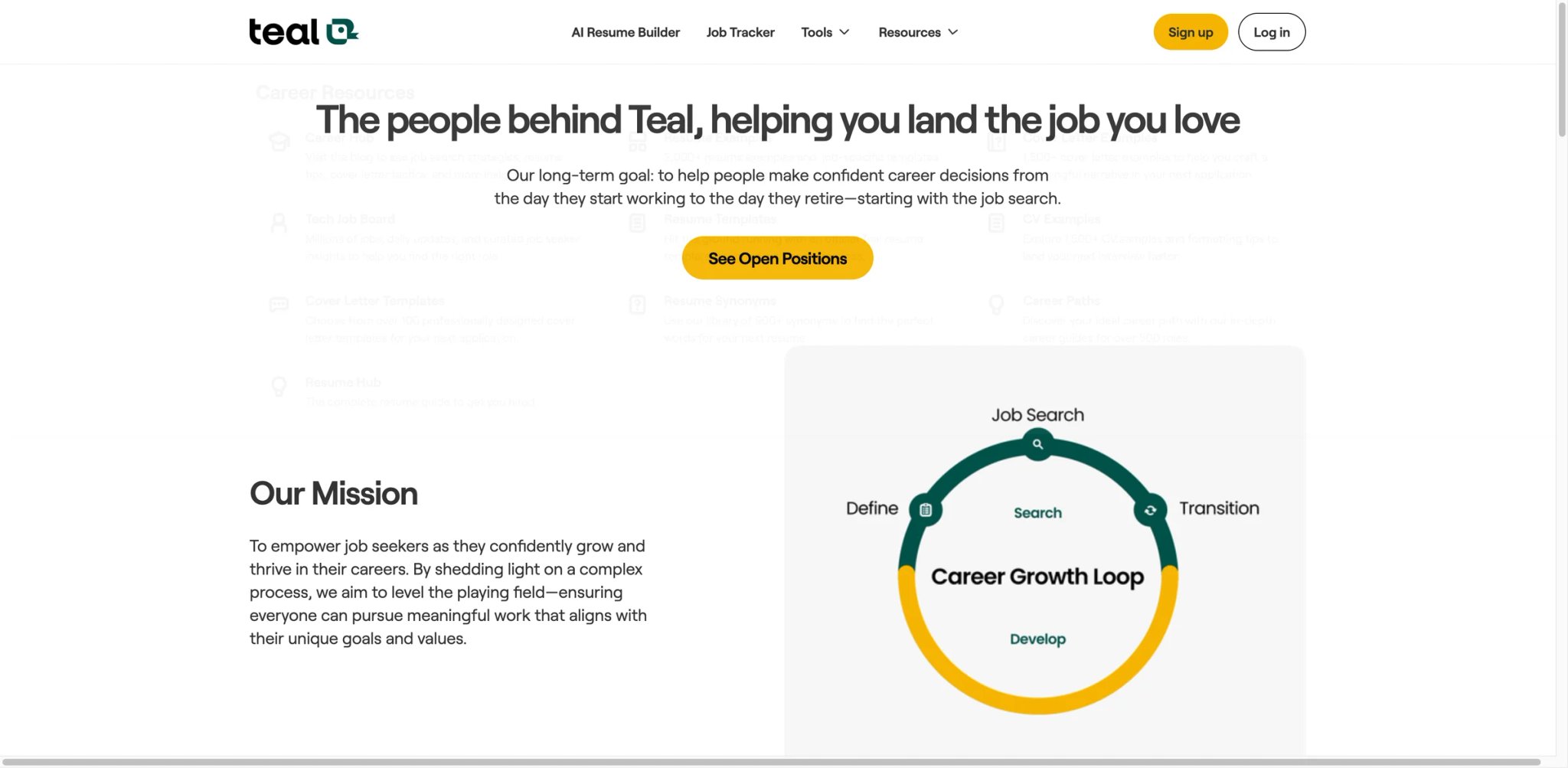
Managing 50 active applications across LinkedIn, Indeed, and company career pages quickly turns chaotic without a dedicated tracker. Teal combines a Kanban-style job board with ATS resume matching, giving you visibility into where each application stands and how well your resume aligns with each role's requirements. The catch: the "free" marketing is aggressive, but nearly every AI feature requires the paid tier.
Key Features
-
Job Tracking Board — Kanban-style tracker where you drag applications through stages (Saved, Applied, Interviewing, Offer). Browser extension saves jobs from LinkedIn and other boards directly to your tracker.
-
ATS Match Scoring — Analyzes your resume against a specific job description and returns a match percentage with keyword gap analysis. Shows exactly which terms to add for better ATS performance.
-
AI Resume Tailoring — Generates customized resume bullet points aligned with job descriptions. Rewrites experience sections to emphasize relevant skills for each application.
-
Contact & Company Tracking — Logs networking contacts, company research notes, and recruiter interactions alongside your applications. Useful for managing the relationship side of a job search.
Pricing & Plans
- Free: Job tracking, basic resume builder, limited saves
- Teal+: $13 every 7 days, $29 every 30 days, or $79 every 90 days — unlocks AI resume tailoring, unlimited match scoring, and AI cover letters Cost Warning: The 7-day plan adds up quickly if you leave it running, but Teal also publishes 30-day and 90-day options and says you can cancel anytime.
Pros & Cons
Pros:
- Job tracking board is intuitive and genuinely useful for managing high-volume searches
- ATS match scoring provides actionable keyword recommendations, not just a generic score
- Browser extension makes saving jobs from any board frictionless
Cons:
- "Free" positioning is misleading — AI features (the primary value proposition) require paid access, and the free tier functions as a basic bookmark manager
- Multiple users report charges continuing after cancellation; refund processing is inconsistent
- Data loss upon account lockout — users who lose access report being unable to recover saved jobs and resume versions
- No mobile app, limiting access for job seekers who manage their search on the go
Best For
Organized job seekers who apply to 30+ roles simultaneously and need a central hub for tracking applications and tailoring resumes to each one. Pairs well with AI assistants for drafting networking messages. Not the right fit if you expect a fully functional free tier, need mobile access, or want auto-apply automation (Teal is a tracker, not an auto-applier).
Get started with Teal
Huntr

Sometimes the most useful job search tool isn't the flashiest one — it's the one that keeps you organized without getting in the way. Huntr takes a calm, structured approach to the chaos of job hunting: a clean tracker, a serviceable AI resume builder, and an autofill extension that handles the repetitive parts. It won't auto-apply to 500 jobs overnight, but it won't fabricate your work history either.
Key Features
-
Job Tracking Board — Visual board with customizable stages, notes, deadlines, and tags. Supports both Kanban and list views, with filtering by company, date, or status.
-
AI Resume Builder — Generates resume content based on your profile and target job descriptions. Includes ATS-friendly templates and keyword suggestions.
-
Autofill Extension — Chrome extension that populates common application fields from your saved profile. Works across major job boards and company career pages.
-
Team Boards — Shared tracking boards for career coaches, bootcamp cohorts, or job search accountability groups.
Pricing & Plans
- Free: Basic tracking with limited saved jobs and complimentary AI credits
- Pro: $40/month, $90 every 3 months ($30/month effective), or $160 every 6 months ($26.67/month effective) — AI resume builder, unlimited tracking, autofill, and job matching Cost Warning: The headline monthly price is $40, but longer prepaid terms bring the effective monthly cost down substantially. There is no free trial.
Pros & Cons
Pros:
- Generally well-regarded across review platforms — one of the few tools in this category without a pattern of billing complaints
- Clean, intuitive interface that doesn't overwhelm new users
- Autofill extension is reliable across major ATS platforms
Cons:
- Chrome extension has limited functionality on team boards — collaboration features feel underdeveloped compared to individual use
- Job tracking limits on free tier push you to paid quickly
- No auto-apply — this is a tracker with autofill, not an automation engine
Best For
Job seekers and career changers who want a straightforward tracking and resume tool without the complexity (and risk) of full auto-apply automation. Not the right fit if you need bulk auto-apply capabilities or want a free tool that covers the complete workflow.
Get started with Huntr
Jobright
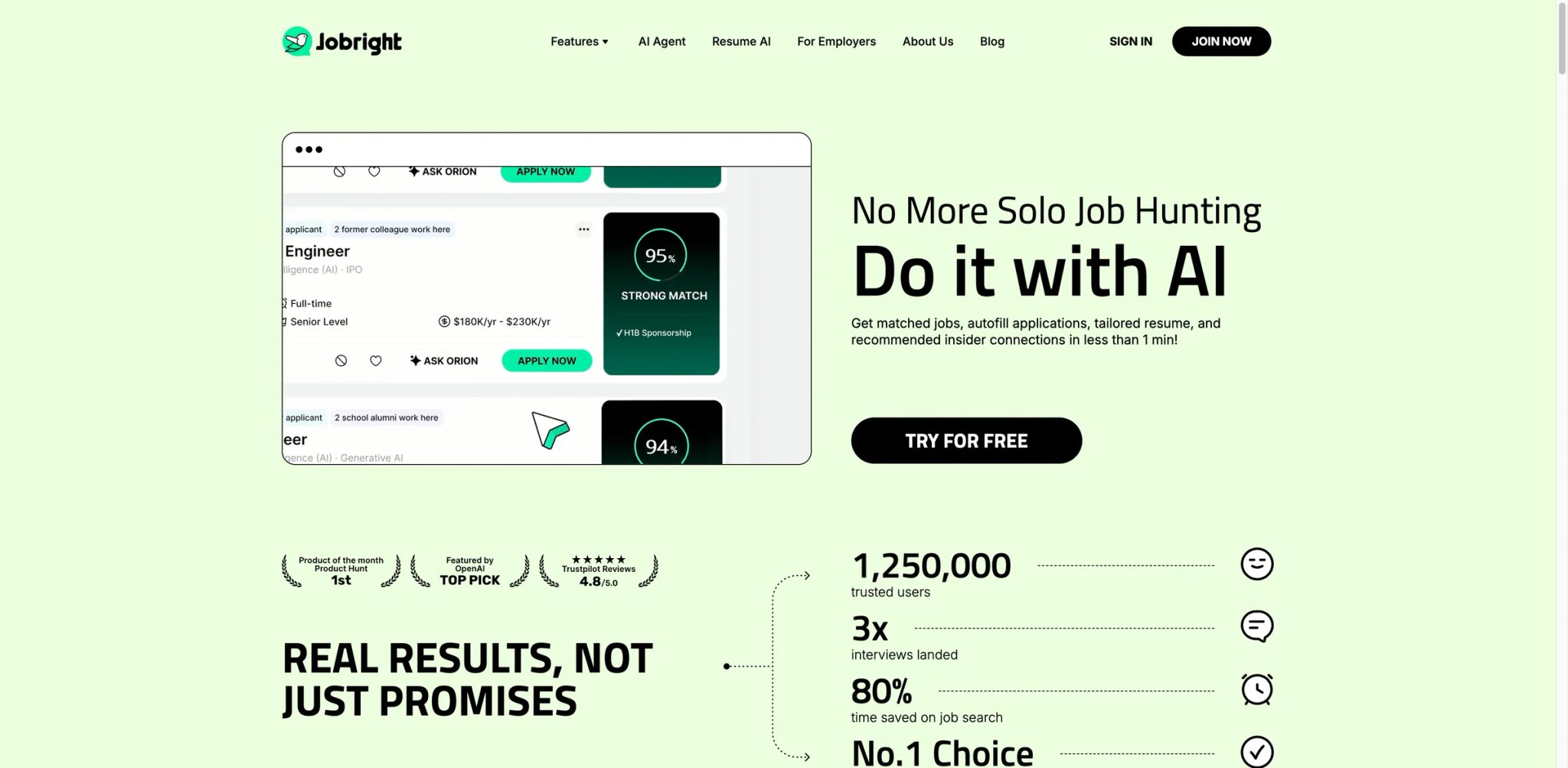
Where most job application tools treat every listing the same, Jobright's AI tries to play matchmaker — analyzing your resume, experience, and preferences to surface roles you'd actually be qualified for rather than dumping 10,000 generic results in your lap. The matching algorithm is the selling point, and when it works, users report discovering roles they wouldn't have found through standard keyword searches.
Key Features
-
AI Job Matching — Analyzes your resume and career history to recommend roles based on actual qualification alignment, not just keyword overlap. Updates recommendations as you interact with listings.
-
Personalized Feedback — Provides specific suggestions for improving your application for each role, including resume adjustments and talking points for interviews.
-
AI Resume Tailoring — Generates customized resume versions aligned with specific job descriptions, emphasizing relevant experience and skills.
-
Company Insights — Aggregates information about hiring companies, including culture signals, growth trajectory, and employee sentiment from review platforms.
Pricing & Plans
- Free: Free-to-start onboarding and job discovery
- Paid: Jobright does not clearly publish a stable paid-plan price on its public homepage, so verify the checkout screen before subscribing Cost Warning: The bigger issue here is pricing transparency, not a clearly disclosed public rate. Treat any off-site price quote as provisional unless it matches the live checkout.
Pros & Cons
Pros:
- AI matching surfaces relevant roles that standard keyword searches miss
- Personalized application feedback goes beyond generic suggestions
- Interface is clean and the onboarding process is straightforward
Cons:
- Public sentiment is mixed rather than overwhelmingly negative: recent third-party reviews are broadly positive overall, but some users still say the auto-apply workflow is less hands-off than advertised and that some remote labels are inaccurate
- Job listings include stale and ghost postings; users report applying to roles that were filled months ago
- AI-generated resume content is generic and requires significant editing to sound authentic
- No live customer support — only email with reported multi-day response times
- US-only job market coverage; not useful for international job seekers
Best For
US-based job seekers who want AI to surface relevant roles rather than manually searching across job boards. The matching algorithm works best for mid-career professionals with clear experience patterns. Not the right fit if you're outside the US, need responsive customer support, or have been burned by subscription traps before — test with caution and monitor your billing.
Get started with Jobright
LoopCV
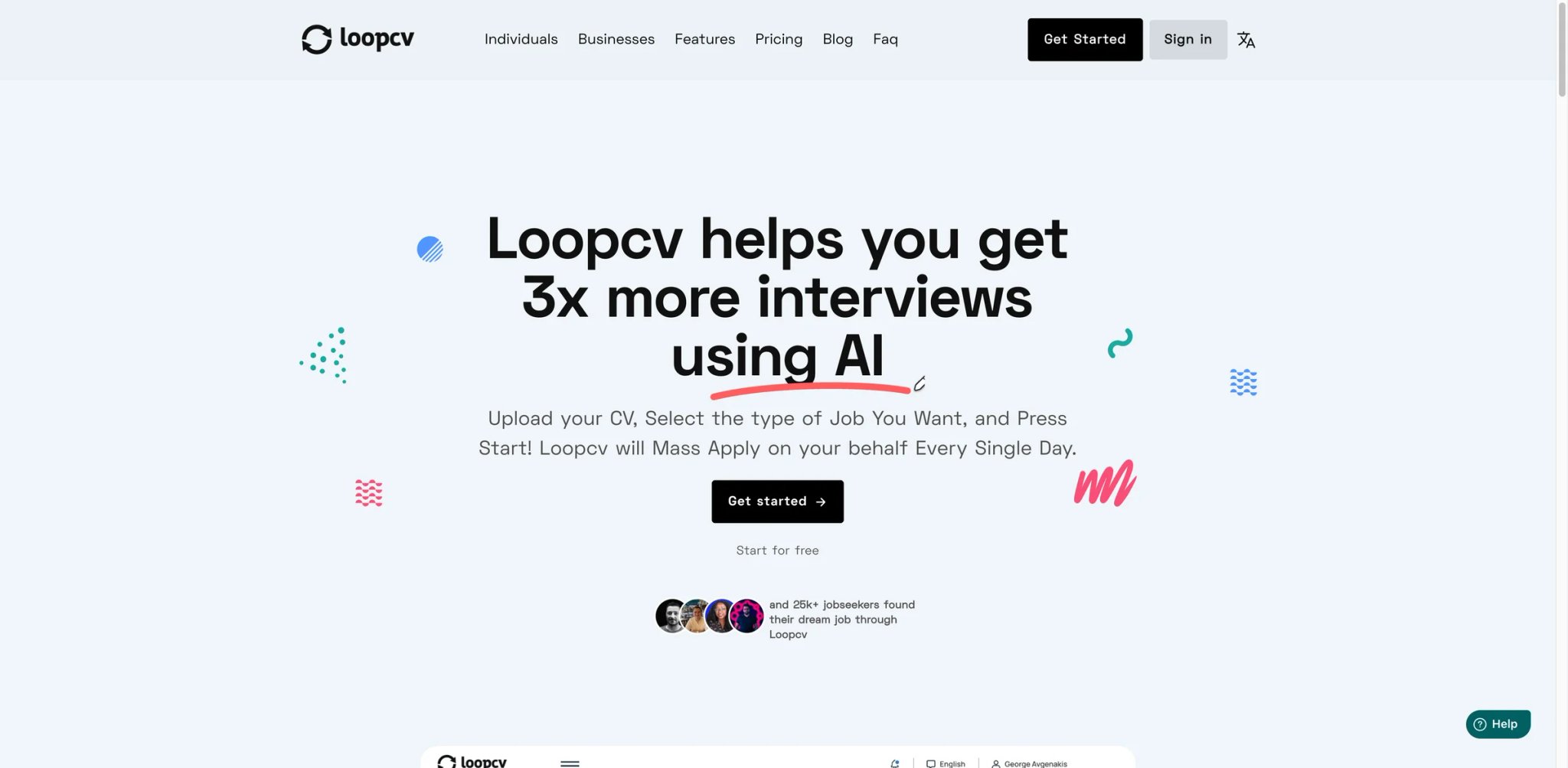
Most auto-apply tools focus on LinkedIn Easy Apply and call it a day. LoopCV takes a different approach: it searches job boards on your behalf, identifies matching listings based on your criteria, and sends applications — including email-based applications — automatically. For job seekers targeting European markets or roles that don't use standard ATS platforms, this broader reach matters.
Key Features
-
Automated Job Search + Apply — Scans job boards daily based on your criteria (title, location, salary, keywords) and auto-applies to matching listings. Handles both platform applications and direct email applications to recruiters.
-
Multi-Board Coverage — Searches across LinkedIn, Indeed, Glassdoor, and regional European job boards simultaneously. Broader geographic coverage than US-focused competitors.
-
Application Dashboard — Tracks every auto-applied job with status updates, response tracking, and analytics on application volume and response rates.
-
Resume A/B Testing — Sends different resume versions to similar roles and tracks which version gets more responses. Useful for optimizing your resume without guessing.
Pricing & Plans
- Free: Limited job searches and manual apply
- Essential: €9.99/month — automated apply, basic features
- Professional: €24.99/month — priority support, advanced filters, more daily applications
- Enterprise: Custom pricing
Pros & Cons
Pros:
- Broader auto-apply coverage than competitors — handles email-based applications, not just Easy Apply buttons
- European job board support is stronger than any US-focused alternative
- Resume A/B testing is a genuinely useful feature for optimizing response rates
Cons:
- Auto-apply bot fails on applications requiring more than an Easy Apply button — multi-step forms, custom questions, and portfolio uploads are skipped or filled incorrectly
- Reliability varies by workflow: the automation is strongest on simpler application paths and less dependable when listings use custom steps or edge-case forms
- Activation codes don't work for a significant number of new users, requiring support intervention to access the product
- Technical reliability issues — crashes during peak hours, delayed application submissions, and inconsistent board scraping
Best For
Job seekers targeting European markets or roles across multiple international job boards who want bulk auto-apply without manually visiting each platform. Not the right fit if you're applying to roles with complex multi-step applications, need guaranteed delivery accuracy, or are targeting niche industries where mis-sent applications could damage your professional reputation.
Get started with LoopCV
JobCopilot
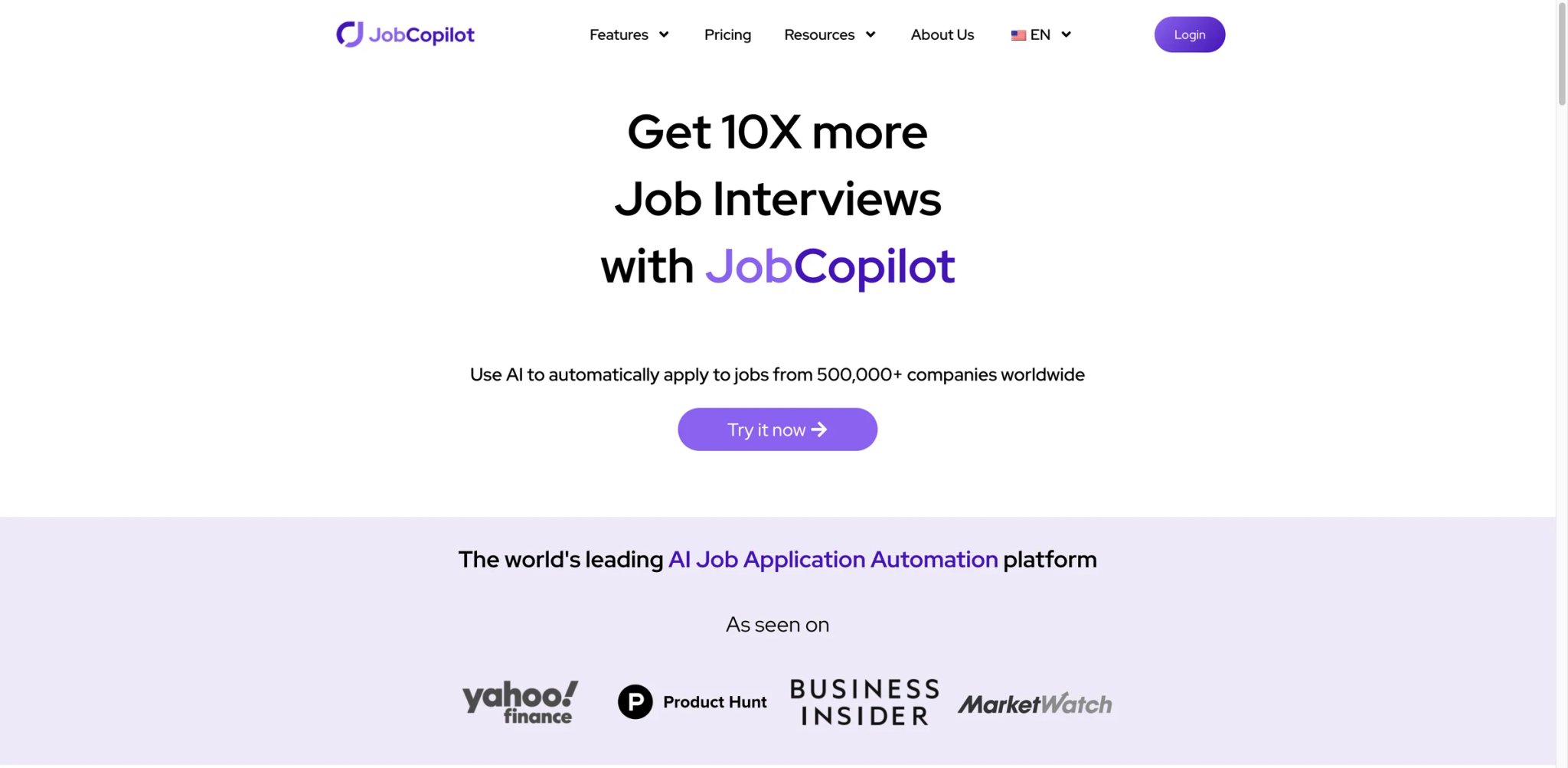
The pitch is simple: tell JobCopilot your preferences, and it applies to jobs for you while you sleep. The reality is more nuanced. JobCopilot does submit applications at scale across multiple platforms, and for job seekers who need pure volume, it delivers. But high-volume automation always carries listing-quality risk, so you'll need to audit what it's applying to on your behalf.
Key Features
-
Automated Mass Apply — Submits applications across LinkedIn, Indeed, Glassdoor, ZipRecruiter, and company career pages based on your saved preferences. Runs daily application cycles without manual intervention.
-
AI Resume & Cover Letter — Generates tailored documents for each application, adjusting keywords and emphasis based on the job description.
-
Multi-Platform Coverage — One of the widest auto-apply networks in the category, covering major boards and many direct company career pages.
-
Application Dashboard — Logs every submitted application with status tracking and response monitoring.
Pricing & Plans
- Weekly: $8.90/week (approximately $38.50/month)
- Annual: Discounted, but total annual cost approaches ~$500
Cost Warning: Weekly billing obscures the true annual cost. At $8.90/week, you're paying roughly $463/year — significantly more than monthly-billed competitors. Multiple users report duplicate charges and difficulty canceling the weekly billing cycle.
Pros & Cons
Pros:
- Covers more job platforms than most auto-apply competitors
- Genuinely hands-off — runs daily application cycles without requiring daily logins
- Application volume is high; users report 50–100+ applications per week
Cons:
- High-volume automation always carries listing-quality risk, so you should audit where the bot is applying instead of assuming every target is legitimate
- Multiple users report zero interviews despite hundreds of auto-applied applications, suggesting quality of targeting is poor
- AI fabricates resume details — users discover their applications include experience, skills, or job titles they never held
- Weekly billing can look cheaper than it really is over a full month or year, so read the renewal terms carefully before subscribing
- Weekly billing at $8.90/week totals ~$463/year — more expensive than it appears
Best For
Job seekers who prioritize pure application volume and are willing to audit submitted applications for quality. Works best when paired with manual follow-up on the most promising roles. Not the right fit if you need accurate AI-generated resumes (fabrication is a documented issue), are concerned about scam job exposure, or want transparent pricing without weekly billing tricks.
Get started with JobCopilot
Careerflow
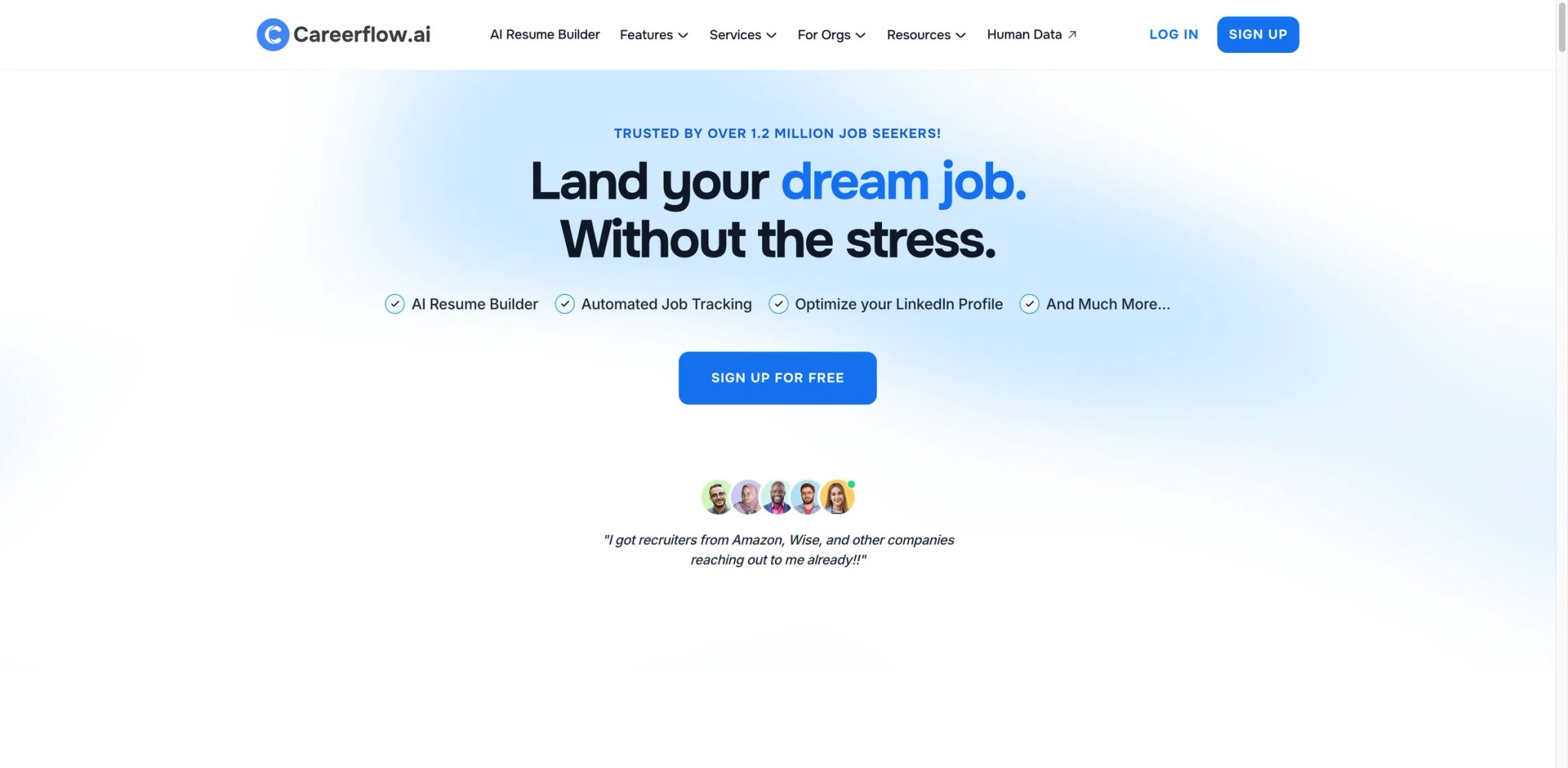
Job searching involves more than just submitting applications — there's networking, company research, LinkedIn optimization, and tracking dozens of moving pieces. Careerflow tries to consolidate all of that into one platform, positioning itself as a full search management suite rather than just an auto-apply bot. The ambition is there; the execution has gaps that become apparent once you move beyond the landing page.
Key Features
-
Job Tracker with CRM — Tracks applications, contacts, companies, and networking interactions in one dashboard. Includes reminders for follow-ups and interview preparation deadlines.
-
AI Autofill Extension — Chrome extension that populates application forms from your saved profile. Covers major ATS platforms including Workday, Greenhouse, and Lever.
-
LinkedIn Profile Optimizer — Scores your LinkedIn profile and provides specific recommendations for improving visibility to recruiters.
-
AI Resume & Cover Letter Tools — Generates tailored application documents with keyword optimization based on target job descriptions.
Pricing & Plans
-
Free: Basic tracking, limited AI features
-
Premium: $23.99/month or $172.99/year ($14.41/month effective)
-
Premium Plus: $44.99/month or $299.99/year ($25/month effective)
-
Free: Basic tracking with limited jobs and resume usage
-
Premium: $23.99/month or $172.99/year ($14.41/month effective)
-
Premium Plus: $44.99/month or $299.99/year ($25/month effective) Cost Warning: Careerflow is no longer best described as a weekly-billed tool. The current public pricing is monthly/annual, with higher tiers for heavier AI usage.
Pros & Cons
Pros:
- Comprehensive approach covering tracking, networking, LinkedIn, and applications in one tool
- LinkedIn profile optimization provides actionable feedback
- Job tracker CRM is more feature-rich than most competitors' tracking features
Cons:
- Autofill accuracy hovers around 60% on Workday forms — you'll spend time correcting fields that were supposed to be automated
- AI introduces errors into resume content, including incorrect dates, misattributed responsibilities, and phantom skills
- Frequent crashes and slow page loads, especially when loading the dashboard with 50+ tracked applications
- Free tier is limited — you hit paywalls within minutes of creating an account
Best For
Career changers and structured job seekers who want one platform managing their entire search — applications, networking, LinkedIn presence, and company research. Not the right fit if you need reliable autofill accuracy (60% on Workday is a dealbreaker for high-volume appliers), expect a meaningfully free tier, or work primarily on mobile.
Get started with Careerflow
JobWizard
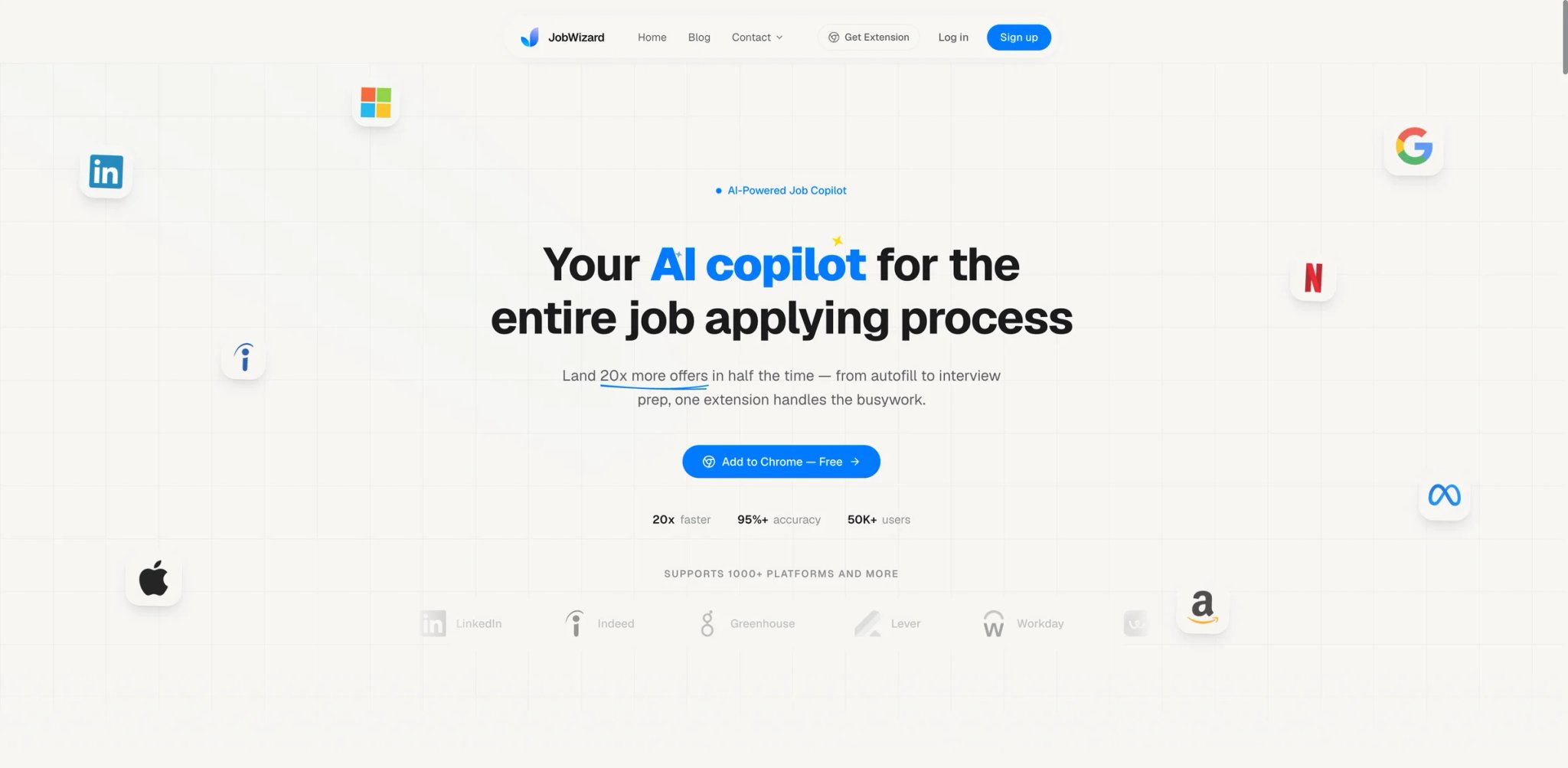
Rather than blasting applications everywhere, JobWizard focuses on helping you apply to the right roles. Its match scoring evaluates how well your profile aligns with each listing before you invest time applying, and the referral finder identifies potential connections at target companies — turning cold applications into warm introductions.
Key Features
-
Smart Autofill — Browser extension that detects and populates application forms with your profile data. Adapts to different ATS formats and handles custom questions where possible.
-
Match Scoring — Rates your qualification alignment with each job listing on a percentage scale, highlighting gaps and strengths before you apply. Helps prioritize which applications are worth your time.
-
Referral Finder — Identifies people in your LinkedIn network (or extended network) who work at target companies and could provide referrals. Surfaces connection paths you might not have noticed.
-
Application Tracker — Logs applications with status updates, deadlines, and notes. Integrates with the autofill extension for automatic logging.
Pricing & Plans
- Free Tier: Core autofill and basic match scoring
- Premium: Pricing details not fully transparent on the website
Pros & Cons
Pros:
- Match scoring helps prioritize applications, countering the "spray and pray" approach
- Referral finder is a unique feature that adds genuine strategic value to the application process
- Free tier provides usable core functionality
Cons:
- Smaller user base means less community feedback to verify accuracy claims
- Match scoring accuracy is unverified by independent third parties — the algorithm is a black box
- "Spray and pray" criticism from some users suggests the autofill encourages volume over quality when used without the match scoring
- Limited data on long-term reliability and company stability
Best For
Strategic job seekers who prefer quality over quantity and want data-driven guidance on which roles to prioritize. The referral finder is particularly valuable for AI lead generation professionals transitioning into new roles. Not the right fit if you need high-volume auto-apply, want a tool with extensive user reviews to validate performance, or prefer established platforms with proven track records.
Get started with JobWizard
EarnBetter
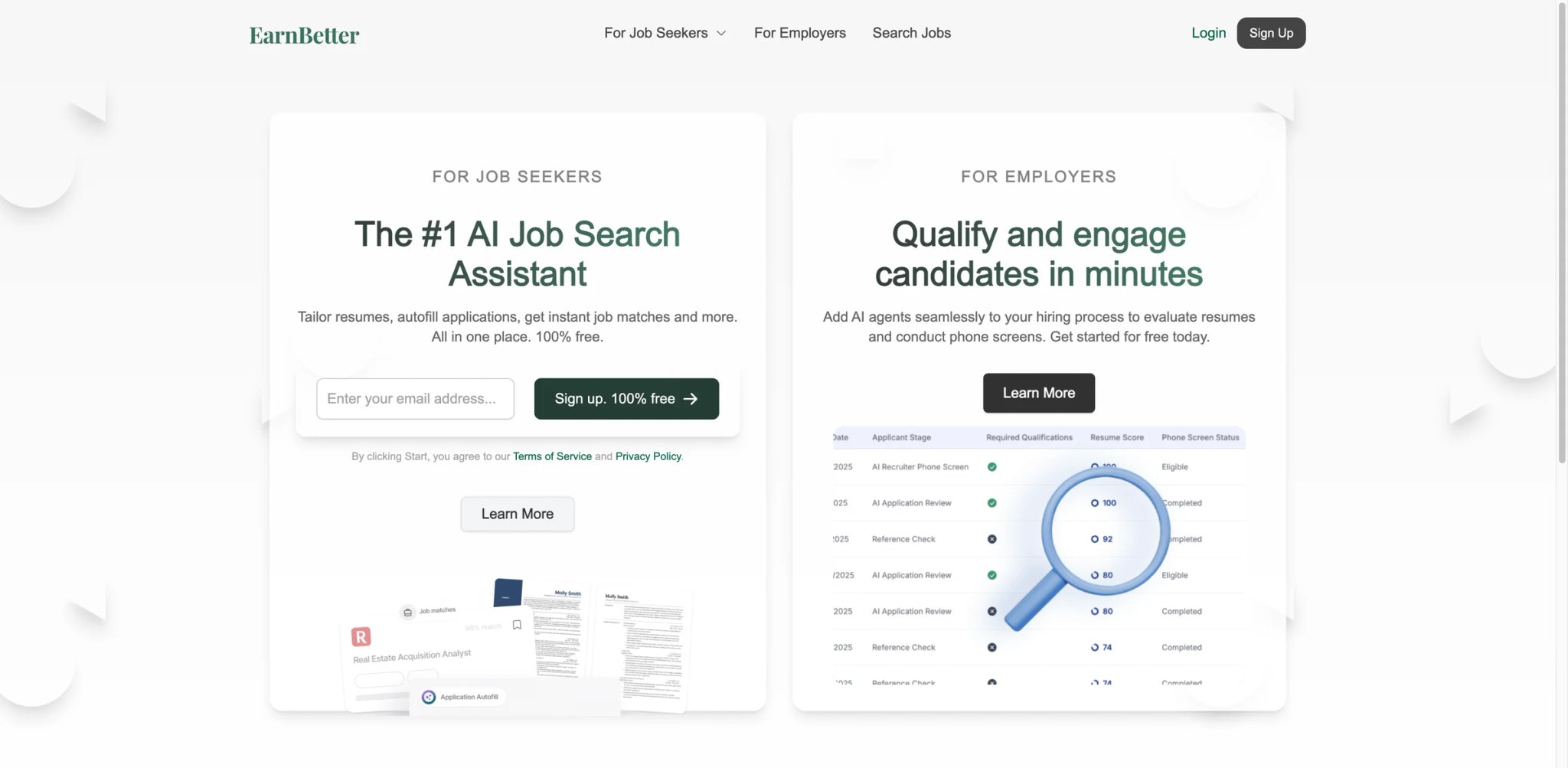
A genuinely free AI resume builder sounds too good to be true — and in EarnBetter's case, the reality is complicated. The core promise holds: you can create an AI-generated resume and cover letter without paying anything. No credit card required, no premium upsell gates. But "free" comes with trade-offs that matter when your job search depends on these documents.
Key Features
-
Free AI Resume Generator — Creates a complete resume from your input data using AI, with ATS-friendly formatting and professional templates. No payment required at any stage.
-
Free Cover Letter Generator — Generates tailored cover letters matched to specific job descriptions. Uses the same AI engine as the resume builder.
-
Job Board Integration — Surfaces job listings matched to your resume profile, with direct apply links to external job boards.
-
Career Guidance — Basic AI-powered career advice and job search tips based on your profile and target roles.
Pricing & Plans
- Free: All core features — resume builder, cover letter generator, job board access
Cost Warning: EarnBetter markets the core product as free for job seekers. The more important limitation is output quality and listing freshness, not a standard public paid tier.
Pros & Cons
Pros:
- Genuinely free core product — no credit card required for resume and cover letter generation
- Low barrier to entry for job seekers who can't afford paid tools
- ATS-friendly templates produce clean, parseable documents
Cons:
- Job listings are frequently stale — users report listings that expired weeks or months ago
- EarnBetter now advertises application autofill, but the workflow remains lighter-weight than dedicated browser-extension tools built primarily for form filling
- Output quality is serviceable but generic, and job listings can be stale — the main trade-off for a free product
- AI-generated content is serviceable but generic; competitive applications will need significant manual refinement
Best For
Job seekers on a tight budget who need a baseline resume and cover letter quickly, with the understanding that AI output will need manual polishing. Not the right fit if you need auto-apply features, reliable job listings, or want absolute certainty about hidden charges.
Get started with EarnBetter

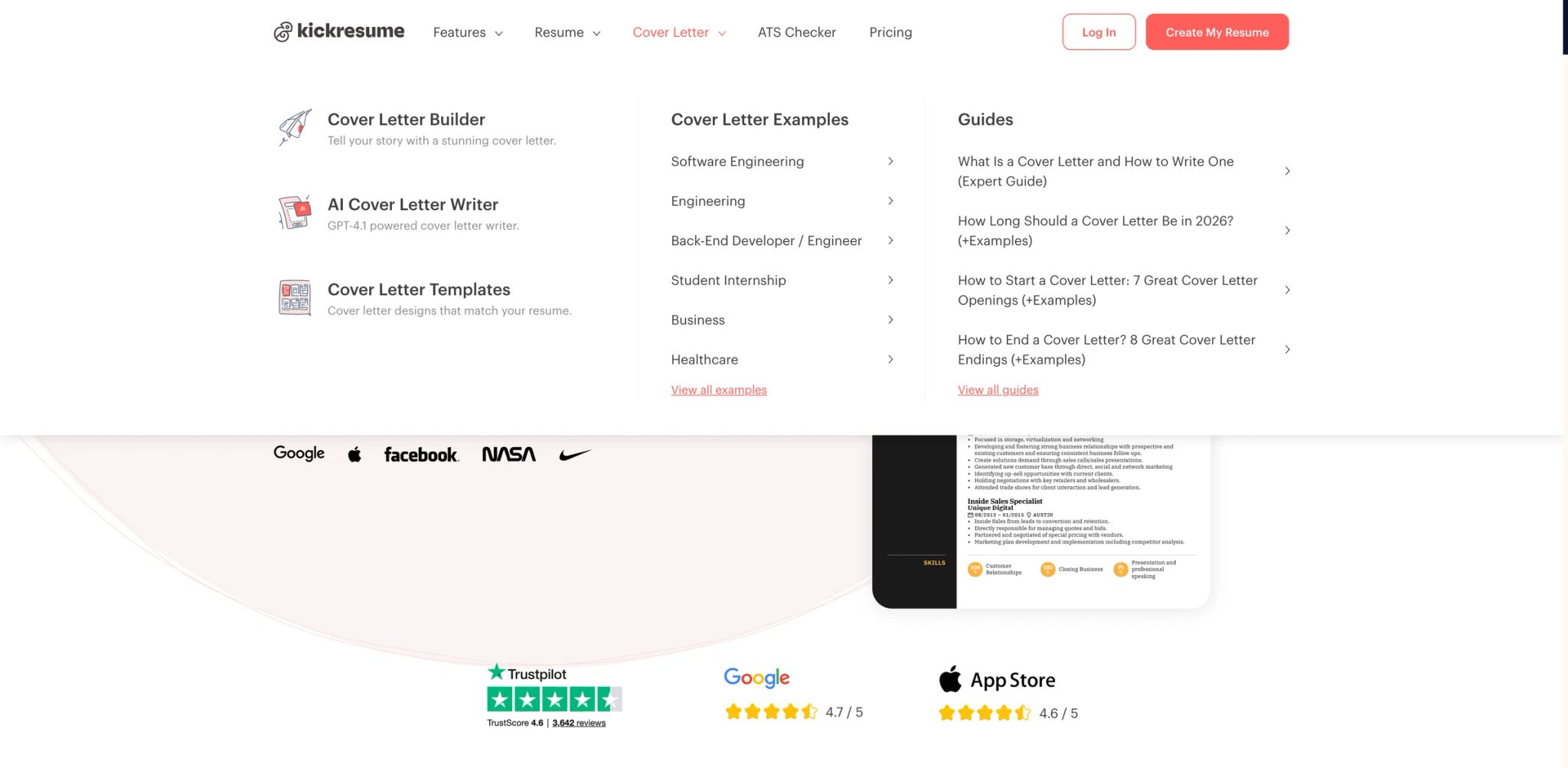
With over 40 professionally designed templates and a GPT-4-powered writing assistant, Kickresume has been a go-to for job seekers who want polished application documents without hiring a professional writer. It's a resume and cover letter builder first — not a job tracker or auto-apply engine — and it does that core job well enough to earn a spot alongside full-pipeline tools. For a deeper look at how it compares against pure AI resume builders, check our dedicated guide.
Key Features
-
GPT-4 AI Writer — Generates resume sections (summaries, bullet points, skill descriptions) using GPT-4, with context-aware suggestions based on your industry and role level.
-
40+ Professional Templates — Recruiter-approved templates across styles (creative, corporate, minimal). Each template is ATS-tested for formatting compatibility.
-
ATS Resume Checker — Scans your resume for ATS compatibility issues and provides specific fixes for formatting, keywords, and structure.
-
Cover Letter Generator — Creates tailored cover letters matched to specific job descriptions, maintaining tone consistency with your resume.
-
Personal Website Builder — Generates a simple portfolio/personal website from your resume data. Useful for creative professionals and developers.
Pricing & Plans
- Free: Unlimited resumes with basic features and limited template access
- Quarterly: $18/month ($54 every 3 months)
- Yearly: $8/month ($96 annually)
Pros & Cons
Pros:
- $8/month on the annual plan is among the most affordable in the category
- GPT-4 writing quality is noticeably better than competitors using older AI models
- Generous free tier with unlimited resume creation (not just one or two)
Cons:
- Template customization is restrictive — you can change colors and fonts but can't fundamentally alter layout structures
- AI credits expire monthly; unused credits don't roll over, which penalizes infrequent users
- Customer support response times are slow, with users reporting multi-week waits for billing issues
- Yearly billing is required for the best pricing; monthly-only users pay significantly more
Best For
Budget-conscious job seekers who want professional, ATS-optimized resumes with quality AI writing assistance. Particularly strong for recent graduates building their first professional resume. Not the right fit if you need auto-apply automation, job tracking features, or highly customizable template layouts beyond the provided designs.
Get started with Kickresume

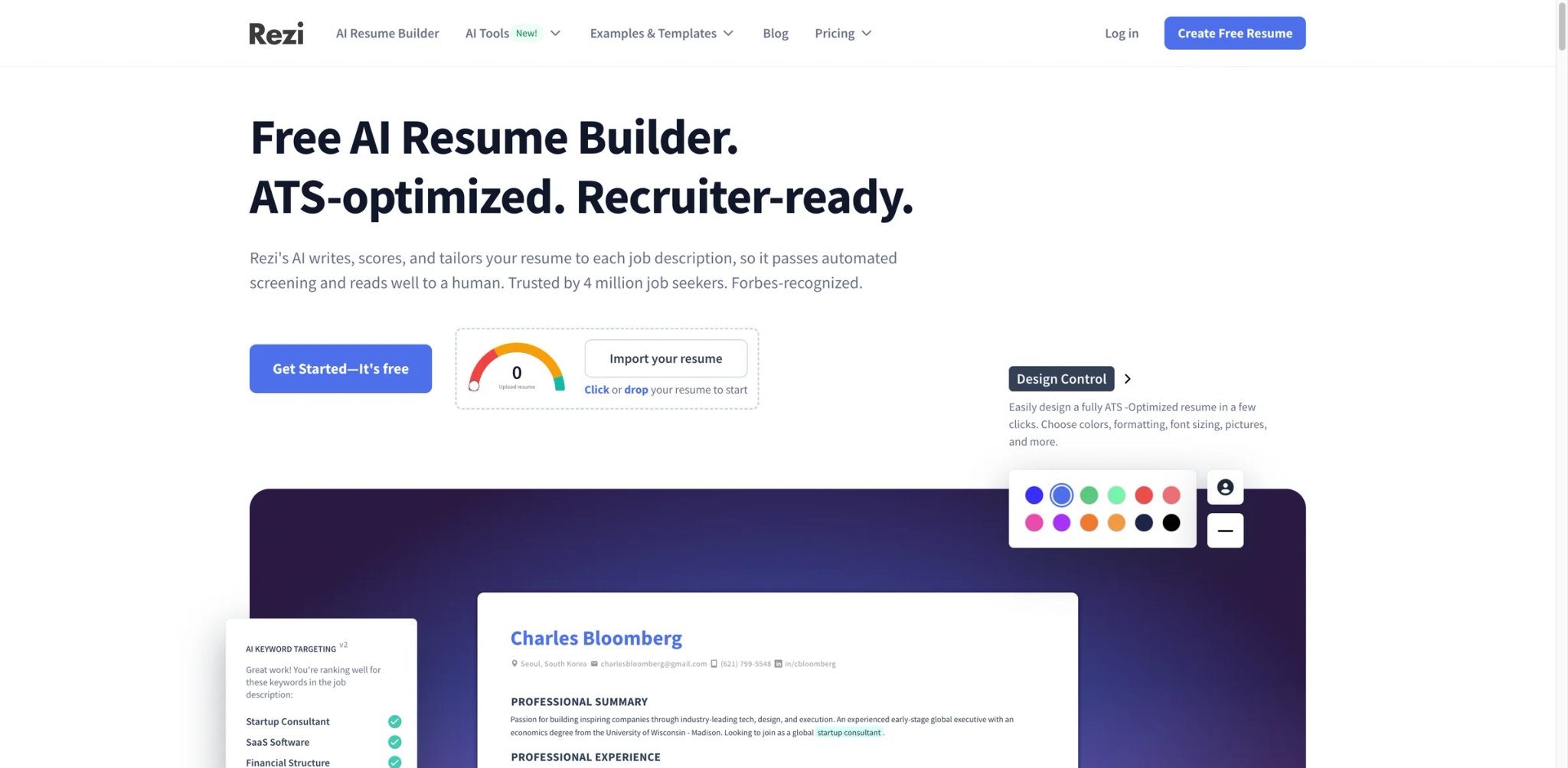
ATS rejection is the silent killer of job applications — your resume might be perfect for a human reader but fail automated parsing because of a two-column layout or missing keyword density. Rezi is built specifically around this problem, with every feature oriented toward getting your resume past ATS filters and into a recruiter's hands. The lifetime plan option also makes it one of the few tools where you can pay once and own access indefinitely.
Key Features
-
ATS Optimization Engine — Core feature that analyzes your resume against ATS parsing rules, identifying formatting issues, keyword gaps, and structural problems that cause automated rejection.
-
AI Resume Writing — Unlimited AI-generated content for resume sections, with suggestions calibrated for ATS keyword density rather than just readability.
-
Resume Targeting — Compares your resume against specific job descriptions and identifies missing keywords, skills, and qualifications to add.
-
Lifetime Plan Option — $149 one-time payment for permanent access — unusual in a category dominated by subscriptions.
Pricing & Plans
- Free: 1 resume, 3 PDF downloads per month, limited AI usage
- Pro: $29/month — unlimited AI, unlimited resumes, monthly resume review
- Lifetime: $149 one-time — all Pro features permanently (excludes monthly resume reviews)
Pros & Cons
Pros:
- $149 lifetime plan is rare and provides long-term value for recurring job seekers
- ATS optimization is the deepest in the category — goes beyond keyword stuffing to address formatting and structural issues
- 100% money-back guarantee reduces purchase risk
Cons:
- AI credits on Pro deplete quickly during heavy resume creation sessions; users report running out mid-project
- Generated content tends toward generic phrasing — you'll edit heavily to make it sound like you wrote it
- PDF export has formatting bugs, particularly with multi-column layouts and custom fonts
- Human resume review (included in Pro) has reliability issues — users report month-long waits with no response
- Free plan limited to 3 PDF downloads makes it barely functional as a trial
Best For
Job seekers who have been rejected by ATS filters and want the most thorough optimization available. The lifetime plan is particularly valuable for professionals who change jobs every 2-3 years. Tech job seekers will also benefit from pairing Rezi with tools from our AI coding tools guide for technical resume optimization. Not the right fit if you need auto-apply, job tracking, or responsive human support for resume reviews.
Get started with Rezi
Honorable Mentions

Starting at $14/month, Enhancv delivers one-click resume tailoring that rewrites your experience section to match specific job descriptions. The ATS checker is built-in, not an add-on. The interface is among the most polished in the category, with drag-and-drop sections and real-time previews. However, it's primarily a resume builder — no auto-apply, and its built-in AI job tracker is much lighter than dedicated search-management tools. For job seekers who only need a better resume and already have their application workflow sorted, it's a strong choice.
Get started with Enhancv
SkillSyncer
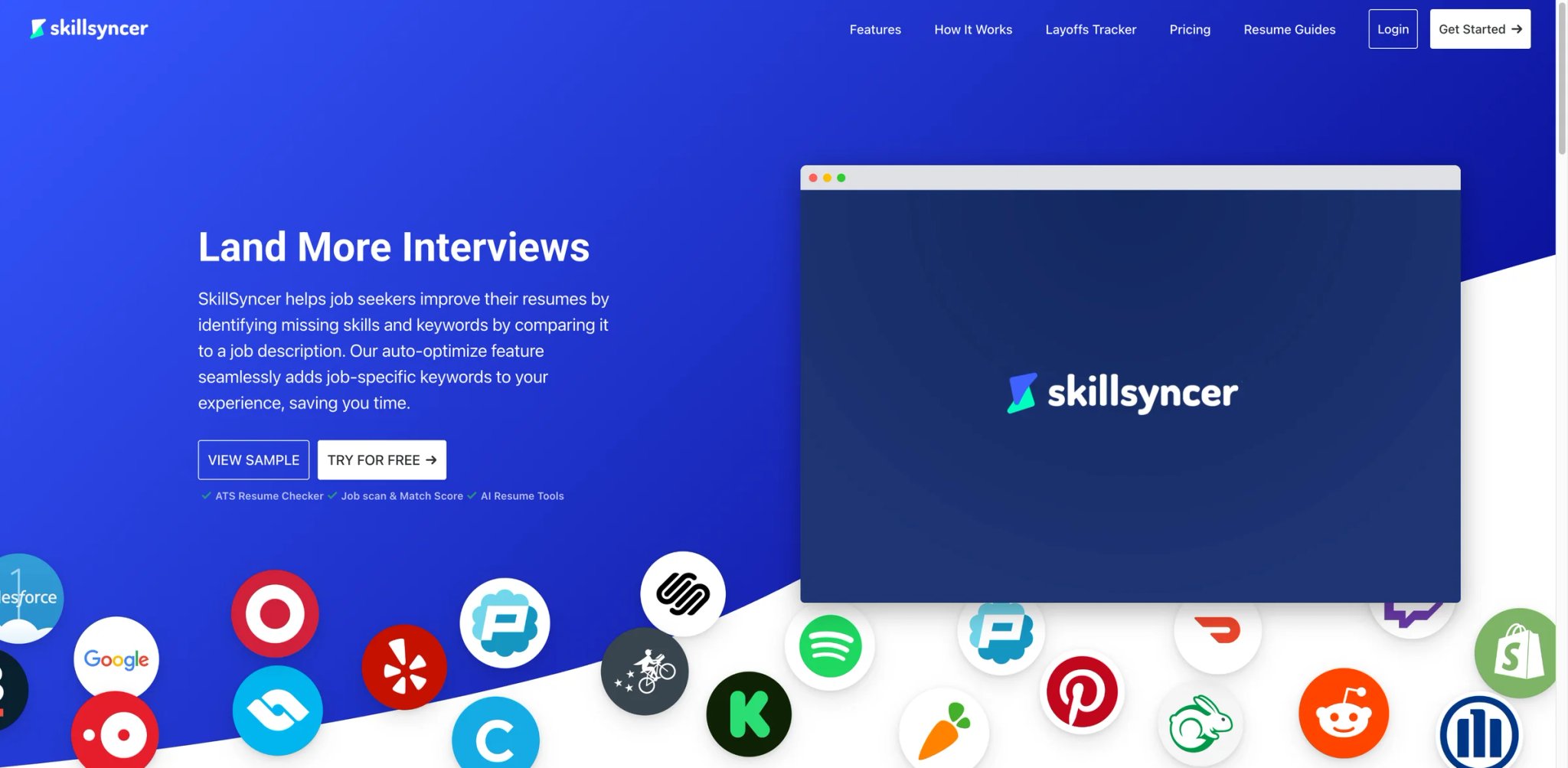
At $14.95/month, SkillSyncer's core strength is transparent ATS keyword alignment — it shows you exactly which keywords from a job description are present in your resume and which are missing, with a clear visual comparison. The gap analysis is more actionable than competitors' vague "match scores." The limitation is scope: SkillSyncer focuses mainly on ATS keyword optimization and doesn't offer auto-apply or autofill, while its tracking tools are much lighter than full job-search platforms. Treat it as a specialist tool you use alongside a broader platform.
Get started with SkillSyncer
JobHire.AI

JobHire.AI offers aggressive auto-apply with AI-tailored resumes and cover letters for each submission. Early user reports suggest the matching algorithm surfaces relevant US-based roles effectively. The two concerns: pricing isn't publicly listed (you need to create an account to see costs), and coverage is US-only. For international job seekers or anyone who values pricing transparency before committing, these are significant drawbacks that limit recommendation confidence.
Get started with JobHire.AI
Sprout
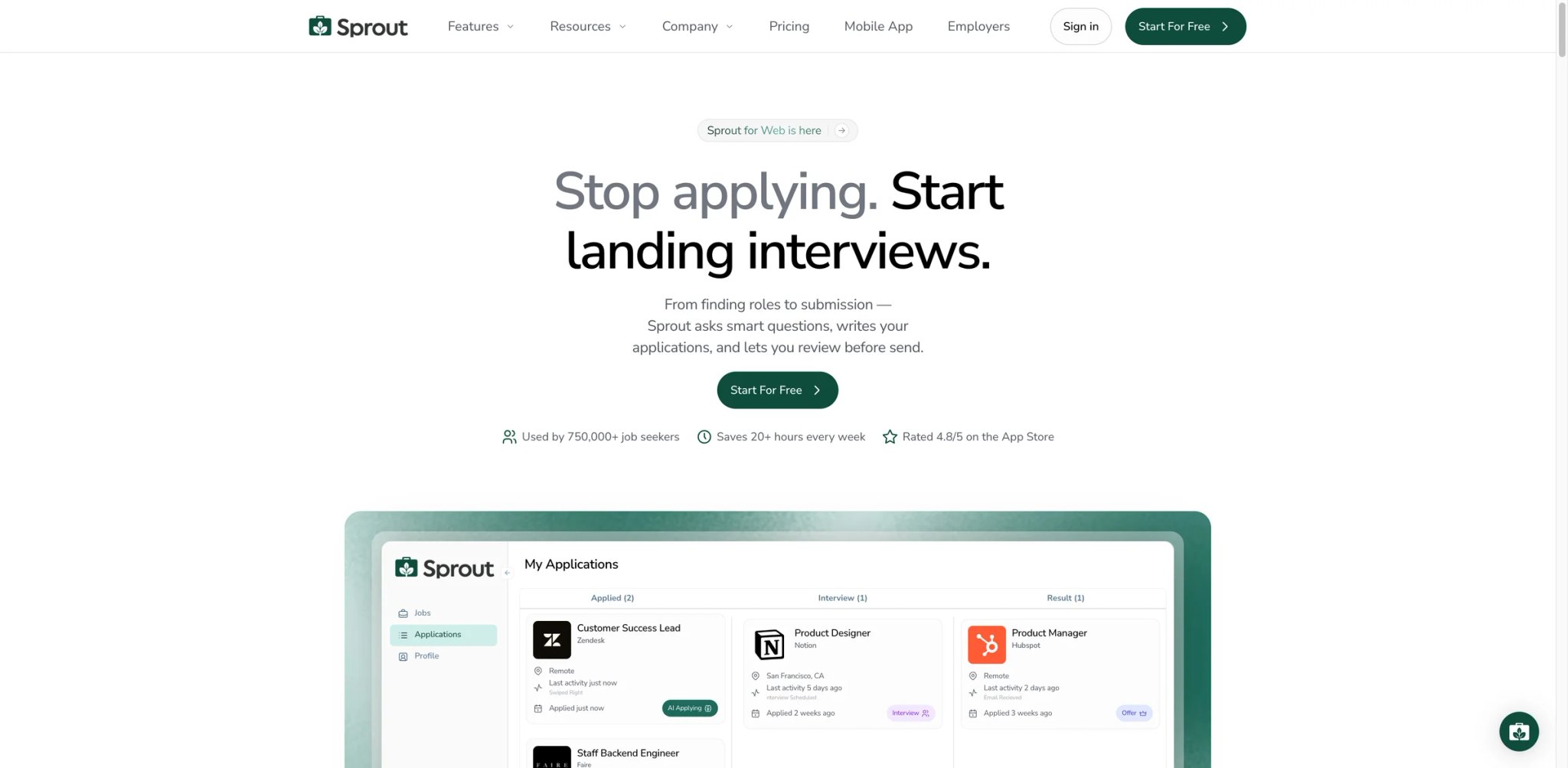
Sprout (usesprout.com) combines auto-apply with a mobile app — one of the few tools in this category that doesn't require a desktop browser to manage your job search. Pricing starts at $19.99/week, and higher tiers climb well beyond that, so the cost can escalate quickly for high-volume users. Public feedback is sparse and mostly from official channels, making independent validation difficult. The mobile-first approach is genuinely useful, but the pricing and limited third-party reviews warrant caution.
Get started with Sprout
Best AI Job Application Tools by Use Case
Best Free Option: Simplify The free tier covers autofill and application tracking without requiring payment — genuinely usable, not a demo. EarnBetter is the alternative if you need free AI-generated resume content rather than form-filling.
Best for High-Volume Auto-Apply: JobCopilot Covers the most platforms and runs daily application cycles autonomously. Accept the trade-off: volume comes with quality risks (scam exposure, resume fabrication). LoopCV is the alternative for European job markets.
Best for Organized Job Tracking: Teal The Kanban tracker with ATS match scoring provides the clearest visibility into a complex, multi-stage job search. Huntr is the lower-risk alternative with a cleaner track record on billing.
Best for Resume ATS Optimization: Rezi Deepest ATS-specific optimization with a lifetime plan that pays for itself over multiple job searches. Kickresume is the budget alternative at $8/month with broader template variety.
Best for Career Changers: Careerflow The combination of LinkedIn optimization, networking CRM, and resume tools addresses the unique challenges of pivoting industries — where who you know matters as much as what your resume says.
How to Choose the Right AI Job Application Tool
Step 1: Define your primary need. Auto-apply tools (JobCopilot, LoopCV, AIApply) optimize for volume. Trackers (Teal, Huntr, Careerflow) optimize for organization. Resume builders (Rezi, Kickresume, EarnBetter) optimize for document quality. Most job seekers need one from each category, not one tool that does everything poorly.
Step 2: Calculate the real monthly cost. Weekly billing ($8.90–$19.99/week) translates to $38–$87/month. Credit-based add-ons (AIApply's auto-apply credits) can multiply the base price. Credit expiration (Kickresume) penalizes irregular usage. Always multiply weekly prices by 4.3 to see the actual monthly cost before committing.
Step 3: Test free tiers with real applications. Submit 5–10 actual applications using a tool's free tier before paying. Check: Did the autofill populate correctly? Did the AI resume need heavy editing? Were the suggested jobs relevant and current, or stale and generic? If auto-apply is the feature you care about, verify it works beyond LinkedIn Easy Apply.
Step 4: Audit AI-generated content carefully. Every AI resume tool in this roundup has documented cases of content fabrication — inventing job titles, skills, or experience the user never had. Always review AI output line by line before submitting. A fabricated credential discovered during a background check is worse than a generic resume.
Step 5: Check billing complaint patterns. Search "[Tool Name] billing" on Reddit and Trustpilot before entering payment information. Tools with consistent cancellation difficulties (Jobright, Teal) or duplicate charge reports (JobCopilot) require extra vigilance — use a virtual credit card or prepaid card if available.
Step 6: Match the tool to your job market. US-only tools (Jobright, JobHire.AI) are useless for international searches. European job seekers benefit from LoopCV's regional board coverage. Remote-first job seekers should verify that auto-apply tools target remote listings specifically, not just roles in a geographic area. Supplement any tool with an AI assistant for crafting personalized outreach messages to hiring managers.
Frequently Asked Questions
Do AI auto-apply tools actually get you interviews?
Are AI-generated resumes safe to use?
Why do so many AI job application tools use weekly billing?
Can ATS optimization tools guarantee my resume passes automated screening?
Is it worth paying for auto-apply when I can apply manually?
What's the difference between autofill and auto-apply?
How do I avoid scam jobs when using auto-apply tools?
Should I use multiple AI job application tools simultaneously?
Get ToolWorthy Weekly
New AI tools, practical guides, and selected AI signals in one weekly brief.
Related Posts
- 10 Best AIApply Alternatives 2026 - Safer Auto-Apply Tools
Compare AIApply alternatives for predictable pricing, fewer wrong-fit applications, safer recruiter visibility, resume quality, and auto-apply control.
- 10 Best AI Resume Builders 2026 - Tested for ATS & Pricing
Expert-tested comparison of 10 AI resume builders (free and paid). Pass ATS, create interview-ready resumes with templates from $0-$49/mo. For students to executives.
For AI tool founders
Built a tool that belongs in this decision set?
Request an editorial evaluation for possible inclusion in ToolWorthy.
Submit your tool for reviewPaid submission does not guarantee a ranking, recommendation, inclusion, or editorial outcome.