
11 Best AI Music Video Generators 2026 — Tested for Social Releases & Beat Sync
11 AI music video generators tested for beat sync, commercial rights, and real 2026 pricing — from bedroom producers to full 4K music video teams.

On this page
Two things happened to the AI music video category in the past 12 months. First, beat-sync and lyric-sync stopped being a novelty and became a baseline — if a tool can't line visuals up with downbeats and lyrics by default, it no longer reads as an AI music video generator. Second, the price ladder split wide open: you can now start with free or sub-$10 entry plans, while higher-control production tools climb into premium paid tiers, and the workflow gap is much bigger than the sticker price alone suggests.
We tested 30+ tools across native music video platforms, audio-reactive visualizer tools, and cinematic AI video studios that added a dedicated "audio-to-video" mode. The 11 below are the ones that actually do what the landing page claims, have transparent pricing, and explicitly cover commercial usage rights for the output (the quiet but critical question most comparison posts skip). Every tool is flagged with who it's built for, the price trap you'd only notice after the first render, and the specific workflow it replaces.
| Tool | Best For |
|---|---|
| Neural Frames | 4K frame-level production with 8-stem audio reactivity |
| LyricEdits | Lyric videos in 90+ languages with clean 4K export |
| Rotor Videos | Releasing singles without committing to a subscription |
| freebeat.ai | Cheap entry for TikTok, Reels, and Shorts creators |
| Musid | Lip-sync and stem-aware visuals for music-native output |
| Plazmapunk | Lowest paid tier with an explicit commercial license |
| LTX Studio | Cinematic audio-to-video inside a real timeline editor |
| Revid.ai | Paste a track and get social-ready beat-synced visuals |
| Mootion | Lyric sync inside a broader multi-modal AI video workspace |
| Vibesdrop | All-in-one AI music video with multi-platform export |
| Crreo | Long-form AI music videos up to 15 minutes |
How We Selected and Tested
We started from a pool of 31 candidates pulled from Product Hunt, r/WeAreTheMusicMakers, TikTok creator communities, and published AI video roundups. We dropped tools that were really lyric-caption editors (Kapwing, VEED, Adobe Express, CapCut) because they don't generate AI visuals from audio, tools that were pure waveform visualizers without generative imagery, and tools whose pricing pages were too thin to cross-verify commercial rights. What remained went through feature review, pricing cross-check, and license page reading.
Our research combined vendor documentation, pricing pages, commercial license terms, and feedback from Trustpilot, Capterra, and App Store reviews (where available). For tools with thin public feedback — most of this category is under two years old — we applied a user-feedback penalty rather than inventing ratings, and flagged it explicitly in the scoring.
Evaluation Dimensions: We evaluated each tool across 5 dimensions that map to what an independent music artist or social media creator actually decides on:
- Music-Native AI — Does the tool understand audio stems, beats, and lyrics, or is it a generic text-to-video workflow with a music landing page?
- Output Quality & Aspect Ratios — Export resolution (1080p vs 4K), aspect ratios (16:9 vs 9:16 vs 1:1), and format coverage for YouTube, Shorts, Reels, TikTok, and Spotify Canvas.
- Commercial Rights & License Clarity — Whether the license page explicitly covers commercial release on streaming platforms, ad monetization, and synchronization rights — and which tier unlocks that.
- Pricing Transparency — Published tiers, credit burn math, and whether the entry price actually gets you a usable output.
- Creator Workflow Fit — Speed from upload to export, watermark handling, and how well the output slots into a release workflow (Spotify Canvas, YouTube upload, TikTok first 3 seconds).
Note on Testing Scope: We reviewed feature pages, pricing pages, commercial license terms, and documented workflows hands-on. For output quality at scale, we relied on published reviews and community feedback from music creator forums.
Transparency & Limitations: Pricing is listed as of April 2026 from each vendor's public pricing page. Several tools in this category restructure credit systems every few months — always read the current plan page and the commercial license footnotes before subscribing annually.
Top 11 AI Music Video Generators Compared
Before the detailed reviews, here's the fast read. The columns to actually care about are Commercial Rights (because releasing a song with a non-commercial AI visual is a compliance problem) and Starting Price (because the gap between free/basic plans and premium production tiers is bigger than the sticker price alone suggests).
| Tool | Best For | Category | Output | Starting Price | Notable Trade-off |
|---|---|---|---|---|---|
| Neural Frames | 4K pro music videos | Native AI music video | 1080p on Knight; 4K on Ninja/Nirvana | Freemium; paid plans from $26/mo billed yearly | Live pricing centers on Knight/Ninja/Nirvana plus top-up packs |
| LyricEdits | Lyric videos | Native lyric video | 1080p on Creator; up to 4K at 24 FPS on Pro/Ultra | $39/mo (Creator) | 4K export starts on Pro, not Creator |
| Rotor Videos | Single releases | Native AI music video | 1080p | Free to create; credit bundles from $44.99 for 5 credits | Music videos = 3 credits, lyric videos = 4 |
| freebeat.ai | TikTok / Reels creators | Native AI music video | 720p and 1080p depending on plan | Free; paid from $4.99/week or $9.99/month | Watermark on Free; videos cap around 6 minutes |
| Musid | Lip-sync + stems | Native AI music video | 1080p clips | Free tier available; paid plans publicly listed | Commercial rights clearer on the music side than on video |
| Plazmapunk | Budget commercial | Native AI music video | Full HD on Punk | €4.99/mo (Pioneer) | Commercial license surfaces on the €12 Punk plan |
| LTX Studio | Cinematic timeline | General AI video + audio-to-video | 1080p | $15/mo (Lite) | Commercial rights begin at $35 Standard |
| Revid.ai | Beat-synced Shorts | Native AI music video | 1080p | Free to start; paid from $39/month | Named tiers (Hobby, Growth, Ultra) with credit allowances |
| Mootion | Lyric sync | General AI video + music | 1080p | $15/mo | Broader video tool, narrower music depth |
| Vibesdrop | All-in-one | Native AI music video | 1080p | $19.99/mo | Royalty-free rights baked into all tiers |
| Crreo | Long-form MVs | General long-form AI video platform | Up to 15 min | Free; paid plans from $9/mo billed annually | Free is non-commercial; paid rights are individual-license only |
Detailed Reviews
Neural Frames
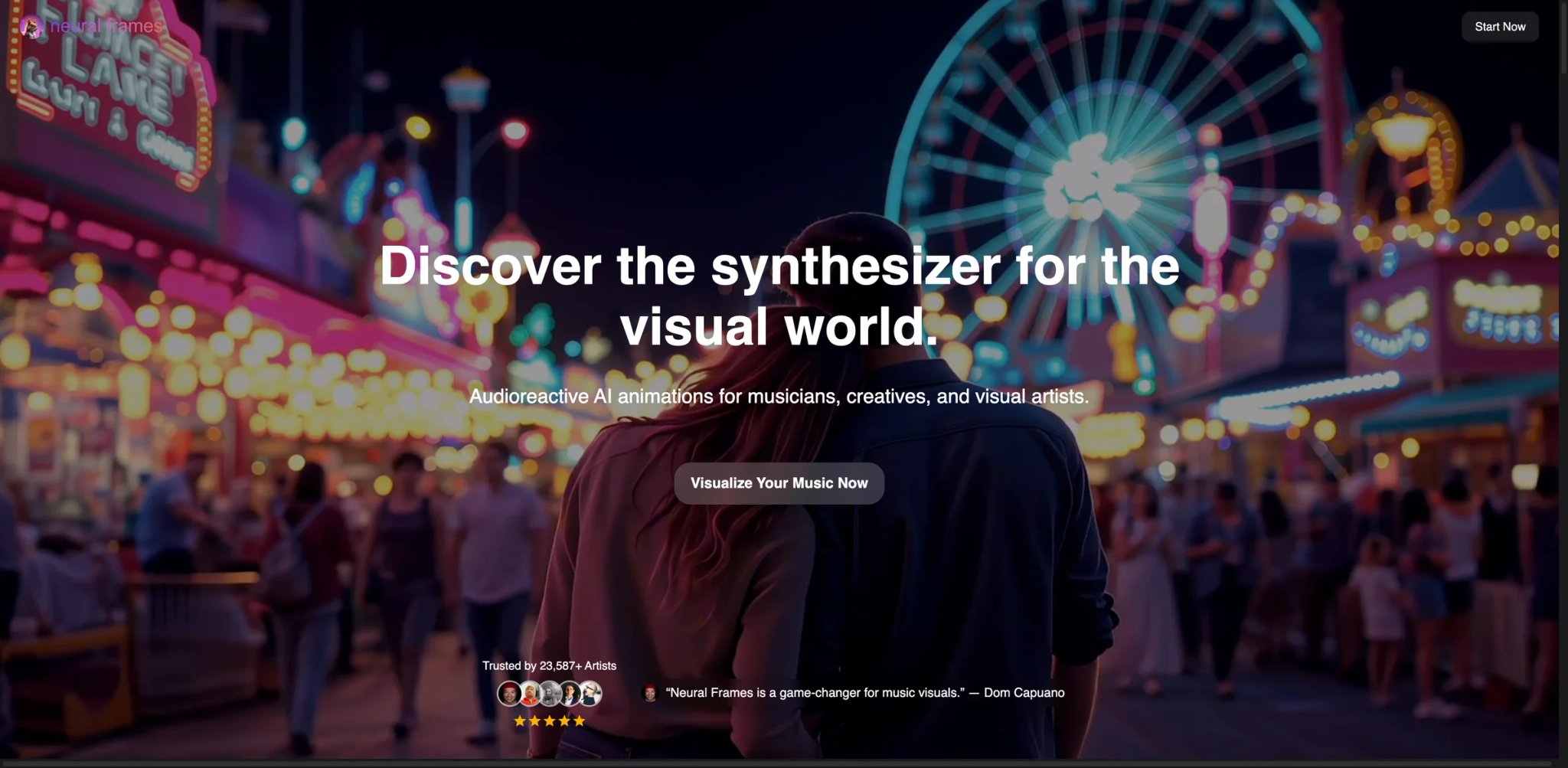
Neural Frames is the one tool on this list that feels built by people who actually make music videos. The giveaway is the 8-stem audio analysis — the AI splits your track into drums, bass, vocals, and melody stems before it picks visuals, so scenes change on the snare, not on a generic "beat every 500ms" placeholder. Pair that with a real timeline editor and 4K output, and you get something closer to a production stack than a template generator. The credit model is the only reason it isn't an automatic pick for everyone.
Key Features
- 8-stem audio-reactive generation — Rather than sync visuals to a flat beat map, Neural Frames extracts drums, bass, vocals, melody, and more and uses each stem to drive different visual layers. That's the difference between "visuals change on the kick" and "visuals that understand when the vocals come in."
- Real timeline editor with keyframes — You can set prompts at specific timestamps, pin camera moves to drops, and iterate on scene-level changes without regenerating the whole video. Most tools on this list don't offer this at all.
- 4K output with multiple aspect ratios — 16:9 for YouTube, 9:16 for Shorts/Reels/TikTok, and 1:1 for Instagram feed. Commercial rights are unlocked at the paid tiers.
- Capterra-listed with real reviews — Most of this category has zero public review presence. Neural Frames shows up on Capterra with actual feedback, which is rare for tools this young.
Pricing & Plans
As of April 2026, Neural Frames publicly surfaces a freemium entry plus these paid plans on its pricing page:
- Neural Knight: $26/month billed yearly — 2,400 credits, 7 AI models, stem extraction, audioreactive effects, 1080p upscaling, no 4K
- Neural Ninja: $66/month billed yearly — 7,200 credits, 10 AI models, stem extraction, audioreactive effects, 1080p + 4K upscaling
- Neural Nirvana: $199/month billed yearly — 24,000 credits, 10 AI models, stem extraction, audioreactive effects, 1080p + 4K upscaling, priority upscaling
- Top-up credits: 600/$15, 1,800/$40, 6,000/$99, 20,000/$299, 75,000/$999
- Free version: Limited-time testing available
- Refunds: Requests are manually reviewed and are not guaranteed
Cost reality: Knight's 2,400 credits fit a monthly release cadence; 4K upscaling only unlocks on Ninja and above, so if hero-quality 4K is the goal, plan for $66/month. The older $299/month Nirvana figure now maps to a 20,000-credit top-up pack rather than a monthly tier. Note that Neural Frames removes remaining credits when you downgrade or cancel.
Limitations
- Credit burn scales with resolution: 4K renders cost meaningfully more credits than 1080p. First-time users often run out mid-month and don't realize why.
- Steeper learning curve than one-click tools: The timeline editor is a real production tool, which means a first-time creator has to learn it before getting a good output. Budget a weekend.
- No pure "upload + get video" mode: Every output benefits from at least some prompt engineering. If you want truly hands-off generation, Rotor or Plazmapunk fit that workflow better.
Best For
Independent artists, music video directors, and serious creators who treat the visual as part of the release rather than a throwaway. Also a fit for content teams producing branded music visuals at volume where frame-level control matters.
Not the right fit if you want a single click from upload to published video, or if you're making your first music video and need the fastest possible path to a Spotify Canvas (Rotor Videos or Plazmapunk are faster).
Get started with Neural Frames
LyricEdits
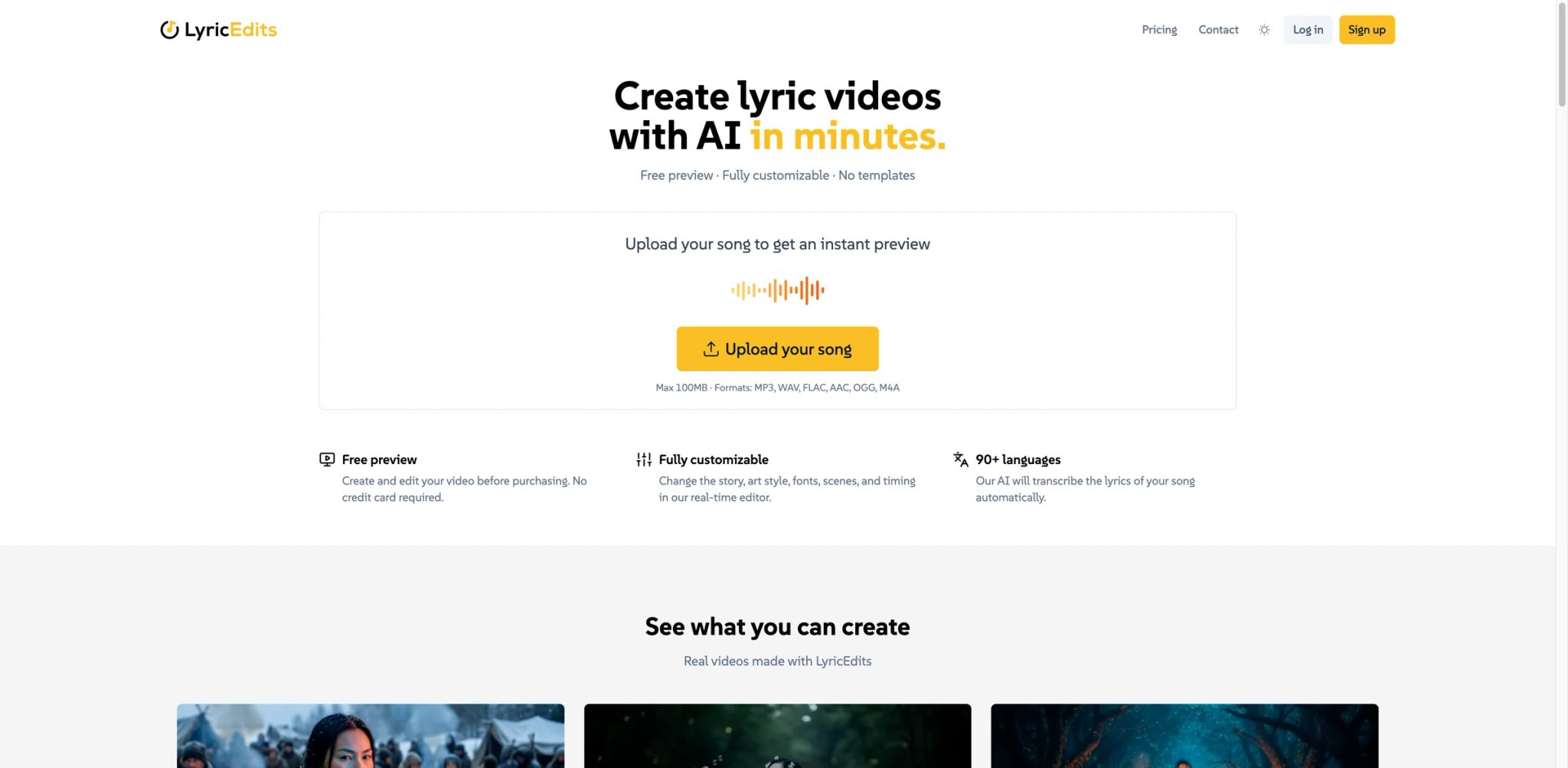
LyricEdits focuses on one job — turning an audio file into a polished lyric video — and does it better than the generalists. The pitch is boring and compelling: upload your song, LyricEdits auto-transcribes the lyrics in 90+ languages, and exports at 4K/24 FPS with commercial use included. For artists releasing in non-English markets, the language coverage is the reason to pick it; even English-only creators use it because the lyric timing is more accurate than the competition.
Key Features
- Auto lyric transcription in 90+ languages — Upload the audio and LyricEdits handles the transcription and timing. Most competitors require you to paste lyrics manually or correct messy auto-transcribed output line by line.
- Tier-dependent export resolution — Creator exports at 1080p/24 FPS, while Pro and Ultra unlock up to 4K/24 FPS. That distinction matters if you're comparing entry-tier value rather than maximum capability.
- Free preview before paying — Upload your song, see a preview, and only pay if you like it. Standard across this category but worth calling out because some competitors don't.
- Real-time editor with watermark-free exports — Adjust scene timing, typography, and visuals in the editor before export. Paid tiers remove watermarks entirely.
Pricing & Plans
- Creator: $39/month — 2,000 credits/month, 1080p at 24 FPS, commercial use, watermark-free exports, unlimited exports
- Pro: $99/month — 6,000 credits/month, up to 4K at 24 FPS, commercial use, watermark-free exports, unlimited exports
- Ultra: $149/month — 10,000 credits/month, up to 4K at 24 FPS, commercial use, watermark-free exports, unlimited exports
- One-time credits: 500/$15, 1,000/$25, 2,500/$50, 5,000/$90, 10,000/$170, 20,000/$330, 50,000/$800
- Free preview: Upload a song and preview before paying
Cost reality: Creator gives you commercial rights and watermark-free exports at 1080p — 4K only unlocks on Pro ($99) and Ultra ($149). For artists who release 3–4 singles a year, the one-time credit packs remain the quietly better value over any subscription.
Limitations
- Lyric video only: Not a general music video tool. If you want abstract AI visuals without lyrics, LyricEdits is the wrong pick.
- Credit math is opaque until you render: The credit cost per video depends on length and resolution, and LyricEdits doesn't show the cost upfront in every flow. Test with the free preview before committing.
- UI is editor-first: You're not dropping a song and walking away. Expect to spend 10–20 minutes per video fine-tuning the output.
Best For
Singer-songwriters, independent labels releasing non-English music, and YouTube music channels where lyric videos are the primary visual format. The language coverage is genuinely hard to match.
Not the right fit if you want generative AI visuals without lyrics, or if your workflow is fully hands-off.
Get started with LyricEdits

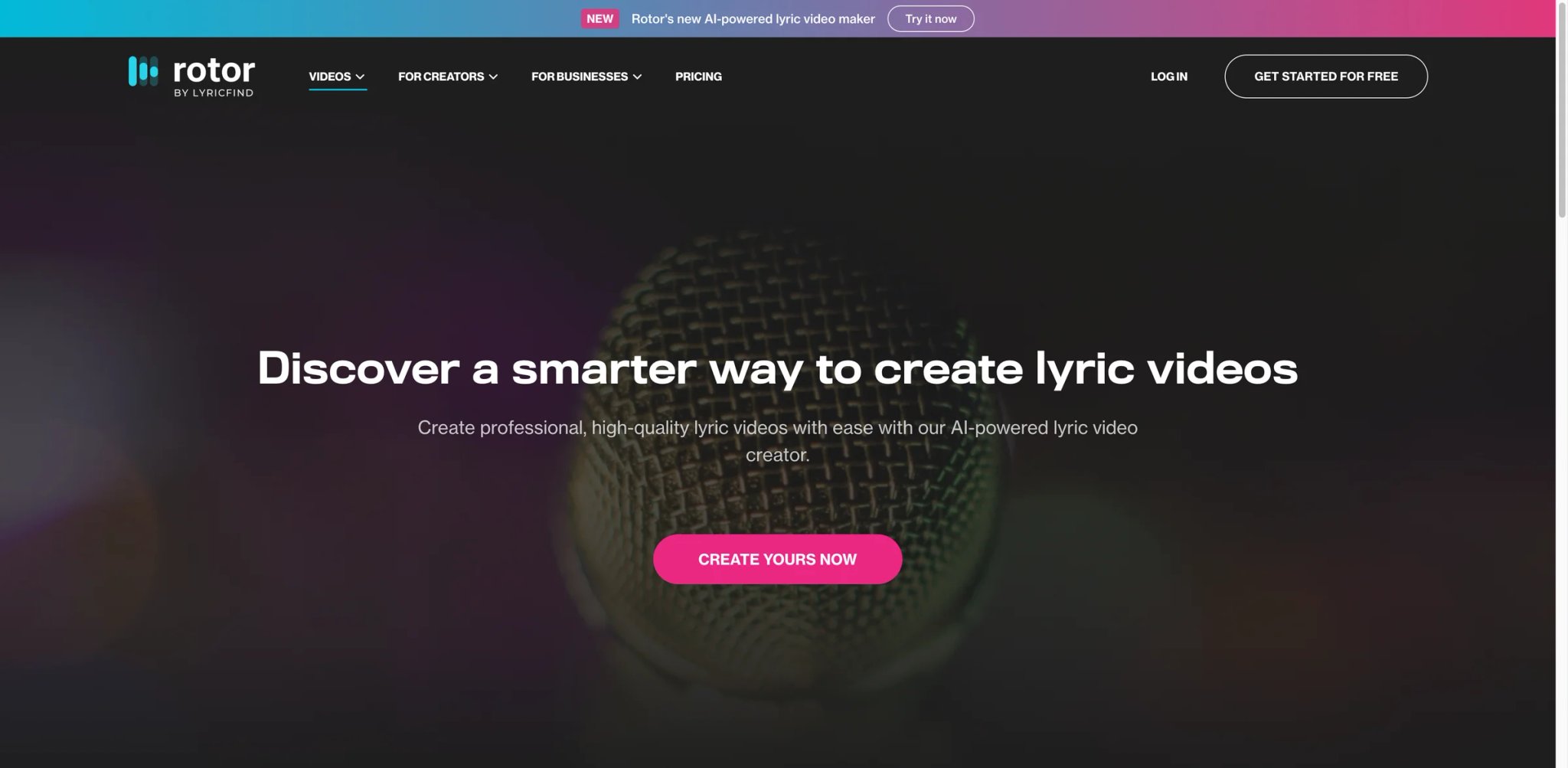
Rotor is the tool most artists default to when they realize they don't want a monthly subscription for something they use 4 times a year. The pay-per-credit model is the distinguishing move: buy 5 credits for $44.99, make 5 videos, done. No rolling charges, no "oops I forgot to cancel," no pressure to use-it-or-lose-it. For independent artists releasing singles or EPs, that pricing philosophy matches the release calendar exactly.
Key Features
- Pay-per-credit with bundles — No subscription required. Single credits run ~$9, bundles drop to $6/credit at the 50-credit tier. Credits never expire.
- Output types priced by cost — Spotify Canvas = 1 credit, Apple Music Album Art Video = 2 credits, full Music Video = 3 credits, Lyric Video = 4 credits. You only pay for what you actually need.
- DIY subscription alternative — If you do publish regularly, the $19/month DIY plan gives you 5 long videos and unlimited 30-second videos, which is cheaper than most competitors' entry tiers.
- Clean upload-to-video flow — Paste a link, pick a style, render. The UX is the most frictionless on this list for single releases.
Pricing & Plans
Rotor's current public pricing page is built around free creation + paid downloads, not a subscription:
- Create for free: Build the video, only pay when you download
- 5-credit bundle: $44.99
- 10-credit bundle: $79.99
- 50-credit bundle: $299.99
- Credits do not expire
Current credit costs on the official pricing and help pages:
- 1 credit: Spotify Canvas / short music videos (1 minute or less)
- 2 credits: Apple Music Album Motion / Album Artwork Videos
- 3 credits: Music Videos (up to 10 minutes)
- 4 credits: AI Lyric Videos
- Premium content: +1 additional credit
Cost reality: A 10-credit bundle gets you ~3 full music videos (3 credits each) with change left over for a Spotify Canvas — that's roughly $24 per finished music video. No subscription lock-in, credits never expire, and you only pay per download.
Limitations
- 1080p output ceiling: No 4K. Fine for Spotify Canvas, Shorts, and Reels, tight for YouTube music videos that want to hit the 4K upload tier.
- Credit math matters more than sticker price: A music video costs 3 credits, so the "starts at $5.99/credit" framing understates real cost per finished video. A full music video on a 10-credit bundle is effectively $24.
- Trustpilot reviews are mixed: Not uniformly positive. Read recent reviews for the specific video type you plan to generate before committing to a bundle.
Best For
Independent artists releasing singles or EPs a few times a year, bedroom producers who only need a music video when they have a new track, and anyone who explicitly hates recurring subscriptions.
Not the right fit if you publish music videos weekly (the subscription math tilts against Rotor fast), or if 4K output is a must-have.
Get started with Rotor Videos

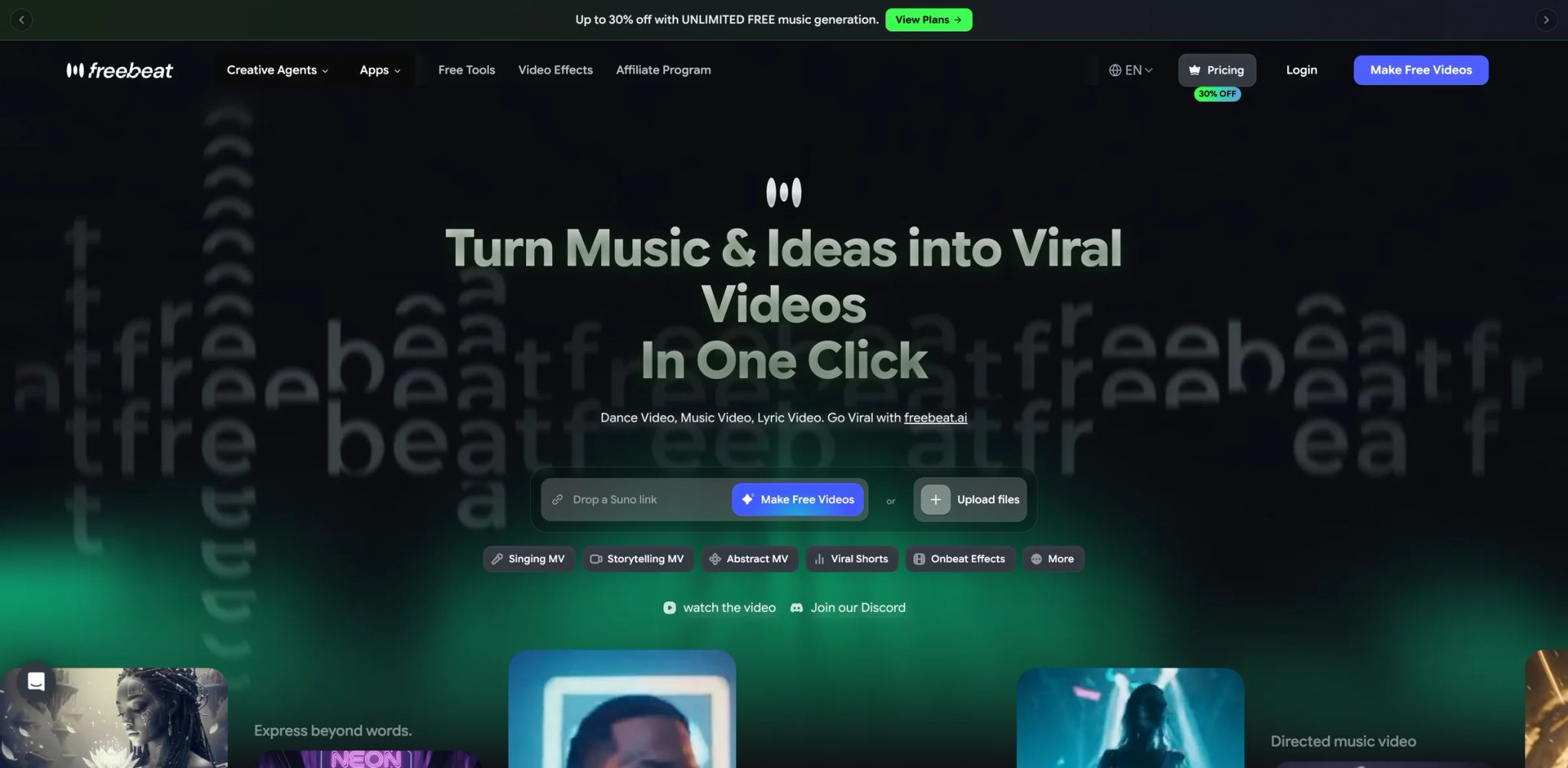
freebeat.ai positions itself as the cheap entry point for social media creators — TikTok, Reels, and Shorts — and the pricing reflects it. Free tier, $4.99/week for light usage, $9.99/month for regular creators. The catch is the credit system and the 6-minute ceiling: freebeat is built for short-form social content, not full 4K music videos. For creators whose workflow is "turn this 30-second clip into a beat-synced visual by tonight," it's the fastest and cheapest option that takes commercial rights seriously on paid tiers.
Key Features
- Spotify, YouTube, TikTok import — Paste a link from any major platform and freebeat pulls the audio. No manual export step.
- Lyric video, dance video, and music video modes — Three distinct generation paths from the same input, so you can ship the same song as a lyric video on TikTok and a dance video on Reels without re-uploading.
- Free tier is actually usable — 500 credits, 30-second max videos, Fast Model access. Enough to test whether the tool fits your workflow before paying.
- Beat-synced generation out of the box — The auto-sync is the reason creators pick freebeat over generic AI video tools. Short-form content lives or dies on whether the visual hits the drop.
Pricing & Plans
- Free: $0 — 500 credits, Fast Model, 30-second max, watermarked
- Basic: $4.99/week — 1,990 weekly credits, Fast + Advanced Models, 6-minute max
- Standard: $9.99/month — 3,000 monthly credits, unlimited concurrent projects, watermark-free exports
- Pro: $24.99/month — 10,000 monthly credits, all premium models, 1080p output
Cost reality: Standard at $9.99/mo is the sweet spot for most social media creators — watermark-free, unlimited projects, 3,000 credits covers about 10–15 short videos. Free tier is usable for testing but the 30-second cap and watermark rule it out for publishing.
Limitations
- 6-minute ceiling on all plans: Full-length music videos aren't the use case. For a 4-minute song that's fine; for extended mixes or long-form content, look at Crreo.
- Watermark on Free tier: Expected but worth noting — you can't publish from the free plan without paying.
- Credit burn on Advanced Model is faster: The better output model consumes more credits. Budget accordingly if your standard workflow uses Advanced.
Best For
TikTok, Reels, and YouTube Shorts creators producing short-form music-driven content on a budget, and indie artists who want a quick visual for a single before release without a monthly commitment above $10.
Not the right fit if you need 4K output, videos longer than 6 minutes, or frame-level editing control. For broader AI video tool options outside music workflows, see our roundup of best AI video generators.
Get started with freebeat.ai
Musid
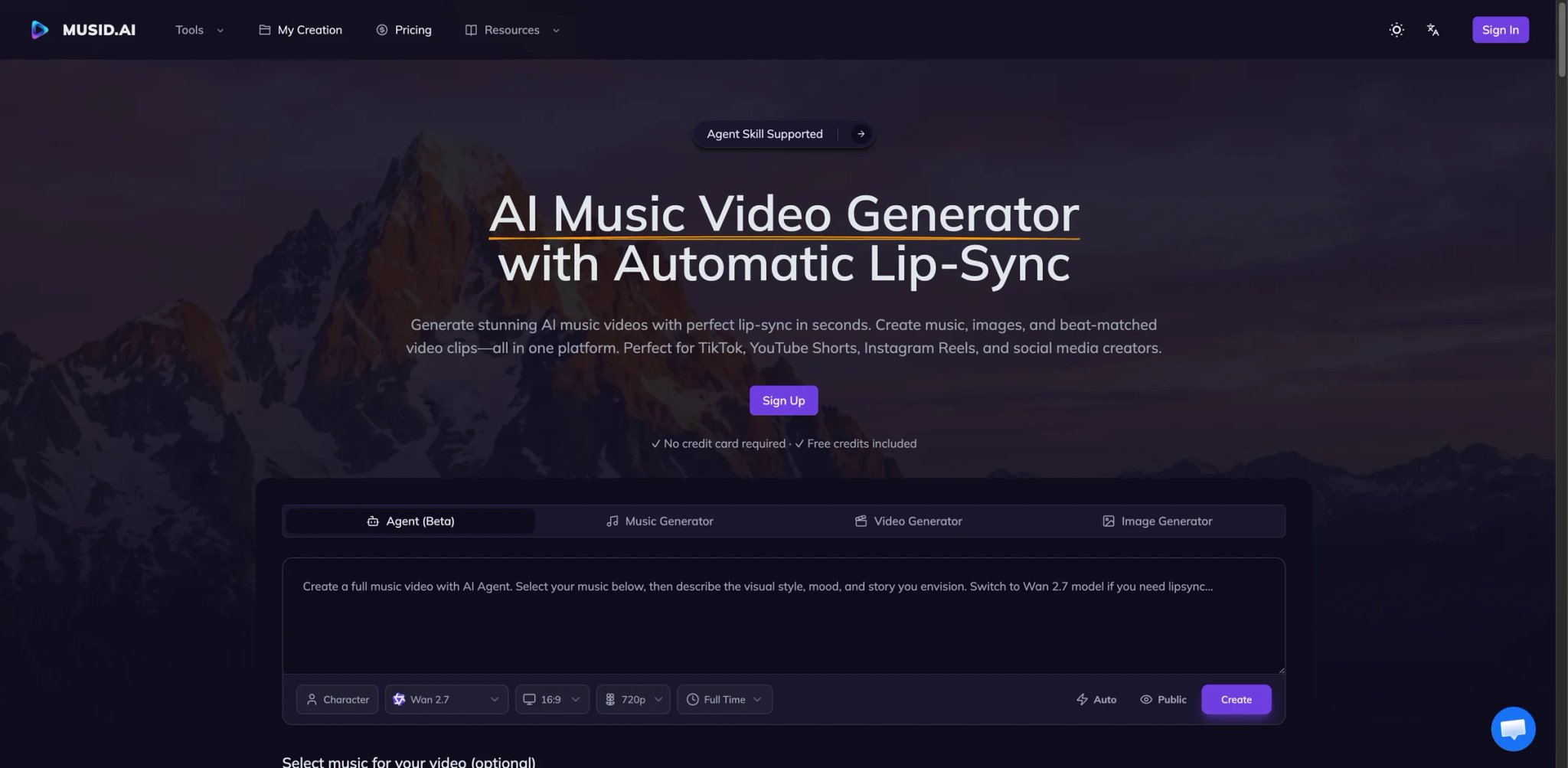
Musid's differentiating move is lip-sync. Most tools on this list handle beat sync and lyric sync competently; Musid is one of the few that actually attempts to match generated characters' mouths to vocals, which is the difference between a visual that feels AI-generated and one that reads as a real music video. Combined with stem-aware visual generation, it's the most music-native tool on the list — built by people who understand that music videos are about the audio, not just the visuals around it.
Key Features
- Lip-sync generation for vocal tracks — Characters generated in Musid can have their mouths matched to vocals, which is rare in AI music video tools. Not every prompt produces this cleanly, but when it works, the result is a tier above competitors.
- Beat and stem sync — Visuals react to drums, bass, and vocals separately, similar to Neural Frames' 8-stem approach but at a more approachable complexity level.
- Free tier with core features — Test the core music-native workflow before committing.
- Commercial rights clarity on the music side — Musid's help pages address commercial release explicitly, which is more than most competitors in this category do.
Pricing & Plans
Musid now publishes pricing directly on its site rather than hiding it behind sign-in:
- Free: $0 — 10 credits, up to 2 music tracks, up to 2 images, 1 parallel task
- Lite: $15/month (or $12/month on annual) — 300 credits/month, up to 180 seconds of video/month, up to 75 images/month, up to 75 music tracks/month
- Pro: $29/month (or $14.50/month on annual) — 800 credits/month, up to 480 seconds of video/month, up to 200 images/month, up to 200 music tracks/month, priority processing
- Add-on credits: Available separately
Cost reality: Lite's 180 seconds per month covers 1–2 short music video drops; Pro's 480 seconds fits a monthly release cadence with buffer. The real caveat is that the commercial-rights language is clearer on the music side than on the video side, so read the current terms before a commercial release.
Limitations
- Commercial-rights language is music-side first: The license terms are clearer on the generated music track than on the generated video output. Read the live terms page before a commercial release.
- Lip-sync quality varies by style: Abstract and stylized generations work better than photorealistic human subjects. Plan the video style around what Musid is good at.
- Smaller community footprint: Fewer tutorials, fewer public review samples, and fewer community presets than Neural Frames or Rotor.
Best For
Artists who specifically want lip-sync in their AI music videos — especially hip-hop and vocal-forward genres where the visual has to read as someone actually performing — and creators who want stem-aware generation without Neural Frames' learning curve.
Not the right fit if you need transparent upfront pricing or if lip-sync isn't a priority. For standalone AI music generation before creating visuals, see our best AI music generators comparison.
Get started with Musid

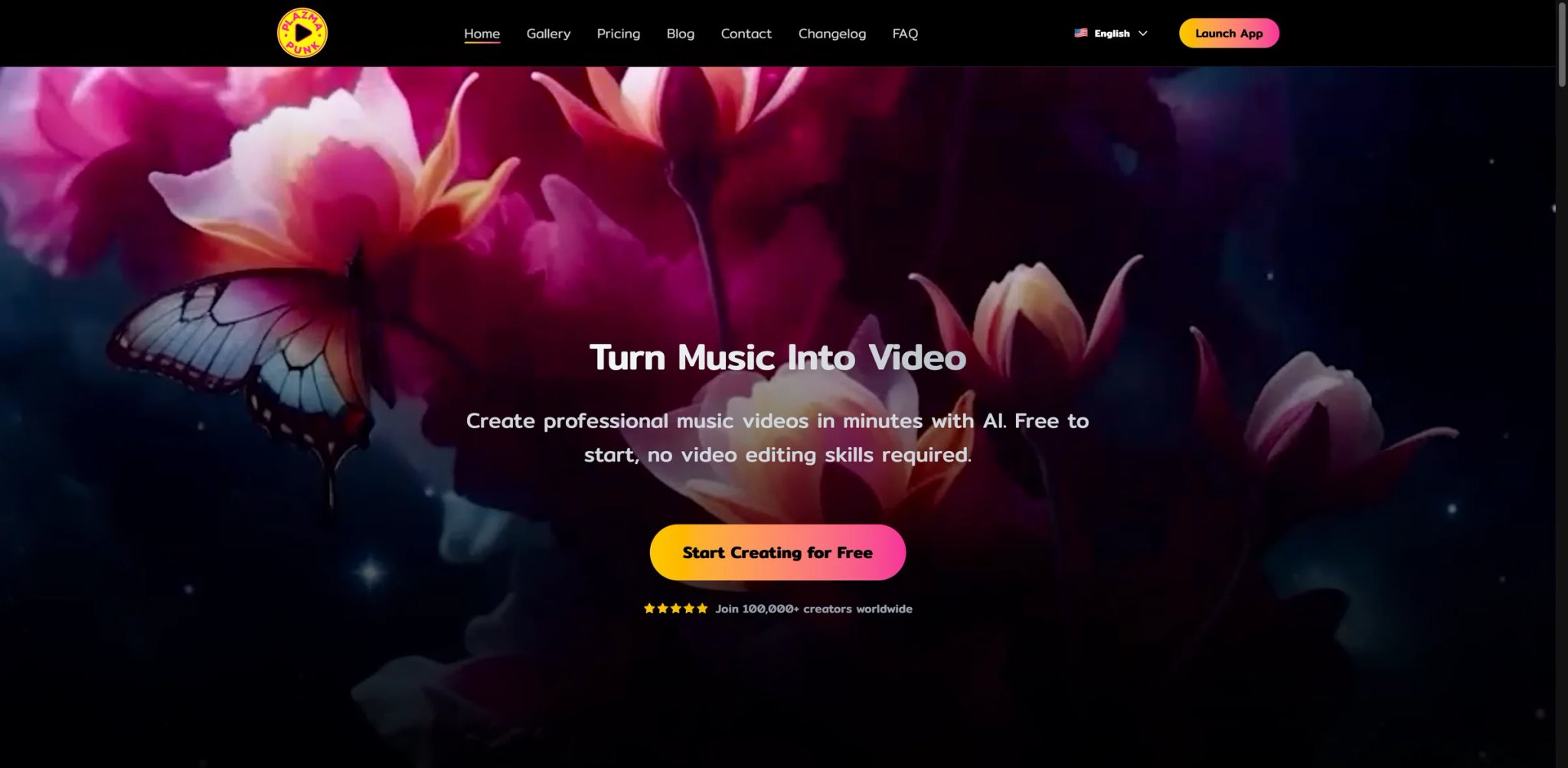
Plazmapunk is the cheapest tool on this list that has an explicit, upfront commercial license. For €12/month (Punk), you get daily video credits, HD upscaling, multiple aspect ratios, and — critically — a written commercial license you can point your distributor at. Most competitors in this price range either bury the license terms or require you to dig through a FAQ to find them. Plazmapunk writes it on the pricing page, which for independent artists releasing on Spotify or Apple Music is the reason to pick it.
Key Features
- Upload a song, pick a style, generate — The simplest workflow on this list. No prompt engineering, no timeline, no credit-burn math beyond "600 seconds of video per month."
- Explicit commercial license on Punk — The €12 tier spells out that you can use generated videos commercially on streaming platforms, for ads, and in paid content. This clarity is genuinely rare in the category.
- Full HD upscaling and watermark removal — Punk unlocks Full HD export and removes the Free tier watermark.
- Multiple style models — Uses Stable Diffusion XL, Kandinsky 2.2, and others on paid tiers, so style variety is broader than tools locked to a single model.
Pricing & Plans
Plazmapunk's current public plan names:
- Free: €0 — watermarked testing
- Pioneer: €4.99/month — custom music upload, 100 seconds of video credits per day, all aspect ratios, full scene editor, watermark removal
- Punk: €12/month — everything in Pioneer, plus 300 credits per day, Full HD upscaling, Story Director, credit refills, all premium visual styles, commercial license surfaced on the pricing page
- Producer: €79.99/month — highest self-serve tier
- No free trial, but the free tier itself is usable for testing
Cost reality: Punk at €12/mo (~$13) is the cheapest commercial-rights tier in this entire category. 300 credits per day is enough for active testing across a monthly release cadence; daily content factories may still outgrow it.
Limitations
- 300-credit daily cap on Punk: Fine for monthly releases, tight for daily content creators pushing high volume.
- Less control than Neural Frames or LTX Studio: Plazmapunk is optimized for speed and simplicity, which means less frame-level editing if you want something specific.
- No 4K: Full HD upscaling is as high as it goes. YouTube music video purists who want 4K upload tier will need Neural Frames or LyricEdits.
Best For
Independent artists releasing monthly on Spotify, Apple Music, and Bandcamp who need a commercial-licensed AI music video without burning €40/month on a bigger platform. Also strong for bedroom producers testing the category before scaling up.
Not the right fit if you need 4K, frame-level timeline editing, or more than ~4 songs' worth of video per month.
Get started with Plazmapunk

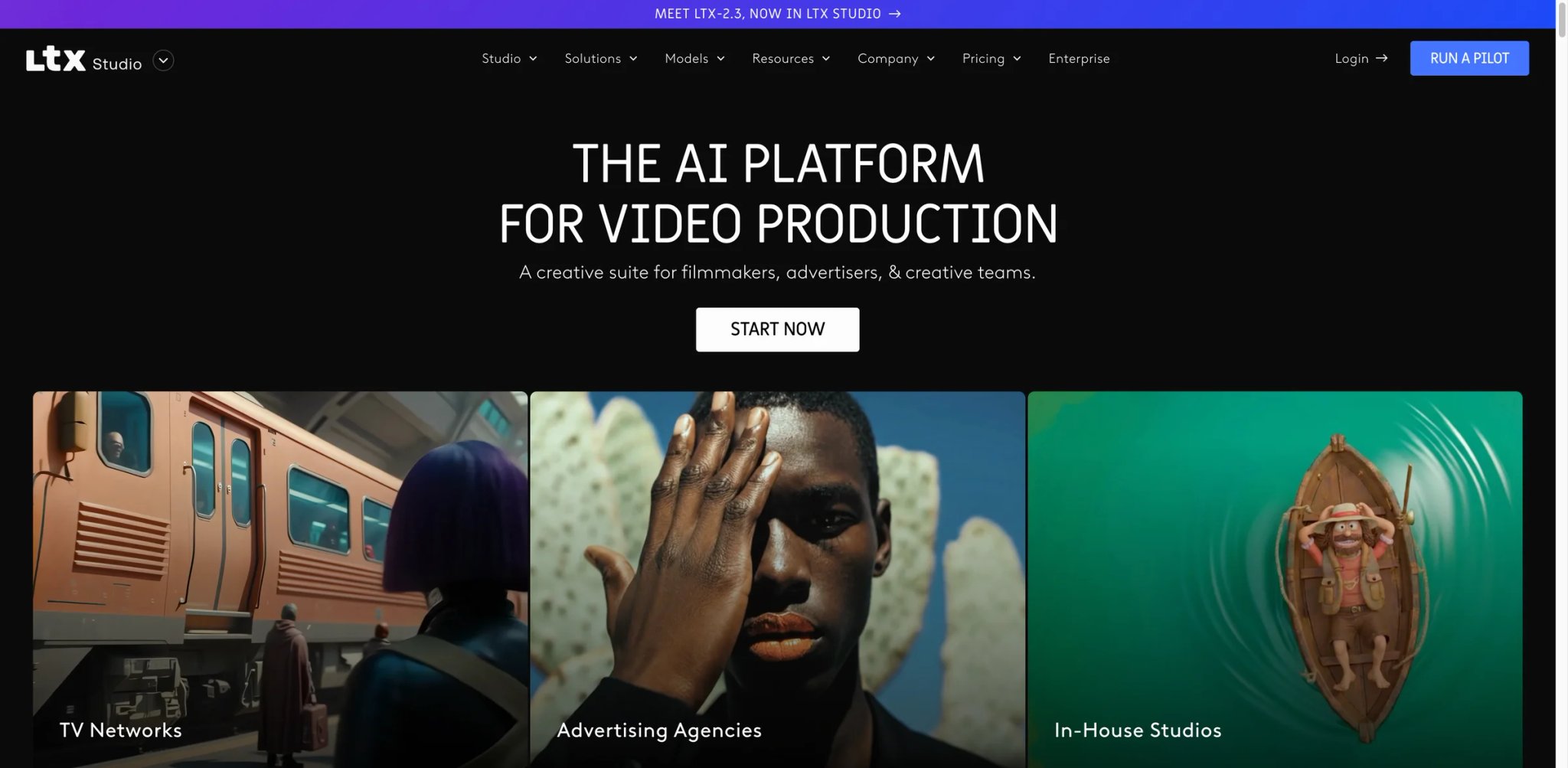
LTX Studio, built by the Lightricks team, is a general-purpose AI video platform that happens to ship a dedicated audio-to-video mode. The value isn't "music-first" — Neural Frames does that better — but "cinematic production stack with an audio mode," which is a different pitch aimed at a different user. If you already use LTX Studio for narrative video or ads and want to add music video production to the same workspace, this is the natural place. Just read the commercial rights footnote carefully: it only applies from the Standard tier up.
Key Features
- Audio-to-video mode inside a cinematic timeline — Upload a track and LTX generates scene-by-scene visuals against a real timeline you can edit. The same editor handles narrative video, ads, and music — which means one tool for multiple formats.
- Scene-level prompt control with keyframes — Similar to Neural Frames, but with a broader AI video toolkit surrounding it. Useful for creators producing both music videos and other content types.
- Veo 2 model access on Standard and above — The higher-end generation models produce noticeably better output on complex scenes. Free and Lite tiers are limited to lower-quality models.
- Real enterprise path — LTX Studio has custom infrastructure for teams, which matters if you're running music video production at agency scale.
Pricing & Plans
- Free: $0 — 800 one-time credits, audio-to-video available, personal use license only
- Lite: $15/month — 8,000 credits/month, audio-to-video generation, personal use only
- Standard: $35/month — 28,000 credits/month, commercial use license begins here, Veo 2 model, trained actors, accelerated rendering
- Pro: $125/month — 110,000 credits/month
- Enterprise: Custom pricing
Cost reality: Audio-to-video runs ~1,000 credits per 10 seconds of generated video. Lite's 8,000 credits produce ~80 seconds of audio-to-video per month — too little for even a single full track, and Lite is personal-use-only regardless. Real commercial music video use starts at Standard ($35/mo) or higher.
Limitations
- Commercial rights only at Standard and above: Lite does not include commercial use. If you plan to release music to streaming platforms, Lite is a testing tier, not a production tier.
- Audio-to-video is expensive by credit math: The math works against you if music video is your primary output. Neural Frames is cheaper at similar quality for music-first use cases.
- General-purpose UI: The cinematic editor is powerful but not specifically tuned for music video workflow. Creators looking for "fastest path to a beat-synced visual" will find Rotor or freebeat more direct.
Best For
Creators and small agencies already using LTX Studio for narrative video, ads, or branded content, who want to add music video production without adopting a second tool. Also strong for cinematic music video directors who need timeline control across longer productions.
Not the right fit if music video is your only use case (Neural Frames is cheaper and more music-native), or if you're budget-sensitive — the credit math adds up fast.
Get started with LTX Studio
Revid.ai
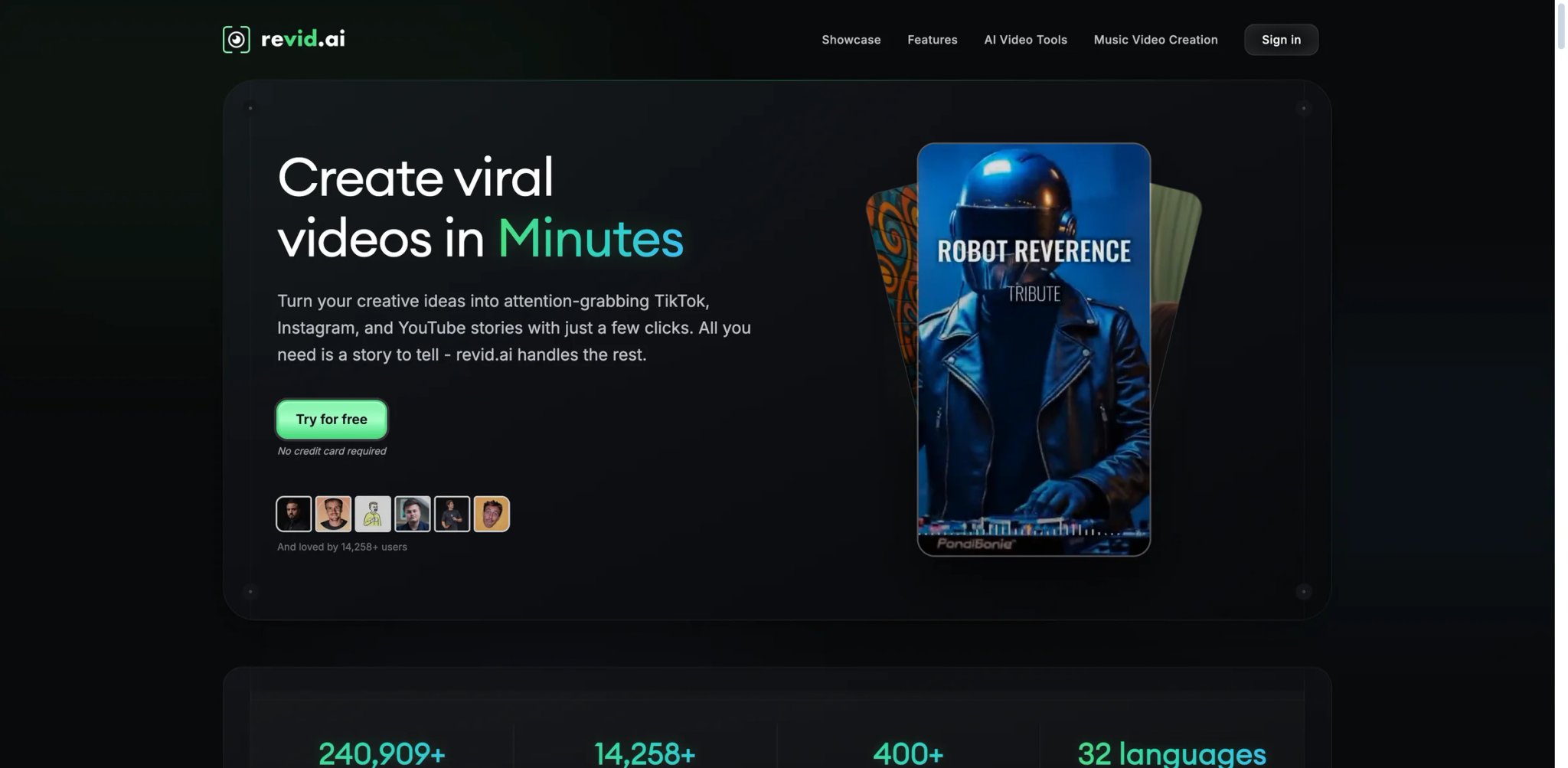
Revid.ai targets the exact workflow most TikTok and Reels creators actually run: paste a song or link, get back a beat-synced video with auto-captioned lyrics, post it. The output is tuned for short-form social more than long-form YouTube, and the generation speed is fast enough that you can test multiple styles before committing to one. The trade-off is the credit model — the $39/mo entry price is higher than most competitors in this tier, and you'll burn through the allowance faster than the plan math suggests.
Key Features
- Paste a song or link directly — Works with uploaded audio, Spotify links, YouTube links, and TikTok sound sources. Less friction than tools that demand manual audio upload.
- Automatic lyric captioning — Revid auto-generates synced lyric captions in the style TikTok and Reels creators already use. Pairs with the beat sync for a complete social-ready output.
- Vertical 9:16 as a first-class output — Optimized for short-form social, not retrofitted from a 16:9 base. That's why the output reads better than generic AI video tools in Shorts and Reels feeds.
- Fast iteration — Regeneration is quick enough to try 3–4 style variants per song, which matters when the goal is testing which visual style hits hardest for your audience.
Pricing & Plans
Revid is free to start, with named paid tiers on the live pricing page:
- Free start: No credit card required to create your first video
- Hobby: $39/month
- Growth: $39/month (displayed against a crossed-out $99/month on the live page) — 2,000 AI credits/month, commercial usage rights, 100% content ownership
- Ultra: $199/month — 12,000 AI credits/month
Cost reality: The Hobby and Growth tiers overlap in price but differ in credit allowance and features — check the live page for current limits before subscribing. Credit burn depends on regeneration frequency; creators who iterate 5 times to find the right style run out mid-month.
Limitations
- Credit model pushes the real monthly cost higher: Plan sticker price understates what active creators actually pay.
- Less depth than Neural Frames or LTX Studio: Revid is optimized for speed, not frame-level control. Directors who want detailed editing will feel the ceiling.
- Output quality is solid but not distinctive: The visuals are serviceable for social, not hero-grade for YouTube music videos.
Best For
TikTok, Reels, and Shorts creators whose primary workflow is "turn this song into a posted video as fast as possible," and growth-focused music marketers A/B testing multiple visual styles for the same track.
Not the right fit for long-form music videos, 4K output, or workflows that need frame-level editorial control.
Get started with Revid.ai
Mootion
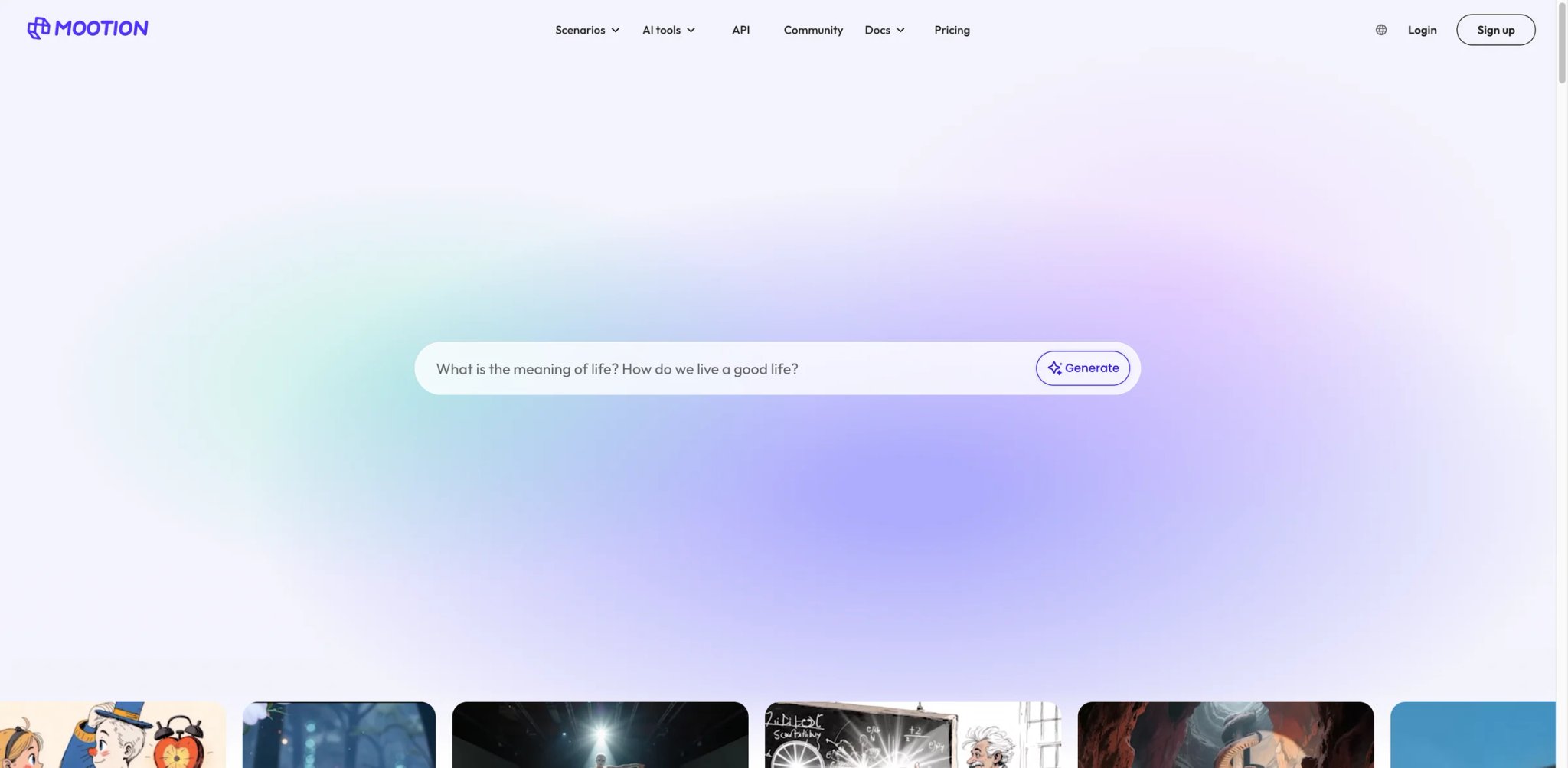
Mootion is a general AI video platform with a dedicated lyric and music video mode bolted in. That framing is a double-edged sword: you get a broader toolkit than Plazmapunk or freebeat (text-to-video, image-to-video, multi-modal editing) but less music-native depth than Neural Frames or Musid. For creators who want one workspace for both music video and non-music content, it's the natural fit — just go in expecting "good at many things" rather than "specialist in music."
Key Features
- Lyric video mode with auto-sync — Upload audio, generate lyric-synced visuals without manual timing adjustments. Comparable to LyricEdits on the lyric side but with broader tool access.
- Multi-modal generation — Text, image, and audio inputs all supported. Useful if your music video concept starts from reference imagery or a storyboard.
- Multiple aspect ratios native — 16:9, 9:16, and 1:1 supported without reworking the project. Faster than retrofitting outputs from a single aspect ratio.
- Broader AI video workflow — The music modes live inside a larger video editor, so you can iterate on non-music content in the same tool.
Pricing & Plans
- Standard: $15/month — 1,500 credits/month
- Plus: $25/month — 3,000 credits/month
- Pro: $50/month — 8,000 credits/month
- Max: $200/month — 32,000 credits/month
- Yearly billing: 20% off across the main plans
- EDU plan: Lower-cost student/education option
- Free access: Mootion's FAQ notes the product is paid to create and download videos
Cost reality: Standard at $15/mo covers light music video testing; Plus or Pro fit monthly release cadences. Mootion is still a broader AI video workspace rather than a music-first specialist — value is strongest for creators producing mixed content, not pure music video makers.
Limitations
- Narrower music-native depth: Beat sync and stem analysis aren't as sophisticated as Neural Frames or Musid. Fine for lyric videos, weaker for complex music video production.
- Generalist UI: The music modes share space with text-to-video and image-to-video, which can feel cluttered if music is your only use case.
- Limited community and review footprint: Fewer creator tutorials and community presets than more established players.
Best For
Creators who want one AI video workspace covering both music videos and non-music content, small agencies producing branded content across multiple formats, and artists who already use Mootion for other video work.
Not the right fit for pure music video specialists (Neural Frames or Rotor are better), or for creators who want deep stem-level audio reactivity.
Get started with Mootion
Vibesdrop
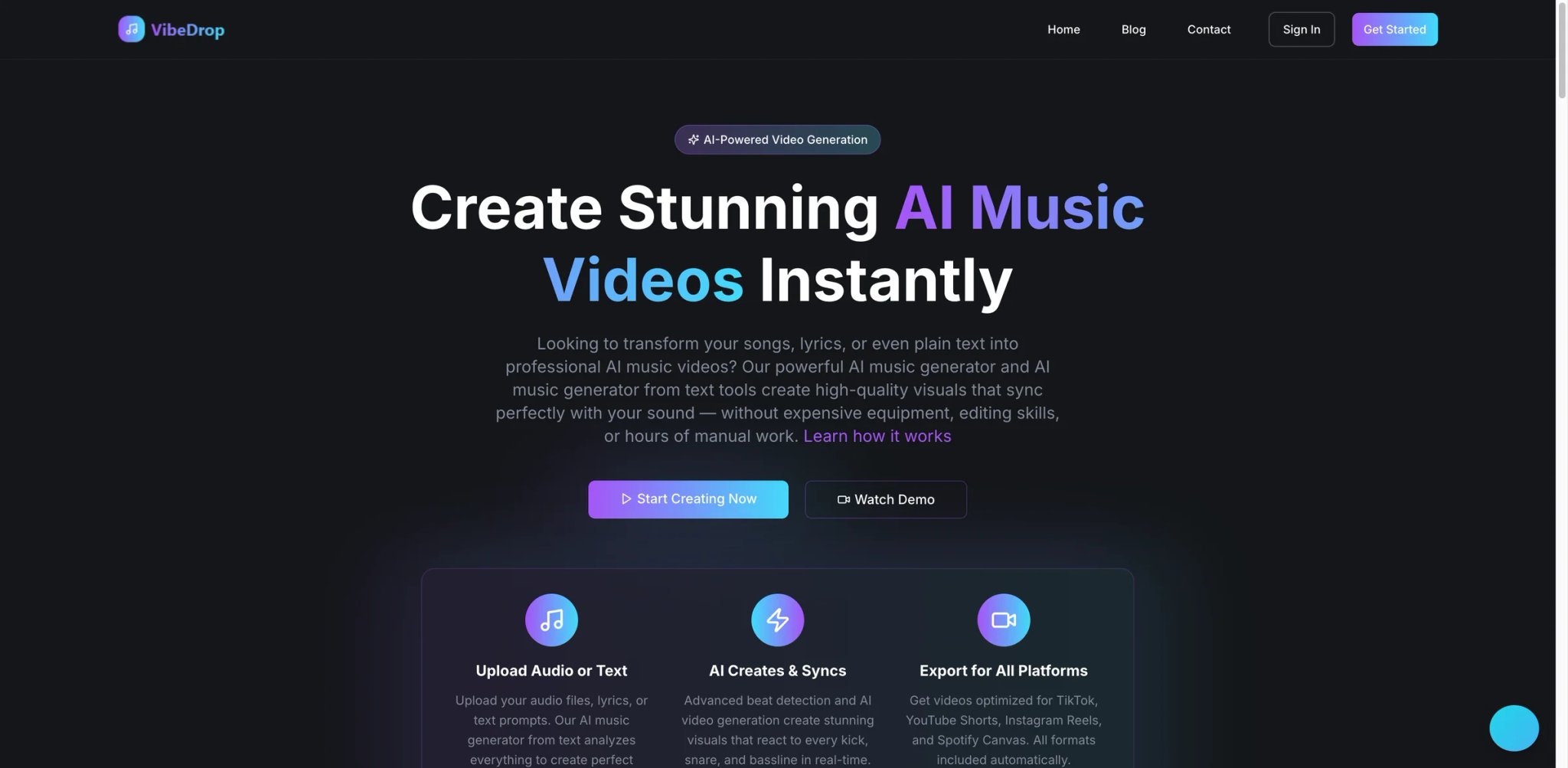
Vibesdrop's differentiator is how simple the commercial rights story is. Every generated video is royalty-free and yours to use anywhere — commercial releases, social media marketing, advertising, Spotify Canvas. No tier gating, no asterisks, no reading three different legal pages to confirm. Combined with native export to TikTok, YouTube, Instagram, Spotify Canvas, and Facebook formats, it's the most friction-free tool on this list for artists who need to ship to multiple platforms fast without worrying about licensing.
Key Features
- Audio, lyrics, or text input — Flexible input modes. Upload a finished track, paste lyrics, or describe a visual concept — all three converge into the same AI music video workflow.
- Royalty-free commercial rights on all tiers — Unlike competitors that gate commercial use behind higher plans, Vibesdrop treats commercial rights as default. That's a major workflow simplification.
- Multi-platform export presets — TikTok, YouTube, Instagram Reels, Spotify Canvas, and Facebook presets built in. One render, multiple formats.
- Straightforward rights, metered credits — Commercial rights are uniform across tiers; monthly video and image credits scale with the plan. You know what you're paying and what the legal story is.
Pricing & Plans
- Indie: $19.99/month — 13 video credits/month, 50 image credits/month
- Producer: $69.99/month — 46 video credits/month, 150 image credits/month
- Studio: $249.99/month — 165 video credits/month, 400 image credits/month
- Credits reset monthly with unused credits rolling over
Cost reality: Vibesdrop isn't a flat-fee unlimited product — the live site meters usage with monthly video and image credits. Indie's 13 video credits cover a monthly release workflow; Producer at $69.99 is the real tier for creators shipping weekly. The commercial-rights story is still the simplification, but budget by credits, not by sticker price alone.
Limitations
- Less depth than music-first specialists: Vibesdrop is optimized for speed and ease, not frame-level production control. Neural Frames or Musid produce more distinctive output.
- Output quality varies by style: Some style presets produce strong results; others feel generic. Test multiple before settling on a workflow.
- Smaller community and ecosystem: Fewer tutorials and creator presets available than more established tools.
Best For
Independent artists and small labels releasing across multiple streaming and social platforms who need a simple commercial-rights workflow without legal review time, and social media managers running music-driven content across TikTok, Reels, and Shorts simultaneously.
Not the right fit if you need frame-level control, 4K output, or distinctive hero visuals for high-profile releases.
Get started with Vibesdrop
Crreo
Crreo's number is the one that catches attention: videos up to 15 minutes long. Most tools on this list cap out at 3–6 minutes, which is fine for singles but breaks for extended mixes, long-form sets, album-length visuals, or lo-fi streaming loops. Crreo is the tool you pick when "turn this 12-minute track into a visual" is the actual request. The free tier gets you started; commercial rights require upgrading to paid.
Key Features
- Up to 15-minute video generation — Materially longer than every other tool on this list. Opens up use cases like extended DJ sets, album-length visuals, lo-fi streaming backgrounds, and podcast-music hybrids.
- Audio and text input — Both workflows supported. You can start from a finished track or describe a concept.
- Free tier with basic access — Test long-form generation before committing.
- Commercial rights on paid tier — Not included in free — you need to upgrade to use output commercially.
Pricing & Plans
- Free: $0 — 5 video minutes, 1-minute max video duration, 5 minutes of speech, watermarked exports, non-commercial use only with visible Crreo credit
- Start: from $9/month on annual billing — 60 video minutes, 10-minute max duration, no watermarks
- Grow: from $18/month on annual billing — 120 video minutes, 15-minute max duration, 7-day free trial
- Pro: from $29/month on annual billing — 240 video minutes, 15-minute max duration, 7-day free trial, 1080p-capable Kine 3.1
- Unlimited: from $45/month on annual billing — unlimited video minutes, 15-minute max duration
- Refunds: 14-day money-back guarantee
Commercial rights: Free is personal/non-commercial only with visible Crreo credit. Paid plans unlock full commercial rights for independent professional use. Teams, agencies, schools, and businesses require a separate business license.
Cost reality: The 15-minute ceiling is the only reason to pick Crreo over a more polished tool like Neural Frames. For short-form work, you're paying for a feature you won't use. For long-form work, it's the only real option in the category at this price.
Limitations
- Not optimized for short-form: The long-form capability comes with a different generation approach that's less tight on short 30–60s social clips.
- Commercial rights gated: Free tier output is non-commercial only, with visible Crreo credit required. Paid plans unlock commercial rights for individual use, but teams and agencies need a separate business license.
- Not built music-first: Crreo is a general long-form AI video platform, not a music video specialist. Beat sync and stem analysis are thinner than Neural Frames or Musid.
Best For
DJs and electronic artists producing extended set visuals, lo-fi channels running long streaming loops, album-length visual experiments, and podcast-music hybrid creators who need visuals that run the length of a full episode.
Not the right fit for standard 3-minute singles (overkill for the use case), or for workflows that can't tolerate the pricing and rights ambiguity.
Get started with Crreo
Best AI Music Video Generators by Use Case
For Indie Artists Releasing a Single Every Few Months
Rotor's current public model is still best for occasional releases, framed as free creation plus paid credit bundles rather than a subscription. A 5-credit bundle costs $44.99, a full music video costs 3 credits, and a Spotify Canvas costs 1. If your budget is tighter, Plazmapunk Pioneer at €4.99/month remains a cheap way to test the category, while Punk at €12/month is the current commercial-rights tier.
For TikTok, Reels, and YouTube Shorts Creators
freebeat.ai Standard at $9.99/month is the cheapest way to ship beat-synced short-form content regularly with no watermark. If you're A/B testing visual styles for growth, Revid.ai's fast iteration is worth the $39/mo premium. Both of these beat generalist AI video tools on short-form output quality because they're tuned for the 30-second format.
For Musicians Releasing in Non-English Markets
LyricEdits. The 90+ language auto-transcription is a genuine differentiator, and the 4K/24 FPS export reads as cinematic on YouTube music video uploads. Artists releasing in Spanish, Korean, Japanese, Hindi, Arabic, or Portuguese will save hours per video on lyric timing alone. Pair it with a separate tool for abstract visuals if your release needs both a lyric video and a conceptual video.
For Music Video Directors Who Need Frame-Level Control
Neural Frames is the only real choice. The 8-stem audio analysis, timeline editor, keyframe controls, and 4K output put it in production-tool territory rather than template-generator territory. The live pricing page surfaces freemium access plus Knight ($26/month billed yearly), Ninja ($66/month billed yearly), and Nirvana ($199/month billed yearly). Ninja is the first tier that explicitly includes 4K upscaling.
For Artists Who Specifically Need Lip-Sync
Musid is the one tool built around lip-sync as a core feature rather than an afterthought. Vocal-forward genres (hip-hop, pop, R&B) benefit the most. Plan the video style around what Musid's lip-sync handles well — abstract and stylized characters read cleaner than photorealistic faces on current models.
For Long-Form Music Video Projects (Over 6 Minutes)
Crreo is the only tool on this list that goes up to 15 minutes. DJ sets, extended mixes, album-length visuals, and lo-fi streaming loops are the core use cases. Everyone else caps between 3 and 6 minutes, which breaks for long-form workflows.
For Creators on the Tightest Possible Budget
Plazmapunk Free (€0) is the testing tier, Plazmapunk Pioneer (€4.99/month) is the lowest paid tier, and Punk (€12/month) is the current commercial-rights plan shown on the live pricing page. No enterprise sales cycle, and the commercial license is explicit. For pure social-media short-form, freebeat.ai Free (500 credits) also covers zero-cost testing.
How to Choose the Right AI Music Video Generator
-
Match the tool to your release cadence, not the opposite — Weekly TikTok creators need a subscription (freebeat.ai Standard, Revid.ai). Quarterly single-releasers need pay-per-credit (Rotor). Annual album drops need depth (Neural Frames, LTX Studio). Don't subscribe to a monthly plan for 3 releases a year — you'll pay 10x what you need.
-
Read the commercial license footnote before every purchase — LTX Studio Lite doesn't include commercial rights. Crreo gates them behind paid. Plazmapunk Free is watermarked. These details determine whether you can actually release the video. Read the live terms page, not a comparison post.
-
Test beat sync and lyric sync with your actual track — Every tool has a free tier or free preview. Upload the song you plan to release, not a test file. The sync quality varies dramatically by genre, tempo, and vocal style, and abstract reviews don't tell you how it'll handle your specific track.
-
Budget for credit burn, not sticker price — Neural Frames Navigator is $19/mo but your 1,000 credits burn fast on 4K. LTX Studio Lite is $15/mo but audio-to-video eats 1,000 credits per 10 seconds. The real monthly cost is always higher than the plan page suggests on credit-based tools.
-
Pick the export formats before the tool — If your release plan is Spotify Canvas + YouTube + Reels + TikTok, you need multi-aspect-ratio export. Vibesdrop and Neural Frames handle that cleanly; lyric-video-first tools often require re-rendering per format, which doubles your credit cost.
-
Watch for pricing churn before annual commitments — Every tool on this list has restructured pricing in the past 6 months. Pay monthly until you've used the tool for at least 4 releases; only commit annually once you're sure the plan structure will still fit your workflow. The annual discount isn't worth being locked into a deprecated credit system.
Frequently Asked Questions
What's the cheapest AI music video generator with commercial rights in 2026?
Can I use AI-generated music videos on Spotify Canvas, Apple Music, and YouTube?
Do these tools actually sync visuals to the beat, or is it fake?
What's the difference between an AI music video generator and a lyric video maker like Kapwing?
Is Neural Frames worth the monthly price over free tools like freebeat or Plazmapunk Free?
How do credit systems actually work for pricing?
Can AI music video generators handle uploaded songs I didn't write, or just generated music?
Get ToolWorthy Weekly
New AI tools, practical guides, and selected AI signals in one weekly brief.
Related Posts
- 8 Best Tools to Make Rumpelstiltskin AI Videos in 2026
Put yourself in the Rumpelstiltskin tiptoe meme, transfer a dance to your own character, or finish a green-screen remix with these eight video tools.
- Best Bulin 47 AI Video Makers: Photo, Motion and Editing
Make a Bulin 47 red-door freestyle from one photo, or build a creative version with your own motion video. Compare inputs, sound, format and pricing.
- Best Burning Bridges AI Video Generators: Choose Your Route
Turn a photo into a Burning Bridges party clip. Compare party presets, character motion, scene changes and final editing by inputs, output and cost.
For AI tool founders
Built a tool that belongs in this decision set?
Request an editorial evaluation for possible inclusion in ToolWorthy.
Submit your tool for reviewPaid submission does not guarantee a ranking, recommendation, inclusion, or editorial outcome.