

Overview
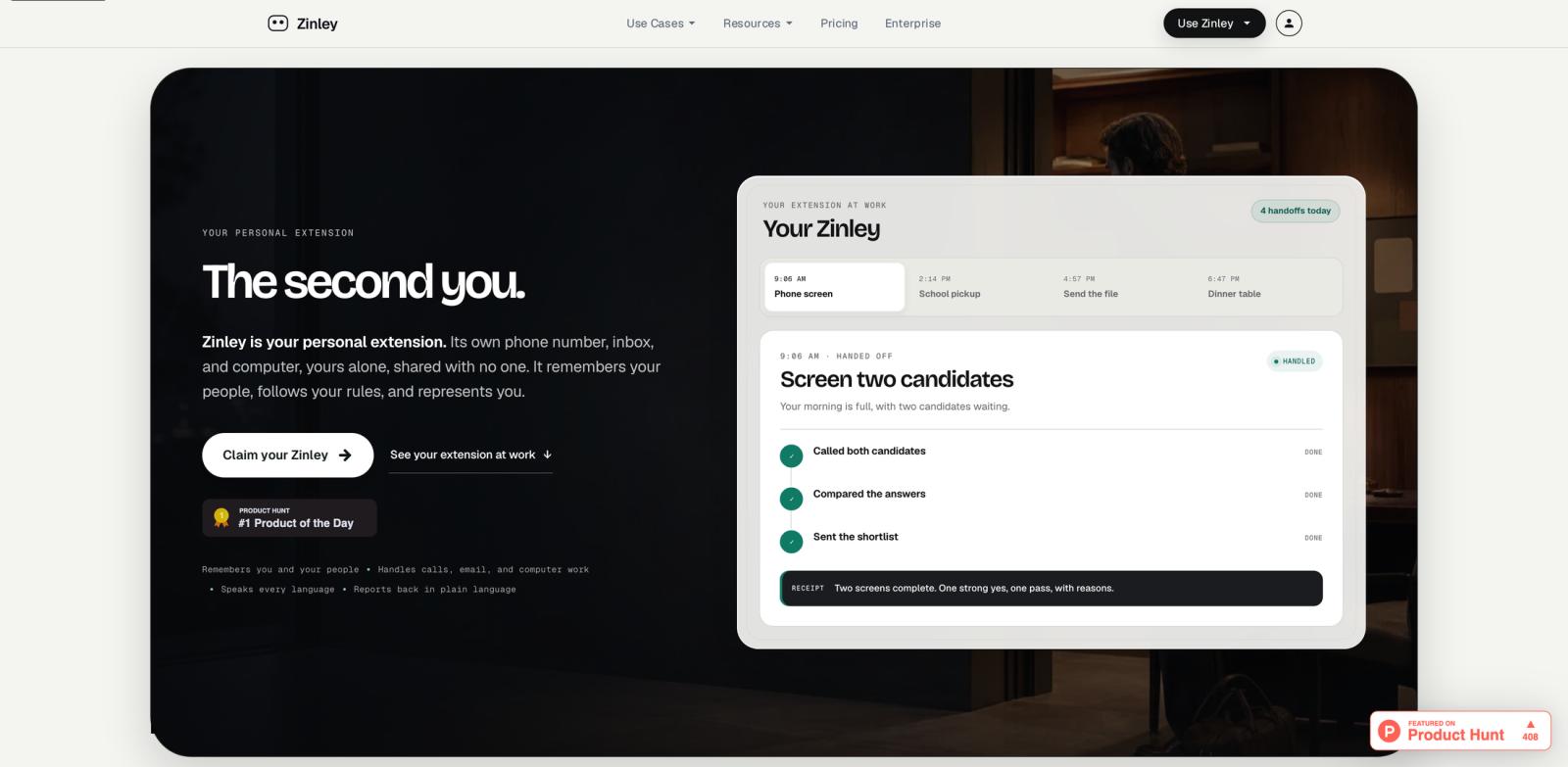
Zinley is a personal AI extension designed to represent you across calls, email, and computer-based tasks. Instead of acting only inside a chat window, Zinley has its own phone number, inbox, and computer. You delegate work, define rules, and receive a plain-English recap when the task is done.
The product sits in the emerging category of personal AI agent tools that go beyond drafting text. Zinley is positioned as something that remembers you and your people, understands open loops, contacts others within your rules, and hands work back when a decision needs your input. Public examples on the site include candidate screening, school pickup coordination, restaurant front-desk calls, and preparing a work deck from business data.
Zinley is still early and the public site does not expose a detailed paid pricing table. That makes it harder to compare cost, limits, and availability against mature AI productivity assistants. But the product direction is distinctive: rather than giving you another assistant to chat with, it gives the assistant external surfaces it can use on your behalf.
Key Features
Dedicated phone number - Zinley can take and make calls from its own number while staying within the rules you approve. That is useful for screening, scheduling, waiting on hold, and handling structured phone tasks.
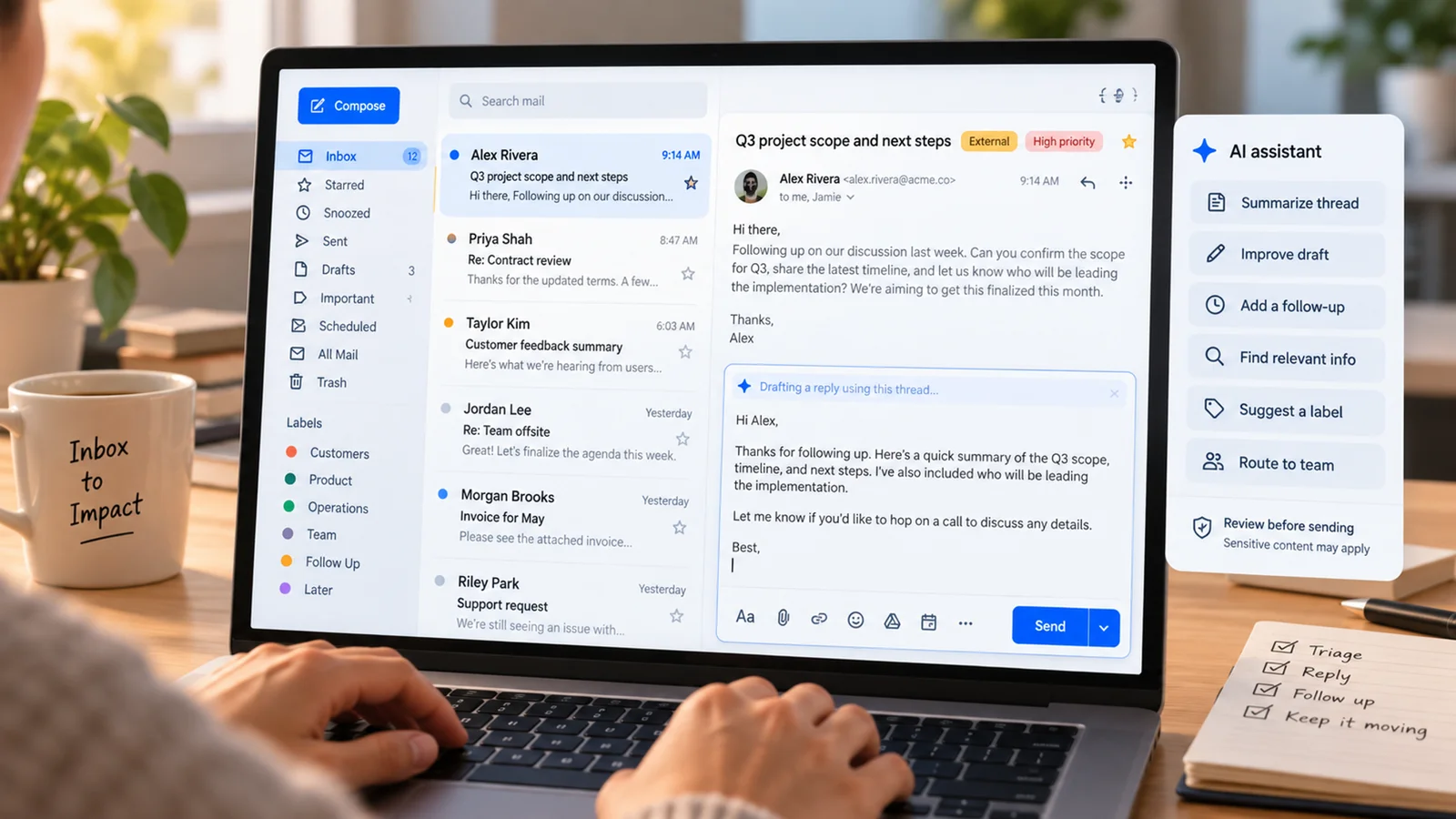
Own inbox - The assistant has an email surface for delegated communication. It can follow up, send requested files, and keep work separate from your personal inbox.
Personal memory - Zinley remembers people, context, open loops, and preferences so handoffs start with history rather than a blank prompt.
Computer-based task execution - The site describes Zinley as having its own computer and acting only on approved devices. This gives it a broader task surface than a pure AI writing assistant.
Plain-English reporting - When a job finishes, Zinley reports back with a readable summary rather than expecting you to inspect logs or transcripts.
Human-in-the-loop rules - Zinley is framed around working within user-defined rules and bringing you in when a decision is yours. That matters for trust when calls, scheduling, or email involve real people.
Pricing & Plans
Zinley's public site currently says "Start free" and "Claim your Zinley," but it does not publish a detailed paid pricing table, seat limits, usage limits, or subscription tiers.
| Plan | Price | Notes |
|---|---|---|
| Start free | $0 to start | Public site invites users to claim or preview their Zinley |
| Paid plans | Not publicly listed | Contact or onboarding flow may disclose pricing after signup |
Because public pricing is incomplete, treat Zinley as an early-access or free-to-start product until the company publishes more details. Before relying on it for real phone or email work, confirm usage limits, supported regions, phone-number availability, cancellation terms, and data handling.
Best For
- Founders and executives who regularly delegate calls, follow-ups, and coordination tasks
- Professionals who want a personal AI email generator plus phone and task execution surfaces
- Busy parents or operators coordinating appointments, pickups, bookings, and errands
- Small teams that need a lightweight assistant for front-desk style communication
- Early adopters comfortable testing a new personal-agent workflow before mature pricing is public
FAQ
Is Zinley available for free?
Zinley's website says "Start free" and prompts users to claim their Zinley. It does not currently publish a full plan comparison, so confirm limits and any paid upgrade terms during signup.
Does Zinley make phone calls?
Yes. The public site says Zinley has its own phone number and can answer or make calls within your rules. Examples include screening candidates, booking tables, and handling front-desk style calls.
Does Zinley have its own email inbox?
Yes. Zinley is described as having its own inbox, which lets it handle email-based follow-ups and delegated communication separately from your personal inbox.
Can Zinley use a computer?
The site describes Zinley as having its own computer and acting only on devices you approve. Public examples include file sending and deck preparation, but you should test the exact supported apps and permissions before relying on it.
Is Zinley safe for sensitive personal tasks?
Zinley handles people, calls, email, and personal context, so privacy review matters. Before using it for sensitive work, check the current privacy policy, data retention terms, and permission controls in the onboarding flow.
Who should not use Zinley yet?
Users who need fully documented enterprise compliance, transparent published pricing, or guaranteed call/email automation coverage may want to wait until Zinley publishes more operational detail.