



Overview
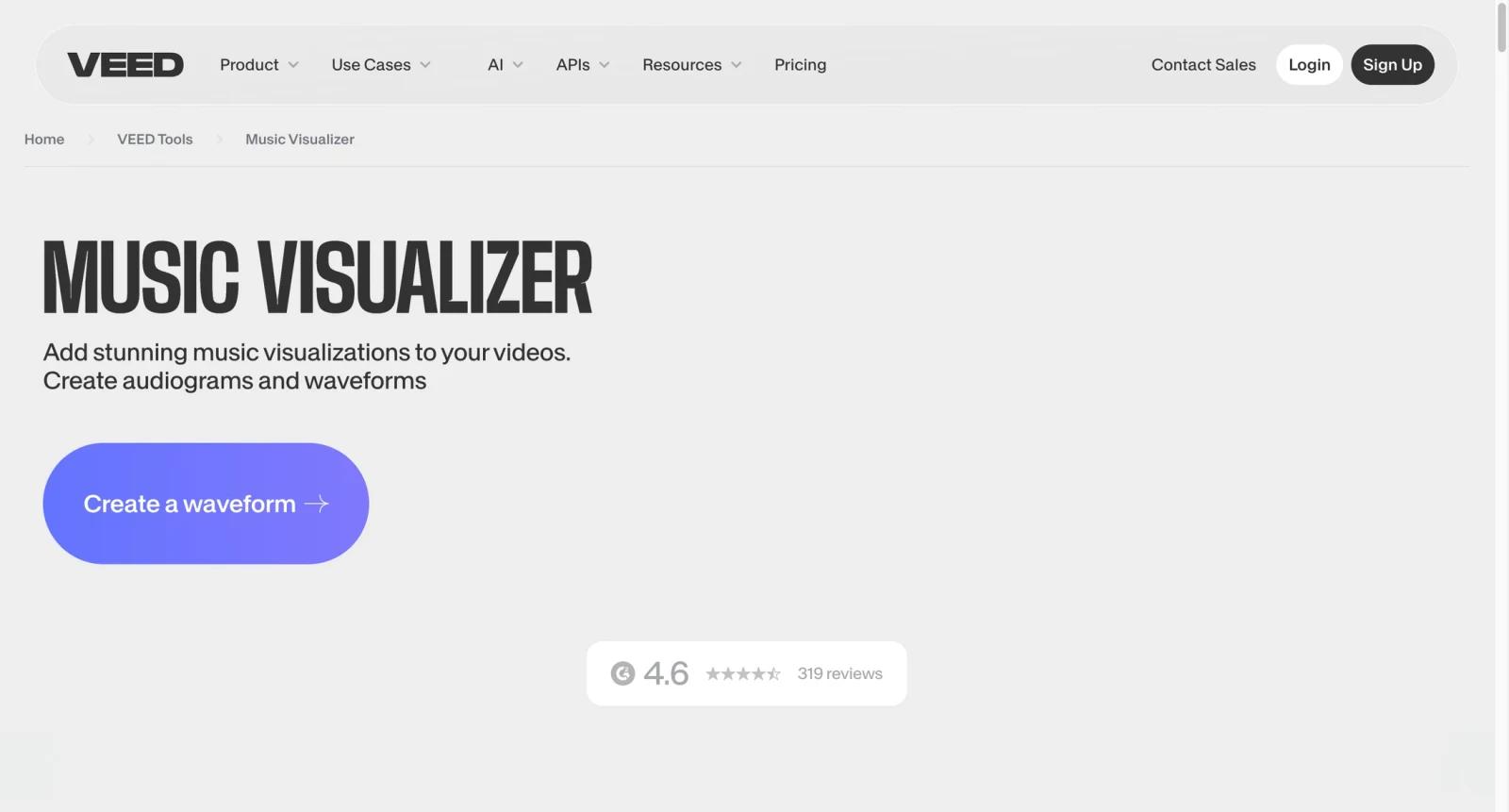
VEED Music Visualizer is an online tool for turning audio into video inside VEED's browser-based editing platform. It fits creators who want a music visualizer, podcast audiogram, lyric-style clip, or social video without installing desktop editing software.
The tool benefits from VEED's broader editor. Users can add music, text, subtitles, stock assets, waveform-like visual elements, branding, and export settings in one place. That makes it more flexible than a single-purpose visualizer, especially for teams that also need captions, translations, compressors, converters, or hosted video workflows.
For readers comparing AI audio visualizer options, VEED is best understood as a general AI video editor with visualizer capabilities. It is convenient and accessible, but users who need deep audio-reactive controls, live VJ visuals, or OBS-native visualization may prefer specialist software.
Key Features
- Browser-based visualizer workflow - Create music visualizer videos online without installing desktop editing software or setting up a motion graphics project.
- Audio, text, and subtitle tools - Combine music with captions, lyric text, titles, waveform-style visuals, or podcast context for more engaging social clips.
- Template and stock assets - Use VEED's editor resources to build a more complete video around the audio rather than exporting a bare waveform.
- Format conversion and export - Resize, trim, compress, and export videos for social channels, websites, or client delivery.
- Team editing options - Paid plans add more workspace, collaboration, brand, and AI usage options for teams producing recurring content.
- Broader VEED ecosystem - The same account can support subtitles, translations, screen recordings, voice tools, and video hosting beyond visualizer projects.
Pricing & Plans
VEED uses a freemium model. Public pricing can vary by region, plan experiment, and billing cycle. The current page emphasizes a Free plan, paid self-serve plans, and Enterprise sales.
| Plan | Pricing | Best fit |
|---|---|---|
| Free | $0 | Testing VEED, simple edits, and limited exports |
| Lite / Basic entry plan | Commonly shown from about $9/user/month when billed yearly, with higher monthly pricing | Removing basic limits and producing watermark-free social videos |
| Pro | Higher paid tier | Creators needing more AI tools, subtitle time, stock assets, and professional exports |
| Enterprise | Custom pricing | Teams needing security, brand governance, support, and larger-scale video workflows |
Because VEED changes plan names and regional pricing over time, check the official pricing page before purchase. Pay particular attention to watermarks, export resolution, subtitle minutes, AI credits, storage, team seats, and whether your desired music visualizer output is available on the plan you choose. Users comparing VEED with other editors can also review tools like Cardboard.
Best For
- Musicians and podcasters creating 1-10 social video clips per week from existing audio
- YouTubers who want quick waveform, captions, and title-card videos without desktop software
- Social teams that already use VEED for subtitles, translation, resizing, or video editing
- Creators comparing simple visualizers with broader tools like AI music video generator platforms
- Small businesses that want audio promos, announcement clips, and branded social videos in one editor
FAQ
What is VEED Music Visualizer?
It is VEED's online workflow for turning audio into shareable videos using a browser editor, visual elements, captions, text, and export tools.
Is VEED Music Visualizer free?
VEED has a Free plan, but exports, watermark removal, AI usage, subtitles, storage, and resolution may be limited. Paid plans unlock more professional use.
How much does VEED cost?
VEED pricing changes by plan, region, and billing cycle. Entry paid pricing is commonly shown from about $9 per user per month when billed yearly, with higher monthly and advanced plans available.
Can I use VEED for podcast audiograms?
Yes. VEED's audio, subtitle, waveform-style, text, and resizing tools make it useful for podcast clips and audiograms.
Does VEED require editing experience?
No. VEED is designed for browser-based editing and is easier for non-editors than tools such as After Effects or Premiere Pro.
Is VEED better than a dedicated visualizer?
It depends. VEED is better for general social video editing, captions, and exports. Dedicated visualizers may be better for deep audio-reactive customization or live performance visuals.
Can teams collaborate in VEED?
Paid plans include more team and workspace features. Organizations with security, brand, and support needs should evaluate Enterprise.
What should I check before exporting music content?
Check watermark rules, export resolution, audio rights, commercial-use terms, subtitle limits, and whether the output format matches your target platform.

