



Overview
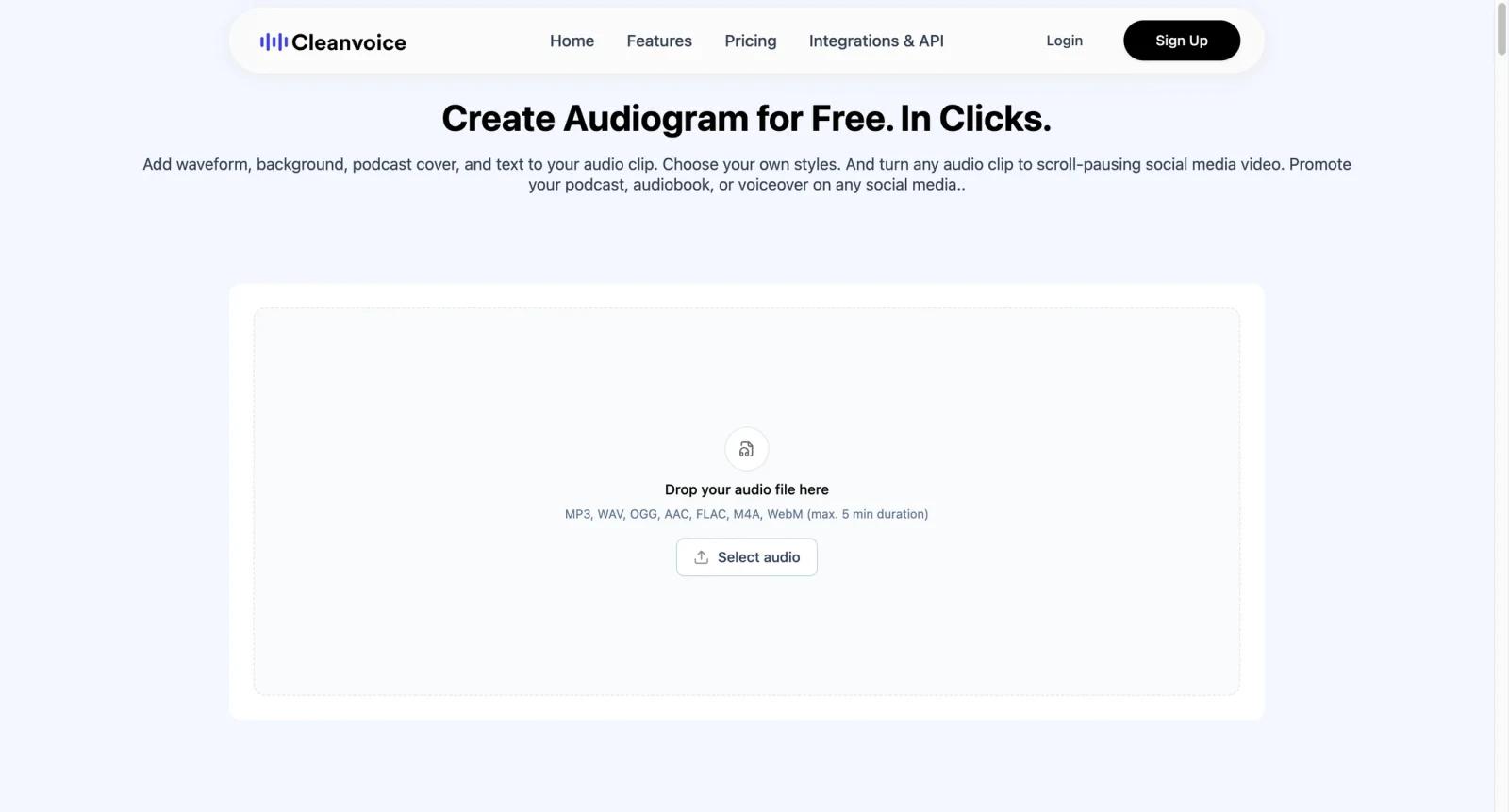
Cleanvoice Audio Visualizer is a lightweight tool from Cleanvoice for turning audio into simple visual videos. Cleanvoice's own guidance positions it as a quick way to create customizable audiograms and visualized audio clips, especially when users want a shareable MP4-style asset rather than a plain audio file.
The tool is most relevant for podcasters, interviewers, educators, and creators who want to post audio highlights on platforms that prefer video. It is not trying to be a full music video generator. Instead, it helps users add a visual layer to spoken audio, podcast clips, voiceovers, and short promotional segments. Creators who need heavier editing can compare it with VEED Music Visualizer or broader AI video editor tools.
Cleanvoice as a company also offers paid audio and video editing services for filler word removal, noise cleanup, mouth sound removal, transcription, and API workflows. That matters because the visualizer can sit beside cleanup tools: improve the audio first, then make a visual clip. But for this specific audio visualizer page, the practical appeal is fast, simple, free visual creation.
Key Features
- Simple audio-to-video workflow - Turn an audio file into a visual clip without opening a full video editor or building a timeline manually.
- Audiogram-friendly output - Create social-ready visuals for podcasts, interviews, narrations, and spoken clips where a static audio file would be hard to share.
- Customizable visual presentation - Adjust the visual style enough to make clips more branded than a plain waveform or blank background.
- Cleanvoice ecosystem fit - Pair visualizer output with Cleanvoice's broader audio cleanup, filler word removal, transcription, and podcast editing tools.
- No specialist editing required - Designed for creators who need quick output rather than advanced motion graphics controls.
- Free tool positioning - Useful as an entry workflow before deciding whether paid Cleanvoice editing plans are needed.
Pricing & Plans
Cleanvoice Audio Visualizer is best treated as a free tool. Cleanvoice's broader paid product has separate pricing for audio and video processing, but the visualizer itself is presented as a free audio visualization option.
| Option | Pricing | Best fit |
|---|---|---|
| Audio Visualizer | $0 | Quick podcast, voice, and audio clip visuals |
| Cleanvoice Free Trial | Free trial for broader editing | Users testing cleanup, filler removal, and related editing tools |
| Cleanvoice paid editing | Paid pay-as-you-go or subscription plans | Podcasters and teams processing larger volumes of audio or video |
If you plan to use Cleanvoice beyond the visualizer, its paid pricing page lists pay-as-you-go and subscription options based on processed audio hours. For the visualizer page itself, focus on whether the output style, export quality, and clip length fit your needs.
Best For
- Podcasters creating 30-90 second clips for LinkedIn, TikTok, Instagram, or YouTube Shorts
- Interview hosts turning quote highlights into simple social videos
- Educators and coaches repurposing voice lessons into shareable snippets
- Creators who clean audio in Cleanvoice and want a quick visual asset afterward
- Teams comparing free audiogram tools with broader AI audio visualizer platforms
FAQ
What is Cleanvoice Audio Visualizer?
It is a free Cleanvoice tool for turning audio clips into simple visual videos, especially for podcasts, interviews, and spoken-word content.
Is Cleanvoice Audio Visualizer free?
Yes, the audio visualizer is best treated as a free tool. Cleanvoice's broader editing product has separate paid plans for processing audio and video.
Is Cleanvoice Audio Visualizer good for music?
It can visualize audio, but it is better suited to audiograms and spoken clips than complex music videos with cinematic scenes, lyric animation, or detailed beat-sync.
Does it remove background noise?
The visualizer is for making visual clips. Cleanvoice's broader product includes audio cleanup features such as filler word removal, background noise cleanup, and related editing tools.
Can podcasters use it for social clips?
Yes. Podcast clips are one of the clearest use cases because social platforms often perform better with video than audio-only files.
How does Cleanvoice compare with VEED?
Cleanvoice Audio Visualizer is simpler and more audio-focused. VEED is a broader browser video editor with captions, resizing, templates, and more advanced editing workflows.
Do I need video editing experience?
No. The tool is meant for quick audio-to-video creation without full editing software.
What should I check before publishing?
Check export quality, clip length, branding options, music or guest permissions, and whether the visual style fits the channel where you plan to post.


