



Overview
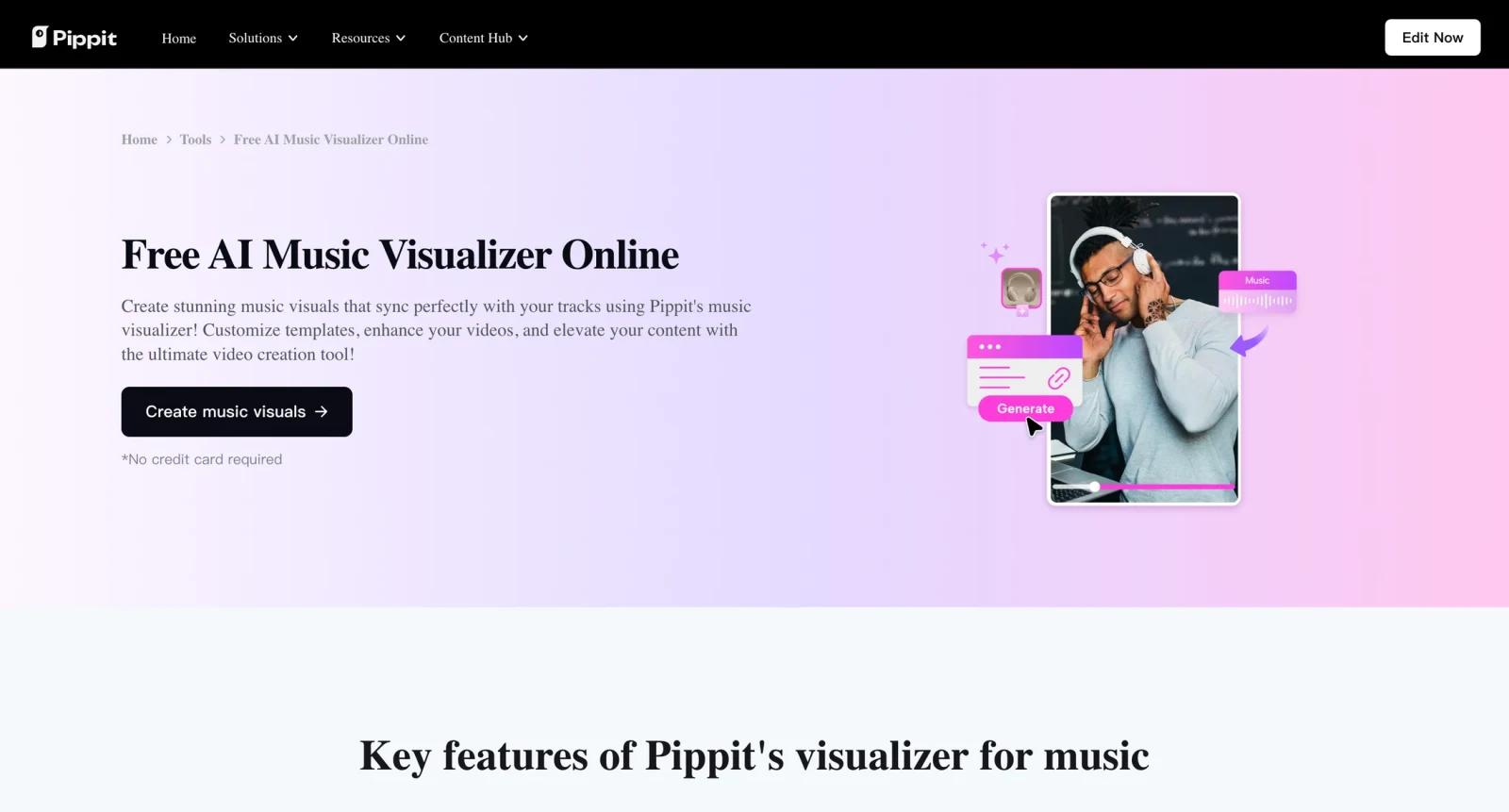
Pippit Music Visualizer is part of Pippit's broader AI content creation platform, which is positioned around fast video, image, product, and social commerce workflows. The music visualizer use case is for creators who need a track to become a shareable video quickly, without building waveform animations or visual scenes manually.
The strongest fit is short-form distribution. Musicians, ecommerce teams, and social creators can use Pippit's visual templates, AI-powered creation features, editor, and publishing tools to turn audio into promotional video assets for TikTok, Instagram, YouTube Shorts, and other social channels. For readers comparing AI audio visualizer tools, Pippit is more of an all-in-one social content platform than a specialist audio-reactive engine, closer to broad editors such as VEED Music Visualizer.
That breadth is useful if the same team also makes ads, product videos, posters, images, and scheduled posts. It is less ideal if you only need a highly customizable waveform visualizer for one music release. The best way to evaluate Pippit is to test whether its templates and credit model match your publishing volume.
Key Features
- Music visualizer templates - Start from ready-made visual styles so tracks can become videos without motion-design setup or timeline keyframing.
- AI-powered video creation - Use Pippit's credit-based AI features to generate or enhance visual assets around a track, reducing manual editing time for social campaigns.
- Short-form export workflow - Create videos intended for Reels, Shorts, TikTok, ads, and other vertical or social formats where music discovery often happens.
- Integrated editor - Adjust visuals, text, timing, assets, and branding inside the same platform instead of moving between multiple editing tools.
- Publishing and scheduling - Paid plans include social publishing features, connected accounts, and performance views for teams managing recurring content.
- Commerce-friendly asset system - Pippit's product, poster, and image tools make it more useful for brands that combine music-led content with ecommerce promotion.
Pricing & Plans
Pippit is free to start and uses credits for AI-powered features. The public pricing page lists a Free plan and a Starter plan with discounted annual billing.
| Plan | Pricing | Best fit |
|---|---|---|
| Free | $0 | Testing templates, basic generation, and light weekly usage |
| Starter | From $24.17/month when billed yearly | Creators and small teams needing more credits, all AI-powered features, publishing, analytics, and connected social accounts |
| Higher usage or add-ons | Varies by credits and current offers | Teams with heavier video, image, and campaign production needs |
The Free plan lists weekly credits, while Starter lists a larger annual credit allowance. Because music visualizers, AI video, image generation, and other features can consume credits differently, users should estimate the number of tracks, video length, and export formats they expect each month before upgrading. If your main need is broader video editing, compare Pippit with AI video editor options.
Best For
- Musicians posting 4+ short-form videos per month around singles, teasers, or remixes
- Ecommerce teams combining music, product visuals, and social ads in one campaign workflow
- Social media managers who want visualizer videos, publishing, and analytics in one platform
- Creators comparing AI music video generator tools for fast promotional assets
- Small teams that already need Pippit's poster, image, video, and scheduling features
FAQ
What is Pippit Music Visualizer?
It is a Pippit workflow for turning audio or music assets into visual videos using templates, AI creation features, editing tools, and social publishing workflows.
Is Pippit Music Visualizer free?
Pippit has a Free plan with weekly credits. Paid plans add more credits, broader AI-powered features, publishing tools, connected social accounts, and analytics.
How much does Pippit cost?
Pippit's public pricing page lists Starter from $24.17 per month when billed yearly. Monthly pricing and credit packages may differ, so confirm the current pricing page before purchase.
Does Pippit make audio-reactive videos?
Pippit supports music visualizer templates and AI video workflows, but users should test the exact template behavior if they need precise waveform or beat-reactive control.
Is Pippit only for musicians?
No. It can also fit ecommerce teams, agencies, creators, and marketers that use music-led videos as part of broader social content production.
Can I publish directly from Pippit?
Paid plans include social publishing and scheduling features, including connected social media accounts and performance overview tools.
How does Pippit compare with Revid.ai?
Pippit is broader and more commerce-oriented, while Revid.ai is more directly focused on AI video generation, viral formats, and automated short-form video workflows.
What should I check before upgrading?
Check weekly or monthly credit limits, export resolution, watermark rules, commercial-use permissions, connected account limits, and whether music visualizer outputs match your desired style.

