

Overview
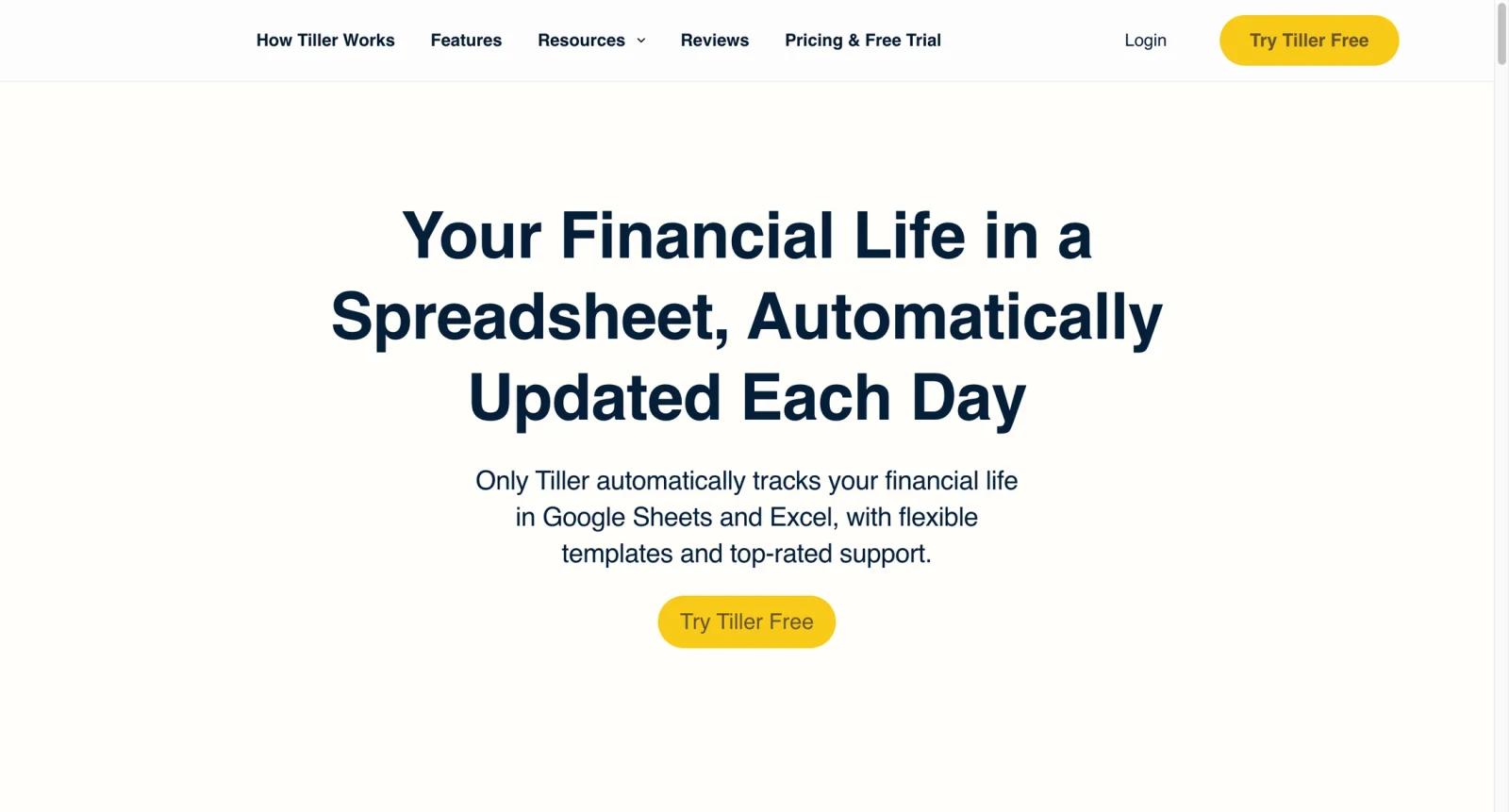
Tiller is a personal finance and budgeting platform for people who prefer spreadsheets over closed budgeting apps. It automatically feeds daily bank, credit card, loan, and investment transactions into Google Sheets or Microsoft Excel, then lets users customize budgets, categories, dashboards, and reports.
Tiller is not mainly an AI spreadsheet generator. Its strength is reliable financial data automation for spreadsheet power users. Users get ownership and flexibility because the working surface is a spreadsheet, while Tiller handles the account connection and feed.
For users comparing AI spreadsheet and finance workflow tools, Tiller is closer to a money-data pipeline than tools such as Zoho Sheet, Microsoft Excel Copilot, or Coefficient.
Key Features
- Automated financial feeds - Pull transactions and balances from connected financial accounts into Google Sheets or Excel.
- Spreadsheet-first budgeting - Use templates or custom spreadsheets instead of being locked into a fixed budgeting app interface.
- Daily transaction updates - Keep personal finance data current for budgeting, expense tracking, and cash-flow review.
- Category and rules workflows - Categorize spending and create repeatable rules for cleaner reporting.
- Google Sheets and Excel support - Choose the spreadsheet environment that fits your existing workflow.
- Templates and community workflows - Start with budgeting and finance templates, then customize them for household or personal needs.
Pricing & Plans
Tiller offers a 30-day free trial. After the trial, Tiller is priced at $79/year according to its public pricing page.
| Plan | Pricing | Best fit |
|---|---|---|
| Free trial | 30 days | Testing account connections, templates, and spreadsheet workflow fit |
| Tiller subscription | $79/year | Individuals and households who want automated finance feeds in Google Sheets or Excel |
Before subscribing, confirm supported banks, spreadsheet platform preference, renewal terms, refund policy, account connection reliability, and whether the available templates match your budgeting style.
Best For
- Personal finance users who want spreadsheet control
- Households replacing Mint-style budgeting workflows
- Spreadsheet power users building custom dashboards
- Users tracking budgets, cash flow, net worth, and spending categories
- People who prefer editable data over closed finance apps
FAQ
What is Tiller?
Tiller is a personal finance service that feeds financial account data into Google Sheets and Microsoft Excel.
Is Tiller free?
Tiller offers a 30-day free trial, then requires a paid annual subscription.
How much does Tiller cost?
Tiller's public pricing page lists $79/year after the free trial.
Does Tiller work with Excel?
Yes. Tiller supports both Microsoft Excel and Google Sheets.
Is Tiller an AI tool?
Tiller is primarily a spreadsheet automation and financial data feed tool, not a general AI assistant.
Who should use Tiller?
It is best for people who want budget and transaction control inside a spreadsheet.
What should I test during the trial?
Test bank connections, transaction refresh quality, category rules, templates, and whether the spreadsheet workflow is comfortable.
Is Tiller good for businesses?
Tiller is mainly aimed at personal and household finance, not full business accounting like QuickBooks.