

Overview
Gigasheet is a browser-based spreadsheet built for files that are too large or messy for normal spreadsheet workflows. It helps analysts, operations teams, sales teams, fraud teams, and data-adjacent users open large CSVs, filter millions of rows, clean columns, enrich records, and analyze data without writing code.
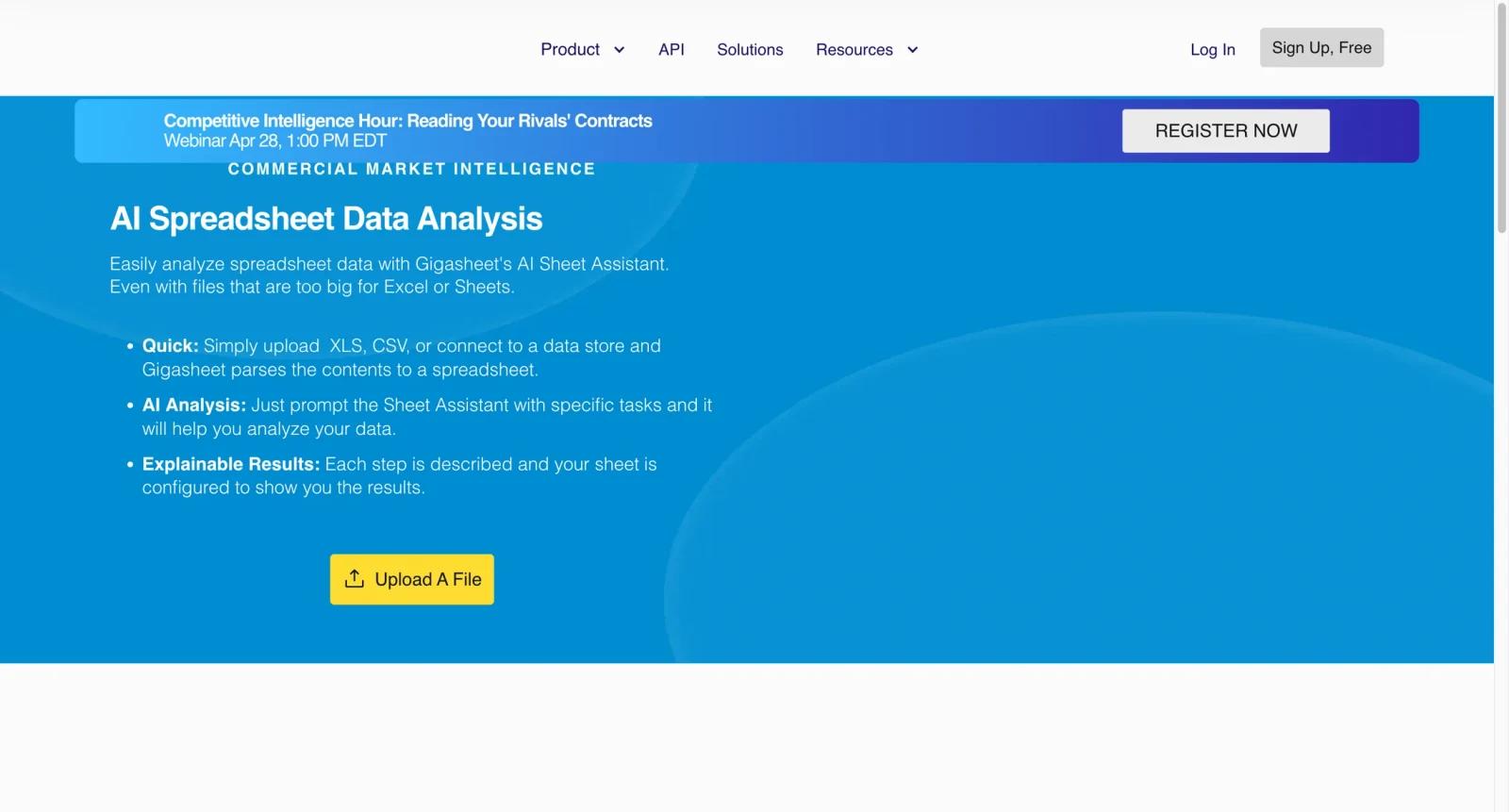
The AI Spreadsheet page positions Gigasheet as a way to bring AI assistance into large-file analysis. That matters because many AI spreadsheet tools work well on small tables but break down when a file reaches millions of rows. Gigasheet's broader product is built around big sheets, so the AI layer sits on top of a high-row-count spreadsheet workflow rather than a lightweight table editor.
For users comparing AI spreadsheet tools, Gigasheet is strongest when file size and browser-based analysis matter. Teams that need live SaaS data inside sheets may prefer Coefficient, while teams already in Microsoft 365 should compare Microsoft Excel Copilot.
Key Features
- Large-file spreadsheet analysis - Open and work with datasets that are difficult to handle in traditional desktop spreadsheets.
- AI-assisted spreadsheet workflows - Use AI features to help analyze, clean, summarize, or reason about tabular data without writing formulas from scratch.
- Filtering and data cleanup - Sort, filter, split, transform, and inspect records in a spreadsheet-like interface designed for large datasets.
- Data enrichment credits - Paid Premium plans include enrichment credits, useful when teams need to append or improve business data.
- Combine files - Merge multiple files into one analysis workflow, reducing manual CSV stitching and copy-paste work.
- Export and API options - Higher plans support larger storage, unrestricted exports, and API add-ons for heavier operational use.
Pricing & Plans
Gigasheet is free to start, with paid Premium tiers for larger sheets, more storage, enrichment, file combining, and export needs. Its public Premium pricing page lists paid options starting from $25/month when billed yearly.
| Plan | Pricing | Best fit |
|---|---|---|
| Free | $0 | Testing large-file uploads and basic spreadsheet workflows |
| Premium entry tier | From $25/month billed yearly, or higher monthly billing | Users needing up to 25 million rows per sheet, exports, enrichment credits, and file combining |
| Higher Premium tiers | Higher monthly or annual pricing | Teams needing more storage, more capacity, or larger operational workflows |
| Enterprise/API add-on | Custom or add-on pricing | Organizations needing API workflows, governance, support, and higher scale |
Before upgrading, check row limits, storage level, export rights, enrichment credits, file-combine limits, API availability, and whether annual billing is required for the lowest monthly equivalent.
Best For
- Analysts opening CSVs or exports that exceed normal spreadsheet comfort
- RevOps and marketing teams cleaning lead, account, or campaign data
- Fraud, ecommerce, or operations teams filtering millions of records without writing code
- Spreadsheet users who need more scale than Excel or Google Sheets for specific files
- Teams comparing Gigasheet with AI data analysis tools before adopting a full BI stack
FAQ
What is Gigasheet?
Gigasheet is a browser-based spreadsheet for opening, cleaning, enriching, and analyzing large datasets without code.
Is Gigasheet free?
Gigasheet is free to start. Paid Premium plans unlock larger limits, exports, enrichment credits, file combining, and more storage.
How much does Gigasheet cost?
The public Premium page lists an entry paid tier from $25 per month when billed yearly, with higher monthly and annual options for more capacity.
How many rows can Gigasheet handle?
Gigasheet's Premium page references up to 25 million rows per sheet for Premium, while exact limits can vary by plan.
Does Gigasheet include AI?
Yes. The AI Spreadsheet workflow adds AI assistance to spreadsheet-style analysis, cleanup, and reasoning over tabular data.
Is Gigasheet a replacement for Excel?
Not completely. It is best for large-file analysis and browser workflows. Excel remains stronger for traditional formulas, modeling, and Microsoft 365 collaboration.
Can Gigasheet export data?
Paid Premium plans emphasize unrestricted exports. Free users should verify current export limits before relying on it for production work.
What should I check before uploading data?
Check file size, row count, export needs, enrichment credits, security policy, PII rules, and whether your organization allows cloud processing of the dataset.