

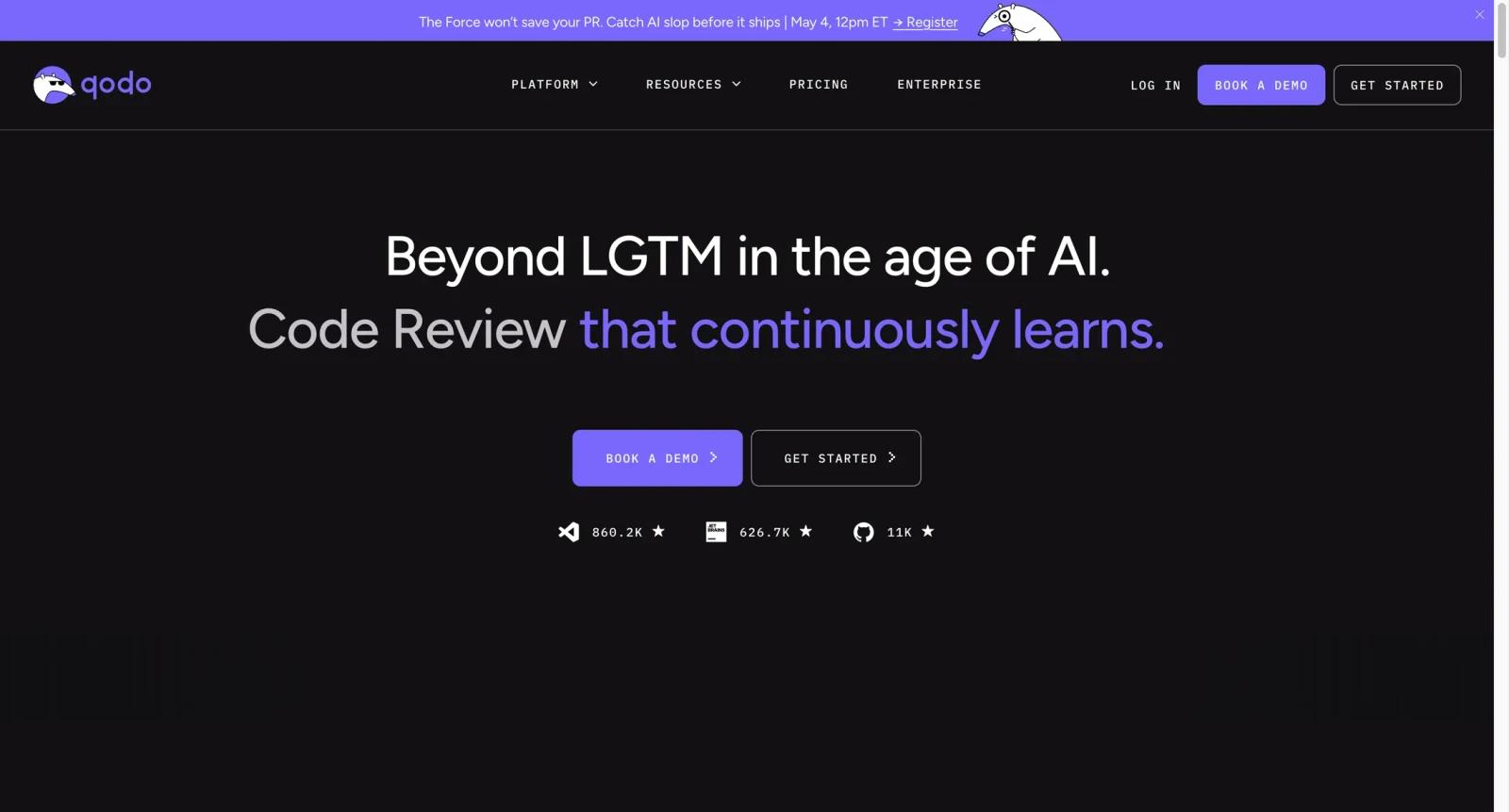


Overview
Qodo is an AI code review platform focused on pull requests, local developer workflows, and team-level quality controls. The product includes AI review tools for PRs, an IDE plugin for local review, a CLI for agentic quality workflows, and enterprise features such as dashboards, analytics, admin controls, and privacy options.
Unlike static-only AI code checker tools, Qodo is built around review assistance. It aims to help developers catch issues earlier, understand code changes faster, and reduce repetitive review effort. That makes it especially useful for teams with frequent pull requests, distributed reviewers, or repositories where context is expensive to rebuild manually.
Qodo is not a replacement for senior engineering judgment. It is best used as a review accelerator: it can flag likely defects, suggest tests, and summarize code, while humans still make architecture, product, security, and release decisions. Teams comparing Qodo with CodeRabbit or static platforms such as JetBrains Qodana should decide whether they need AI commentary, deterministic quality gates, or both.
Key Features
- AI pull request review - Reviews PRs and provides comments that can help developers spot bugs, missing tests, risky logic, and unclear implementation choices.
- IDE plugin for local review - Lets developers run review workflows before opening a PR, reducing avoidable feedback cycles later.
- CLI quality workflows - Supports command-line and agentic workflows for teams that want quality checks integrated into scripts, automation, or developer tooling.
- Codebase context engine - Enterprise-oriented context features help Qodo reason across repositories and larger codebases instead of only reviewing isolated snippets.
- Dashboard and analytics - Team and enterprise plans add visibility into usage, review activity, and quality workflows.
- Privacy and admin controls - Paid plans emphasize private support, no data retention options, user administration, and enterprise deployment needs.
Pricing & Plans
Qodo uses a freemium model. Its public pricing page lists a Developer plan with free PR reviews during the current promotional allowance, a Teams plan, and an Enterprise plan.
| Plan | Pricing | Best fit |
|---|---|---|
| Developer | $0 with promotional PR and credit limits | Individual developers testing AI review workflows |
| Teams | $38/user/month monthly, or $30/user/month billed annually | Teams that need higher PR review limits, IDE credits, CLI access, and private support |
| Enterprise | Contact sales | Organizations needing cross-repo context, dashboards, analytics, admin controls, privacy, and custom terms |
The Teams plan is the clearest paid entry point. Qodo's pricing and credit allowances can change, so teams should verify current PR limits, IDE and CLI credits, data-retention terms, and whether all contributors need paid seats before purchase.
Best For
- Engineering teams reviewing 20+ pull requests per month and wanting faster first-pass feedback
- Developers who want AI review inside the IDE before asking teammates for review
- Platform teams experimenting with AI agent quality workflows in CLI or automation
- Enterprises that need code review assistance with dashboards, admin controls, and privacy settings
- Teams pairing Qodo with deterministic tools such as tests, SAST, and Qodana
FAQ
What is Qodo?
Qodo is an AI code review platform for pull requests, IDE-based local review, CLI workflows, and enterprise code quality operations.
Is Qodo free?
Qodo has a free Developer plan with promotional limits for PR reviews and credits. Paid Teams and Enterprise plans unlock higher limits and team features.
How much does Qodo cost?
Qodo's public pricing page lists Teams at $38 per user per month monthly, or $30 per user per month when billed annually. Enterprise pricing is custom.
Does Qodo replace human code review?
No. Qodo can accelerate review and catch common issues, but senior engineers still need to judge architecture, product behavior, release risk, and complex tradeoffs.
What is Qodo best at?
Qodo is strongest for pull request review, local pre-review in the IDE, and AI-assisted quality workflows for teams that ship frequent code changes.
How does Qodo compare with Qodana?
Qodo focuses on AI review comments, IDE review, and codebase context. Qodana focuses on static analysis, CI quality gates, baselines, and JetBrains inspection reporting.
Does Qodo support enterprise privacy needs?
Qodo's Enterprise plan includes enterprise administration, analytics, context features, and privacy-oriented options. Teams should verify data retention and deployment requirements directly with Qodo.
Who should not use Qodo?
Very small teams with low PR volume, or teams that only need deterministic linting and static analysis, may get more immediate value from simpler CI checks before adding an AI reviewer.


