



Overview
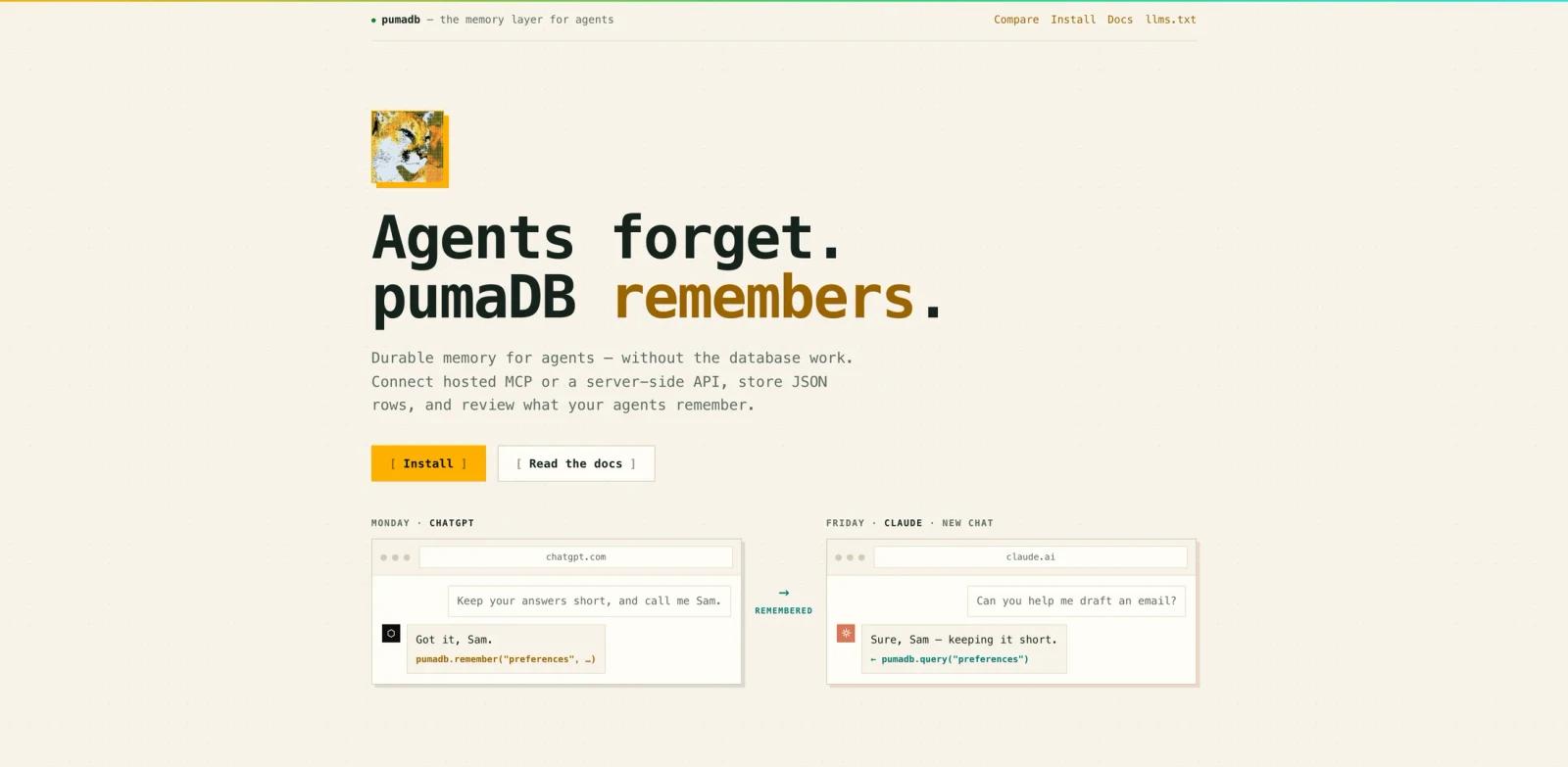
pumaDB is a small hosted memory service for AI agents. It gives compatible clients a shared place to store preferences, project facts, research notes, task state, handoff context, and other JSON records that should survive across chats or tools. Users can connect through a hosted Model Context Protocol endpoint or call the same data operations from a trusted server through REST.
The product is intentionally narrower than a general database or vector search platform. It does not require provisioning a database project, creating embeddings, or maintaining retrieval infrastructure. Agents receive explicit table and row operations, while users can inspect stored records and recover previous versions after updates or deletes.
pumaDB is relevant to developers building AI agents that need lightweight durable state. For broader approaches, compare MemOS, and review ToolWorthy's MCP beginner guide.
Key Features
Hosted MCP endpoint - Connect Codex, ChatGPT, Claude, OpenClaw, or another Streamable HTTP MCP client using OAuth.
Server-side REST API - Use bearer API keys from backends, Workers, serverless functions, command-line tools, or scripts.
Flexible JSON memory - Store project conventions, user preferences, research, task state, notes, settings, or application records.
Typed memory helper - Let agents save common memory categories with explicit metadata through the consolidated
remembertool.Version recovery - Archive previous row contents after updates and deletes, retaining the latest ten versions for thirty days.
Reviewable storage - Inspect query results directly or open short-lived viewer and download links for larger records.
How to Get Started
For an MCP client, add https://api.pumadb.ai/mcp as a remote server and complete OAuth authorization. Codex users can run codex mcp add pumadb --url https://api.pumadb.ai/mcp. ChatGPT and Claude users can add it through their custom app or connector settings where remote MCP servers are supported.
For server-side use, create a puma_live_* key and call the /v1 REST routes from a protected backend. Never expose the key in browser JavaScript, public repositories, mobile bundles, or static sites. Developers comparing agent integration standards may also read MCP versus A2A.
Pricing & Plans
pumaDB is currently published as free. The service documents one account allowance rather than multiple paid tiers.
| Item | Published limit |
|---|---|
| Price | Free |
| Tables | 20 per account |
| Rows | 1,000 per table |
| Storage | 25 MB total per account |
| Write rate | 30 writes per minute per key |
| Read rate | 60 reads per minute per key |
| Version history | Last 10 versions retained for 30 days |
The official site does not publish a paid plan or overage price. These limits make pumaDB suitable for compact agent memory, not large document stores or analytics workloads.
Best For
- Developers prototyping agents that need cross-session preferences
- Coding assistants storing project conventions and handoff notes
- Research agents preserving sources and follow-up questions
- Small server-side applications needing simple JSON persistence
- Teams that want inspectable memory rather than opaque embeddings
FAQ
What does pumaDB store?
It stores small JSON records such as facts, preferences, project notes, research clippings, task state, settings, and agent handoff context.
Is pumaDB free?
Yes. The official site currently presents pumaDB as free and documents account limits without a paid plan.
Which clients can connect?
The installation guide lists Codex, ChatGPT, Claude, OpenClaw, and any client supporting Streamable HTTP MCP and the required authorization flow.
Does pumaDB use a vector database?
No. It exposes explicit JSON tables and row operations rather than requiring embeddings or vector retrieval infrastructure.
Can applications use pumaDB without MCP?
Yes. Trusted backends can call the REST API with a bearer key.
Can deleted memory be restored?
Yes. Updates and deletes archive the previous row, and the latest ten versions are retained for thirty days.
Should API keys be used in frontend code?
No. The documentation explicitly warns against placing API keys in browser code, mobile apps, static sites, or public repositories.