Overview
Planner 5D is a browser- and app-based 3D home design platform that lets users create floor plans, furnish rooms with 8,000+ items, and generate photorealistic renders — no architecture or design training required. The platform runs on iOS, Android, Windows, and macOS, and syncs projects across devices.
The platform has reached 120M+ users who have created over 400M home projects. It serves casual homeowners planning renovations, interior design enthusiasts, and entry-level professionals who want 3D visualization without the learning curve of dedicated CAD tools. A free plan provides unlimited projects and access to 50% of the furniture catalog, but paid plans are required for the full catalog and render allowances. Premium adds standard renders, while Professional unlocks unlimited 4K rendering and professional features like AI Design Generator and CAD export.
Planner 5D is part of the AI room and home design and AI interior design categories. A free plan is available with unlimited projects and access to 50% of the catalog. Premium starts at $4.99/month when billed annually ($59.99/year), or $19.99 month-to-month.
Key Features
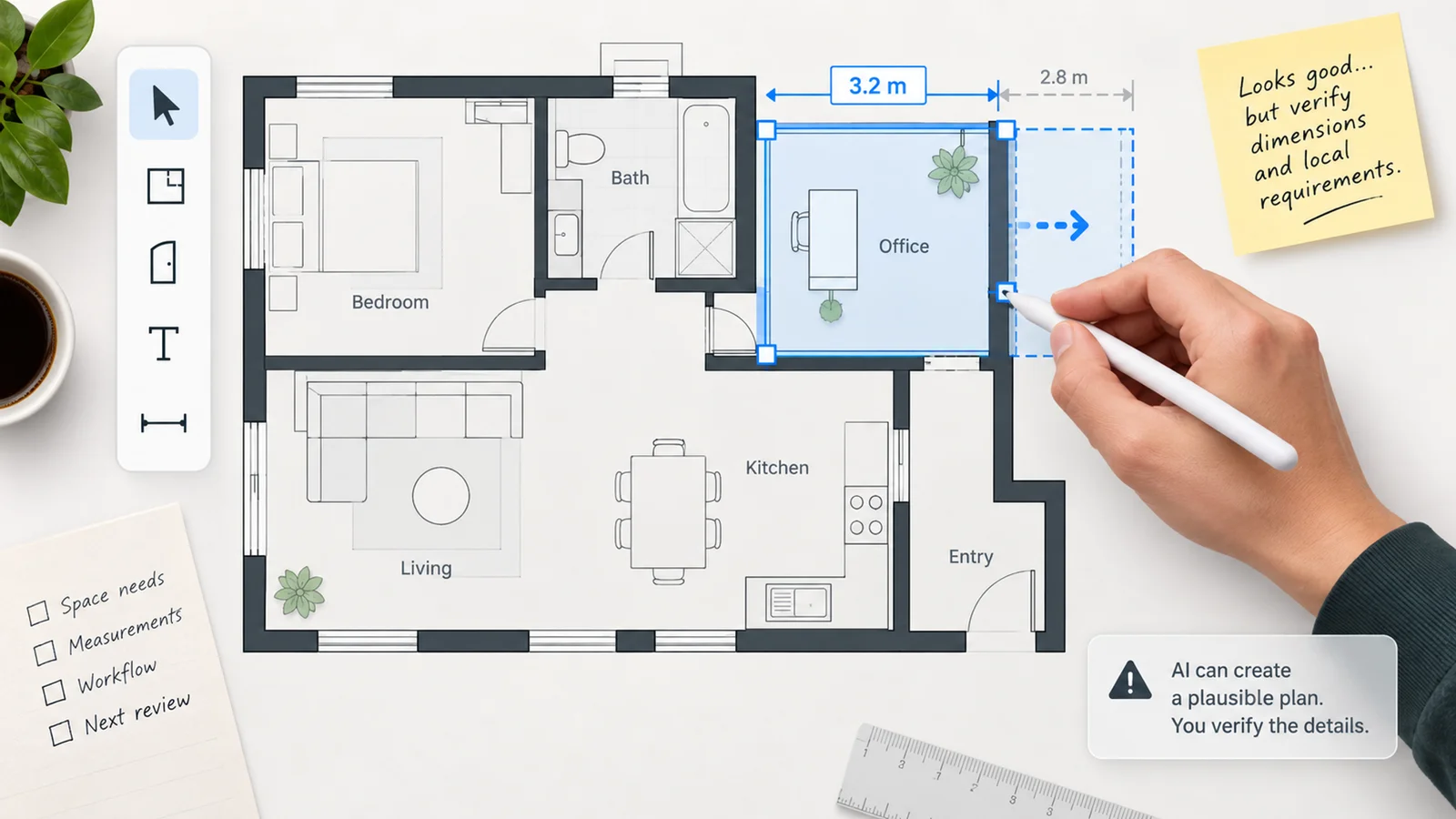
- AI-powered floor plan recognition — Upload a photo or sketch of an existing floor plan and let Planner 5D's AI convert it into an editable 3D layout. Reduces setup time for users redesigning an existing space rather than starting from scratch.
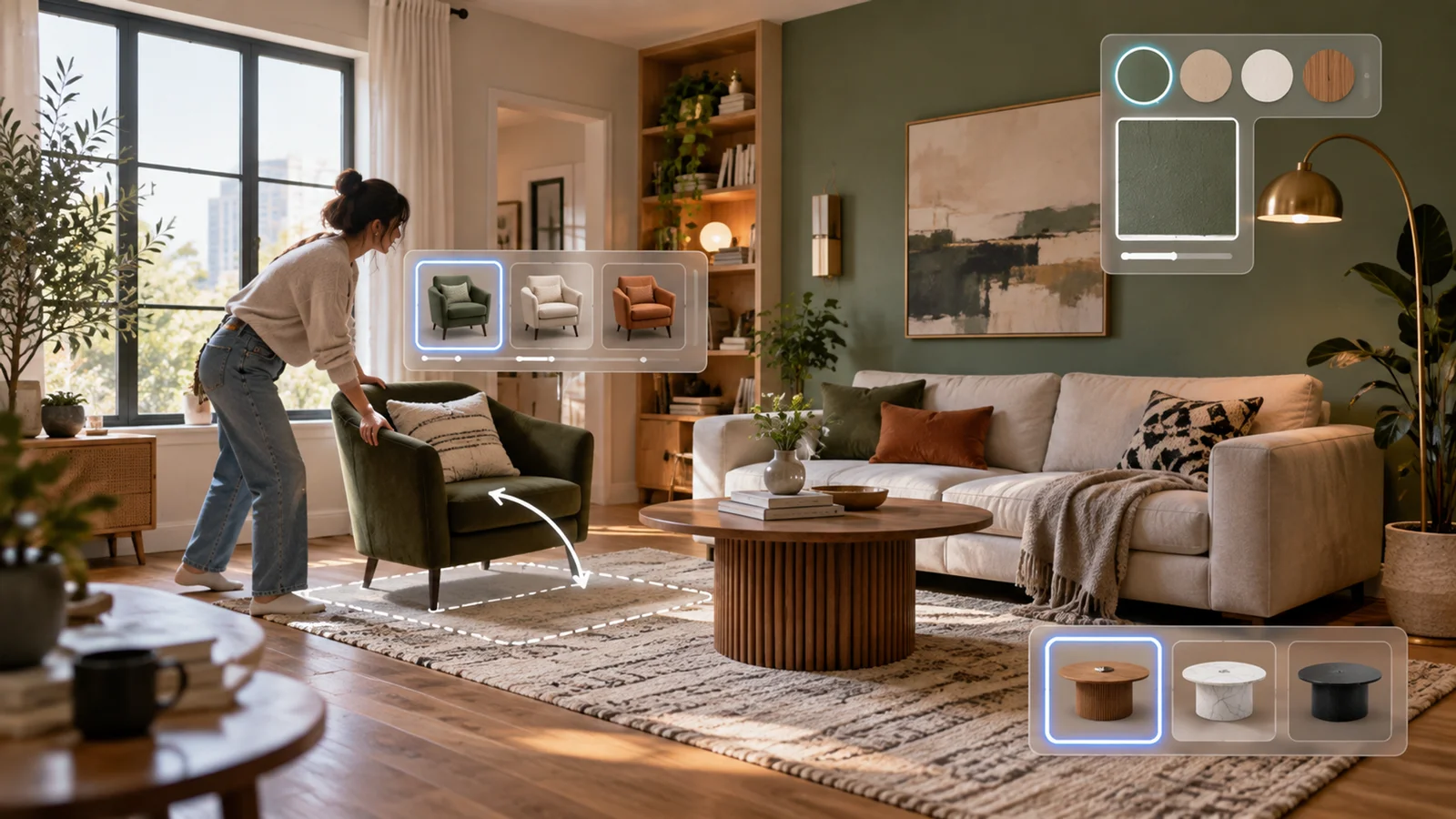
- Large furniture catalog — Planner 5D describes its general library as 8,000+ items, while its current pricing page references 10K+ premium furniture items. Premium and above unlock the full catalog, including furniture, fixtures, and decorative items with material and color customization. Free users access approximately 50% of the catalog.
- 4K rendering and 360° walkthroughs — Professional plan users can generate 4K-quality renders with adjustable lighting, shadow, and camera positions, plus 360° walkthroughs for immersive presentations. Standard renders are available on the Premium plan.
- Cross-platform access with sync — Projects sync across iOS, Android, Windows, and macOS. Designs started on a phone can be continued on a desktop, and vice versa, without re-importing files.
- AI Design Generator — Availability is platform-dependent: Planner 5D lists it as Pro on web, Premium on iOS, and on demand on Android. It generates design options from an uploaded room photo and selected room/style criteria, reducing blank-canvas setup for users who want AI-assisted starting points.
- CAD export and professional tools — Professional plan includes CAD file export, a price estimator, specifications organizer, and documentation tools useful for client-facing workflows and procurement planning.
Pricing & Plans
Planner 5D offers a free tier and two paid tiers, with Enterprise available by contact.
| Plan | Price | Renders | Key Access |
|---|---|---|---|
| Free | $0 | No paid render allowance listed; unlimited projects/screenshots; limited customization | 50% furniture catalog, cross-device access, Design Battle |
| Premium | $4.99/month billed annually ($59.99/year) or $19.99 month-to-month | 5 renders/month on monthly plan or 60/year on annual plan | Full catalog access, floor plan upload, 3D model import from photos, Budget Widget |
| Professional | $33.33/month billed annually ($399.99/year) or $49.99 month-to-month | Unlimited 4K renders | AI Design Generator on web, 360° walkthroughs, CAD export, price estimator, specifications organizer |
| Enterprise | Custom | Custom | White-label, AR/VR support, product configurators, e-commerce integration |
The free plan is functional for single-room exploration and evaluation, but the limited catalog and customization restrictions make it less suitable for polished presentation work without upgrading. Premium is the entry point for complete catalog access. Professional is required for AI-assisted design, unlimited 4K output, and CAD workflows.
Best For
- Homeowners planning room redesigns or renovations who want a photorealistic preview before purchasing furniture
- Interior design enthusiasts who want cross-platform flexibility and a large furniture catalog without professional software complexity
- Entry-level designers and students who need 3D rendering output and 360° walkthroughs for client or portfolio presentations
- Anyone evaluating home design tools who wants a functional free tier before committing to a paid plan
FAQ
Is Planner 5D free?
Yes. Planner 5D offers a permanent free plan with access to approximately 50% of the furniture catalog and limited renders. The free plan supports unlimited projects and syncs across devices. Premium starts at $4.99/month when billed annually ($59.99/year), or $19.99 month-to-month, and unlocks the full furniture catalog, and Professional ($33.33/month or $399.99/year) adds unlimited 4K renders and AI-assisted design tools.
What devices does Planner 5D work on?
Planner 5D runs on iOS, Android, Windows, and macOS, and in a web browser. Projects sync automatically across all devices, so work started on a phone can be continued on a desktop without manual file transfer.
How does Planner 5D compare to HomeByMe?
Planner 5D offers a broader furniture catalog and stronger mobile app experience. HomeByMe has deeper integration with real-brand furniture from retailers like Wayfair and Crate & Barrel, making its output more directly linked to purchasable items. Planner 5D offers platform-dependent AI design-generation tools, while HomeByMe is stronger for branded, purchasable furniture integration. The best choice depends on whether branded furniture purchase integration or design flexibility is the priority.
Does Planner 5D export to CAD?
CAD export is available on the Professional plan ($33.33/month or $399.99/year). The Professional plan also includes a specifications organizer and price estimator for client-facing documentation workflows. The AI architecture design category includes alternatives for teams with heavier technical documentation requirements.
Can I use Planner 5D for kitchen design?
Yes. Planner 5D supports kitchen layouts with its full catalog of cabinetry, appliances, and fixtures. The AI floor plan recognition tool can import existing kitchen dimensions for faster setup. For more kitchen-specific workflows, the AI kitchen design category covers tools with more dedicated kitchen planning features.