



Overview
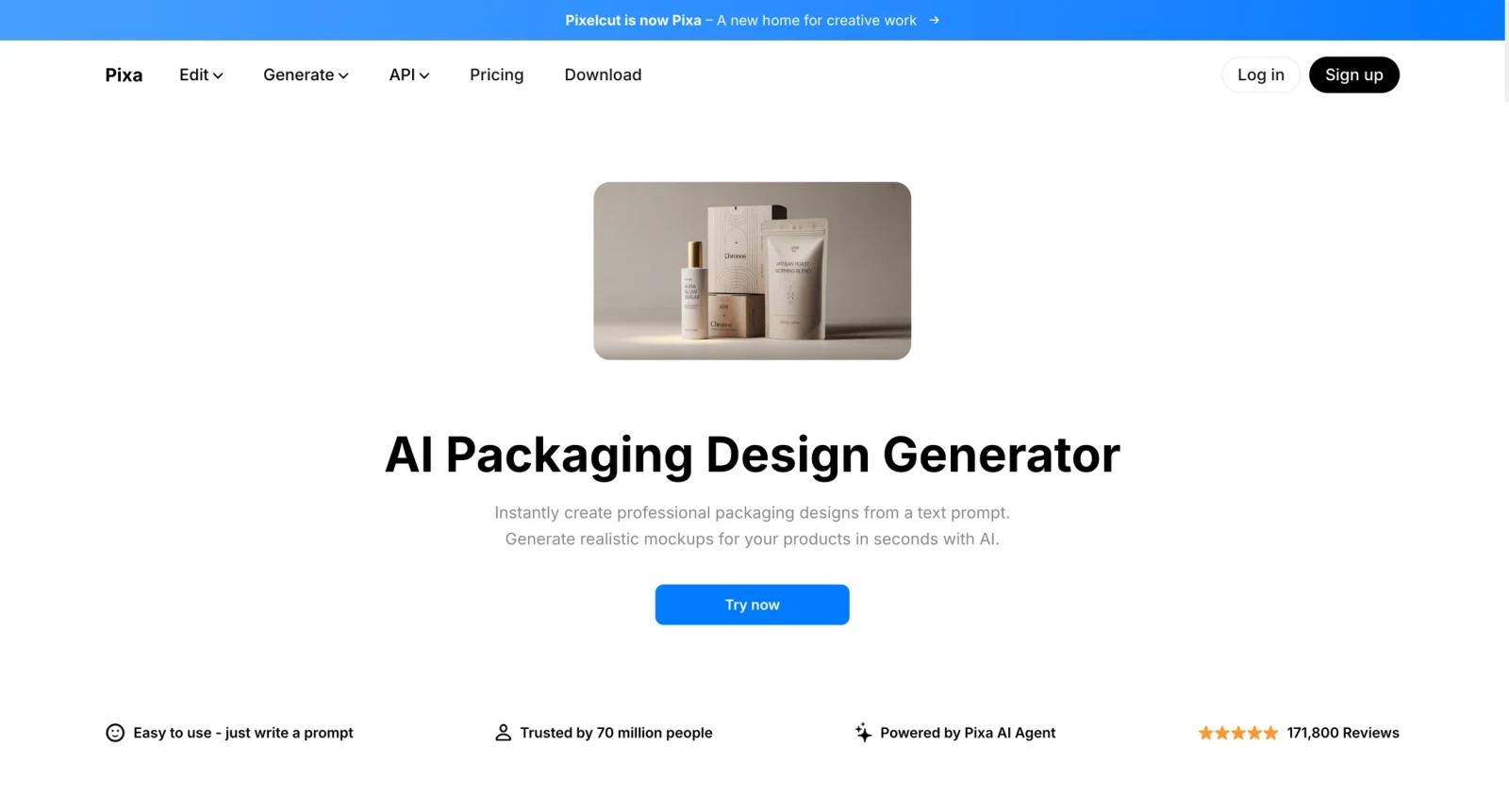
Pixelcut AI Packaging Design is a creative workflow inside Pixelcut's AI photo editing platform. It helps users generate packaging-style visuals, product images, and ecommerce content without building every visual manually.
The tool is useful for ecommerce sellers, small brands, marketers, and creators who need product visuals quickly. Pixelcut's broader suite includes background removal, AI photo editing, templates, image generation, and API options for automated workflows.
For adjacent research, compare AI design tools, AI UI design tools, AI website design tools.
Key Features
- AI packaging visuals - Generates packaging-style product images and design directions.
- Ecommerce editing tools - Pairs with background removal, photo editing, and product image workflows.
- Template-friendly workflow - Helps create visuals for listings, ads, and social posts.
- Free and Pro app access - Pixelcut offers free entry points and paid Pro features.
- API option - Pixelcut API uses credit-based pricing for automated image workflows.
- Fast product content creation - Useful for small teams that need many product visuals quickly.
Pricing & Plans
Pixelcut pricing depends on whether you use the app or API.
| Plan type | Pricing | Best fit |
|---|---|---|
| Free app access | Limited free use | Testing AI image tools |
| Pixelcut Pro | Check current app pricing | Regular creators and ecommerce sellers |
| API credits | From $10/month for 1,000 credits | Developers automating image workflows |
Check Pixelcut's live pricing page for Pro features, export rules, API renewal, and credit rollover terms.
Best For
Pixelcut AI Packaging Design is best for ecommerce sellers, small brands, and marketers who need quick product and packaging-style visuals.
FAQ
What is Pixelcut AI Packaging Design?
It is an AI workflow for generating packaging-style product visuals inside Pixelcut.
Is Pixelcut free?
Pixelcut offers free access with paid Pro options for heavier use.
Does Pixelcut have an API?
Yes. Pixelcut API pricing is credit based, with credits priced at 1 cent each on the developer pricing page.
Can Pixelcut replace packaging production design?
No. It is better for concept visuals, ecommerce content, and marketing assets than print-ready packaging files.
Who should use Pixelcut AI Packaging Design?
Pixelcut AI Packaging Design is best for users who need the workflow described in this review and want to compare it against adjacent AI tools before adopting it.
How much does Pixelcut AI Packaging Design cost?
Pricing can change by plan, billing term, region, and usage limits. Check the official website for the current plan details before purchase.


