



Overview
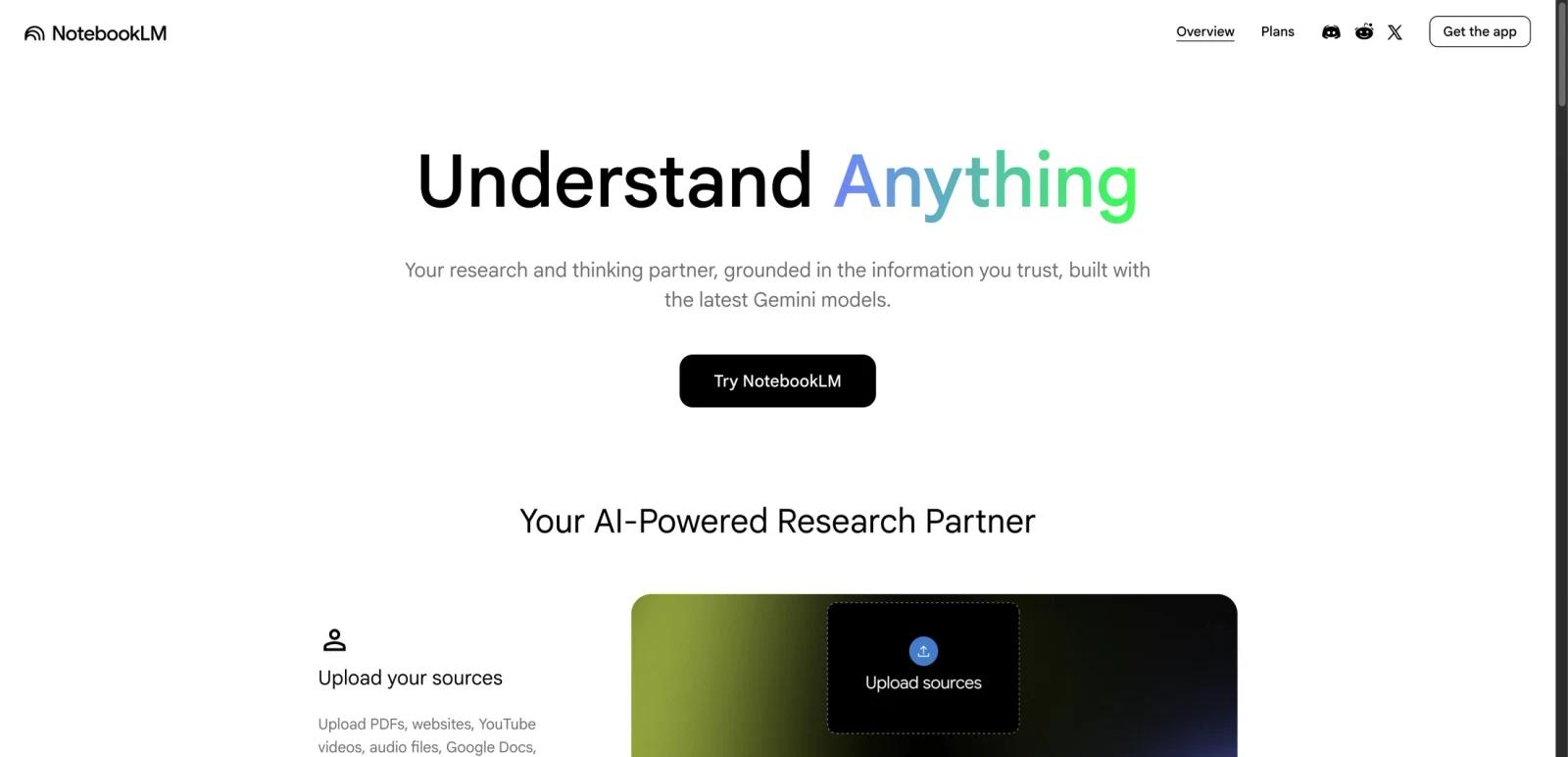
NotebookLM is Google's source-grounded AI research assistant built for reading, synthesis, and idea development rather than open-ended chatbot use. You upload your own materials such as PDFs, websites, YouTube videos, audio files, Google Docs, or Slides, and NotebookLM answers questions against those sources with inline citations back to the original material.
That grounding model is what makes NotebookLM different from a generic AI assistant. Instead of improvising from the broader web, it acts like a notebook-specific analyst that can summarize, explain, compare, quiz, and repackage the information you give it. In practice, that makes it useful for students, researchers, content teams, support documentation owners, and anyone who needs faster synthesis without losing traceability.
As of April 23, 2026, NotebookLM has a free standard tier plus paid access through Google AI Plus, Google AI Pro, Google AI Ultra, qualifying Google Workspace plans, or Google Cloud enterprise licenses. The key buyer question is not whether NotebookLM works, but whether its citation-driven workflow and generated formats like Audio Overviews and Video Overviews justify upgrading beyond the free tier.
Key Features
Source-grounded chat with inline citations — NotebookLM answers questions against the material in your notebook and shows citations to the relevant source passages. That is the product's core advantage over generic chatbot workflows where factual traceability is weak.
Broad source ingestion — Google officially supports PDFs, websites, YouTube videos, audio files, Google Docs, and Google Slides, which makes NotebookLM usable for mixed research workflows instead of text-only note summarization.
One-click study and briefing outputs — NotebookLM can turn sources into summaries, FAQs, timelines, reports, quizzes, flashcards, and briefing-style outputs. These generated artifacts help it function as both a research tool and a repackaging layer for learning or internal communication.
Audio Overviews and Video Overviews — NotebookLM can transform notebooks into listenable or watchable explainers, which is one of the clearest differentiators versus traditional note-taking apps and many AI summarizer tools.
Source discovery and Deep Research workflows — Google's current help and plans pages position NotebookLM as more than a static upload tool. Paid tiers expand research capacity, and Google now highlights source discovery and Deep Research for heavier research use cases.
Public notebooks and advanced sharing — NotebookLM can be used as a knowledge-sharing layer, not just a private study space. Google also positions advanced sharing and notebook analytics as part of its upgraded experience, especially for business or organizational workflows.
Pricing & Plans
NotebookLM uses a freemium model. The free standard tier is enough to test the product seriously, while paid access is now bundled into broader Google AI plans rather than sold as a simple standalone consumer add-on.
| Plan | Price | NotebookLM positioning |
|---|---|---|
| NotebookLM Standard | Free | 100 notebooks, 50 sources per notebook, 50 chats/day, 3 Audio Overviews/day, 3 Video Overviews/day |
| Google AI Plus | $7.99/month | Entry-level paid upgrade with more access, 200 notebooks, 100 sources per notebook, and higher daily generation limits |
| Google AI Pro | $19.99/month | Higher access tier with 500 notebooks, 300 sources per notebook, 500 chats/day, and materially higher output quotas |
| Google AI Ultra | $249.99/month | Highest consumer tier with 600 sources per notebook, 5,000 chats/day, watermark removal for some outputs, and the largest limits |
| Workspace / Education / Cloud | Custom or bundled | Business and school access depends on eligible Google Workspace or Google Cloud licensing |
Google's current official help pages list these baseline consumer limits for NotebookLM Standard: 100 notebooks per user, up to 50 sources per notebook, 50 chats per day, 3 Audio Overviews per day, 3 Video Overviews per day, 10 reports per day, 10 flashcards per day, and 10 quizzes per day. Paid plans increase those caps significantly, with Plus roughly doubling standard generation access, Pro offering 5x standard generation access, and Ultra reaching 50x standard generation access on NotebookLM's own plans page.
The main pricing nuance is that NotebookLM is no longer best described as "NotebookLM Plus for $20/month." For US self-serve buyers, the true entry point is Google AI Plus at $7.99/month, while serious individual usage starts to look more like Google AI Pro at $19.99/month. For teams, the purchase path may sit under Google Workspace or Google Cloud instead of a consumer subscription.
Best For
- Students and researchers who need grounded answers tied back to source passages
- Knowledge workers building briefs, study guides, FAQs, or presentation materials from large document sets
- Teams that want to convert internal docs, training content, or support materials into reusable AI-ready knowledge assets
- Users comparing citation-first research workflows with broader AI note taking products
- Anyone who values verification and source traceability more than chatbot personality
FAQ
Is NotebookLM free?
Yes. NotebookLM has a free standard tier. As of April 23, 2026, Google officially lists 100 notebooks per user, up to 50 sources per notebook, 50 chats per day, 3 Audio Overviews per day, and 3 Video Overviews per day on the standard plan.
What is the cheapest paid way to upgrade NotebookLM?
For US consumer users, the current lowest paid entry point is Google AI Plus at $7.99/month. Google AI Pro at $19.99/month is the next tier up, while organizations may instead access upgraded NotebookLM through qualifying Google Workspace, Workspace for Education, or Google Cloud plans.
What makes NotebookLM different from ChatGPT or Gemini chat?
NotebookLM is designed around your sources. It answers based on the materials inside your notebook and shows citations to those sources. Generic chatbots are broader and often more flexible, but they are usually less reliable for source-grounded research workflows unless you build that structure yourself.
What source types does NotebookLM support?
Google lists PDFs, websites, YouTube videos, audio files, Google Docs, and Google Slides among the supported source types. That mix makes NotebookLM useful for research projects that combine reading, listening, and video-based material.
Does NotebookLM work for teams and businesses?
Yes. Google now supports NotebookLM access for many work and school accounts, and upgraded access can come through qualifying Google Workspace or Google Cloud plans. For enterprise buyers, the appeal is not only higher limits but also stronger privacy, admin control, and data-handling guarantees.
Does Google train on my NotebookLM data?
Google says your data is protected and is not used to train NotebookLM unless you provide feedback. Google also states that for Workspace and Workspace for Education users, uploads, queries, and model responses are not reviewed by human reviewers and are not used to train AI models.
Is NotebookLM mainly for students?
No. Education is a strong fit, but Google's own plans page also positions NotebookLM for research, customer support, sales, training, onboarding, and marketing workflows. Its real niche is source-grounded synthesis, not just student study help.
Is NotebookLM worth paying for?
If your usage is occasional, the free tier is strong. Paid plans start to make sense when you hit daily generation limits, need larger notebooks, want more output volume, or need business-grade access through Workspace or Cloud. For many individual users, the real decision is whether Google AI Plus at $7.99/month is enough or whether NotebookLM is important enough to justify Google AI Pro at $19.99/month.


