
13 Best AI Note-Taking Apps in 2026 — Ranked for Real Meeting Loads
Transcription is the easy part. We compared 13 AI note-taking apps on the harder stuff: action item accuracy, bot visibility, CRM integration depth, and pricing traps.

On this page
You're running four back-to-back meetings today, your calendar looks like a Tetris grid, and by 5pm you can't remember what you committed to in the 10am sync. You write "review proposal" in a Notion doc, but nobody assigned it, and nobody followed up. Three weeks later, that deal fell through for reasons that were totally predictable — if anyone had captured the conversation properly.
AI note-taking software exists to solve exactly this: replacing the unreliable human memory of a busy workday with accurate transcripts, structured summaries, and action items that actually get assigned. It's one of the most practical categories within the broader world of AI productivity tools. We tested and compared 13 of the leading tools — from the free-forever darlings to enterprise-grade meeting intelligence platforms — so you can stop spending an afternoon on research and just pick the one that fits.
We evaluated each tool on transcription accuracy in real-world conditions (not lab benchmarks), the quality of AI-generated summaries, how action items are captured and tracked, pricing transparency, and the invasiveness of the bot experience — because not every meeting needs an obvious third-party recording it.
| Tool | Best For |
|---|---|
| Fathom | Free unlimited recordings for individuals |
| Fireflies.ai | Sales teams needing CRM + conversation analytics |
| tl;dv | Cross-meeting AI reports for distributed teams |
| Otter.ai | Real-time transcription with collaborative editing |
| Notion AI Meeting Notes | Teams already living in Notion |
| Fellow | Structured agendas tied directly to meeting notes |
| Notta | Multilingual transcription for global teams |
| NotebookLM | Researchers synthesizing documents + meeting recordings |
| Circleback | Privacy-sensitive calls without a visible bot |
| Read AI | Engagement analytics and meeting quality scoring |
| Krisp AI Note Taker | Noisy environments needing noise cancellation + notes |
| MeetGeek | Budget-conscious teams wanting unlimited transcription |
| Tactiq | Chrome-extension simplicity for Google Meet users |
How We Selected and Tested
We selected these 13 AI note-taking tools based on measurable criteria: active user base with documented real-world adoption, publicly available pricing, support for at least two of the major meeting platforms (Zoom, Google Meet, Microsoft Teams), and AI-generated summaries beyond raw transcription. Tools that offered transcription-only without any AI processing layer were excluded.
Our research methodology combined multiple data sources to ensure accuracy. We analyzed official pricing pages and documentation, cross-referenced third-party review platforms (G2, Reddit, Trustpilot, Product Hunt), and reviewed hands-on evaluations from independent tech publications including PCMag and The Business Dive. This multi-source approach helped identify discrepancies between marketing claims and actual user experiences — particularly around "99% accuracy" benchmarks that collapse under real-world conditions.
Evaluation Dimensions: We evaluated each tool across 6 dimensions aligned with what meeting-heavy professionals actually care about:
- Transcription accuracy under real conditions — performance with accents, crosstalk, and technical vocabulary, not just clear English in a quiet room (see our separate comparison of AI transcription tools if standalone transcription is your primary need)
- Action item quality — does the AI correctly identify commitments and assignees, or does it require heavy manual correction?
- Bot invasiveness — does it send a meeting-join notification that alerts all participants, or can it capture silently?
- Free tier sustainability — can you use the free plan for a normal week of meetings, or do you hit limits by Tuesday?
- Pricing transparency — are total costs predictable, or are there per-seat multipliers and storage overages that make budgeting difficult?
- Integration depth — does it push data into your CRM/project management tools, or just export a PDF?
Note on Testing Scope: We conducted hands-on testing of individual plans across the major tools. Enterprise and Business plans were evaluated based on official documentation, verified user reviews, and vendor-published case studies. Research conducted in Q1 2026.
Transparency & Limitations: Pricing and feature information were reviewed against official sources in March 2026, but this category changes frequently. We updated the highest-impact pricing and feature claims during revision; remaining enterprise-only details should still be verified directly with vendors before purchase.
Top 13 AI Note-Taking Software Compared
Before diving into detailed reviews, here's a side-by-side look at all 13 tools on the dimensions that tend to drive the final purchasing decision. All pricing is per user per month unless noted.
| Tool | Best For | Free Tier | Paid Starting Price | Bot-Free Option | CRM Integration |
|---|---|---|---|---|---|
| Fathom | Individuals, free tier | Unlimited recordings (5/mo AI) | $16/mo (annual) | No | HubSpot, Salesforce |
| Fireflies.ai | Sales teams | 800 min storage | $10/mo (annual) | No | HubSpot, Salesforce |
| tl;dv | Distributed teams | Free plan (recording, transcription, AI notes) | $18/user/mo (annual) | No | HubSpot, Salesforce |
| Otter.ai | Real-time transcription | 300 min/mo | $8.33/mo (annual) | No | HubSpot, Salesforce (Enterprise) |
| Notion AI Meeting Notes | Notion users | None (Business only) | $20/user/mo | Yes | Via Notion integrations |
| Fellow | Agenda + notes together | Free plan available (up to 10 users) | $7/user/mo (annual) | Yes | Salesforce, HubSpot |
| Notta | Multilingual teams | 120 min/mo | $8.17/mo (annual) | No | Zapier, HubSpot |
| NotebookLM | Research + documents | 100 notebooks free | Via Google AI / Workspace plans | N/A | None |
| Circleback | Privacy-sensitive calls | 7-day trial | $20.83/mo (annual) | Yes | Linear, HubSpot, Salesforce |
| Read AI | Engagement analytics | 5 meetings/mo | $15/mo (annual) | No | Notion, Salesforce, HubSpot |
| Krisp AI Note Taker | Noisy environments | 7-day trial | $8/mo (annual) | Yes | HubSpot, Salesforce |
| MeetGeek | Budget teams | 3 hr/mo | $9.99/user/mo | Yes | Zapier, HubSpot |
| Tactiq | Google Meet users | 10 transcripts/mo | $8/user/mo (annual) | Yes | Notion, HubSpot |
Detailed Reviews

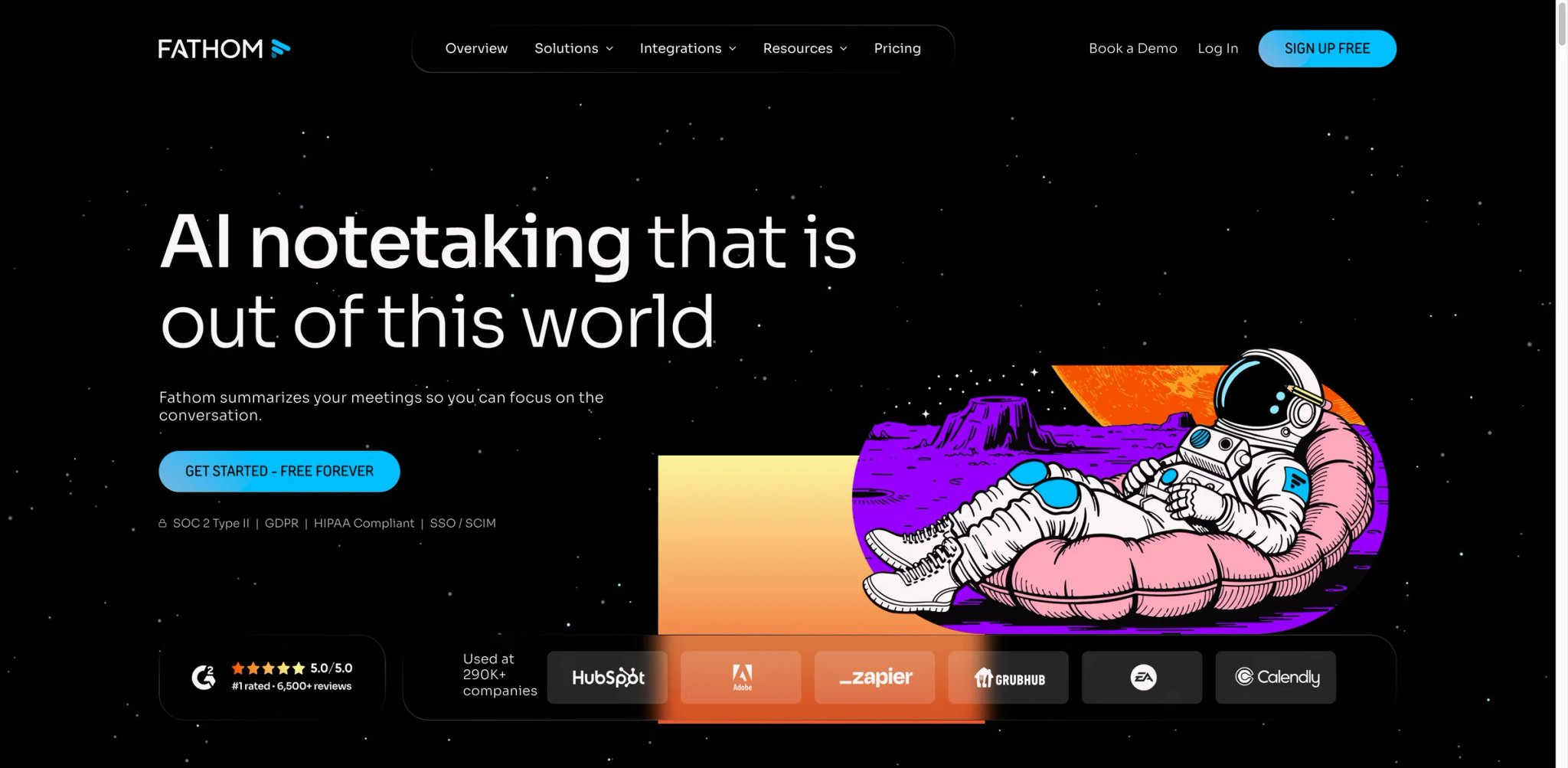
If you're skeptical that a free tool can actually hold up for daily use, Fathom is the most likely candidate to change your mind. Most free meeting tools are free until you need them — limited to 3 recordings per month, or summaries that cut off after 30 minutes. Fathom's free plan gives you unlimited recordings and transcriptions, which means you can actually use it as a daily driver without watching a progress bar.
What makes it work for heavy users:
- Unlimited recordings on the free plan — captures every Zoom, Google Meet, and Teams call without monthly caps. The limitation is AI summaries, capped at 5 per month on free, which pushes anyone doing more than 5 meetings weekly toward Premium ($16/month annually).
- Transcription across dozens of languages — supports 38 languages per official help docs, with AI summaries available for supported workflows. Quality is solid for structured meetings; accuracy drops with heavy crosstalk or domain-specific jargon.
- CRM sync across tiers, deeper on Business — CRM sync is available on lower tiers too, but limited to up to 3 users per domain; the Business plan ($25/month annually) adds unlimited CRM sync and deeper field-level syncing for HubSpot and Salesforce, plus Deal View for tracking conversation history per opportunity.
- Clips and playlists — lets you extract and share specific moments from calls. Useful for sales coaching or capturing executive quotes without sending a full 60-minute recording.
Pricing:
- Free: Unlimited recordings, 5 AI summaries/month
- Premium: $20/month ($16/month annually) — unlimited AI summaries, follow-up emails, custom bot
- Team: $19/month ($15/month annually, 2-user minimum) — collaboration, search, SSO
- Business: $34/month ($25/month annually) — CRM sync, Deal View, AI scorecards
Limitations:
- The meeting bot joins visibly and sends a notification to all participants — not suitable for calls where you need to record discreetly
- Transcription accuracy in challenging environments (strong accents, technical vocabulary, overlapping speakers) averages around 87%, which requires manual review for meeting-critical decisions
- CRM sync is available on lower tiers but limited to up to 3 users per domain — teams larger than that need the Business plan ($25/month annually) for unlimited CRM sync and deeper field-level automation
Best for: Individual professionals or small teams who need unlimited recordings without paying immediately. Not the right fit if your meetings involve sensitive conversations where a visible bot is inappropriate, or if you need CRM integration without upgrading to Business tier.
Get started with Fathom

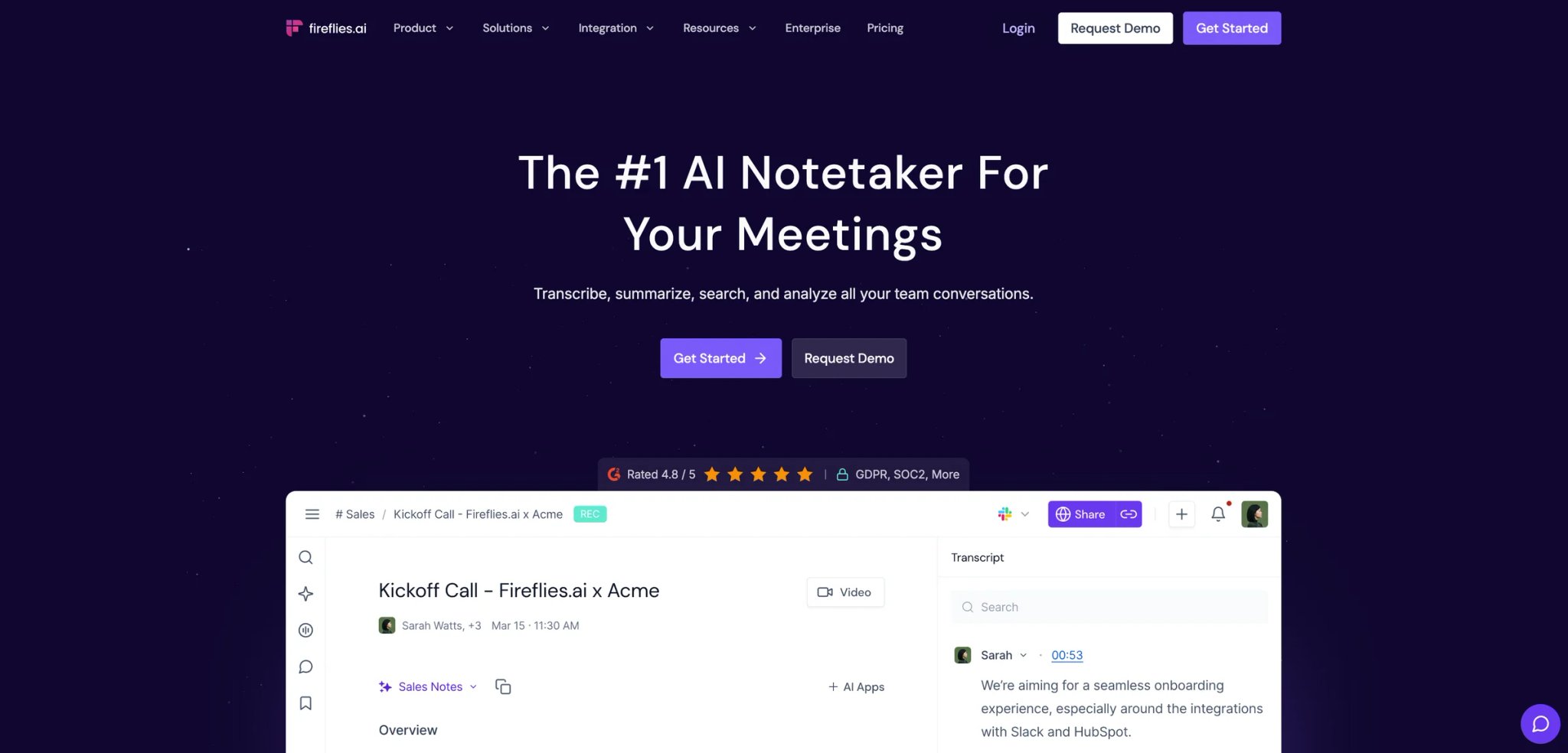
Sales teams spend enormous time on calls and almost no time analyzing them. Fireflies was built for this gap — not just capturing meetings, but turning them into structured data you can query, filter, and route into your CRM automatically. If you've ever tried to recall what a prospect said about budget three weeks ago, you understand the core value proposition.
What differentiates Fireflies in practice:
- AskFred AI assistant — lets you query any past transcript in natural language. "What objections did we hear about pricing in Q4?" returns timestamped results from across all recorded calls, not just one meeting.
- Conversation intelligence on Business plan — tracks talk time ratios, filler words, topic distribution, and sentiment across meetings. Useful for coaching SDRs and AEs without sitting in on every call.
- 100+ language transcription — automatic language detection with multi-language mode on Business. Fireflies claims over 90% accuracy; independent testing puts it closer to 91% in real-world conditions.
- Workflow automation — triggers to Slack, HubSpot, Salesforce, and Zapier after each meeting. You can route summaries to specific channels, update CRM fields, or create tasks based on detected action items without manual intervention.
Pricing:
- Free: Unlimited transcription (rate limited), 800 min storage/seat, basic summaries
- Pro: $10/user/month (annual) / $18/user/month (monthly) — unlimited summaries, 8,000 min storage, AskFred
- Business: $19/user/month (annual) / $29/user/month (monthly) — video recording, conversation intelligence, unlimited storage
- Enterprise: $39/user/month (annual) — HIPAA, SSO, private storage
Limitations:
- No automatic language detection on Pro — teams with multilingual calls need Business tier
- Video recording is only available on Business ($19/month annually), making it expensive if that's your primary need
- Interface has a steeper learning curve than simpler tools — new users often spend the first week configuring integrations rather than using the product
- The bot joins with a notification; attendees know they're being recorded
Best for: Sales and customer success teams who need conversation analytics, CRM automation, and searchable call history. Not the right fit if you need a straightforward summary tool without configuration overhead, or if multilingual support matters on a budget.
Get started with Fireflies.ai
tl;dv
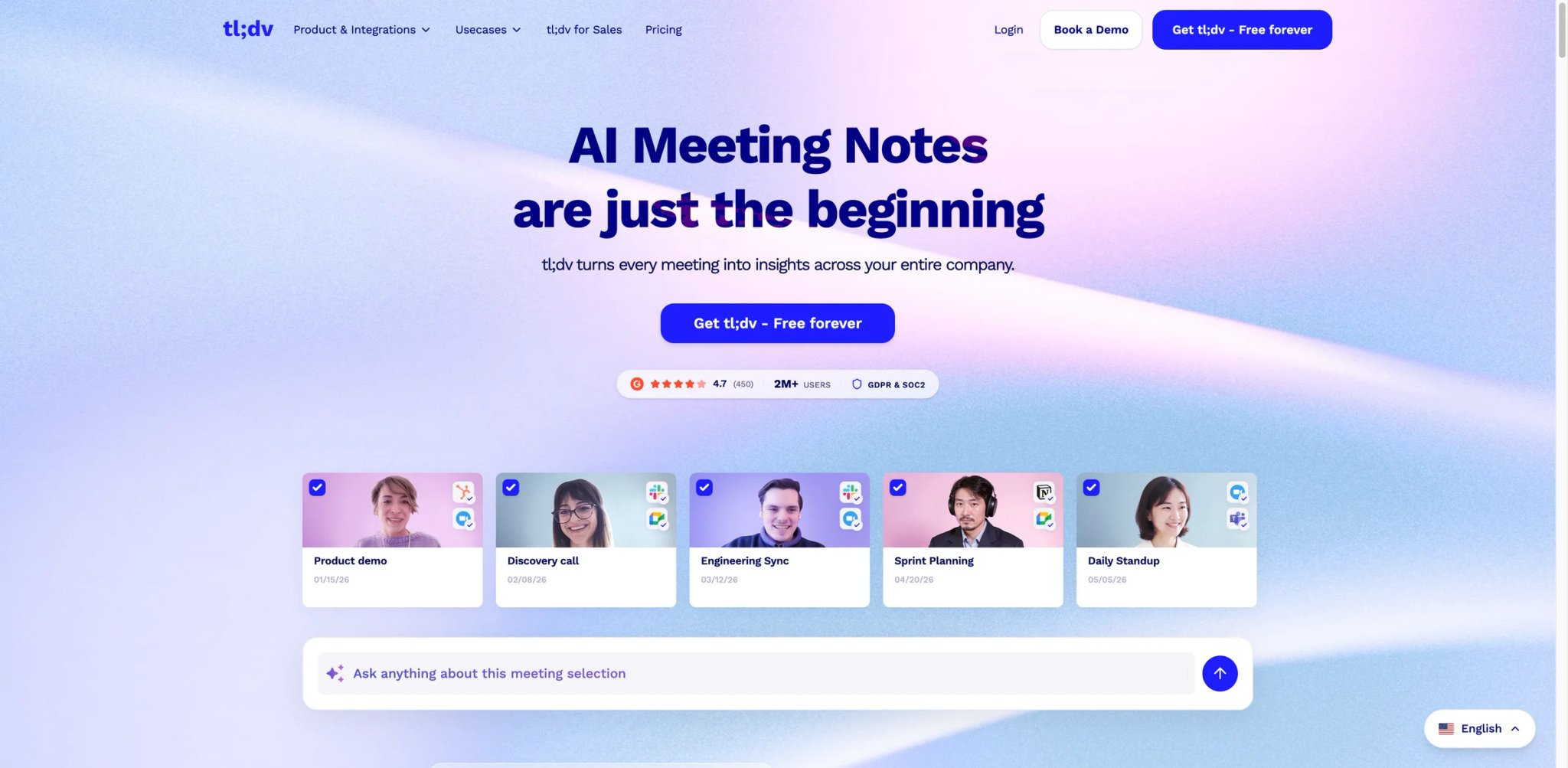
Most meeting tools answer "what happened in this meeting?" tl;dv is built for a different question: "what patterns am I seeing across all my meetings this month?" That distinction matters for managers running weekly 1:1s, user researchers reviewing 20 interviews, and anyone who needs to synthesize information across sessions rather than just retrieve individual transcripts.
Where tl;dv goes beyond the basics:
- AI Reports across multiple meetings — generates synthesis documents that pull insights from your entire library. Research interview themes, product feedback trends, or Q1 deal blockers — without reading every transcript manually.
- Timestamped highlights — mark key moments during or after any call, then share a direct link to that exact timestamp via Slack or email. More useful than "see the recording" when you need someone to review a specific 30 seconds.
- Transcription in 30+ languages — with speaker tagging. The free plan covers meeting recording, transcription, and AI meeting notes with no monthly cap on summaries.
- CRM field mapping on Pro — at $18/month annually, tl;dv integrates with HubSpot, Salesforce, Notion, and Zapier. Usable without deep configuration once the initial setup is complete.
Pricing:
- Free: Free forever — includes meeting recording, transcription, AI meeting notes, and multi-meeting summaries
- Pro: $18/user/month (annual) / $29/user/month (monthly) — unlimited summaries, full integrations
- Business: $59/user/month (annual) / $98/user/month (monthly) — AI coaching, advanced analytics, and deeper workflows
Limitations:
- Business plan pricing ($59/user/month annually, $98/user/month monthly) is significantly higher than competitors — the jump from Pro to Business is steep with limited middle ground
- No bot-free recording mode — the tl;dv bot joins calls as a visible participant
Best for: Distributed teams and user researchers who need to synthesize patterns across many meetings, not just transcribe individual ones. Not the right fit if you need a simple, low-cost daily meeting recorder without the cross-meeting intelligence layer.
Get started with tl;dv

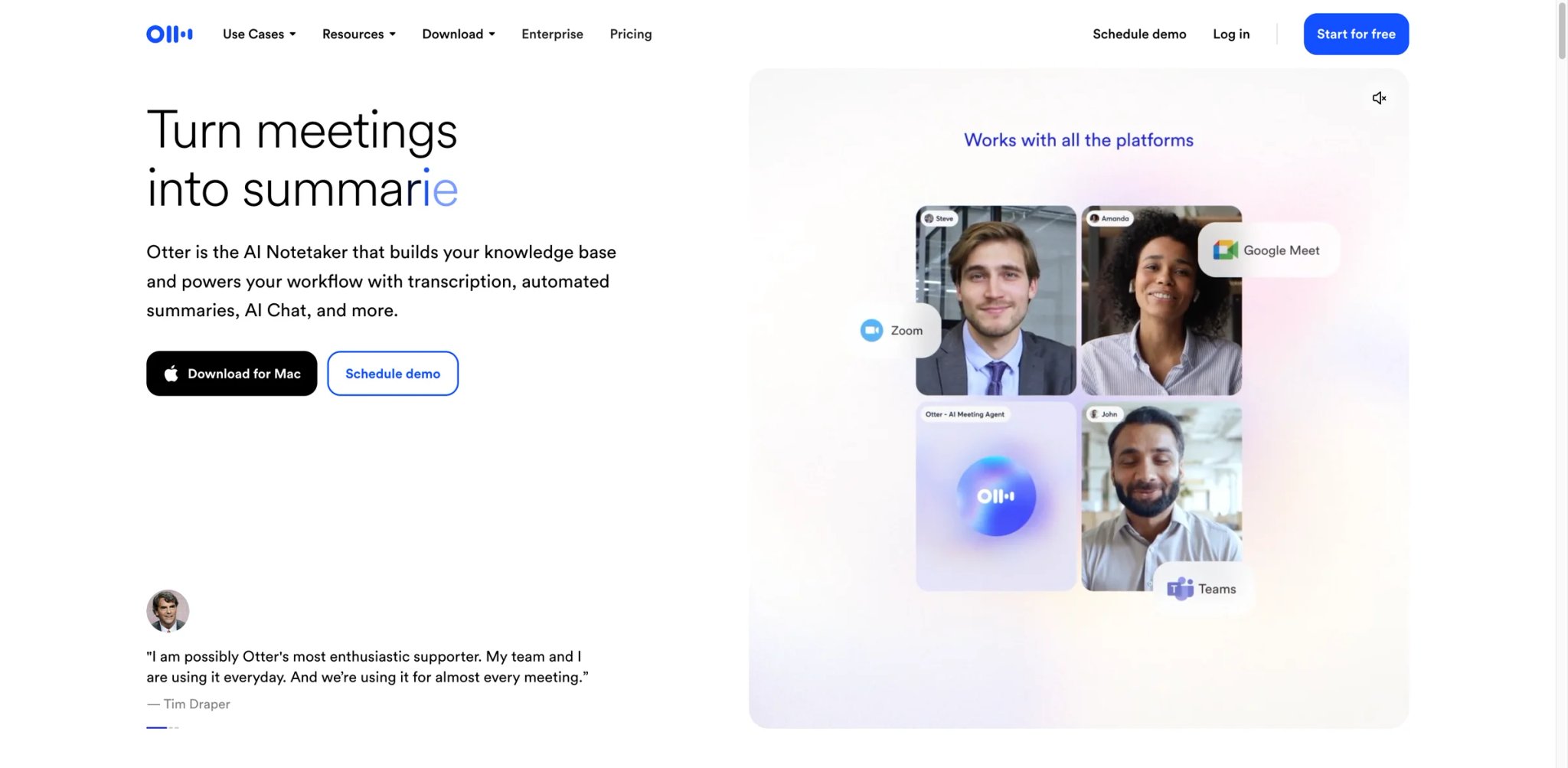
When you need to share a live transcript with someone who isn't in the room — a client who's running late, a colleague in a different timezone watching in real time — Otter handles this better than most tools. Its core advantage is real-time transcription that generates a live, editable doc that participants can follow, highlight, and comment in as the meeting happens.
What sets Otter apart for live use cases:
- Live transcription with collaborative editing — the transcript appears in real time, and participants can add comments, highlight sections, and assign action items without waiting for the meeting to end. Other tools generate summaries post-call; Otter surfaces actionable content during the meeting.
- OtterPilot meeting agent — automatically joins scheduled meetings, takes notes, and on Business plan can attend up to 3 concurrent meetings simultaneously. Useful for managers who are double-booked.
- Strong live transcription performance — Otter performs well for mainstream English and live collaborative transcription, but accuracy still drops with heavy accents, jargon, and overlapping speakers.
- Custom vocabulary — Pro plan and above lets you add company names, product terms, and proper nouns that improve transcript quality for technical or specialized meetings.
Pricing:
- Free: 300 min/month transcription, 3 lifetime file imports, basic AI features
- Pro: $8.33/user/month (annual) / $16.99/user/month (monthly) — 1,200 min/month, 10 imports/month, advanced workflows
- Business: $19.99/user/month (annual) / $30/user/month (monthly) — unlimited meetings, 3 concurrent sessions
- Enterprise: Custom — SSO, HIPAA, CRM integrations
Limitations:
- Otter has faced privacy-related legal scrutiny, including a 2025 class-action lawsuit tied to recording and AI-training allegations. That matters for teams handling sensitive conversations, especially because Otter's privacy policy says it may use de-identified recordings and transcriptions to improve its proprietary AI.
- The bot joins with a visible notification — there's no silent recording option
- Free plan's 300-minute cap works out to about 5 standard 60-minute meetings per month; any regular meeting schedule exceeds this quickly
- CRM integration (Salesforce, HubSpot) requires Enterprise, not Business — a gap that pushes costs higher for sales teams
Best for: Teams that need live, collaborative transcription during meetings rather than after-the-fact summaries. Not the right fit if privacy compliance is a concern, if your organization handles sensitive recorded conversations, or if you need CRM sync without enterprise pricing.
Get started with Otter.ai
Notion AI Meeting Notes
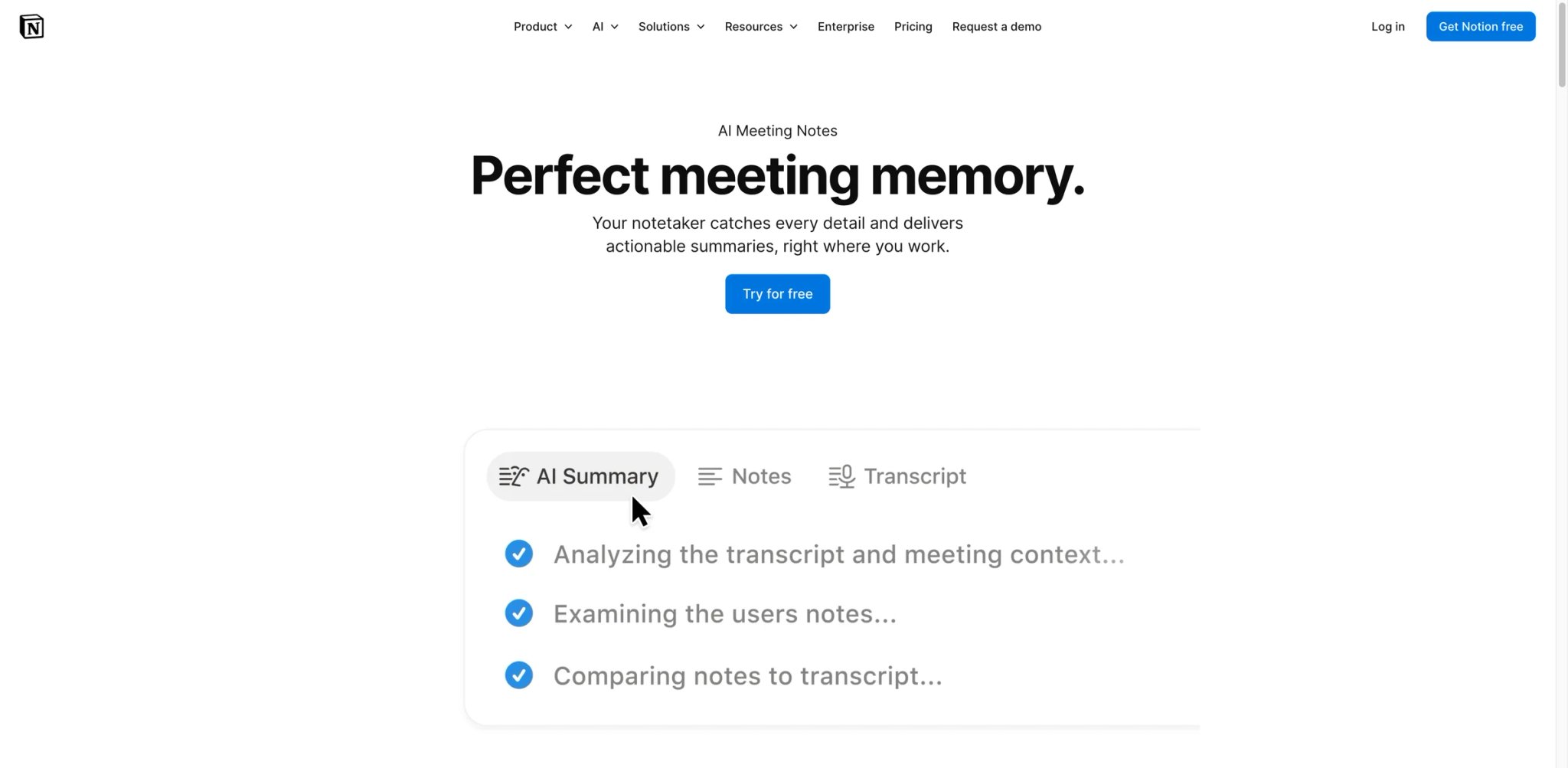
Every other tool on this list is a separate product that exports to your workspace. Notion AI Meeting Notes is your workspace — the meeting notes live where your projects, docs, and tasks already live, without any context-switching. For teams that have built their entire knowledge base in Notion, this eliminates the constant copy-paste that turns meeting summaries into orphaned documents nobody reads.
The workspace-native advantage:
- Botless recording — Notion AI captures system audio directly from your computer rather than sending a bot into the call. Participants don't receive a join notification, making it appropriate for sensitive internal discussions and client calls where a visible recorder feels intrusive.
- Contextual AI summaries — adapts to meeting type (1:1s, team syncs, client calls, interviews) and generates structured notes that can be directly linked to related Notion pages, projects, and databases.
- Notion Agent for action items — on Business plan, the AI agent automatically creates tasks with assigned owners, priorities, and due dates inside your Notion workspace. No copy-paste from summary to task manager.
- Full workspace search — meeting notes are searchable alongside all your other Notion content. "What did we decide about the API redesign?" returns results from meeting notes, project docs, and knowledge bases in a single search.
Pricing:
- Notion AI Meeting Notes is only available on Business ($20/user/month) and Enterprise plans — it's not available as a standalone add-on
- Notion Custom Agents (for advanced task automation) will introduce Credits pricing starting May 2026 at $10 per 1,000 credits, though standard AI Meeting Notes remains included
Limitations:
- The entire value depends on your team already using Notion as your primary workspace — if you're on Confluence, Basecamp, or even Slack Huddles for your knowledge management, the integration benefit disappears
- At $20/user/month, it's expensive if you only want meeting notes and aren't using the rest of Notion's feature set
- Supports 16 languages — narrower than competitors like Notta (58 languages) or Fireflies (100+ languages)
- No standalone trial for the meeting notes feature; you need a Business plan trial to test it
Best for: Teams that have fully committed to Notion as their workspace and want meeting notes to live directly inside their existing projects and docs without a third-party tool. Not the right fit if your team isn't on Notion, or if you're evaluating meeting tools before choosing a knowledge base platform.
Get started with Notion AI Meeting Notes
Fellow
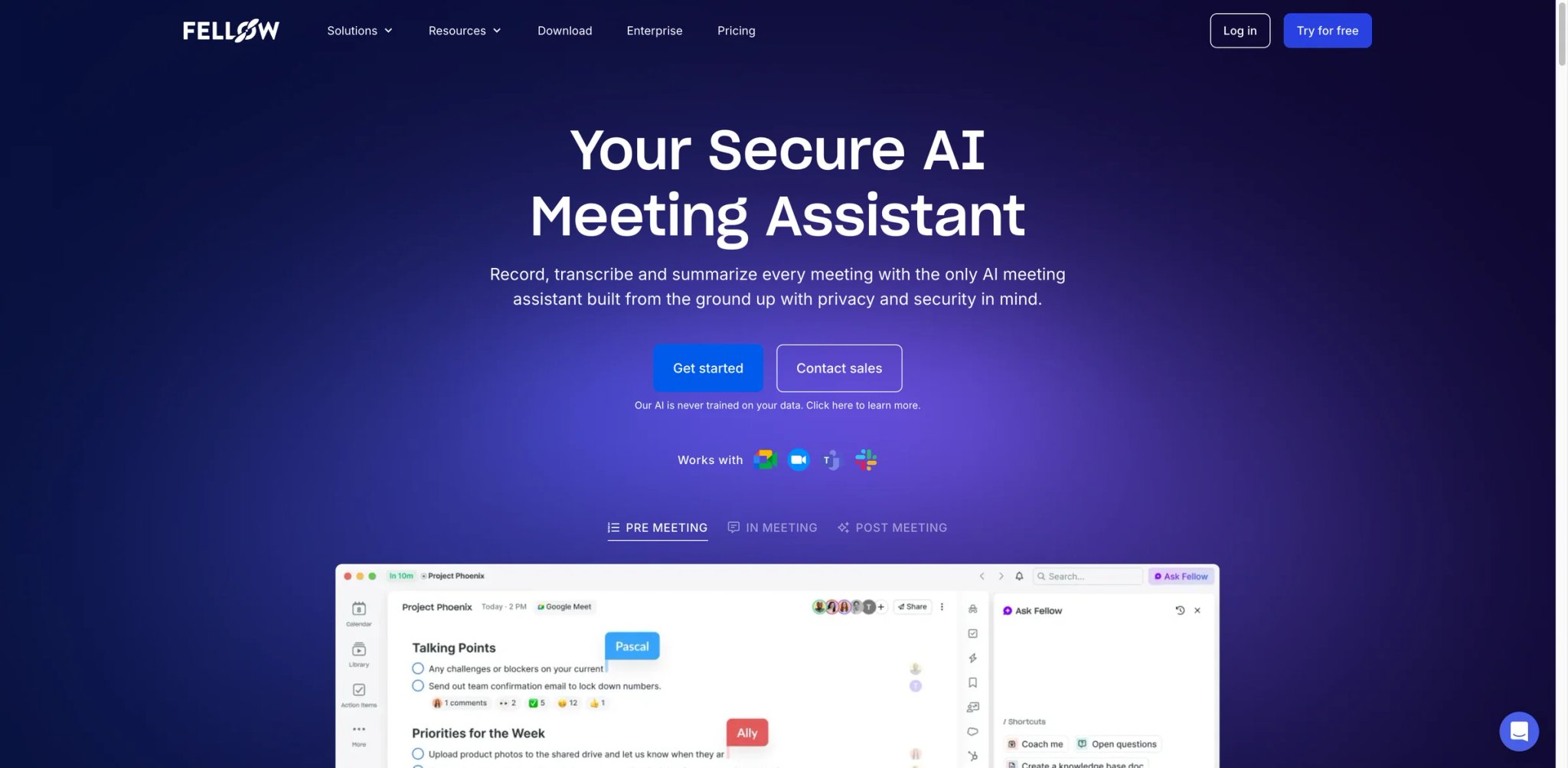
Most meeting tools start after the meeting begins. Fellow starts before it does. The core design insight is that bad meetings produce bad notes — so Fellow combines pre-meeting agenda building, live note-taking, and post-meeting action tracking in a single workflow. If you've ever had a meeting that wandered off-topic and generated zero actionable output, the agenda-first approach addresses the root cause rather than just transcribing the chaos.
What Fellow does differently:
- Collaborative agendas that become meeting notes — before the meeting, collaborators add agenda items and talking points. During the meeting, those items anchor the notes. After, the AI generates a summary organized around the actual agenda structure rather than a generic chronological transcript.
- Privacy-first by design — Fellow states it never trains its AI models on customer data. Supports both bot-based and botless recording. The botless option captures system audio without sending a participant into the call.
- Transcription support across 90+ languages — broad language coverage (93 languages per official materials) available on Team plan and above.
- Sales AI templates on Business plan — standardized recap formats (MEDDIC, discovery call, QBR) that structure sales call notes for CRM entry without manual formatting.
Pricing:
- Free: Free plan available for up to 10 users, with limited note history and basic meeting notes features
- Team: $7/user/month (annual) / $11/user/month (monthly) — includes integrations and pooled AI transcription/summarization credits
- Business: $15/user/month (annual) / $23/user/month (monthly) — unlimited AI transcription/summarization, CRM integrations
- Enterprise: $25/user/month (annual, 10-user minimum) — advanced security, analytics
Limitations:
- The free plan has limited note history — it works for occasional use but becomes restrictive once you're running regular weekly meetings
- The Team plan uses pooled AI transcription/summarization credits rather than unlimited per-user quotas — high-volume meeting weeks can exhaust the pool faster than expected
- Business plan is required for CRM integration — at $15/month annually, it's competitive, but worth noting the feature gap between Team and Business
Best for: Teams that want pre-meeting structure to produce better post-meeting notes — particularly useful for recurring 1:1s, performance reviews, and structured sales calls. Not the right fit if you want a lightweight "just record and summarize" tool, or if your team doesn't build meeting agendas in advance.
Get started with Fellow

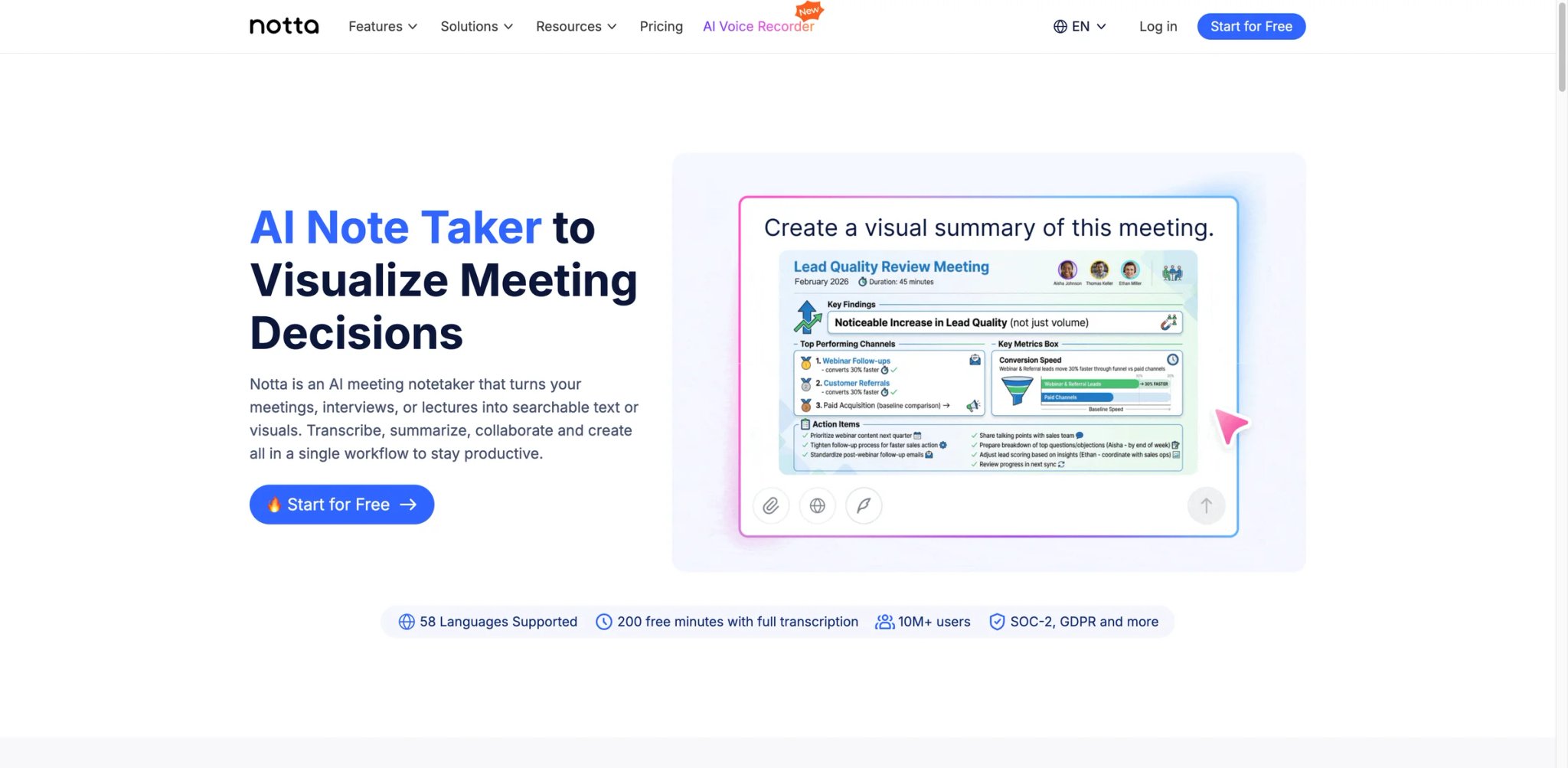
When you're coordinating between Tokyo, São Paulo, and London on the same call, most meeting tools assume everyone speaks clear English. Notta was built for teams where that assumption doesn't hold. With support for transcription in 58 languages and translation export into 40+ languages, it addresses a real operational gap that tools like Fathom and Tactiq simply can't fill.
Where Notta stands out:
- 58-language transcription — the widest language coverage in this comparison, with 98% accuracy claimed on clean audio. Supports real-time transcription for Zoom, Google Meet, Teams, and Webex.
- Translation as a first-class feature — available as an add-on, Notta can produce bilingual transcripts and translated summaries. Useful for multinational companies where not everyone reviews notes in English.
- Multiple export formats — TXT, PDF, DOCX, SRT, XLSX, and MP3. SRT export is notably useful for teams that need to subtitle recorded content or share transcripts with accessibility accommodations.
- Notta Brain (AI knowledge layer) — currently free in beta, launching as a paid add-on in March 2026. Aggregates insights across multiple meetings for pattern detection.
Pricing:
- Free: 120 transcription min/month, 3-min max per conversation, 50 file uploads, 10 AI summaries
- Pro: $8.17/month (annual, ~$97.99/year) — 1,800 min/month, 100 AI summaries, 5-hour max per recording
- Business: $16.67/month (annual, ~$199.99/year) — unlimited transcription, video recording, CRM/Zapier integration
- Enterprise: Custom, from 51 seats
Limitations:
- Free plan's 3-minute conversation cap makes it effectively a demo — it's not usable for actual meetings
- Translation and bilingual transcription require paid add-ons ($6-$9/month on top of the base plan) — the pricing stacks up if you need all the multilingual features
- CRM integration is only available on Business tier, not Pro
- Meeting bot is visible — no botless option currently available
Best for: Teams running meetings in multiple languages who need transcription that goes beyond English-first assumptions, or teams that regularly export notes in non-standard formats (SRT, XLSX). Not the right fit if all your meetings are in English and you just need basic summaries.
Get started with Notta
NotebookLM
NotebookLM solves a problem that pure meeting tools don't touch: what happens to the knowledge captured in those meetings over time? Researchers, strategists, and educators dealing with large bodies of documents, interview recordings, and reference materials need something that can synthesize across sources — not just transcribe individual calls. Teams that need a more structured approach to organizing institutional knowledge should also explore the broader category of AI knowledge base tools.
What makes NotebookLM different from meeting-centric tools:
- Source-grounded AI — powered by Google Gemini with Retrieval Augmented Generation (RAG), NotebookLM grounds every answer in your uploaded sources. It cites the specific document and location for every response, which makes it far more trustworthy than general-purpose AI chat for fact-sensitive work.
- Audio Overview feature — converts your source documents into a podcast-style conversation between two AI hosts that discuss and debate the material. Unexpectedly useful for reviewing long research reports during a commute.
- Broad source support — accepts PDFs, Google Docs, YouTube videos, websites, and audio files. You can upload meeting recordings alongside project documents and ask cross-source questions.
- Free tier is genuinely usable — 100 notebooks, 50 sources per notebook, 50 queries per day. Most individual researchers won't hit these limits in daily use.
Pricing:
- Free: 100 notebooks, 50 sources/notebook, 50 daily queries
- Premium access is available via Google AI Pro ($19.99/month in the U.S.) and certain Google Workspace or Google Cloud plans, rather than a simple standalone NotebookLM subscription.
Limitations:
- NotebookLM is not a meeting note taker in the traditional sense — it doesn't join your calls, it doesn't transcribe in real time, and it doesn't generate action items. You need to upload recordings or transcripts after the fact.
- No CRM integration, no action item tracking, no agenda tool — it's a research and synthesis tool that happens to accept audio files
- Audio Overview and advanced features require Plus tier for heavy workloads
- Limited to sources you explicitly upload — it can't query your meeting history unless you've uploaded those transcripts
Best for: Researchers, analysts, and strategists who work with large volumes of source material (documents, recordings, reports) and need an AI that can synthesize across everything without hallucinating. Not the right fit if you need a daily meeting recorder with action item tracking and CRM integration.
Get started with NotebookLM
Circleback
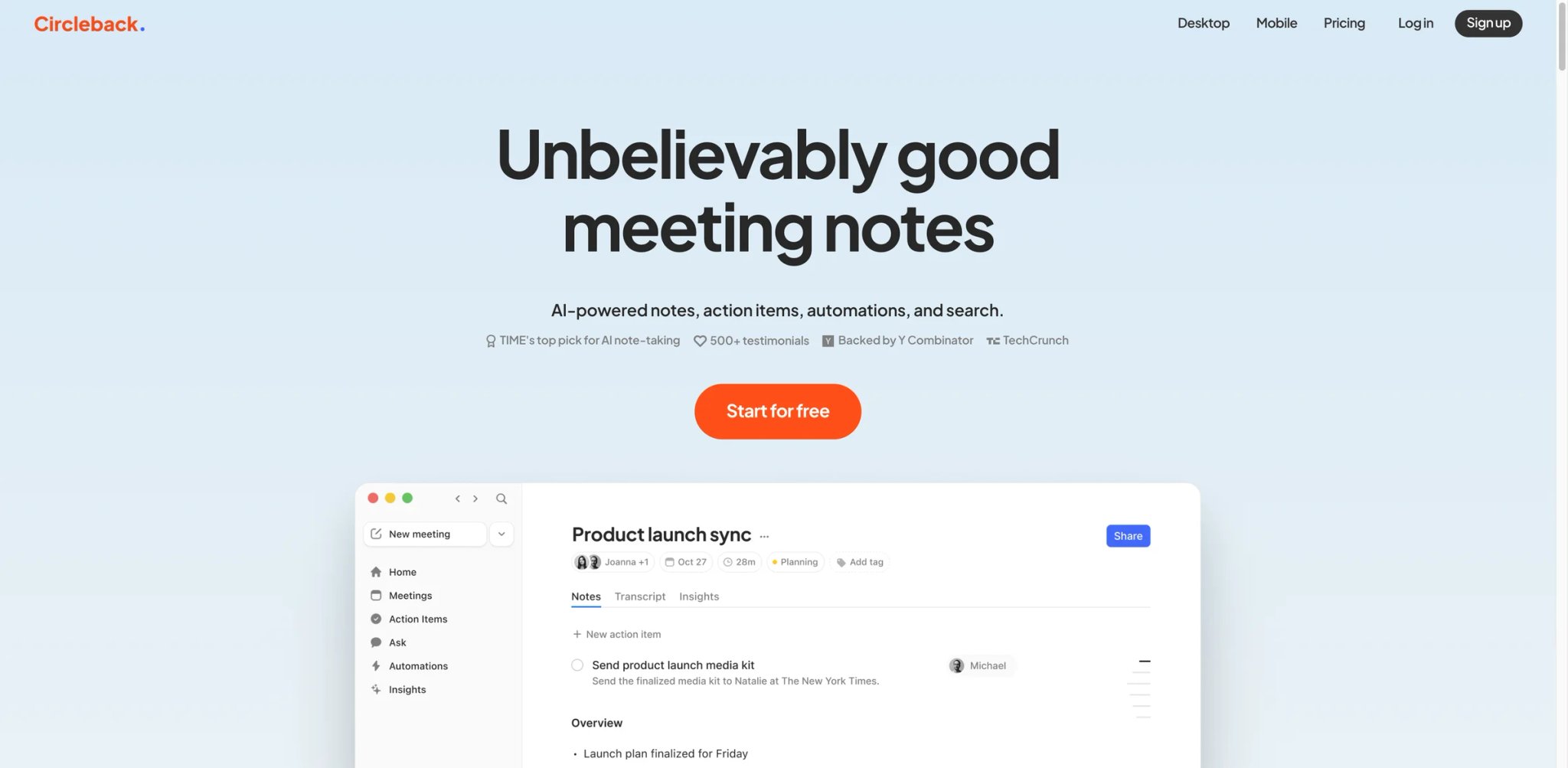
For anyone who's had a client ask "is this call being recorded?" — and then watched the conversation cool down as your meeting bot joined — Circleback's botless option addresses the most friction-heavy moment in modern meeting tools. The desktop app captures audio directly from your system, so there's no third-party participant notification, no bot avatar sitting in the participant list, and no moment where someone decides to speak off the record.
What Circleback does well:
- Botless recording via desktop app — captures system audio without sending a bot into the call. Attendees don't receive a notification. Suitable for sensitive discussions where you control the recording environment.
- 95%+ transcription accuracy across 100+ languages, with speaker recognition. Circleback's structured notes organize content by topic rather than chronologically, which often produces more readable summaries than raw chronological transcripts.
- Automation engine — custom workflows that sync action items directly to Linear, Notion, HubSpot, Salesforce, and Slack after each call. More flexible than tools with fixed integrations, closer to a lightweight Zapier for meeting outputs.
- SOC 2 Type II certified — useful for organizations that need to validate security posture before deploying any tool that processes meeting audio.
- In-person recording — iOS and Android apps support recording non-digital meetings, interviews, and site visits.
Pricing:
- Individual: $25/month ($20.83/month annually)
- Team: $30/user/month ($25/month annually) — most popular, adds collaboration and shared access
- Enterprise: Custom
- 7-day free trial available on all plans
Limitations:
- No free tier beyond the 7-day trial — the starting price ($20.83/month annually for individuals) is higher than most competitors
- At $25/month per user annually for Team, it's among the more expensive options in this list for multi-person deployments
- Relatively newer product — some integrations and workflow automations are still maturing compared to established players like Fireflies
Best for: Professionals who regularly record sensitive meetings — legal, HR, consulting, executive conversations — where a visible bot creates friction or trust concerns. Not the right fit if you need a free or low-cost starter plan, or if you're looking for the most established integration ecosystem.
Get started with Circleback
Read AI
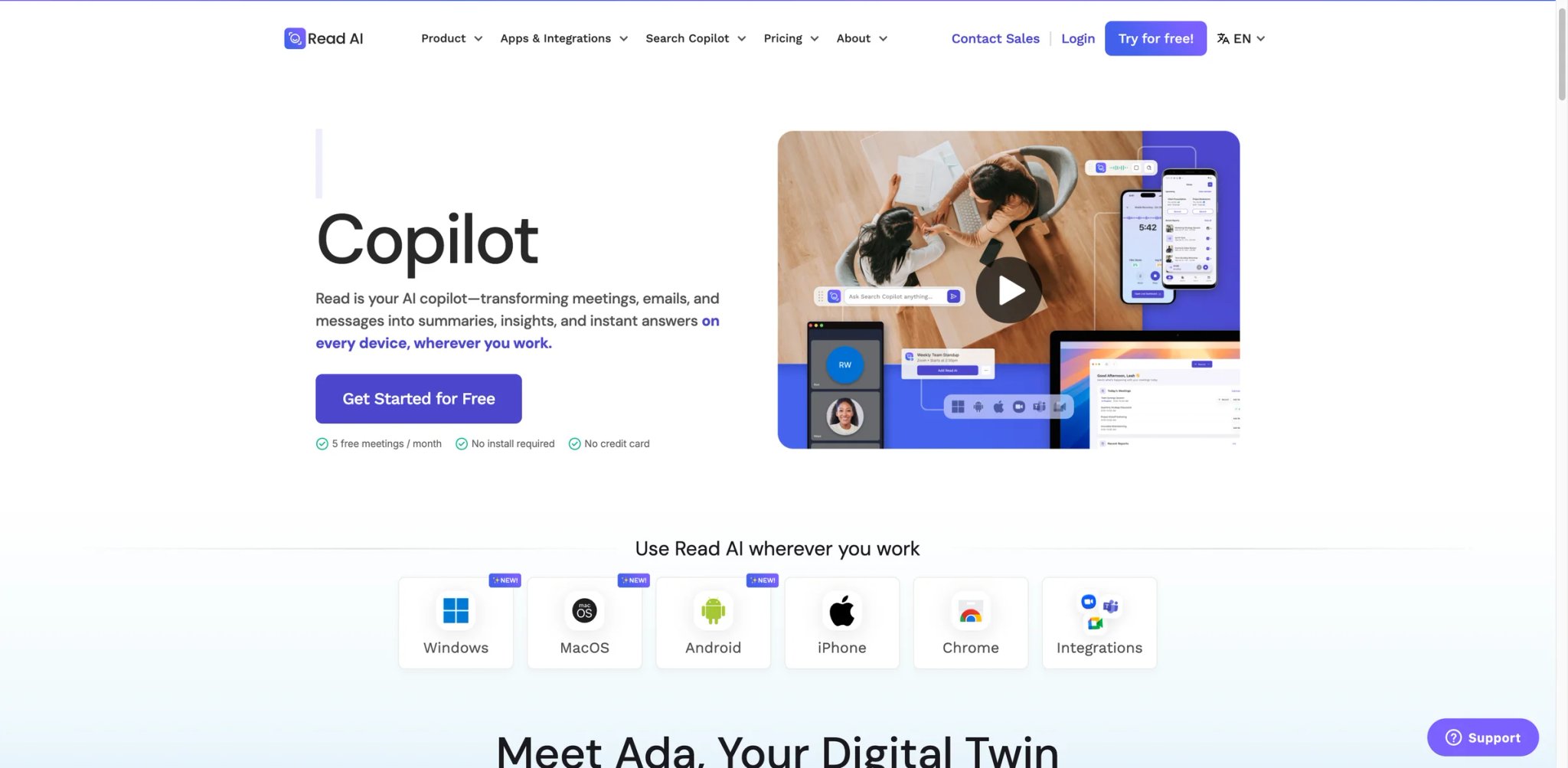
After your tenth consecutive meeting of the week, it's hard to assess objectively whether they were well-run or not. Read AI gives you data on meeting quality — engagement scores, participation rates, filler word counts, and sentiment analysis — making it the only tool in this list that turns the meeting itself into a feedback signal for the meeting organizer.
What makes Read AI distinct:
- Engagement scoring — measures participation balance, speaker ratios, and attentiveness signals throughout each call. Shows you, visually, who spoke and for how long, and where the conversation lost energy.
- Meeting quality reports — aggregated analytics across all your meetings over time. Useful for managers who want to understand whether their team meetings are actually effective, not just well-documented.
- Speaker analytics — tracks trends for individual participants across multiple calls. Useful for sales managers reviewing rep performance without sitting in on every deal call.
- Zoom, Teams, and Meet support with 20+ language support. Pro plan unlocks integrations with Notion, Salesforce, HubSpot, Jira, and Confluence.
Pricing:
- Free: 5 meetings/month with summaries, basic integrations, meeting coach
- Pro: $15/month (annual) / $19.75/month (monthly) — unlimited transcripts, premium integrations, 100 file uploads/month
- Enterprise: $22.50/month (annual) / $29.75/month (monthly) — video highlights, audio playback, up to 4-hour meetings
- Enterprise+: $29.75/month (annual) — HIPAA, SSO, custom data retention, up to 8-hour meetings (10+ licenses required)
Limitations:
- Free plan's 5-meeting cap is very tight — most working professionals hit this limit in a single day
- Meeting quality analytics — Read AI's differentiated feature — requires consistent adoption across the team to be meaningful; one opt-out undermines the engagement data
- No botless recording option
- 20-language support is narrower than multilingual-first tools like Notta (58 languages) or Fireflies (100+ languages)
Best for: Managers and team leads who want visibility into whether their meetings are productive and equitably structured — not just documented. Not the right fit if you need a simple note-taking tool without analytics overhead, or if meeting quality data isn't a priority.
Get started with Read AI
Krisp AI Note Taker
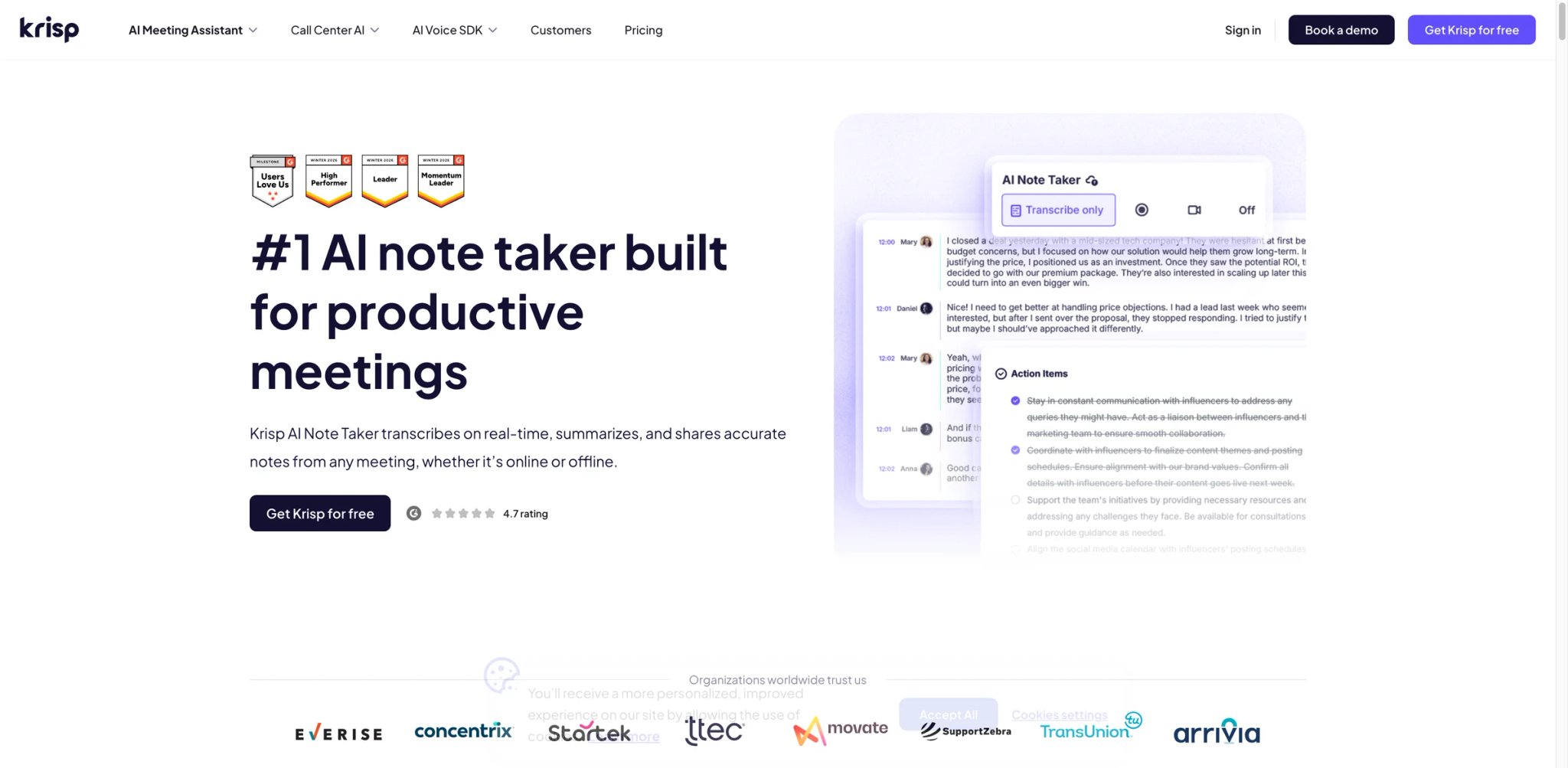
Remote workers in imperfect audio environments — open offices, apartments with street noise, home setups next to a toddler's playroom — already know Krisp as the noise cancellation tool that makes them sound like they're in a recording studio. The AI Note Taker is a natural extension of that identity: it handles the audio quality problem and the documentation problem in the same application, without requiring a bot.
Why the combined noise + notes approach matters:
- Bidirectional noise cancellation — removes background noise from both your microphone and incoming audio. When your transcription starts from cleaner audio, accuracy improves. This is the core differentiator from tools that transcribe whatever audio quality they receive.
- Botless recording — like Circleback and Fellow, Krisp captures audio at the system level without sending a visible participant into the call. No join notification, no visible recorder in the participant list.
- Accent conversion — Core plan includes 1 hour/day of accent normalization; Advanced offers unlimited. Practical for teams with distributed, multilingual workforces where accent differences reduce transcription accuracy.
- Real-time notes and action items in 16+ languages, with AI chat for querying past meeting content.
- SOC 2, HIPAA, GDPR, and PCI-DSS certified — broader compliance coverage than most tools in this category.
Pricing:
- Free trial: 7 days, all premium features included
- Core: $8/user/month (annual) / $16/user/month (monthly) — noise cancellation, botless notes, 1 hr/day accent conversion, 5 GB storage
- Advanced: $15/user/month (annual) / $30/user/month (monthly) — unlimited accent conversion, Salesforce, advanced admin, 30 GB storage
- Enterprise: Custom
Limitations:
- Krisp's noise cancellation requires using it as your audio device, which can conflict with some professional audio setups or recording workflows
- 16-language support for transcription is narrower than competitors like Notta or Fireflies
- No free tier beyond the trial — Core plan starts at $8/month, which is competitive but still a commitment without a sustained free option
- The accent conversion feature, while genuinely useful, can sound slightly artificial on extended audio — some users report it as distracting in long calls
Best for: Remote workers in noisy environments who need both audio cleanup and meeting documentation without deploying a visible bot. Not the right fit if you need broad multilingual transcription (beyond 16 languages), or if you already have dedicated noise cancellation hardware and just need the notes layer.
Get started with Krisp AI Note Taker

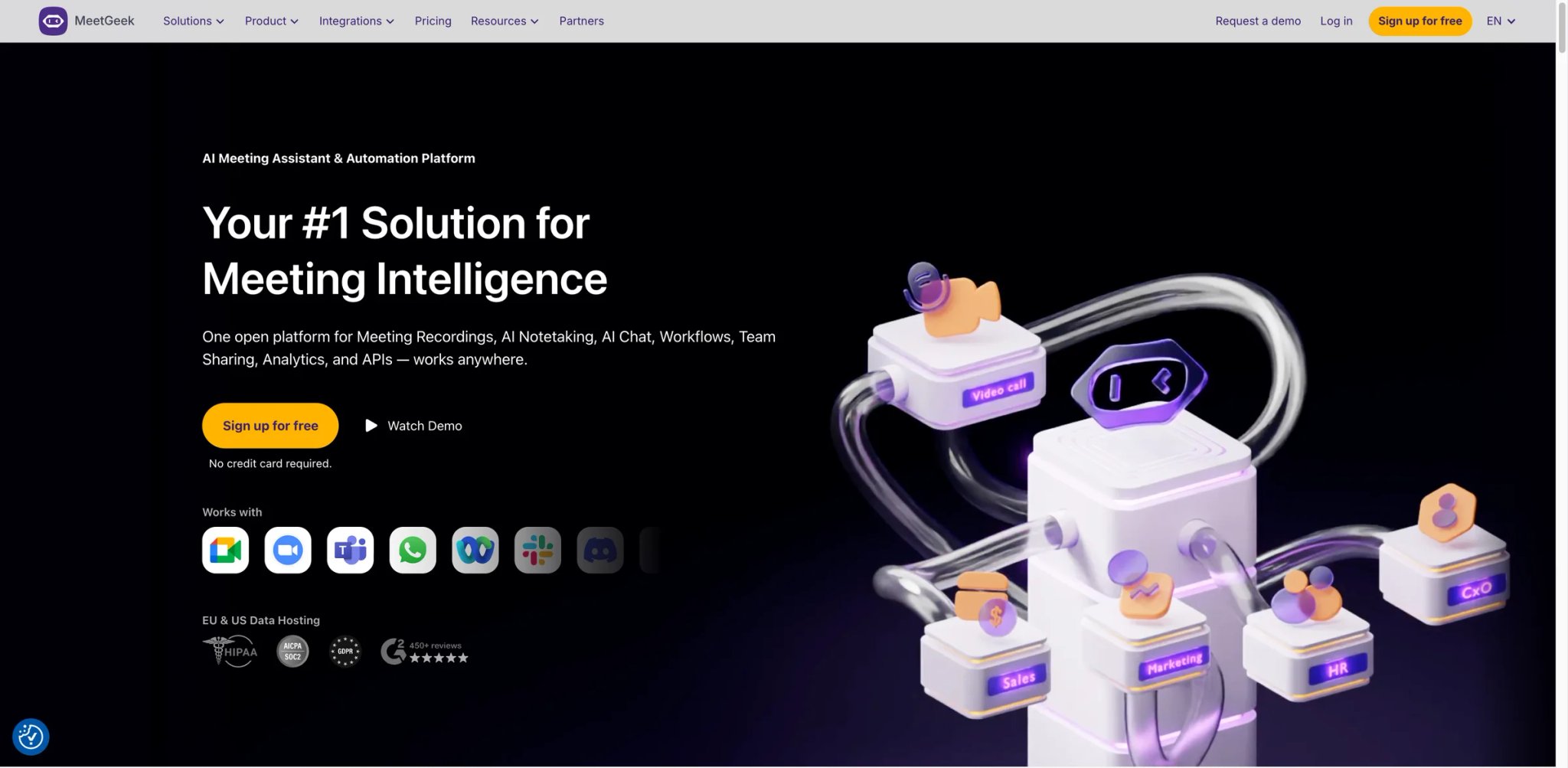
Most entry-level meeting tools give you a thin free plan that runs out before Friday. MeetGeek's free tier includes 3 hours of transcription per month — modest, but a concrete starting point for teams that want to evaluate before committing budget. For small teams that want to test AI note-taking before committing budget, it's a more honest evaluation window.
What makes MeetGeek worth considering:
- 100+ language transcription on all plans, including free. Unlike some tools that gate multilingual support behind premium tiers, MeetGeek treats language coverage as a baseline feature.
- Meeting templates — pre-built structures for different meeting types (weekly sync, retrospective, 1:1, project kickoff) that shape the AI summary format. Business and Enterprise plans support custom templates for company-specific workflows.
- Team analytics on Business plan — tracks meeting patterns, talking time, and team-level insights. Less detailed than Read AI's engagement scoring but included without a separate analytics-focused product.
- Zapier, Make, and n8n integrations — supports multiple automation platforms, which matters for teams with existing automation stacks that aren't tied to a single tool.
Pricing:
- Free: 3 hours/month transcription, 3 months transcript storage
- Pro: $9.99/user/month — 20 hours/month, 1 year transcript storage
- Business: ~$17/user/month — unlimited transcription and storage, HD video, team analytics
- Enterprise: Custom — SSO, SCIM, custom data retention
Limitations:
- MeetGeek supports both a meeting bot and a no-bot recording mode via browser and desktop app, so teams should evaluate which capture method best fits their consent workflow.
- Pro plan's 20-hour/month cap is still finite — teams with heavy meeting loads (>5 hours/week per person) may hit this limit
- Business plan pricing varies across sources ($17/user/month is the most commonly cited figure but should be verified before purchasing)
- Transcript storage caps on lower tiers mean older meetings may be purged — verify retention policy before committing
Best for: Budget-conscious teams that want multilingual transcription, meeting templates, and a genuine free evaluation period before paying. Teams in privacy-sensitive contexts should verify whether the no-bot recording mode meets their consent and disclosure requirements before deploying.
Get started with MeetGeek
Tactiq
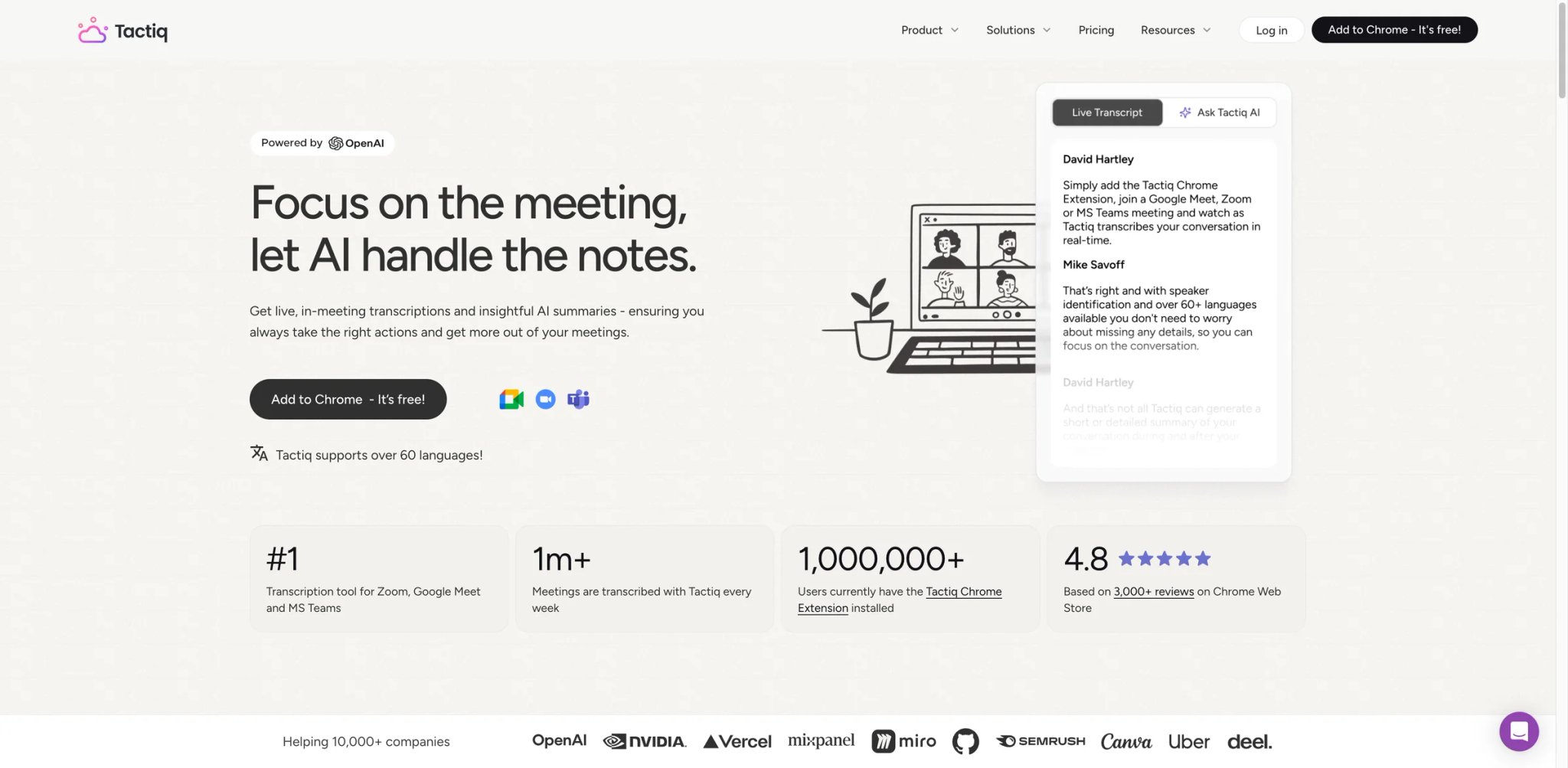
Tactiq solves a specific, narrow problem better than almost anything else: it sits as a Chrome extension and transcribes your Google Meet call in real time without requiring a separate application, a bot invite, or a calendar integration. If your entire meeting life happens in Google Meet and you want transcription with zero friction to set up, Tactiq installs in 30 seconds and works immediately.
The Chrome-first advantage:
- Chrome extension with no bot required — captures live captions directly from the browser, which means no bot join notification, no attendee alert, and no separate app to manage. Works wherever Google Meet runs.
- Live captions to searchable transcript — the transcript appears as a sidebar during the call, searchable in real time. You can highlight sections and ask the AI to summarize specific parts before the meeting ends.
- AI Workflows — on Team and Business plans, lets you define custom prompt-based actions (e.g., "extract all budget mentions," "format as a JIRA ticket") that run automatically on each new transcript.
- Integrations with Notion, HubSpot, Salesforce, and Slack — available on paid plans to push transcripts and summaries without manual export.
Pricing:
- Free: 10 transcripts/month, 5 AI credits/month
- Pro: $12/month ($8/month annually) — unlimited transcripts, 10 AI credits/month
- Team: $20/user/month (monthly) / $16.67/user/month (annual) — unlimited AI credits, auto-share, priority support
- Business: $40/user/month (monthly) / $29.16/user/month (annual) — data retention, SSO, dedicated CSM
- Enterprise: Custom
Limitations:
- Chrome extension means it only works in-browser — if you run Google Meet through the desktop app, or use Zoom or Teams as your primary platform, Tactiq's integration advantage disappears entirely
- 10 AI credits per month on Pro is still limiting for users who want AI-generated insights on every meeting (Team plan required for unlimited credits)
- Works best on Google Meet; Zoom and Teams support exists but is more limited compared to Google Meet functionality
- No mobile app for capturing in-person or offline meetings
Best for: Google Meet-centric users who want the lightest-weight, quickest-to-deploy transcription solution with no bot, no calendar setup, and no new application to install. Not the right fit if Zoom or Teams is your primary meeting platform, or if you need a cross-platform solution that works consistently across all meeting tools.
Get started with Tactiq
Also Worth Watching
This section covers tools outside the 13 ranked picks that handle an adjacent job.
SpeakNotes
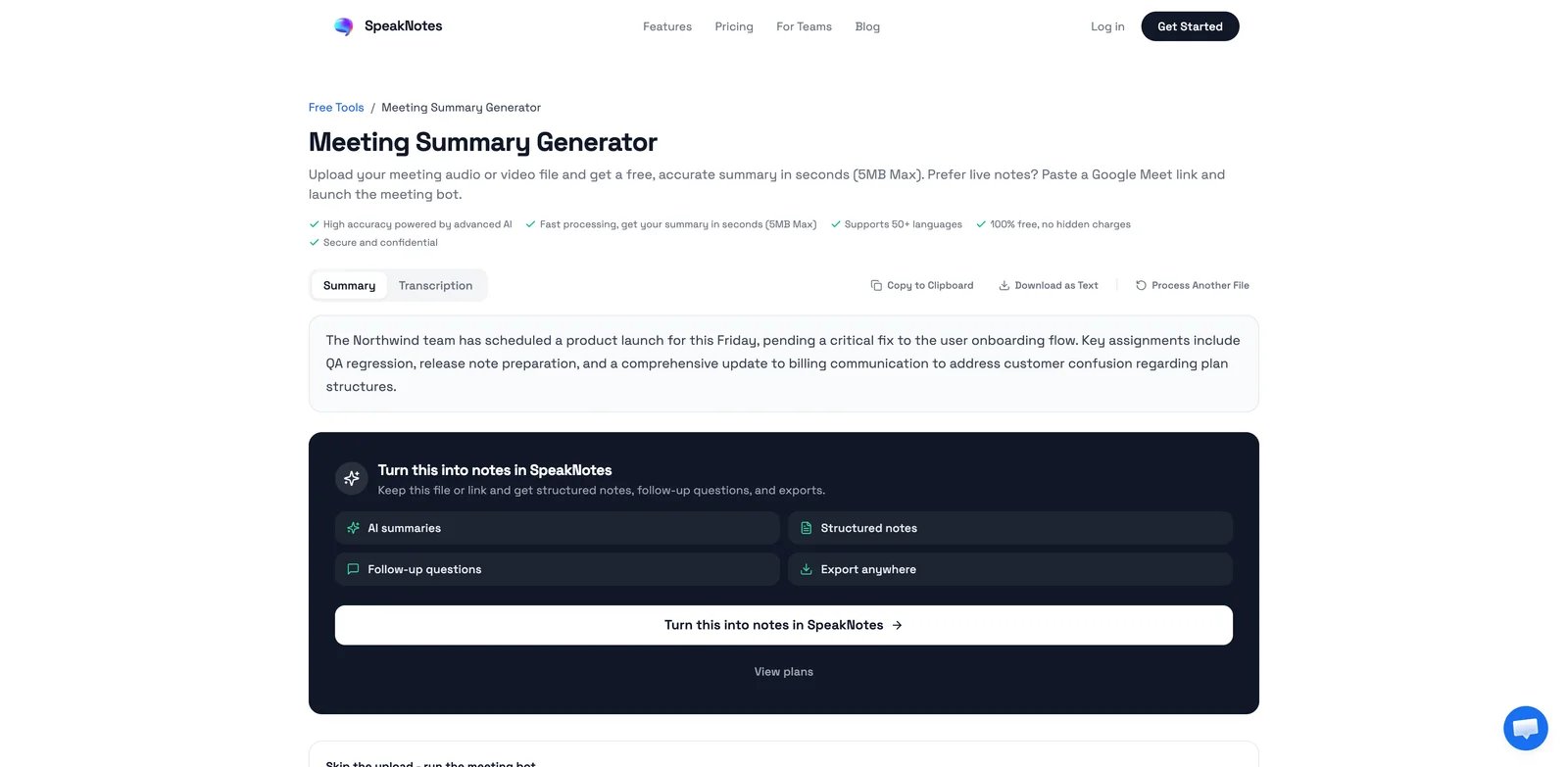
SpeakNotes complements the meeting-first tools above with an upload-first workflow. You record or upload lectures, interviews, podcasts and voice memos, paste a YouTube link, or add a PDF, and it produces a transcript and AI summary, with 50+ languages supported. Notes can go to Notion or into an Obsidian vault through a community plugin, and there are web, iOS and Android apps. It still handles meetings: a bot joins Google Meet or Microsoft Teams as a visible "SpeakNotes Notetaker" participant.
A free plan covers short recordings. Pro costs $24.99 a month or $149.99 a year, and the pricing page's default seven-day trial converts to the annual plan unless you cancel. If your main need is sales-call intelligence or CRM sync, Fireflies.ai or Fathom above are the closer fit; SpeakNotes suits students, researchers and creators whose source material is lectures, videos and voice notes. Try SpeakNotes.
Best AI Note-Taking Software by Use Case
For Sales Teams Running High-Volume Pipelines
If your AEs are on 6-10 calls per day and management needs visibility into what's being said in deals without sitting in on every call, Fireflies.ai at $19/user/month (Business, annual) is the strongest fit. Teams looking to extend this further with purpose-built deal automation should also look at AI sales assistant tools that pair well with meeting intelligence. Its conversation analytics, searchable call library, and automatic CRM field updates reduce the post-call admin burden that causes reps to underlog deal activity. Fathom is the right fallback if budget is tighter — its free plan covers unlimited recordings, and the Business tier ($25/month annually) adds CRM sync without the full Fireflies analytics overhead.
For Remote Teams in Multiple Countries
When your team spans languages and timezones, you need transcription that actually handles the language diversity. Notta (Pro at $8.17/month annually) supports 58 languages with 98% claimed accuracy and offers bilingual transcript output as an add-on. Krisp AI Note Taker is the complementary choice if audio quality is also an issue — its bidirectional noise cancellation and botless recording address both problems at once. For teams deeply invested in Notion, the Notion Business plan ($20/user/month) keeps meeting notes inside the existing workspace without introducing a separate tool.
For Individual Knowledge Workers and Researchers
If you're not managing a team, you're managing a flood of information — notes, interviews, documents, and recordings that need to connect to each other. NotebookLM (free tier is genuinely sufficient for most researchers) is the only tool here that treats meeting recordings as one source among many, synthesizing across all your uploaded materials. Fathom's free plan covers daily meeting recording with no cost commitment. Together, they cover the capture and synthesis workflow without any subscription spending. SpeakNotes (see Also Worth Watching) is another option when the input starts as a lecture, YouTube video, voice note or uploaded recording rather than a live meeting.
For Privacy-Sensitive Professional Contexts
Legal consultations, HR conversations, executive planning sessions, and any meeting with a client who hasn't explicitly consented to third-party recording benefit from a botless approach. Circleback and Krisp AI Note Taker both capture system audio without sending a visible participant into the call. Circleback's SOC 2 Type II certification and structured note output make it stronger for teams with compliance requirements. Krisp is the better fit if noise cancellation is also needed and budget is a factor ($8/month annually vs. Circleback's $20.83/month).
For Teams That Want to Improve Meeting Culture, Not Just Document It
If you've ever left a meeting wondering whether it actually needed to happen, Read AI's engagement scoring gives you data on meeting quality rather than just a transcript. At $15/month annually (Pro), it shows participation imbalances, energy patterns, and speaking time distribution that can inform how you structure recurring meetings. Fellow addresses the upstream problem — collaborative agendas built before the meeting that structure the conversation — at $7/user/month annually (Team).
How to Choose the Right AI Note-Taking Software
1. Decide what problem you're actually solving. There are three distinct problems in this category: (a) you need accurate transcripts and summaries, (b) you need action items to be captured and tracked, or (c) you need insight into meeting patterns over time. Most tools do (a) and (b) adequately. Only Read AI meaningfully addresses (c). NotebookLM addresses a fourth problem — synthesizing knowledge across a library of sources — that the other tools don't touch.
2. Audit your bot tolerance. If you regularly record client calls, sensitive HR discussions, or strategy sessions, a visible meeting bot creates real friction. Narrow your list to botless options: Circleback, Krisp, Notion AI Meeting Notes, Fellow, and Tactiq (Chrome extension captures captions without a bot). The remaining tools all deploy a visible bot.
3. Calculate your actual monthly meeting volume. Free plan limits are consistently the source of upgrade frustration in this category. 300 minutes sounds like enough until you realize that's five 60-minute meetings — normal for a project lead in a busy week. Map your current meeting hours against the free tier caps for each tool you're considering.
4. Check CRM integration depth before committing. Most tools advertise CRM integration, but the depth varies significantly. Some tools push summaries as a note attachment (low value). Others update specific deal fields automatically based on detected content (high value). Verify whether the CRM integration you need is on a plan you're willing to pay for — many tools gate true field-level sync behind Business or Enterprise tiers.
5. Start with a free trial that matches your real meeting schedule. The best test is running any tool for two weeks across your actual calendar — not a controlled demo. Most tools offer 7-14 day trials with full features. Use that window to evaluate summary quality on your meeting types, not a staged demo.
6. Verify data handling for your industry. Teams in healthcare, legal, or financial services need to check HIPAA and SOC 2 compliance before deploying any tool that records conversations. Krisp (HIPAA + SOC 2 + GDPR + PCI-DSS), Fireflies (HIPAA on Enterprise), Otter (HIPAA on Enterprise), and Circleback (SOC 2 Type II) are the cleaner options for compliance-sensitive contexts.
Frequently Asked Questions
What's the difference between AI note-taking software and standard transcription tools?
Is it legal to record meetings without telling participants?
How accurate are AI-generated action items compared to manually taken notes?
Can AI meeting notes tools handle in-person meetings?
Which AI note-taking tools are HIPAA compliant?
What happens to my meeting recordings if I cancel my subscription?
Is there a free AI note-taking tool that works for daily use?
Disclosure
ToolWorthy sells sponsored placements in some articles. The SpeakNotes entry in the Also Worth Watching section, and its mention under "For Individual Knowledge Workers and Researchers", are a paid Sponsored Mention.
A paid placement buys inclusion, never a ranking or a verdict. It does not change the 13 ranked tools, their order, or the comparison table, and it does not soften the limitations we publish. The sponsored entry is held to the same scrutiny as every other entry, and all copy on this page, including that entry's positioning, pricing notes and limitations, is written by our editorial team.
Get ToolWorthy Weekly
New AI tools, practical guides, and selected AI signals in one weekly brief.
Related Posts
- 6 Otter.ai Alternatives in 2026: Choose What You Need to Replace
Leaving Otter? Compare six alternatives by free limits, bot-free capture, cloud versus local processing, language needs, and the archive you can actually move.
- 20 Best AI Meeting Assistant Tools 2026 - Notes, CRM & Search
Compare 20 AI meeting assistant tools for notes, transcripts, action items, CRM sync, bot-free capture, pricing, privacy and team workflow fit.
- 10 Best AI Video Summarizers 2026 — Free Tiers, Billing Traps & What Actually Works
Watched 11 minutes and gave up? We tested 10 AI video summarizers across YouTube, uploads, and meeting recordings — with honest notes on where free tiers run out.
For AI tool founders
Built a tool that belongs in this decision set?
Request an editorial evaluation for possible inclusion in ToolWorthy.
Submit your tool for reviewPaid submission does not guarantee a ranking, recommendation, inclusion, or editorial outcome.