



Overview
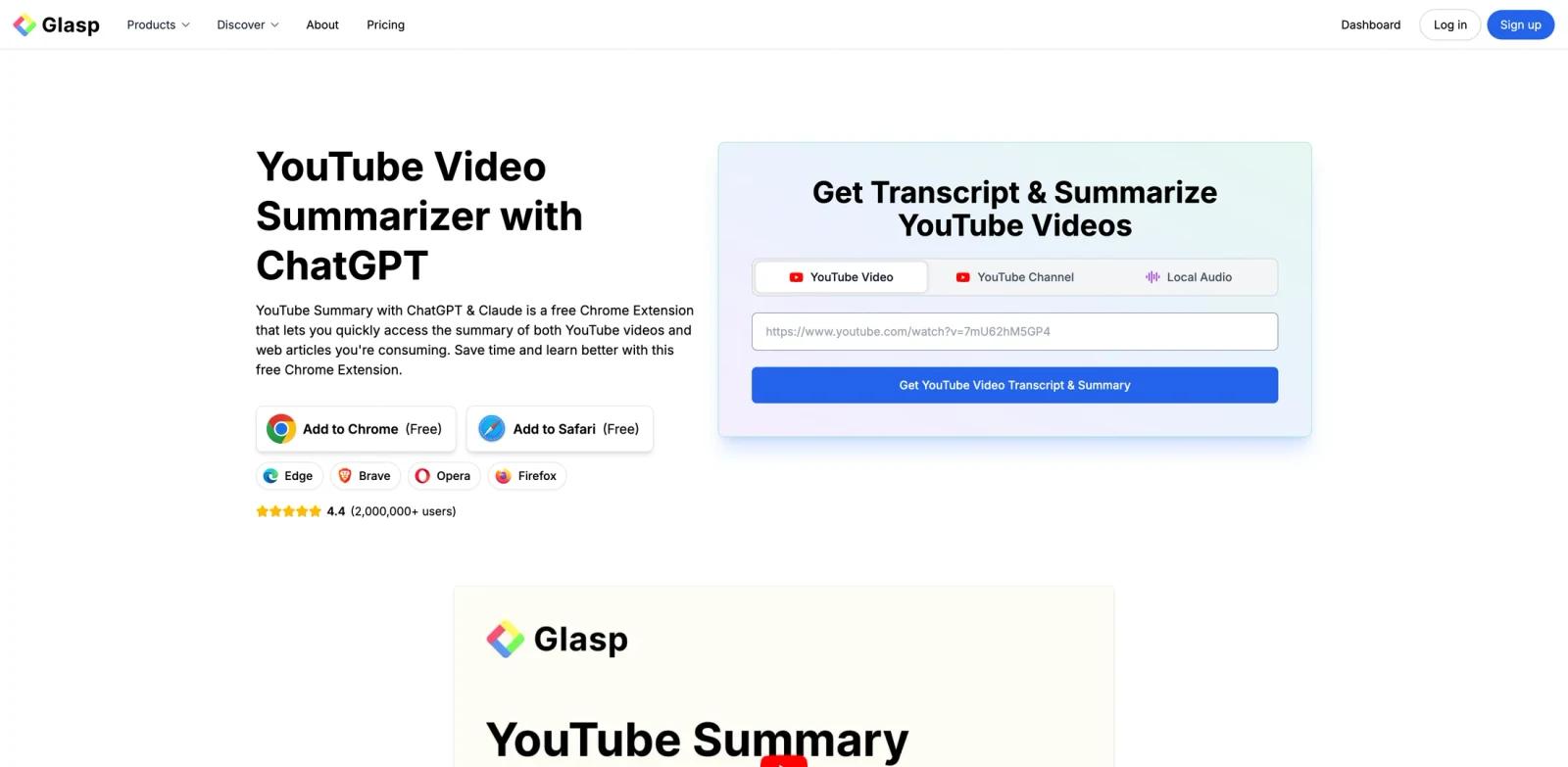
Glasp YouTube Summary is a video summarization tool for students, researchers, creators, analysts, and knowledge workers who review video content. It generates transcripts and AI summaries with timestamps, supports transcript highlighting, and can pass content into models such as ChatGPT, Claude, Gemini, and Mistral. In practical terms, it belongs in the AI summarizers evaluation set because it turns a YouTube URL into a reviewable reading and note-taking workflow rather than starting from a blank AI prompt.
The strongest reason to consider Glasp YouTube Summary is cross-platform workflow compression. Glasp provides extensions for Chrome, Safari, Firefox, and Edge, plus native iOS and Android apps. Mobile users can open or share YouTube links for summaries with timestamps, read articles in a distraction-free Reader, and highlight supported pages; the bundled Safari extension adds page-level highlighting on iPhone and iPad. A good pilot should compare the same videos across the browser and mobile workflows, then check whether summary quality and paid-plan limits fit the intended volume.
Glasp YouTube Summary is also worth comparing with adjacent categories such as AI transcription tools and AI productivity tools. Specialist tools usually win when the job is repeated, domain-specific, and tied to exports or integrations. Broader platforms win when the team wants one shared place for many loosely related tasks.
Key Features
Transcript extraction - Pulls text from YouTube or video sources so users can skim, search, or quote the content.
AI summaries - Condenses long videos into key points, chapters, timestamps, or action items.
Multiple model support - Uses models such as ChatGPT, Claude, Gemini, or other LLMs depending on the product.
Export options - Saves summaries, transcripts, highlights, or notes to files and knowledge apps.
Learning workflow - Helps users retain information and revisit important sections without rewatching full videos.
Browser and mobile access - Runs through Chrome, Safari, Firefox, and Edge extensions, with native iOS and Android apps for summaries, reading, and highlighting workflows.
Reader and highlighting - Provides a distraction-free Reader for articles and lets users highlight web pages, PDFs, and supported video transcripts.
How to Get Started
- Define the first workflow - Pick one concrete AI video summarization task rather than trying to transform every related process at once.
- Prepare the input material - Gather the source files, prompts, templates, URLs, sketches, tasks, products, documents, or datasets needed for a realistic test.
- Run a narrow pilot - Use the tool on a small but real example and compare the result with your current manual workflow.
- Review output quality - Check accuracy, formatting, visual quality, permissions, privacy implications, and the amount of cleanup still required.
- Connect adjacent systems - Only after the first output works, connect the calendar, CRM, CMS, file store, design library, API, or team workspace.
- Create an operating rule - Document who owns prompts, templates, billing, approvals, and review so the workflow remains reliable after the first trial.
Pricing & Plans
Glasp has a permanent free plan and two paid individual plans. Prices below were verified against Glasp's official pricing page on September 9, 2026. Monthly billing uses the full monthly rate; annual billing provides the lower effective monthly cost shown in parentheses.
| Plan | Price | YouTube summary allowance | Best fit |
|---|---|---|---|
| Free | $0 | 3 basic YouTube summaries per day; advanced summaries are not included | Light personal use and evaluation |
| Pro | $15/month or $150/year ($12.50/month effective) | Unlimited basic summaries and 1,000 advanced summaries per month | Regular research, study, and content-review workflows |
| Unlimited | $36/month or $360/year ($30/month effective) | Unlimited basic summaries and 5,000 advanced summaries per 30 days | High-volume individual use requiring larger AI, PDF, and transcription limits |
Pro also includes unlimited private highlights, 500 AI chat credits per month, and 300 minutes of audio transcription. Unlimited raises those allowances to 2,000 AI chat credits and 1,500 transcription minutes and adds priority support. Taxes may apply, and Glasp states that subscriptions renew and are generally non-refundable, so confirm the current official pricing page before purchasing.
Best For
- Students, researchers, creators, analysts, and knowledge workers who review video content evaluating AI video summarization workflows.
- People who want to move between desktop browser extensions and native iOS or Android reading workflows.
- Teams that want a purpose-built product workflow instead of a blank general AI prompt.
- Operators who need repeatable output, reviewable steps, and clearer ownership.
- Organizations comparing specialist tools against broader productivity, design, data, or automation platforms.
- Users willing to verify limits, pricing, integrations, and output quality before depending on the tool in production.
For buyers comparing multiple tools, the most useful test is a same-input benchmark. Give every option the same brief, document, dataset, video, design task, workflow, or product requirement and record which one produces the most usable output with the least governance risk. That comparison is usually more reliable than feature-list matching across AI assistants.
FAQ
What is Glasp YouTube Summary?
Glasp YouTube Summary is a video summarization tool for students, researchers, creators, analysts, and knowledge workers who review video content. It is most useful when the team has a defined AI video summarization workflow and wants a repeatable product surface rather than an ad hoc chatbot conversation.
Who should use Glasp YouTube Summary?
Glasp YouTube Summary fits students, researchers, creators, analysts, and knowledge workers who review video content that need to create, automate, visualize, summarize, generate, or manage work in a more structured way.
Is Glasp YouTube Summary free?
Yes. The permanent Free plan includes three basic YouTube summaries per day, unlimited public highlights, limited PDF and AI chat usage, and 30 minutes of audio transcription per month. Advanced YouTube summaries require a paid plan.
Which browsers and mobile platforms does Glasp support?
Glasp offers extensions for Chrome, Safari, Firefox, and Edge, as well as native apps for iOS and Android. The mobile apps support YouTube and article summaries with timestamps, Reader View, and highlighting workflows; page highlighting in Safari on iPhone and iPad uses the bundled Safari extension.
How much do Glasp's paid plans cost?
Pro costs $15 per month or $150 per year. Unlimited costs $36 per month or $360 per year. Annual billing reduces the effective monthly cost to $12.50 for Pro and $30 for Unlimited.
What makes Glasp YouTube Summary different from a general AI chatbot?
A general chatbot can draft or answer prompts, but Glasp YouTube Summary adds workflow-specific screens, templates, exports, integrations, collaboration, or domain logic for AI video summarization.
What should I test first in Glasp YouTube Summary?
Use one realistic task with real inputs. Measure setup time, output quality, manual cleanup, collaboration, pricing fit, and whether the result can be repeated.
Does Glasp YouTube Summary replace human review?
No. Teams should still review facts, formatting, rights, data handling, accessibility, and final business decisions before publishing or operationalizing the output.
How should I compare Glasp YouTube Summary with alternatives?
Run the same task through other AI summarizers. Compare the quality of the first draft, the editing workflow, integrations, limits, pricing, and how much governance the tool provides.


