



Overview
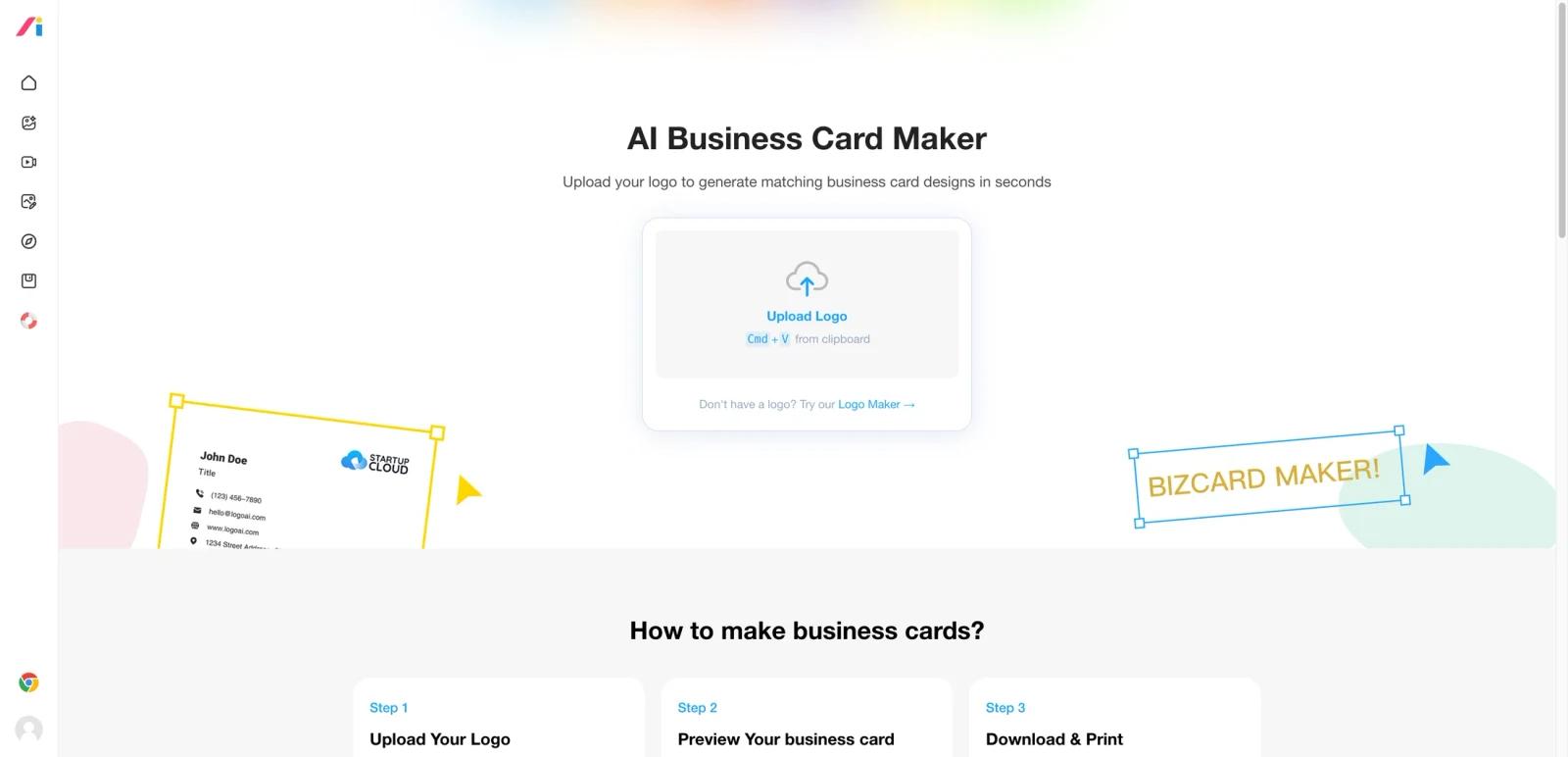
LogoAI’s Business Card Maker is a narrow but useful brand-extension tool. Instead of generating random standalone business cards from text prompts, it starts from an uploaded logo and turns that brand style into matching business card layouts. That is a smarter workflow for small businesses that already have a mark and want supporting collateral quickly.
The product is best understood as an asset-extension tool inside a larger LogoAI ecosystem. It is not a full brand-management platform, but it does help bridge the gap between logo creation and practical branded materials such as cards and downloadable print assets.
As of April 26, 2026, the public page emphasizes three steps: upload your logo, preview the generated card, and download a print-ready package in PDF and PNG formats. The page also stresses easy customization for fonts, colors, and layouts.
For adjacent research, compare AI design tools, AI UI design tools, AI website design tools.
Key Features
- Logo-to-business-card workflow — The product starts from an uploaded logo rather than from a blank prompt.
- Automatic style matching — LogoAI says it extracts logo colors and brand style into the card layout.
- Editable layouts — Users can tweak fonts, colors, and arrangement after generation.
- Print-ready exports — The page promises high-resolution PNG and PDF downloads.
- Low-friction business branding — Useful for founders and small teams without a designer on hand.
- Part of a larger LogoAI ecosystem — The tool connects naturally with LogoAI’s logo creation flows.
Pricing & Plans
The business card page itself is positioned as easy to try, but the commercial model is tied to broader LogoAI purchase flows.
| Plan | Public pricing posture | Best fit |
|---|---|---|
| Free preview / generation entry | Users can upload a logo and generate card concepts | Founders and small businesses testing layouts |
| Paid download / brand asset flow | Final files and broader asset access are handled through LogoAI’s paid ecosystem | Users needing print-ready brand collateral |
This means the product is best for quick branded collateral creation, not for teams that need a full brand system or deep print-production tooling.
Best For
- Founders and solo businesses building quick brand collateral
- Small teams that already have a logo and need matching business cards
- Users who prefer easy brand-consistent generation over manual design
- Buyers comparing LogoAI against Kittl or Canva-style business-card flows
FAQ
What is LogoAI Business Card Maker?
It is a tool that turns an uploaded logo into matching business card layouts and downloadable print-ready files.
Is LogoAI Business Card Maker free?
The page is positioned as free to try for generation and preview, while final downloads typically depend on paid LogoAI purchase flows.
What does LogoAI generate?
It generates business card layouts based on your uploaded logo, then lets you adjust details before export.
Who should use LogoAI for business cards?
It is best for founders, freelancers, and small businesses that want fast branded cards without starting from a blank design canvas.
Who should use LogoAI Business Card Maker?
LogoAI Business Card Maker is best for users who need the workflow described in this review and want to compare it against adjacent AI tools before adopting it.
How much does LogoAI Business Card Maker cost?
Pricing can change by plan, billing term, region, and usage limits. Check the official website for the current plan details before purchase.

