

Overview
Hey Noah is an AI productivity assistant focused on the daily communication loop: email, meetings, scheduling, and follow-up work. Instead of asking users to move every task into a generic chatbot, Hey Noah positions itself as a work assistant that understands inbox and calendar context, then helps keep communication moving.
The tool launched as a top Product Hunt release in early August 2026 and was ranked first on Hunted.Space's daily launch snapshot reviewed for this listing. That matters because the product is not just another prompt box. The launch messaging is aimed at people who lose time to email triage, meeting prep, calendar coordination, and small follow-up tasks that pile up between larger projects.
Hey Noah is best evaluated as an AI agent for professional communication. The value is not one perfect generated email. The value is whether the assistant can reduce the number of context switches between Gmail or Outlook, calendar events, meeting notes, reminders, and next actions.
Key Features
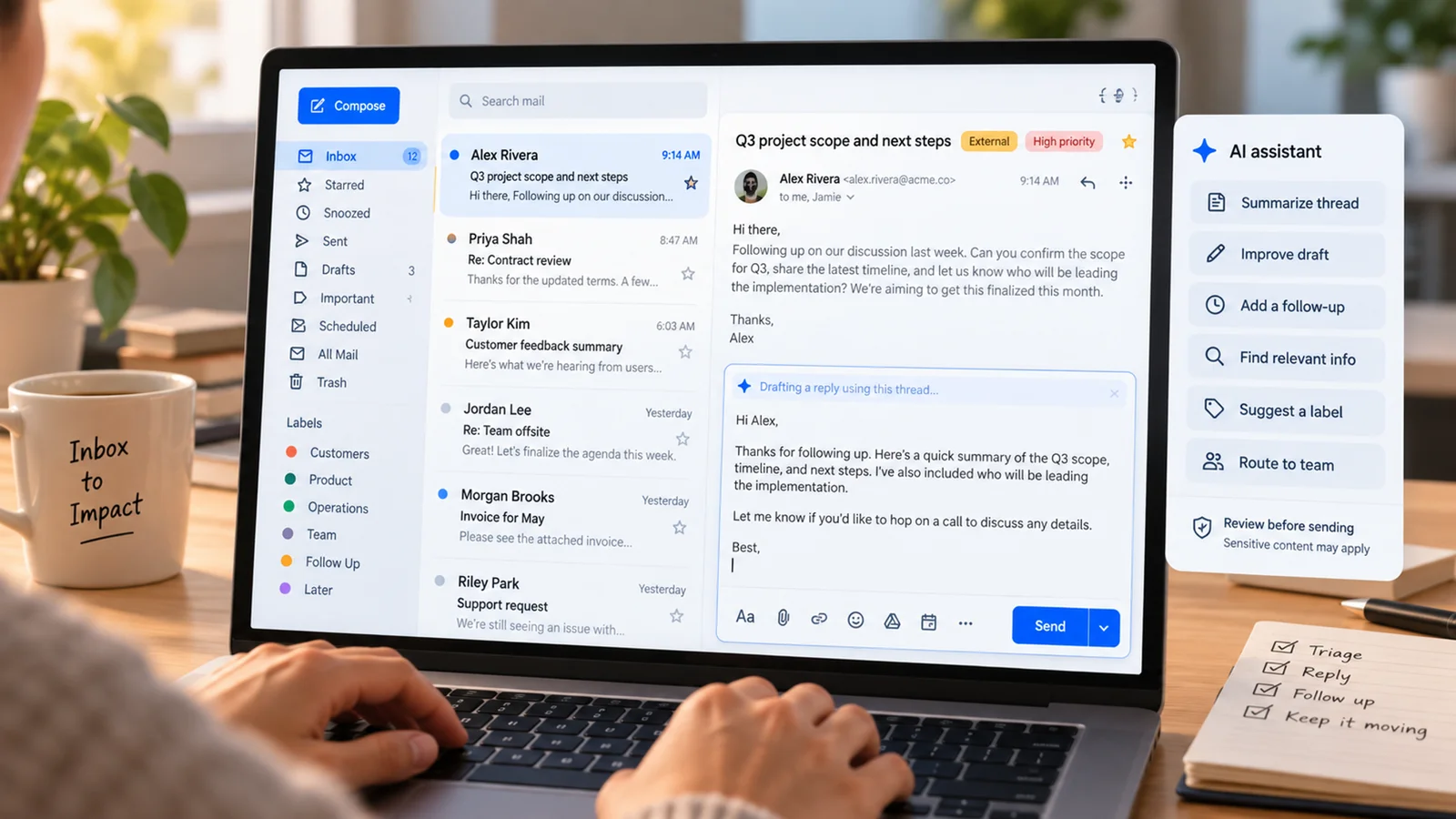
- Inbox assistance - Helps draft, summarize, and manage email responses so users spend less time rebuilding context for every thread.
- Follow-up support - Turns open loops into actionable next steps, reminders, or suggested replies.
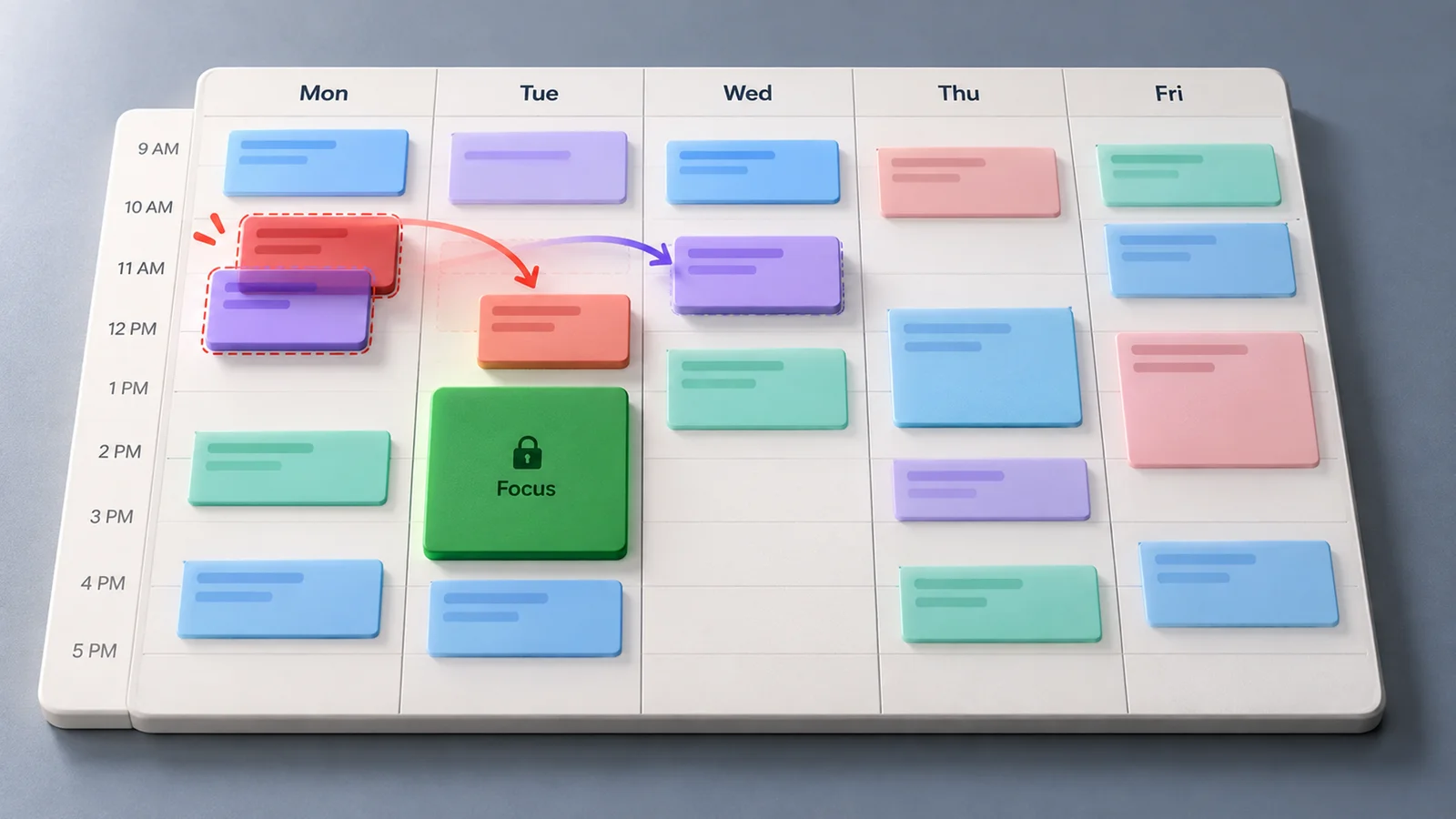
- Calendar coordination - Supports scheduling workflows where meetings, availability, and communication need to stay connected.
- Context-aware work memory - Uses connected work context to make responses more relevant than a blank chat prompt.
- Productivity integrations - Public launch materials highlight connections across common work tools, making the product more useful for people who live across multiple apps.
- Assistant-style interface - Designed for recurring daily use rather than one-off generation.
Pricing & Plans
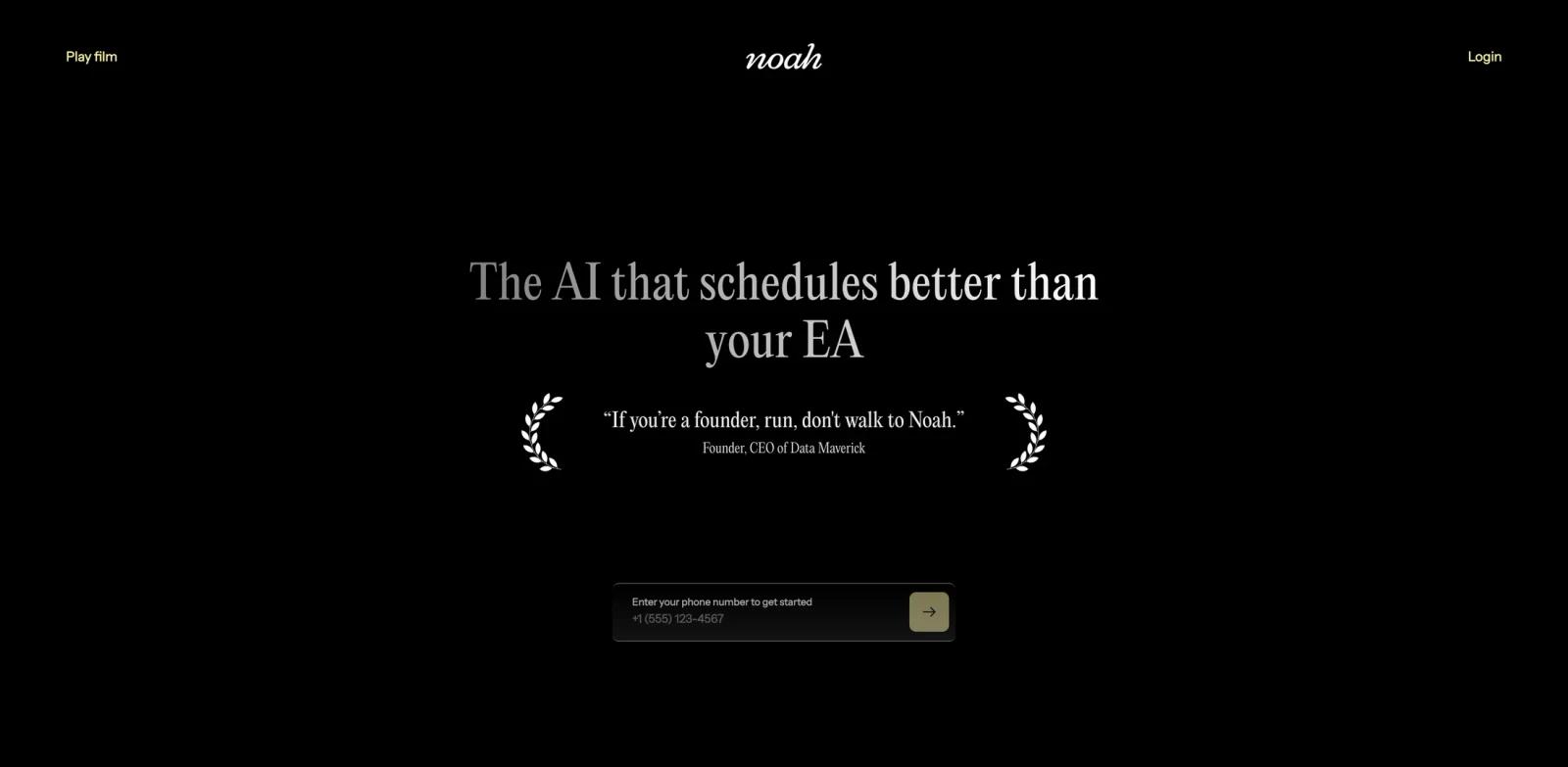
Hey Noah's public site and launch materials emphasize a free 30-day trial with no credit card required. A detailed public pricing table was not visible in the reviewed official pages, so teams should confirm paid plan names, seat pricing, data limits, and integration access inside the signup flow before rolling it out.
| Plan | Public signal | Notes |
|---|---|---|
| Trial | 30 days free | Product Hunt launch discussion and signup flow mention no credit card required |
| Paid plans | Not fully public | Confirm current pricing, plan limits, and workspace controls before purchase |
| Team use | Likely plan-dependent | Review admin, privacy, and integration settings for business deployment |
Best For
- Founders and operators who handle many email threads each day
- Sales, recruiting, and partnerships teams that rely on timely follow-ups
- Executives and managers who need meeting context without another dashboard
- Professionals who want an AI email generator with more workflow awareness than a standalone writing tool
- Small teams testing AI assistants for calendar and inbox operations
FAQ
What is Hey Noah?
Hey Noah is an AI assistant for inbox, calendar, and communication workflows. It helps with summaries, follow-ups, scheduling, and task coordination.
Is Hey Noah free?
The launch materials reviewed for this listing mention a free 30-day trial with no credit card required. Full paid pricing was not publicly visible, so verify current plans in the official signup flow.
Who should use Hey Noah?
Hey Noah is most relevant for people who spend significant time on email, meeting prep, calendar coordination, and follow-up work.
Does Hey Noah replace an email client?
No. It is better understood as an assistant layer for communication work, not a full replacement for Gmail, Outlook, or a calendar app.
What should I check before using Hey Noah at work?
Review account permissions, data handling, retention policy, admin controls, and whether your email and calendar provider are supported on the plan you choose.