



Overview
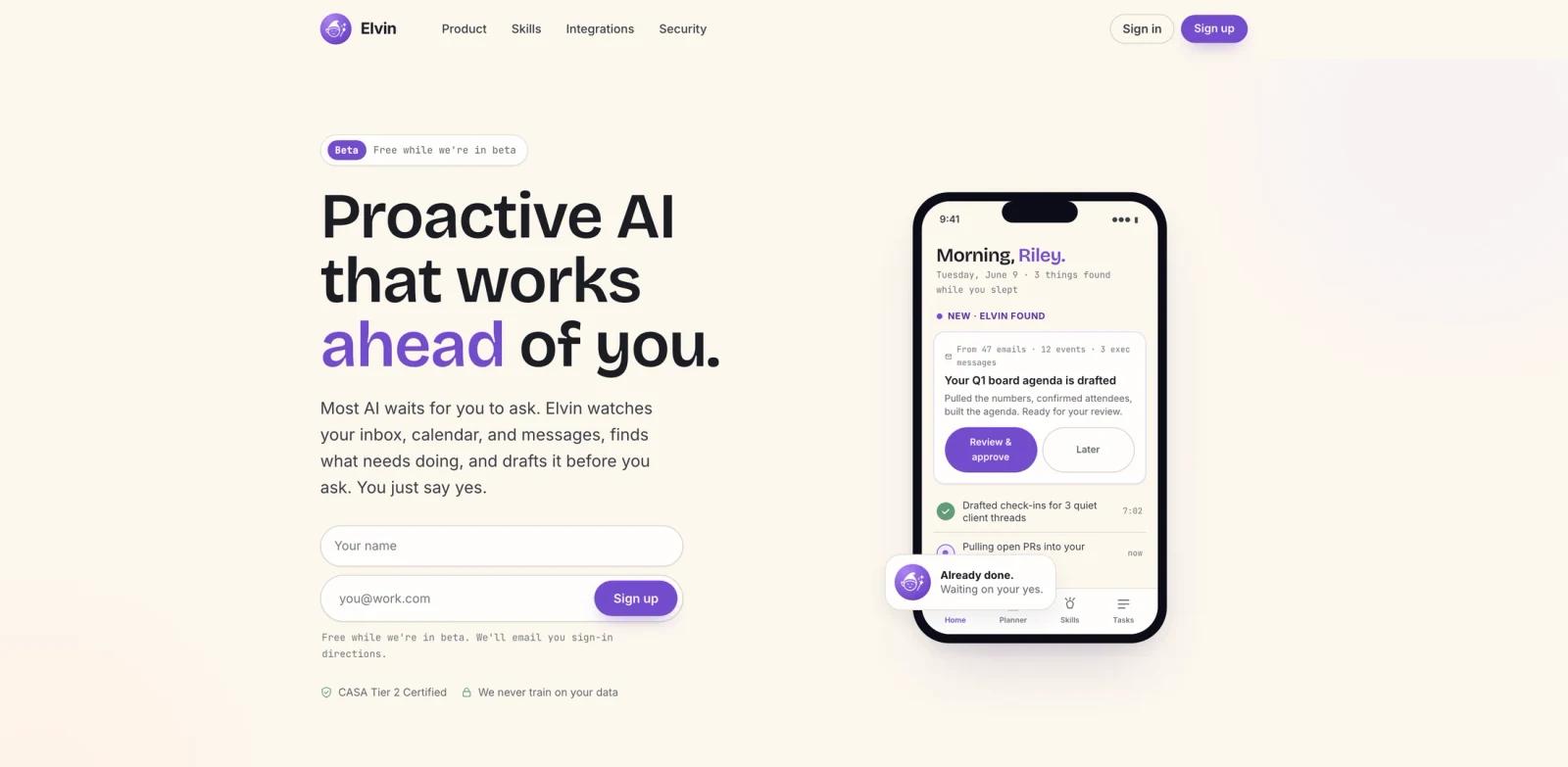
Elvin is a proactive AI assistant for people who manage too many open loops across email, calendar, chat, meetings, docs, and task tools. Instead of waiting for a prompt, Elvin watches connected work context, identifies what needs attention, and prepares drafts or next steps for the user to approve.
The official site describes Elvin as AI that watches the user's inbox, calendar, and messages, finds work that needs doing, and drafts it before the user asks. Examples include board meeting agendas, client check-ins, investor replies, product updates, project health summaries, and preparation briefs.
Elvin fits ToolWorthy's AI agent and AI productivity categories because it focuses on proactive coordination work rather than one-off chatbot answers.
Key Features
Proactive work discovery - Elvin scans connected inbox, calendar, and message context to surface missed follow-ups, upcoming meetings, quiet client threads, and project risks.
Ready-to-review drafts - The assistant prepares agendas, follow-up emails, investor replies, status updates, and check-ins before the user manually asks for them.
Human approval loop - The official positioning emphasizes that Elvin waits for the user's yes before taking action.
Cross-role workflows - The site highlights use cases for product managers, consultants, founders, engineering managers, investors, and executives.
Personal style learning - Elvin can remember preferences such as shorter follow-ups or no sign-off and apply them later.
Security and data posture - The site states CASA Tier 2 certification and says user data is not used for training.
How to Get Started
Elvin is currently presented as a beta product. Start by connecting the lowest-risk work accounts first, then test whether its surfaced items are genuinely useful: missed follow-ups, upcoming meeting prep, dormant threads, or small status updates.
Because Elvin works from private communication context, users should review connected-account permissions and approve drafts manually until the assistant has learned their tone and acceptable action boundaries.
Pricing & Plans
Elvin's public site says it is free while in beta. It does not list paid production tiers on the public page reviewed for this listing.
If Elvin introduces paid plans later, teams should re-check limits around connected accounts, number of drafts, workspace support, and security controls before rolling it out broadly.
Best For
- Founders, consultants, product managers, and executives juggling many workstreams
- Teams that lose time to forgotten follow-ups and meeting prep
- Users who want an AI writing assistant that starts from real work context
- Operators who prefer reviewing ready drafts over prompting a chatbot from scratch
- Busy managers who need early warnings on quiet threads and project risks
FAQ
What does Elvin do?
Elvin watches connected work context such as inboxes, calendars, and messages, then prepares drafts, follow-ups, agendas, and next steps for the user to approve.
Is Elvin free?
At review time, Elvin's public site says it is free while in beta.
Does Elvin act automatically?
Elvin is positioned around a human approval loop. It prepares work and asks before taking action.
What types of work can Elvin handle?
Examples on the official site include board agendas, client check-ins, investor replies, sprint updates, project health summaries, and meeting preparation.