



Overview
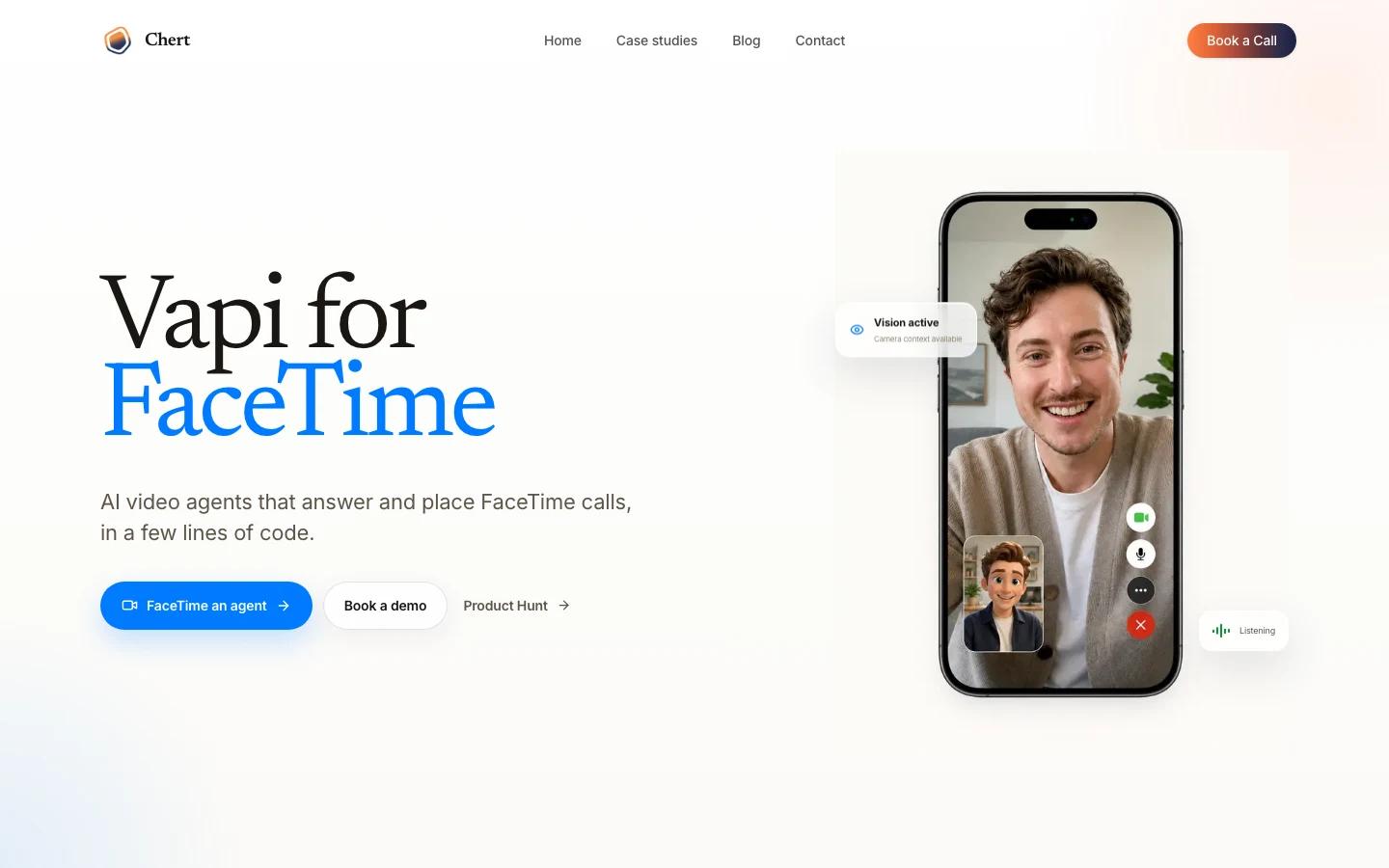
Chert is a FaceTime AI video agent platform. Instead of building another text chatbot or voice-only call agent, it focuses on video calls where the agent can answer or place FaceTime calls, follow a configured prompt, speak with a chosen voice, appear through a selected persona or avatar, and operate through a managed FaceTime line.
That makes Chert different from most AI chatbot tools. A text support bot can answer policy questions. A voice agent can route calls. A FaceTime agent can participate in workflows where seeing matters: remote support, field service triage, telehealth intake, guided onboarding, and visual inspections. The official FaceTime page lists those as target use cases and emphasizes configurable instructions, realtime model selection, voice, avatar, framing, and line assignment.
The product is still early and the FaceTime offering is positioned as a preview-style product. Treat it as a tool to evaluate for constrained workflows rather than a generic replacement for human video support.
Key Features
- FaceTime AI agents - Chert agents can answer and place FaceTime calls, moving automation into a native video-call channel rather than a web widget only.
- Prompt and behavior configuration - Teams define the agent's instructions, behavior, and boundaries for the workflow it will handle.
- Realtime model selection - The official page exposes model configuration as part of the agent setup.
- Voice and persona controls - Chert lets teams choose voice and persona details so the agent matches the service context.
- Avatar and framing options - Visual presentation is configurable, which matters when the agent is representing a brand or operating in a sensitive workflow.
- Managed FaceTime line - The product assigns a managed FaceTime line for inbound and outbound testing and deployment.
- Vertical workflow focus - Official use cases include remote support, field service, telehealth intake, guided onboarding, and visual inspections.
How to Get Started
Start with a workflow where video changes the outcome. Good test cases include diagnosing a visible device issue, walking a customer through setup, collecting intake context, or checking a physical condition before dispatch. Avoid broad "answer anything" deployments at first; video calls create higher expectations and higher risk than a normal website chatbot.
The core setup questions are:
- Instruction scope - What the agent is allowed to answer, what it must escalate, and what it should refuse.
- Identity and presentation - Which voice, avatar, persona, and framing match the customer context.
- Call flow - Whether the agent primarily answers inbound FaceTime calls, places outbound calls, or supports both.
- Evidence handling - What should be captured from a visual inspection, how it is stored, and who reviews it.
For teams already using AI agent systems, Chert should be evaluated as a specialized front end for video interaction, not as a general agent runtime.
Pricing & Plans
Chert's Product Hunt launch lists free options, and the official FaceTime page promotes the product for evaluation and preview access. The reviewed official materials did not publish a stable monthly plan price.
| Plan area | What to expect |
|---|---|
| Entry access | Free options are listed on Product Hunt |
| FaceTime product | Preview-style evaluation path through the official FaceTime page |
| Paid usage | Pricing should be confirmed directly with Chert before production deployment |
| Operating costs | Depend on call volume, realtime model usage, voice/video configuration, integrations, and support workflows |
Because the product touches customer calls and potentially sensitive visual context, procurement should include privacy review, escalation policy, call logging, retention, and consent requirements, not just software price.
Best For
- Remote support teams that need to see a product, device, or setup before escalating
- Field service operations that want pre-dispatch visual triage
- Telehealth intake teams exploring structured, bounded video workflows
- Onboarding teams guiding users through visible setup steps
- Companies testing AI video agents before committing to a custom realtime video stack
Chert is most interesting when the value is visual context. If the interaction is purely informational, a standard AI productivity assistant or voice bot may be simpler. If seeing the situation changes the answer, Chert is worth evaluating.
FAQ
What is Chert?
Chert is a platform for building AI video agents that can answer and place FaceTime calls with configurable prompts, models, voices, personas, avatars, framing, and managed FaceTime lines.
What is Chert used for?
Official use cases include remote support, field service, telehealth intake, guided onboarding, and visual inspections.
Is Chert only for FaceTime?
The reviewed product page is specifically for FaceTime AI video agents. Teams needing broader video channels should confirm Chert's current roadmap and supported deployment options directly with the vendor.
How much does Chert cost?
Product Hunt lists free options, but stable public plan pricing was not visible in the reviewed official materials. Confirm pricing with Chert before production use.
Is Chert a chatbot?
It overlaps with chatbot and voice-agent workflows, but the defining feature is video interaction over FaceTime. It is best treated as a specialized AI video agent platform.