

Overview
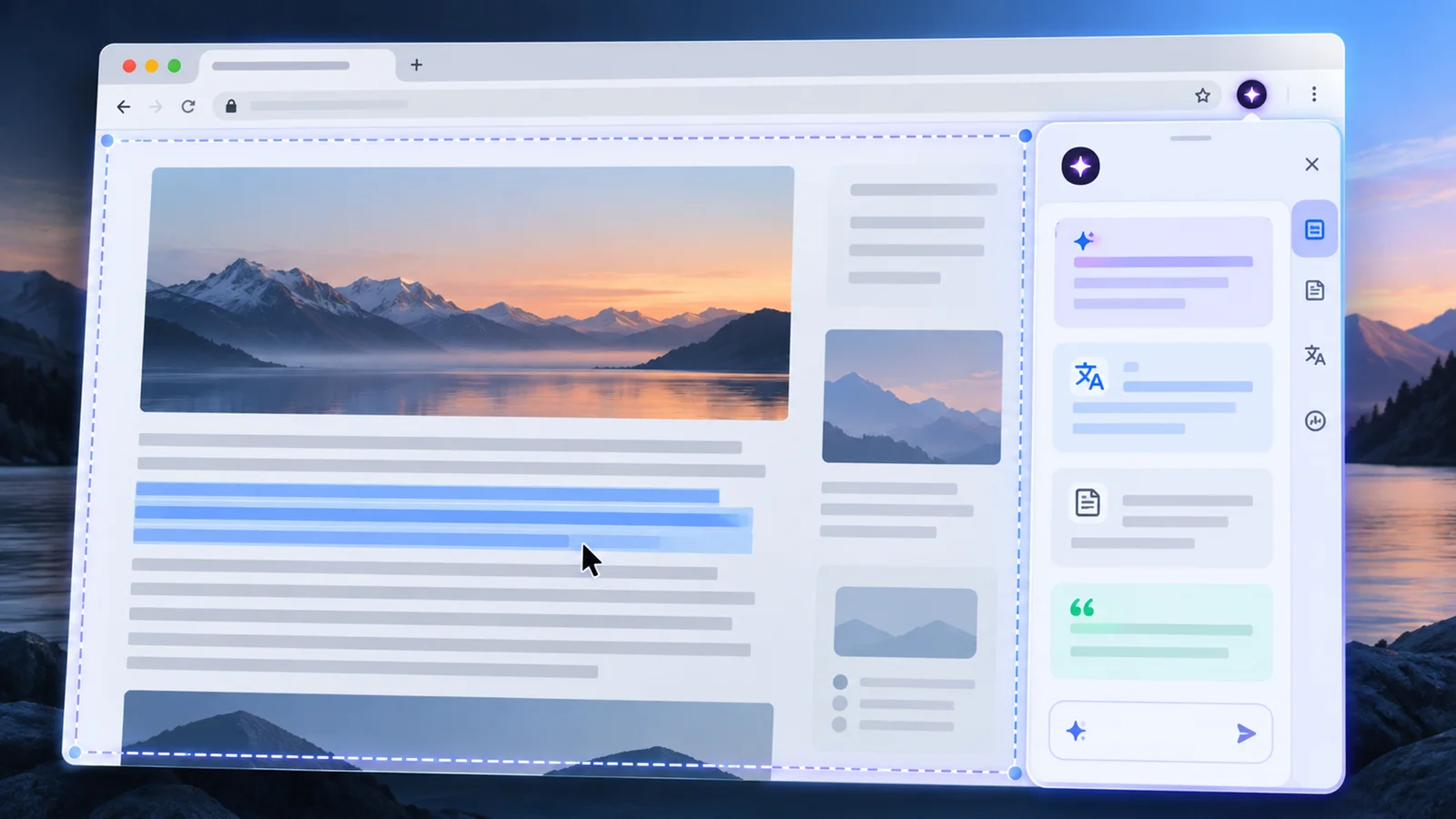
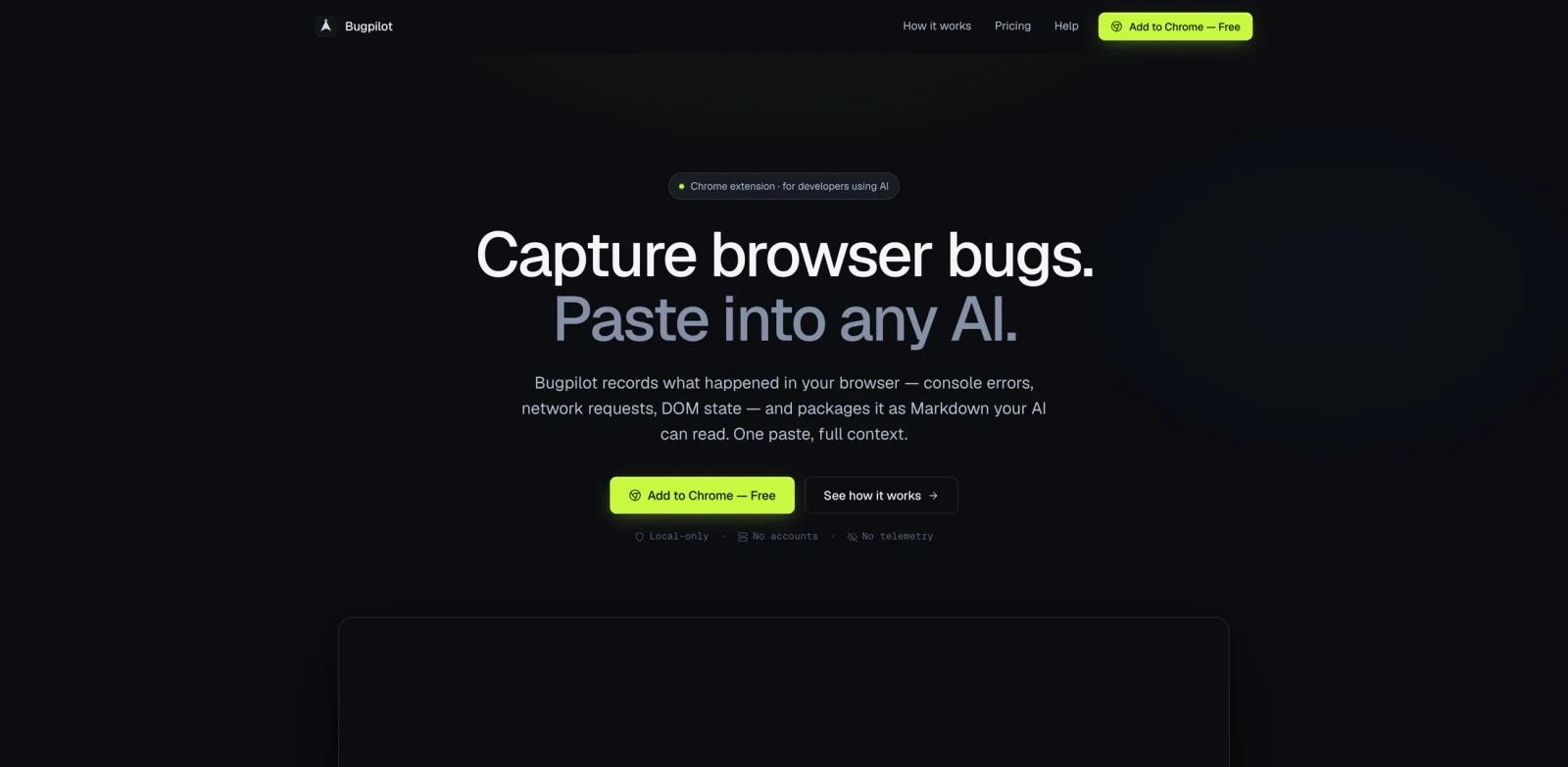
Bugpilot is a Chrome extension for developers who debug browser issues with AI assistants. It records what happened in a browser session, including console errors, network requests, DOM state, click targets, screenshots, and optional framework state, then packages the context as Markdown or richer export formats.
The tool is designed for workflows where a developer reproduces a bug, stops recording, and pastes the generated report into Claude, ChatGPT, Cursor, Lovable, v0, Bolt, Gemini, or another assistant that can read Markdown. That makes it relevant for teams using AI code generator tools, local web apps, QA workflows, and issue triage where "can you share the console error?" is not enough.
Bugpilot appeared on Product Hunt's June 11, 2026 daily leaderboard with the tagline "Turn errors, DOM, + screenshots into an AI-ready Markdown." The official site emphasizes local processing, no accounts, no servers, no telemetry, and automatic redaction.
Key Features
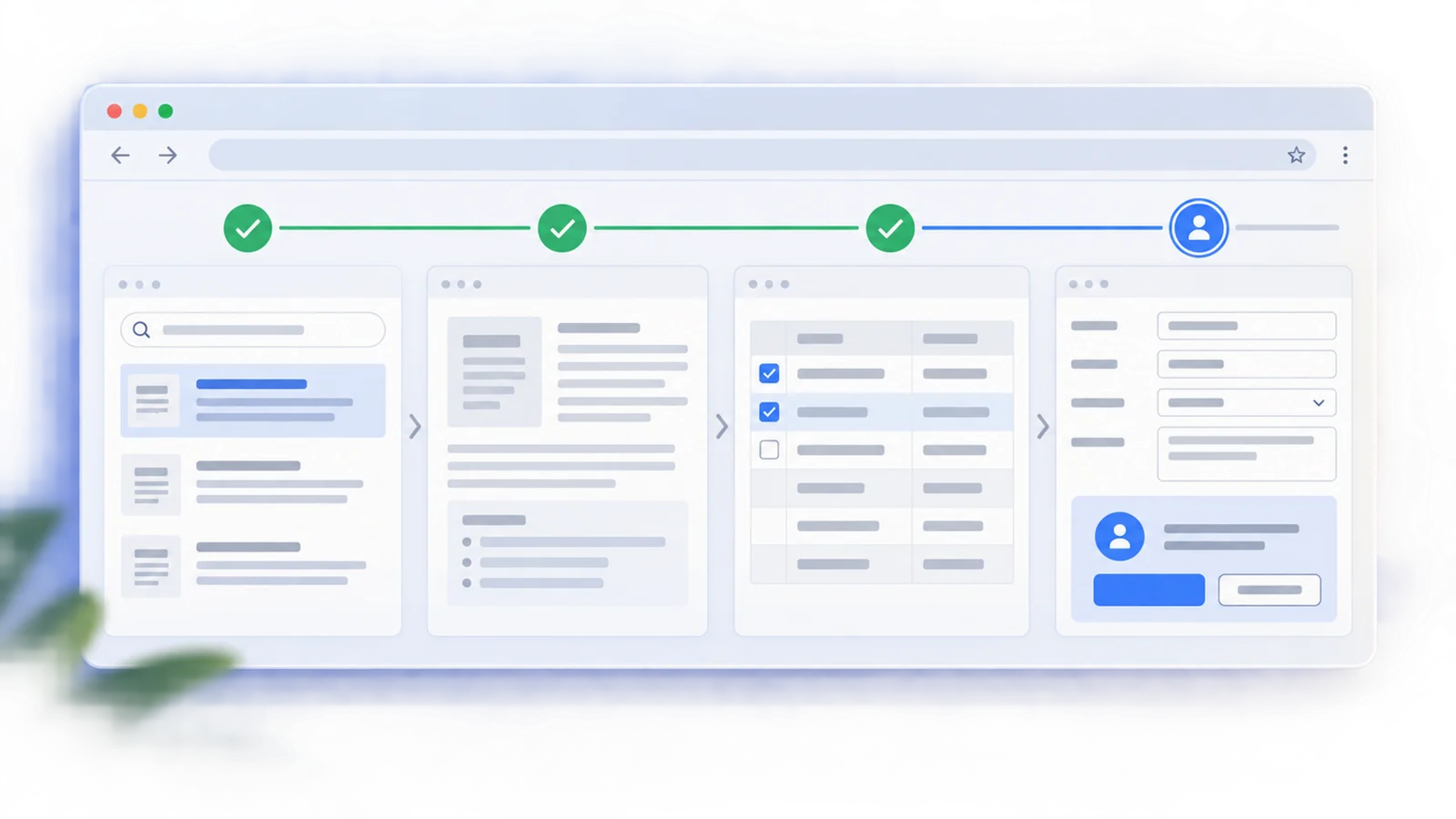
Browser session recording - Click Record, reproduce the bug, then stop capture to collect a timeline of console, network, DOM, and click events.
AI-ready Markdown output - Export one structured report that can be pasted into Claude, ChatGPT, or other AI tools without manually copying DevTools state.
Network and console capture - Include request methods, URLs, status codes, response previews, errors, warnings, logs, timestamps, and stack traces.
DOM and click context - Capture outer HTML, click targets, and page state so the AI assistant can connect the error to the UI that triggered it.
Automatic redaction - Bugpilot redacts passwords, emails, credit cards, JWTs, API keys, auth headers, URL tokens, and sensitive form values at capture time.
Pro export formats and React state - The Pro tier adds Claude XML, OpenAI JSON, forum Markdown, single-file HTML, ZIP export, framework state, React component trees, props, hooks, and unlimited history.
How to Get Started
Bugpilot works as a Chrome extension. Install it from the Chrome Web Store, open the page you want to debug, click the Bugpilot icon, and start recording. Chrome will show a transparency banner while the extension is debugging the tab.
After reproducing the issue, stop the recording and copy or export the generated report. The free version includes Markdown export and 10-session history; Chrome Web Store copy also lists ZIP download with screenshots. Pro adds five AI-optimized export formats, framework state capture, React component tree, props, hook state, unlimited history, and priority email support.
Pricing & Plans
Bugpilot's official pricing is simple: a free forever plan and a $28 lifetime Pro purchase. The Pro plan is a one-time purchase, includes future Pro updates, and has a 14-day refund window.
| Plan | Price | Notes |
|---|---|---|
| Free forever | $0 | Full capture engine, automatic redaction, event-anchored screenshots, 10-session history, and Markdown export |
| Pro lifetime | $28 one-time | Adds five AI-optimized export formats, framework state capture, React component tree, props, hook state, CSP fallback, unlimited history, and future Pro updates |
Both plans run locally in the browser. The official site says Bugpilot has no accounts, no servers, and no telemetry.
Best For
- Frontend developers debugging local or staging browser issues with AI assistants
- Teams that want cleaner bug reports for Claude, ChatGPT, Cursor, Lovable, v0, Bolt, Gemini, or other Markdown-reading AI tools
- QA testers who need to capture console, network, DOM, and screenshots without manually using DevTools
- React teams that want component tree, props, and hook state in failure reports
- Privacy-conscious developers who prefer local-first capture over hosted debugging telemetry
FAQ
What does Bugpilot do?
Bugpilot records browser bug context and exports it as AI-readable reports. It captures console logs, network requests, DOM state, click targets, screenshots, and optional framework state.
Is Bugpilot free?
Yes. Bugpilot has a free forever plan with the full capture engine, automatic redaction, event-anchored screenshots, 10-session history, and Markdown export. Pro is $28 one-time.
Does Bugpilot upload my data?
The official site says capture content stays local with no accounts, no servers, and no telemetry; Pro purchases are the exception, where the buyer's email and license data are handled through ExtensionPay and payment details through Stripe. Capture content is processed locally and stored in Chrome storage/IndexedDB until the user chooses to paste or export it. If the user buys Pro, email/license data and payment details are handled by ExtensionPay and Stripe.
Which AI tools can Bugpilot work with?
Bugpilot can export Markdown for any AI assistant. The Pro plan adds formats optimized for Claude, OpenAI, forum posts, single-file HTML, and ZIP ticket attachments.
Does Bugpilot support React debugging?
Yes, but deeper framework state capture is part of Pro. Pro includes React component tree, props snapshots, and hook state values at error moments.
Why does Chrome show a debugging banner?
Chrome shows a transparency notice when an extension starts debugging a tab. Bugpilot explains this as Chrome's permission system indicating what the extension can see during recording.