

Overview
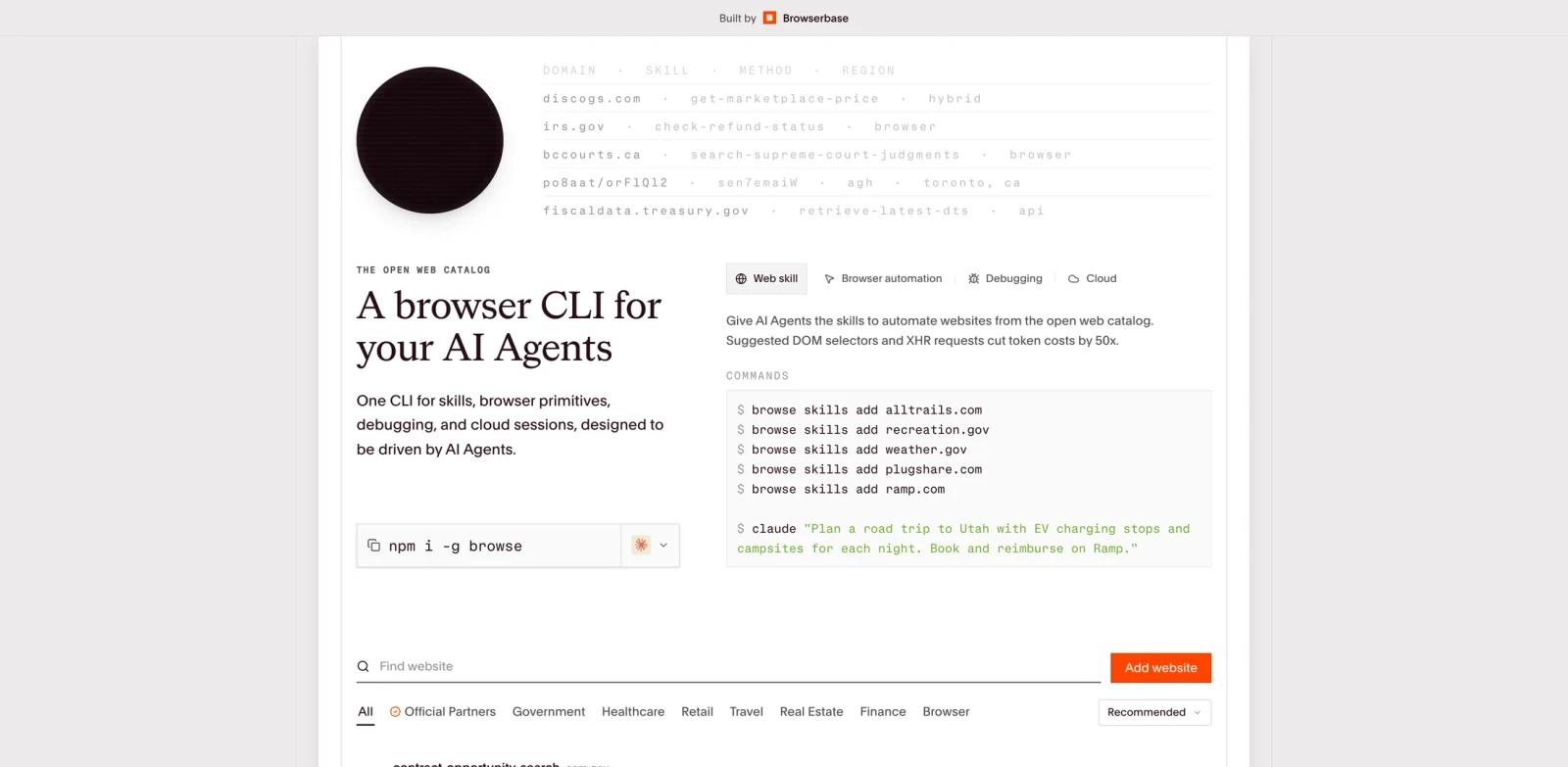
Browse.sh is Browserbase's open catalog of browser automation skills for AI agents. Instead of asking an agent to rediscover a site's login flow, checkout path, search interface, or admin workflow every time, Browse.sh gives teams reusable SKILL.md recipes that describe how an agent should complete a task online.
The product is most useful for developers building AI agents, browser operators, QA helpers, and internal workflow automations. It combines a public catalog, source links, verification signals, and a CLI that installs selected skills into an agent environment. That makes it more infrastructure-oriented than a normal productivity app: Browse.sh is not the agent itself, but a distribution layer for the browser knowledge an agent needs.
Browse.sh appeared on Product Hunt's June 8, 2026 rolling daily leaderboard. Because the June 8 leaderboard was still updating at review time, this page avoids fixed rank or vote claims and focuses on official Browserbase and Browse.sh sources.
Key Features
Reusable browser skills - Browse.sh packages website-specific workflow instructions as
SKILL.mdfiles so AI agents can reuse tested procedures instead of improvising every click path.Open skill catalog - The catalog is browsable by site, category, and popularity signals, with source links for users who want to inspect the underlying recipe before installing it.
CLI installation - The
browseCLI lets builders install selected skills into local agent setups, reducing manual copy-paste and making skills easier to update.Agent-builder workflow fit - Browse.sh is designed around Browserbase's broader agent stack, including remote browsers, Stagehand, Playwright-style automation, identity, observability, and browser runtime infrastructure.
Website-specific automation knowledge - Skills can capture fragile operational details such as navigation patterns, form behavior, menus, task boundaries, and recommended selectors for a given website.
Lower setup friction for browser agents - Teams experimenting with browser automation can start from existing recipes before deciding whether to build custom skills.
How to Get Started
Browse.sh is a developer-oriented tool. A typical workflow is:
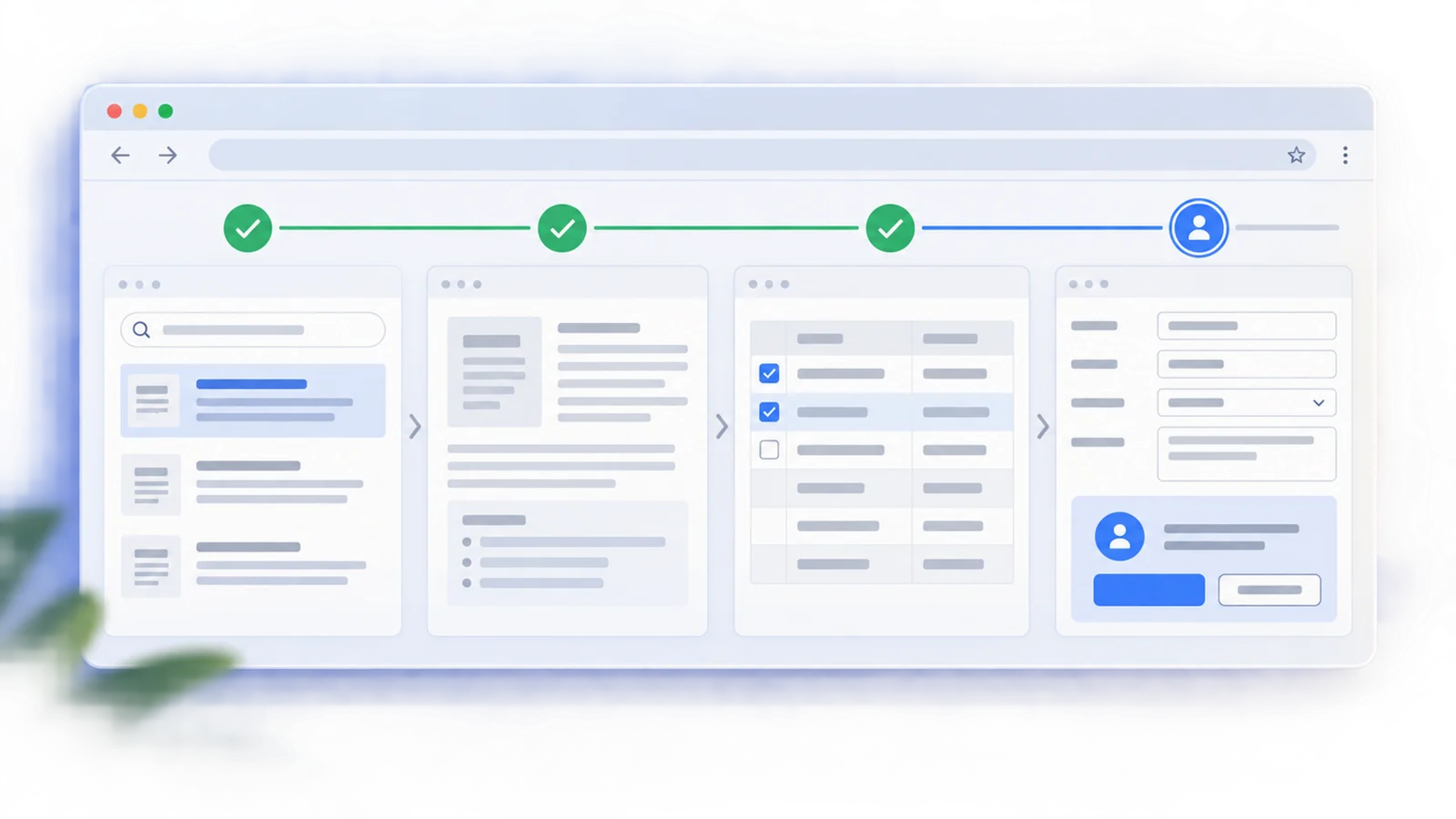
- Search the catalog for the website or workflow your agent needs.
- Open the skill page and inspect the source or metadata.
- Install the skill with the Browse CLI.
- Add the installed skill to the agent environment that will control the browser.
- Test the workflow against the live site, because website UIs and authentication flows can change.
This makes Browse.sh especially relevant for teams already using browser-control frameworks, Browserbase sessions, Playwright, Stagehand, or custom AI code generation workflows.
Pricing & Plans
Browse.sh itself is presented as a public catalog and CLI for discovering and installing browser skills. The catalog can be browsed without a paid checkout flow on the Browse.sh site.
For production browser-agent execution, teams will usually pair the skills with Browserbase infrastructure or another browser runtime. Browserbase publishes a free starting tier and paid plans that start at $20/month for the Starter plan. Pricing can change, and teams should confirm Browserbase's current plan limits before budgeting for production workloads.
| Layer | Price | Notes |
|---|---|---|
| Browse.sh catalog | Free to browse | Public catalog for discovering browser automation skills |
| Browse CLI / skills | Free to install from public sources | Useful for local agent setup and experimentation |
| Browserbase runtime | Free tier; paid plans from $20/month | Optional infrastructure layer for hosted browser sessions and production agent workflows |
Best For
- Developers building AI agents that need to operate third-party websites
- Teams maintaining internal web workflows where direct APIs are unavailable or incomplete
- QA and operations engineers who want reusable browser procedures instead of one-off scripts
- Agent-platform builders looking for a catalog model for browser knowledge
- Teams already evaluating Browserbase, Stagehand, Playwright, or similar browser automation stacks
FAQ
What does Browse.sh do?
Browse.sh catalogs reusable browser automation skills for AI agents. Each skill describes how an agent can complete a website-specific workflow, and the Browse CLI helps install those skills into an agent setup.
Is Browse.sh an AI agent?
No. Browse.sh is better understood as a skill catalog and installation layer. It provides browser workflow knowledge that an AI agent or automation runtime can use.
Is Browse.sh free?
The Browse.sh catalog is publicly accessible, and public skills can be inspected and installed. Production execution may require a browser runtime such as Browserbase, which offers a free tier and paid plans.
Who should use Browse.sh?
Browse.sh is mainly for developers and technical teams building browser-using AI agents, QA workflows, web operations, or internal automations.
Does Browse.sh replace Playwright or Browserbase?
No. Browse.sh complements browser automation tools. A skill can describe what to do on a site, while Playwright, Stagehand, Browserbase, or another runtime performs the actual browser actions.