
20 Best AI Customer Service Tools 2026 - Support Fit
Support leaders are being asked to reduce response time, hold headcount steady, and still protect customer trust when AI starts answering real tickets. The hard part is not finding an AI chatbot. It is choosing AI customer service tools that can read the right knowledge, understand account or order context, route issues correctly, hand off to agents, and keep automation costs predictable once volume grows.
This guide compares 20 AI customer service tools across helpdesk automation, ecommerce support, shared inbox workflows, CRM-connected service, AI-native support agents, and enterprise contact-center platforms. We used public product pages, pricing pages, documentation, and review signals from July 2026. If your team is comparing adjacent categories, also review our guides to AI CRM tools, AI business automation tools, AI knowledge base tools, and AI agent tools.
| Tool | Best For |
|---|---|
| Fin by Intercom | Best overall AI support agent for mature helpdesk automation |
| Front AI | Shared inbox teams that need AI with human review |
| Freshworks Freddy AI | Value-focused helpdesk teams that want transparent AI pricing |
| Gorgias AI Agent | Ecommerce teams automating order, return, and shipping support |
| HubSpot Service Hub + Breeze | HubSpot teams connecting service AI to CRM context |
| Hiver Omni | Gmail-centric SMB teams moving into omnichannel support |
| Zendesk AI | Enterprise helpdesk teams needing deep ticketing and governance |
| Tidio Lyro | Small businesses that want quick AI chat support |
| Zoho Desk + Zia | Budget-conscious teams that need broad helpdesk coverage |
| Dixa + Mim | Teams unifying voice support with AI-assisted digital conversations |
| Kustomer | Customer-history-heavy teams needing order and account context |
| Genesys Cloud CX | Voice-first enterprise contact centers |
| Ada | Brands that want AI-native autonomous support agents |
| Forethought | Teams adding AI solve, triage, assist, and insights to existing support |
| Talkdesk CXA | Contact centers prioritizing AI automation workflows |
| NICE CXone Mpower | Large enterprises needing CX AI, WFM, QA, and journey orchestration |
| yellow.ai | Global support teams needing multilingual chat, email, and voice AI |
| Salesforce Agentforce Service | Salesforce Service Cloud teams standardizing on Agentforce |
| Sierra | Teams evaluating high-autonomy AI service agents |
| Sprinklr Service | Enterprise brands managing social and omnichannel service together |
How We Selected and Tested
We selected tools that clearly support customer service or customer support workflows: ticket triage, AI agents, helpdesk automation, agent copilot, customer-service QA, support analytics, knowledge-grounded replies, escalation, or contact-center automation. Generic chatbot builders, pure knowledge-base tools, marketing chat widgets, sales CRMs, and phone answering-only tools were excluded unless the product showed direct customer-service workflow evidence.
Our research combined ChatGPT deep research, official product pages, pricing pages where available, support documentation, and independent review signals from sources such as G2. We evaluated each tool across five practical dimensions: support workflow depth, agent experience, AI autonomy, pricing transparency, and implementation reality. Those dimensions map to the buyer questions that matter in this category: Can AI resolve real issues, or only answer FAQs? Can agents review and correct it? Does it connect to orders, accounts, tickets, or knowledge? What unit drives cost growth: seat, conversation, resolution, AI credit, or enterprise contract?
Testing scope: This is public-evidence research rather than a paid production deployment of every platform. We did not fabricate resolution rates, ROI, accuracy, customer satisfaction, or implementation timelines. When a vendor used quote-only pricing, we treated that as a buying risk. When a platform is powerful but enterprise-heavy, that complexity is reflected in its recommendation.
Top 20 AI Customer Service Tools Compared
The market splits into five groups. Intercom, Freshworks, Zendesk, Zoho, Hiver, Front, Tidio, Dixa, and Kustomer are helpdesk or shared-inbox platforms with AI layered into daily support work. Gorgias is sharply focused on ecommerce. Ada, Forethought, Sierra, and yellow.ai are closer to AI-native support automation. HubSpot and Salesforce matter when customer service must live inside a CRM. Genesys, Talkdesk, NICE, and Sprinklr serve enterprise contact-center and omnichannel operations where governance, voice, QA, and workforce tools are part of the decision.
| Tool | Best For | AI Model | Pricing Signal | Main Caveat |
|---|---|---|---|---|
| Fin by Intercom | Mature AI support automation | AI outcome pricing | $0.99/AI outcome | Minimums and add-ons need confirmation |
| Front AI | Shared inbox support teams | Autopilot and copilot | Starter $25/seat/mo; Autopilot from $0.05/conversation | AI costs sit beside seat pricing |
| Freshworks Freddy AI | Value-focused helpdesk teams | AI agent plus copilot | Freshdesk Growth $15/agent/mo annually; $19 monthly | Advanced AI and Copilot depend on plan |
| Gorgias AI Agent | Ecommerce support teams | Resolved-conversation AI agent | Helpdesk plan plus $0.90/resolution annually or $1 monthly | Less ideal outside ecommerce |
| HubSpot Service Hub + Breeze | CRM-connected service teams | Customer Agent and Breeze AI | Starter $7/seat/mo; Customer Agent uses 50 credits/resolution | Best inside HubSpot |
| Hiver Omni | Gmail-first SMB support | AI agents and copilot | Free plan; Growth $25/user/mo annually | Newer Omni feedback footprint |
| Zendesk AI | Enterprise helpdesk teams | Outcome-priced AI agents plus Copilot | Support $19; Suite $55/agent/mo; Copilot $50/agent/mo | Resolution allowances and add-ons require modeling |
| Tidio Lyro | Small-business chat support | AI agent for web chat | Free plan; 50 Lyro conversations as a one-time quota | Limited for complex enterprise support |
| Zoho Desk + Zia | Budget-conscious support teams | Zia AI inside Zoho Desk | Free plan for up to three agents; multiple paid tiers | Dense interface and setup depth |
| Dixa + Mim | Omnichannel conversation teams | Mim AI agent for digital channels | Dixa from EUR89/agent/mo; Mim EUR0.35/conversation | Mim charges for resolutions and human handoffs |
| Kustomer | Customer-timeline support | AI agent and copilot | Enterprise about $89/user/mo; AI usage extra | Higher cost and admin complexity |
| Genesys Cloud CX | Voice-first contact centers | Agent and supervisor copilots | CX 1 $75; CX 2 $115/user/mo annually | Enterprise implementation and AI-token modeling |
| Ada | AI-native autonomous support | AI support agent | Contact sales | Public pricing is limited |
| Forethought | Existing helpdesk AI layer | Solve, Triage, Assist, Insights | Contact sales | Requires knowledge and workflow governance |
| Talkdesk CXA | Contact-center automation | AI agents and orchestration | Contact-center editions from $85/user/mo; CXA quote-based | Buying and rollout are enterprise-led |
| NICE CXone Mpower | Large-enterprise CX operations | CX AI suite | Contact sales | Powerful but complex |
| yellow.ai | Global conversational support | Multichannel conversational AI | Contact sales | Implementation and pricing need discovery |
| Salesforce Agentforce Service | Salesforce-native service teams | Agentforce service agents | $2/conversation or $500/100K Flex Credits; add-on $125/user/mo | Salesforce licensing and credit usage add complexity |
| Sierra | High-autonomy service agents | Agentic customer-service AI | Contact sales | Limited independent review sample |
| Sprinklr Service | Social and omnichannel enterprise service | Enterprise CX AI | Enterprise quote | Heavy platform for smaller teams |
Detailed Reviews
Fin by Intercom
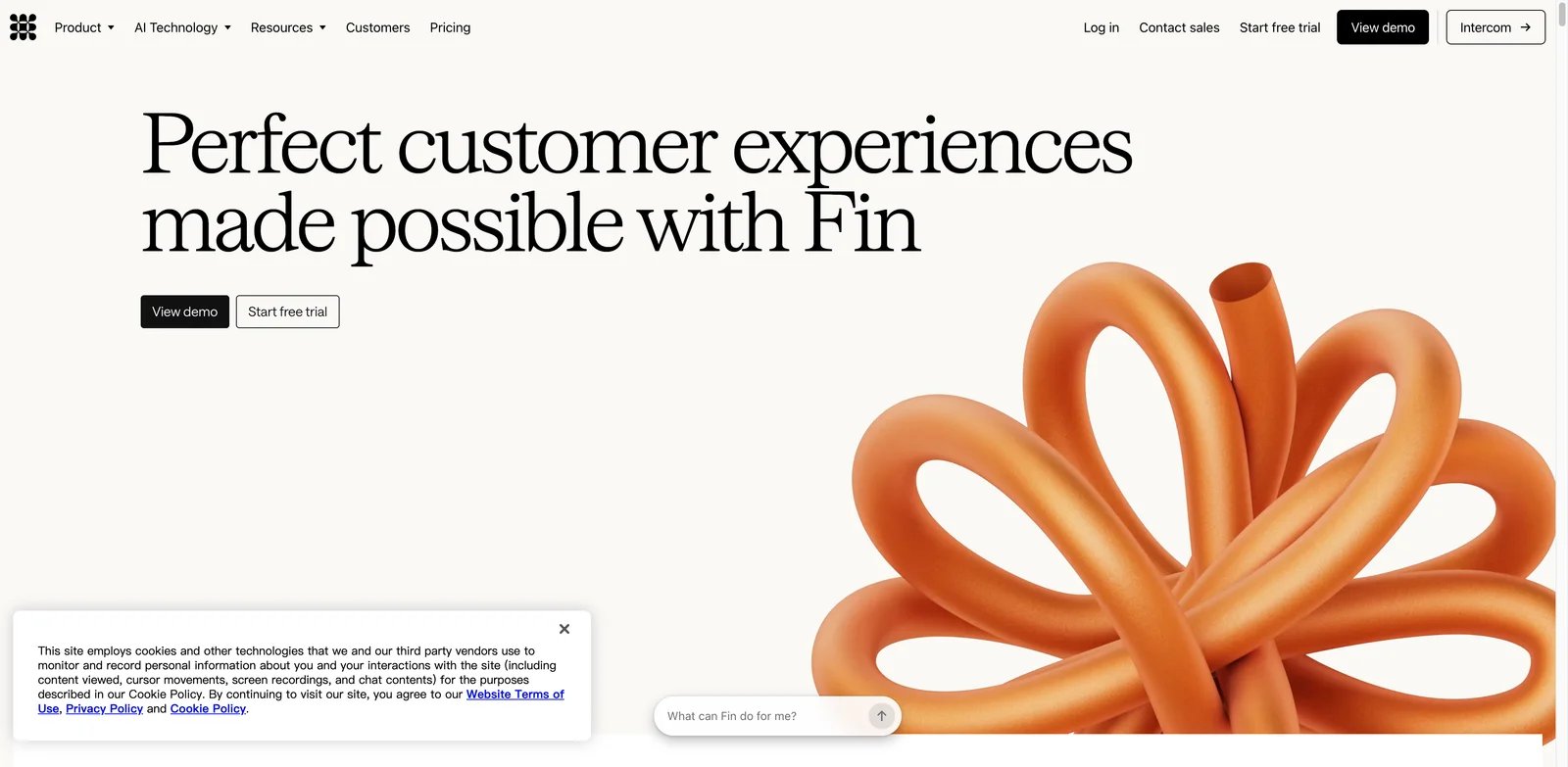
Support teams that already know their helpdesk will not be replaced overnight often need the strongest AI layer that can work with the systems they have. Fin by Intercom is the best overall fit when the goal is practical AI resolution: answer from trusted content, hand off to human agents, connect to existing helpdesk workflows, and measure outcomes rather than only chat volume.
Key Features
- AI outcome model: Fin is oriented around resolved AI outcomes, which maps cost more directly to support value than generic message volume.
- Helpdesk and channel coverage: It can work with Intercom and connect into existing support environments, reducing the need for a full platform migration.
- Agent and customer experience balance: Fin can answer customers directly while Intercom's ecosystem supports copilot, inbox, routing, and human escalation.
Pricing & Plans
Fin is commonly priced at $0.99 per AI outcome, with final cost depending on volume, plan packaging, and contract terms. Teams should confirm minimum commitments, included channels, helpdesk integration costs, human-agent seat pricing, and whether deflected, abandoned, or escalated conversations count differently.
Limitations
Fin is not the cheapest option if your support volume is high and many issues are low-value. It also performs best when your help center, macros, and escalation paths are clean. If your source knowledge is stale, Fin may surface that operational debt faster than a human-only queue would.
Best For
Fin is best for SaaS, marketplace, and digital-service teams that want strong AI resolution without rebuilding their whole support stack. Not the right fit if you need the lowest possible monthly cost or a simple chat widget for a very small site.
Get started with Fin by Intercom
Front AI
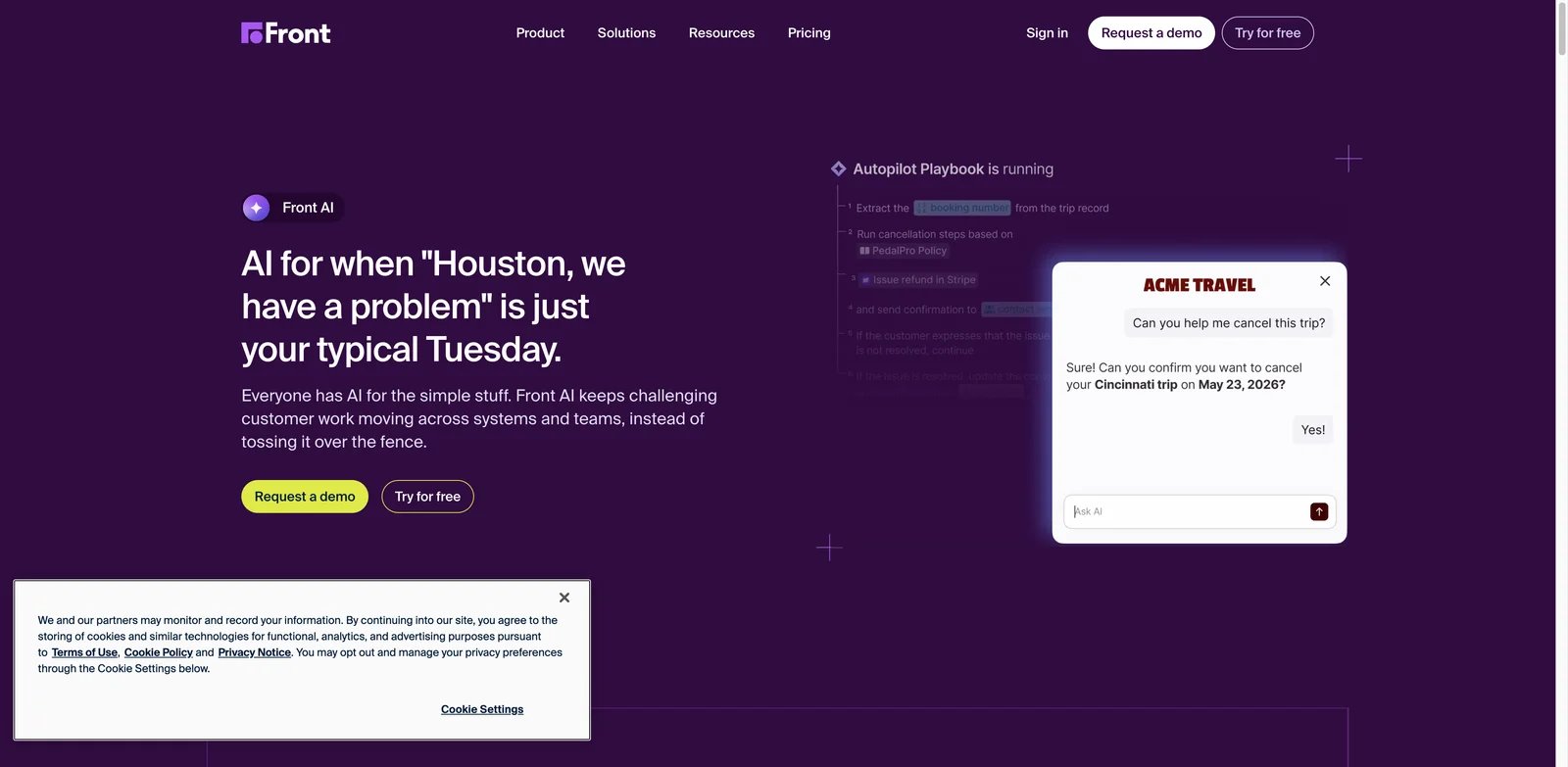
Email-heavy support teams often hesitate to automate because the inbox is also where account context, internal comments, escalations, and customer tone live. Front AI is strongest when the team wants AI assistance inside a shared inbox workflow instead of a black-box bot that replies without review. Its advantage is human control, collaboration, and AI that sits close to day-to-day agent work.
Key Features
- Autopilot plus copilot: Front can support automated replies and agent assistance, letting teams choose where AI should act alone and where it should draft for review.
- Shared inbox context: Email, chat, SMS, WhatsApp, and team comments stay close together, which helps service teams coordinate on account-sensitive issues.
- Quality and CSAT workflows: Front AI can support QA and customer-satisfaction work, not just response drafting.
Pricing & Plans
Front lists Starter around $25 per seat per month, with AI features and Autopilot usage priced separately. Autopilot has been listed from about $0.05 per conversation, but buyers should confirm current plan eligibility, included usage, channel availability, and whether advanced AI functions require higher tiers.
Limitations
Front is not a full enterprise contact-center platform. If your team needs workforce management, complex IVR, predictive routing, and voice analytics, it may need to sit beside another system. AI costs also need to be modeled alongside seat pricing.
Best For
Front AI is best for B2B support, success, and operations teams that live in shared inboxes and want AI with human accountability. Not the right fit if your service operation is primarily voice-first or requires heavy CCaaS controls.
Get started with Front AI
Freshworks Freddy AI
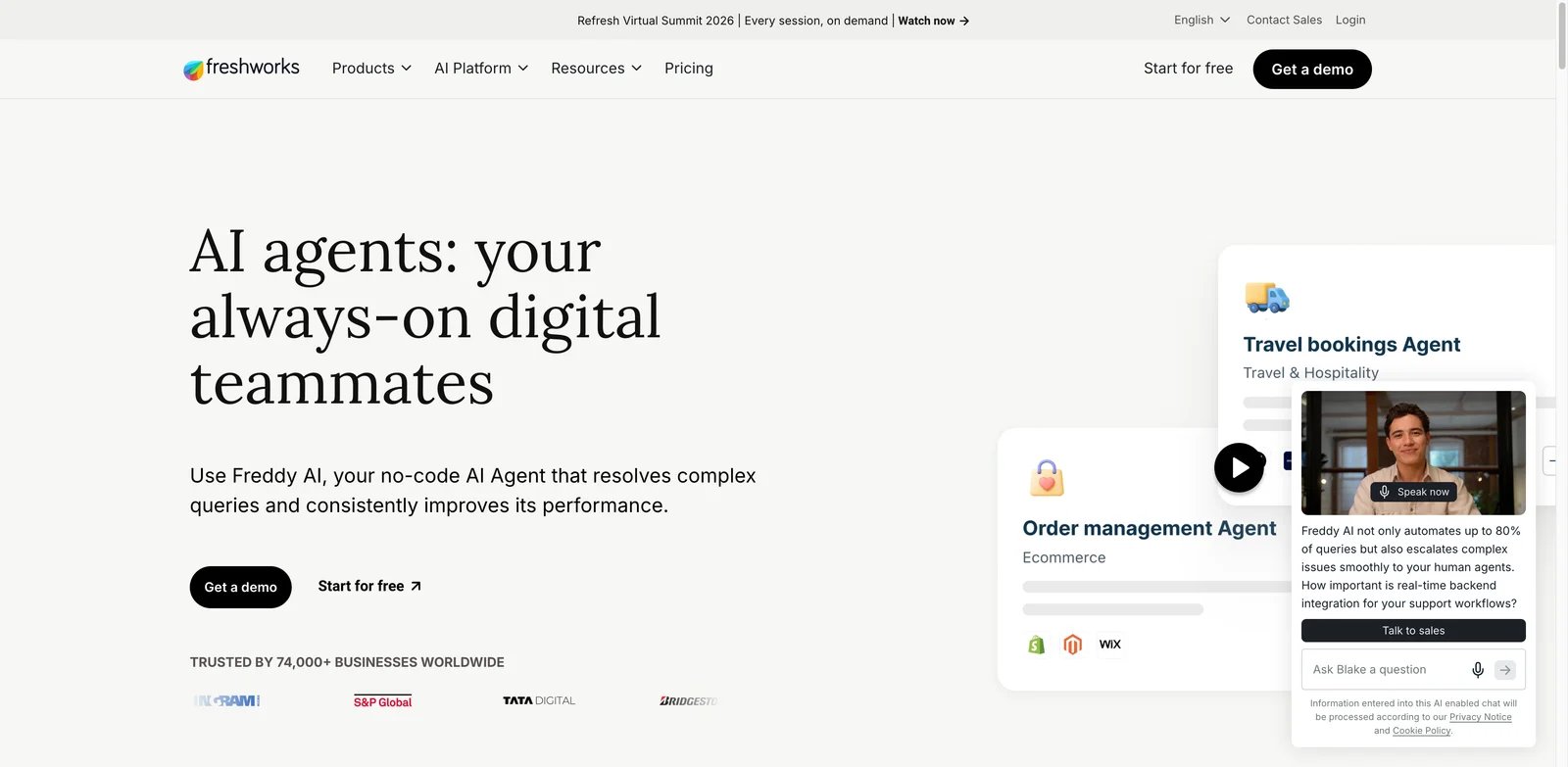
Many support teams need a real helpdesk before they need a frontier AI agent. Freshworks Freddy AI is strong because it packages AI inside Freshdesk's ticketing, portal, knowledge base, routing, and multichannel support foundation. That makes it practical for teams that want AI automation without stitching together separate tools for tickets, knowledge, and customer communication.
Key Features
- AI Agent and Copilot: Freddy can support customer-facing automation and agent-facing assistance, which helps teams improve both deflection and human response quality.
- Helpdesk foundation: Freshdesk brings tickets, knowledge base, automations, SLAs, and channels that smaller teams may otherwise need to buy separately.
- Transparent entry signal: Public Freshdesk pricing and included AI Agent sessions make budgeting easier than quote-only enterprise tools.
Pricing & Plans
Freshdesk Growth starts at $15 per agent per month when billed annually, or $19 per agent on monthly billing. Pro starts at $55 per agent per month annually. Freddy AI Agent includes the first 500 sessions, additional sessions cost $49 per 100, and Freddy Copilot costs $29 per agent per month on eligible plans. Freshdesk currently includes the first 500 Freddy AI Agent sessions; the official pricing page does not describe this allowance as 500 sessions renewed every month.
Limitations
Freshworks is easier to evaluate than many enterprise suites, but it still requires helpdesk configuration discipline. Teams should test ticket fields, routing rules, knowledge quality, and escalation policies before letting the AI Agent handle sensitive requests.
Best For
Freshworks Freddy AI is best for SMB and mid-market support teams that want an integrated helpdesk plus AI at a clearer entry price. Not the right fit if you need highly specialized ecommerce order actions or large-enterprise CCaaS depth.
Get started with Freshworks Freddy AI
Gorgias AI Agent
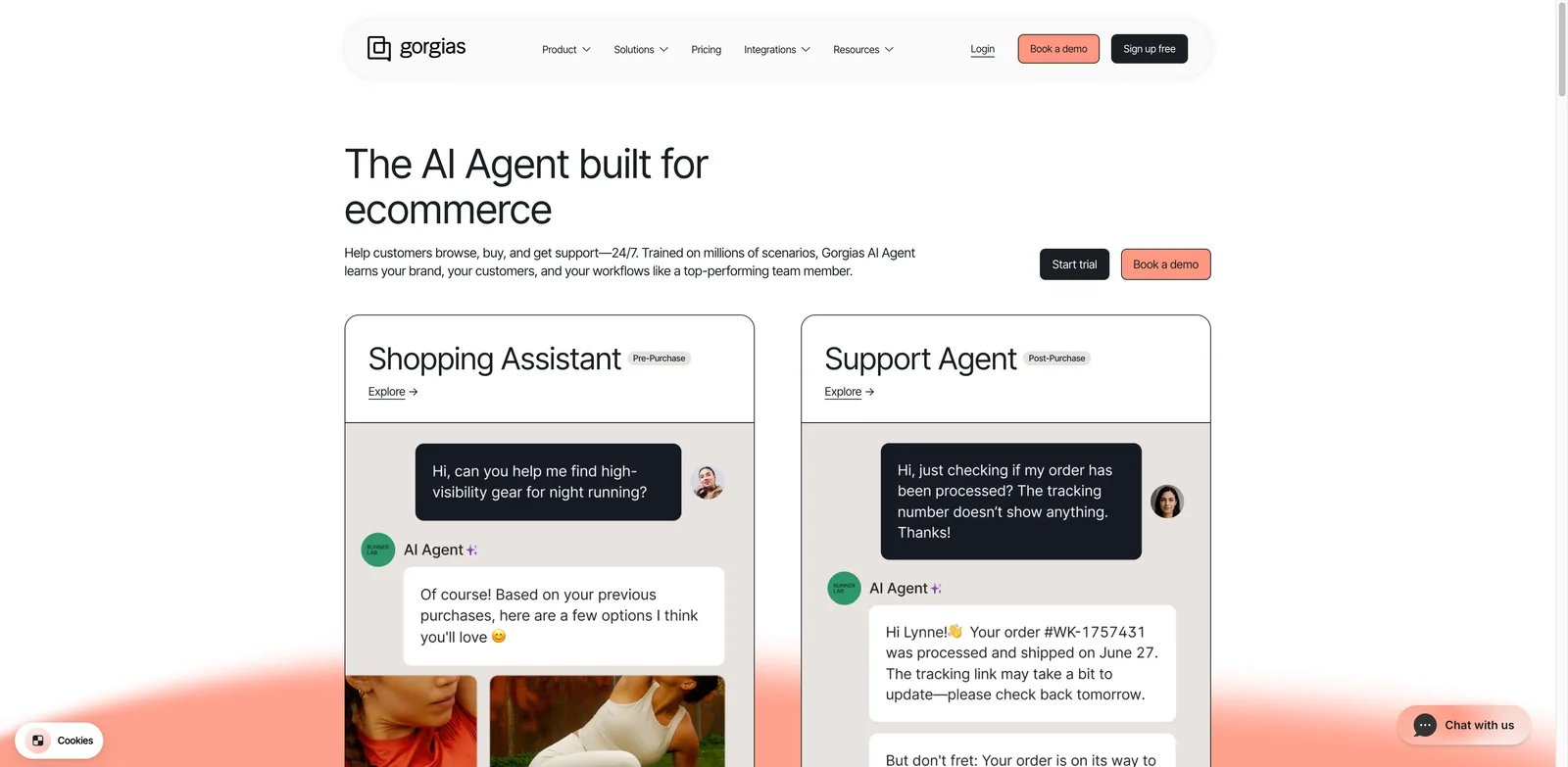
Ecommerce support is not just answering "where is my order?" It also involves refunds, returns, subscriptions, discounts, shipping exceptions, storefront policies, and angry customers who expect a fast answer. Gorgias AI Agent is one of the clearest category fits when support automation needs direct commerce context rather than a generic helpdesk bot.
Key Features
- Ecommerce-native actions: Gorgias can use order and customer context to resolve common commerce questions instead of routing everything to a human.
- AI Agent plus helpdesk: The AI layer works alongside Gorgias' ecommerce support inbox, macros, automations, and channel coverage.
- Strong merchant fit: The product is optimized for Shopify-style support patterns such as returns, delivery status, subscriptions, and product questions.
Pricing & Plans
Gorgias charges separately for its helpdesk and AI Agent. AI Agent currently costs $0.90 per resolved conversation on most annually billed plans or $1.00 with monthly billing. Conversations transferred to a human are billed as helpdesk tickets rather than AI Agent resolutions. Buyers should model monthly support tickets, seasonal spikes, order-management integrations, and whether they need add-ons for channels, automation, or revenue features.
Limitations
Gorgias is less compelling for non-commerce support teams. A B2B SaaS company may not get enough value from its order and storefront depth. Ecommerce teams should also test edge cases such as partial refunds, subscription changes, and policy exceptions before expanding automation.
Best For
Gorgias AI Agent is best for ecommerce brands that need AI to handle order, return, shipping, and product support with commerce context. Not the right fit if your support queue is mostly technical tickets, internal IT, or account-management work.
Get started with Gorgias AI Agent
HubSpot Service Hub + Breeze
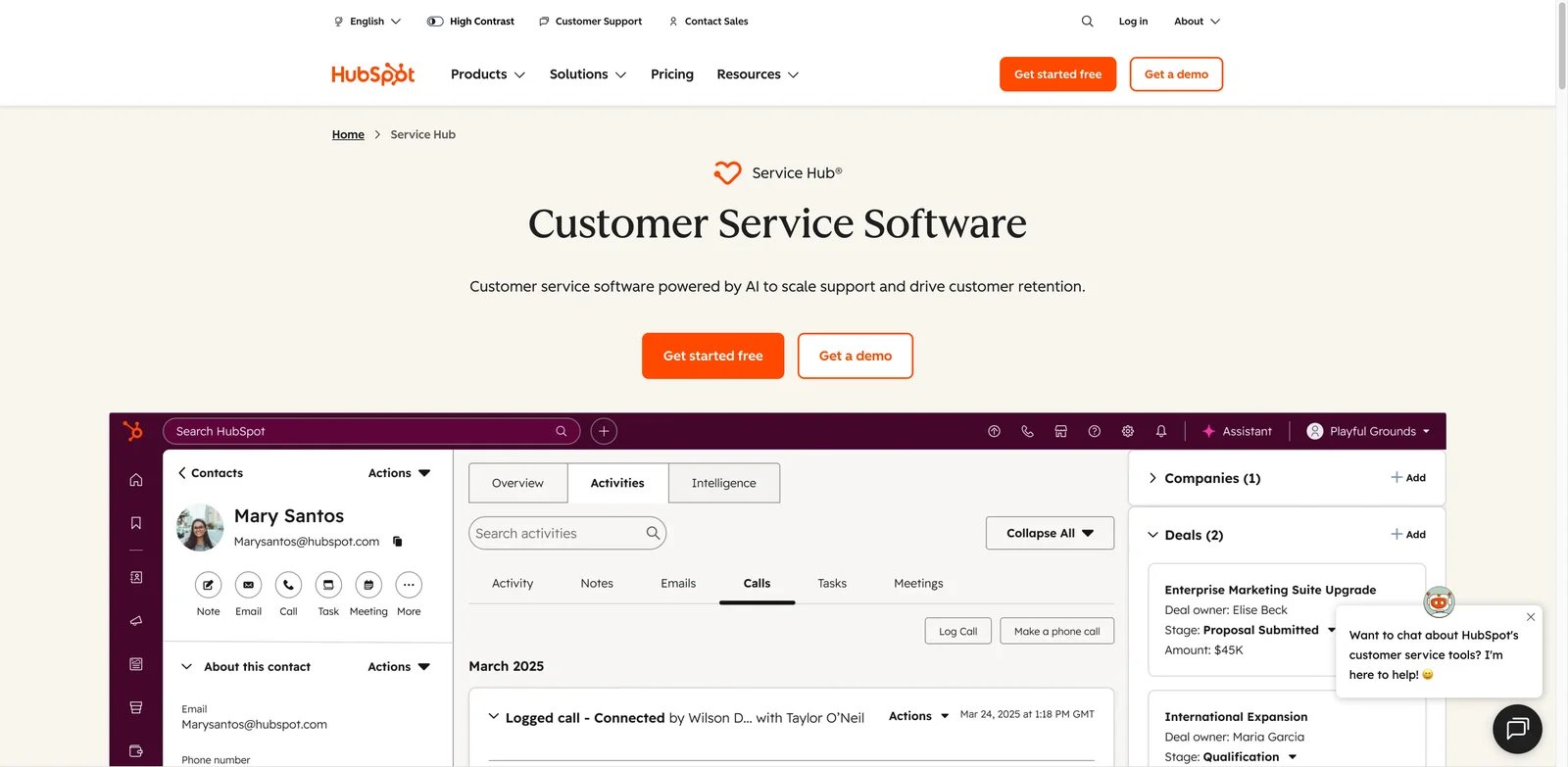
Service teams already using HubSpot often do not want customer support AI that lives outside their CRM. HubSpot Service Hub plus Breeze is strongest when support conversations, customer records, lifecycle data, sales context, knowledge base, and marketing history all need to influence the answer. The appeal is not only AI; it is AI operating near the customer record.
Key Features
- CRM-connected support: Customer Agent and Service Hub can use HubSpot's service, CRM, and knowledge assets instead of treating tickets as isolated messages.
- Broad customer workflow: Chat, email, helpdesk, knowledge base, reporting, and customer success workflows can sit in one system.
- Accessible entry point: Teams can start with free or lower-tier HubSpot tools, then add service and AI capacity as the support motion matures.
Pricing & Plans
HubSpot offers free service tools, while Service Hub Starter starts at $7 per seat per month. Customer Agent currently consumes 50 HubSpot Credits for each resolved conversation. Additional credits cost $0.01 each, making the incremental cost equivalent to $0.50 per resolution after included credits are exhausted. Buyers should verify current Breeze and Customer Agent packaging, included credits, Service Hub tier requirements, and whether AI usage affects the total CRM subscription.
Limitations
HubSpot is strongest when the organization already uses HubSpot. Teams on Salesforce, Zendesk, or another support stack may face migration or duplication costs. Advanced service automation can also become expensive when layered with CRM seats and AI credits.
Best For
HubSpot Service Hub + Breeze is best for HubSpot-centered teams that want support automation connected to customer lifecycle data. Not the right fit if your support system must stay CRM-neutral or you need deep contact-center voice controls.
Get started with HubSpot Service Hub + Breeze
Hiver Omni
Small support teams often start in Gmail and only later realize they need ticketing, live chat, knowledge base, SLAs, and AI assistance. Hiver Omni is useful for that transition because it keeps the buying motion lighter than an enterprise helpdesk while adding AI agents, copilot help, and omnichannel support around familiar email workflows.
Key Features
- SMB-friendly omnichannel support: Hiver Omni covers email, chat, help center, Slack, and voice add-ons without forcing a heavy platform migration.
- AI agents and copilot: AI can help answer customers and assist agents, which matters for small teams with limited coverage hours.
- Clearer public pricing: A free plan and Growth pricing around $25 per user per month make it easier to estimate early cost.
Pricing & Plans
Hiver Omni has a free entry option and paid plans such as Growth around $25 per user per month on annual billing. Confirm which AI functions, voice features, shared inboxes, help center capabilities, automation rules, and usage limits apply to your chosen plan.
Limitations
Hiver Omni is newer than some established helpdesk suites, so feedback on the Omni product itself is thinner than feedback on Hiver's broader Gmail support history. Teams with strict enterprise governance should validate permissions, audit history, and reporting before rollout.
Best For
Hiver Omni is best for Gmail-centric customer service teams that want AI and omnichannel support without enterprise complexity. Not the right fit if you need advanced contact-center routing, workforce management, or deep custom analytics.
Get started with Hiver Omni
Zendesk AI
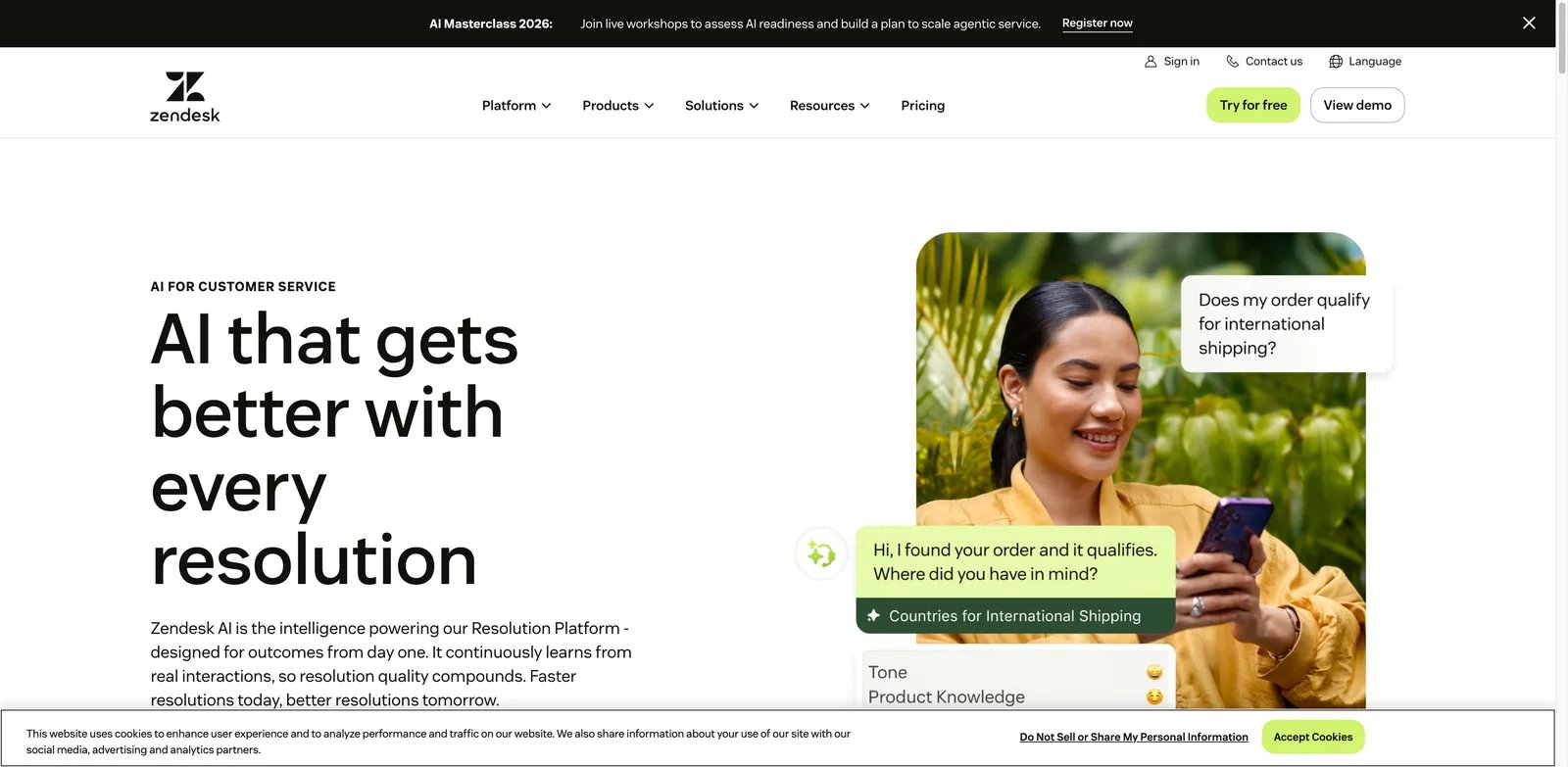
Large support teams rarely need only a chatbot. They need ticket fields, routing, escalation, knowledge, macros, analytics, QA, security controls, and integrations that keep thousands of conversations moving. Zendesk AI is a strong fit when AI must sit inside a mature helpdesk operating model rather than replacing it.
Key Features
- Broad helpdesk depth: Zendesk combines tickets, messaging, voice, routing, knowledge, analytics, and service operations in one mature ecosystem.
- AI agents and Copilot: Customer-facing and agent-facing AI can reduce repetitive work while keeping human escalation paths intact.
- Enterprise controls: Governance, permissions, reporting, and integrations make Zendesk more suitable for complex support organizations than lightweight chat tools.
Pricing & Plans
Zendesk Support Team starts at $19 per agent per month and Suite Team starts at $55 per agent per month when billed annually. AI agents are available across Support and Suite plans with an included automated-resolution allowance, while additional resolutions use outcome-based pricing. Zendesk Copilot is currently a $50-per-agent monthly add-on on annual contracts. Buyers should map the exact AI package before comparing Zendesk with lower-cost tools.
Limitations
Zendesk's strength is also its complexity. Smaller teams may overbuy if they only need chat automation and basic tickets. Cost forecasting can also be harder when seats, suite tier, AI usage, and add-ons are all part of the budget.
Best For
Zendesk AI is best for mid-market and enterprise support teams that need AI inside a proven helpdesk with governance and reporting. Not the right fit if your main priority is low-cost self-serve chat automation.
Get started with Zendesk AI
Tidio Lyro
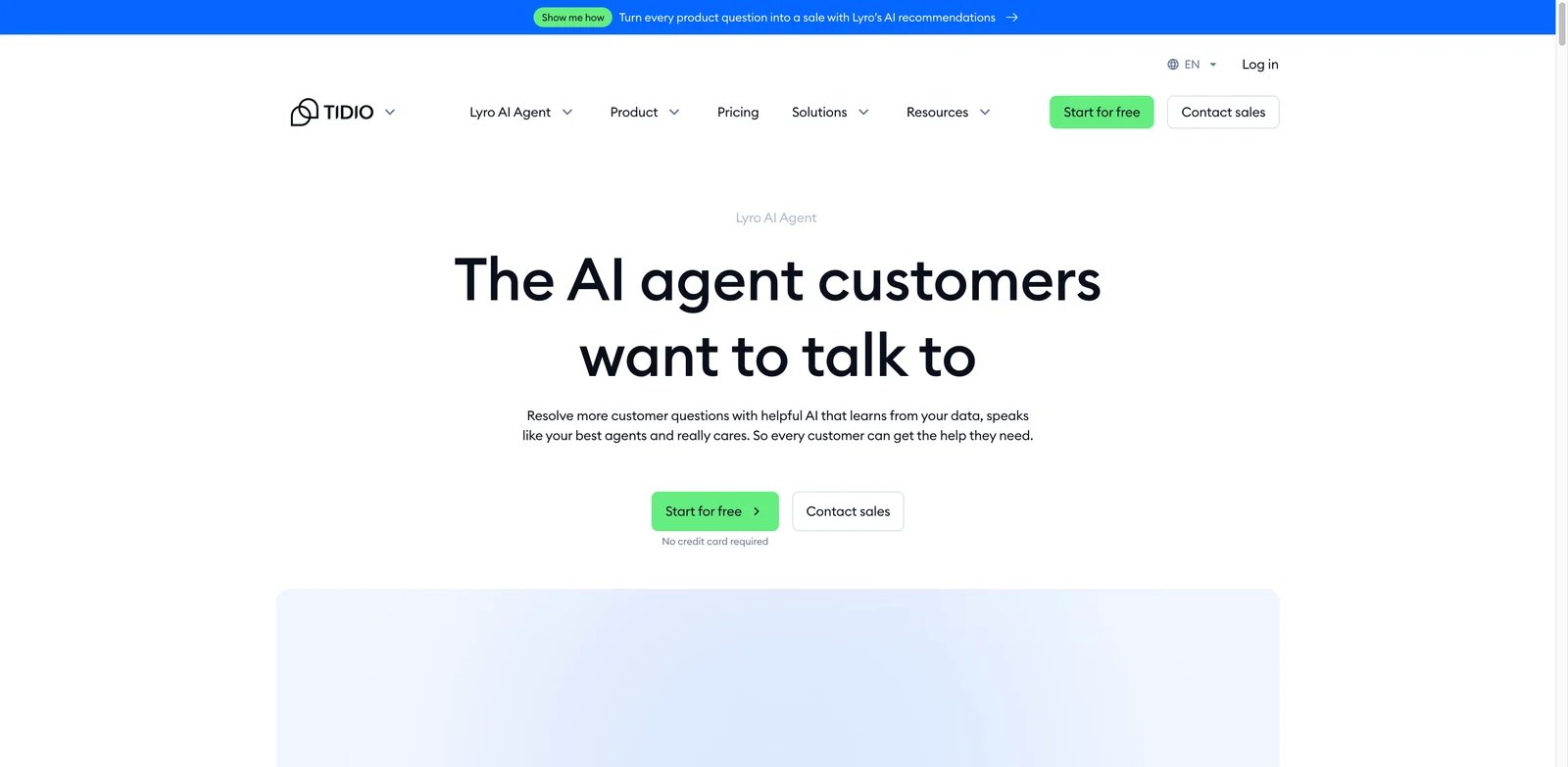
Small businesses usually cannot spend months implementing a service platform before they answer website visitors faster. Tidio Lyro is compelling because it starts closer to the web-chat problem: answer common questions, connect with tickets or other helpdesk tools, and give small teams a practical way to automate support without an enterprise rollout.
Key Features
- Fast AI chat setup: Lyro is designed for quick deployment on a website, which helps small businesses test AI support quickly.
- Support workflow bridge: Tidio includes chat, ticketing, social channels, and helpdesk connections rather than only a standalone bot.
- Accessible trial path: A free plan and initial included Lyro conversations reduce the barrier to early testing.
Pricing & Plans
Tidio offers a free plan, with Lyro usage and paid features depending on the package. Every Tidio account currently receives 50 Lyro conversations as a one-time quota, not a recurring monthly allowance. A paid Lyro quota is required for conversations to refresh monthly. Confirm the selected quota, overage handling, supported channels, widget branding, and any separately priced Tidio products.
Limitations
Tidio is strongest for simpler support queues. It is not ideal for complex ticket routing, regulated customer data, advanced QA, or large-agent operations. Teams should test whether Lyro can handle their actual policies and escalation rules before using it on high-risk conversations.
Best For
Tidio Lyro is best for small businesses, service providers, and ecommerce sites that need quick AI chat support. Not the right fit if you need enterprise helpdesk governance or contact-center voice depth.
Get started with Tidio Lyro
Zoho Desk + Zia
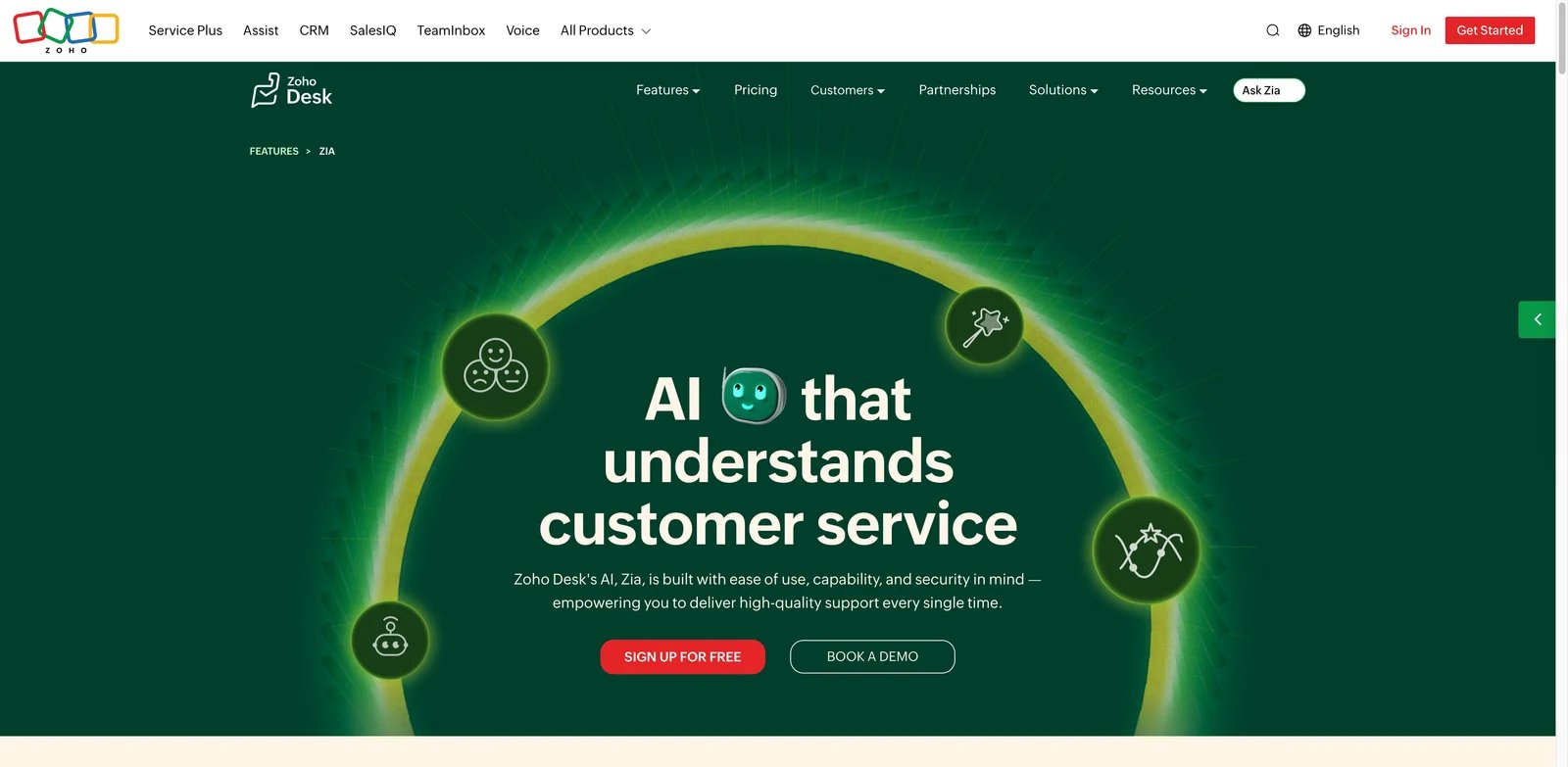
Some teams need broad helpdesk functionality but cannot justify enterprise helpdesk pricing. Zoho Desk plus Zia is a strong value option because it combines tickets, channels, portals, knowledge, automations, and AI inside a lower-cost ecosystem. The tradeoff is that buyers must be comfortable with Zoho's denser admin experience.
Key Features
- Broad helpdesk coverage: Zoho Desk supports email, chat, phone, social, portal, knowledge base, automations, and reports.
- Zia AI assistance: Zia can help with support context, suggested responses, sentiment, tagging, and other helpdesk AI workflows depending on plan.
- Strong value profile: Zoho's free and lower-cost tiers make it attractive for teams that need many helpdesk basics without Zendesk-level cost.
Pricing & Plans
Zoho Desk has a free plan and multiple paid tiers, with prices varying by region, billing period, and edition. Confirm which Zia functions are included, whether telephony and advanced analytics cost extra, and how Zoho One or broader Zoho subscriptions affect the real price.
Limitations
Zoho Desk can feel dense compared with simpler support tools. The interface, admin settings, domain setup, and ecosystem choices may require more patience. If your team values the cleanest agent workspace over low cost, test it with real tickets before committing.
Best For
Zoho Desk + Zia is best for budget-conscious support teams that need broad helpdesk functionality and can handle setup complexity. Not the right fit if you want the simplest possible onboarding experience.
Get started with Zoho Desk + Zia
Dixa + Mim
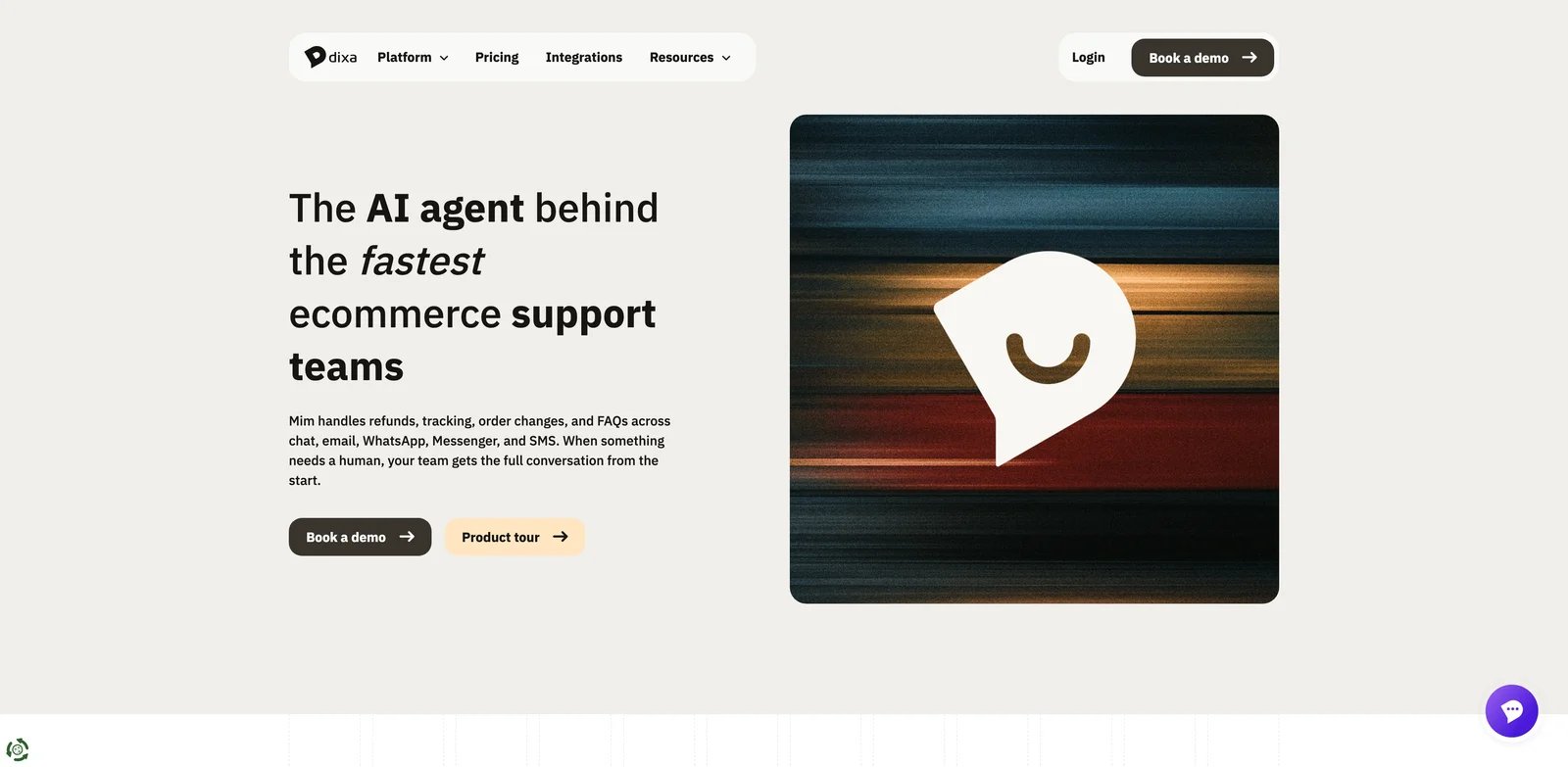
Customer service teams often lose context when voice and digital conversations live in separate queues. Dixa unifies voice and digital support, while Mim's documented AI channels currently include chat, email, WhatsApp, Messenger, and SMS. Dixa plus Mim is strongest when the buying problem is conversation unification first and AI automation second. It gives teams one workspace for channels, then adds AI agent capability on top.
Key Features
- Unified conversation workspace: Dixa supports voice and digital channels in one service environment, reducing context switching for agents.
- Mim AI Agent: Mim can automate customer interactions while handing off to the same support workspace when needed.
- Public usage signal: The AI conversation price signal makes early budget modeling easier than fully quote-only platforms.
Pricing & Plans
Dixa plans currently start at EUR89 per agent per month, while Mim costs EUR0.35 per conversation. The Mim fee applies whether the AI resolves the conversation or hands it to a human agent, so buyers should model total conversations rather than successful AI resolutions alone. Buyers should confirm current regional pricing, included channels, seat minimums, AI usage definitions, and implementation support.
Limitations
Dixa has a smaller market footprint than Zendesk, Freshworks, or Genesys. Teams should validate integrations, reporting, and support coverage for their exact region and channel mix. It may be stronger for conversation operations than for deep CRM-native service.
Best For
Dixa + Mim is best for support teams that want a single workspace across voice and digital channels with AI automation layered in. Not the right fit if your organization needs a massive enterprise CCaaS ecosystem or CRM-native service workflows.
Get started with Dixa + Mim
Kustomer
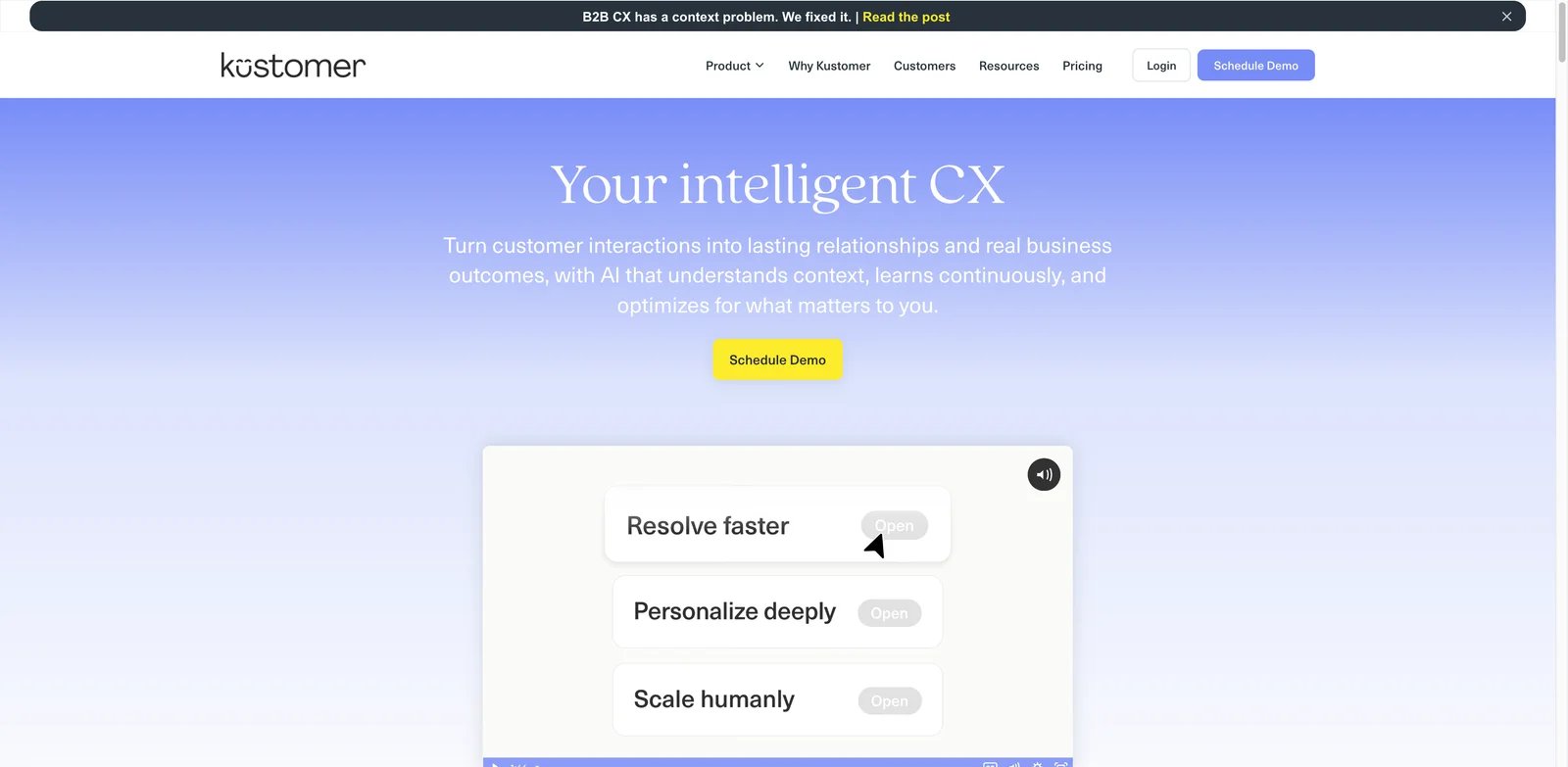
Support quality suffers when agents can see the ticket but not the full customer story. Kustomer is built around a customer timeline, which makes it useful when order data, account history, conversations, loyalty status, and support events all affect the right answer. Its AI becomes more valuable when that context is clean and connected.
Key Features
- Customer timeline model: Kustomer organizes support around the customer rather than only isolated tickets.
- AI Agent and Copilot: AI can support customer-facing automation and agent assistance using richer customer context.
- Multichannel service: Teams can manage conversations across common support channels while connecting CRM and order data.
Pricing & Plans
Kustomer lists Enterprise at $89 per user per month and Ultimate at $139 per user per month, generally with annual billing and an eight-seat minimum. AI Agents for Customers cost $0.60 per engaged conversation, while AI Agents for Reps cost $40 per user per month. Confirm current plan packaging, implementation fees, AI definitions, channel costs, and required seat minimums.
Limitations
Kustomer can be more expensive and complex than simpler helpdesks. Its value depends on data quality and integration depth. If your customer records are incomplete or scattered, plan for cleanup before expecting AI to use the timeline effectively.
Best For
Kustomer is best for ecommerce, marketplace, and customer-experience teams that need AI support grounded in full customer history. Not the right fit if your team only needs basic ticketing and low-cost chat automation.
Get started with Kustomer
Genesys Cloud CX
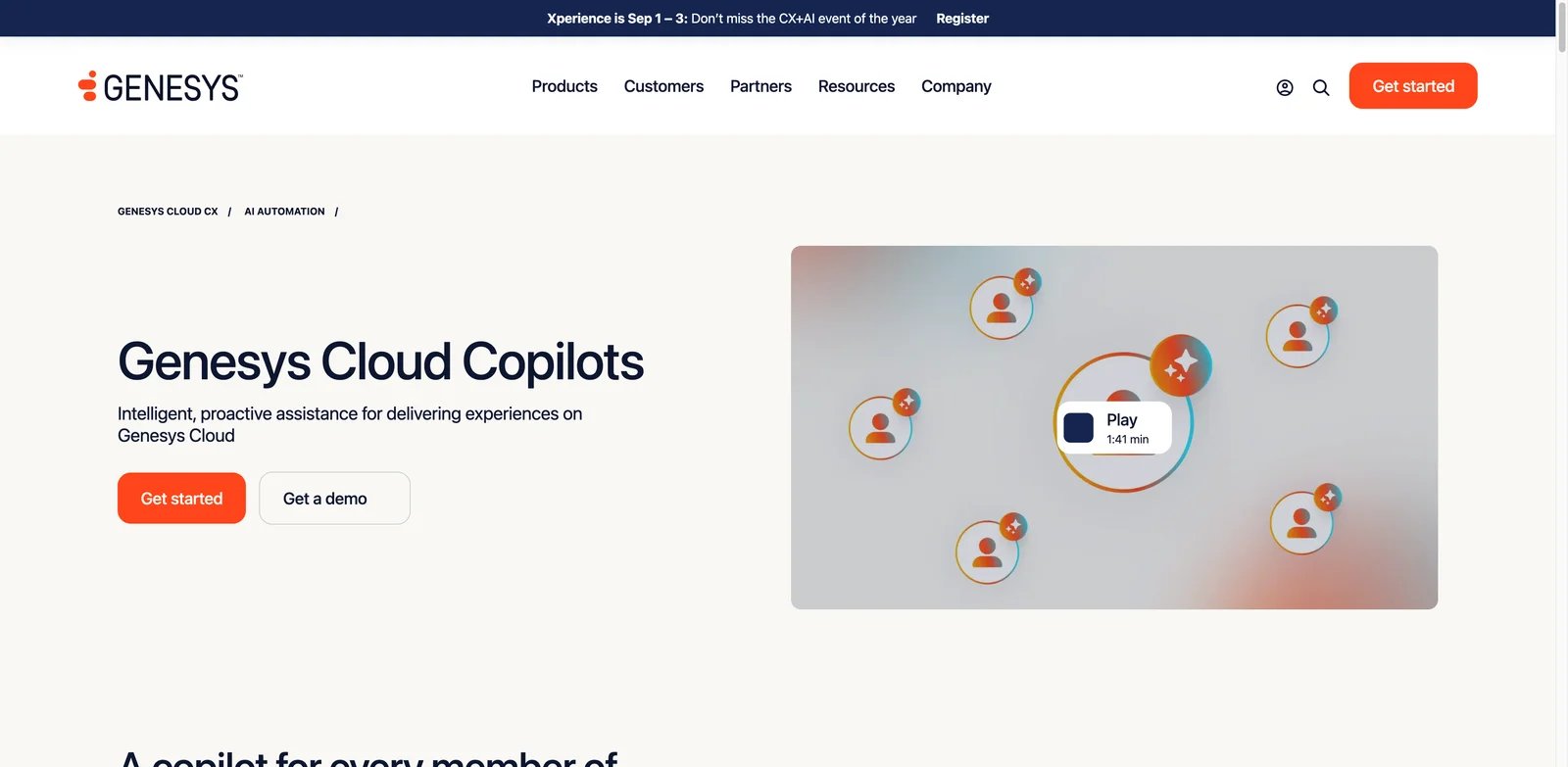
Voice-first service operations have problems that chat-first tools cannot solve: call routing, IVR, workforce scheduling, quality monitoring, supervisor coaching, compliance, and real-time agent guidance. Genesys Cloud CX is one of the strongest options when AI customer service is part of a full enterprise contact-center transformation.
Key Features
- Enterprise CCaaS depth: Genesys covers voice, digital channels, routing, workforce engagement, QA, analytics, and customer journey capabilities.
- Agent and supervisor copilots: AI can help agents during interactions and support supervisors with coaching and operational visibility.
- Published package pricing: Public CX 2, CX 3, and CX 4 price signals make it easier to frame enterprise budget discussions.
Pricing & Plans
Genesys Cloud CX currently lists CX 1 at $75, CX 2 at $115, CX 3 at $155, and CX 4 at $240 per user per month when billed annually. Buyers should also confirm AI Experience token requirements, included token allowances, telephony usage, implementation, integrations, and contract minimums.
Limitations
Genesys is not a lightweight support tool. It requires operational ownership, admin training, and contact-center process design. Teams with mostly email or chat tickets may find the platform heavier than necessary.
Best For
Genesys Cloud CX is best for enterprise contact centers where voice, routing, workforce tools, QA, and digital service must work together. Not the right fit for small teams that only need AI ticket deflection.
Get started with Genesys Cloud CX
Ada
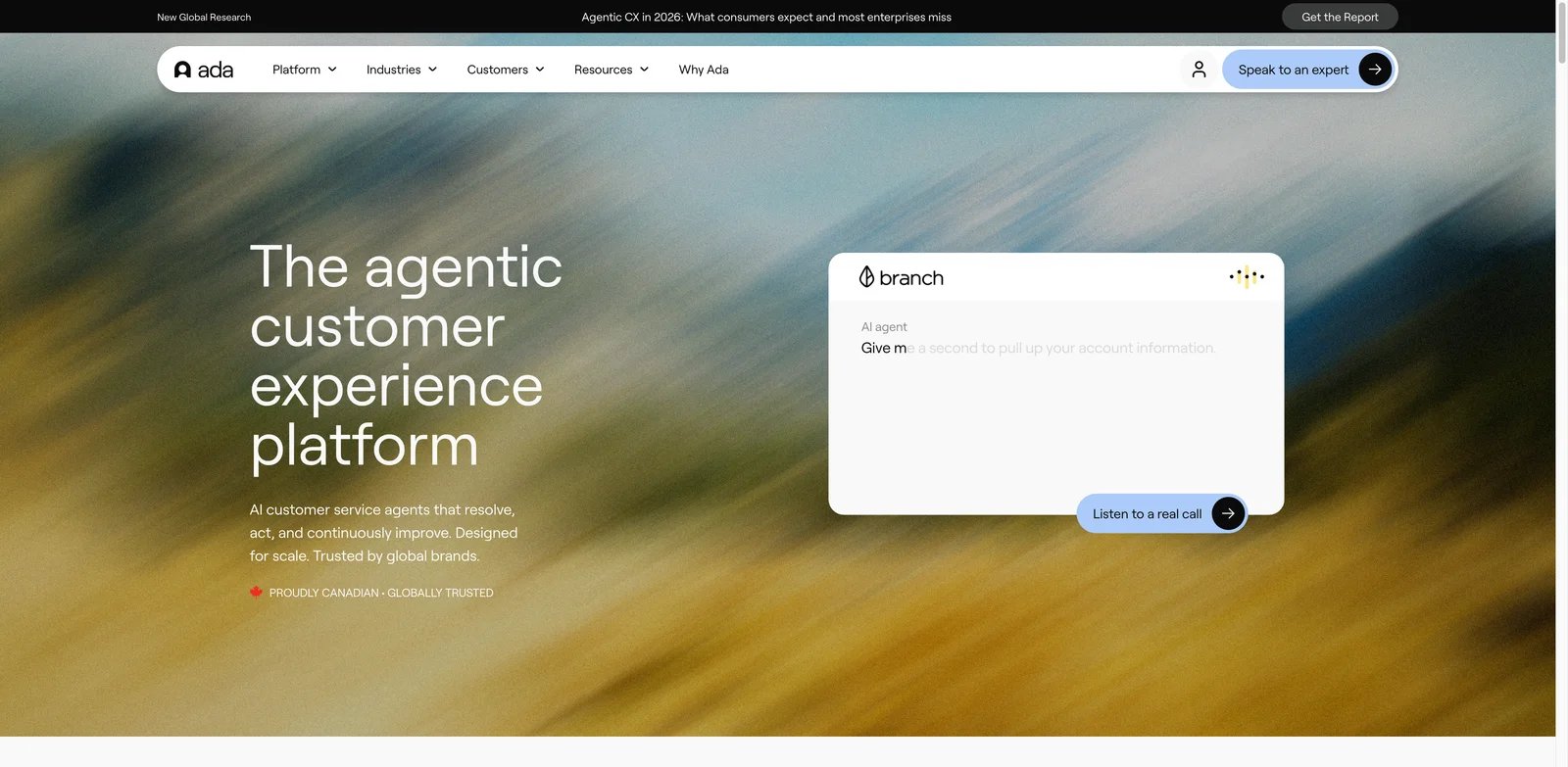
Brands that want AI to resolve issues instead of only suggest replies should shortlist Ada. It is closer to an AI-native customer-service platform than a traditional helpdesk add-on. The fit is strongest when the company wants autonomous support across messaging, email, and voice, with enough implementation discipline to connect knowledge, policies, and backend actions.
Key Features
- AI-native support automation: Ada is designed around autonomous customer-service interactions rather than simple scripted chatbot flows.
- Cross-channel coverage: Messaging, email, and voice support make it relevant for teams that need AI beyond web chat.
- Action-oriented workflows: Ada can be evaluated for connected-system actions, not just FAQ answers, when integrations are implemented correctly.
Pricing & Plans
Ada uses a sales-led pricing motion and does not publish a simple fixed monthly rate for all buyers. Expect pricing to depend on conversation volume, channels, integrations, support scope, and enterprise requirements. Ask how unresolved conversations, handoffs, testing environments, and professional services affect cost.
Limitations
Ada's value depends on implementation quality. Poor knowledge, unclear escalation logic, or weak backend integrations will limit automation. The quote-only buying motion also makes early comparisons harder for budget-sensitive teams.
Best For
Ada is best for brands that want an AI-native support agent with meaningful autonomous resolution potential. Not the right fit if you want public low-cost pricing or a basic helpdesk included out of the box.
Get started with Ada
Forethought
Some support teams do not want to replace Zendesk, Salesforce, or another helpdesk. They want an AI layer that improves the queue they already have. Forethought is strong for that pattern because its current platform combines omnichannel AI agents, intelligent ticket classification, an agentic AI copilot, automated quality assurance, and AI-surfaced support insights.
Key Features
- Lifecycle automation: Forethought covers customer-facing resolution, ticket triage, agent assistance, and support insights rather than one isolated AI feature.
- Existing helpdesk fit: It is useful when teams need AI improvement without a full helpdesk migration.
- Knowledge and ticket learning: Forethought is positioned around learning from support content and historical issues to improve recommendations and automation.
Pricing & Plans
Forethought uses quote-based pricing. Buyers should ask how cost changes by ticket volume, channels, modules, helpdesk integrations, seats, AI usage, and implementation services. Because the product can sit across multiple support workflows, module scope matters.
Limitations
Forethought still needs clean support operations. If triage rules, categories, macros, and knowledge ownership are messy, the AI layer can expose that rather than fix it automatically. Public fixed pricing is also limited.
Best For
Forethought is best for teams keeping an existing helpdesk while adding AI solve, triage, assist, and insights. Not the right fit if you want a new all-in-one helpdesk with transparent self-serve pricing.
Get started with Forethought
Talkdesk CXA
Contact centers often have enough data and channels to automate, but not enough clean process to trust automation blindly. Talkdesk CXA is built for customer-experience automation where AI agents, orchestration, routing, and service workflows need to operate inside a broader contact-center environment.
Key Features
- CX automation focus: Talkdesk CXA emphasizes automated customer experiences rather than only agent-assist features.
- Contact-center platform depth: Voice, digital channels, operations, and analytics support larger service organizations.
- AI orchestration direction: It is relevant when buyers want AI agents embedded in a contact-center strategy, not a separate bot project.
Pricing & Plans
Talkdesk lists contact-center editions starting at $85 per user per month, while CXA automation pricing remains sales-led and depends on deployment scope. Confirm seats, AI usage, voice and digital channels, implementation services, integrations, analytics, and support tiers.
Limitations
Talkdesk is heavier than SMB support platforms. Teams should validate implementation resources, admin ownership, stability expectations, and integration fit. It is a serious contact-center purchase, not a quick chat widget.
Best For
Talkdesk CXA is best for contact centers that want to automate customer interactions while preserving contact-center operations and governance. Not the right fit if your support queue is small, email-first, and price-sensitive.
Get started with Talkdesk CXA
NICE CXone Mpower
Large enterprises rarely buy customer-service AI as a point solution. They need it connected to workforce management, QA, analytics, journeys, compliance, contact routing, and supervisor operations. NICE CXone Mpower belongs on the shortlist when AI customer service is part of a large-scale CX operating model.
Key Features
- Enterprise CX suite: NICE CXone Mpower covers voice, digital channels, workforce management, quality, analytics, journey orchestration, and automation.
- AI across operations: The product is relevant for agent assistance, self-service, supervisor visibility, and service optimization.
- Governance-oriented fit: Large organizations can evaluate it as an operating platform rather than a standalone bot.
Pricing & Plans
NICE CXone Mpower uses sales-led pricing, and final cost depends on seats, channels, WFM, analytics, QA, automation, voice usage, and implementation scope. Buyers should request a line-item quote and compare it against current contact-center costs, not only chatbot deflection savings.
Limitations
NICE is powerful but complex. Smaller teams may struggle with the buying cycle, admin depth, and implementation work. User feedback often depends heavily on configuration quality, training, and how well the platform matches existing service processes.
Best For
NICE CXone Mpower is best for large enterprises that need AI tied to full CX operations, not just customer-facing automation. Not the right fit if you need a lightweight support tool with public monthly pricing.
Get started with NICE CXone Mpower
yellow.ai
Global support teams often need more than an English web chatbot. They need automation across regions, languages, channels, contact-center workflows, and CRM systems. yellow.ai is strongest when the problem is conversational AI at scale across chat, email, and voice rather than a narrow helpdesk add-on.
Key Features
- Multichannel conversational AI: yellow.ai supports chat, email, voice, inbox workflows, and integrations with support systems.
- Global and multilingual orientation: It is relevant for teams operating across regions where channel and language coverage matter.
- Agent assistance and coaching: The platform includes AI workflows beyond first-response automation, including summaries and support-agent enablement.
Pricing & Plans
yellow.ai uses custom, success-based pricing rather than publishing standard monthly plans. Final pricing depends on deployment channels, automation outcomes, conversation and voice usage, language requirements, integrations, implementation scope, and enterprise support commitments. Ask for clear definitions of billable conversations, voice usage, implementation fees, and support commitments.
Limitations
Implementation can be more involved than a self-serve helpdesk AI feature. Public pricing is limited, and buyers should validate actual deployment effort with a pilot in the channels and languages that matter most.
Best For
yellow.ai is best for global service teams that need conversational AI across chat, email, voice, and CRM-connected support workflows. Not the right fit if you only need a low-cost website support bot.
Get started with yellow.ai
Salesforce Agentforce Service
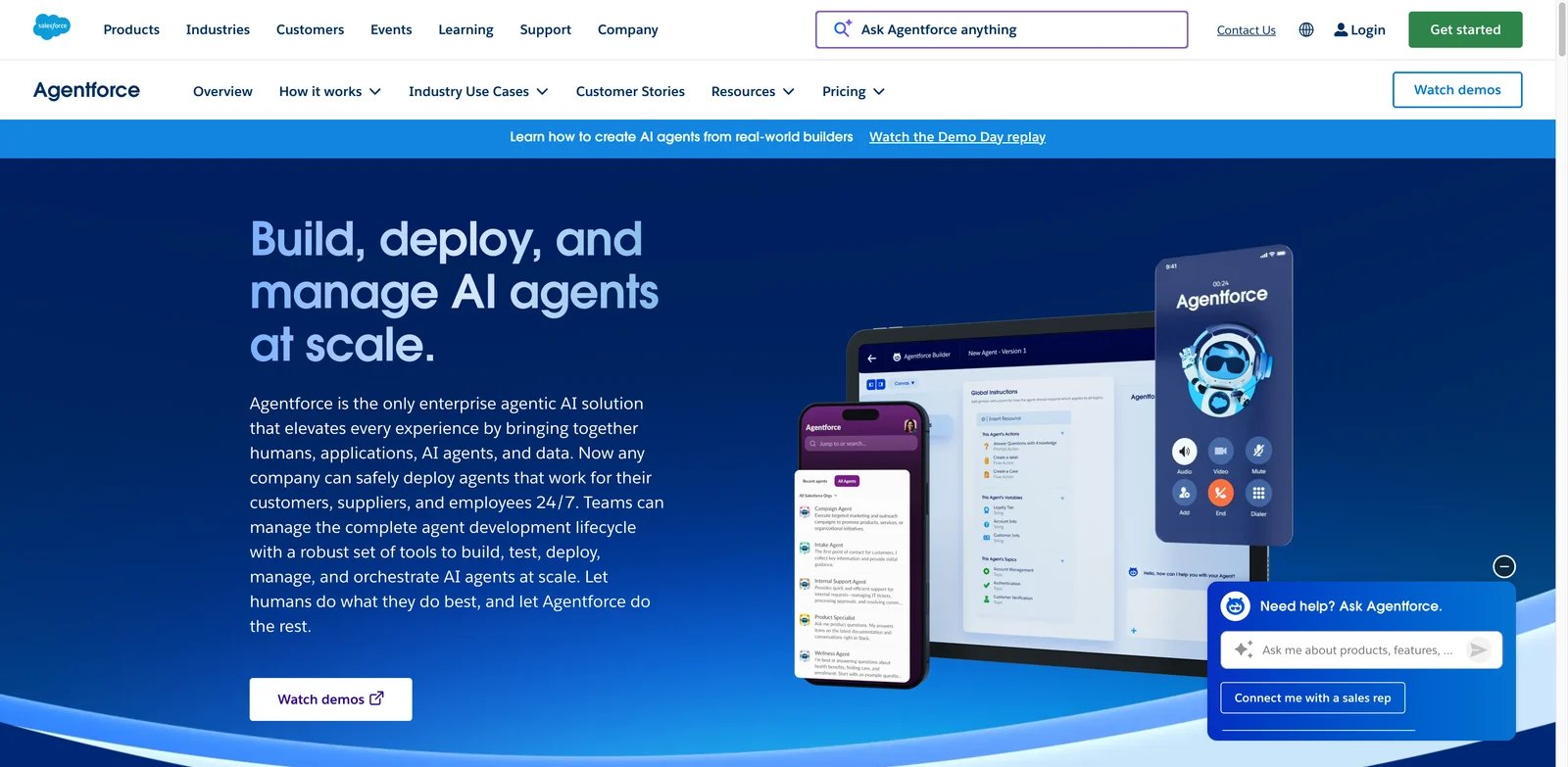
Salesforce-centered service teams need AI that respects their case objects, knowledge articles, flows, permissions, customer records, and compliance model. Salesforce Agentforce Service is the most logical option when service automation must live inside the Salesforce operating system rather than in a separate support tool.
Key Features
- CRM-native service agents: Agentforce can work close to Salesforce cases, customer records, knowledge, workflows, and permissions.
- Service Cloud ecosystem: Voice, digital channels, knowledge, automation, reporting, and governance are part of a broader Salesforce service stack.
- Enterprise AI controls: Salesforce is strongest when organizations need admin, security, data, and workflow controls around AI service actions.
Pricing & Plans
Salesforce currently offers several Agentforce purchasing models: conversations at $2 each, Flex Credits at $500 per 100,000 credits, and an Agentforce add-on at $125 per user per month. Agentforce 1 Editions start at $550 per user per month, while applicable Service Cloud licenses, implementation, data services, and additional usage may raise the total cost.
Limitations
Salesforce Agentforce Service is expensive and ecosystem-dependent. It is hard to justify if your service operation is not already on Salesforce. Teams also need strong admin, data, and process ownership before giving agents meaningful autonomy.
Best For
Salesforce Agentforce Service is best for Salesforce-standardized organizations that want AI service agents governed inside Service Cloud. Not the right fit if your support team wants vendor-neutral AI or lower-cost helpdesk automation.
Get started with Salesforce Agentforce Service
Sierra
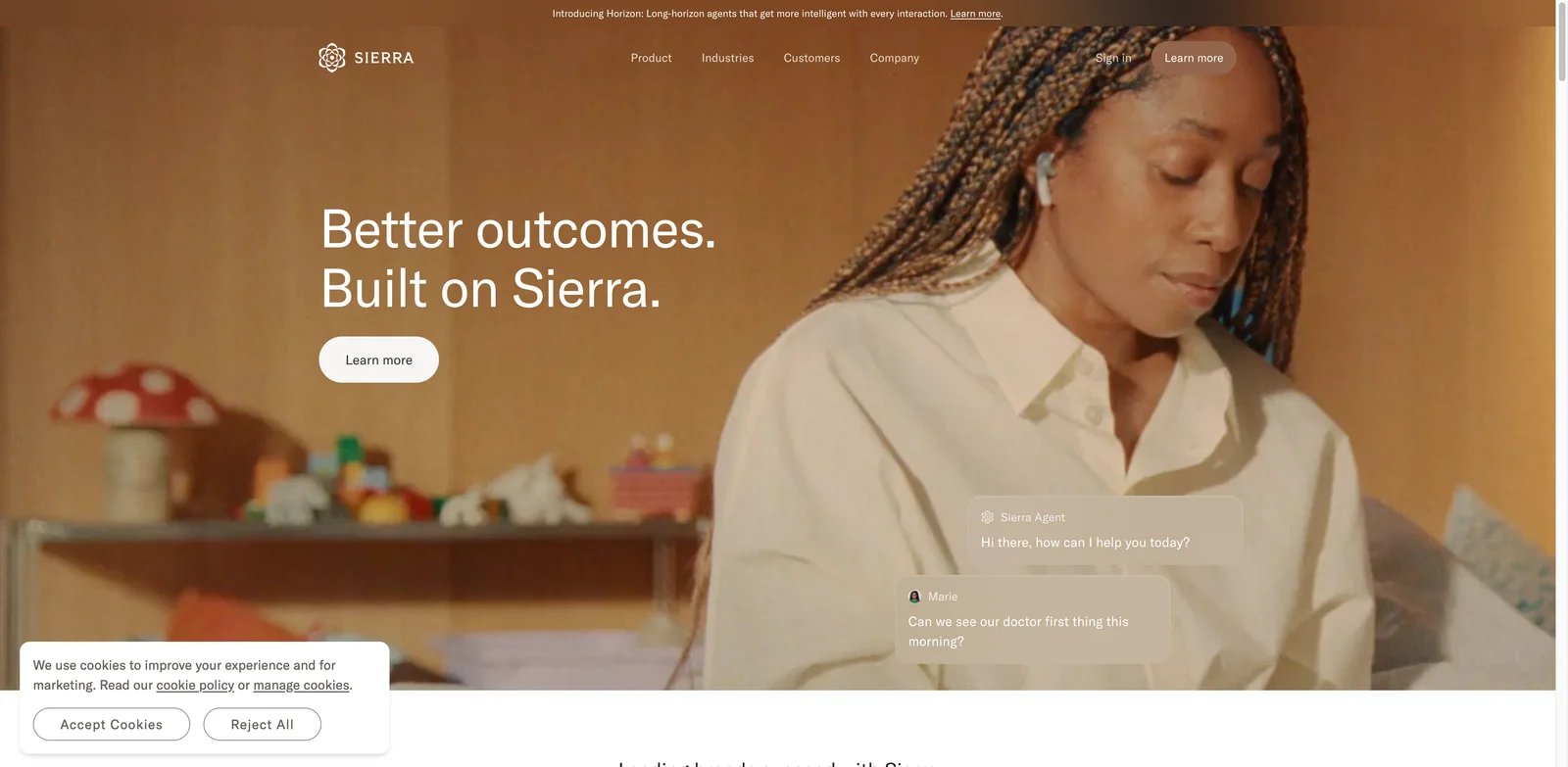
Some teams are evaluating a more aggressive future: AI agents that do not just suggest replies but actually resolve customer issues across connected systems and channels. Sierra is one of the most visible AI-native platforms for that direction. It is worth shortlisting when autonomy and brand-controlled customer experience matter more than low-cost self-serve pricing.
Key Features
- High-autonomy service agents: Sierra is positioned around AI agents that can handle customer interactions and connected-system actions.
- Cross-channel support: Chat, SMS, WhatsApp, email, voice, and ChatGPT channel coverage make it relevant beyond web chat.
- Brand and enterprise orientation: The product is aimed at companies that want carefully designed customer-service AI rather than generic bot deployment.
Pricing & Plans
Sierra uses enterprise, outcome-based pricing and does not disclose a public unit rate. The company describes charging for successful autonomous resolutions rather than conversations transferred to human agents, but buyers should confirm the contractual outcome definition, channel costs, minimum commitments, and treatment of reopened cases.
Limitations
Sierra has a smaller independent review footprint than older helpdesk and contact-center platforms. Buyers should insist on a pilot using real policies, real integrations, and failure-mode testing before moving high-volume support traffic.
Best For
Sierra is best for brands evaluating high-autonomy AI customer service agents across multiple channels. Not the right fit if you need transparent monthly pricing, broad public reviews, or a traditional helpdesk included in the package.
Get started with Sierra
Sprinklr Service
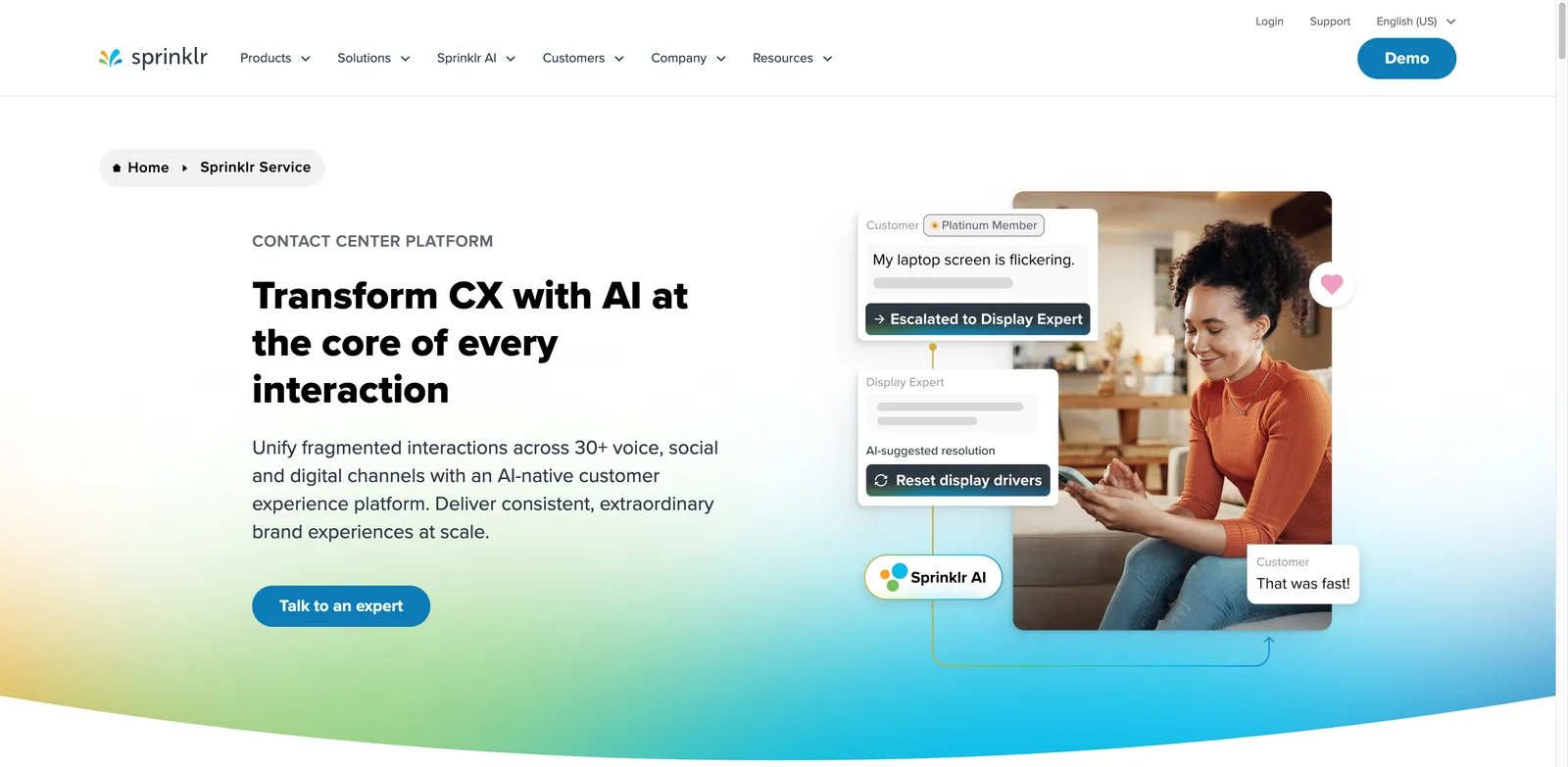
Enterprise brands that serve customers across public social channels, private messaging, review sites, digital channels, and contact-center workflows have a different support problem from a small SaaS inbox. Sprinklr Service is strongest when customer care, social care, routing, analytics, QA, and workforce operations must live in one large omnichannel environment.
Key Features
- Broad channel coverage: Sprinklr is relevant for brands managing public and private service interactions across many channels.
- Enterprise service operations: QA, workforce management, reporting, routing, and analytics make it more than a chatbot product.
- AI inside social and service workflows: AI can support response, routing, summarization, and operational visibility across a complex customer-care environment.
Pricing & Plans
Sprinklr Service uses enterprise quote-based pricing. Buyers should request detailed pricing for channels, seats, AI usage, social care, contact-center capabilities, implementation, support, analytics, and any required platform modules.
Limitations
Sprinklr is too heavy for most small support teams. Its value depends on whether your brand truly needs omnichannel social and service operations in one platform. Smaller teams may get faster ROI from Zendesk, Freshworks, Front, Hiver, or Tidio.
Best For
Sprinklr Service is best for enterprise brands managing high-volume social, messaging, and omnichannel customer service. Not the right fit if your support motion is mostly email, basic chat, or low-volume tickets.
Get started with Sprinklr Service
Best AI Customer Service Tools by Use Case
For teams replacing manual ticket triage and repetitive replies
If your main pain is a queue full of repeated questions, start with Fin by Intercom, Freshworks Freddy AI, Zendesk AI, or Forethought. Fin is the strongest all-around AI resolution option, Freshworks is easier to budget, Zendesk fits mature helpdesk operations, and Forethought is useful when you want to improve an existing helpdesk rather than replace it.
For ecommerce brands handling orders, returns, and shipping
Gorgias AI Agent is the clearest ecommerce-first choice because it is built around order and commerce workflows. Kustomer is stronger when you want a customer-timeline model that combines orders, account history, and conversations. Tidio Lyro can work for smaller stores that need quick web chat automation before adopting a heavier commerce support stack.
For teams that live in inboxes and customer context
Front AI is the best fit for shared inbox teams that need AI with human review. Hiver Omni is the lighter choice for Gmail-centric support teams. HubSpot Service Hub + Breeze becomes stronger if service data, sales history, marketing context, and CRM workflows already live in HubSpot.
For enterprise contact centers with voice and workforce operations
Genesys Cloud CX, Talkdesk CXA, NICE CXone Mpower, and Sprinklr Service are the strongest options when AI support is part of contact-center transformation. Genesys is strong for voice-first operations, Talkdesk for CX automation, NICE for large-enterprise CX and workforce depth, and Sprinklr for brands where social service and omnichannel care are central.
For teams evaluating AI-native autonomous service agents
Ada, Sierra, yellow.ai, and Salesforce Agentforce Service are the most relevant AI-native or agentic options. Ada is mature for autonomous support, Sierra is compelling for high-autonomy brand-controlled agents, yellow.ai fits global conversational service, and Agentforce is the Salesforce-native path when AI must operate inside Service Cloud governance.
How to Choose the Right AI Customer Service Tools
Start with the work unit you want AI to own. If the unit is a simple website question, Tidio may be enough. If the unit is a ticket with SLA, account context, knowledge grounding, and escalation, look at Zendesk, Freshworks, Forethought, or Fin. If the unit is an ecommerce order or return, shortlist Gorgias and Kustomer. If the unit is a voice interaction inside a contact center, evaluate Genesys, Talkdesk, NICE, or Sprinklr.
Next, model cost using your real support volume. Seat pricing alone is misleading. AI customer service tools may charge by seat, conversation, resolved outcome, AI credit, voice minute, channel, workspace, or enterprise contract. Ask vendors to price your last 90 days of ticket volume, not a generic demo scenario. Pay special attention to unresolved conversations, escalations, repeated contacts, seasonal spikes, and whether AI testing traffic counts.
Then validate the knowledge and action layer. A good AI support agent needs trusted help content, policy rules, system access, escalation logic, and human review. For many teams, the limiting factor is not the model. It is outdated help articles, inconsistent macros, unclear refund rules, weak CRM data, or missing order-system integrations. If your knowledge base is messy, fix that before scaling automation.
Finally, run a pilot with real failure cases. Include angry customers, ambiguous refunds, policy exceptions, account-security questions, delivery failures, billing disputes, and requests that should be escalated. The best AI customer service tool for your team is the one that handles the boring tickets reliably and fails safely on the risky ones.
Frequently Asked Questions
What are AI customer service tools?
Are AI customer service tools the same as AI chatbots?
Which AI customer service tool is best for small businesses?
Which AI customer service tool is best for ecommerce?
How should I evaluate AI customer service pricing?
Can AI customer service tools replace human agents?
Get ToolWorthy Weekly
New AI tools, practical guides, and selected AI signals in one weekly brief.
Built an AI customer service tool we missed?
We review these roundups regularly. If your AI customer service tool belongs here, submit it for editorial review and reach buyers already searching for it.
Listings start at $49 — live in 24 hours, permanent placement, full refund if we don't approve yours.