

Overview
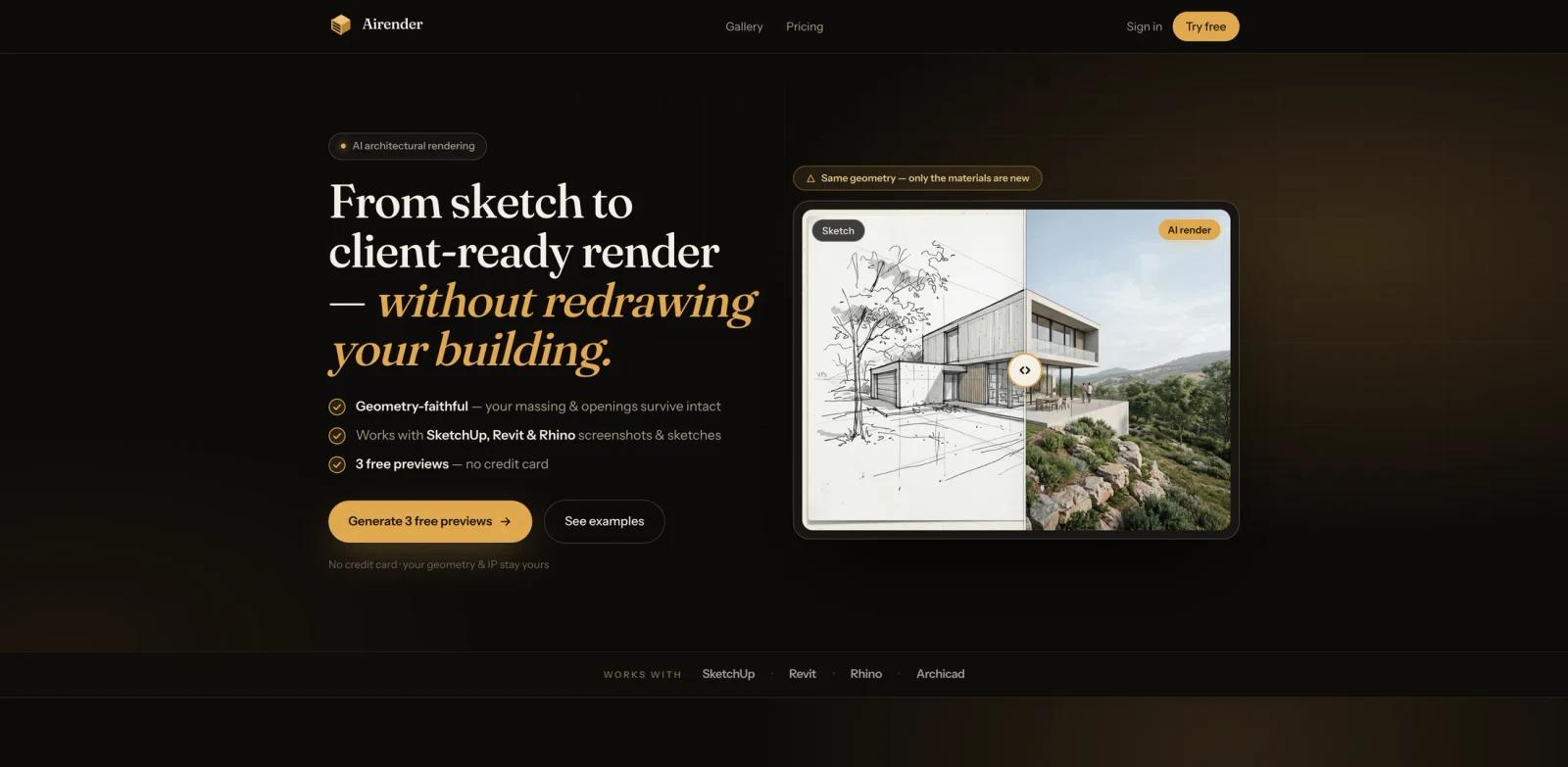
Airender is an AI architectural rendering tool for architects, interior designers, and real estate visualization teams that need client-ready concept renders without rebuilding a model in a traditional render engine. The product turns design sketches and screenshots from SketchUp, Revit, Rhino, or Archicad into photorealistic architectural renders in the browser.
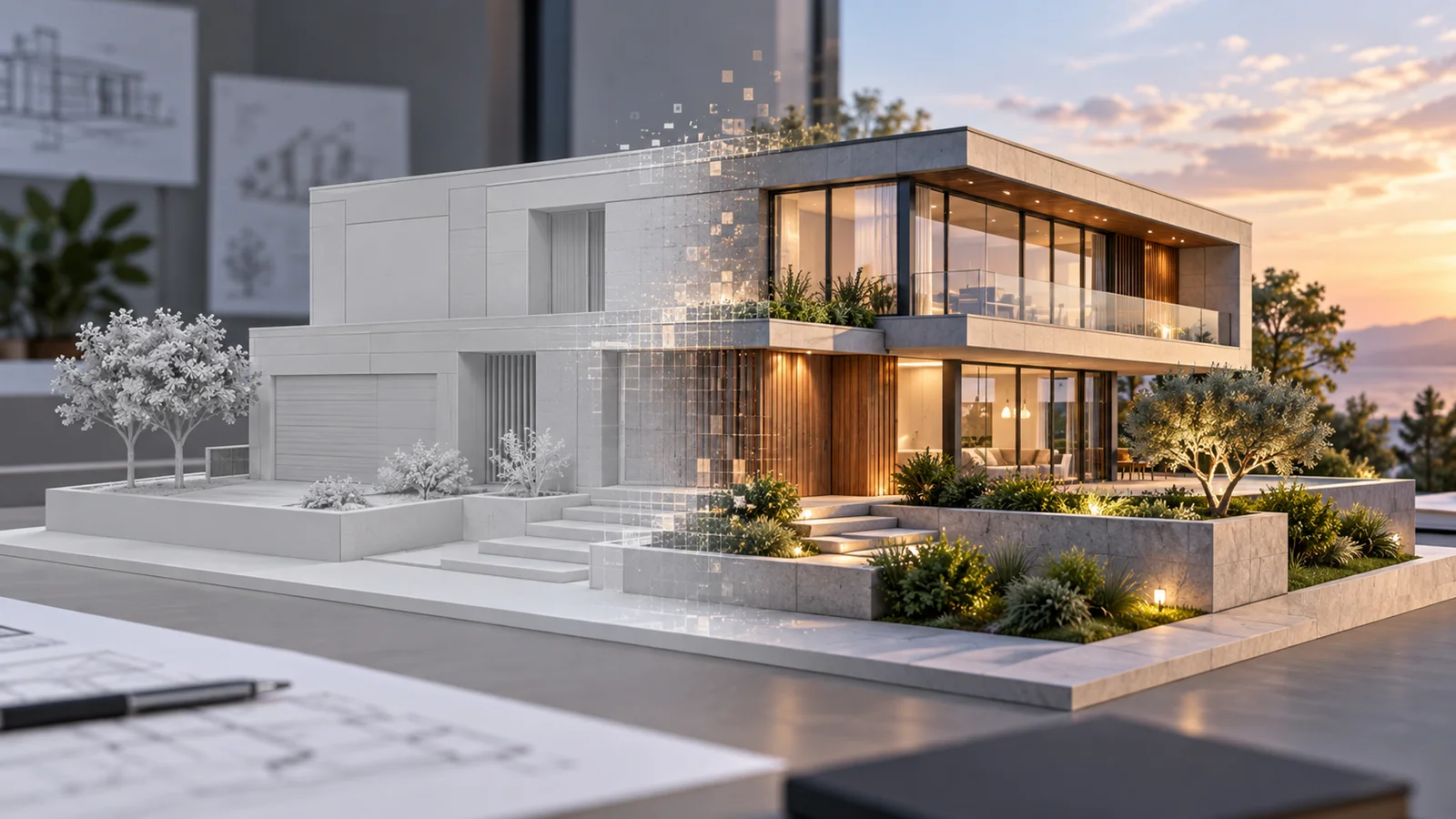
The core promise is geometry-faithful rendering. Airender's official site says the system is designed to keep massing, openings, and camera composition intact while changing lighting, materials, landscape, and visual mood. That makes it different from a broad AI image generator, where prompt freedom can produce impressive images but may drift from the actual building geometry.
Airender is especially relevant for early client presentations, design studies, and fast architectural visualization. It is not positioned as a full replacement for detailed BIM documentation, offline ray-traced rendering, or a complete 3D production pipeline. Instead, it sits in the practical middle: upload a perspective sketch or model screenshot, choose a style direction, and get render options quickly enough to support iteration.
Key Features
- Sketch and model screenshot to render - Upload hand sketches, draft renders, or screenshots from SketchUp, Revit, Rhino, and Archicad to generate client-ready architectural images.
- Geometry-faithful rendering - Airender emphasizes that massing, openings, and camera angle stay fixed, which matters when architects need visual polish without misleading the client about the design.
- Three fidelity modes - Faithful, Balanced, and Creative modes let users control how closely the output follows the original geometry versus how much the AI explores mood and styling.
- Browser-based workflow - Airender runs in the browser and does not require users to configure Enscape, V-Ray, render farms, or local GPU rendering before producing a first visual.
- Fast preview loop - The homepage says users can get a first image in about a minute, making it useful for quick design exploration and client-facing option studies.
- Commercial and privacy-oriented paid plans - Paid plans include watermark-free exports and a commercial license. The official pricing page also says Airender does not train on uploads, and the Pro plan keeps projects private.
How It Works
Airender is built around a direct architectural visualization workflow.
- Upload a perspective input - Start with a sketch, draft render, or screenshot from a 3D modeling or BIM tool. Airender's FAQ recommends perspective views rather than flat 2D floor plans.
- Choose a rendering direction - Pick a visual mode or style direction depending on whether you need a faithful client image or a more exploratory design mood.
- Generate and review outputs - Airender produces render previews in the browser. The best results can then be refined, exported, or used as client presentation material.
This workflow is most useful when the design geometry already exists but the team needs a visual direction quickly. It reduces the gap between raw model screenshots and polished AI architecture rendering assets without requiring a dedicated visualization setup.
Pricing & Plans
Airender uses a freemium pricing model. The official site offers 3 free previews with no credit card required. Paid plans start at $24/month when billed annually.
| Plan | Price | Credits | Best For | Key Inclusions |
|---|---|---|---|---|
| Free previews | $0 | 3 previews | Testing output quality | No card required, preview the workflow before subscribing |
| Starter | $24/month billed annually ($288/year) | 210 credits/month | Solo designers and small projects | Standard, HD, and Ultra output; watermark-free exports; commercial license; 1 seat |
| Pro | $49/month billed annually ($588/year) | 500 credits/month | Architects and studios with recurring client work | Priority render queue, saved styles and presets, private projects, 3 seats |
| Studio | $108/month billed annually ($1,296/year) | 1,200 credits/month | Teams producing higher render volume | Batch export, shared team workspace, priority support and onboarding, 10 seats |
The pricing page explains that one finished image consumes credits based on output level: Standard uses 1 credit, HD uses 3 credits, and Ultra uses 4 credits. Credits reset monthly and do not roll over. Airender also lists a 7-day money-back guarantee, Stripe billing, cancel-anytime subscriptions, and commercial use on paid plans.
How It Compares
Airender is narrower than traditional rendering suites and more architecture-specific than general image models.
- vs. traditional render engines - Tools like V-Ray, Enscape, Lumion, and D5 Render provide deeper scene control, animation support, asset libraries, and production rendering pipelines. Airender is faster to start because it works from screenshots and sketches rather than requiring a render-ready 3D scene.
- vs. general AI image generators - General image tools can create architectural-looking images, but they often reinterpret the building. Airender's positioning is better suited to architects who need the output to respect existing massing, openings, and camera perspective.
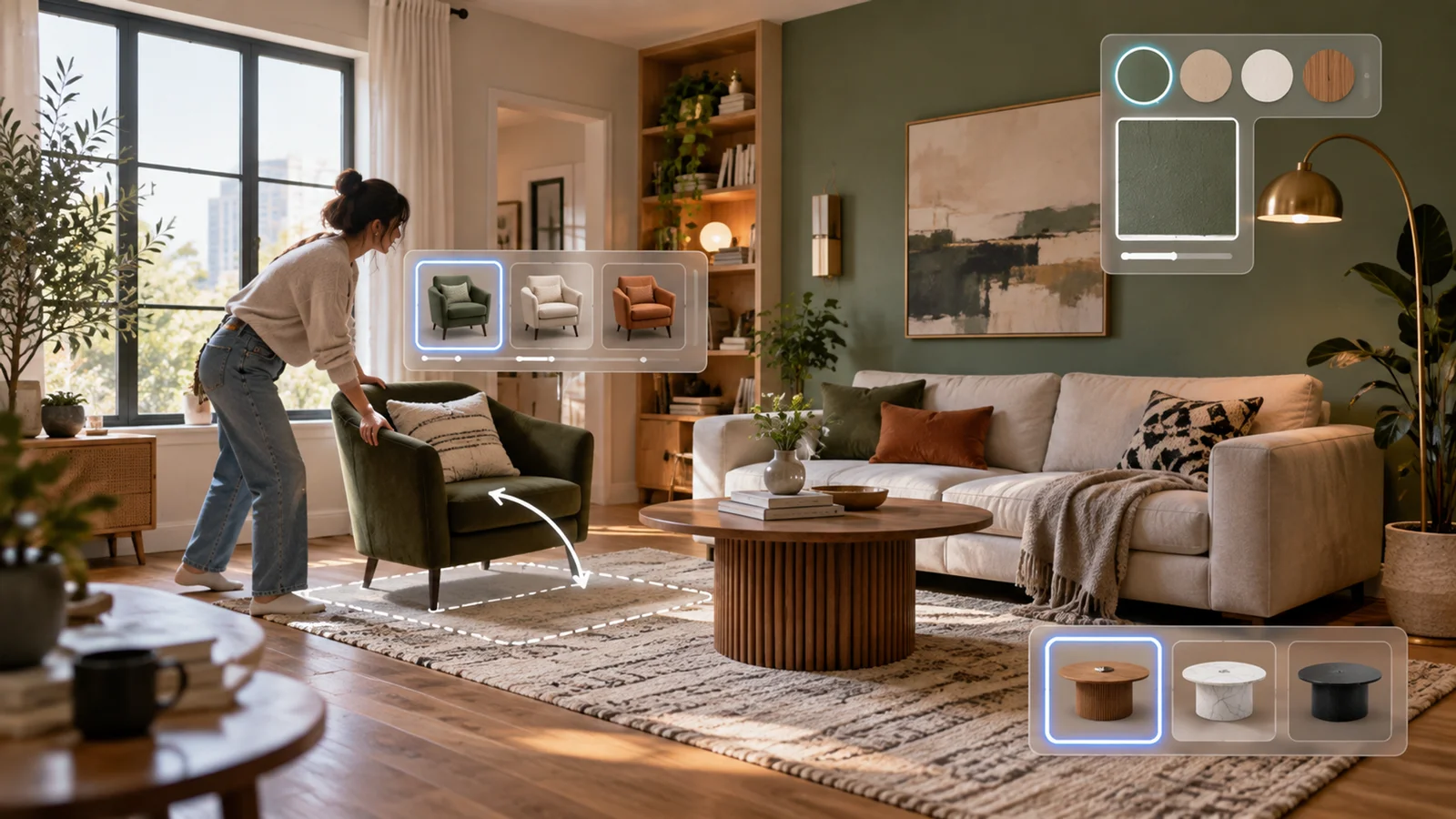
- vs. interior design generators - Many AI interior design tools focus on room photos and furniture restyling. Airender covers architectural perspectives and model screenshots, making it more suitable for building exteriors, facade studies, and early architecture visualization.
Best For
- Architects who need fast concept renders from SketchUp, Revit, Rhino, or Archicad screenshots
- Interior designers who want to turn draft perspectives into client-ready mood options
- Small studios that need presentation visuals without setting up a full rendering pipeline
- Real estate developers and property marketers creating early-stage visual concepts
- Architecture students and educators who want a browser-based sketch-to-render workflow
- Teams comparing AI architecture design directions before investing in high-fidelity visualization
FAQ
What is Airender?
Airender is an AI architectural rendering tool that turns sketches, draft renders, and screenshots from tools such as SketchUp, Revit, Rhino, and Archicad into client-ready architectural images.
Is Airender free to try?
Yes. Airender's official site offers 3 free previews with no credit card required.
Which input types work best in Airender?
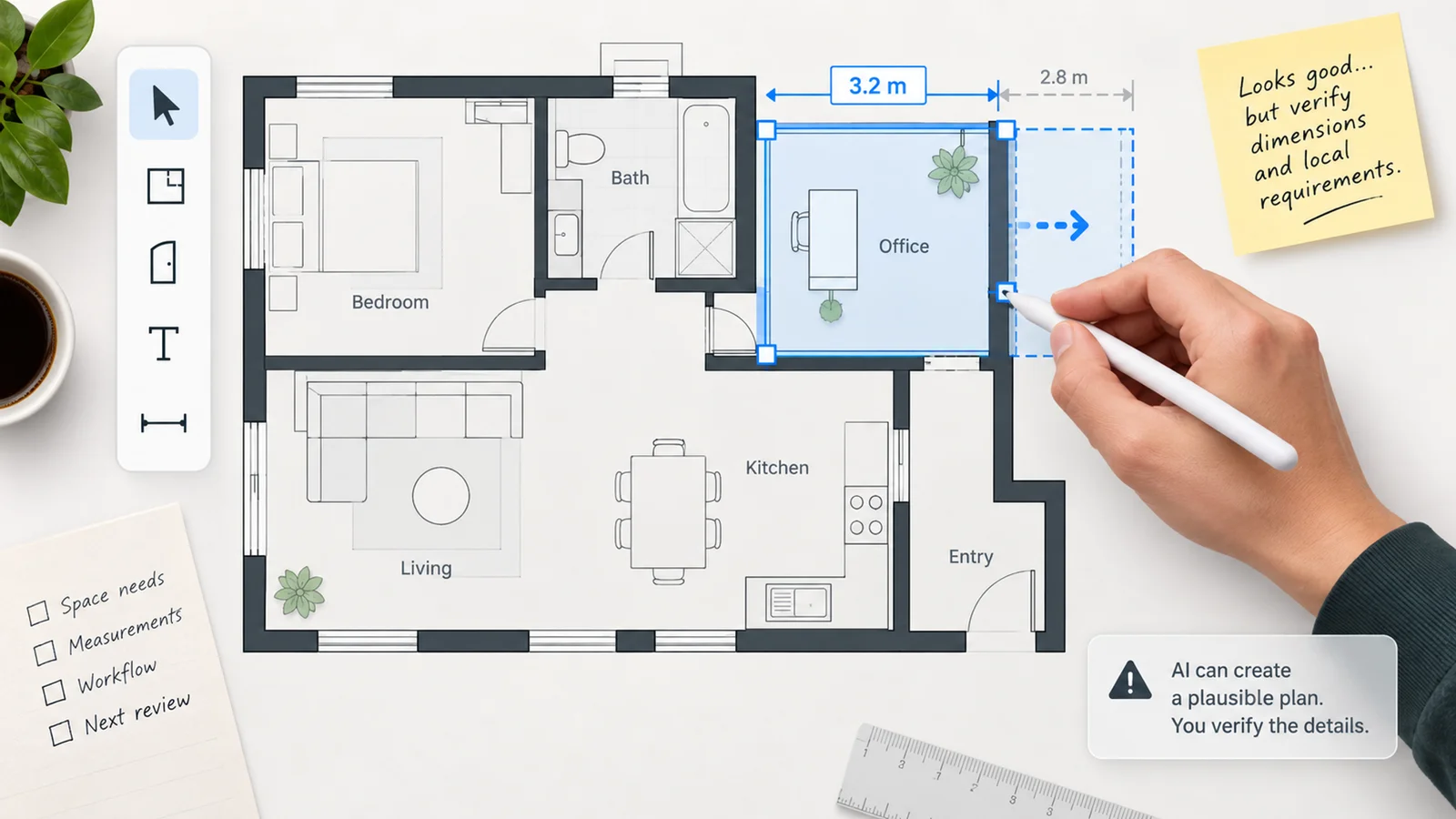
Airender is designed for perspective design inputs such as sketches, 3D model screenshots, and draft renders. The official FAQ says flat 2D floor plans are not the current MVP focus.
Does Airender preserve the original building geometry?
Airender's official positioning emphasizes geometry-faithful rendering. The product is designed to keep massing, openings, and camera composition intact while changing lighting, materials, and visual mood.
How much does Airender cost?
Paid plans start at $24/month when billed annually for Starter, $49/month when billed annually for Pro, and $108/month when billed annually for Studio. Monthly billing is available at higher monthly rates on the pricing page.
How do Airender credits work?
The pricing page says one Standard render costs 1 credit, one HD render costs 3 credits, and one Ultra render costs 4 credits. Credits reset monthly and do not roll over.
Can I use Airender renders commercially?
Yes. Airender's pricing page says every paid plan includes watermark-free exports and a commercial license.
Does Airender train on uploaded projects?
The official pricing page says Airender does not train on uploads. The Pro plan also lists private projects as part of its offering.