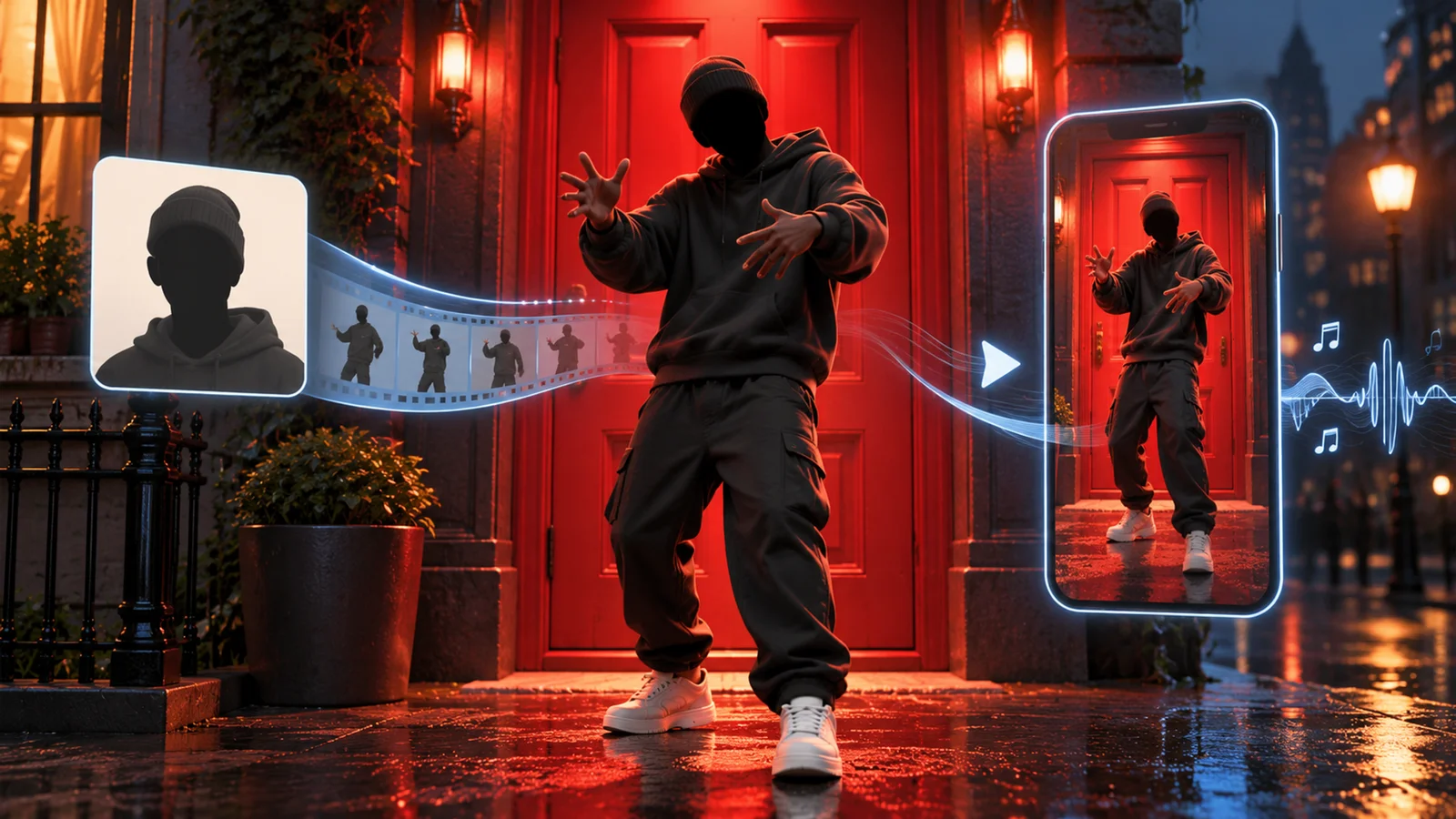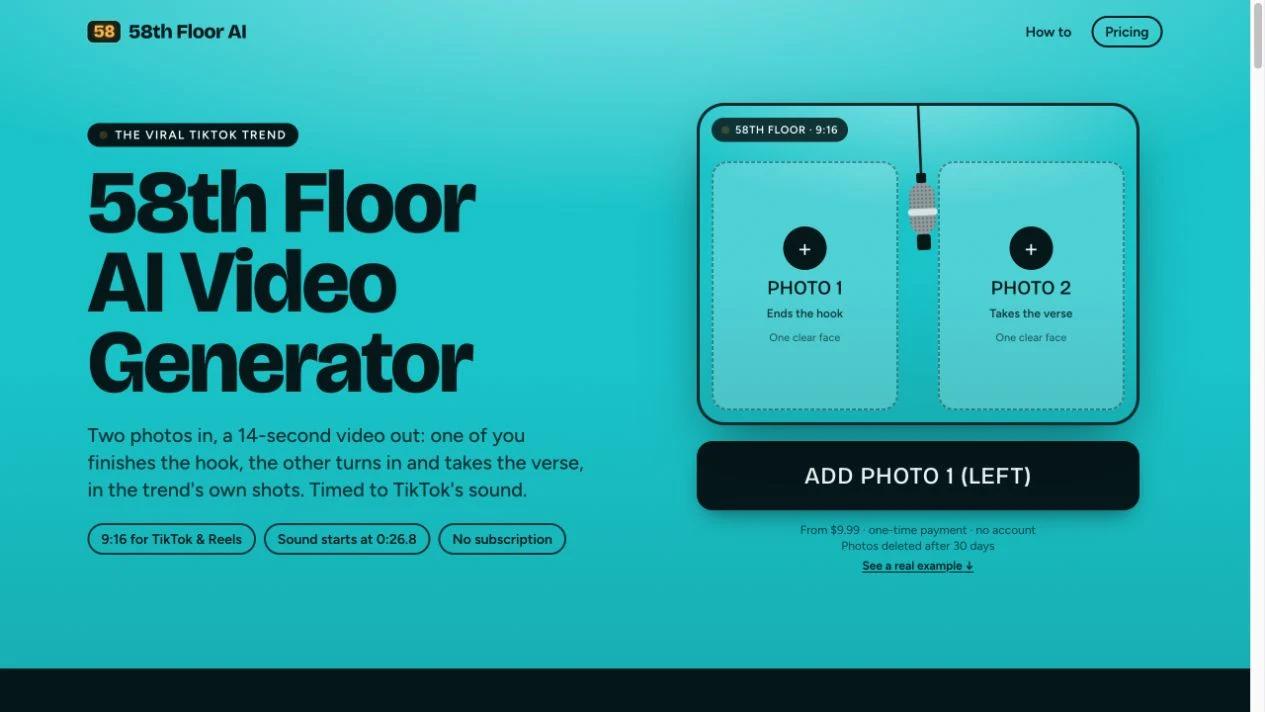


58th Floor AI turns two portraits into a 14-second rap handoff on a teal stage with one hanging microphone. The site supplies the framing and sequence. You choose the two people, assign the hook and verse, and add the sound after downloading the clip.
Cast the hook and verse
Put one clear face in each photo. Photo 1 plays the performer on the left and finishes the hook. Photo 2 plays the performer on the right, takes the verse and gets the solo close-up. Start with well-lit photos. Give the sharper portrait the verse slot if the roles are interchangeable.
The official guide shows the sequence from the opening two-shot through the verse close-up, wide shot and final face-off. The site lists a 720 × 1280 vertical MP4, 14 seconds long, without a watermark. The provider estimates about five minutes for generation and emails the result when it is ready.
Add the sound in TikTok
The download is silent. The provider specifies 0:26.8 for the matching “original sound - COLORS” on TikTok. Select that sound, set its start in the posting app and check the hook-to-verse handoff in preview. The cue applies to that audio version. If you use another upload or an edited recording, align the handoff by ear. Use audio you have permission to use on the intended account and platform, and apply AI-content labeling as required. The terms permit personal and social media use. If you plan to use the clip in an ad, confirm the scope with the provider and check the audio rights separately.
Buy one take or a pack
| Pack | One-time price | Video takes |
|---|---|---|
| Single video | $9.99 | 1 |
| Three takes | $19.99 | 3 |
| Ten takes | $49.99 | 10 |
You can watch examples on the official site before buying. Generating your own clip requires a one-time pack. The terms say one credit pays for one video and unused credits stay on the private pack link without an expiry date.
A failed generation automatically returns its credit. If the clip needs another take, the Needs work option allows one free remake per pack. If the service cannot deliver a video, the terms say you can contact support for a refund of unused credits.
Photos and file retention
Use photos you have permission to upload. The privacy policy says the service sends photos to its video provider to generate the clip and does not use them to train models. Uploaded photos and generated videos are deleted after 30 days. Download anything you want to keep within that period.
Sources and verification
The official homepage, guide, terms and privacy policy were checked on November 4, 2026. Product behavior and timing are described from those public materials and the site's demonstrations.