



Overview
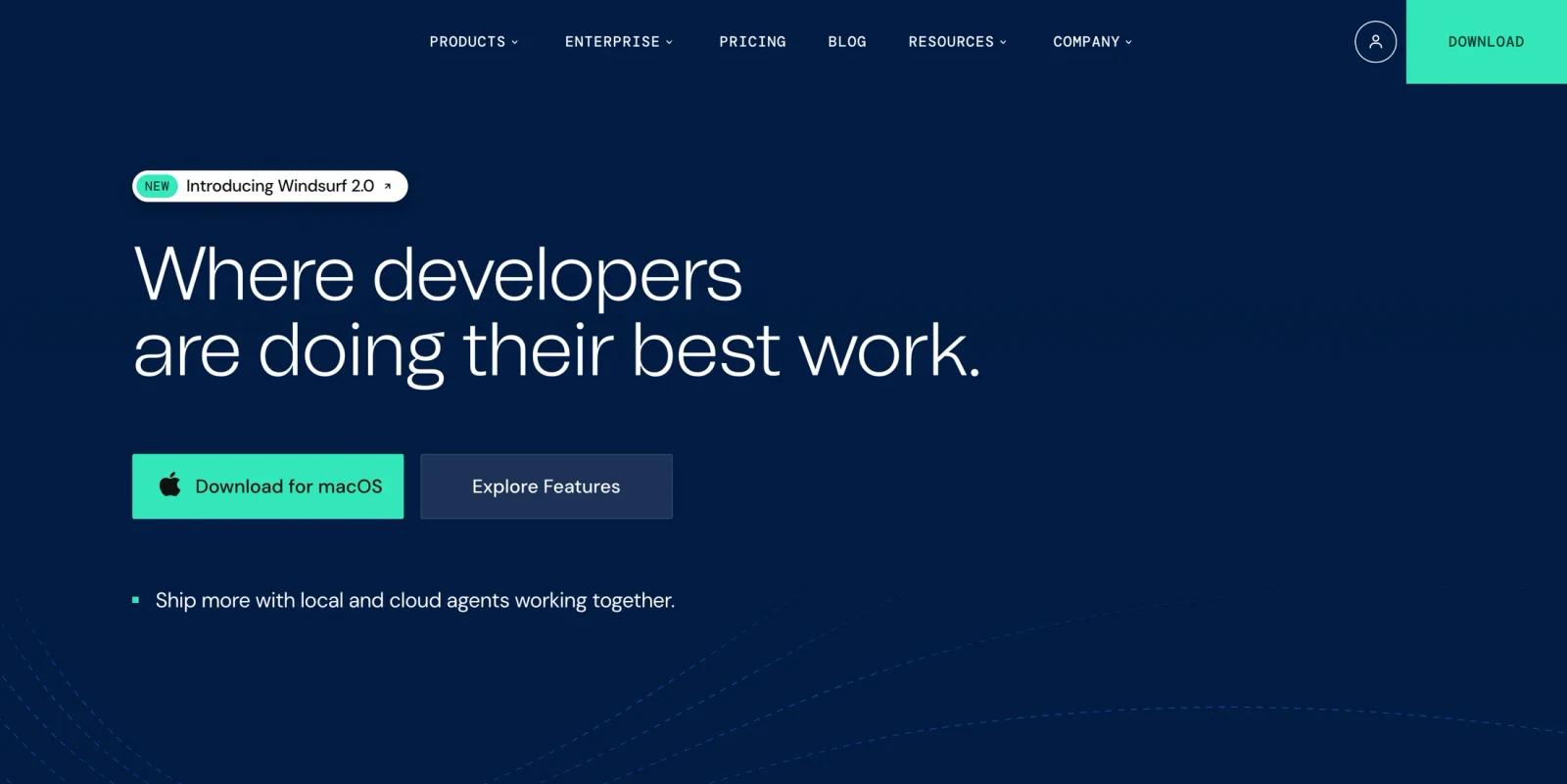
Windsurf is an AI coding editor from Cognition that combines a local developer IDE with agentic coding workflows. It is positioned around keeping developers in flow: code locally, delegate larger work to agents, preview app changes, connect tools through MCP, and use Windsurf's own software engineering models alongside third-party models.
The product has evolved beyond a simple autocomplete assistant. The current homepage highlights Windsurf 2.0, local and cloud agents working together, Devin cloud sessions for background development, Agent Command Center, Spaces, MCP support, lint fixing, browser previews, drag-and-drop image context, and deploys. That makes Windsurf a direct competitor to other AI agent coding tools and AI-first editors rather than a narrow code completion plugin.
As of April 28, 2026, official pricing lists a Free plan, Pro at $20/month, Max at $200/month, Teams at $40/user/month, and Enterprise with custom pricing. Windsurf docs also show SWE-1.6, SWE-1.6 Fast, SWE-1.5, SWE-1, SWE-1-mini, swe-grep, Claude, GPT, and BYOK options inside Cascade, with quota and extra usage depending on the selected model.
Key Features
Cascade agent workflows - Cascade is Windsurf's agentic coding interface for multi-file changes, codebase reasoning, implementation help, and task execution inside the editor.
Local and cloud agents - Windsurf combines local Cascade sessions with Devin cloud sessions, letting developers keep coding while delegating background tasks to an autonomous cloud agent.
Agent Command Center - The homepage describes a unified Kanban-style dashboard for managing local Cascade work and cloud Devin sessions across tasks, PRs, and files.
SWE model family - Windsurf's docs describe SWE-1.6, SWE-1.6 Fast, SWE-1.5, SWE-1, SWE-1-mini, and swe-grep as in-house models built for software engineering agents, fast suggestions, and context retrieval.
MCP and plugin support - Windsurf can connect custom tools and services through Model Context Protocol integrations, with examples such as Figma, Slack, Stripe, GitHub, Postgres, Playwright, and Neon.
Developer workflow utilities - Browser previews, app deploys, lint fixing, Tab completions, Command, Fast Context, AI commit messages, memories, rules, worktrees, and docs search make the editor useful beyond one-off chat prompts.
How It Compares
Windsurf competes most directly with AI-first coding tools such as Cursor, Claude Code, GitHub Copilot, and Claude Code. Its advantage is the editor-native workflow: Cascade works inside the IDE, previews and deploys are part of the product surface, and Agent Command Center gives a more explicit way to manage local and cloud agent work.
The main tradeoff is quota predictability. Windsurf's pricing page now describes usage allowances that refresh daily and weekly, plus extra usage at API price on paid plans. Developers who only need autocomplete may find the free tier generous enough, while developers using heavy agentic coding all day need to evaluate whether Pro, Max, Teams, or Enterprise fits their usage pattern.
Pricing & Plans
Windsurf's official pricing page lists individual, team, and enterprise plans. Pricing and quota behavior can change quickly in AI coding tools, so users should verify the live pricing page before subscribing.
| Plan | Public pricing | Best fit |
|---|---|---|
| Free | $0/month | Developers testing Windsurf, using unlimited Tab completions, previews, deploys, and light Cascade usage |
| Pro | $20/month | Individual developers who need a standard usage allowance, premium models, extra usage at API price, and a daily coding workflow |
| Max | $200/month | Heavy individual users who need a larger usage allowance for sustained agentic coding |
| Teams | $40/user/month | Teams that need centralized billing, admin dashboard analytics, priority support, and shared development workflows |
| Enterprise | Custom pricing | Organizations that need knowledge base, SSO, access controls, RBAC, volume discounts, hybrid deployment, and account management |
Windsurf's pricing page says usage allowances refresh daily and weekly, while extra usage is available at API price on paid plans. The practical buying question is how much agentic Cascade work you run, because tab completion and simple edits are not the same cost profile as long multi-file agent sessions.
Best For
- Developers who want an AI-first editor rather than a plugin bolted onto an existing workflow
- Teams experimenting with local and cloud coding agents in the same environment
- Builders who value previews, deploys, MCP integrations, and agent dashboards
- Engineers comparing AI coding tools such as GPT-5.3-Codex, Cursor, Claude Code, and Copilot
- Organizations that want a path from individual AI coding use to team or enterprise governance
Windsurf is less suitable for developers who only want occasional autocomplete in their existing IDE, or teams that cannot adopt a new editor because of strict internal tooling requirements.
FAQ
What is Windsurf?
Windsurf is an AI-first coding editor that combines local IDE assistance, Cascade agent workflows, Devin cloud sessions, previews, deploys, and model integrations for software development.
Is Windsurf free?
Yes. Windsurf offers a Free plan at $0/month with light usage allowance and access to core editor capabilities such as Tab, previews, deploys, and premium model access within plan limits.
How much does Windsurf cost?
Windsurf's official pricing page currently lists Pro at $20/month, Max at $200/month, Teams at $40/user/month, and Enterprise as custom pricing.
What is Cascade in Windsurf?
Cascade is Windsurf's agentic coding interface for asking the AI to reason over code, edit files, run development tasks, and help with larger implementation workflows.
Does Windsurf support bring-your-own-key models?
Yes. Windsurf docs say BYOK is available for certain individual-user models, including Claude 4 Sonnet and Claude 4 Opus variants.
Who should use Windsurf?
Windsurf is best for developers and teams who want an AI coding IDE with local agent workflows, cloud task delegation, model choice, previews, deploys, and integrations in one coding environment.


