


Overview
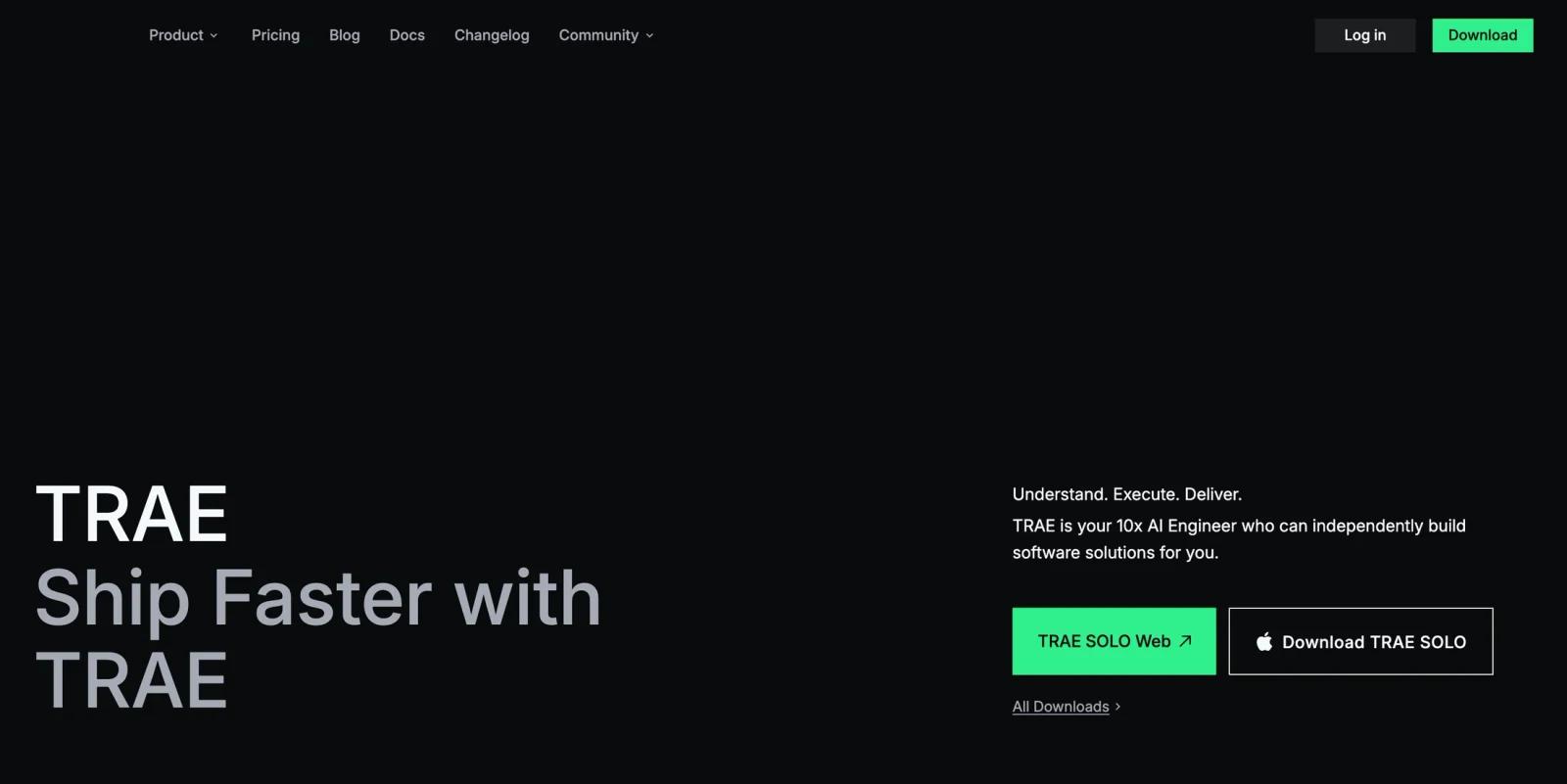
Trae is a VS Code-based AI development environment from ByteDance. It combines selected hosted models, repository indexing, autocomplete, and agent workflows inside the IDE. Exact models and allowances vary by plan and change over time, so this review does not freeze a model roster.
Trae is built and maintained by ByteDance, the company behind TikTok. The free plan provides 5,000 autocompletions per month, limited monthly Basic Usage, standard queue priority, 2 concurrent cloud tasks, and limited TRAE IDE SOLO mode. Paid plans starting at $3/month (Lite) and $10/month (Pro) provide additional token allocations through a token-based pricing model introduced in February 2026.
The flagship agentic capability is TRAE SOLO / SOLO Builder, which accepts a natural language project description and can generate or modify a project through multi-step agentic actions, including project scaffold — frontend, backend, configuration files, and terminal commands — as a running agent rather than a single-shot generation. Builder Mode is available in both the desktop IDE and a cloud-based web version (Trae SOLO Web) for users who prefer not to install a local editor.
Privacy is a significant consideration: Trae collects telemetry data shared with ByteDance and its affiliates. Trae now documents a Privacy Mode for TRAE IDE and TRAE SOLO — when enabled, Trae states that chat interactions, related code snippets, and AI-generated outputs will not be used for analytics, product improvement, or model training. Teams should still review what telemetry and third-party extension data remain outside that scope for telemetry at the time of writing. Teams with strict data governance requirements or those handling proprietary codebases should evaluate this before adopting Trae for professional use.
Key Features
- Multi-Model AI Access — Trae provides selected hosted models without requiring users to supply separate provider API keys. Availability and usage cost depend on the current plan and model.
- Builder Mode (Agentic Scaffolding) — Describe a project in natural language and Builder Mode runs as an autonomous agent: analyzing requirements, generating code across frontend and backend, running terminal commands, and assembling a working scaffold. Unlike single-shot code generation, Builder Mode can iterate on errors and adjust the project structure before delivering the output. Available both in the desktop IDE and via Trae SOLO Web.
- Multimodal Input — Accepts images alongside text prompts, allowing users to paste in design mockups, database schema diagrams, or API documentation screenshots and have Trae generate code from the visual context. This is useful for frontend development where the design artifact is a Figma export or wireframe rather than a text specification.
- MCP Support — Compatible with Model Context Protocol servers, enabling Trae to connect to external tools, databases, and services as context sources for AI completions. This allows teams with custom MCP integrations to bring their internal tooling context into the coding assistant.
- Repository Context and Autocomplete — Trae documents repository indexing and inline completion. This review did not benchmark relevance, latency, or refactoring accuracy on a real repository.
- Cloud IDE (Trae SOLO Web) — Browser-based version of Trae with Builder Mode capabilities, removing the need to install local software. Suited for users who need agentic project scaffolding without a local development environment, or for trying Trae before committing to the desktop install.
How It Compares
Trae should be compared with other coding agents on the same repository, tasks, data-policy requirements, and current paid allowances. Competitor model rosters, prices, and privacy controls change independently, so this pilot does not publish a cross-vendor feature matrix. Trae's documented differentiators are its IDE/SOLO product surfaces, repository indexing, multi-model access, and token-based plan ladder; their practical quality was not independently benchmarked here.
Pricing & Plans
Trae uses a token-based pricing model (introduced February 2026). The free plan provides a monthly allocation of AI autocomplete suggestions and limited premium model queries. Paid plans increase the token pool for AI interactions.
| Plan | Monthly Price | Monthly Basic Usage | Autocomplete | Concurrent Cloud Tasks | TRAE SOLO Mode | Model Early Access |
|---|---|---|---|---|---|---|
| Free | $0 | Limited | 5,000/month | 2 | Limited | Limited |
| Lite | $3/month | $5 + Bonus Usage | Unlimited | 2 | Limited | Limited |
| Pro | $10/month | $20 + Bonus Usage | Unlimited | 10 | Included | Limited |
| Pro+ | $30/month | $90 + Bonus Usage | Unlimited | 15 | Included | Limited |
| Ultra | $100/month | $400 + Bonus Usage | Unlimited | 20 | Included | Included |
The free tier provides an evaluation path, and Lite is the first paid step in Trae's current plan ladder. Trae lists dollar-denominated Basic Usage by plan, while actual usage burn varies by model, tokens, and tool calls. Refer to the live pricing page for the current plan table and contact the vendor for enterprise terms.
Best For
- Individual developers and students who want selected hosted models in one IDE without managing separate provider keys
- Prototype and side-project builders evaluating agent workflows and repository indexing on their own code
- Frontend developers working from design mockups who want to paste a Figma export or wireframe image directly into the IDE and receive generated component code
- Budget-conscious developers who can work within the current Lite or Pro usage allowance
- Teams evaluating AI IDEs before committing to a premium subscription — Trae's free tier and cloud IDE allow genuine evaluation of Builder Mode and multi-model access without install friction
Avoid If
- You need a vendor-neutral telemetry posture or enterprise controls that your security team has already approved; review Trae's current privacy documentation before adopting it for sensitive repositories.
- You need fixed, predictable AI capacity across models; available models, quotas, and token consumption can change by plan.
- Your decision depends on repository-wide quality in a large codebase; this source-based review does not substitute for evaluating Trae against your own repository.
Sources & Verification
- Last verified: 2026-08-20
- Evaluation scope: Current product positioning, documented IDE capabilities, plan availability, and decision-relevant limitations; model rosters and quotas can change.
- Method: Source-based research from the official product materials below. No hands-on testing was performed for this update.
- Official sources:
FAQ
What is Trae and who makes it?
Trae is an AI-powered development environment built by ByteDance. It is based on VS Code and provides selected hosted models, repository indexing, autocomplete, and agent workflows. The current pricing surface includes a free tier and paid plans starting with Lite.
Is Trae really free?
Yes. The Trae free plan includes 5,000 AI autocomplete suggestions per month, limited Basic Usage, 2 concurrent cloud tasks, and limited TRAE IDE SOLO mode (10 fast and 50 slow per month). Builder Mode is available on the free plan with some limits. Paid plans include Lite at $3/month, Pro at $10/month, Pro+ at $30/month, and Ultra at $100/month, with higher Basic Usage allocations and more concurrent cloud tasks.
How does Trae compare to Cursor?
Both products publish repository-aware coding and agent workflows. Compare them on the same repository and current plans, paying particular attention to model availability, included usage, extension compatibility, approval controls, and data policy. ToolWorthy did not run a comparative accuracy benchmark for this update.
What is Builder Mode in Trae?
Builder Mode is Trae's agentic project-generation feature. Users describe a project in natural language — "a Next.js app with a Postgres backend and a login page" — and Builder Mode operates as an autonomous agent: generating the directory structure, writing the code files, running terminal commands, and iterating on errors to deliver a working scaffold. It is distinct from single-shot code generation in that it can take multi-step actions within the IDE and adjust based on intermediate results.
Does Trae have privacy concerns?
Yes. Trae collects telemetry data that is shared with ByteDance and its affiliates. Trae now documents Privacy Mode for TRAE IDE and TRAE SOLO, but teams should verify the current privacy policy, telemetry scope, third-party extension behavior, and whether the controls satisfy their governance requirements. This is a meaningful consideration for professional developers working with proprietary codebases, regulated data, or in organizations with strict data governance policies. Review Trae's current privacy documentation at trae.ai before adopting it for professional or enterprise use.
What AI models does Trae support?
Trae offers a changing selection of hosted models, and availability can vary by plan, region, and product surface. Check the live model selector and pricing documentation before choosing a plan. See Claude Code for an alternative with a different model and data-policy boundary.