



Overview
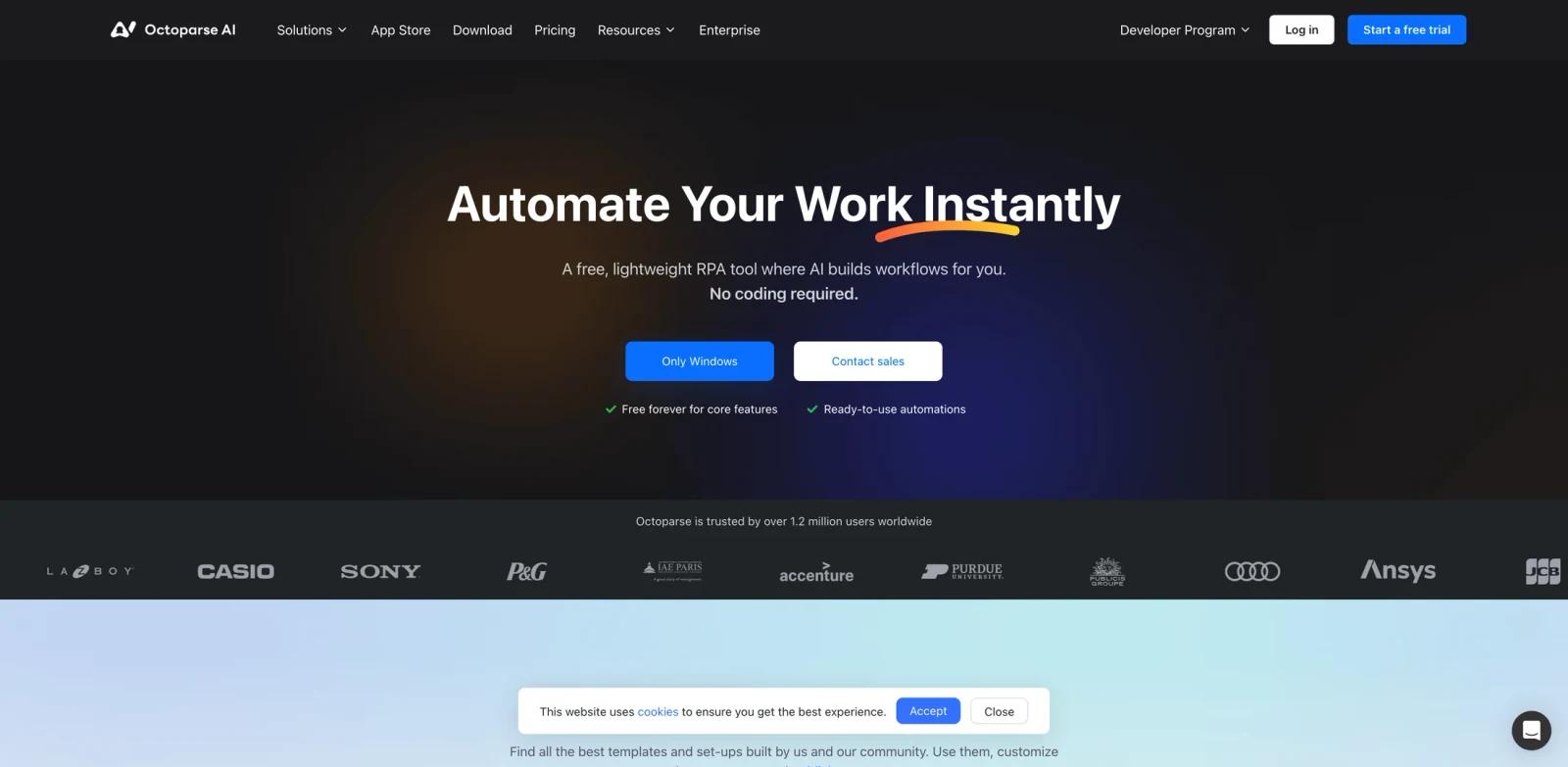
Octoparse AI is a workflow automation platform aimed at operations teams, growth teams, analysts, sales teams, and automation builders. The official page positions the product around "Automate Your Work Instantly", and the page copy emphasizes what will you automate today?, automate and scale. with a little help from ai., see how much time you can save, make work effortless with octoparse ai, get started with helpful resources, frequently asked questions, ready to take your workflows to the next level?. In practical terms, it belongs in the AI workflow automation tools evaluation set because it gives users a product workflow for creating, automating, planning, visualizing, or improving work instead of leaving them with a blank AI prompt.
The strongest reason to consider Octoparse AI is workflow compression. Octoparse AI is a free RPA tool that brings AI-powered automation to your desktop. With our no-code platform, you can easily automate tasks, optimize workflows, and increase productivity, all without writing a single line of code. Get started for free and make automation simple. A good pilot should compare the current manual process with the product's output on the same task: how long setup takes, how much cleanup remains, whether teammates can review the result, and whether the pricing model still makes sense after real usage limits are applied.
Octoparse AI is also worth comparing with adjacent categories such as AI productivity tools and AI web scraping tools. Specialist tools usually win when the job is repeated, domain-specific, and tied to exports or integrations. Broader platforms win when the team wants one shared place for many loosely related tasks.
Key Features
No-code automation - Builds workflows from natural language, templates, drag-and-drop blocks, or prebuilt apps.
Desktop and web actions - Connects websites, files, Windows apps, spreadsheets, or data sources without requiring an API.
AI task handling - Adds OCR, text processing, classification, extraction, or decision steps inside workflows.
Template marketplace - Provides ready-made automations for lead collection, social research, ecommerce, or productivity tasks.
Scheduling and scale - Runs repetitive work consistently so users can focus on review and exceptions.
Governance needs - Requires clear rules around credentials, data access, approvals, and monitoring.
How to Get Started
- Define the first workflow - Pick one concrete AI workflow automation task rather than trying to transform every related process at once.
- Prepare the input material - Gather the source files, prompts, templates, URLs, sketches, tasks, products, documents, or datasets needed for a realistic test.
- Run a narrow pilot - Use the tool on a small but real example and compare the result with your current manual workflow.
- Review output quality - Check accuracy, formatting, visual quality, permissions, privacy implications, and the amount of cleanup still required.
- Connect adjacent systems - Only after the first output works, connect the calendar, CRM, CMS, file store, design library, API, or team workspace.
- Create an operating rule - Document who owns prompts, templates, billing, approvals, and review so the workflow remains reliable after the first trial.
Pricing & Plans
Octoparse AI promotes free core automation features and paid options for scale, enterprise needs, or advanced automation workflows.
| Option | Pricing signal | Best fit |
|---|---|---|
| Starter use | Free start; paid limits may apply | Users testing whether AI workflow automation fits the workflow |
| Production use | Octoparse AI promotes free core automation features and paid options for scale, enterprise needs, or advanced automation workflows. | Teams that need higher limits, collaboration, integrations, API access, or support |
| Enterprise use | Confirm directly with the vendor | Organizations needing procurement, security review, SSO, compliance, custom deployment, or service-level terms |
Pricing changes often, especially when free tiers, trials, API usage, subscriptions, enterprise quotes, and promotional offers are involved. Use the structured price field as a directory signal, then confirm the current official pricing page before buying or building a workflow around Octoparse AI.
Best For
- Operations teams, growth teams, analysts, sales teams, and automation builders evaluating AI workflow automation workflows.
- Teams that want a purpose-built product workflow instead of a blank general AI prompt.
- Operators who need repeatable output, reviewable steps, and clearer ownership.
- Organizations comparing specialist tools against broader productivity, design, data, or automation platforms.
- Users willing to verify limits, pricing, integrations, and output quality before depending on the tool in production.
For buyers comparing multiple tools, the most useful test is a same-input benchmark. Give every option the same brief, document, dataset, video, design task, workflow, or product requirement and record which one produces the most usable output with the least governance risk. That comparison is usually more reliable than feature-list matching across AI agents.
FAQ
What is Octoparse AI?
Octoparse AI is a workflow automation platform for operations teams, growth teams, analysts, sales teams, and automation builders. It is most useful when the team has a defined AI workflow automation workflow and wants a repeatable product surface rather than an ad hoc chatbot conversation.
Who should use Octoparse AI?
Octoparse AI fits operations teams, growth teams, analysts, sales teams, and automation builders that need to create, automate, visualize, summarize, generate, or manage work in a more structured way.
Is Octoparse AI free?
Octoparse AI has a free-start or free-tier signal, but paid plans, limits, or usage-based costs may apply. Confirm the current pricing page before adopting it for production.
What makes Octoparse AI different from a general AI chatbot?
A general chatbot can draft or answer prompts, but Octoparse AI adds workflow-specific screens, templates, exports, integrations, collaboration, or domain logic for AI workflow automation.
What should I test first in Octoparse AI?
Use one realistic task with real inputs. Measure setup time, output quality, manual cleanup, collaboration, pricing fit, and whether the result can be repeated.
Does Octoparse AI replace human review?
No. Teams should still review facts, formatting, rights, data handling, accessibility, and final business decisions before publishing or operationalizing the output.
How should I compare Octoparse AI with alternatives?
Run the same task through other AI workflow automation tools. Compare the quality of the first draft, the editing workflow, integrations, limits, pricing, and how much governance the tool provides.


