



Overview
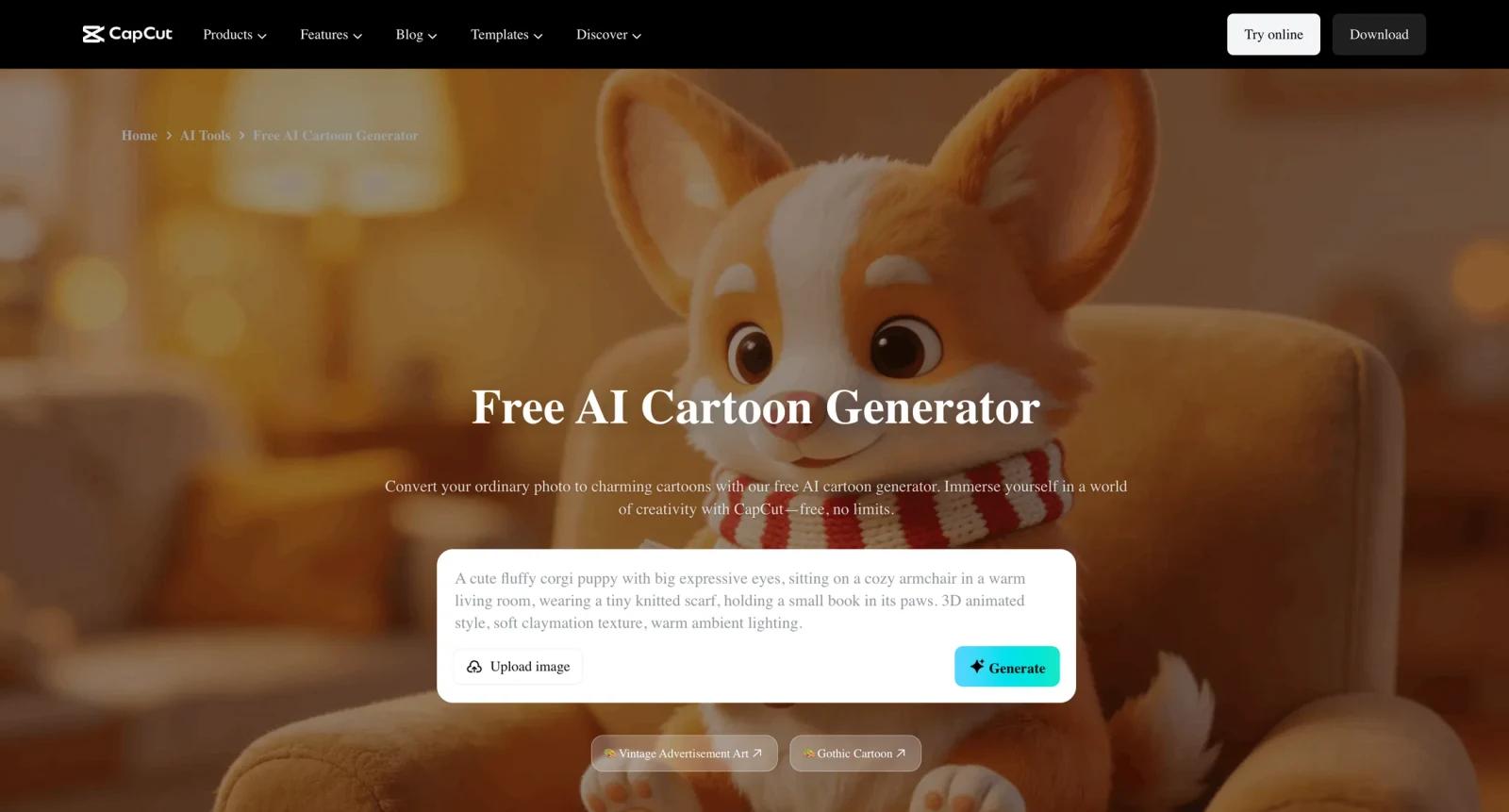
CapCut AI Cartoon Generator is a free-to-start image tool for turning photos or visual ideas into cartoon-style images. It is part of CapCut's broader creative ecosystem, so its value is not only the cartoon effect itself but the ability to reuse outputs in social videos, templates, edits, and short-form content.
The official page emphasizes ease of use, AI-powered cartoon transformation, and professional-quality outputs in a few clicks. That makes it a good fit for creators who want profile images, thumbnail elements, social stickers, character visuals, or stylized content without opening a more complex illustration tool.
For users comparing AI cartoon generator tools, CapCut is strongest when the output will be used in video or social media. Dedicated image generators may offer more style control, while CapCut wins when cartoon visuals need to move into edits, effects, or templates quickly. Users can also compare Picsart AI Cartoon Generator for a more image-editing-centered workflow.
Key Features
- Photo-to-cartoon transformation - Turn portraits or images into cartoon-style visuals without manual illustration or tracing.
- AI image models and styles - Use CapCut's AI image workflow to generate different cartoon looks for social avatars, creative posts, and video assets.
- Beginner-friendly interface - The tool is designed for quick creation rather than advanced design software workflows.
- CapCut editor connection - Reuse cartoon images inside CapCut videos, templates, effects, thumbnails, and short-form content.
- Free access with paid ecosystem - The cartoon generator is marketed as free, while CapCut Pro and premium assets can matter for heavier creative workflows.
- Social-first output - Good for TikTok, Reels, Shorts, profile visuals, creator branding, and casual campaign assets.
Pricing & Plans
CapCut's AI cartoon generator is free to start, but the broader CapCut ecosystem includes free and paid Pro features. CapCut Pro pricing can vary by region, platform, promotion, and subscription channel.
| Option | Pricing | Best fit |
|---|---|---|
| AI Cartoon Generator | Free to start | Casual creators making cartoon images and social visuals |
| CapCut Free | $0 | Basic video and image editing with limited premium access |
| CapCut Pro | Commonly seen around $9.99/month, but varies by region and platform | Creators needing premium effects, assets, AI tools, exports, and cloud features |
Because CapCut pricing is not always identical across web, desktop, iOS, and Android, verify current pricing inside your account or app store before subscribing. Also check watermark rules, export quality, AI credit behavior, and whether the specific cartoon model is included in your plan.
Best For
- TikTok, Reels, and Shorts creators turning portraits into stylized visual assets
- YouTubers making cartoon-style thumbnails or channel branding
- Social media teams needing quick character visuals without illustration work
- CapCut users who want cartoon images inside a broader AI video editor workflow
- Casual creators comparing cartoon effects with AI image generator tools
FAQ
What is CapCut AI Cartoon Generator?
It is a CapCut tool for creating cartoon-style images from photos or visual inputs using AI.
Is CapCut AI Cartoon Generator free?
The official page markets the cartoon generator as free to use. Some related CapCut Pro features, premium assets, or higher-usage workflows may require a paid subscription.
How much does CapCut Pro cost?
CapCut Pro pricing varies by region, platform, and promotion. A common public reference is around $9.99/month, but users should verify the current price inside CapCut or their app store.
Can I use the output in videos?
Yes. One of CapCut's strengths is moving generated visuals into video edits, templates, effects, and social content.
Is CapCut better than a dedicated AI image generator?
CapCut is better for quick social and video workflows. Dedicated image generators may be better for precise prompt control, advanced styles, or high-end illustration work.
Can brands use CapCut cartoon images commercially?
Brands should check CapCut's current terms, asset licenses, and Pro plan rights before using outputs in paid campaigns or merchandise.
Does CapCut require design skills?
No. The tool is aimed at quick creation, though better input photos and careful style selection improve results.
What should I check before upgrading?
Check whether your desired cartoon model, export quality, watermark removal, AI usage, cloud storage, and premium effects are included in your plan.


