

Verdict
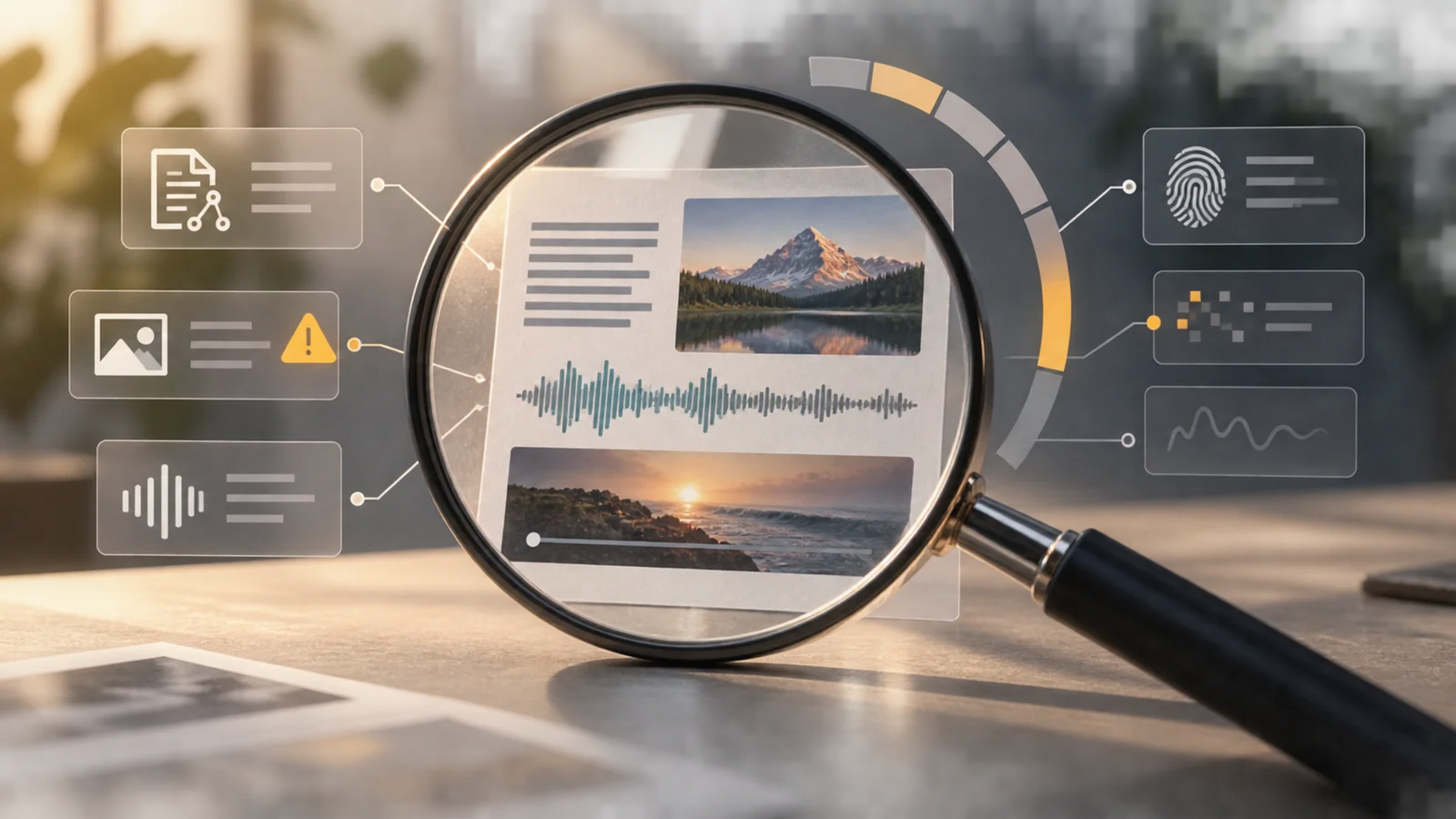
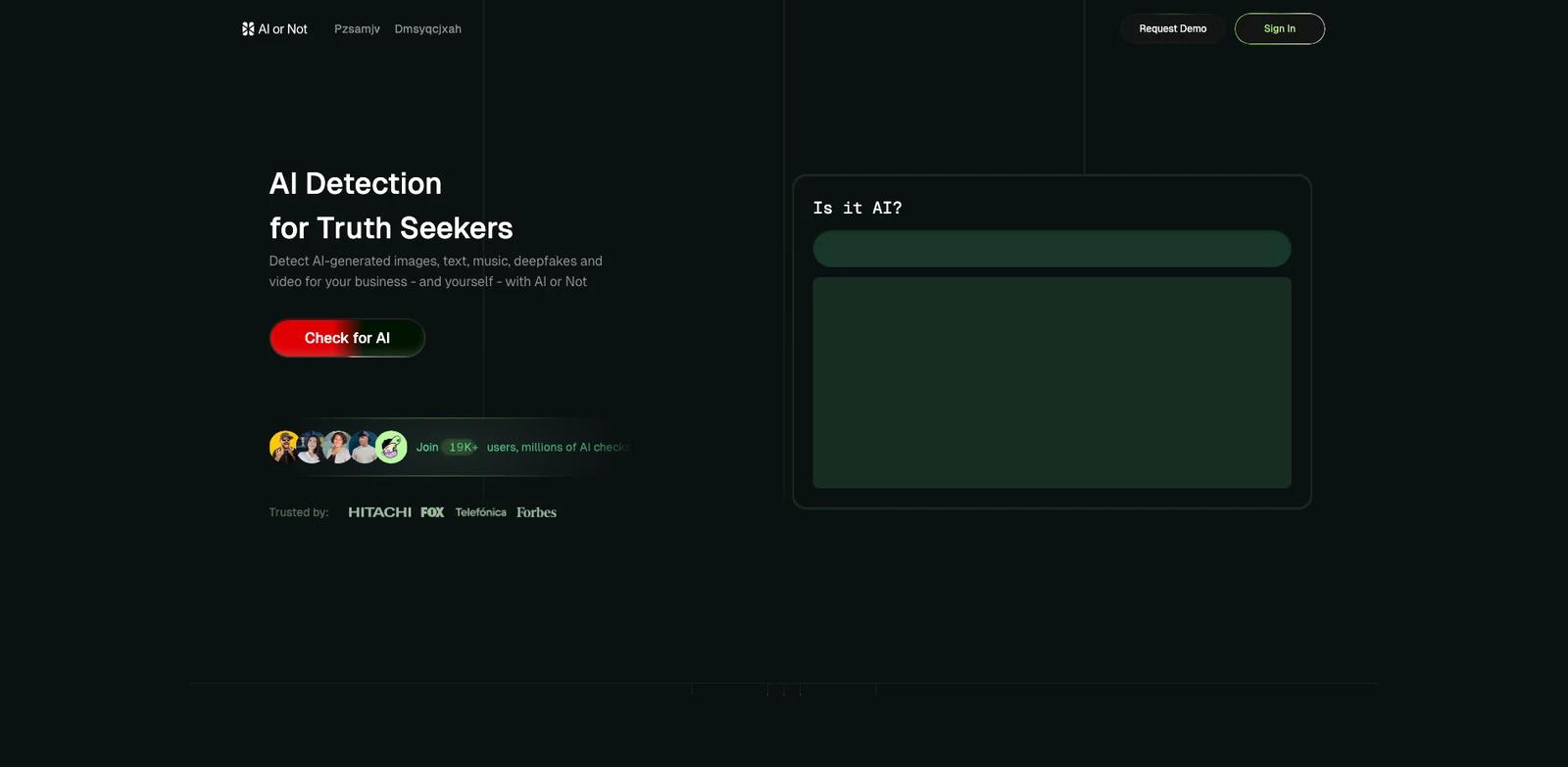
AI or Not is a multimodal AI-content and deepfake detector available through a web product and API. It can help trust and safety, fraud, moderation, and content-verification teams prioritize review across text, images, video, voice, and music. It should not be used as a machine that turns a probability into a definitive authorship, fraud, or authenticity judgment.
No independent cross-vendor benchmark was available for this update. Vendor accuracy headlines are therefore not treated as proof that AI or Not is universally accurate, leading, or reliable across new generators, compressed files, edited content, languages, or adversarial inputs.
Search Jobs
- AI or Not pricing and free usage
- Which text, image, audio, and video modalities AI or Not detects
- AI or Not API costs and rate limits
- How to interpret an AI or deepfake confidence score
- AI or Not privacy and uploaded-media handling
- Whether AI or Not is suitable for moderation, fraud, or trust and safety
Modalities and Surfaces
The current product exposes separate detection jobs for:
- Text classification for AI-written versus human-written content.
- Image checks for generated images.
- Deepfake image checks focused on manipulated or synthetic faces and images.
- Video checks for AI-generated video.
- Deepfake video analysis as a separately requested model path.
- Voice checks for synthetic or cloned speech.
- Music checks for AI-generated music.
- Reverse image search for finding related or earlier appearances of an image.
The web interface is the direct upload-and-review product. The API exposes modality-specific endpoints for application workflows, and the company also publishes an MCP integration for supported AI clients. These surfaces use the same detection business, but the API adds engineering responsibilities such as keys, rate limits, file validation, retries, and storage of results.
How to Use a Detection Result
A detector result is a signal for triage. A sound workflow combines it with provenance, metadata, source history, watermark or credential checks, manual inspection, account behavior, and—where stakes are high—specialist forensic review.
False positives can label human content as AI-generated. False negatives can miss synthetic content. Results can also shift as the detector model changes or as generators, post-processing, compression, translation, and adversarial methods evolve. A threshold that works for one content stream is not automatically calibrated for another.
For moderation or fraud workflows, store the model/version context, score, threshold, and follow-up evidence. Do not present the detector label alone as a legal finding, disciplinary conclusion, or proof that a person created deceptive content.
Pricing Mechanics
Free currently includes 1 million text-detection words per month, 20 image checks, and an API key.
Pro costs USD 5/month and adds monthly credits, rollover, pay-as-you-go access, and all published detection modalities.
Text detection costs USD 5 per 1M words.
Image detection costs USD 0.02/image.
Deepfake image detection costs USD 0.02/image.
Voice detection costs USD 0.30/minute.
Music detection costs USD 0.30/minute.
Video detection costs USD 0.60/minute.
Deepfake video detection costs USD 0.60/minute.
Reverse image search costs USD 0.02/image.
The minute rates above are exact conversions of the vendor's published per-second rates so the amounts remain readable. Enterprise is custom-priced and adds options such as volume pricing, reseller rights, regional cloud hosting, on-premises hosting, model calibration, and dedicated support.
API Limits That Change Fit
The text endpoint documents a minimum of 250 characters and a maximum of 500,000 characters. The video endpoint accepts files up to 200 MB and two minutes, uses only the first video and audio tracks, and recommends splitting content longer than 30 seconds into shorter segments for fuller analysis.
Video and audio can receive separate confidence outputs. Deepfake video analysis is an explicit option rather than an automatic assumption. Published rate limits vary by plan, so a production queue should handle throttling and partial or newly added response fields.
Privacy and Deployment Questions
The API documentation says uploaded detection media are processed and deleted immediately after inference. That statement is narrower than the account privacy policy: account Personal Data can be retained while an account remains open, as needed to provide the service, or longer for legal, dispute, and fee obligations.
An enterprise buyer should confirm the exact region, on-premises architecture, subprocessors, log retention, calibration process, and whether any submitted content or derived result is retained in the proposed deployment. “Regional cloud” and “on-prem” are sales options, not enough detail to complete a security review.
Best For
- Trust and safety teams using detector scores to prioritize human review.
- Fraud and identity workflows that need a second signal for synthetic media or manipulated documents.
- Publishers and marketplaces screening mixed text, image, audio, and video submissions.
- Developers who want one API across several modalities and can build calibration, logging, and appeal paths around it.
Avoid If
- A single detector score will be treated as conclusive proof or used to automate a punitive decision.
- The organization cannot validate false-positive and false-negative rates on its own content distribution.
- A required language, codec, duration, file size, generator family, or adversarial condition is outside the documented scope.
- Procurement requires a specific hosting region or on-premises control that has not been contractually confirmed.
- The use case needs forensic attribution of who created content rather than probabilistic classification of the submitted artifact.
Sources & Verification
- Last verified: 2026-09-07
- Evaluation scope: Current modalities, web/API relationship, Free/Pro/Enterprise packaging, per-modality rates, API limits, inference-upload handling, account-data retention, and evidence boundaries.
- Method: Source-based research from the official product materials below. No hands-on testing was performed for this update.
- Official sources: