
12 Best AI Writing Tools in 2026 — Tested for Real Writing Workflows
We tested 30+ AI writing tools and kept 12. Each one picked for a specific job — so you don't overpay for features you'll never use.

On this page
The "AI writing tool" category splintered sometime in 2024 and never went back to being one thing. What used to be a single shelf of "ChatGPT in a nicer UI" is now at least six distinct products: general-purpose editors that polish your prose, marketing copy generators that optimize for conversion, fiction copilots tuned for novelists, SEO content platforms that chain research and drafting, academic writing assistants with citation engines, and enterprise writing platforms built around brand and governance. Picking a tool without first picking your category is the fastest way to overpay.
We tested 30+ products across those categories and kept 12 that earn their subscription in real daily work. This guide organizes them by what they're actually for, calls out transparent pricing (and flags when it isn't), and explains the quiet trade-offs — AI detection risk, output ownership, data retention — that the vendor landing pages skip. Every tool below was evaluated against its own category; we don't pretend a fiction copilot should compete with an SEO platform.
| Tool | Best For |
|---|---|
| Grammarly | General editing and polish across every app |
| Jasper | Marketing copy with brand voice at team scale |
| QuillBot | Paraphrasing, summarizing, and citation help |
| ProWritingAid | Long-form editing with structure reports |
| Frase | SEO research and content briefs in one workspace |
| Sudowrite | Fiction and creative writing copilot |
| Anyword | Predictive copy scoring for performance marketing |
| Rytr | Lowest-price entry with a generous free plan |
| Simplified | All-in-one content suite with writing, design, and social |
| Jenni AI | Academic and research writing with citations |
| Scalenut | End-to-end SEO content pipeline |
| Wordtune | Inline sentence rewrites and tone control |
How We Selected and Tested
We started from a pool of 30+ AI writing products gathered from product hunt, Reddit writing communities (r/writing, r/freelanceWriters, r/copywriting), G2 top-rated lists, and the Chrome Web Store. We dropped anything that was a thin ChatGPT wrapper without a distinct feature set, anything unmaintained for more than 12 months, and anything that couldn't publish clear pricing. What remained went through at least a few hours of real writing per tool, on real briefs we'd normally use a paid tool for.
Our research combined each vendor's official documentation, pricing pages, and privacy policies with user feedback from G2, Trustpilot, Reddit, and independent reviews. Where pricing was inconsistent across sources, we verified against the live pricing page and flagged discrepancies in the Cost Reality section of each tool.
Evaluation Dimensions: We evaluated each tool across 5 dimensions tuned to writing workflows:
- Output Quality — Does the generated text read like it was written by someone who understood the brief, or does it need heavy rewrites?
- Workflow Fit — How well does the tool match a specific job (marketing, SEO, fiction, academic, editing)?
- Pricing Transparency — Are tiers, credit limits, and overages clearly published and stable?
- Data & Ownership — What does the privacy policy say about training on your inputs, and who owns the output?
- Team Features — For tools used by more than one writer, are brand voice, shared assets, and analytics real features or marketing?
Note on Testing Scope: Hands-on testing covered writing briefs, editing passes, and pricing flows. For long-tail output quality and edge cases, we relied on public review aggregators and community feedback.
Transparency & Limitations: All pricing figures come from each vendor's public pricing page as of April 2026. Several tools (notably Jasper, Writesonic, and Copy.ai) restructure plans frequently — verify before subscribing. We don't earn affiliate rewards from any tool in this list.
Top 12 AI Writing Tools Compared
Before the full reviews, here's the fast version. Categories are deliberate: pick the row that matches your job, not just the highest score.
| Tool | Best For | Category | Starting Price | Notable Trade-off |
|---|---|---|---|---|
| Grammarly | General editing | Writing assistant | $12/mo annual | Generative layer still catching up |
| Jasper | Marketing teams | Marketing writing | $59/mo | Premium team workflow pricing |
| QuillBot | Paraphrasing | Rewrite + study | $8.33/mo annual | Output can be flagged by detectors |
| ProWritingAid | Long-form editing | Editor-first | $10/mo annual | Less AI-first than newer tools |
| Frase | SEO briefs | SEO content | $49/mo | SEO + AI visibility focus |
| Sudowrite | Fiction writing | Creative copilot | $19/mo | Not useful for non-fiction |
| Anyword | Performance copy | Marketing scoring | $49/mo | Premium pricing tier |
| Rytr | Budget writing | Generalist | $7.50/mo annual | Output depth is limited |
| Simplified | Content suite | All-in-one | $24/mo | Writing is one of many modules |
| Jenni AI | Academic writing | Research writing | $12/mo | Narrow outside academia |
| Scalenut | SEO + GEO workflow | SEO platform | $59/mo | Broader AI-visibility scope |
| Wordtune | Inline rewrites | Sentence-level | $4.89/mo annual | Not a drafting tool |
Detailed Reviews

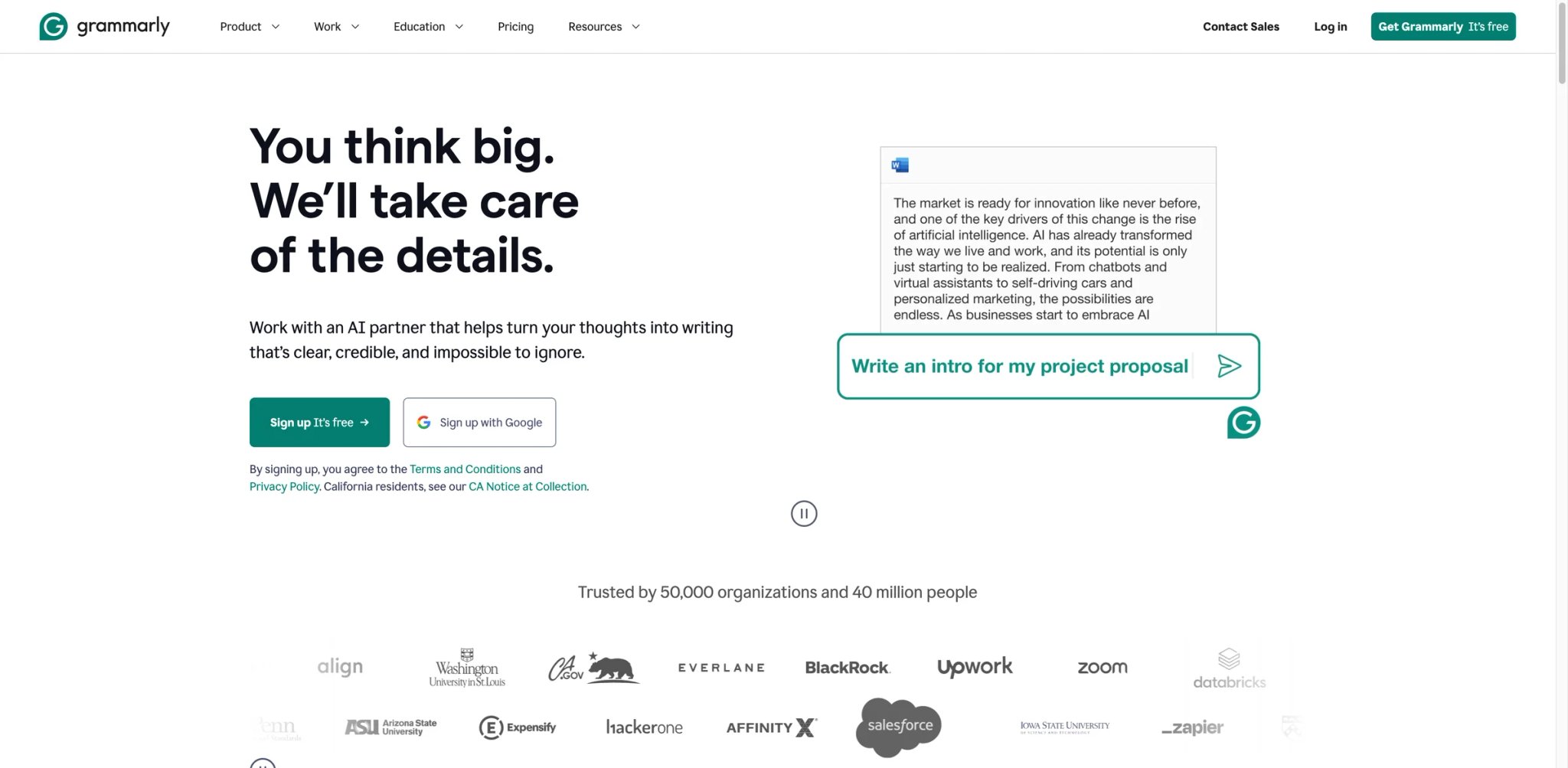
Grammarly has the deepest install base of any writing tool in this guide and keeps earning it with incremental upgrades to the underlying engine. The 2024–2025 generative features — tone rewrites, full-paragraph generation, suggested replies — pulled it into the AI writing category proper without breaking what made it work: a quiet background assistant that shows up in every app where you type and never asks you to change your workflow.
Key Features
- Real-time grammar and clarity everywhere — Works in Gmail, Docs, LinkedIn, Slack, Notion, and most rich-text editors. Correction quality is consistently strong across formal and casual registers, which is rarer than it sounds.
- Tone detection and alternative rewrites — Highlights sentences reading as aggressive, hesitant, or passive and offers replacements. The tone model is calibrated to native-English professional writing and is the single most useful AI feature most users will ever touch.
- Generative writing in place — Draft replies, summaries, and rewrites from a short prompt inside the current text field. Newer than the editing engine and still catching up to dedicated AI writers, but convenient when you don't want to leave the page.
- Brand tones and style controls — Teams can define shared tone guidance so Grammarly helps writers stay on-brand across apps and workflows. Still the strongest team-level writing feature on this list.
Pricing & Plans
- Free: $0/month — grammar, spelling, tone detection, and 100 AI prompts
- Pro: $12/member/month billed annually or $30 billed monthly — rewrite full sentences, adjust tone, stay on-brand, and 2,000 AI prompts
- Enterprise: Custom pricing — unlimited members, dedicated support, confidential mode, granular roles and permissions, data loss prevention, and unlimited generative AI prompts
Cost reality: Grammarly's public pricing now centers on Free, Pro, and Enterprise. The older Business-tier framing in this article is outdated.
Limitations
- Generative layer feels bolted on: If generative AI output is your main need, dedicated tools like Jasper or Anyword are more polished. Grammarly's generative features feel like additions, not the core.
- Conflicts on some rich-text editors: Notion and certain CMS backends don't always play well with Grammarly's suggestion layer. The workaround is disabling it per site.
- Seat-based costs stack fast: Once Grammarly is rolled out broadly across a team, the per-seat editing cost can become a meaningful software line item.
Best For
Anyone who writes in English professionally and wants an assistant that works across every app without rebuilding their workflow. The free tier alone is enough reason to install it on day one.
Not the right fit if your main job is generating original marketing or SEO content at scale (use Jasper or Frase) or if you work primarily in a non-English language (use a localized tool). For a broader view of the category, see our AI writing assistants guide.
Get started with Grammarly

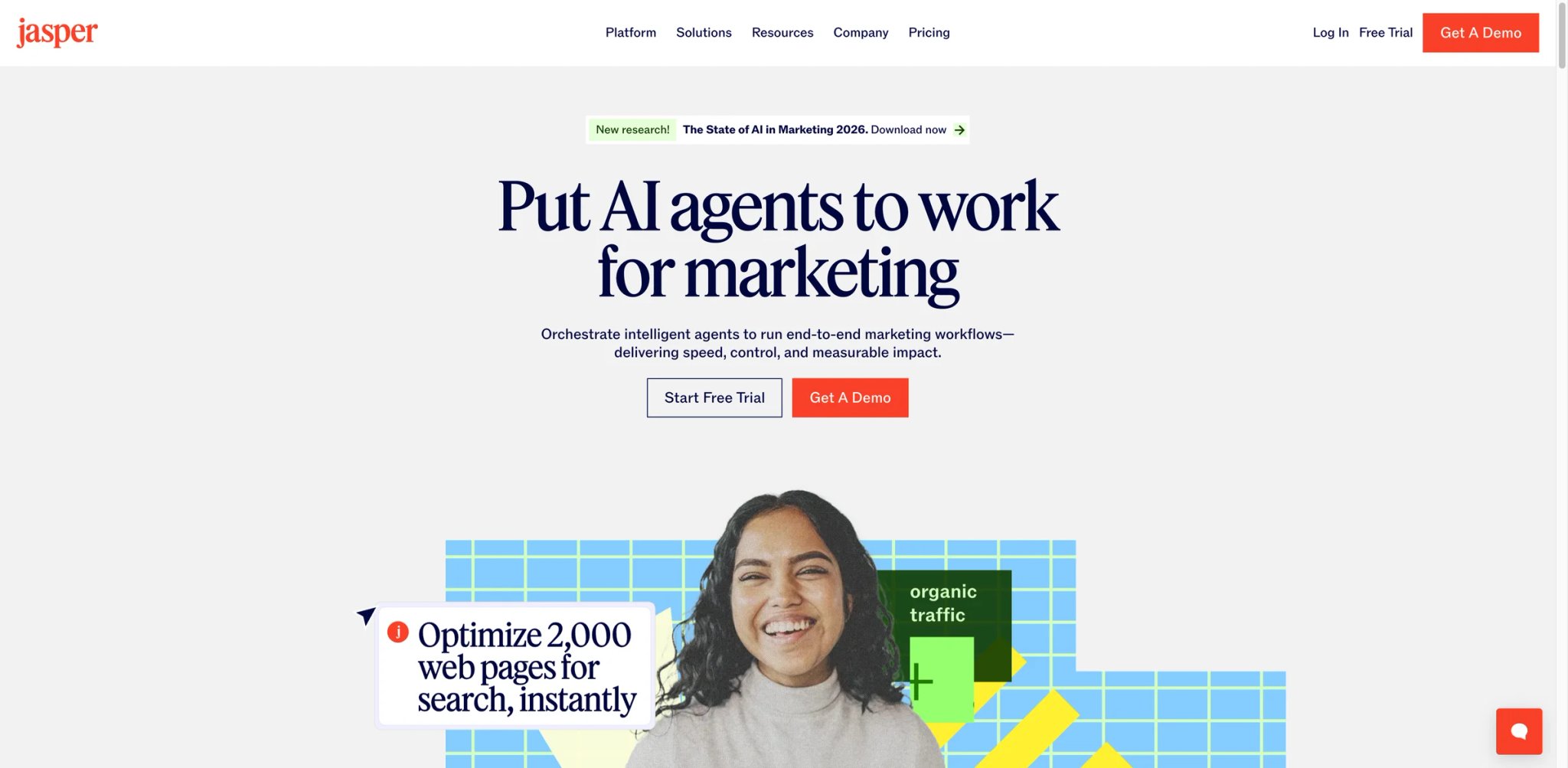
Jasper repositioned in 2024 from "AI writing tool" to "marketing AI platform," and the difference shows in how it's priced and who actually gets value. If you're an individual writer looking for a drafting assistant, Jasper is overkill and overpriced. If you run a content team producing dozens of branded assets a week across campaigns, Jasper is one of the few tools on this list built around that workflow rather than retrofitted for it.
Key Features
- Brand voice and style memory — Upload your brand guide and Jasper learns tone, vocabulary, and banned phrases. Every generation after that respects the voice without reminding the writer. For teams where brand consistency matters, this is the feature that justifies the price.
- Campaign workflows — Generate coordinated assets — blog post, LinkedIn copy, email, ad headlines — from a single campaign brief. Keeps messaging aligned across channels without copy-pasting.
- Knowledge base grounding — Connect Jasper to your internal documents so generations cite real product specs, case studies, and positioning, not generic filler.
- Team workspaces and approvals — Shared templates, review flows, and analytics on what's being generated. Built for content operations teams, not solo writers.
Pricing & Plans
- Pro: $59/month billed annually or $69/month billed monthly — advanced AI features for multiple brands and campaign collaboration
- Business: Custom pricing — personalized AI features, additional control, security, team training, and tech support
- Free trial: 7-day free trial on Pro
Cost reality: Jasper's official pricing page now shows a two-plan structure (Pro + Business). The older Creator tier is no longer publicly listed.
Limitations
- Overkill for solo writers: Paying Creator to draft blog posts you could write in Grammarly Pro with ChatGPT is a waste. Jasper earns its price on team workflows, not individual drafting.
- Output quality is solid but not unique: The underlying models are the same frontier LLMs everyone uses. The differentiation is the workflow layer, not the text itself.
- Feature cadence can outpace docs: Jasper ships new modules regularly and the documentation sometimes lags. Expect to contact support for newer features.
Best For
Content and marketing teams of 3+ writers producing branded content at volume, especially in agencies and B2B SaaS where brand voice consistency is contractual.
Not the right fit if you're a solo writer who just needs help drafting or editing (Grammarly or Rytr is cheaper) or if your main need is SEO ranking (Frase or Scalenut covers more ground).
Get started with Jasper

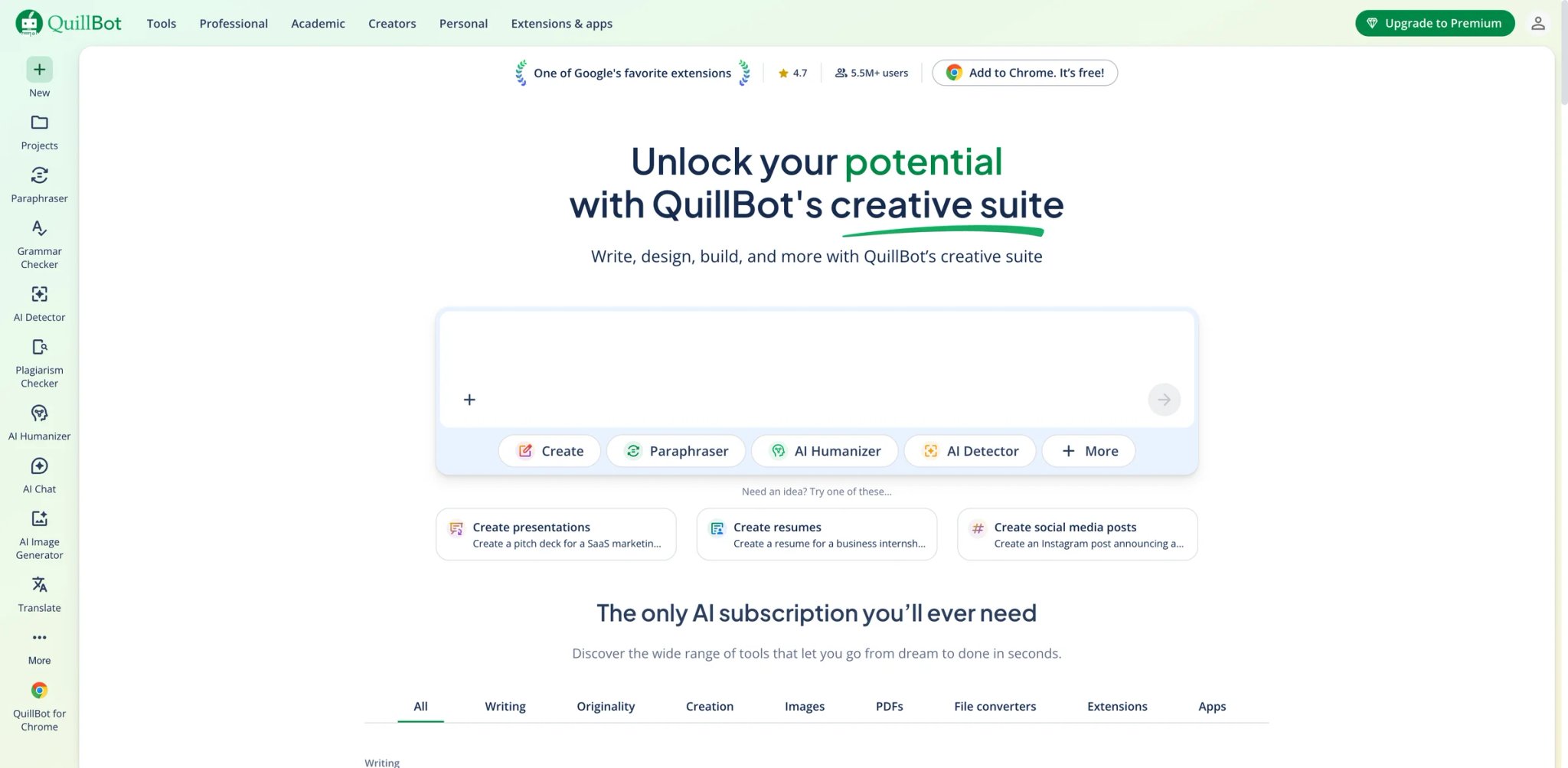
QuillBot is the paraphrasing specialist that grew up into a small writing suite. The core value is still rewriting — Standard, Fluency, Formal, Simple, Creative, and more modes let you push a sentence through different trade-offs between faithfulness and style — but the newer additions (grammar checker, summarizer, citation generator, AI detector) turn it into a genuine study and writing toolkit. It's popular with students, non-native English writers, and content teams who need variations of the same idea.
Key Features
- Multiple paraphrase modes — Standard and Fluency are the defaults; Formal, Simple, Creative, and Expand/Shorten cover other needs. The mode you pick matters as much as the input, so learn them before deciding the tool doesn't work.
- Summarizer with two output styles — Condense long passages into bullet-point key sentences or a cohesive paragraph. Useful for research reading and meeting notes.
- Citation generator and AI detector — Built-in tools for academic writers: cite sources in APA, MLA, or Chicago and check whether text reads as AI-generated. Both are serviceable without replacing dedicated tools.
- Chrome extension that works in real editors — QuillBot's extension integrates into Docs, Gmail, LinkedIn, and Notion so you don't have to copy-paste into the web app.
Pricing
- Free: $0 — paraphrase up to 125 words, 2 paraphrase modes, basic grammar help, basic summaries, and limited AI detector access
- Premium: $8.33/month billed annually — unlimited paraphrasing, all modes, plagiarism checker, and advanced features
- Team: Separate pricing for organizations
Cost reality: The free tier is still enough for students who only need occasional short-text paraphrasing; serious users hit the 125-word cap fast. Premium at $8.33/month is one of the better deals in this guide.
Limitations
- AI detection risk: Some academic institutions and AI detectors flag QuillBot-style rewrites. Worth knowing if you write in a context where AI-paraphrased output is disqualifying.
- Quality varies by mode: Creative and Expand can drift from the source meaning. Always reread before using the output.
- Narrow scope: No sidebar chat, no campaign workflows, no SEO research. QuillBot does rewrite + summarize + cite; if you need a broader toolkit, it isn't the pick. Readers comparing the category can check our roundup of AI paraphrasers.
Best For
Students, non-native English writers, and content teams whose main workflow is rewriting existing text (their own drafts, source material, or reference passages) into cleaner variations.
Not the right fit if you want a full drafting tool (Jasper, Rytr, or Grammarly Pro) or if you write in a context where AI detection flags would be a problem.
Get started with QuillBot

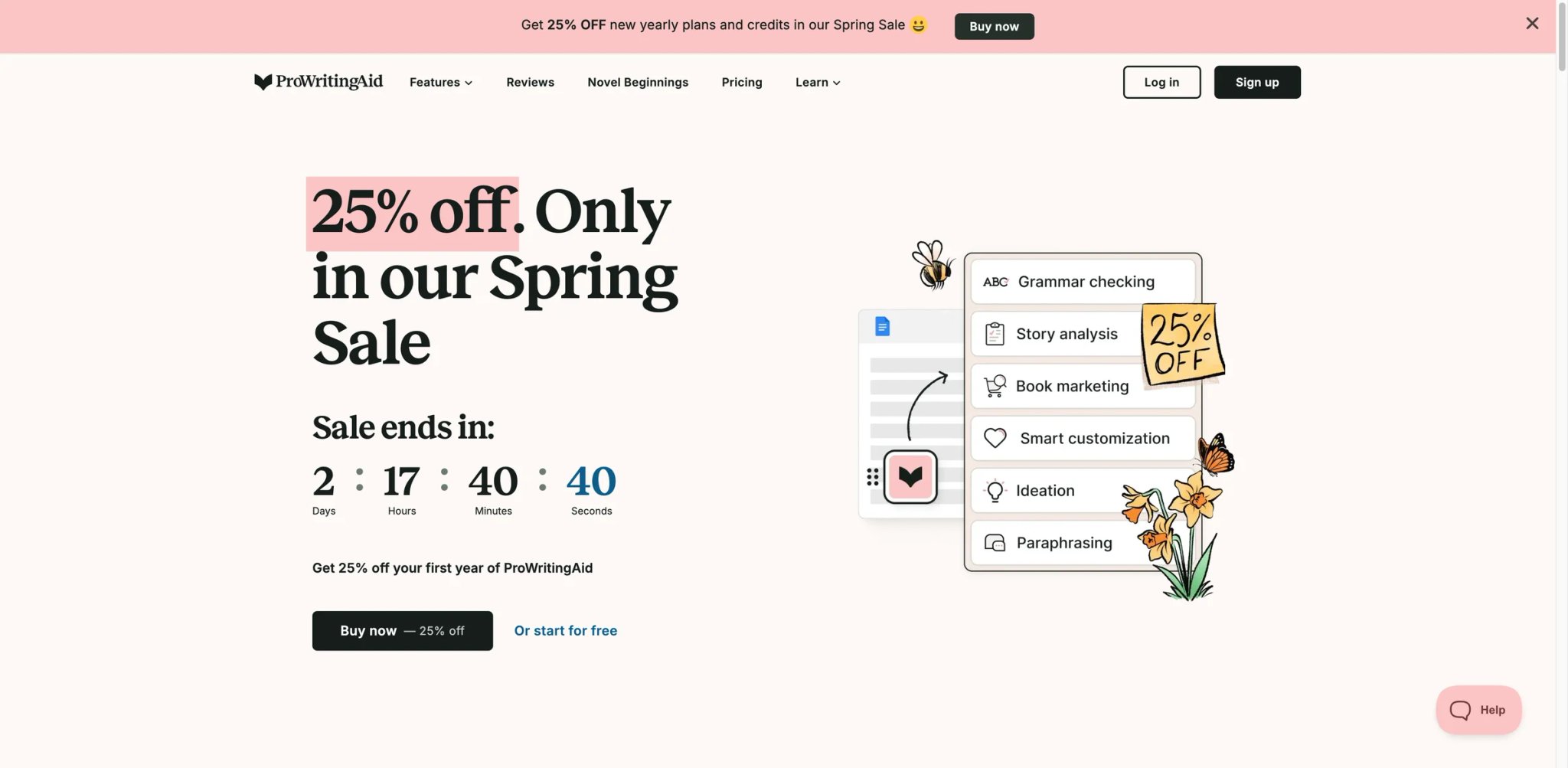
ProWritingAid is the editor-first tool in this guide. Where Grammarly points out errors and moves on, ProWritingAid runs 20+ analytical reports on your draft: passive voice density, sentence length variance, sticky sentences, overused words, pacing, dialogue tags. It's slower to use than Grammarly and much more useful for long-form writers who actually want to understand what's wrong with their manuscript.
Key Features
- 20+ writing reports — Analyze a draft for style, structure, readability, pacing, dialogue, overused words, transitions, and more. Each report surfaces patterns a spell-checker never catches.
- Integrates with writing tools — Works with Scrivener, Word, Google Docs, Chrome, and more. Long-form writers can keep their drafting environment and still run the reports.
- Desktop app for offline writing — Unlike most tools on this list, ProWritingAid ships a real desktop app. Useful for writers who work in airplane mode or who prefer local software.
- AI rewrite layer — Added in the past year, offering sentence-level rewrites and suggestions alongside the analytical reports. Less of a differentiator than the reports themselves.
Pricing
- Free: Limited daily analysis on short passages
- Premium: From $10/month billed annually — unlimited reports, all integrations, and AI features
- Premium Pro: Higher tier with additional AI credits
- Lifetime license: Occasionally available as a one-time purchase
Cost reality: Among the most affordable entries on this list, especially given the feature depth. The lifetime license is an exceptional deal when it's available.
Limitations
- Report overload on first use: Seeing 20+ reports is overwhelming for new users. Expect a learning curve before you know which reports to run routinely.
- Less "AI-first" than newer tools: ProWritingAid is an editor with AI features added, not an AI-native tool. If you want generative drafting, look elsewhere.
- Slower on very long documents: Running the full suite of reports on a 50,000-word manuscript takes noticeable time. Budget for it.
Best For
Novelists, long-form non-fiction writers, and serious bloggers who want deep analytical feedback on structure and style, and who prefer editing existing drafts over generating new ones.
Not the right fit if you want a quick "clean this up" pass (Grammarly is faster) or if generative drafting is your main need (Jasper, Rytr, or Sudowrite for fiction).
Get started with ProWritingAid

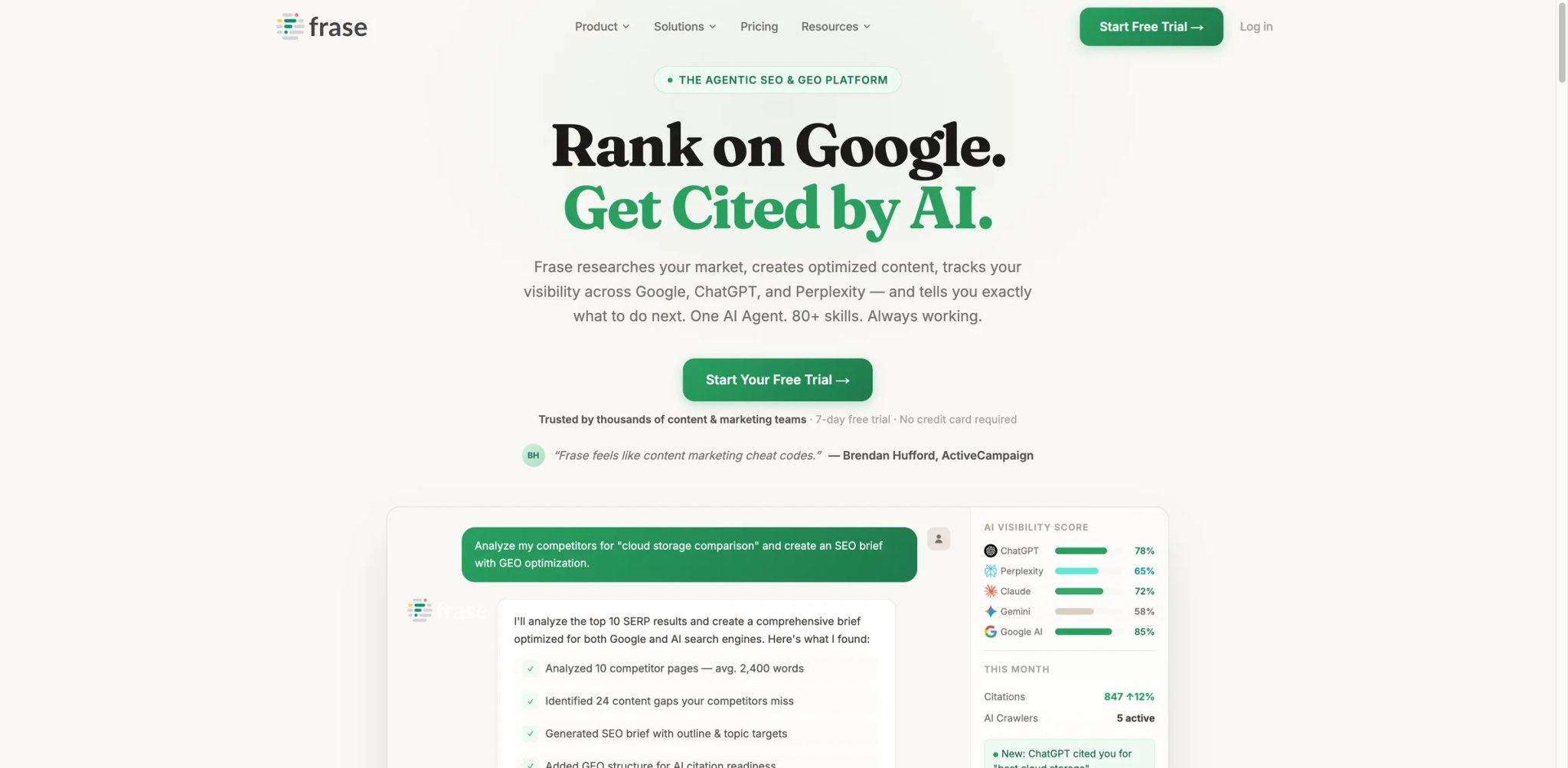
Frase is what you install when "write a blog post" is actually "research the top 10 ranking pages, build a brief, draft an outline, and write content that has a chance of ranking." The platform now goes beyond content briefs and drafting: Frase positions itself as an agentic SEO and GEO workspace that combines SERP research, optimization, site audits, publishing, API access, and AI visibility tracking. It's narrower than a general-purpose writer — if SEO isn't part of your job, skip it — but for content marketers, it replaces three separate tools.
Key Features
- SERP research in one click — Paste a target keyword and Frase pulls the top 20 results, extracts headings, and builds a topic model. This is the starting point for every content brief it produces.
- AI content brief generator — Turn the SERP research into a structured brief with target word count, headings, key questions, and internal linking suggestions. Writers can work directly from the brief without bouncing between tabs.
- AI drafting inside the brief — Generate section drafts aligned to the brief, with on-brand tone and SEO-friendly structure. Output quality is solid but the real value is the context the brief provides to the model.
- Content optimization scoring — As you write, Frase scores the draft against the SERP topic model, showing which subtopics you're covering and which are missing.
Pricing & Plans
- Starter: $49/month billed monthly — full Frase Agent access, 10 AI-optimized articles/month, 1 seat, and 1 domain
- Professional: $129/month billed monthly — 40 AI-optimized articles/month, 3 seats, and 5 domains
- Scale: $299/month billed monthly — 100 AI-optimized articles/month, 5 seats, and 10 domains
- Enterprise: Custom pricing — SSO, white-label client portal, custom SLA, and enterprise support
- Free trial: 7-day free trial with no credit card required
Cost reality: Frase now bundles AI Agent access, SEO/GEO optimization, AI visibility tracking, site audits, and API access into every plan. The old Solo/Basic/Team + add-on framing is outdated.
Limitations
- Narrow outside SEO: Frase is built around SERP-driven content. If your writing isn't ranked against search results, you're paying for features you won't use.
- AI writing is behind an add-on: The core workflow is brief + research; unlimited AI drafting requires the Pro add-on. First-time users sometimes miss this.
- Overlap with Surfer and Scalenut: These three tools target the same job. Most content teams pick one, not all.
Best For
Content marketers, SEO agencies, and in-house writers whose articles need to rank on Google. The brief + research workflow is the real differentiator.
Not the right fit if SEO isn't part of your job, or if you want a tool that does drafting, editing, and SEO equally well (look at Jasper or Scalenut depending on priorities).
Get started with Frase


Sudowrite is built explicitly for fiction. The core features — "Write," "Describe," "Brainstorm," "Rewrite," "Canvas" — are shaped around what novelists actually do: push through blank-page moments, expand scene descriptions, explore character beats, and visualize plot structure. Ask Grammarly or Jasper to help with a novel and you'll get serviceable prose; ask Sudowrite and you'll get a tool that understands how fiction works.
Key Features
- "Write" and "Describe" actions — Expand a paragraph into the next few sentences, or generate sensory descriptions of a scene. Both are tuned for fiction voice, not marketing copy.
- Canvas for plot and character mapping — A visual workspace where you can map plot beats, character arcs, and scene structure. Export back into your draft when you're ready to write.
- Brainstorm and Twist generators — When you're stuck, Sudowrite can generate character motivations, plot twists, or "what if" scenarios grounded in your existing manuscript.
- Story Bible for consistency — Keep character names, locations, and established facts in a shared context so AI-generated content stays consistent with earlier chapters.
Pricing
- Hobby & Student: From $19/month — entry tier with enough credits for light fiction drafting
- Professional: Higher tier with more credits and advanced features
- Max: Top tier for high-volume writers
Cost reality: Sudowrite is priced reasonably for what it is, especially compared to generic AI writers that charge $30+/month and don't understand fiction. Credit limits matter — heavy daily users will move past the entry tier.
Limitations
- Useless for non-fiction: Sudowrite's models and workflows are fiction-tuned. Don't install it for blog posts or marketing copy.
- Not a grammar checker: You still need Grammarly, ProWritingAid, or a human editor for the editing pass. Sudowrite writes with you; it doesn't clean up.
- Limited community data: Compared to Grammarly or Jasper, Sudowrite has fewer independent reviews and a smaller public footprint. Community feedback is concentrated in writing forums and Discord.
Best For
Novelists, short-story writers, and fiction screenwriters who want an AI collaborator that understands scene structure, character arcs, and the specific problem of "what happens next."
Not the right fit if you write non-fiction, marketing content, or technical documentation — none of Sudowrite's features map to those workflows.
Get started with Sudowrite

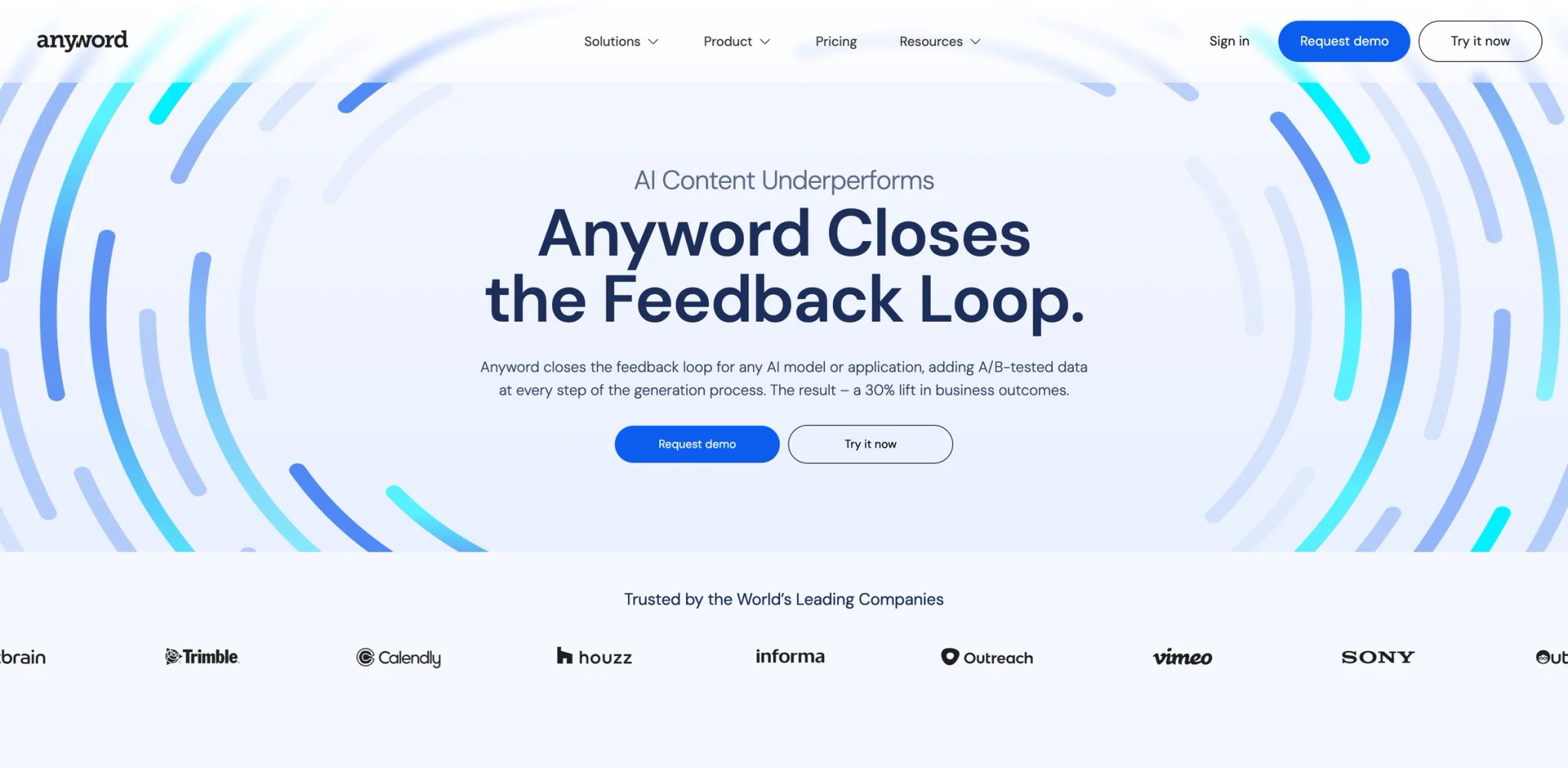
Anyword's pitch is unusual: it doesn't just generate marketing copy — it scores each variant against a predictive performance model trained on conversion data. When you're writing a headline, a CTA, or an ad, Anyword shows a predicted performance score next to each option, and over time learns what works for your specific audience. For performance marketers who A/B test copy, this is a genuinely different product from "AI that writes copy."
Key Features
- Predictive performance scoring — Every generated piece of copy gets a score forecasting how it'll perform with your target audience. Scores improve as Anyword learns from your actual campaign data.
- Audience targeting — Define your ICP and Anyword generates copy specifically calibrated for that audience, not generic writing with a tone slider.
- Copy generation across channels — Ads, landing pages, email subject lines, product descriptions, and social posts. All informed by the same audience model.
- Integrations with ad platforms — Pull performance data from Google, Meta, and LinkedIn ads to feed the learning loop. Competitors rarely go this deep on ads integration.
Pricing
- Starter: $49/month — one seat, core copy generation, performance scoring
- Data-Driven: Higher tier with custom audience training
- Business and Enterprise: Team plans with SSO, custom models, and dedicated support
Cost reality: Anyword is priced at the premium end of this list, justified by features that only performance marketers use. Generalist writers will overpay significantly for capabilities that don't apply.
Limitations
- Overkill for non-performance writers: If you're not A/B testing copy against conversion data, the performance scoring is a parlor trick. Use a cheaper tool.
- Learning curve for predictive features: Getting value from audience targeting requires feeding Anyword real campaign data. Brand new users see generic output until the model learns.
- Pricing is premium: $49/month is higher than most alternatives. Worth it for performance marketing, hard to justify otherwise.
Best For
Performance marketers, growth teams, and D2C brands producing marketing copy at scale where every headline and CTA is measured against conversion metrics.
Not the right fit if you write long-form content, B2B blog posts, or anything where "performance score" isn't a meaningful signal.
Get started with Anyword
Rytr
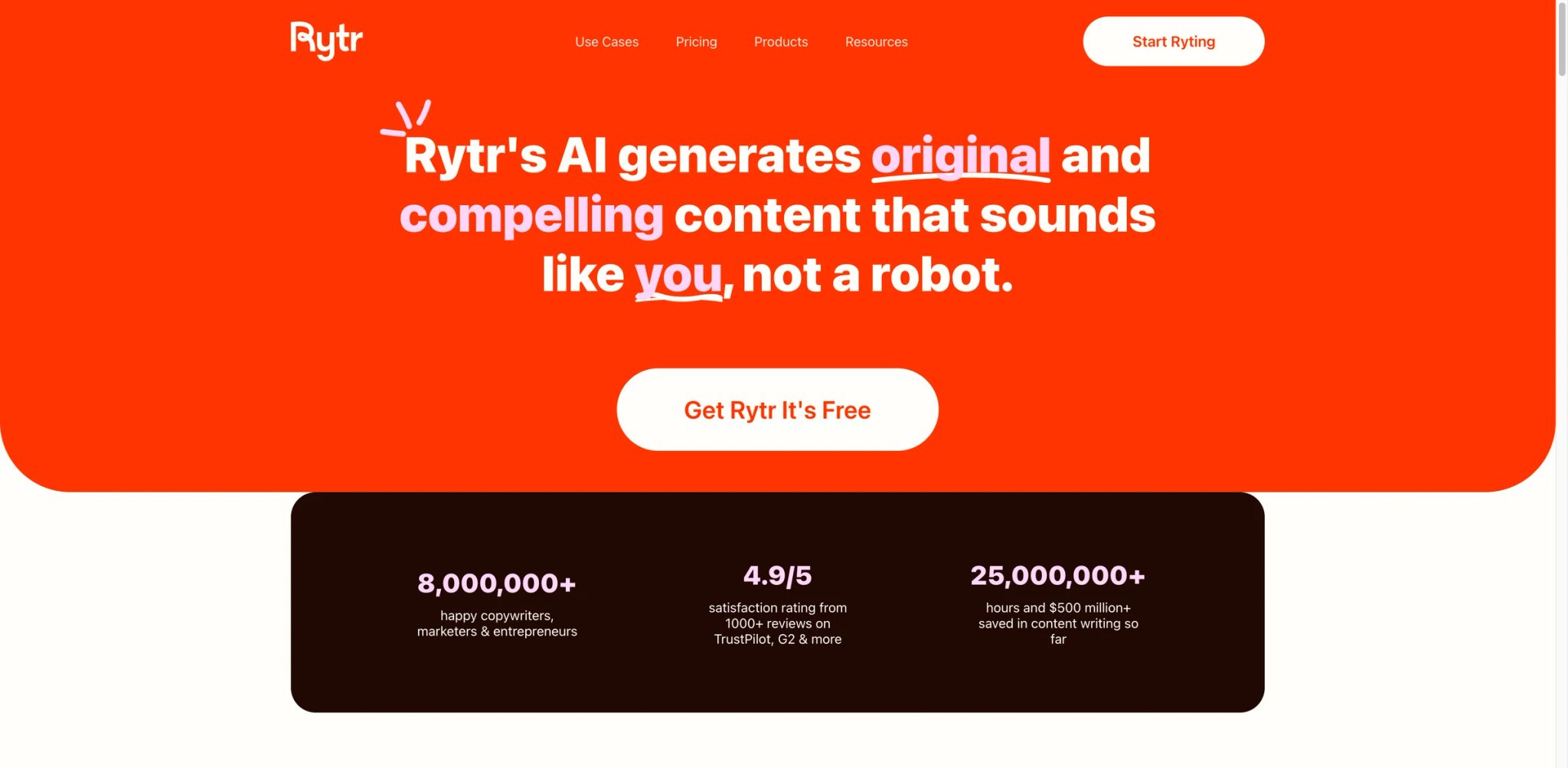
Rytr is the cheapest entry point in this guide and the one we recommend to writers who haven't yet decided whether they'll stick with AI tools at all. The free plan is genuinely usable for low-volume writing; the Unlimited plan at $9/month is less than half the price of most competitors. What you trade for the price is depth — Rytr's output is competent but not distinctive, and its feature set is lean compared to Jasper or Copy.ai.
Key Features
- 40+ use case templates — Blog ideas, product descriptions, email copy, social posts, and more. Each template is a shortcut to a working prompt, which is especially helpful for writers new to AI tools.
- Tone options — Pick from 20+ tone presets (casual, appreciative, critical, inspirational, etc.) so the output matches what you need without manual prompt engineering.
- Plagiarism checker built in — Premium plans include plagiarism checks against web content, which is handy for agency writers and students.
- Chrome extension — Write directly in Gmail, Docs, and most web apps without opening a separate tab.
Pricing & Plans
- Free: $0/month — 10K characters per month
- Unlimited: $7.50/month billed annually — unlimited generations, 1 tone match, and 50 plagiarism checks/month
- Premium: $24.16/month billed annually — multiple tone matches, 100 plagiarism checks/month, and 35+ languages
Cost reality: Rytr's current published annual pricing is lower than the older $9/month entry-point used in this article.
Limitations
- Output depth is limited: Rytr's writing is competent but doesn't match Jasper or ChatGPT-style output on complex briefs. For thought leadership or technical content, you'll feel the ceiling.
- Feature count is lean: No brand voice, no campaign workflows, no SEO research. Rytr is deliberately simple.
- Template-reliant: The best output comes from using templates; freeform prompting is weaker than on newer tools.
Best For
Freelance writers on a budget, small businesses, and anyone who wants to try AI writing without committing $49/month before knowing whether it fits.
Not the right fit if you need advanced features (brand voice, SEO workflows, agent automation), or if output quality on complex briefs is your top priority.
Get started with Rytr

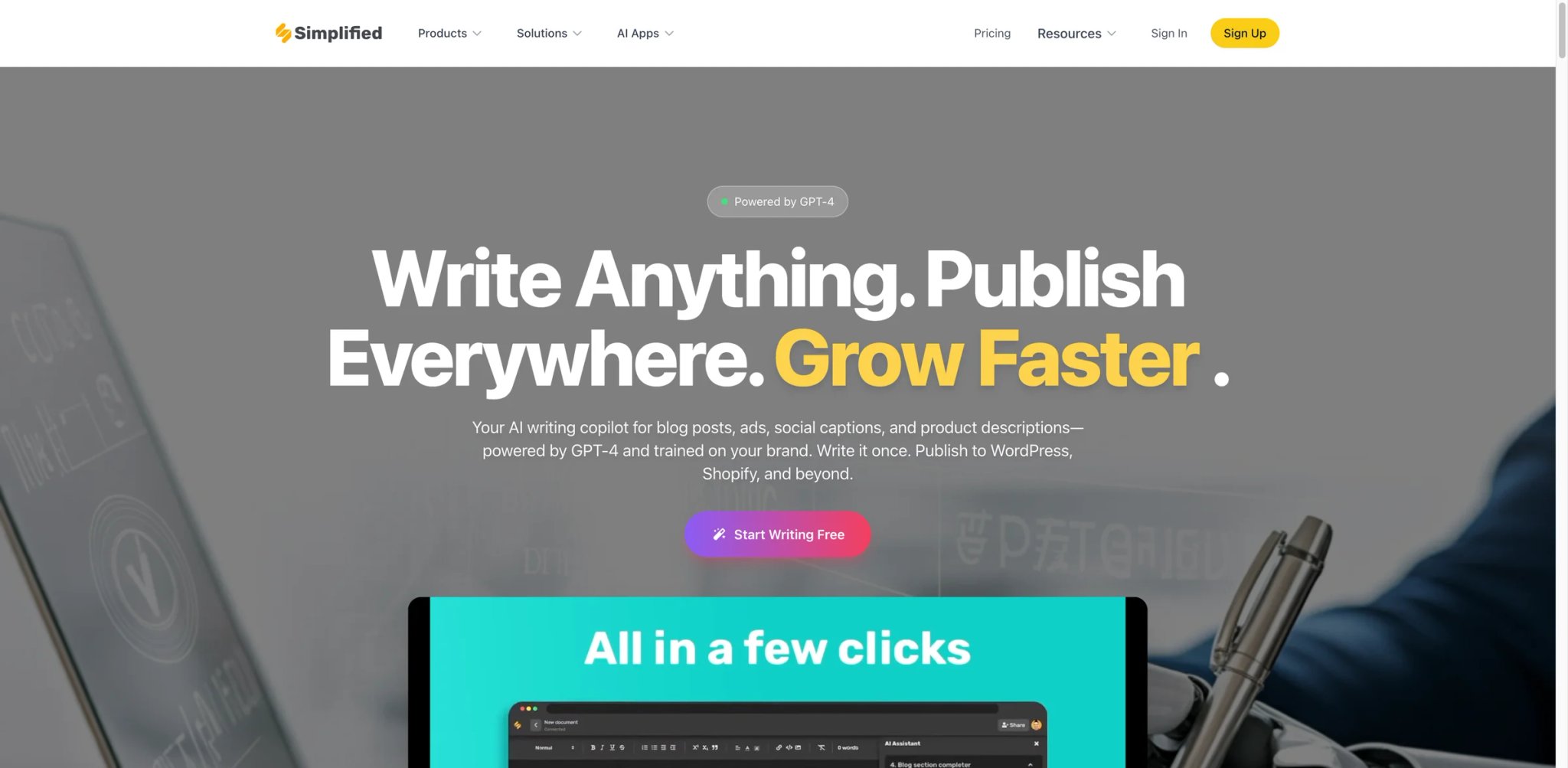
Simplified is the content suite version of "why buy five tools when you can buy one?" The AI writer sits inside a broader platform that also includes a design editor (think Canva-lite), a video editor, a social scheduler, and asset management. For solo creators and small social teams, the bundling means you can go from idea to published post without switching tools — the question is whether you actually need all those modules.
Key Features
- AI writer with 70+ templates — Covers long-form articles, social captions, ad copy, and product descriptions. Output quality is comparable to Rytr — serviceable, not distinctive.
- Design editor — Create graphics, social posts, and presentations inside the same workspace. Not Canva's equal, but close enough for fast social output.
- Video editor with AI features — Generate short-form social videos with AI voiceovers and automatic captions. Useful for TikTok and Reels workflows.
- Social scheduler — Publish generated content directly to Instagram, LinkedIn, X, and other platforms from the same dashboard.
Pricing & Plans
- Free: $0/month — 1 seat and 5,000 AI words
- One: $24/month billed annually — 1 seat, 1 Brandbook, 100K AI words, and bundled access across Simplified's apps
- Enterprise: Custom pricing — sales-led plan for larger teams
Cost reality: Simplified's main pricing page now emphasizes a consolidated "One" paid plan rather than the older Pro/Business naming used in this article.
Limitations
- Writing is one of many modules: The AI writer isn't as deep as dedicated tools. Simplified's pitch is "good enough everywhere," not "best at anything."
- Module quality varies: The design editor is stronger than the video editor, and the writer is weaker than the design editor. Mileage varies by which modules you lean on.
- Feature creep in the UI: With so many modules, the interface can feel cluttered. New users should explicitly pick the 2–3 modules they'll use.
Best For
Solo creators, social media managers, and very small teams who want one subscription covering writing, design, and social publishing without installing Canva + Jasper + Buffer separately.
Not the right fit if you already use dedicated tools for design and social (stick with those) or if writing quality is the main job (Jasper or Grammarly will serve you better).
Get started with Simplified

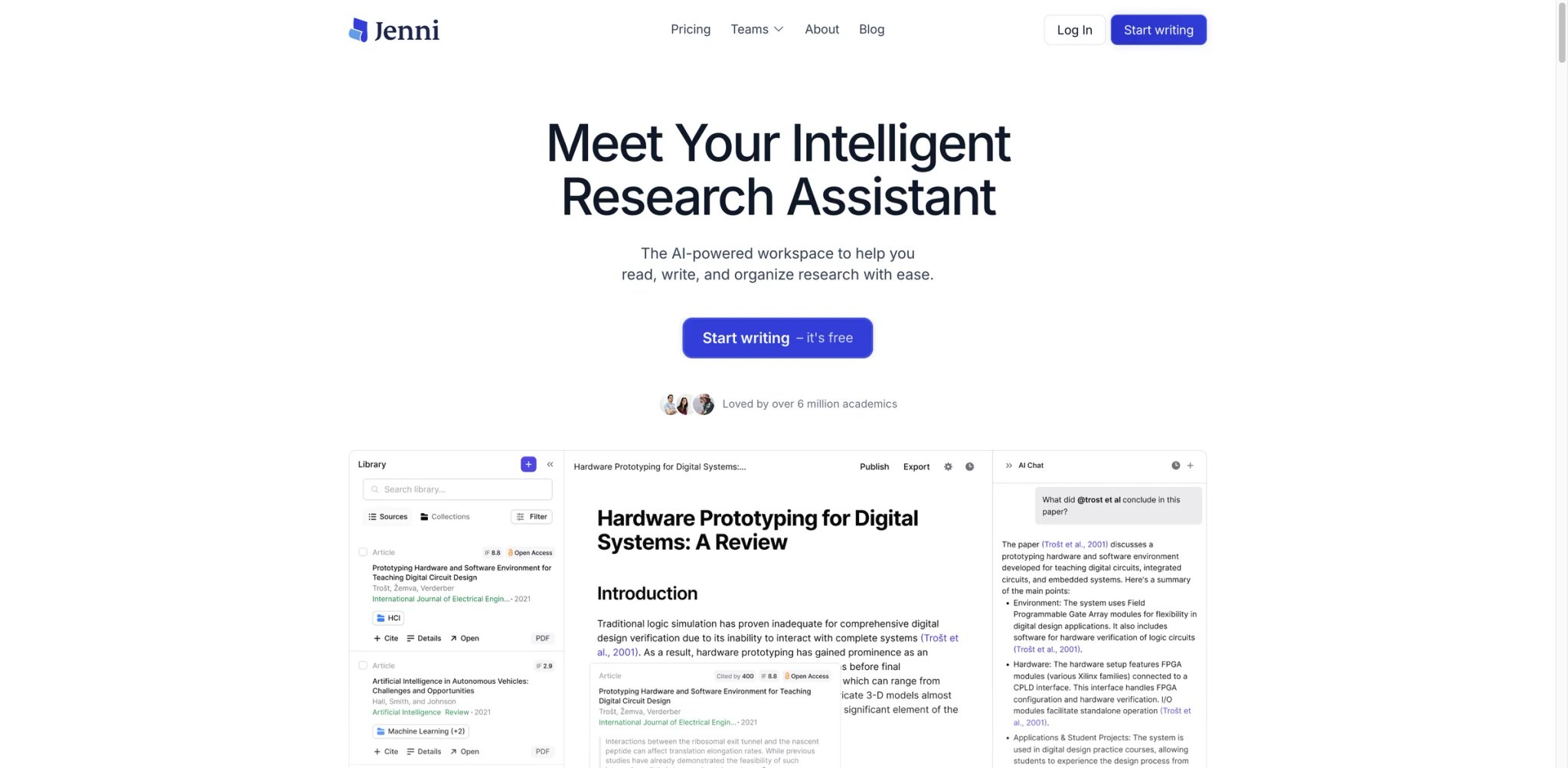
Jenni AI is the academic writing tool in this guide. Its defining features — inline citation generation, research paper formatting, literature review drafting, and PDF-grounded Q&A — are all calibrated for students and researchers. General-purpose AI writers can technically help with academic work; Jenni is built for it. If you're writing a thesis, a research paper, or a literature review, this is the one tool on this list you'll get obvious value from.
Key Features
- Inline citations as you write — Jenni inserts citations in the format you need (APA, MLA, Chicago, Harvard) while you draft. No copy-paste from a reference manager.
- PDF upload and grounded writing — Upload source papers and Jenni uses them as context, citing specific sections in generated text. The grounding reduces hallucination compared to general-purpose AI writers.
- Academic tone by default — The output is calibrated for research register: precise, formal, and structured. You don't have to keep telling the tool "write academically."
- Research assistant mode — Ask questions about your uploaded sources and get summaries or comparisons across papers. Useful for literature review prep.
Pricing & Plans
- Free: $0/month — 10 AI autocompletes/day, 10 PDF uploads, 5 AI edits, 5 AI chat messages, and 3 reviews
- Plus: $12/month — 5,000 autocompletes/month, unlimited PDF uploads, 500 AI edits, 500 AI chat messages, and 10 reviews/month
- Pro: $29/month — unlimited AI autocomplete, PDF uploads, AI edits, AI chat, and reviews
Cost reality: Jenni now uses Free / Plus / Pro naming. The older "Unlimited" plan wording and $20/month entry price are outdated.
Limitations
- Narrow outside academia: Jenni's features don't translate to blog writing or marketing copy. It's an academic tool.
- Grounding isn't perfect: Even with PDF upload, Jenni occasionally cites the wrong section or paraphrases loosely. Always verify quotes before submitting.
- Ethical considerations: Some institutions treat AI-written academic text as a policy violation. Check your school's rules before using any AI writer for graded work.
Best For
Graduate students, PhD candidates, and researchers writing literature reviews, research papers, or thesis chapters who need inline citations and PDF-grounded writing as a daily workflow.
Not the right fit if you write non-academic content, or if your institution prohibits AI writing tools on graded work.
Get started with Jenni AI


Scalenut now positions itself as an AI visibility and GEO growth platform that combines brand-visibility tracking, prompt intelligence, content execution, optimization, and publishing in one workspace. The pitch is that a content team can run their entire SEO workflow inside one tool instead of chaining five. In practice, most teams already have a keyword research tool and use Scalenut for the middle of the funnel — briefs through optimization — where it's genuinely strong.
Key Features
- Keyword planner and cluster analysis — Group related keywords into clusters and plan content calendars around them. Overlaps with Ahrefs and Semrush but is integrated into the writing workflow.
- AI content brief generator — Similar to Frase's brief workflow, with the added step of tying the brief back to a content cluster rather than a single keyword.
- Cruise Mode for full article drafts — Generate a complete long-form article from a brief in a single pass. The output is a working draft, not a publish-ready post, but it saves significant drafting time.
- Content optimization scoring — Real-time score against the target topic model, showing coverage gaps as you edit.
Pricing & Plans
- Starter: $59/month or $30/month billed annually — AI visibility tracking, 1 workspace, and 5 GEO articles/month
- Plus: $89/month or $45/month billed annually — 2 workspaces, 30 GEO articles/month, and broader optimization tooling
- Professional: $199/month or $100/month billed annually — unlimited workspaces, 75 GEO articles/month, and expanded AI visibility coverage
- VIP Service: Custom pricing / from $399+ per month — service-led execution support
Cost reality: Scalenut now sells an AI visibility + GEO execution platform. The older Essential / Growth / Pro SEO-only tier names are outdated.
Limitations
- Overlaps with Frase and Surfer: Most content teams pick one of these three. Running all three is redundant.
- Cruise Mode output needs editing: The full-article drafts are working material, not finished content. Don't publish them without a human pass.
- Keyword research isn't a replacement for dedicated SEO tools: If you're doing serious SEO, you'll still want Ahrefs or Semrush alongside Scalenut.
Best For
SEO content teams and agencies who want one tool covering content planning, brief generation, AI drafting, and optimization in a single workflow.
Not the right fit if SEO isn't your primary content job, or if you already use dedicated tools for keyword research and want a leaner writing layer (Frase is simpler).
Get started with Scalenut

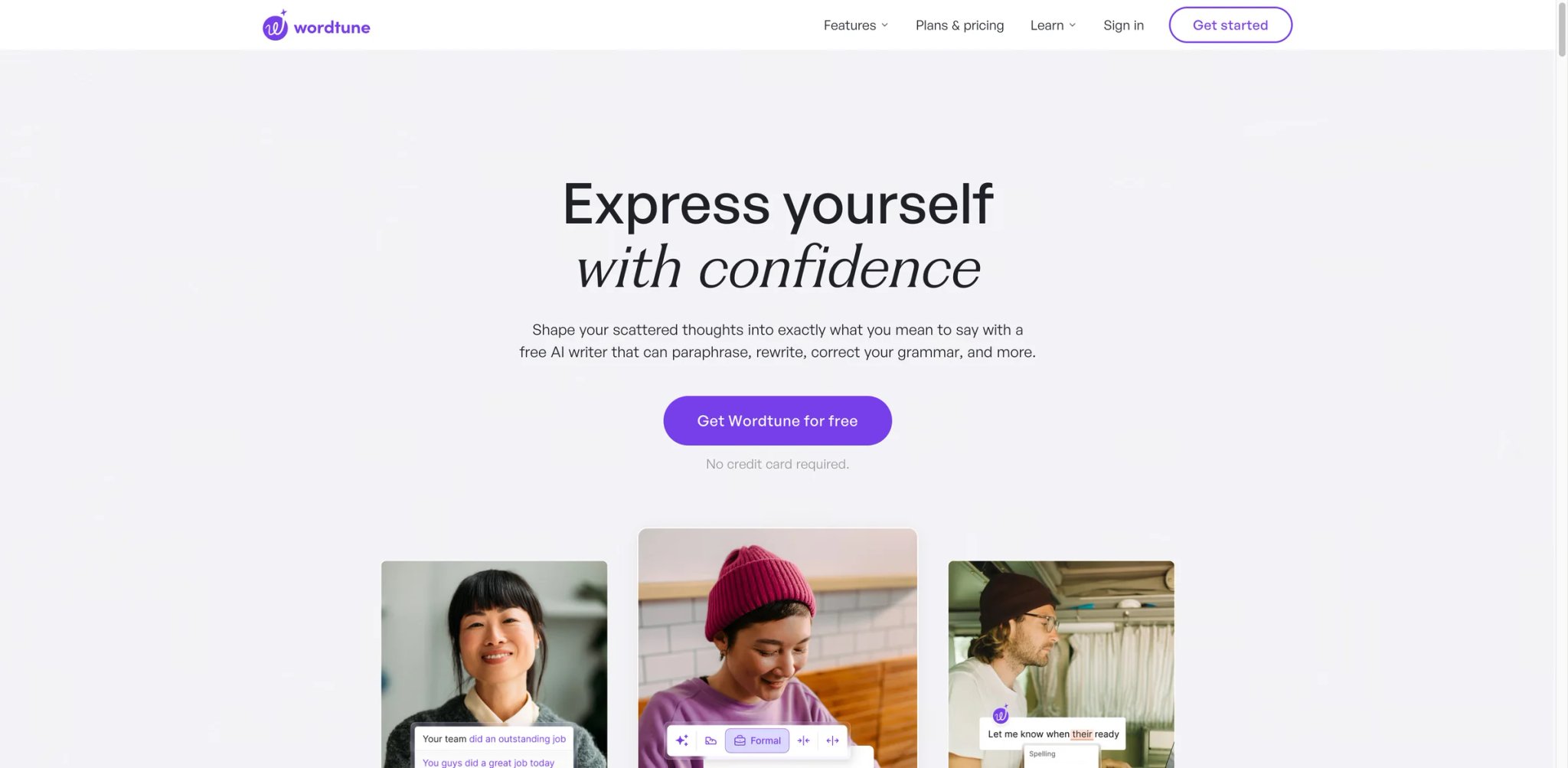
Wordtune is the sentence-level rewrite specialist. Highlight any line and Wordtune offers rewrite variants (casual, formal, shorter, longer) in a small popover. It doesn't draft articles, manage campaigns, or run SEO research — it does one thing, very fast, with the lowest possible friction. For writers whose main problem is "I can't quite land this sentence," it's a better fit than any full-feature AI writer.
Key Features
- One-click rewrite menu — Highlight a sentence and pick a rewrite variant inline. Replacements happen in place, not in a separate tab.
- AI writing "spices" — Inject a fact, a counterargument, a joke, or emphasis into your draft with one click. Useful for breaking out of blank-page paralysis.
- Summarize any page or video — Summarize articles and YouTube videos with timestamped highlights. Secondary feature but genuinely useful.
- Cross-platform extension — Works in Gmail, Docs, LinkedIn, Notion, and most rich-text editors.
Pricing & Plans
- Basic: $0 — 10 rewrites & AI suggestions/day and 3 AI summarizations/month
- Advanced: $4.89/month billed annually — 30 rewrites & AI suggestions/day and 15 AI summarizations/month
- Unlimited: $6.99/month billed annually — unlimited rewrites, AI suggestions, summarizations, spelling corrections, and grammar checks
- Free trial: 3-day free trial on paid plans
Cost reality: Wordtune's current public pricing is materially lower than the older $13.99/month entry point used in this article.
Limitations
- Not a drafting tool: Wordtune doesn't generate from blank pages. If you need article drafts, look elsewhere.
- Rewrite variants plateau: After a few iterations on the same sentence, suggestions start repeating.
- Narrow scope: No brand voice, no SEO, no templates. By design.
Best For
Editors, ESL writers, and professionals who spend their time polishing existing prose rather than generating new drafts, and who want the fastest possible inline rewrite workflow.
Not the right fit if you need AI help writing from scratch, or if grammar checking and editing reports are your main need (Grammarly or ProWritingAid will serve better).
Get started with Wordtune
Best AI Writing Tools by Use Case
For Professional Writers Who Care About Output Quality First
Grammarly for everyday editing and tone, ProWritingAid when you need deep structural reports on a long draft, and either tool alongside a frontier LLM (ChatGPT, Claude) for original drafting. Skip the marketing-focused platforms — they're priced and built for teams, not individual writers.
For Marketing and Content Teams Producing Branded Content at Scale
Jasper for brand voice and campaign workflows, Anyword if you A/B test copy against conversion metrics, and Frase or Scalenut for the SEO layer. Most teams end up running two of these three: a general writer (Jasper) + an SEO tool (Frase or Scalenut). Anyword joins when performance marketing becomes a core budget line.
For Solo Bloggers and Freelancers on a Budget
Rytr at $9/month for drafting, Grammarly Free (or Pro) for editing, and Frase if and only if your blog revenue depends on SEO ranking. Rytr plus Grammarly Free covers most freelance content work at very low cost; add Frase only when SEO ROI clearly justifies a separate roughly $49/month tool.
For Novelists and Fiction Writers
Sudowrite is the only tool on this list built specifically for fiction. Pair it with ProWritingAid for the editing pass, and Grammarly as a background checker in your drafting environment. Skip marketing-focused tools entirely — they don't understand scene structure or character voice.
For Graduate Students and Academic Researchers
Jenni AI for drafting with citations, Grammarly for the polish pass, and QuillBot for paraphrasing source material (respecting your institution's AI policy). Add a dedicated reference manager (Zotero) for deep citation work.
For Editors Who Don't Want to Draft, Just Fix
Wordtune for inline sentence rewrites, Grammarly for tone and grammar, ProWritingAid when you want structural feedback. These three together cover almost every editing use case without any drafting overhead.
How to Choose the Right AI Writing Tool
-
Start from the job, not the feature list — "Writing" is too broad. Decide whether you're drafting marketing copy, editing fiction, writing research papers, ranking blog posts, or fixing sentence-level prose. Match the tool to the job before comparing prices.
-
Test the free tier for a week of real work — Grammarly, QuillBot, ProWritingAid, and Rytr all ship free tiers you can actually use. Don't subscribe to an annual plan until you've used the free version for at least a week on real writing.
-
Check the AI training policy — Some tools train on user inputs by default. If you write confidential content (client drafts, unpublished research, proprietary copy), read the privacy policy before uploading anything. Paid tiers often include opt-out.
-
Budget for credit overages — Most premium tiers include "unlimited" with asterisks: fair-use caps, credit limits on premium models, or overage fees. Read the fine print on the plan before assuming the monthly price is the monthly price.
-
Avoid the overlap tax — Running Jasper + Grammarly + Wordtune means paying for three tools that partially do the same thing. Decide whether breadth (one tool with many features) or depth (specialized tools for each job) matches your workflow before stacking. For more productivity-focused options, browse our AI productivity tools category.
-
Verify cancellation paths — Grammarly, Jasper, and several others have had billing complaints about difficult cancellation flows. Before subscribing annually, verify you can cancel through a clear self-serve path rather than a support ticket.
Frequently Asked Questions
What's the best free AI writing tool that's actually usable in 2026?
Is Grammarly's new AI writing good enough to replace ChatGPT for drafting?
Which AI writing tools are safe to use for confidential client content?
Does AI writing output get flagged by AI detectors like Turnitin?
Is Jasper worth $49/month over cheaper alternatives like Rytr?
What's the difference between Frase, Scalenut, and Surfer for SEO content?
Can AI writing tools help with academic writing without plagiarism issues?
Get ToolWorthy Weekly
New AI tools, practical guides, and selected AI signals in one weekly brief.
Related Posts
- 12 Best AI Book Writer Tools 2026 — Drafts, KDP & Fiction
Compare 12 AI book writer tools for fiction, nonfiction and KDP workflows, including pricing, export limits, story memory and real editing risks.
- 12 Best AI Paraphrasing Tools 2026 — Tested for Quality & Billing Traps
We tested 12 AI paraphrasing tools on rewrite quality, word limits, and billing practices — from free tools like Scribbr and Semrush to premium options like QuillBot and Wordtune.
- Best AI Text Generator 2026 - 13 Tools Tested & Compared
We tested 13 AI text generators for quality, SEO, and pricing. Find the best tool for blogs, marketing, or fiction—with real examples and cost breakdowns.
For AI tool founders
Built a tool that belongs in this decision set?
Request an editorial evaluation for possible inclusion in ToolWorthy.
Submit your tool for reviewPaid submission does not guarantee a ranking, recommendation, inclusion, or editorial outcome.