
10 Best Trello Alternatives 2026 — After Atlassian's Inbox, Planner, and AI Pivot
Atlassian's 2025 'New Trello' pivot left team-PM users without a roadmap. We mapped 10 alternatives — sorted by which migration trigger they actually solve.

On this page
In May 2025 Atlassian shipped "New Trello" — Inbox, Planner, AI sprinkles, the works — and rebranded the app store listing as a "personal productivity powerhouse." Three months later, an Atlassian rep posted in r/trello: "Trello will not be accepting new feature requests related to project management." Read that twice. The team-PM tool you onboarded your team onto is, by its vendor's own roadmap statement, no longer trying to be a team-PM tool.
Most "Trello alternatives" articles read like SaaS bingo. This one is sorted by migration trigger. Below: 10 direct kanban / PM alternatives, 5 adjacent picks (docs-first, dev-first, personal task), and a mapping of which exit route each tool actually serves. If you'd rather browse our broader alternatives directory for tools beyond Trello, start there. Otherwise, these are the migration paths people are actually walking in 2026 — not a feature-list spreadsheet.
| Tool | Best For |
|---|---|
| Asana | Cross-team projects with goals and reporting |
| ClickUp | All-in-one workspaces that absorb docs, automation, dashboards |
| monday.com | Visual Work OS for ops and marketing teams |
| Jira | Software teams ready for backlog + sprint discipline |
| Wrike | Resource-heavy projects with cross-department reporting |
| Airtable | Database-shaped projects like CRM, content, and ops |
| Basecamp | Flat-fee teams who hate per-seat math |
| Microsoft Planner | Microsoft 365 / Teams shops |
| MeisterTask | Trello-like simplicity without the new-Trello clutter |
| Plaky | Free-tier teams with unlimited collaborators |
| Notion | Docs and tasks in one workspace |
| Linear | Fast issue tracker for product/engineering |
| Shortcut | Engineering-focused stories, epics, and iterations |
| Plane | Open-source / self-hosted PM |
| Todoist | Pure personal task management |
Why People Are Leaving Trello in 2026
These seven pains aren't ranked by severity — they're ranked by how often they're cited as the trigger for the actual migration. Most readers will recognize one of these as their reason. The other six are noise for them.
1. Trello is pivoting to a personal productivity inbox. The 2025 Atlassian rebrand wasn't cosmetic. The new Inbox view is for "capturing your to-dos." Planner is for "tackling them on a personal calendar." The AI features summarize cards into your day. None of that is bad — it's just not team project management. The smoking gun is the Atlassian community statement that "Trello will not be accepting new feature requests related to project management" — r/trello, August 2025. If you onboarded your team for backlog-grooming and standup ceremonies, you're now on the wrong product roadmap.
The receipts are public: the Google Play Store listing now positions Trello as a "personal productivity powerhouse" — the literal phrase. App store copy doesn't ship without product-marketing alignment. For team-PM workloads — sprint boards, cross-functional handoffs, multi-stakeholder approval flows — the alignment vector is now pointing somewhere else (toward the AI productivity tools category, basically). Six-month roadmap silence on team-PM features will compound into a 24-month feature gap versus Asana, ClickUp, and Jira if you stay on Trello.
2. The new UI and AI sprinkles feel cluttered. Long-time Trello users have been vocal about the UI redesign. "Trello used to be quick and simple, now it is slow, cluttered, and complicated" — r/trello, July 2025. The complaints aren't just nostalgia; the new UI added modals, AI suggestion popovers, and second-tier nav that the old "card-on-column" layout didn't have. Power users who chose Trello for its restraint feel betrayed by feature creep.
The specific friction points repeat: AI "suggested next actions" popovers that interrupt card editing, secondary nav strips that push the card column lower on the screen, and modals that gate operations that used to be one click. None of these features are individually bad, but they violate the implicit contract Trello had with its power users: stay out of my way until I ask. For teams that chose Trello because it didn't act like Asana, the post-2025 UI feels like Asana with a kanban skin glued on.
3. The free plan cuts off at 10 collaborators. Trello's free tier allows unlimited cards but caps collaborators per workspace at 10. Below 10 you're fine. At 11 the wall is hard — you upgrade or you don't add the person. "I am aware of the 10 collaborators only rule now unless I pay Trello" — r/trello, October 2024. For non-profits, classrooms, and clubs that grew past 10 members, this is the default reason to leave.
4. Per-user billing math is opaque for guests and clients. Trello bills per workspace member, but the rules around guests, multi-board users, and observers have shifted enough times that the Atlassian community sees recurring confusion. "Does it mean that if a company has 8 people it has to pay $80 a month?" — community.atlassian.com, January 2025. For agencies juggling client guests across 5 boards, the bill at the end of the month rarely matches the team's mental model.
5. Basic kanban still hits a ceiling when teams need dependencies, resource planning, and portfolio reporting. The card-on-column metaphor is Trello's strength up to ~50 active items per board. Past that, teams hit a ceiling: Trello Premium includes Timeline, Table, Calendar, Dashboard, and Map views, but first-class dependencies, resource planning, workload views, and portfolio-level reporting still require a heavier PM tool or third-party add-ons. Zapier's 2026 roundup summed it up bluntly: Asana ships timeline + reporting that Trello can't match without four Power-Ups stacked. "Trello can't handle it anymore, gets slow and unresponsive" — r/trello, June 2025 — gets posted at least monthly.
The Power-Up tax is variable, not a fixed $1-$5/user/mo rule. Trello includes unlimited Power-Ups, but some partner Power-Ups require separate vendor subscriptions, so advanced Gantt, dependency, reporting, or sync workflows can still add a second bill. Price advanced add-ons one by one: Trello already includes Custom Fields and card mirroring on Standard and above, while Calendar, Timeline, Table, Dashboard, and Map views are Premium features. The real extra-cost risk is advanced third-party Gantt, dependency, reporting, and integration add-ons whose pricing varies by vendor. At that price point you're paying Asana Advanced rates for Trello with bolted-on parts — the math stops working quickly. Teams that chose Trello to avoid Asana-tier pricing often migrate the moment they realize their Power-Up stack already crossed the line. Our AI project management tools roundup is a useful starting point if your real question is "what comes after kanban-plus-bolt-ons."
6. Butler automation still hits workflow walls, even though card mirroring is now native on paid plans. Butler is Trello's killer feature for solo and small-team users — until you need conditional logic, cross-board mirroring, or branching paths. "Trello alternatives with mirroring/automation/the potential for automation?" — r/trello, July 2025 — is one of dozens of similar threads. The complaints aren't "Butler is bad," they're "Butler stops where my workflow needs to start."
Specifically: Butler is still best for board-level rules and simple no-code actions; it is weaker when workflows need branching logic, conditional governance, or multi-board process reporting. Trello now offers native card mirroring on Standard, Premium, and Enterprise, so the migration trigger is no longer 'mirroring is missing' — it is whether mirrored cards plus Butler are enough for a full workflow engine. For workflows where a card represents a piece of work that needs to appear on both an engineering board and a product board, Butler will move it, copy it, and immediately lose the link. Asana, ClickUp, and monday.com all handle this natively because their automation engines were designed after Trello's was — they learned from Butler's gaps. If automation breadth is your trigger, the AI workflow generator tools category lists tools that explicitly outsource the engine to a stronger automation layer.
7. Large boards get flaky on iOS and during outages. Trello at scale is a performance story. Cards above ~500 per board cause sluggish loads. Boards above 1,500 cards (one r/trello user reported 35,000 attachments) become unusable. The August 2025 outage thread "Is Trello down?" surfaced cross-platform browser failures that lasted hours. For ops teams whose boards are the single source of truth, the reliability tax compounds.
If you recognize one of these seven, you're the audience for this article. Skip to that pain in the use-case section to see which 2-4 alternatives actually solve it.
Top 10 Trello Alternatives Compared
This is the rough scoreboard. It's not a leaderboard — the right tool depends on which trigger above is yours. Score range is 7.8-8.7 to keep things honest; everything below 7.5 didn't make this list, and there's no 9+ here because every alternative has a real limitation that a thoughtful reader should weigh.
| Tool | Pricing Shape | Predictable Cost? | Form Factor | Migration Effort | Score |
|---|---|---|---|---|---|
| Trello (anchor) | Free; Standard $5/user/mo annual; Premium $10/user/mo annual; Enterprise from $17.50/user/mo annual | 🟡 Per-user; some Power-Ups may add separate vendor subscriptions | Kanban + Inbox/Planner | — | — |
| Asana | Per-user, Free + Starter + Advanced + Enterprise | 🟢 Yes | Boards + Lists + Timeline + Goals | Medium (importer) | 8.7 |
| ClickUp | Per-user, Free + Unlimited + Business + Enterprise | 🟢 Yes | All-in-one workspace | High (config) | 8.5 |
| monday.com | Per-seat, 3-seat minimum on paid plans | 🟡 Minimum seats | Item-database with views | Medium (importer) | 8.4 |
| Jira | Free up to 10 users; paid cloud tiers vary by region/user count | 🟡 Tier and region varied | Backlog + sprint + issue | High (workflow) | 8.4 |
| Wrike | Free + Team + Business + Pinnacle + Apex | 🟡 Seat buckets and higher-tier custom pricing | Folders + Gantt + Workload | High (schema) | 8.2 |
| Airtable | Per-seat, Free + Team + Business + Enterprise Scale | 🟢 Yes | Database with views | High (you build it) | 8.2 |
| Basecamp | Free, $15/user/mo Plus, or flat $299/mo Pro Unlimited annual | 🟢 Yes (flat option) | Project bundle | Low (importer) | 8.1 |
| Microsoft Planner | Bundled with M365 / standalone Planner plans | 🟢 If on M365 | Boards + Tasks in Teams | Low (M365 native) | 8.0 |
| MeisterTask | Free + Pro $13/user/mo + Business $25/user/mo | 🟢 Yes | Calmer Trello-style boards | Low (Trello-shaped) | 7.9 |
| Plaky | Free unlimited users; Pro/Enterprise low-cost per-seat | 🟢 Yes | Item-type boards | Low (importer) | 7.8 |
The tools above are evaluated as direct kanban / PM replacements. Five more (Notion, Linear, Shortcut, Plane, Todoist) are adjacent — different paradigms that solve specific Trello triggers — and live in Honorable Mentions below.
Detailed Reviews

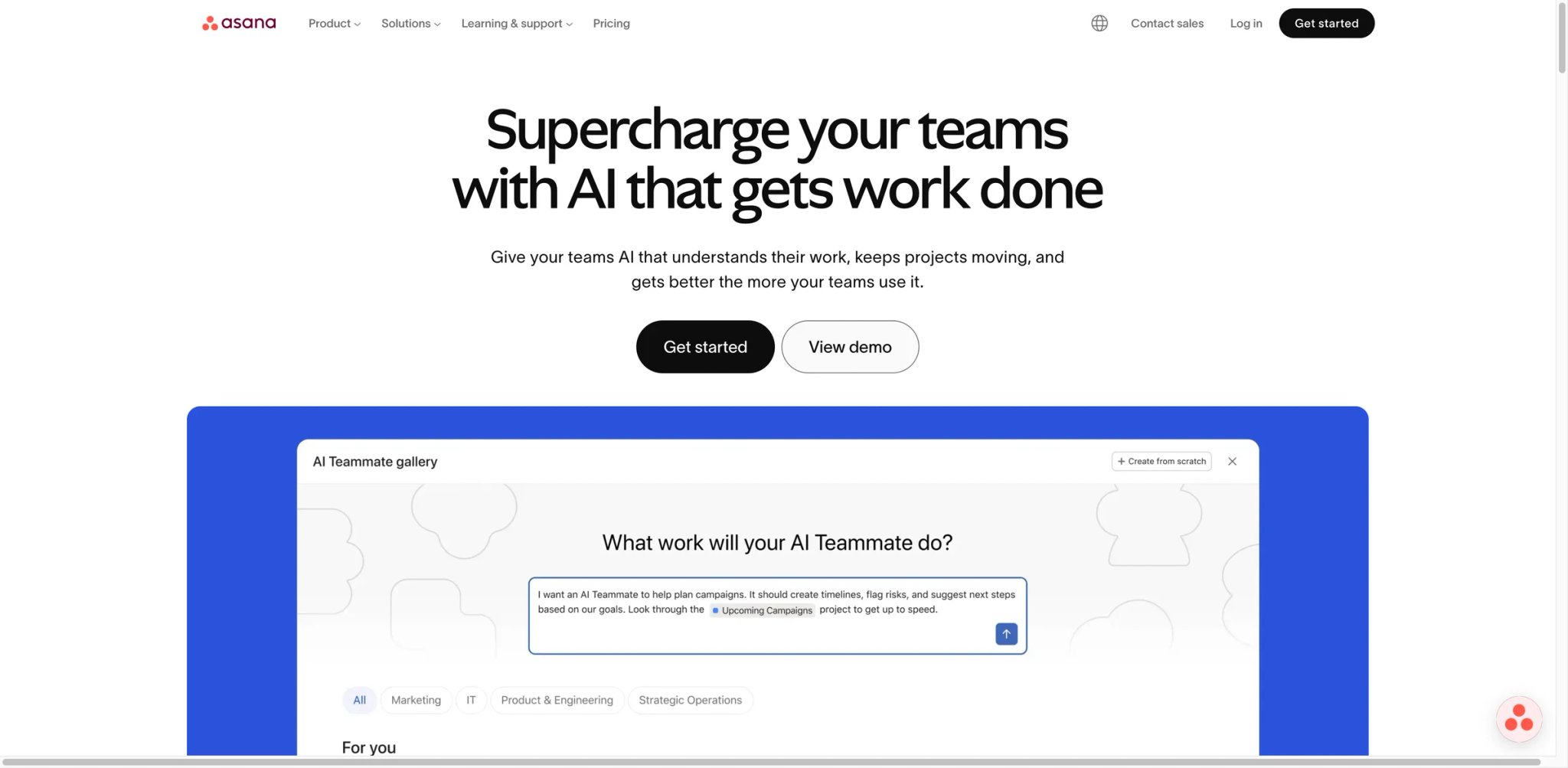
Of every Trello alternative on this list, Asana is the one most often picked for the exact migration trigger "I outgrew kanban." It's not the cheapest, it's not the most exciting, and it's not the most opinionated — but the importer is mature, the dependency model is real, and the reporting layer is the closest thing to "Trello + Power-Ups" without the Power-Up math.
What Asana solves vs Trello:
- Goals + portfolios are first-class objects, not labels in a card description
- Dependencies are real edges between tasks, not workarounds via due dates
- Timeline view — Timeline and Gantt views ship in Asana Starter; Trello Premium includes a Timeline view, but not Asana-style dependency planning and Gantt structure in the same workflow
- Reporting depth: built-in dashboards aggregate progress across projects without bolting on a third-party charting Power-Up
Pricing vs Trello: Personal Free $0; Starter $10.99/user/mo annual ($13.49 monthly); Advanced $24.99/user/mo annual ($30.49 monthly); Enterprise custom. Starter sits just above Trello Premium's annual price ($10/user/mo, or $12.50 monthly). Trello Premium already includes Timeline and Dashboard views; Asana's advantage is stronger dependency planning, Gantt structure, cross-project reporting, and free guest access without a Power-Up stack. Advanced is where Goals and Portfolios unlock — that's the tier ex-Trello teams who came for the "next-up-from-kanban" feature set typically land on. Account for the jump: $10.99 to $24.99 is more than 2× per user, and many teams underestimate which features force the upgrade.
Limitations: Asana's vocabulary (Goals, Portfolios, Workload, Universal Reporting) has a steeper onboarding cliff than Trello's "boards / lists / cards." Solo users who came to Trello for its zero-onboarding feel will find Asana over-spec'd. Reporting and rule-based automation are gated to Advanced — a real cost step from Starter. The Tasks-and-Sections-and-Sub-tasks hierarchy can also feel rigid compared to Trello's checklists; teams that liked Trello's looseness sometimes find Asana's structure too prescriptive.
Best for: Cross-functional teams running quarterly OKRs where Trello cards have been doubling as goals. Marketing teams managing campaign sequences across Brief → Draft → Review → Launch phases. Operations teams with handoffs between specialist groups. Not the right fit if you came to Trello for "open the app, see the cards, done" — Asana asks more from you upfront.
Get started with Asana
ClickUp
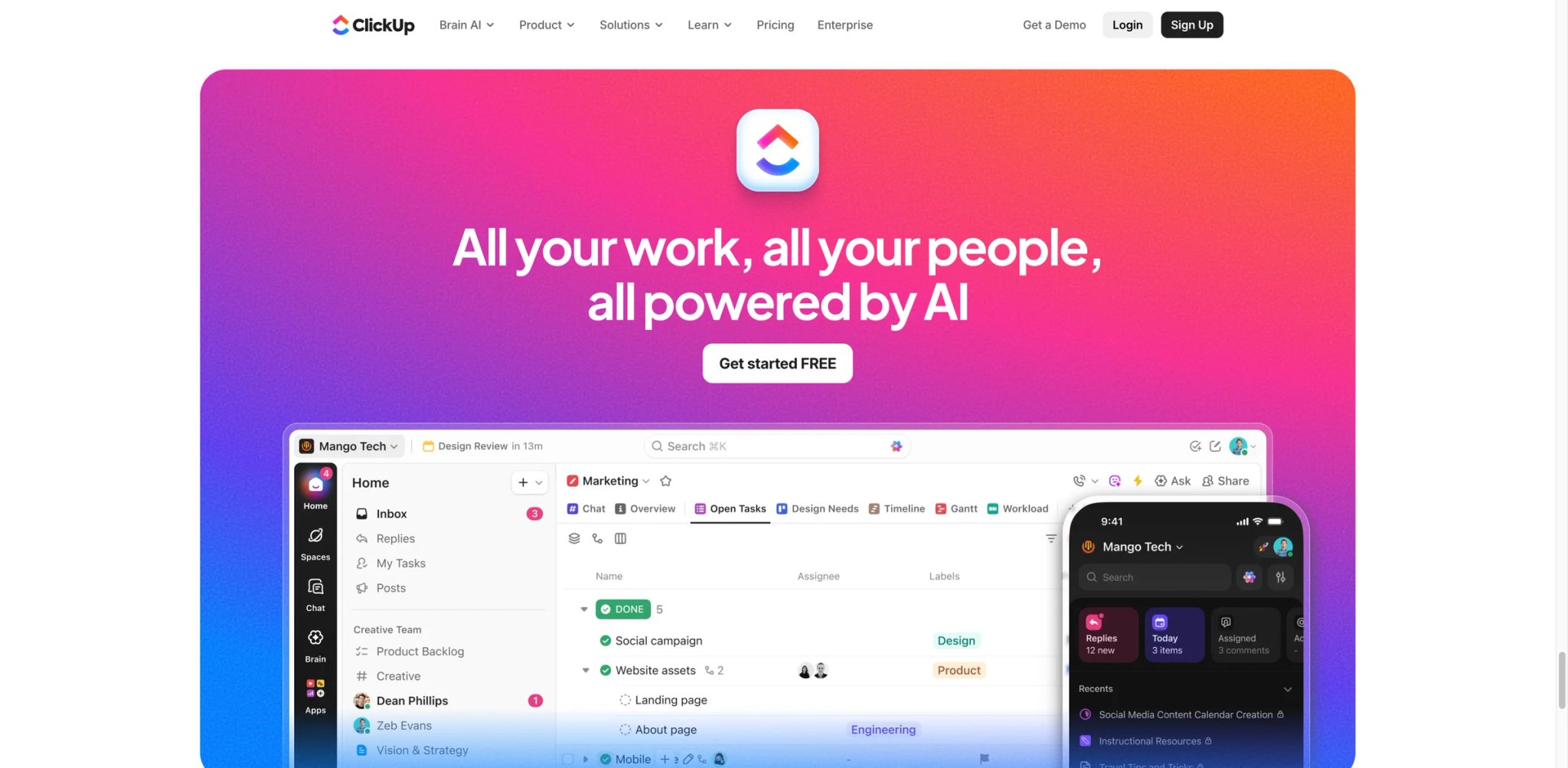
Twenty-plus views, fifteen-plus ClickApps, a Free Forever tier with unlimited tasks, and an explicit pitch to replace four tools at once. ClickUp is the rare Trello alternative where the marketing maximalism is actually backed by feature breadth.
What ClickUp solves vs Trello:
- Tasks + docs + whiteboards + goals in a single workspace, not four tabs across four products
- Native automation engine runs without Power-Up purchases or Zapier middleware
- Hierarchy is workspace > space > folder > list > task, which scales from a 3-person team to a 200-person org without re-platforming
- Free Forever tier supports unlimited tasks (Trello's free tier caps at 10 collaborators, not tasks, but the practical ceiling is similar)
Pricing vs Trello: Free Forever $0; Unlimited from $7/user/mo annual; Business from $12/user/mo annual; Enterprise custom. Unlimited is cheaper than Trello Standard on a feature-for-feature basis — ClickUp Unlimited bundles automation, Gantt, and dashboards that Trello sells via Power-Ups stacked on top of Standard or Premium. Pricing on tier names occasionally shifts mid-year — verify on the pricing page before committing, and watch for promotional pricing that reverts at renewal.
Limitations: Configuration density is the cost of flexibility. Onboarding takes 2-3× longer than Trello — new users hit a "what do I turn on first?" wall and often disable features faster than they enable them. ClickUp is also famously rapid in its release cadence; new ClickApps can change UI surfaces faster than your team can absorb them. Performance on very large workspaces (1,000+ active tasks across many spaces) has been a recurring complaint, though it has improved through 2025.
Best for: Teams currently paying for Trello + Notion + Zapier separately whose three monthly bills add up to more than ClickUp Business ($12/user). Mid-size companies (50-300 employees) consolidating tooling sprawl. Solo founders who want one workspace to grow into rather than three tools to integrate later. Not the right fit if you want the constraint of "one view, one purpose" — ClickUp's superpower is also its noise floor.
Get started with ClickUp
monday.com
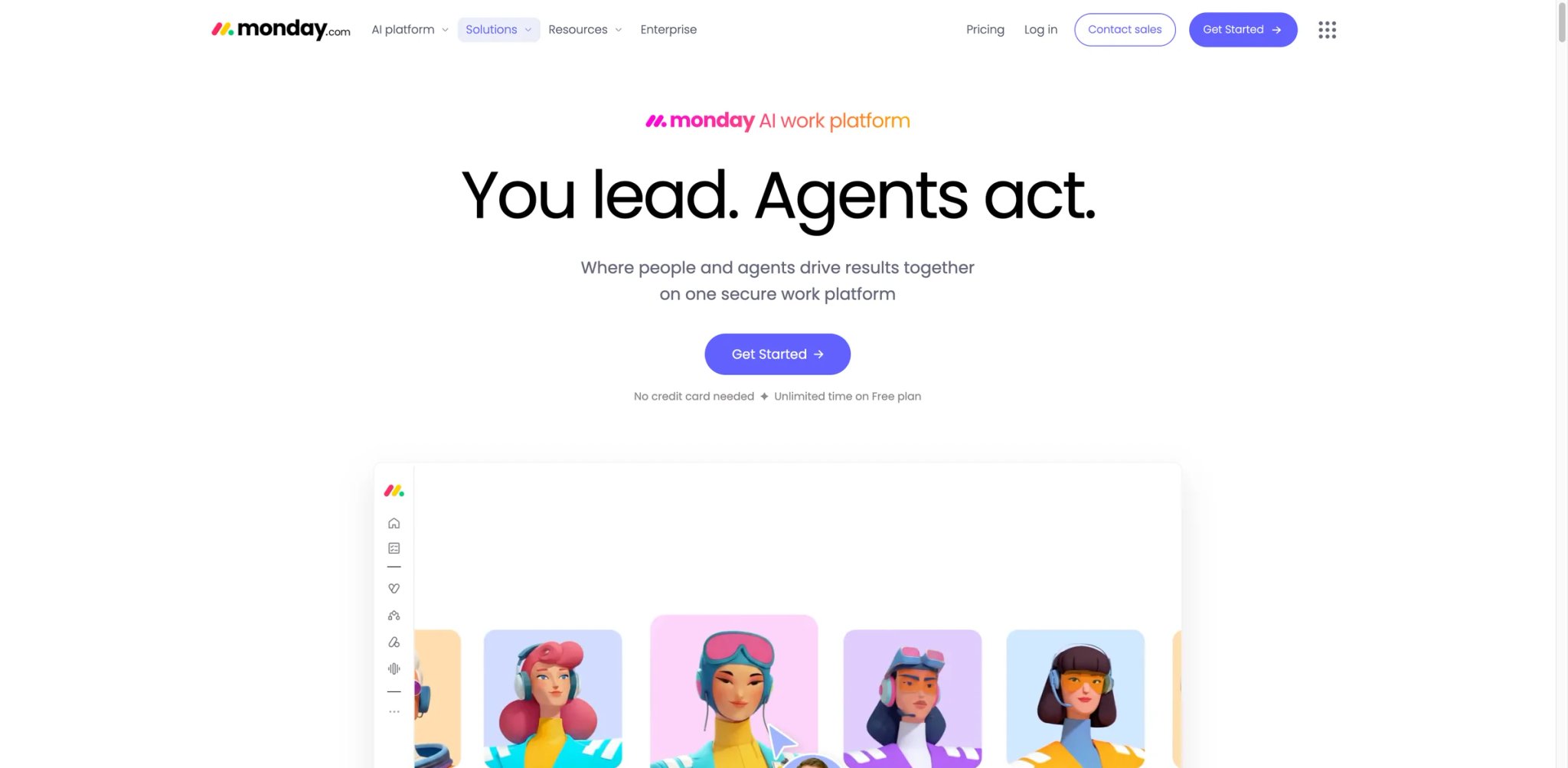
Where Trello started as a board and bolted on database-style fields via Power-Ups, monday.com started from the database and rendered the board as one of many views over the same item set. That single architectural difference is why monday handles status-flow workflows that Trello can technically do but never feels right doing.
What monday solves vs Trello: Items are records with typed columns (status, person, date, formula, dependency), and views (Kanban, Timeline, Workload, Calendar) are projections of the same records. Automation triggers on column changes — far more powerful than Trello's Butler when you need cross-item conditional logic. The marketplace of templates is wider than Trello's Power-Up directory.
Pricing vs Trello: Free $0 up to 2 seats; Basic $9/seat/mo annual; Standard $12/seat/mo annual; Pro $19/seat/mo annual; Enterprise custom. The friction point ex-Trello solo users hit is the 3-seat minimum on paid plans — a 1-person founder can't start at $9/mo on Basic, the bill is $27. Below 3 seats, monday is functionally unavailable past the 2-seat free tier.
Limitations: The 3-seat minimum makes monday.com expensive for very small teams — exactly the segment Trello's free tier serves best. The UI leans "operations" rather than "product"; engineers often find it overly visual.
Best for: Marketing, ops, sales, and CRM-adjacent teams that already scribble status spreadsheets to track work. Not the right fit if you're a 1-2 person team — Plaky or Trello free is cheaper for that scale.
Get started with monday.com
Jira
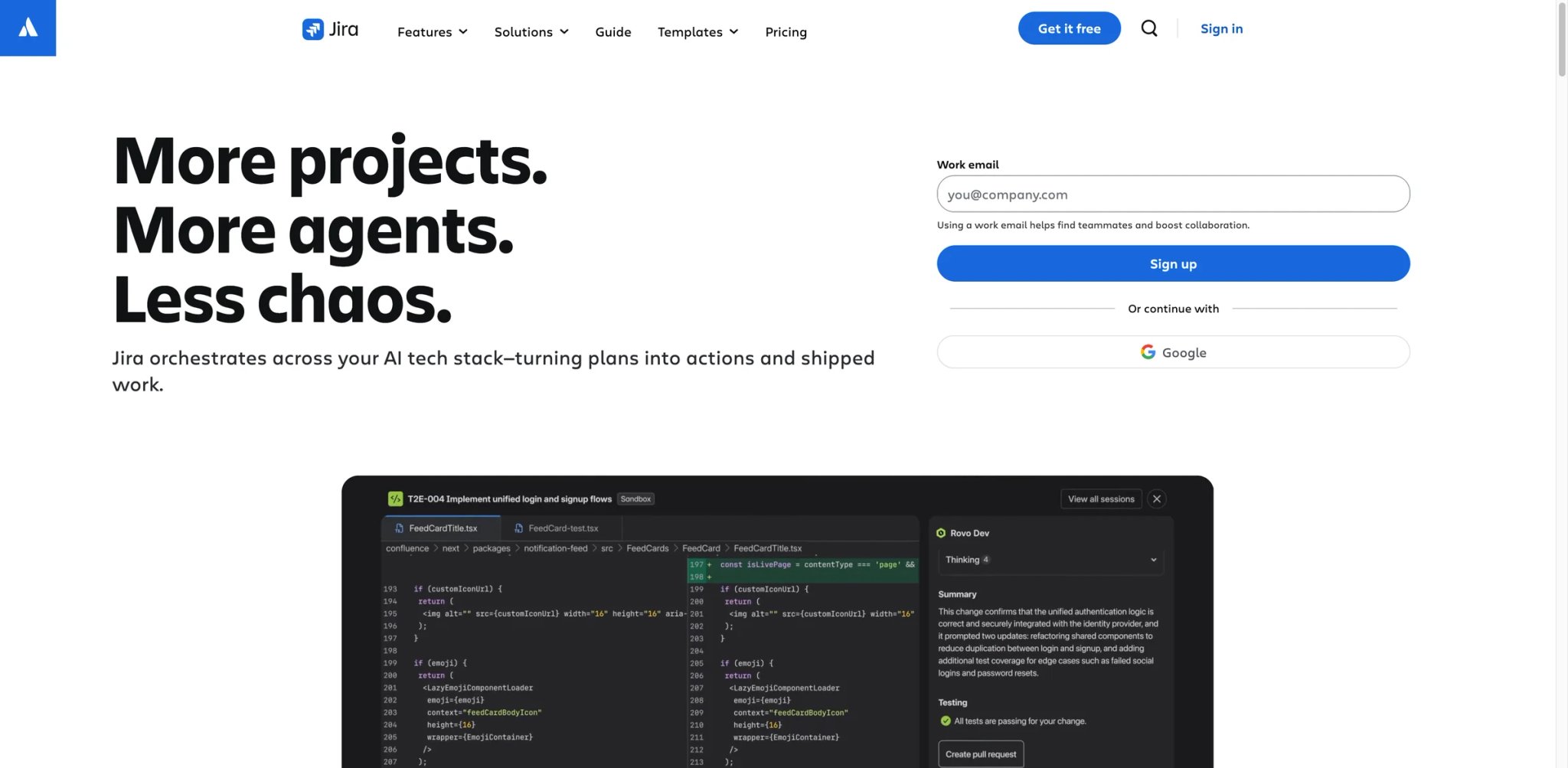
Atlassian owns both Trello and Jira. If Trello is the lightweight cousin Atlassian is now repositioning toward personal productivity, Jira is the heavyweight engineering tool the company has been investing in since 2002. The migration path inside Atlassian is unusually clean: same SSO, same accounts, native importer.
What Jira solves vs Trello:
- Backlog + sprint mechanics are first-class — story points, velocity charts, sprint boards
- Issue workflows are configurable state machines with statuses, transitions, and screens
- Releases are tracked objects, not labels — bug fix deploy → release notes auto-aggregated
- Confluence pairing ships docs alongside the issue tracker without extra vendor
Pricing vs Trello: Free $0 up to 10 users; Standard ~$8.60/user/mo (region-dependent); Premium ~$17/user/mo; Enterprise custom. Roughly equivalent to Trello's per-user shape but you get sprint mechanics native instead of via Power-Ups. The free tier is materially more useful than Trello's free tier if you're an actual software team — 10 users with sprint mechanics is a real product, not a demo. Crossing 10 users moves you to Standard, which is still cheaper per user than Trello Premium with the Sprint Power-Up.
Limitations: Configuration burden is real when you don't actually run sprints. Jira can feel bureaucratic for non-engineering teams — marketing and ops staff often bounce off the "screens and workflows" terminology. Region-dependent pricing means the public price page may not match what your team is quoted; APAC and EMEA pricing has historically run 10-20% higher than the US-published rates. Workflow customization is powerful but easy to over-engineer — many Jira instances accumulate dead workflows nobody updates.
Best for: Engineering teams whose Trello board has Story / Bug / Epic columns it doesn't really know how to handle. Not the right fit if your team isn't doing iterative software delivery — Jira's overhead per ticket is wasted on non-software work.
Get started with Jira

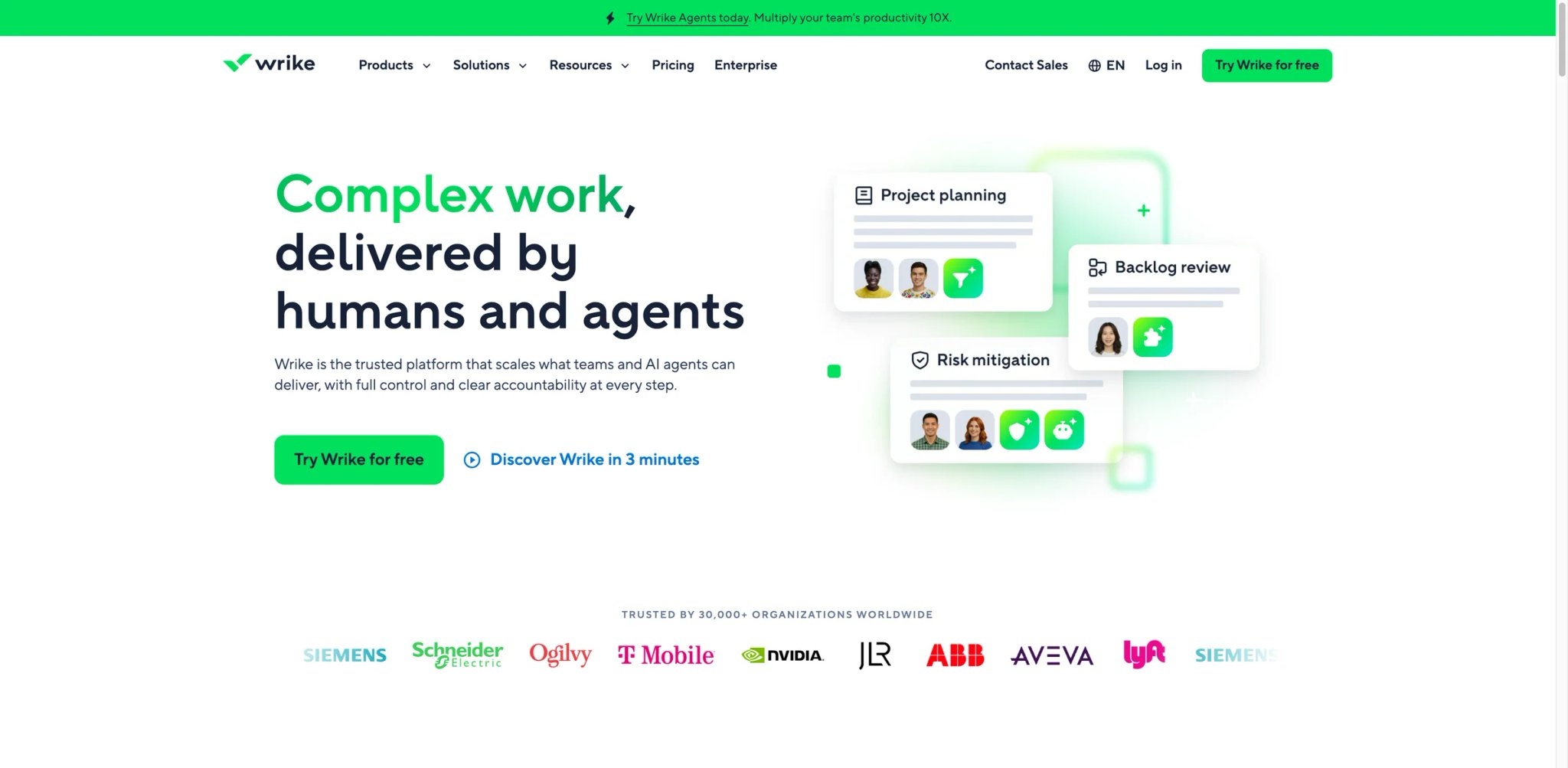
Wrike sells what Trello promises and what most ex-Trello teams realize they actually needed once they grew past 30 in-flight projects: cross-department resource planning, request intake forms, proofing workflows, and reporting that doesn't require a Power-Up purchase per metric.
What Wrike solves vs Trello: Request forms turn stakeholder asks into structured intake (no more "DM the PM in Slack"). Gantt with critical path. Workload view shows who's overcapacity at a glance. Approval and proofing workflows for creative deliverables (annotate the PSD, lock the version). Cross-folder reporting natively.
Pricing vs Trello: Free $0; Team $10/user/mo annual; Business $25/user/mo annual; Pinnacle and Apex are custom-priced. Team tier is comparable to Trello Premium annual pricing ($10/user/mo) and above Trello Standard ($5/user/mo annual). Business is roughly 2.5× Trello Premium annual pricing — not cheap, but it includes resource planning + reporting that Trello cannot match at any tier without third-party Power-Ups stacked. Pinnacle adds advanced analytics and locked-down compliance controls relevant to enterprise procurement.
Limitations: UI density is the trade-off. Wrike is closer to Jira than Trello on the spectrum from "open it and start" to "configure schemas first." Onboarding a 20-person team typically takes 3-4 weeks before adoption feels natural. The mobile experience also lags the desktop — most field-marketing teams find the mobile app underpowered compared to Asana's or monday's.
Best for: Marketing and creative agencies juggling 30+ in-flight requests across 4+ stakeholder departments. Internal services teams (HR, IT, ops) running ticketed intake with formal SLAs. PMOs at mid-market companies needing portfolio-level reporting across 10+ projects. Not the right fit if you have fewer than 10 people — the value lives in resource planning and request intake at scale.
Get started with Wrike

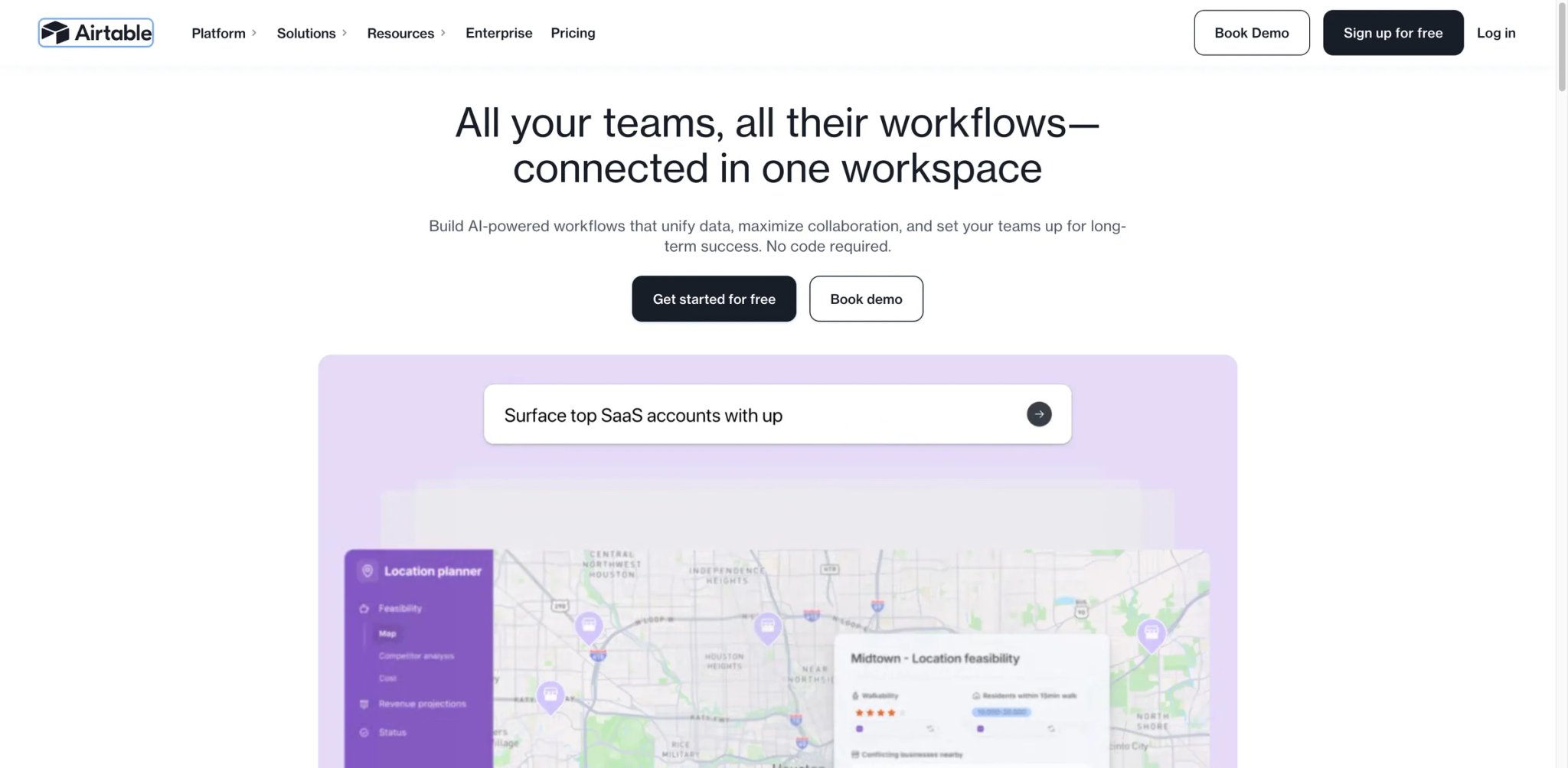
Airtable is the answer when you realize your "Trello board" is really three different databases pretending to be a card list. The migration trigger usually sounds like: "Each card has a custom field for vendor, status, region, due date — and I'm sorting them with hashtag labels because Trello has no schema."
What Airtable solves vs Trello: Records are typed (number, date, single-select, multi-select, attachment, link to another record). Views are projections — Kanban, Grid, Gallery, Timeline, Calendar — over the same record set. Automations run when records change. Interface Designer builds custom stakeholder-facing views without granting base access. The result is closer to a no-code app builder than to a kanban tool.
Pricing vs Trello: Free $0; Team $20/user/mo annual ($24 monthly); Business $45/user/mo annual ($54 monthly); Enterprise Scale custom. More expensive per-seat than Trello, but the comparison isn't apples-to-apples — Airtable replaces Trello + a lightweight Postgres + a form builder + a stakeholder portal. The bill compared against Trello Premium plus three Power-Ups plus Typeform plus a custom-built dashboard usually flips in Airtable's favor.
Limitations: Airtable isn't really a project tool out of the box — you build the project tool. That's freeing for power users and exhausting for non-builders. Record limits can bite at scale: Free is limited to 1,000 records per base, Team to 50,000 records per base, and Business to 125,000 records per base. Large content libraries or detailed CRMs can still hit those ceilings. Automation runs cap on lower tiers can also force a tier upgrade you didn't budget for.
Best for: Content calendars, lightweight CRMs, ops trackers, partner directories, anything where rows have schema and you've outgrown Trello's "labels as poor man's columns." Not the right fit if you just want cards-on-columns with as little setup as possible.
Get started with Airtable
Basecamp
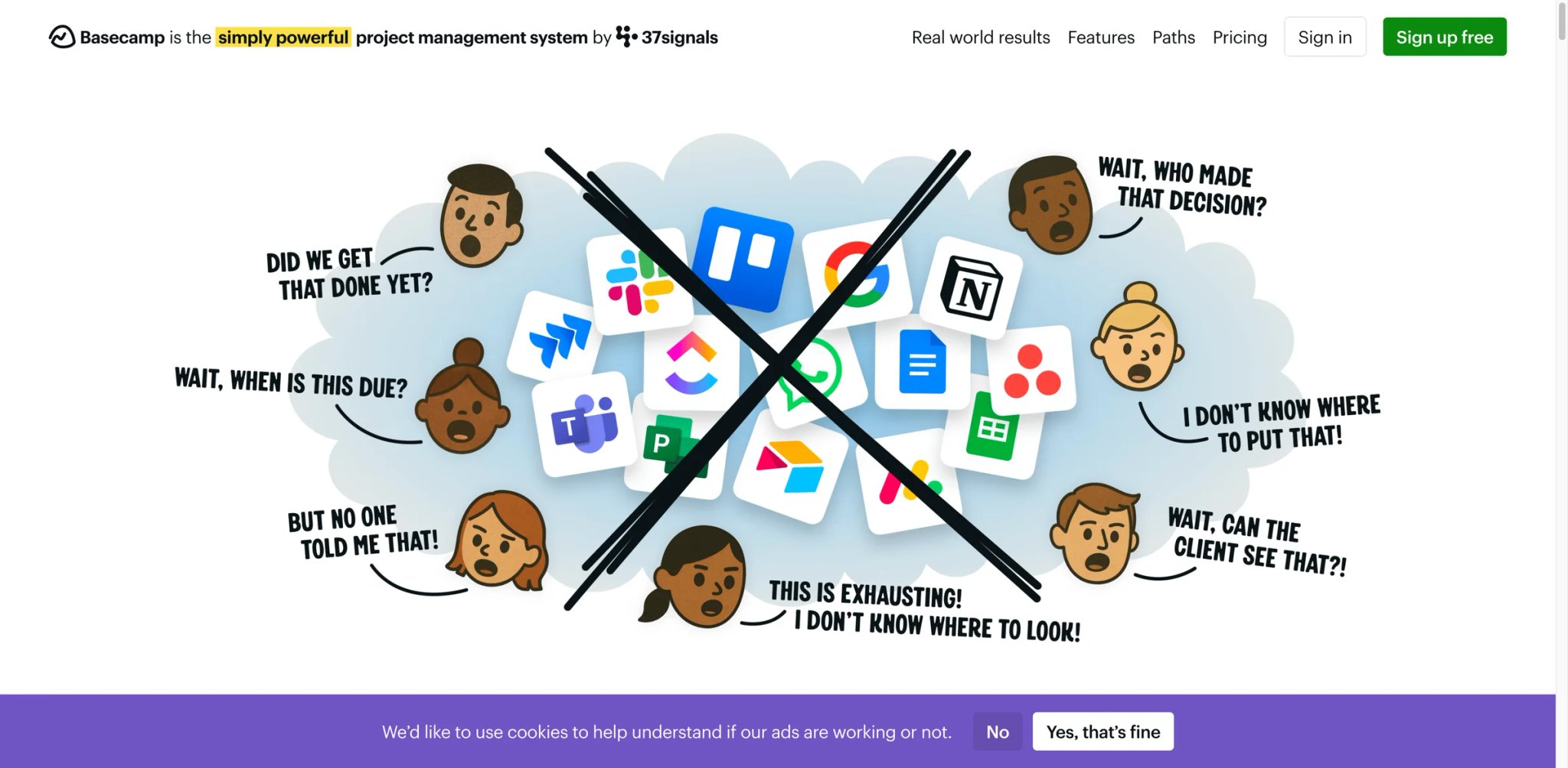
Basecamp is opinionated to the point of antagonism. No time tracking. No Gantt. No nested tasks. No status columns. That's not a feature gap — it's the editorial position. Founder Jason Fried has written entire books defending each "no." For agencies allergic to per-seat creep, Basecamp is the only alternative on this list with a flat-fee escape hatch.
What Basecamp solves vs Trello: One project equals one bundle: message board, to-dos, schedule, docs, files, group chat. Everything for that project lives together. No Power-Up tax. No add-on per metric. The unit of organization is the project, not the card or the board.
Pricing vs Trello: Plus $15/user/mo (limited to specific company sizes), or — and this is the kicker — The flat-fee math: Pro Unlimited at $299/mo annual ($349/mo monthly) for unlimited users. Cross over ~30 seats and Pro Unlimited becomes cheaper than Trello Premium on annual billing ($10/user × 30 users = $300/mo). If you compare against Trello Premium monthly billing, the break-even is ~24 seats ($12.50/user × 24 = $300/mo). Against Trello Premium annual billing, 50 seats saves about $201/mo ($500 - $299), and 100 seats saves about $701/mo ($1,000 - $299). Against monthly Trello Premium, the savings are higher. The curve only gets steeper.
Limitations: Basecamp refuses to ship features competitors ship. No Gantt. No dependencies. No time tracking. If your work needs explicit dependencies or sprint cadence, Basecamp will fight you. The "Hill Charts" replacement for Gantt is loved by some teams and dismissed by others — it expresses uncertainty as a position on a hill curve, which is great for fuzzy R&D work and useless for hard delivery deadlines. The integration ecosystem is also smaller than Asana's or ClickUp's.
Best for: Agencies, consultancies, and 20-100 person teams where per-seat pricing has become the operational headache. Distributed teams that prefer asynchronous message-board work over real-time chat. Founder-led companies that share Jason Fried's "less is more" editorial stance. Not the right fit if your work is highly structured (software releases, regulated industries) — Basecamp's lack of structure is the whole point, but it's also a real constraint.
Get started with Basecamp
Microsoft Planner
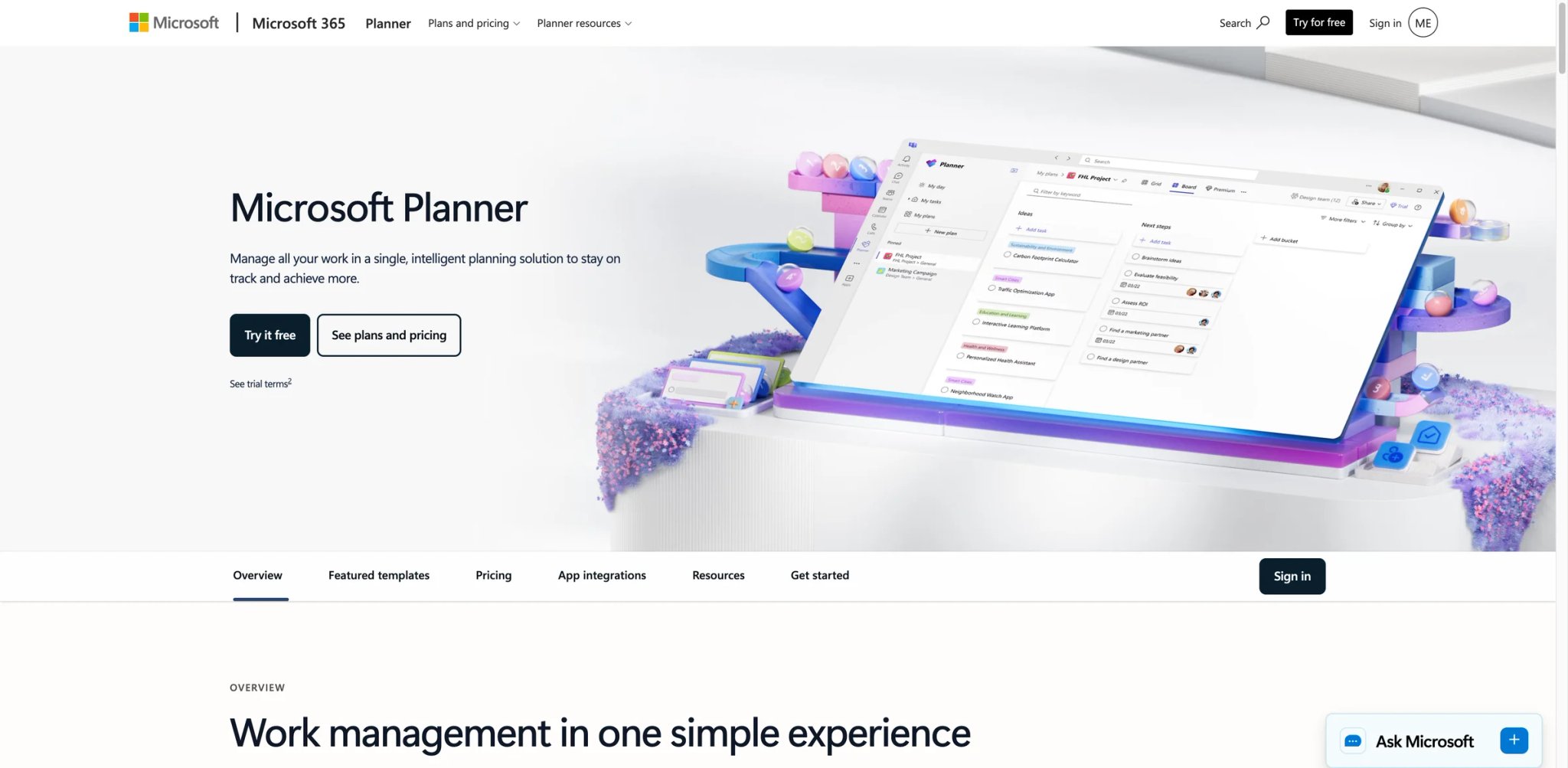
Planner ships inside Microsoft 365 with E3 and E5 — most enterprises with Microsoft seats already paid for it without realizing. The 2025 unification merged Planner with To Do and Project, giving M365 customers a single planning surface across personal tasks, team boards, and project plans.
What Planner solves vs Trello: Deep Teams integration — boards live as Teams tabs, assignments roll up to To Do, Power Automate flows run cross-tool with no third-party glue. SharePoint document attachments are native, not link-paste. The audit trail and compliance posture matches the rest of M365 — relevant in regulated industries.
Pricing vs Trello: Bundled in eligible Microsoft 365 plans (E3, E5, A3, A5) at no extra per-user cost. Standalone Planner Plan 1 is $10/user/mo paid yearly, Plan 3 is $30/user/mo. Plan 5 EOL: Microsoft is ending sales of Planner Plan 5 on May 1, 2026 — confirm tier availability before locking in a long-term contract.
Limitations: Outside the Microsoft ecosystem the value drops sharply — if your team isn't on Teams or SharePoint, Planner is just a kanban tool with worse UX than Trello. The 2025 UI overhaul improved things but Planner still feels less polished than Asana or monday.com on usability metrics. Customization is also more constrained than Trello — you can't add the same density of custom fields per task without moving to Project Plan 3 or Plan 5.
Best for: Companies already standardized on Microsoft 365 where Trello has been a shadow purchase parallel to a paid M365 subscription. Regulated industries (finance, healthcare, government) that already trust Microsoft compliance posture. Hybrid teams whose primary collaboration lives in Teams channels. Not the right fit if you don't use Teams or SharePoint daily — Planner outside the M365 context is underwhelming.
Get started with Microsoft Planner
MeisterTask
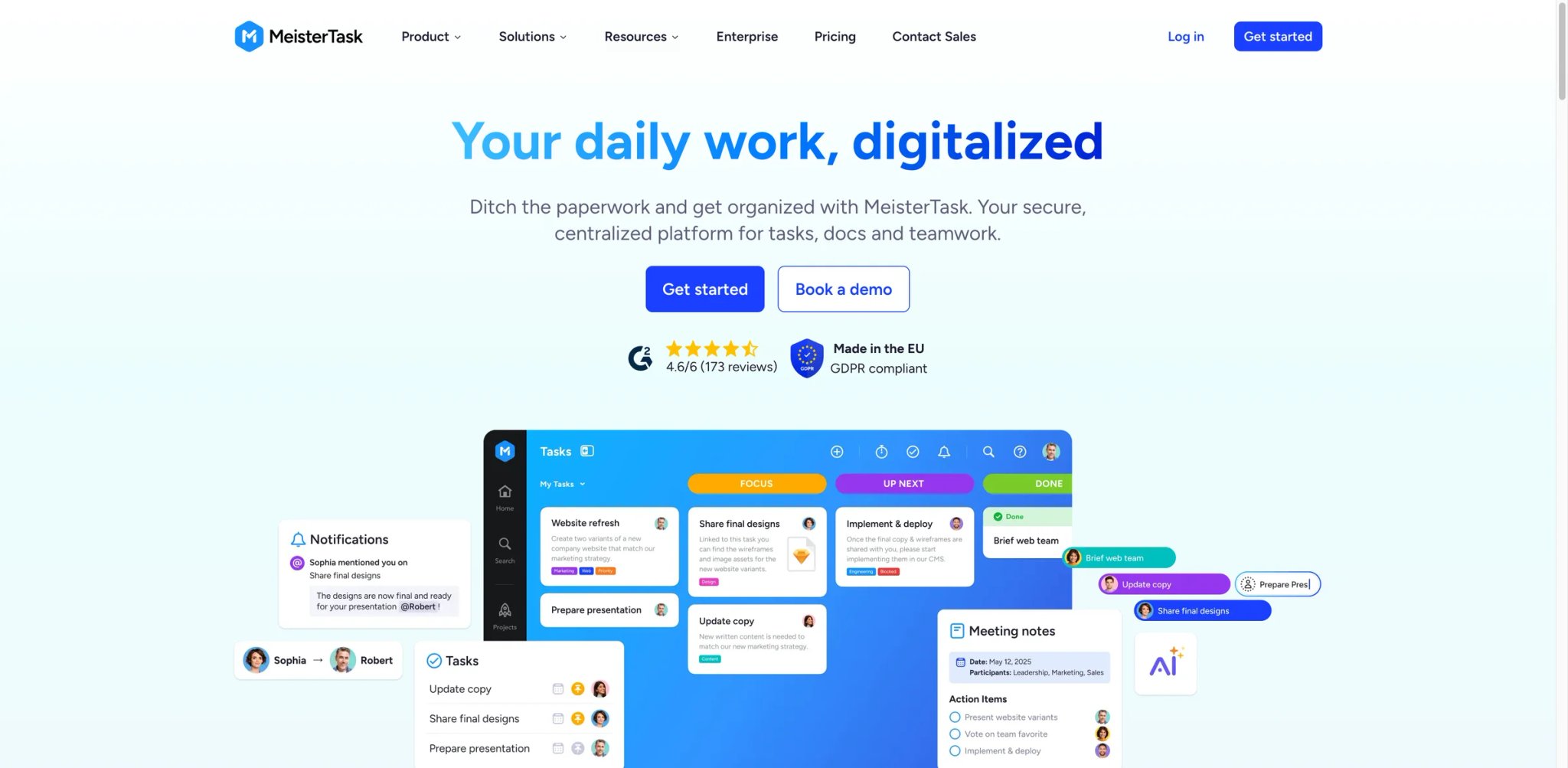
If your migration question is "I want Trello, just before Atlassian piled Inbox + Planner + AI on top of it," MeisterTask is the answer. It's a smaller German vendor (paired with the MindMeister mind-mapping tool) that has held the line on calm UI density while Trello, Asana, and ClickUp piled on AI features through 2024-2025.
What MeisterTask solves vs Trello: Calmer board UI without modal popovers and AI suggestion panels. Automations and recurring tasks are built-in instead of Power-Up gated. MindMeister pairing means you can ideate in mind maps and convert directly to project tasks — a workflow Trello has never offered. Section-level project structure feels intentional rather than infinite.
Pricing vs Trello: Basic Free; Pro about $13/user/mo annual; Business about $25/user/mo annual; Enterprise custom. Pro is roughly Trello Premium price ($12.50) but with a cleaner UI, native automations, and integrated mind maps. Verify pricing on the official site as regional currency and annual/monthly mixes vary.
Limitations: Smaller marketplace than Trello/Atlassian — you get fewer integrations out of the box and the third-party ecosystem is narrower. No Atlassian-grade SSO matrix at the enterprise tier; SOC 2 / ISO posture is solid but smaller-vendor. The product roadmap also moves slower than ClickUp or monday — calm UI is the upside, but feature velocity is the downside.
Best for: Solo founders and 5-15 person teams who liked Trello as it was in 2022 and feel the post-2025 redesign betrayed the original promise. Educators using boards for course design. Designers who want a clean, distraction-free task surface alongside their primary creative tool. Not the right fit if you need cross-board mirroring, deep cross-project reporting, or a 200+ integration ecosystem.
Get started with MeisterTask
Plaky
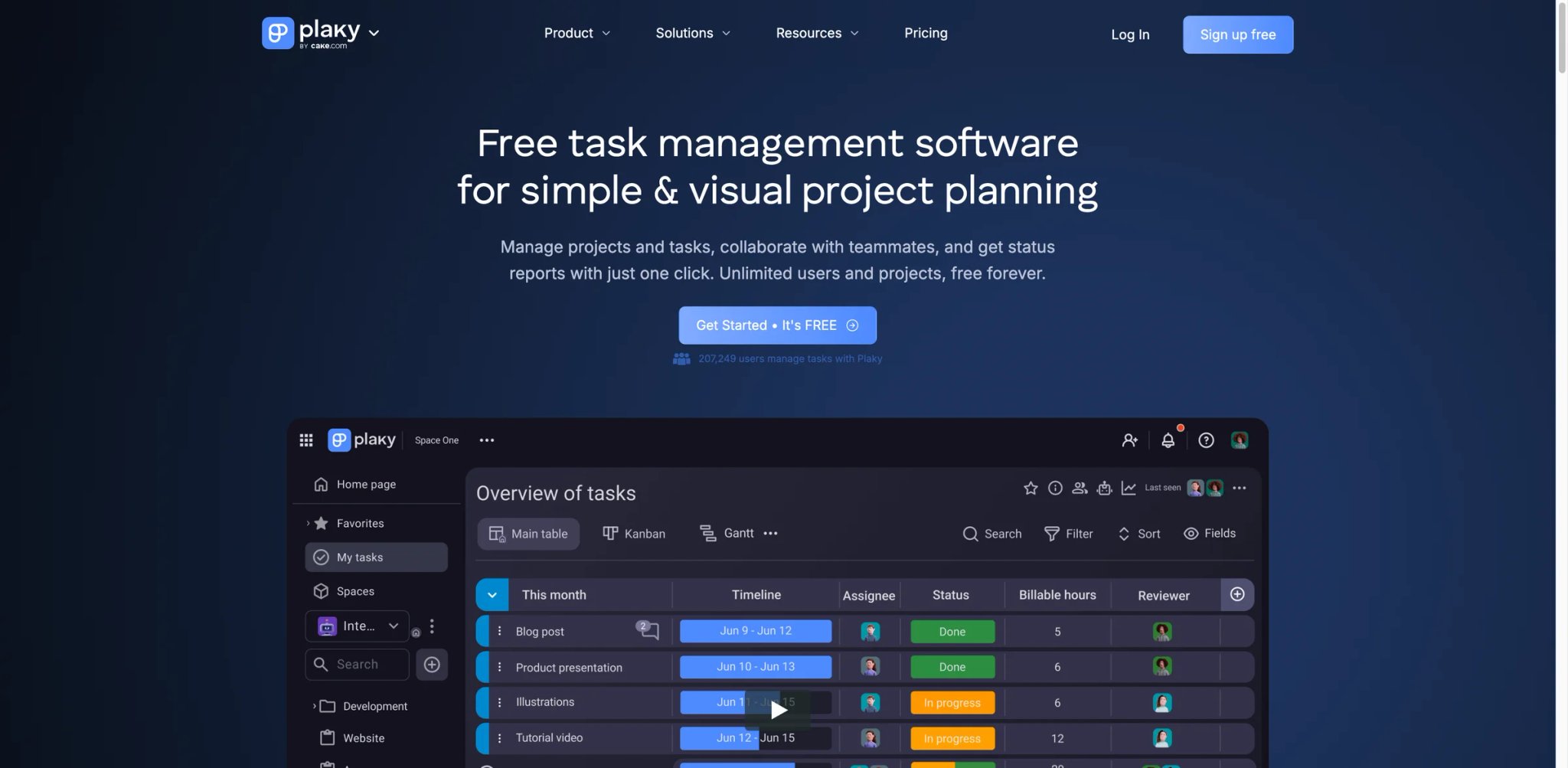
Free-tier math: unlimited users, unlimited boards, unlimited items, unlimited views — at $0. That's the headline. Plaky comes from CAKE.com, the team behind Clockify (free time tracker). Clockify built its entire business on a generous free tier, and Plaky inherits the same playbook.
What Plaky solves vs Trello:
- True unlimited free tier vs Trello's 10-collaborator wall — most relevant for non-profits, classrooms, and clubs
- Item types like monday.com (status, person, date, dropdown) without the 3-seat minimum
- CAKE.com integration with Clockify and Pumble (chat) covers time tracking and team comms without third-party glue
- Migration importer from Trello is one-click for cards-to-items and lists-to-groups
Pricing vs Trello: Free unlimited; Pro around $3.99/user/mo (annual); Enterprise around $8.99/user/mo. Pricing has fluctuated through 2025 — verify on the official site. Even at the rumored higher annual rates, Pro is substantially cheaper than Trello Standard for paid teams.
Limitations: Fewer integrations than Trello, Asana, or monday — 25-40 vs 200+. Smaller community and ecosystem means fewer tutorials, fewer YouTube walkthroughs, fewer agency consultants who know the tool. Younger product (launched 2022) so feature depth in long-tail areas (custom reporting, advanced automation, conditional logic) lags the older incumbents. Mobile app is functional but less polished than Trello's.
Best for: Cost-sensitive teams — non-profits, schools, early-stage startups, volunteer organizations — that bumped into Trello's 10-collaborator wall and don't need a 200-integration ecosystem. Teams already using Clockify or Pumble who want unified billing across CAKE.com products. Workspaces where the user count is the binding constraint, not the feature set. Not the right fit if you need deep third-party integrations (Salesforce, HubSpot, Jira sync, etc.) or enterprise compliance certifications beyond SOC 2.
Get started with Plaky
Honorable Mentions
Notion — Docs and lightweight project tracking in one workspace. Free $0; Plus $10/user/mo annual or $12 monthly; Business $20/user/mo. Best when your team's Trello board is really 60% scattered docs and 40% loose tasks — Notion collapses both into one schema-flexible surface. Less suited to true team PM at scale than Asana or Wrike, but unmatched if "documents that are also tasks" is the actual workflow. Visit Notion →
Linear — Issue tracker built for product/engineering speed. Free $0; Basic $10/user/mo annual; Business $16/user/mo. Best when Jira feels heavy but you want more structure than Trello — keyboard-first UI, automatic cycle planning, native GitHub/GitLab sync. The fastest-feeling tool on this list. Not a fit for non-engineering teams. Visit Linear →
Shortcut — Stories, epics, iterations, roadmaps, and reports for shipping software teams. Free up to 10 users; Team and Business paid tiers around $8.50-$16/user/mo. Best for product teams that wanted "Trello with sprints baked in" — Shortcut has been pitching this exact migration directly to Trello users in 2025. Free tier matches Jira's at the 10-user mark. Visit Shortcut →
Plane — Open-source PM with cloud, self-hosted, and air-gapped deployment options. Free $0; Pro from $6/seat/mo; Business and Enterprise tiers available. Best when data residency or self-hosting is a hard requirement — government, defense, healthcare, and EU GDPR-paranoid teams. Cloud version competes with the commercial alternatives; the self-hosted path is the actual differentiator. Visit Plane →
Todoist — Personal and small-team task manager. Free Beginner; Pro $7 monthly or $60/year; Business $10/user/mo monthly or $8/user/mo annual. Best when you realize you weren't a "team" — you were one person using Trello cards as to-dos, and the new Trello pivot to personal productivity is happening, just in a heavier package than you needed. Todoist is the cleanest version of that workflow. For broader options, see our AI task manager roundup. Visit Todoist →
Migrating from Trello — A Practical Guide
Data and Account Migration
Trello has a built-in JSON export per board: open the board, click the menu, choose "More," then "Print and Export," then "Export as JSON." That export is your migration source of truth. Most direct alternatives — Asana, ClickUp, monday.com, Jira, Wrike — ship Trello importers that consume either the JSON or a live Trello API connection. The import maps cards to tasks, lists to columns or sections, attachments to attachments, and most comments come across.
What the export does NOT include, and you'll have to manually reconstruct:
- Card mirrors — Trello's native card mirroring is available on Standard and above, but mirror relationships and any third-party sync logic should be tested after import rather than assumed to transfer.
- Butler rules — the automation logic doesn't translate; you'll re-write rules in the destination tool's automation engine
- Power-Up data — anything stored by a third-party Power-Up, such as voting tallies, advanced calendar/Gantt metadata, or external sync fields, may not export cleanly; verify each Power-Up before cutover.
- Comments older than the export window — board-level JSON exports include the 1,000 most recent board actions, including comments; to export all comments, use the Premium Workspace export option for all boards.
- Attachments hosted on Trello vs link-attached from Drive/Dropbox behave differently in import — link-attached usually survives, Trello-hosted may need re-upload
For account closure: your Atlassian account is separate from Trello board ownership. The workspace must be transferred to another owner or all boards deleted before final account closure — a step Atlassian doesn't surface during the cancellation flow but support will gate on. Plan an extra week between "decision to migrate" and "final closure" specifically for this administrative tail.
A practical migration sequence that minimizes drop-out: (1) export the busiest board's JSON as the canonical baseline, (2) run the destination's importer in a sandbox workspace, (3) compare card counts and comment counts as a smoke test, (4) reproduce 2-3 critical Butler rules in the destination's automation engine, (5) confirm at least one stakeholder can find a card via search, (6) only then announce the cutover date to the wider team.
Learning Curve by Alternative
- Near-zero (1-2 days): MeisterTask, Plaky, Microsoft Planner, Basecamp — Trello-shaped UIs that an existing user can navigate without onboarding videos
- Medium (1-2 weeks): Asana, monday.com, Notion, Linear, Todoist — new vocabulary (Goals, Items, Cycles, Spaces) but linear setup paths
- High (3-6 weeks): Jira, Wrike, Airtable, ClickUp, Plane — schema or workflow design upfront before the team can be productive
The pattern isn't about feature count, it's about whether the tool ships with strong defaults (low ramp) or expects you to design the workspace first (high ramp).
Pricing Brackets vs Trello Premium ($10/user/mo annual, $12.50 monthly)
- Cheaper: Plaky Pro (
$3.99), Plane Pro ($6), ClickUp Unlimited ($7), Todoist Pro ($4) - Comparable ($9-$13): monday Standard ($12), Wrike Team ($10), Linear Basic ($10), Asana Starter ($10.99), Notion Plus ($10), MeisterTask Pro (~$13)
- More expensive: Asana Advanced ($24.99), Airtable Team ($20+), Wrike Business ($25), Microsoft Planner Plan 1 standalone ($10) and Plan 3 ($30)
- Flat-fee: Basecamp Pro Unlimited $299/mo when billed annually (breaks even versus Trello Premium annual pricing at ~30 seats, or monthly Trello Premium at ~24 seats)
Best Trello Alternatives by Use Case
If Your Reason Is "I Need a Real Team PM Tool, Not a Personal Productivity Inbox"
This is the fresh-news migration trigger. Trello's 2025 pivot toward Inbox, Planner, and personal AI broke faith with team-PM users. The four alternatives that explicitly kept their team-PM positioning through 2025 are Asana, ClickUp, Wrike, and monday.com. Pick by team shape: Asana for goal-driven cross-functional work, ClickUp for "one tool for everything," Wrike for resource-heavy creative workloads, monday for visual ops. All four publish team-PM features as their primary marketing message — none are quietly drifting toward "personal productivity" the way Trello did.
If Your Reason Is "I Hate the New Trello UI and Want Something Clean"
The complaint here is feature creep — modals, AI nudges, and sidebar bloat the Trello you onboarded didn't have. MeisterTask and Basecamp are the calmest surfaces on this list, by editorial choice. Plaky is also calm but younger; if UI calm is the priority over ecosystem maturity, MeisterTask wins.
If Your Reason Is "I Need a Free Trello Alternative with More Generous Collaboration"
Trello free caps at 10 collaborators. Plaky's free tier has unlimited users — the single sharpest upgrade on this dimension. ClickUp Free supports unlimited users with task limits. Shortcut Free supports 10 users with the engineering feature set. For non-profits and classrooms specifically, Plaky is the default answer.
If Your Reason Is "I Want Predictable Billing for Clients and Guests"
Per-user math is opaque when guests and clients enter the picture. Basecamp's flat $299/mo Pro Unlimited removes the math entirely above 24 seats. Microsoft Planner is bundled with M365 — if you already pay for M365, Planner is free at the margin. Plaky's Pro tier ($3.99/user) is the cheapest per-seat option that still has paid features.
If Your Reason Is "I Outgrew Basic Kanban and Need Timelines, Dependencies, Dashboards"
This is the most common migration trigger. Asana ships Timeline + Goals + Reporting natively. monday.com's Gantt and Workload views are first-class. Wrike has the deepest resource and reporting layer. Jira if your "outgrew" is specifically about software delivery cadence.
If Your Reason Is "I Need Stronger Automation or Structured Data Beyond Trello's Native Mirroring"
Butler hits walls when the workflow needs branching, governance, or reporting beyond board-level rules. Airtable replaces "card with custom field" with "record with typed schema" — the most powerful answer for structured data. ClickUp's automation engine handles cross-list logic Butler can't. monday.com's automations trigger on column changes, ideal for status-flow workflows.
If Your Reason Is "I Manage Software Projects and Trello Is Too Loose"
Software teams almost always end up at Jira (most mature, sprint-native), Linear (fastest, product-team-focused), or Shortcut (engineering-native, with built-in roadmaps and stories). Plane is the open-source/self-hosted option for teams with data residency requirements. Pick on team culture — Jira for "we run formal scrum," Linear for "we ship continuously," Shortcut for "we want Trello with sprints baked in."
If Your Reason Is "I Want Docs and Tasks in One Workspace"
Notion is the default — its database-of-pages-with-views model collapses docs and tasks into one schema. Plane and ClickUp also bundle docs + tasks but with a project-tool-first emphasis. If your team writes more than it ships, Notion. If your team ships more than it writes but wants embedded docs, ClickUp.
How to Choose the Right Trello Alternative
-
Name the migration trigger and pressure-test on free tiers. Write your single most-painful Trello moment in one sentence. ("Butler can't loop, and I gave up on the rule" or "We hit 11 collaborators and the wall is hard.") Pick 2-3 alternatives whose stated differentiator addresses that exact sentence. Run a real (not toy) project for one week on each free tier — your actual project, not a sandbox. The free-tier walk-through tells you more than any feature comparison spreadsheet. If you can't articulate the trigger in one sentence, the migration is premature; sit with the pain another two weeks until the sentence forms naturally.
-
Verify pricing model and seat math at your real team size. The gap between Trello and an alternative is often invisible at small numbers and brutal at scale. monday.com's 3-seat minimum bites a 1-person founder who would have been fine on Trello free. Basecamp's flat $299/mo is wasteful at 5 seats and a steal at 50. Plug your actual headcount and any expected guest counts into each candidate's pricing calculator before committing — surprise bills are the most common reason teams migrate again within 6 months.
-
Confirm migration path before pulling the trigger. Export a sample Trello board (your busiest one) as JSON, import it into your top 2 candidates, and audit what survived: cards, comments, attachments, Butler rules, mirrors, custom fields. If the importer is shallow, budget manual re-entry time before announcing the migration to your team. Hidden manual re-work is the #2 reason teams stall mid-migration. A useful smoke test: ask one stakeholder to find a specific card from three months ago via search in the new tool. If they can't, your team won't either, and Trello will quietly remain the source of truth.
-
Run a two-week hybrid period, then commit. Keep Trello in read-only mode and the new tool primary for 14 days. If 80%+ of new work lives in the new tool by day 14, archive Trello and revoke seats. If less than 80%, your migration trigger wasn't sharp enough — diagnose the specific blocker before switching tools again. The hybrid period is not optional; teams that skip it tend to migrate three times in a year.
Frequently Asked Questions
What is the best Trello alternative in 2026?
What is the best free alternative to Trello?
Is Trello still good for team project management after the 2025-2026 Inbox, Planner, and AI shift?
Which Trello alternative is best for software teams?
Which Trello alternative is closest to Trello's simple Kanban feel?
Which Trello alternative is best for agencies and client work?
Which Trello alternative is best for database-style workflows?
Can I migrate Trello boards, cards, comments, and attachments to another tool?
Get ToolWorthy Weekly
New AI tools, practical guides, and selected AI signals in one weekly brief.
Related Posts
- Best Taskade Alternatives 2026: Pick by What You Need to Preserve
Taskade alternatives are not all replacing the same thing. Choose by project depth, docs, operations data, automation rebuilds, generated app ownership, or portal delivery.
For AI tool founders
Built a tool that belongs in this decision set?
Request an editorial evaluation for possible inclusion in ToolWorthy.
Submit your tool for reviewPaid submission does not guarantee a ranking, recommendation, inclusion, or editorial outcome.