
10 Best NotebookLM Alternatives 2026 — Research, Privacy and Export
Compare 10 NotebookLM alternatives for source-grounded research, private or local workflows, academic evidence, audio and cleaner exports.
On this page
People looking for a NotebookLM alternative usually already have source material and a workflow that is not quite working. The trigger may be a source or upload limit, weak export options, a need to keep files local, a literature-review task that needs stronger evidence controls, or reduced confidence in a particular answer or citation. The replacement has to solve that specific constraint without giving up the source-grounded workflow that made NotebookLM useful.
Below are 10 alternatives mapped to distinct switching jobs. Claude and ChatGPT are general document-reasoning substitutes; Elicit and Consensus fit academic evidence work; AnythingLLM and SurfSense provide local or self-hosted control; Perplexity adds web research; and Recall, Elephas and Saner.AI serve longer-term knowledge workflows. The goal is not to crown a universal winner, but to show which trade-off each option makes against NotebookLM. For broader AI research tools, our category roundup is the deeper read.
| Tool | Best For |
|---|---|
| Claude | Long-context document reasoning at $20/mo |
| Elicit | Academic literature review with extraction tables |
| ChatGPT | General research with Projects, files, and connectors |
| AnythingLLM | Local-first private workspace over your own files |
| Perplexity | Web-grounded research over public sources |
| SurfSense | Open-source NotebookLM clone for teams |
| Consensus | Peer-reviewed evidence answers, not free-form Q&A |
| Recall | Personal memory layer for articles, videos, podcasts |
| Elephas | Apple-native private document workflows |
| Saner.AI | AI assistant that ties notes to tasks and meetings |
Why People Are Leaving NotebookLM in 2026
NotebookLM in mid-2024 was unusually beloved — Google shipped a tool that took uploaded sources seriously, generated study guides with traceable citations, and produced an Audio Overview that genuinely sounded like two people had read your PDFs. The product as it stands at the end of April 2026 is more capable in some ways and meaningfully less trustworthy in others. The migration discussion across r/notebooklm, the Google AI Developers Forum, and adjacent PKM subreddits clusters around six recurring complaints — and the most acute one (the post-Gemini-3.1 retrieval regression) only opened up nine weeks ago.
1. Source caps make hundreds of files impossible. NotebookLM Standard caps each notebook at 50 sources; NotebookLM in Plus raises that to 100, NotebookLM in Pro to 300, and NotebookLM in Ultra to 600. For users running a literature review, a multi-quarter compliance audit, or a research project with hundreds of supporting PDFs, those numbers run out fast. "Limited to just 50 files maximum, which is nowhere near enough" — r/notebooklm, June 2025. "NotebookLM starts to feel pretty limited, especially around file caps" — r/notebooklm, August 2025. Most recently, on April 27 2026, the question reduced to "alternative app that can manage 1000+page source documents?" — file count isn't even the right unit anymore.
2. Some users report weaker retrieval and citation reliability after model changes. This is a different concern from price or source limits: the workflow only works if answers remain traceable to the uploaded material. A Google AI Developers Forum thread on February 26 2026 reports degraded full-notebook retrieval after the Gemini 3.1 Pro integration, and later community reports describe source-blind or incorrect page references. Google has not published a postmortem establishing the scope, so these reports should not be treated as a universal product benchmark. They are a reason to rerun a known source-and-citation task before deciding whether to migrate.
3. Notes, chats, and audio transcripts won't export cleanly. NotebookLM lets you save individual notes within the UI, but full export of chats and Audio Overview transcripts is not a first-class feature. The community response has been to build it themselves — a Chrome extension on April 7 2026 for "download notes and chats as PDF." Audio is harder still: "Is there a way to get the audio podcast transcript?" — r/notebooklm, October 2025, repeated for Interactive Audio in a separate September thread. If your research workflow ends with archived knowledge, NotebookLM is a one-way street.
4. Audio Overviews shrink without warning, non-EN stays broken. Two pains rolled together. "Hindi audio only 7-10 mins irrespectively" of source size — r/notebooklm, June 2025 — the multilingual rollout never reached parity with English. Outages followed: "Audio overviews failing to generate" (r/notebooklm, September 2025). Most recently on April 14 2026, an r/notebooklm thread titled "NotebookLM is trash now" put it bluntly: "audio overviews... only now only 25 minutes." The headline feature shrunk in place — same product, less of it.
5. Privacy and local control aren't on the roadmap. NotebookLM is a Google Cloud product. Even on Workspace tenants where it operates as a core service, your sources still leave your devices. An August 2025 r/notebooklm alternatives thread bundled the trade explicitly: "privacy, supported formats, and collaboration" as the criteria; "local first (so no privacy worries)" as the wish; "fully private using local models" as the upgrade. For legal teams handling case files, healthcare professionals with PHI, journalists protecting sources, and any organization in a regulated industry, NotebookLM stops being an option at the procurement stage.
6. NotebookLM treats every project as a one-off, not a knowledge base. The product is structured around the notebook as an atomic unit — open one, drop in 50-300 sources, ask questions, export later. What it doesn't do is connect notebooks together over time, support folders or fork-and-edit reuse, or let you cross-reference the way a real PKM does. "Build a PKM" — r/notebooklm, October 2025 — became a recurring ask. A January 28 2026 follow-up thread was more specific: it should "have folders, supports csv, and lets you fork public notebooks." For long-horizon researchers, NotebookLM doesn't compound — you start fresh every project.
These six pain points map directly to the alternatives below. The selection isn't "best AI notebook" — it's tools that specifically solve at least one of the six.
Top 10 NotebookLM Alternatives Compared
| Tool | Source Cap | Citation Trust | Hosting | Migration Effort | Score |
|---|---|---|---|---|---|
| NotebookLM (anchor) | 🔴 50 Standard / 100 Plus / 300 Pro / 600 Ultra | 🟡 Community reliability reports; verify key citations | 🟡 Google cloud only | — | — |
| Claude | 🟢 Long-context per chat | 🟢 Strong grounding from uploaded files | 🟡 Anthropic cloud | 🟢 Drag & drop PDFs | 8.6 |
| Elicit | 🟢 Library-scale paper search | 🟢 Per-claim citations from peer-reviewed corpus | 🟡 Vendor cloud | 🟢 Upload PDFs / connect Zotero | 8.5 |
| ChatGPT | 🟡 ~20 files per Project | 🟡 Better grounding with Projects + connectors | 🟡 OpenAI cloud | 🟢 Familiar | 8.4 |
| AnythingLLM | 🟢 Unlimited (self-host) | 🟢 Per-citation chunks, your model | 🟢 Self-host or Cloud | 🟡 Setup needed | 8.4 |
| Perplexity | 🟡 Spaces support files | 🟢 Inline source links | 🟡 Vendor cloud | 🟢 Familiar UX | 8.2 |
| SurfSense | 🟢 No notebook cap | 🟢 Source-grounded answers | 🟢 OSS or hosted | 🟡 Self-host setup | 8.2 |
| Consensus | 🟢 Whole peer-reviewed corpus | 🟢 Evidence-typed citations | 🟡 Vendor cloud | 🟢 Web app | 8.1 |
| Recall | 🟡 Per-item memory | 🟡 Summaries with source link | 🟡 Vendor cloud | 🟢 Browser extension | 8.0 |
| Elephas | 🟢 Local index | 🟡 Local model citation quality varies | 🟢 Local Apple-native | 🟡 macOS only | 8.0 |
| Saner.AI | 🟡 Notes + tasks scope | 🟡 Notes-anchored answers | 🟡 Vendor cloud | 🟢 Quick onboarding | 8.0 |
| Obsidian | 🟢 Unbounded local vault | 🟡 Plugin-dependent grounding | 🟢 Local-first | 🟡 Plugin setup | — |
| Notion | 🟡 Workspace pages cap | 🟡 Notion AI grounded to workspace | 🟡 Vendor cloud | 🟢 Familiar | — |
| LM Studio | 🟢 Local model + own UI | 🟡 Depends on model + your UI | 🟢 Fully local | 🟡 Local-runner setup | — |
| Zotero | 🟢 Library scale | 🟢 Citation-grade metadata | 🟢 Local-first | 🟢 Mature workflow | — |
| Open Notebook | 🟢 Self-host scale | 🟢 NotebookLM-style grounding | 🟢 Self-host | 🔴 Engineering setup | — |
Detailed Reviews
The ten tools below are direct NotebookLM-replacement candidates ordered by overall fit. Five additional alternatives — open-source self-host projects, citation libraries, and PKM-adjacent tools — appear in Honorable Mentions. Both groups belong in this comparison because each solves a common NotebookLM switching scenario.
Claude
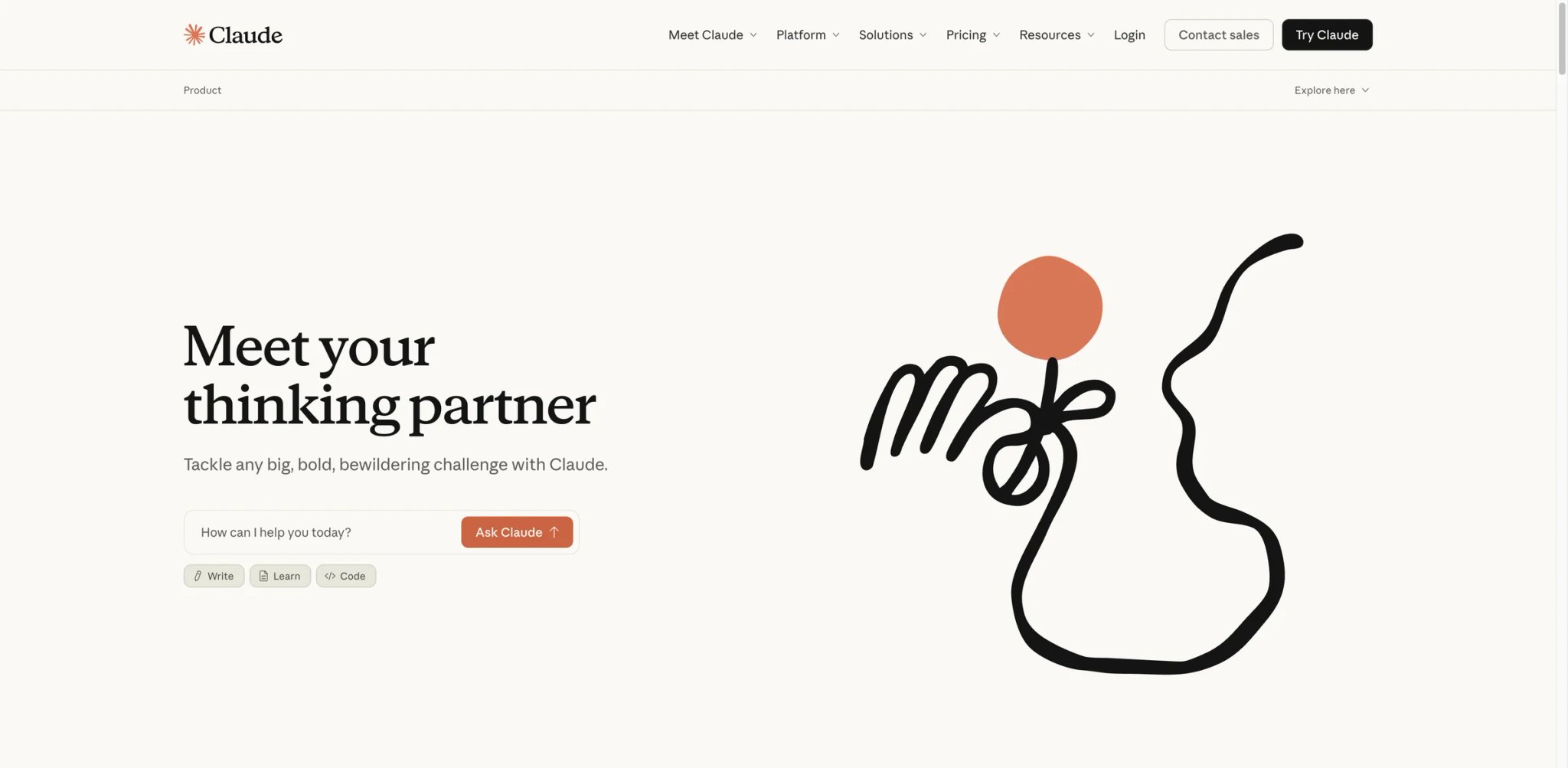
Claude is the closest like-for-like NotebookLM replacement on the list — same job (read my sources, answer questions, write from them), different vendor stack, different model family. Anthropic's Claude.ai supports drag-and-drop PDFs into a chat or a Project, and Projects persist that context across conversations. Claude's strength has always been long-context reasoning, and that's exactly what users complaining about NotebookLM's "source blindness" need: a model that holds the whole document in working memory rather than retrieving fragments through a degraded RAG pipeline.
What Claude solves vs NotebookLM:
- Long-context document reasoning — Claude's 200K-token window means a 300-page report fits in a single conversation; you don't need to hope the retriever picks the right chunk (solves Pain #1, #2)
- Projects with persistent context — upload a research corpus once, then converse against it across multiple sessions; closer to what NotebookLM users wanted from notebooks
- Strong grounding from uploaded files — Anthropic's models are unusually careful with verbatim quotes and source attribution; the citation workflow is easier to audit, but users should still verify quotes and references against the uploaded files (solves Pain #2)
- Separate vendor stack — if your trust gap is specifically with Google's stack, Claude isolates the dependency; one less integration into the Google AI Premium bundle to worry about
Pricing vs NotebookLM: Long-context math — Claude Pro is $20/month or $17/month annual; Max from $100/month for 5x usage and $200/month for 20x. NotebookLM in Google AI Pro is $19.99/month and supports 300 sources per notebook. At a similar monthly price, Claude Pro includes Claude on web, mobile, and desktop, plus Claude Code, Claude Cowork, Projects, Research, and higher usage; API usage is priced separately under Anthropic's API pricing. For users hitting NotebookLM's 300-source Pro cap, Claude's per-chat long context is often a more useful upgrade than stepping up to Ultra-tier NotebookLM.
Limitations: No native podcast/audio output equivalent to NotebookLM's Audio Overview; if listening to your sources is the workflow, Claude doesn't replace that. No Workspace integration — can't share a Project with a tenant the way NotebookLM does inside Google Workspace. Per-chat context is generous but resets across new chats unless you're in a Project.
Best for: Researchers and analysts who used NotebookLM as a study-and-writing tool, felt the post-Gemini-3.1 grounding regression, and want a model that takes citations seriously. Not the right fit if Audio Overview is the feature you actually use NotebookLM for, or you specifically need Workspace-tenant sharing.
Get started with Claude
Elicit
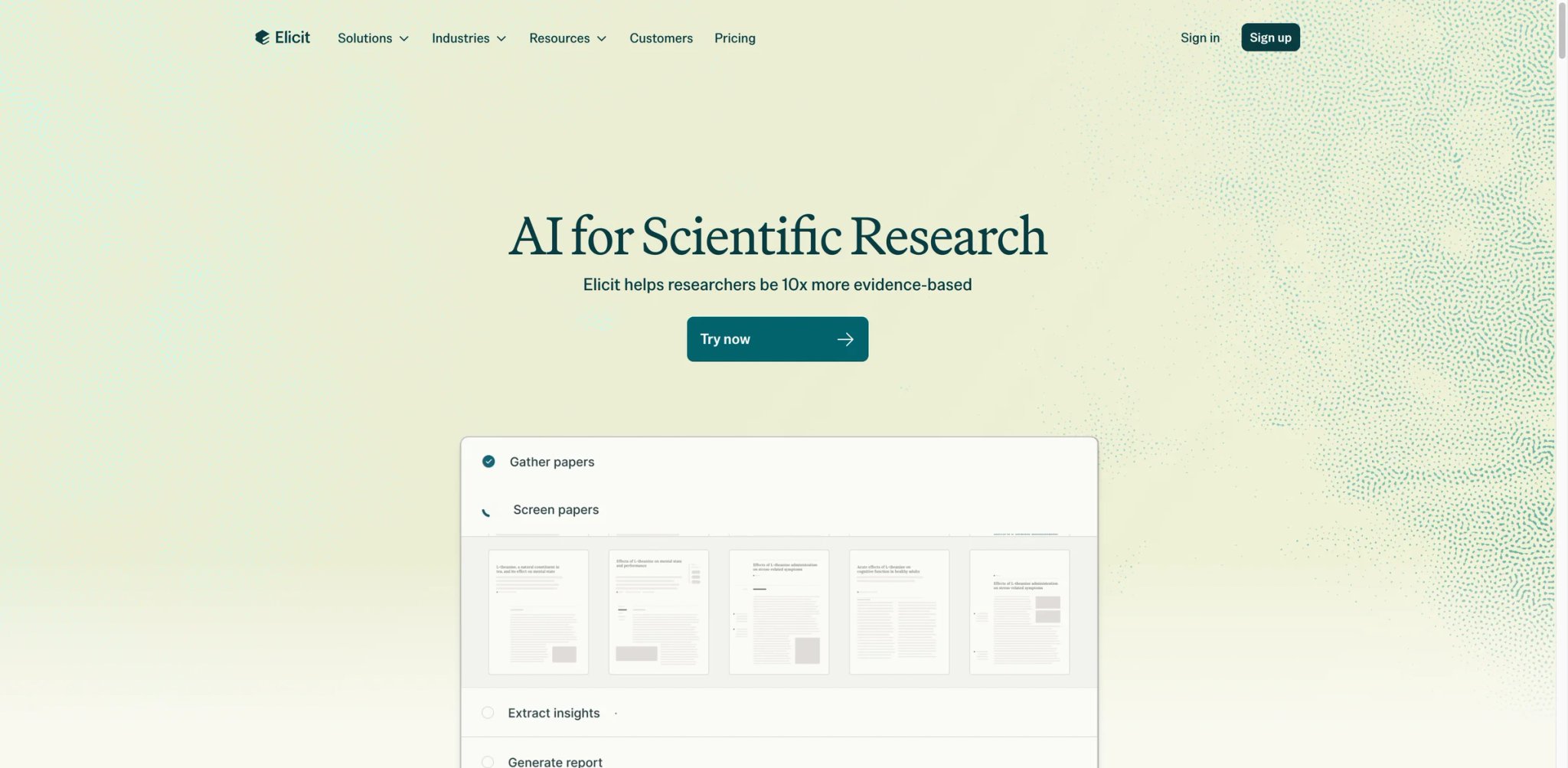
Elicit is purpose-built for academic literature review — paper search, extraction tables, systematic-review workflows — and that's the discipline-specific replacement when "NotebookLM as study tool" was actually shorthand for "academic research assistant." Where NotebookLM is a generalist (drop in PDFs, ask anything), Elicit knows what a literature review looks like: it can pull methodology, sample size, intervention type, and findings into structured columns automatically. The math: Elicit Plus is $7/user/month when billed annually, versus NotebookLM in Google AI Pro at $19.99/month with 300 sources per notebook. If your use case is academic, you're paying a third of the price for a tool actually designed for the job.
What Elicit solves vs NotebookLM:
- Library-scale paper search — Elicit searches across more than 138M papers, well beyond what fits in a NotebookLM in Pro 300-source cap (solves Pain #1)
- Extraction tables — define columns, point at papers, let Elicit fill the table; replaces hours of manual extraction NotebookLM never automated (solves Pain #6)
- Per-claim citations from peer-reviewed corpus — Elicit's grounding is tied to specific papers and sentences; the "random page citation" failure mode doesn't appear because the source space is controlled (solves Pain #2)
- Workflow primitives for systematic reviews — screening, deduplication, exclusion criteria; not chat features, real research-process building blocks
- Zotero connector — pull in your existing reference library directly (solves Pain #3 partial)
Pricing vs NotebookLM: Free Basic plan covers light search. Plus is $7/user/month billed annually for serious individual research. On the academic yearly view, Pro is $29/user/month billed as $348 annually and Scale is $49/user/month billed as $588 annually. On the industry yearly view, Pro is $49/user/month billed as $588 annually and Scale is $169/user/month billed as $2,028 annually. Enterprise adds seats and admin. The crucial framing: at the academic Pro tier, Elicit is roughly 1.5x NotebookLM in Pro on monthly cost, but it does work NotebookLM never claimed to.
Limitations: Elicit is not for general document Q&A. If your "sources" are blog posts, internal docs, or PDFs that aren't in the academic corpus, you'll either upload them (limited capacity in cheaper tiers) or you're using the wrong tool. Some paywalled papers won't surface full text. Workflows can feel rigid compared to NotebookLM's free-form chat.
Best for: Graduate students, researchers, and evidence-based teams whose NotebookLM workflow was always literature-review-shaped. Not the right fit if your sources are general-purpose documents (use Claude or AnythingLLM) or you need audio/podcast output. For broader academic AI tools beyond Elicit, see our best AI research tools roundup.
Get started with Elicit

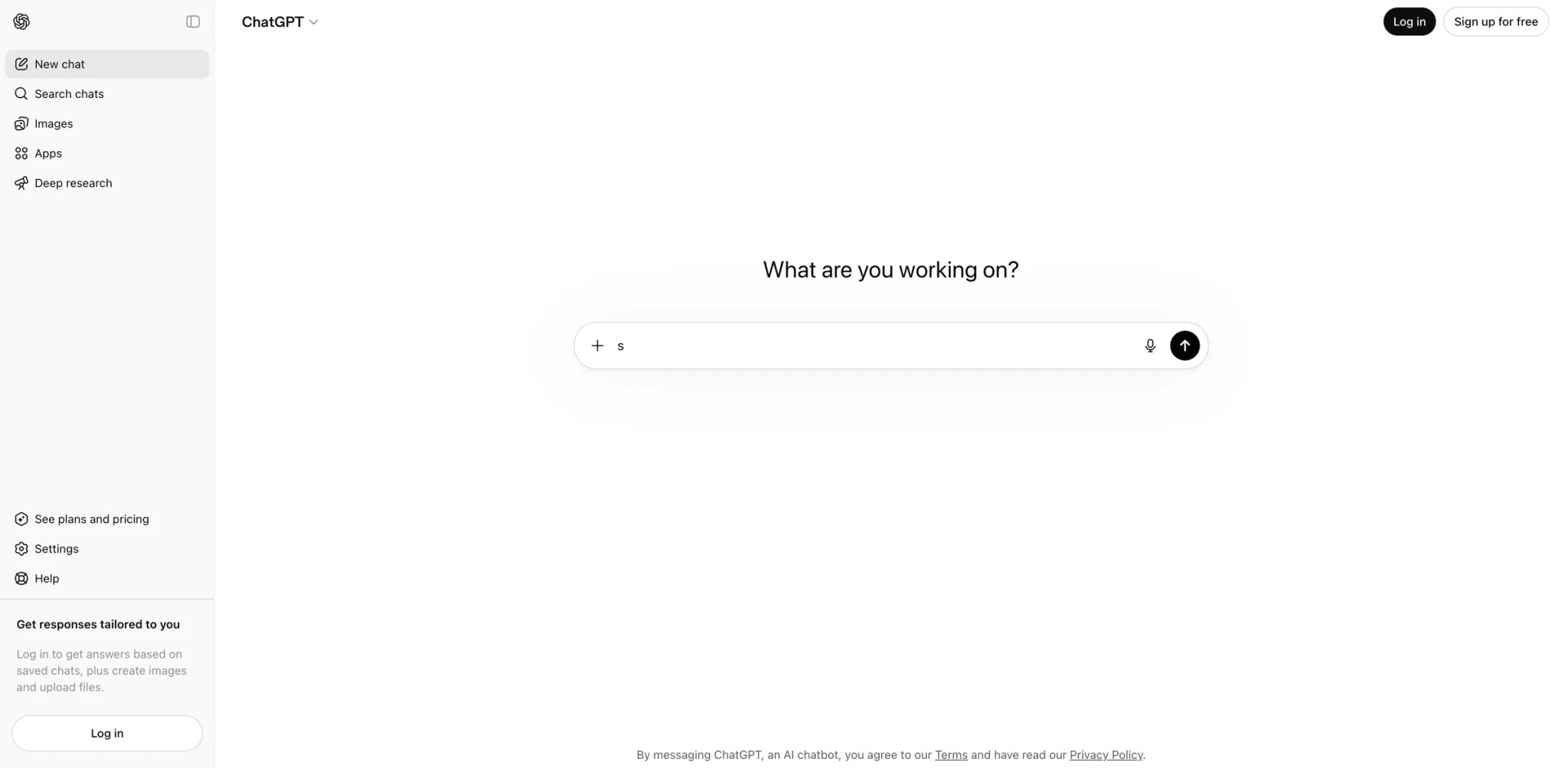
ChatGPT is the path of least resistance for NotebookLM defectors who already have an OpenAI subscription. Projects let you scope a long-running conversation to a fixed set of files, custom instructions, and connectors; combined with Memory, the persistent context approaches NotebookLM's notebook concept without being constrained by a hard 300-source cap. The Connectors expansion in 2025-2026 added Google Drive, Box, Dropbox, GitHub, and SharePoint as live data sources — which means "the documents I want to chat with" no longer has to be a manual upload step.
What ChatGPT solves vs NotebookLM:
- Projects with files + memory + connectors — scope context to specific Projects; pull from Drive, Box, GitHub, or SharePoint without re-uploading; persistent across sessions (solves Pain #6)
- Familiar UX with no learning curve — for the ~50% of NotebookLM users already on ChatGPT, the migration is "open ChatGPT, make a Project, paste your sources"
- Voice mode for audio learning — not a podcast generator like Audio Overview, but TTS over chat output gives you something while walking (partial solve for Pain #4)
- GPT-5.5 Thinking — for the same kinds of multi-step research tasks NotebookLM was being used for, ChatGPT's current reasoning models are competitive with Gemini 2.5 Pro pre-3.1
- Cleaner export path — chat exports, Project exports, and the platform-level data download cover the cases NotebookLM forces you to scrape (solves Pain #3)
Pricing vs NotebookLM: Free tier with limited model access. Plus is $20/month for individual use with broader model access and generous Project quotas. Pro is $200/month for the highest reasoning ceiling. Business ChatGPT & Codex is $20/user/month billed annually for 2+ users, with admin controls and enterprise privacy/security features. Enterprise is custom-quoted. For a NotebookLM-in-Google-AI-Pro subscriber paying $19.99/month, ChatGPT Plus at $20/month is a roughly equivalent budget swap with a wider feature surface.
Limitations: Upload and Project limits are plan-dependent rather than NotebookLM-style source counts; OpenAI publishes 512MB/file and 2M-token text-file caps, while Pro includes unlimited file uploads subject to guardrails. No Audio Overview equivalent — Voice mode covers reading aloud but not generating two-host podcast-style summaries. Some users find Memory's persistence unpredictable across long Project lifetimes.
Best for: Existing OpenAI subscribers, generalist researchers who were never going to hit 300 files anyway, and teams that need connector-driven research across cloud storage. Not the right fit if Audio Overview was the use case (Voice mode isn't equivalent) or you need 100+ files in one workspace (Claude or AnythingLLM scale better).
Get started with ChatGPT
AnythingLLM
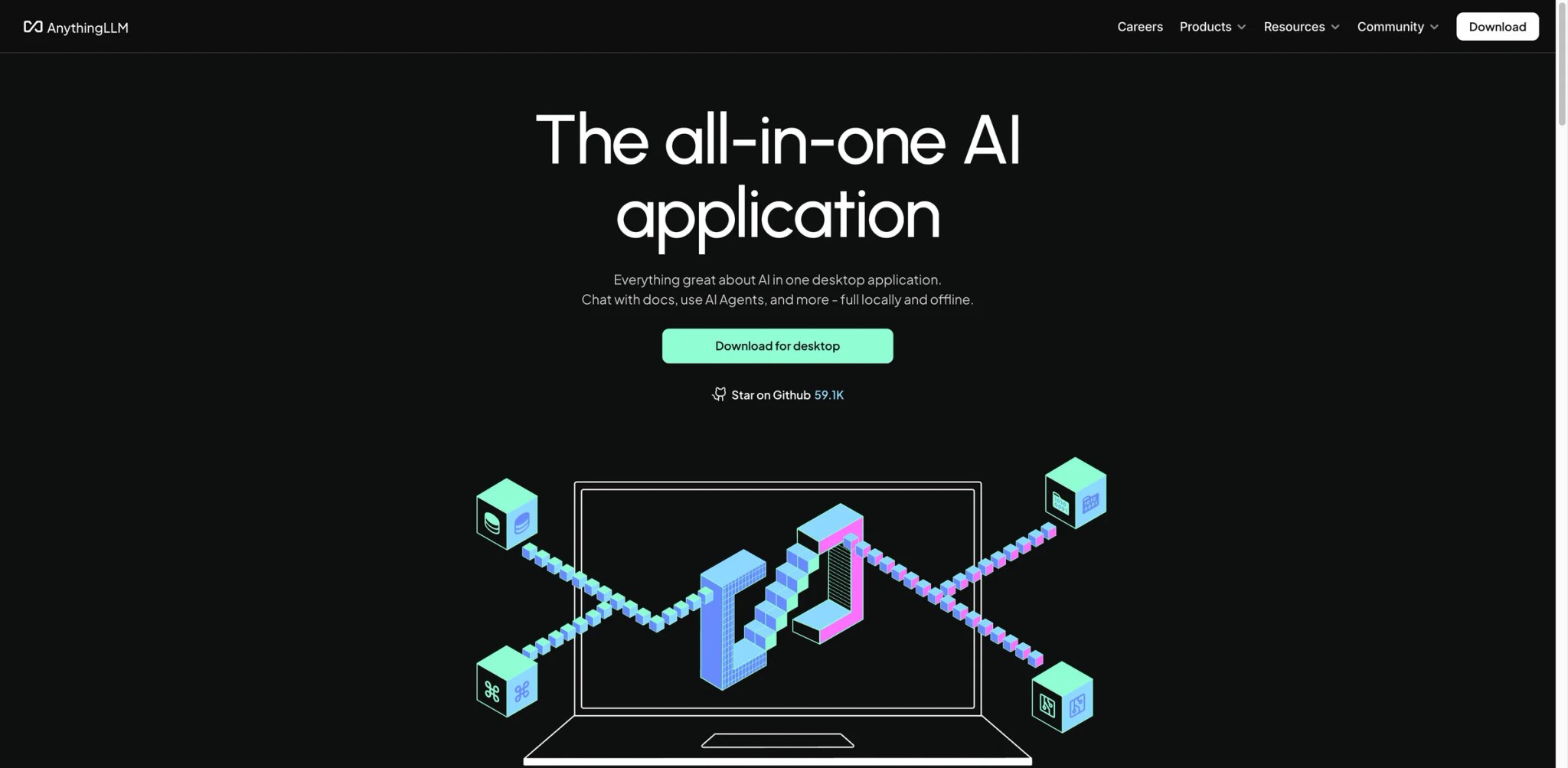
AnythingLLM is what you reach for when the words "self-hosted" or "BYOK with local models" are non-negotiable. Built by Mintplex Labs as both an open-source project and a hosted Cloud offering, AnythingLLM lets you spin up a private ChatGPT-style workspace over your documents with the model layer entirely under your control — Ollama for fully local inference, OpenAI/Anthropic/Mistral/Cohere for hosted, or any OpenAI-compatible endpoint you've stood up internally. For legal, healthcare, and government teams, this is often the only category where NotebookLM was never an option; AnythingLLM fills it.
What AnythingLLM solves vs NotebookLM:
- Workspace-scoped documents with per-citation chunks — answers cite the chunk and the source file, similar to NotebookLM's grounding before the regression (solves Pain #2)
- Pluggable model layer — point at local Ollama, OpenAI, Anthropic, or any OpenAI-compatible endpoint; you control where prompts go (solves Pain #5)
- Unlimited sources when self-hosted — no 50/300/600 cap; storage and indexing are bounded by your hardware, not a vendor tier (solves Pain #1)
- Multi-user workspaces with permissions — closer to a team knowledge base than NotebookLM's solo notebook model (solves Pain #6)
- Full data export — your documents, embeddings, and chats are in your storage layer; nothing to "scrape" out (solves Pain #3)
Pricing vs NotebookLM: Self-host reality — the open-source AnythingLLM is genuinely free, but you're paying in infra plus model API costs plus maintenance time. Cloud Basic is $50/month for hosted single-user. Pro is $99/month for hosted teams. Enterprise is custom-quoted with on-premise and SLA options. Compared to NotebookLM Plus at $19.99/month, AnythingLLM Cloud is meaningfully more expensive — the trade is privacy, scale, and model choice.
Limitations: Self-host is not zero-effort — you need someone comfortable with Docker, vector databases, and basic infra. Hosted Cloud is pricier than NotebookLM. Inline polish (UI animations, onboarding wizards) is closer to "engineer's tool" than to Google's consumer-grade UX. Audio output is not a native feature.
Best for: Engineering teams, regulated industries, and individuals committed to local models — anyone for whom "Google has my source files" was the dealbreaker. Not the right fit if you want zero setup (Claude or ChatGPT win) or your team isn't equipped to run infrastructure.
Get started with AnythingLLM
Perplexity
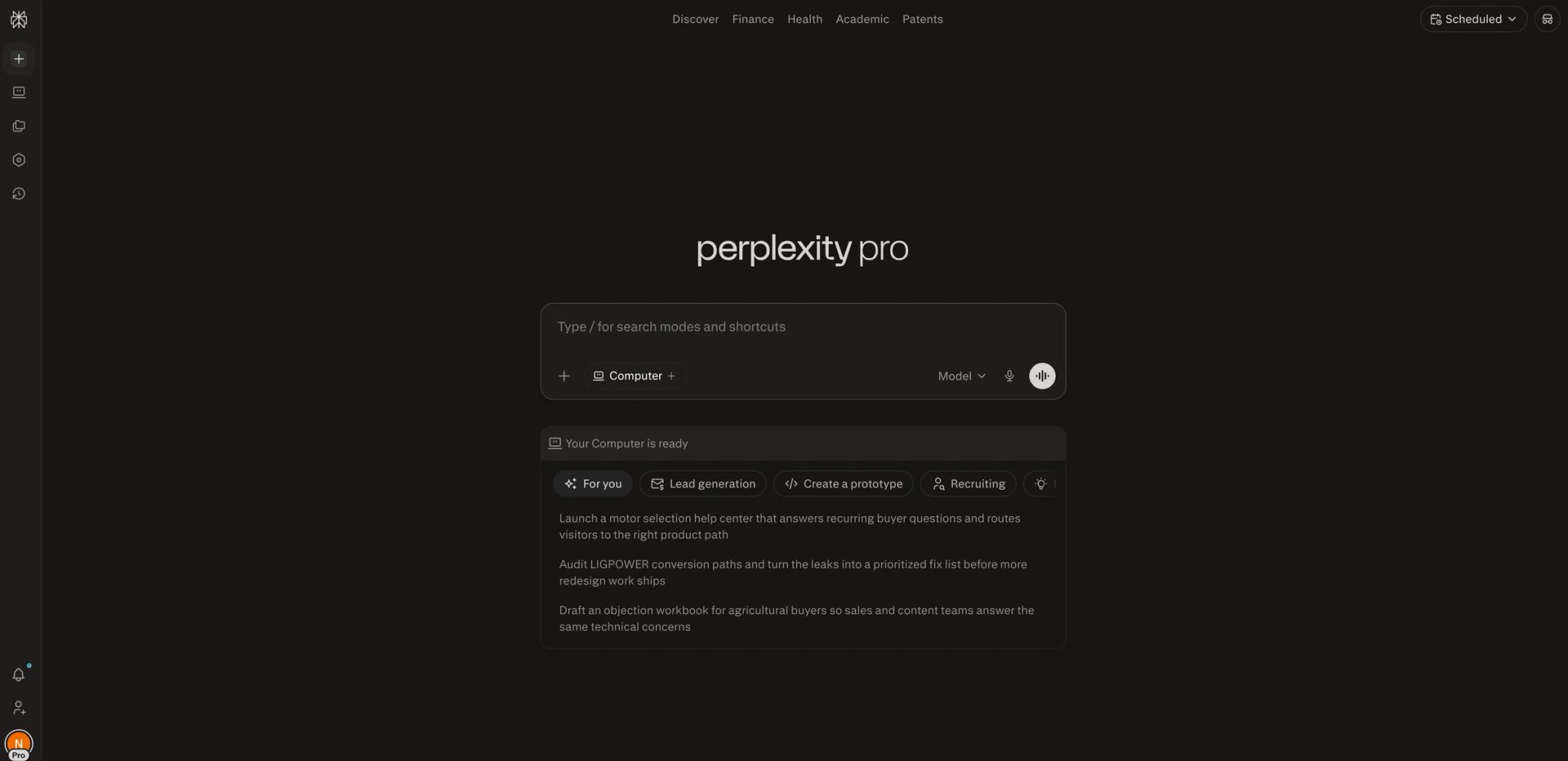
Perplexity is the right fit for researchers whose work is split between "my own files" and "what's on the public web today" — and who got burned when NotebookLM's grounding regression made citation auditing harder. Perplexity Pro's Spaces feature lets you scope a research project to a curated set of sources (uploaded files + web), and every answer comes with inline source links you can click and verify. After the post-Gemini-3.1 hallucination reports, "I can audit the link" goes from a nice-to-have to a procurement criterion.
What Perplexity solves vs NotebookLM:
- Inline citation links you can audit — every claim ships with a clickable source, so verification is one click rather than re-asking the model (solves Pain #2)
- Web-grounded research — Perplexity searches the live web by default; for current-events or evolving-topic research, NotebookLM's frozen-corpus model loses (solves Pain #6 partial)
- Spaces for organized projects — group your research by project, mix uploaded files with web sources, share a Space with collaborators
- Multiple model picker — choose GPT-5, Claude, Gemini, or Perplexity's own Sonar models per query depending on the task
- Strong mobile and voice — partial replacement for Audio Overview if you mostly used it during walks or commutes
Pricing vs NotebookLM: Free tier with limited Pro searches per day. Pro is commonly $20/month with daily Pro searches, file uploads, and Spaces. Enterprise Pro starts around $40/seat/month or $400/year/seat with admin controls. Enterprise Max sits above that for the largest organizations. At the Pro tier, Perplexity is the same monthly price as NotebookLM Plus, but the value distribution is different — more web research, less private-corpus depth.
Limitations: Spaces' upload limits are tighter than NotebookLM's 300-source Plus cap; if your work is purely closed-corpus deep dives, NotebookLM (pre-regression) was actually stronger. The web-mixing default can introduce noise when you specifically want bounded-source answers — you have to discipline it. No native podcast-style audio output.
Best for: Researchers, analysts, and journalists whose work crosses public and private sources, and anyone who specifically needs auditable links after the NotebookLM grounding regression. Not the right fit if your work is entirely closed-corpus (Claude or AnythingLLM scale better) or you need Audio Overview-style listening output. See our broader AI search engines roundup for adjacent tools.
Get started with Perplexity
SurfSense
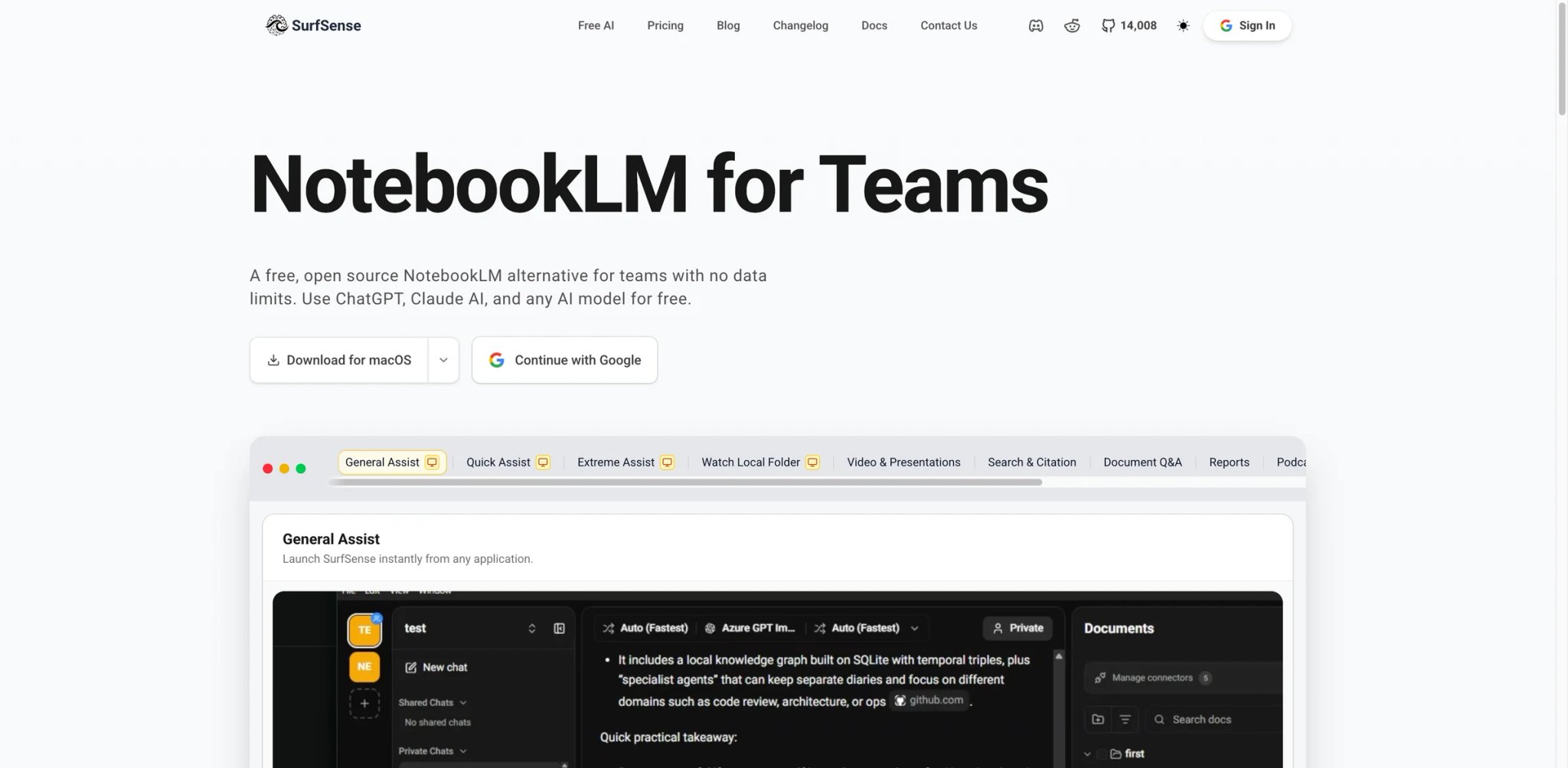
SurfSense is the project to know about if you've been Googling "open-source NotebookLM alternative" — and it's been showing up in those threads with increasing frequency since late 2025. It positions itself as a privacy-focused, source-grounded research notebook with broader connectors than NotebookLM (Slack, Notion, Linear, GitHub, browser history) and no notebook cap. The pitch: take everything you'd want NotebookLM to ingest from your team's actual work — the Slack threads, the Linear tickets, the meeting notes — and let an AI chat over all of it without ever leaving your infrastructure.
What SurfSense solves vs NotebookLM:
- No notebook cap — your own infra, your storage, your scale; the 50/300/600 ceiling doesn't exist (solves Pain #1)
- Broader connectors — Slack, Notion, Linear, GitHub, browser history; NotebookLM stops at file uploads and Google Drive (solves Pain #6)
- Source-grounded answers with citations — same trust contract as NotebookLM pre-regression, just hosted on your terms (solves Pain #2)
- Open-source codebase you can audit — for compliance and security teams, "we read the code" is more reassuring than "Google says it's secure"
- Self-host or hosted — pick the deployment that matches your risk profile (solves Pain #5)
Pricing vs NotebookLM: Open-source caveat — SurfSense is younger than NotebookLM and the team is smaller, which means the polish curve is real and the pace of bug fixes depends on community + maintainer bandwidth. The OSS option is free if you self-host (you pay infra + model API). The hosted version uses page/token packs — recently a 1,000-page pack at $1 has shown up in their pricing page; verify quotas before committing because OSS-tier hosted pricing tends to evolve.
Limitations: Smaller team than Google means slower polish and fewer "just works" defaults — onboarding takes a session or two. Audio Overview equivalent is not a built-in feature. UI in 2026 is functional rather than delightful; some workflows still require config files. Connector reliability varies by source.
Best for: Teams who want NotebookLM's UX with their own infrastructure, no Google data exposure, and broader connectors than file uploads. Not the right fit if you want a polished consumer-grade product (Claude or ChatGPT win) or you can't dedicate at least one engineer to setup.
Get started with SurfSense

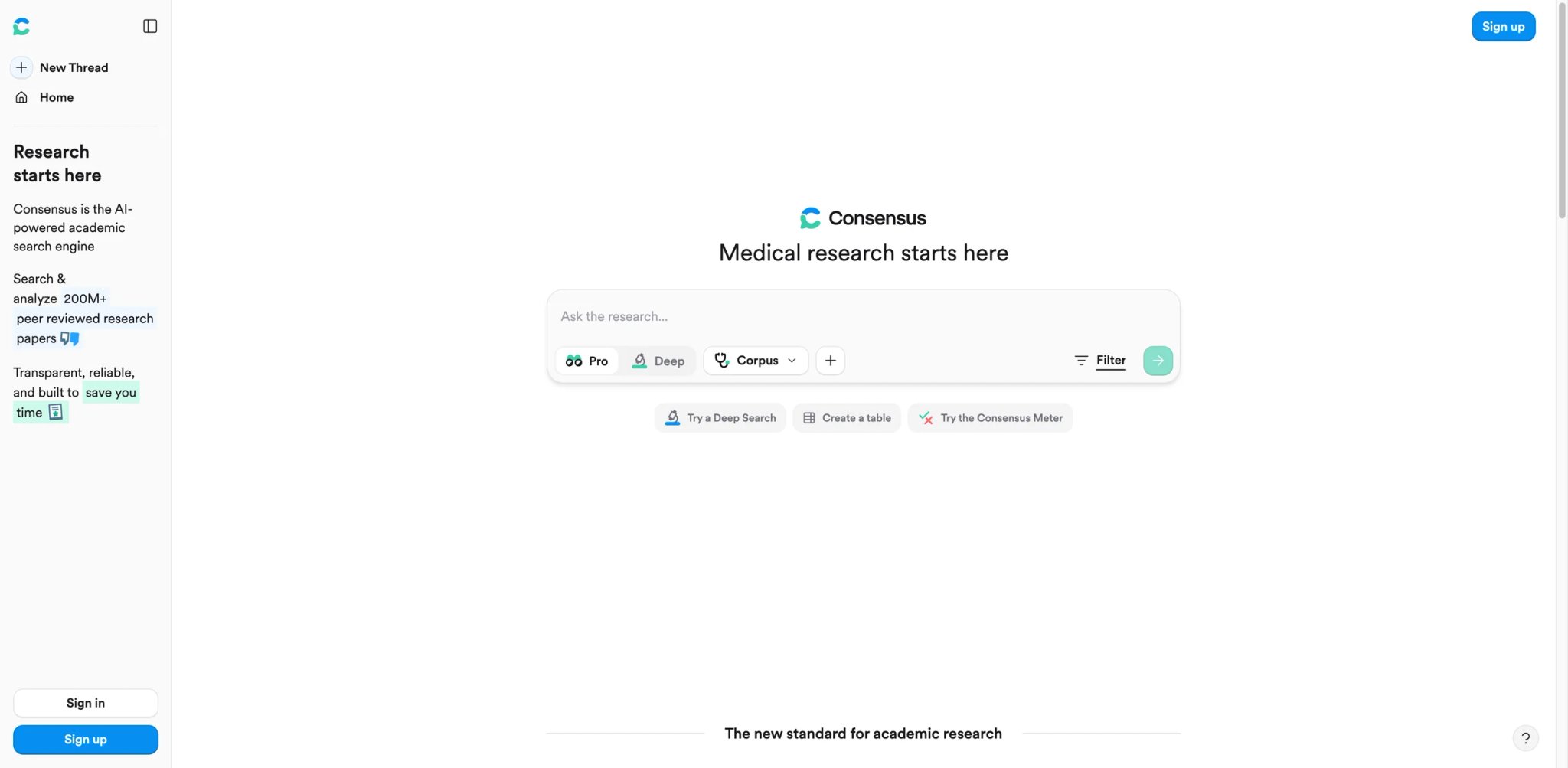
Consensus answers a narrower question than NotebookLM, and answers it more rigorously: "what does the peer-reviewed literature say about X?" It searches across published research and returns answers with evidence-typed citations — RCT supports, meta-analysis disputes, observational study suggests — which is exactly the degree of citation discipline that the post-Gemini-3.1 NotebookLM stopped reliably providing. For clinicians, policy researchers, and decision-makers whose answers need to hold up to scrutiny, the answer-grade label matters more than the chat polish.
What Consensus solves vs NotebookLM:
- Peer-reviewed-only corpus — no random web pages, no internal documents, no user-uploaded marketing PDFs masquerading as evidence (solves Pain #2)
- Study-type filters and AI Study Snapshots — Consensus can filter by designs such as meta-analyses, systematic reviews, RCTs, and observational studies, and its Study Snapshot extracts methods details for faster evidence triage (solves Pain #2)
- Defensible answer trail — the kind of artifact that survives a procurement audit or a peer review (solves Pain #3 partial)
- Topic-specific synthesis — Consensus generates a summarized answer across multiple papers rather than dumping individual citations
- Free tier covers light use — for single-question lookups, you don't need to subscribe immediately
Pricing vs NotebookLM: Free tier with daily question limits. Premium and Pro tiers vary by region and account type — verify on the official pricing page before publishing budget — but the paid tiers typically sit in the same $9-$30/month range as NotebookLM Plus. Teams pricing is also published. Compared to NotebookLM Plus at $19.99/month, Consensus' positioning is "narrower scope, stronger evidence guarantees."
Limitations: Won't ingest your private documents — this is purely literature search, not document Q&A. Coverage is strongest in life sciences, medicine, and policy; thinner in humanities, business, and law. Not a writing tool — you still copy answers into Claude or your own draft document.
Best for: Decision-makers, clinicians, policy researchers, and journalists who need defensible answers on health, science, and policy questions. Not the right fit if your work involves private documents (use Claude or Elicit) or you need a generalist chat tool.
Get started with Consensus
Recall
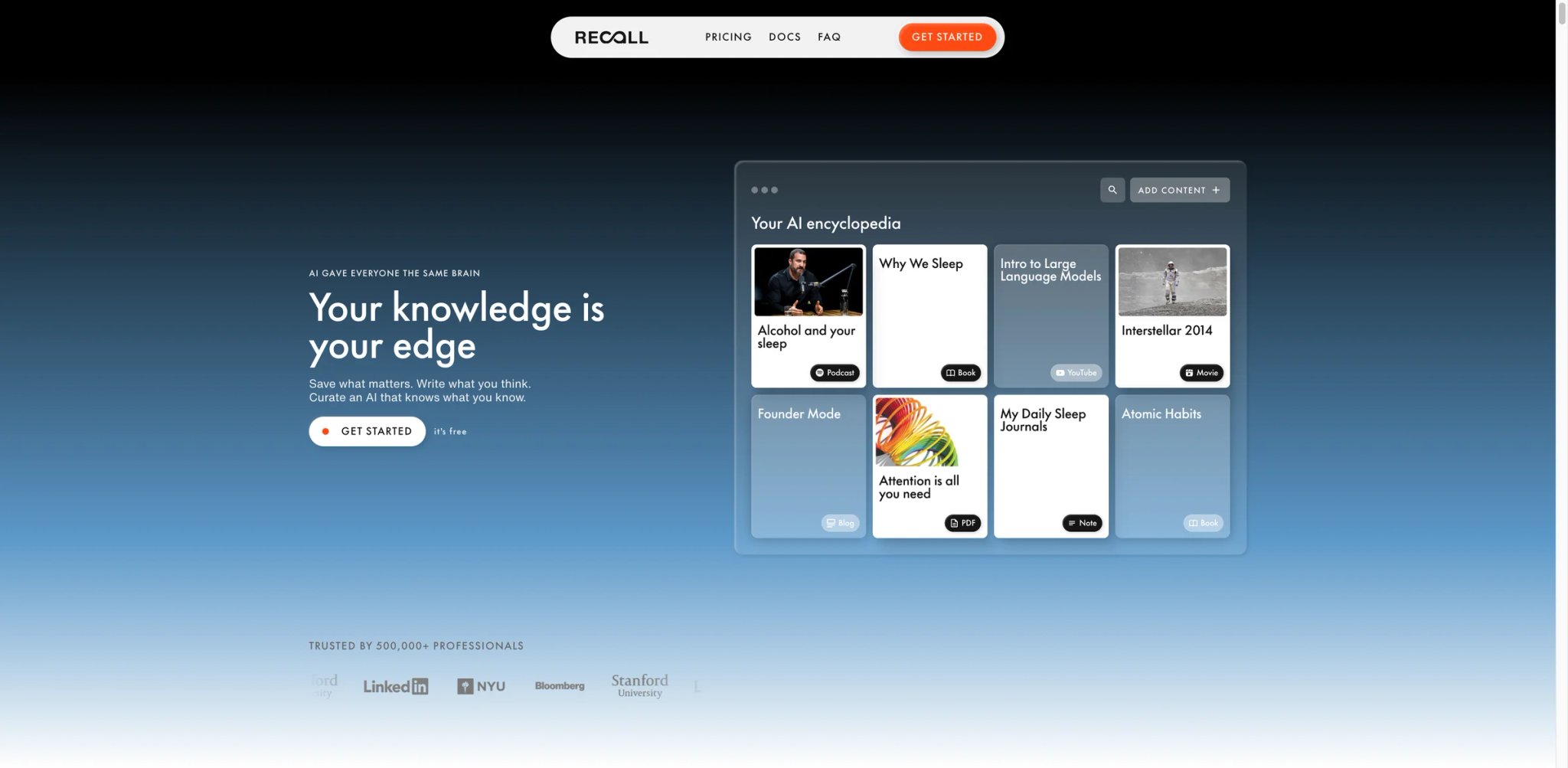
Recall took the question "what was that article I read three months ago about X?" and built an entire product around answering it. It's a personal memory layer — a browser extension and mobile app that captures articles, YouTube videos, podcasts, and tweets, summarizes them, auto-categorizes them, and lets you ask questions across the archive. It's adjacent to NotebookLM rather than directly competing — but for the slice of NotebookLM users who were really using it as "my second brain for everything I consume," Recall is the better-fitting tool.
What Recall solves vs NotebookLM:
- Capture-as-you-consume — browser extension and mobile share sheet; you don't decide ahead of time what's a "source," everything you read is potential context (solves Pain #6)
- Auto-categorization with a knowledge graph — Recall surfaces connections between items you didn't manually link, closer to a real PKM than NotebookLM's flat notebook model
- Audio captures from podcasts and YouTube — partial replacement for Audio Overview in the consumption direction; you listen, Recall remembers
- Per-item memory with source links — every summary points back to the original; export per-item is straightforward (solves Pain #3)
- Cross-format queries — "what did I save about climate adaptation last quarter?" works across articles, videos, and podcasts in one query
Pricing vs NotebookLM: Free tier covers light personal use. Paid plans have historically sat around $10/month, but the public pricing should be re-verified after Recall 2.0 because the company has iterated. Compared to NotebookLM Plus, Recall is cheaper and a different product shape — less depth on one corpus, more breadth across what you read.
Limitations: Item-level summaries are deliberately shallow — Recall is built for breadth, not for "answer this with full context from a 200-page report." Multi-source reasoning is weaker than Claude or Elicit. No team-knowledge-base features; this is genuinely a personal product. Audio generation isn't equivalent to NotebookLM's Audio Overview — it's the consumption side, not the production side.
Best for: Knowledge workers who consume widely, want better-than-bookmarks recall, and were really using NotebookLM as a second-brain proxy. Not the right fit if you need deep reasoning over a closed corpus (Claude wins) or you want a team-shared knowledge base (Notion or AnythingLLM are the better fits). For broader options, our AI note-taking software roundup covers the category.
Get started with Recall
Elephas
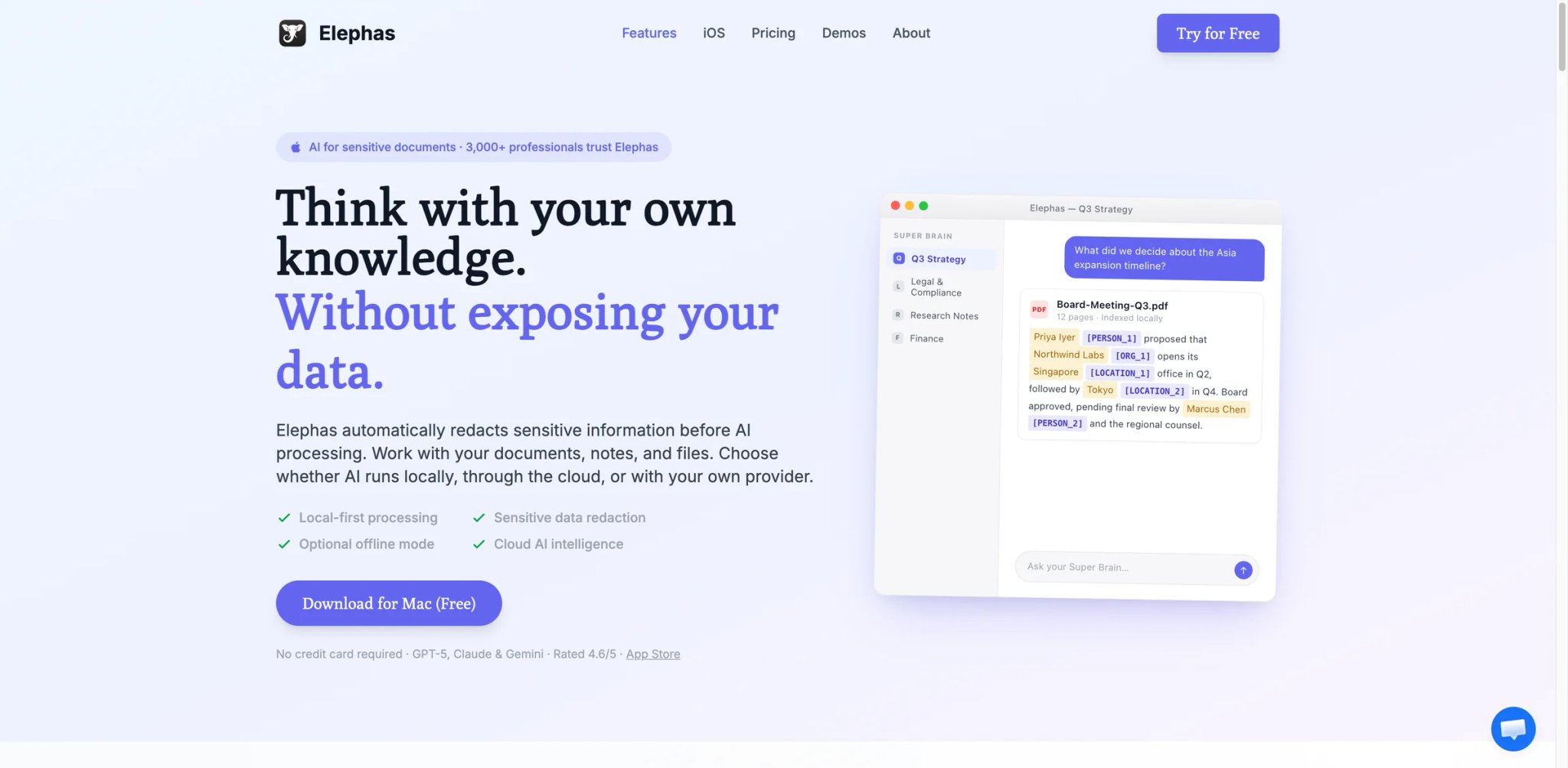
Before features, the framing: Elephas is Apple-only. That's the controversy and the constraint. Built specifically for macOS, iOS, and iPadOS, with deep integrations into the OS-level features Mac users already lean on — Spotlight-adjacent invocation, Shortcuts, native PDF handling, and a Mail integration that NotebookLM has never had — Elephas trades platform breadth for a kind of polish and privacy posture that cross-platform tools struggle to match. If you live on Apple devices and your dealbreaker with NotebookLM was "I don't want my source files in Google's cloud," Elephas is one of the cleanest answers available.
What Elephas solves vs NotebookLM:
- Apple-native private workflows — runs on your Mac, indexes locally, and can keep model inference local with built-in support for Ollama-served models (solves Pain #5)
- PII redaction before requests leave the device — for hosted-model calls, Elephas can strip detected PII pre-send, narrowing the data leaving your machine
- Choose where AI runs — point at local models for sensitive work, hosted models for general work, all from the same UI (solves Pain #5)
- Deep OS integration — Spotlight-style invocation, Shortcuts automations, Mail context; the kind of "where I already am" surface NotebookLM has never delivered
- Knowledge bases over local folders — point at a folder, Elephas indexes it; closer to a personal NotebookLM that lives on your own SSD
Pricing vs NotebookLM: Current App Store-listed tiers include Standard Monthly at $9.99, Pro Monthly at $29.99, and Pro Plus Monthly at $49.99, with annual options such as Standard Yearly at $99.99 and Pro Plus Yearly at $499.99 — verify the exact regional price and plan names before procurement. Compared to NotebookLM in Google AI Pro at $19.99/month, Elephas at the Standard tier is cheaper, at Pro tier roughly equivalent, and at Pro Plus more expensive but with deeper local features.
Limitations: Apple-only lock — macOS, iOS, and iPadOS only; if anyone on your team is on Windows or Linux, Elephas is out as a shared tool. Audio output isn't a marketed feature; the Audio Overview replacement isn't here. Some advanced workflows (multi-user, team sharing) aren't first-class.
Best for: Mac-native power users, legal teams handling case files, healthcare professionals with PHI, and journalists protecting sources who need a private-by-default tool that respects platform conventions. Not the right fit if you have any Windows or Linux users (cross-platform is non-negotiable) or you specifically need Audio Overview equivalents.
Get started with Elephas
Saner.AI
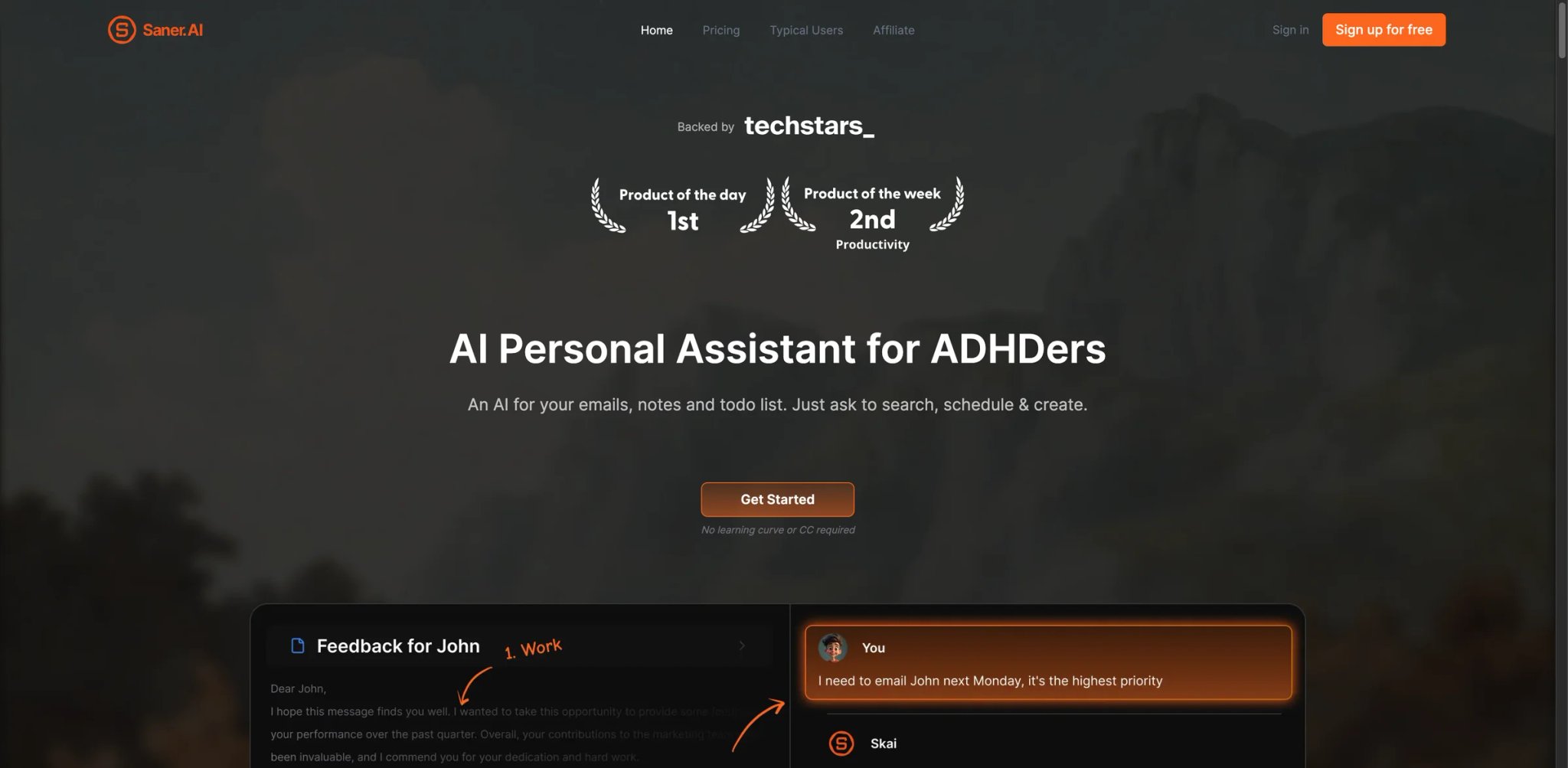
Saner.AI's pitch is that knowledge work doesn't end at the notebook — it ends at action items, calendar entries, and follow-up meetings. The product threads notes, tasks, and calendar together with an AI assistant that knows what you have written and what you have to do. For NotebookLM users whose research consistently fed downstream into "what should I do next week," Saner is structurally closer to the actual workflow than a notebook ever was. The trade is depth: Saner is shallow per source compared to Claude or Elicit, but it connects pieces NotebookLM never tried to connect.
What Saner.AI solves vs NotebookLM:
- Notes + tasks + calendar in one model — the AI assistant can pull context from your meeting prep notes when you ask "what should I do today?" (solves Pain #6)
- Notes-anchored answers — your private knowledge stays scoped to your account; not training fodder, not shared across tenants
- Quick onboarding — closer to "open the app, start typing" than to the setup curve of self-hosted alternatives
- Mobile and desktop parity — capture notes on the go, surface them on desktop without re-syncing; partial answer to NotebookLM's web-only feel
- Cleaner export path — your notes are yours; standard markdown and CSV exports cover archival (solves Pain #3)
Pricing vs NotebookLM: Free $0 covers personal light use. Starter is $8/month billed annually for the working professional. Standard is $16/month billed annually with the deeper integrations. Both undercut NotebookLM Plus at $19.99/month — Saner is a cheaper tier at every level, with a different product shape (PKM + tasks instead of source-Q&A).
Limitations: Younger product than NotebookLM with a smaller community; the "I'll find a Reddit post answering my question" reflex doesn't yet pay off the same way. Multi-source reasoning over hundreds of files isn't the strength — Saner thinks in notes and tasks, not 300-PDF corpora. Audio output isn't on offer.
Best for: Knowledge workers whose research has to feed into action items, professionals who want notes plus tasks plus calendar in one AI-aware tool, and budget-conscious switchers willing to go shallow per source for breadth across workflows. Not the right fit if you need deep reasoning over a closed-document corpus (Claude or Elicit win) or you specifically use NotebookLM for Audio Overview.
Get started with Saner.AI
Honorable Mentions
These five tools show up repeatedly in NotebookLM-migration threads, but each is functionally adjacent rather than directly equivalent — they belong here because they solve a specific NotebookLM pain in a way the top ten don't.
Obsidian
Obsidian is local-first markdown PKM with a graph view and a plugin ecosystem (Smart Connections, Copilot for Obsidian, Text Generator) that lets you bolt AI on top of your own vault. The core app is free; Sync is $4/user/month annual or $5/user/month monthly. Best for users who want a durable second brain that survives any AI vendor's pricing change — including Google's. Get started with Obsidian.

Notion plus Notion AI is the answer when the real ask is collaboration and workspace structure with AI on the side, not source-bounded study. Plus, Business, and Enterprise tiers are seat-priced; Notion AI and Custom Agents pricing has changed multiple times in the last year and should be re-verified at procurement time. Best when your team needs a wiki and a notebook in the same tool. Get started with Notion.
LM Studio
LM Studio is a free local-model runner — desktop app for downloading and running open-weights models on your own hardware, with a chat UI and a local API endpoint. Free for home and work; Enterprise terms available. Best for technical users who want fully offline inference and bring their own UI on top. Get started with LM Studio.
Zotero
Zotero is the citation library and PDF organizer your university librarian recommends — open-source, mature, and free up to 300MB; 2GB is $20/year, 6GB $60/year, Unlimited $120/year. Best when academic referencing infrastructure matters more than chat — pair Zotero with Claude or Elicit for the AI layer. Get started with Zotero.
Open Notebook
Open Notebook is an open-source NotebookLM-style project on GitHub by lfnovo — closer in spirit to "what if NotebookLM were a self-hosted MIT-licensed app." Free; self-hosting costs depend on your model and infra choice. Best for engineers who want maximum control over deployment and don't mind the ongoing maintenance. Get started with Open Notebook.
Migrating from NotebookLM — A Practical Guide
Data and Account Migration
Notes can be migrated using the community Chrome extension that exports notes and chats as PDF — install before you churn or you'll lose the option. Audio Overviews don't have a native transcript export; download the audio file from the share menu and run it through any transcription tool (Whisper, MacWhisper, or your AI tool of choice) to get the text. Source files are yours — your originals stayed on your device, NotebookLM only kept a copy. For Workspace tenants, confirm the 2026 Workspace integration changes with your IT before churning the account; some configurations have moved NotebookLM behind core-service flags that affect data deletion timing. Account closure proper goes through Google Account Services and follows Google's standard data deletion windows.
Learning Curve by Alternative
- Near-zero: Claude, ChatGPT, Perplexity, Recall, Saner.AI, Consensus — chat UI conventions, drag-and-drop file uploads, no setup beyond signing in.
- Medium: Elicit (academic-specific UX takes a session to learn), Notion (workspace mental model is the bigger shift), Elephas (macOS-only setup plus PII config), Obsidian (markdown vault plus plugin install), Zotero (citation manager workflow).
- High: AnythingLLM, SurfSense, Open Notebook, LM Studio — self-host expectations, Docker or local-runner setup, model and vector-store config decisions to make up front.
Pricing Brackets vs NotebookLM in Google AI Pro (~$19.99/mo; 300 sources/notebook)
- Cheaper than Google AI Pro: Elicit Plus $7/mo annual, Saner Starter $8/mo annual, Recall ~$10/mo, Saner Standard $16/mo annual, Zotero $1.67-$10/mo (storage tier dependent), Obsidian core free, LM Studio free.
- Free OSS + BYOK: AnythingLLM self-hosted, SurfSense self-hosted, Open Notebook self-hosted (you pay infra and model API).
- Same range: Claude Pro $20/mo, ChatGPT Plus $20/mo, Perplexity Pro $20/mo.
- More expensive than Google AI Pro: Claude Max from $100/mo, AnythingLLM Cloud Basic $50/mo, AnythingLLM Cloud Pro $99/mo, Elicit Pro $29/mo academic, Elicit Industry Pro $49/mo, ChatGPT Pro $200/mo.
Best NotebookLM Alternatives by Use Case
If Your Reason Is "I Need to Analyze Hundreds of Files or 1000-Page Documents"
Claude for long-context per-chat reasoning; AnythingLLM for self-hosted unbounded scale; SurfSense for the same with broader connectors; Elicit when the corpus is academic. NotebookLM's 300-source Plus cap is the constraint each of these explicitly removes, in different ways.
If Your Reason Is "I Lost Trust After the Gemini 3.1 Pro Retrieval Regression"
Elicit for peer-reviewed-only grounding; Consensus for evidence-typed citations; Perplexity for click-to-audit web-grounded answers; Claude when separating from the Google AI stack matters. The trust contract differs in each, but all four make hallucinated page citations harder to slip past.
If Your Reason Is "I Want a Tool That Runs Locally or Off Google's Cloud"
AnythingLLM for BYOK with local Ollama models; SurfSense for OSS self-host; Elephas for macOS-native local indexing with PII redaction; Open Notebook for the closest OSS NotebookLM analog; LM Studio for purely local inference layered into your own UI.
If Your Reason Is "I Need to Export Notes, Chats, and Audio Transcripts Cleanly"
ChatGPT for Project exports and platform-level data download; Claude for chat exports; Elicit for library export with citations preserved; Recall for per-item export; Zotero for citation-grade reference export. NotebookLM's no-export ceiling falls away in each.
If Your Reason Is "I'm Doing Academic Literature Review, Not General Document Q&A"
Elicit for extraction tables and systematic review primitives; Consensus for evidence-statement synthesis; Zotero for the citation library underneath; Claude for the deep-read on individual papers. The right answer is usually a stack of two or three of these, not a single tool.
If Your Reason Is "I Want a Long-Term Knowledge Base, Not One-Off Notebooks"
Obsidian for graph-based PKM; Saner.AI for notes-plus-tasks; Recall for the consume-side memory layer; Notion for workspace-style wikis with AI. NotebookLM's notebook-as-atomic-unit constraint isn't load-bearing in any of these.
If Your Reason Is "I Mainly Used NotebookLM for Audio Learning and Want More Control"
ChatGPT Voice mode for TTS over chat output; Claude for generating script-ready summaries you can run through any TTS tool; Recall for capture-side podcast and YouTube memory. None directly replicate Audio Overview, but each covers a different slice of the listening workflow NotebookLM left in a 25-minute box.
How to Choose the Right NotebookLM Alternative
1. Diagnose Your Reason, Then Test on a Free Tier
Name the painpoint precisely — source caps, grounding regression, privacy, export, audio shrink, or PKM gap — before opening any new tool. Then pick one or two candidates that map to that reason and test them on your real corpus for 48 hours. Don't compare side-by-side on toy data; the failure modes you actually care about (citation reliability on a 50-page PDF, retrieval quality with five overlapping sources) only show up under real load.
2. Verify Pricing Model and Region Availability
Don't assume parity with NotebookLM Plus's $19.99 — Elicit and Saner are cheaper at the entry tier, AnythingLLM Cloud and Claude Max are meaningfully more expensive, and Recall plus several Honorable Mentions have moved their public pricing in the last six months. Check region availability too: some tools (Elephas) are platform-restricted, and academic tier eligibility (Elicit Pro versus Industry Pro) depends on a verifiable university affiliation. Read the post-trial billing terms before the trial ends.
3. Confirm Compliance Posture If It Matters
If you're in legal, healthcare, finance, or government, run the candidate past whoever owns procurement before you migrate. AnythingLLM (self-host), SurfSense (OSS), Elephas (local Apple-native), Open Notebook, and LM Studio are the strongest defaults when local control is non-negotiable. Hosted vendors (Claude, ChatGPT, Perplexity, Elicit, Consensus) all publish SOC 2 reports and DPAs — get those before you upload anything sensitive.
4. Migrate, Then Run a 2-Week Hybrid Period
Don't churn NotebookLM the day you sign up for the new tool. Keep NotebookLM read-only for two weeks, do all new work in your chosen alternative, and check three things at the end of week two: are the citations holding up under your scrutiny, did the export path work for the artifacts you wanted to keep, and is the price what you expected on the first invoice. Only then close the NotebookLM account properly.
Frequently Asked Questions
What is the best free alternative to NotebookLM in 2026?
For zero-cost options, Claude Free and ChatGPT Free both support file uploads with smaller context windows. For unbounded self-hosting, AnythingLLM, SurfSense, Open Notebook, and LM Studio are all free if you bring your own model API or run locally. Obsidian is free as a markdown PKM with optional AI plugins. The right pick depends on whether your constraint is dollars, scale, or privacy — not all three at once.
Is Claude Actually a Drop-in Replacement for NotebookLM?
For source-grounded reading and writing, mostly yes — Claude's long-context window and Projects cover the core "drop in PDFs and ask questions" workflow that NotebookLM was built for, with stronger grounding discipline post-Gemini-3.1. For Audio Overview specifically, no — Claude doesn't generate two-host podcast-style audio. If your NotebookLM use was 90% chat-with-files and 10% audio, Claude is the closest direct swap.
Is There an Open-Source NotebookLM Alternative I Can Self-Host?
Yes — three serious options. SurfSense is the closest UX parity with broader connectors. AnythingLLM has the largest community and the most polished hosted-Cloud option for teams that want OSS without operating it. Open Notebook is more literal — a NotebookLM-style project closer to a single contributor's reference implementation. Pick by team capacity to operate it.
Did the Gemini 3.1 Pro Update Make NotebookLM Worse?
By community reports across the Google AI Developers Forum and r/notebooklm, the February 19 2026 Gemini 3.1 Pro integration coincided with full-notebook retrieval degradation, source-blindness reports, and at-random page citations on previously reliable notebooks. Google has not published an official postmortem, so the exact scope is bounded by community evidence rather than vendor confirmation. If your workflow depends on citation reliability, the safe assumption today is "treat NotebookLM citations as suggestions, not ground truth, until Google publishes a fix."
Which NotebookLM Alternative Is Best for Academic Papers?
Elicit for the literature-search and extraction-table workflow; Consensus for evidence-typed answers from peer-reviewed corpora; Zotero as the citation manager underneath. Most serious academics end up using two or three of these together — Zotero stores the papers, Elicit screens and extracts, Consensus synthesizes, and Claude or another generalist handles the writing.
Which NotebookLM Alternative Keeps My Files Off Google's Cloud?
AnythingLLM self-hosted with local Ollama models, SurfSense self-hosted, LM Studio for fully local inference, Open Notebook for OSS deployment, and Elephas for macOS-native local indexing all keep sources on your own infrastructure. For teams wanting hosted but non-Google, Claude and ChatGPT at least move the dependency to a different vendor stack with separate compliance posture.
Can I Export NotebookLM Chats and Audio Overview Transcripts?
Notes can be exported via a community Chrome extension that downloads notes and chats as PDF — install it before you churn. Audio Overviews can be downloaded as audio files but transcripts aren't a first-party export; run the audio through Whisper, MacWhisper, or your AI tool of choice to get text. Plan the export the day you decide to switch, not the day you actually leave.
Is NotebookLM Plus Still Worth $19.99/mo If I'm Not Hitting Limits?
If your use is mostly Audio Overview for personal study and you haven't felt the post-Gemini-3.1 grounding regression on your specific notebooks, probably yes — at $19.99 bundled into Google AI Premium, Plus is a reasonable price for the workflow as it stands. If you've felt the regression, you're hitting source caps, or you need Audio Overviews longer than 25 minutes, the answer is probably no — the budget is better spent on Claude Pro at the same price point, or on a category-specific tool like Elicit or AnythingLLM that does what you actually need.
For broader alternatives blogs covering related tools and migration paths, our category index has the full set.
Get ToolWorthy Weekly
New AI tools, practical guides, and selected AI signals in one weekly brief.
Related Posts
- 8 Jasper Alternatives in 2026 — What to Switch To
Choose a Jasper alternative by replacement distance: marketing workspace, enterprise governance, SEO/GEO operations, or a general assistant.
- 11 Best AI Research Tools 2026 — Credit Traps, Citation Accuracy, Fit
Every AI research tool demos beautifully — until the citation turns out to be fabricated. Eleven platforms tested with 2026 pricing and real limits.
For AI tool founders
Built a tool that belongs in this decision set?
Request an editorial evaluation for possible inclusion in ToolWorthy.
Submit your tool for reviewPaid submission does not guarantee a ranking, recommendation, inclusion, or editorial outcome.