
13 Best AI Search Engines 2026 — From Perplexity to Clinical-Grade Answer Engines
ChatGPT leads AI search — but it's the wrong tool for a literature review. We compare 13 AI search engines by citations, privacy, and use case.

On this page
By early 2026 the search habit has quietly inverted. Instead of typing a query into Google and scanning ten blue links wrapped in SEO spam, more people now ask a question and read one cited answer. Third-party estimates vary by methodology, but ChatGPT still leads early-2026 AI-search usage by a wide margin, with Google's Gemini-powered AI Mode, Microsoft Copilot, and Perplexity forming the next tier — and that's before counting the privacy-first and research-specific engines most people have never heard of. If you're trying to pick the AI search engine you'll actually live in, the question isn't "which is smartest." It's "which one cites sources I can trust, doesn't sell my queries, and is built for what I actually search for."
That last point is where most roundups go wrong. The best general answer engine is the wrong tool for a literature review, a clinical question, or a code-aware lookup — and the best academic engine is overkill for "what's a good lasagna recipe." So we split these 13 AI search engines into two groups: general answer engines for everyday and professional search, and research-grade engines built for papers, evidence, and citations that survive peer scrutiny. For the full list with filters, see our AI search engine category. We scored each on citation quality, source transparency, privacy posture, pricing, and fit-for-purpose, drawing on vendor docs, independent comparisons, and hands-on testing. Pricing was verified against vendor pages in May 2026.
| Tool | Best For |
|---|---|
| Perplexity | The category-defining answer engine with transparent citations |
| ChatGPT Search | Deep analytical answers inside the broader ChatGPT stack |
| Google AI Mode | AI answers on the largest live index, best for local and everyday |
| Brave Search | Privacy-first AI answers on an independent index |
| Microsoft Copilot | AI search woven into Windows, Edge, and Office |
| Kagi | Ad-free paid search for people who'd rather pay than be the product |
| DuckDuckGo | Privacy-default search with anonymized AI assist |
| Elicit | Systematic literature review across millions of papers |
| Consensus | Evidence-based answers with a scientific-agreement meter |
| OpenEvidence | Clinical-grade medical answers for verified professionals |
| Undermind | AI co-researcher that finds and verifies academic sources end-to-end |
| Genspark | Agentic search that builds structured Sparkpage deliverables |
| Felo | Multilingual answer engine that ships slides, mind-maps, and reports |
How We Selected and Tested
We selected these AI search engines based on measurable criteria: a live, working answer engine (not a vaporware demo) as of May 2026, a transparent citation mechanism, public pricing or a clearly documented free tier, and either broad consumer traction or a defensible niche (academic, medical, privacy, developer). We deliberately included both the headline general engines and the research-grade tools most consumer roundups skip, because the "best AI search engine" depends entirely on what you're searching for.
Our research methodology combined vendor documentation, official pricing pages, independent comparison studies, and hands-on querying. We ran the same set of test questions — a factual lookup, a contested claim needing citations, a multi-step research question, and a privacy-sensitive query — across the general engines, and ran paper-finding and evidence-synthesis tasks across the research engines. We cross-referenced citation accuracy by following sources back to originals, and pulled user feedback from r/perplexity, r/singularity, Hacker News, and academic forums to surface real friction rather than marketing claims.
Evaluation Dimensions: We evaluated each engine across six dimensions chosen to match how people actually decide between AI search tools:
- Citation Quality — Are claims linked to real, verifiable sources, and do the citations actually support the claim?
- Source Transparency — Can you see and audit where the answer came from, or is it a black box?
- Privacy Posture — Is your query tracked, tied to your identity, or used to train models?
- Answer Depth vs Speed — Quick one-shot summary, or slow multi-step research synthesis?
- Fit for Purpose — General-knowledge breadth vs domain-specific depth (academic, medical, developer)
- Pricing & Value — Free-tier generosity, paid-tier cost, and what you actually get for it
Note on Testing Scope: We conducted hands-on testing across all general engines and the four research engines using a shared question set. For OpenEvidence specifically, full access requires a verified medical credential (NPI), so our assessment of its clinical depth relies on documented capabilities and professional user reports rather than unrestricted hands-on use.
Transparency & Limitations: All pricing and market-share figures come from official vendor pages and published 2026 reports, verified before May 30, 2026. Market share shifts monthly in this category — treat any vendor-share ranking as a moving 2026 snapshot, not a fixed order. Several engines (Genspark, iAsk) don't fully disclose paid pricing; we note that rather than guessing. Research conducted April 25 – May 30, 2026.
Top 13 AI Search Engines Compared
We split the comparison into two tables because comparing Perplexity to a clinical evidence engine on the same axis is meaningless. General engines compete on everyday breadth, speed, and privacy; research engines compete on corpus depth, citation rigor, and synthesis quality.
General AI Search Engines (7)
| Tool | Best For | Starting Price | Privacy Posture | Standout Signal |
|---|---|---|---|---|
| Perplexity | Cited everyday + pro research | Free; Pro ~$17/mo (annual) | Standard tracking; data controls | Most transparent citations |
| ChatGPT Search | Deep analytical answers | Free; Go ~$8/mo; Plus $20/mo; Pro $100-$200/mo | Tracked; training opt-out available | Leads AI-search usage across datasets |
| Google AI Mode | Everyday + local search | Free; AI Plus $7.99, AI Pro $19.99, AI Ultra $100 | Full Google tracking | Largest live index; Deep Search needs AI Pro/Ultra |
| Brave Search | Privacy-first AI answers | Free; Search Premium $3/mo or $29.99/yr | No tracking; Premium removes search ads | Independent index |
| Microsoft Copilot | Microsoft-stack users | Free; M365 paid tiers | Microsoft account tracking | Windows + Office integration |
| Kagi | Pay-to-not-be-the-product | Free trial; from $5/mo | No ads, no tracking, paid | Ad-free by design |
| DuckDuckGo | Privacy by default | Free | Anonymized, no tracking | Anonymized AI chat |
Research & Academic Search Engines (4)
| Tool | Best For | Starting Price | Corpus | Standout Signal |
|---|---|---|---|---|
| Elicit | Systematic literature reviews | Free; Plus $7/mo, Pro $29/mo, Scale/Enterprise | 138M+ papers + clinical trials | Structured review tables |
| Consensus | Evidence-based answers | Free; Pro $15/mo | Peer-reviewed papers | Consensus Meter |
| OpenEvidence | Clinical medical answers | Free (credential required) | Medical literature | Clinician-grade, free |
| Undermind | Deep paper discovery | Free; Pro ~$16/mo (annual) | Academic databases | End-to-end verification |
Detailed Reviews
General AI search engines — the everyday answer engines you'll reach for most, ranked by how well they balance cited answers, speed, and privacy.
Perplexity
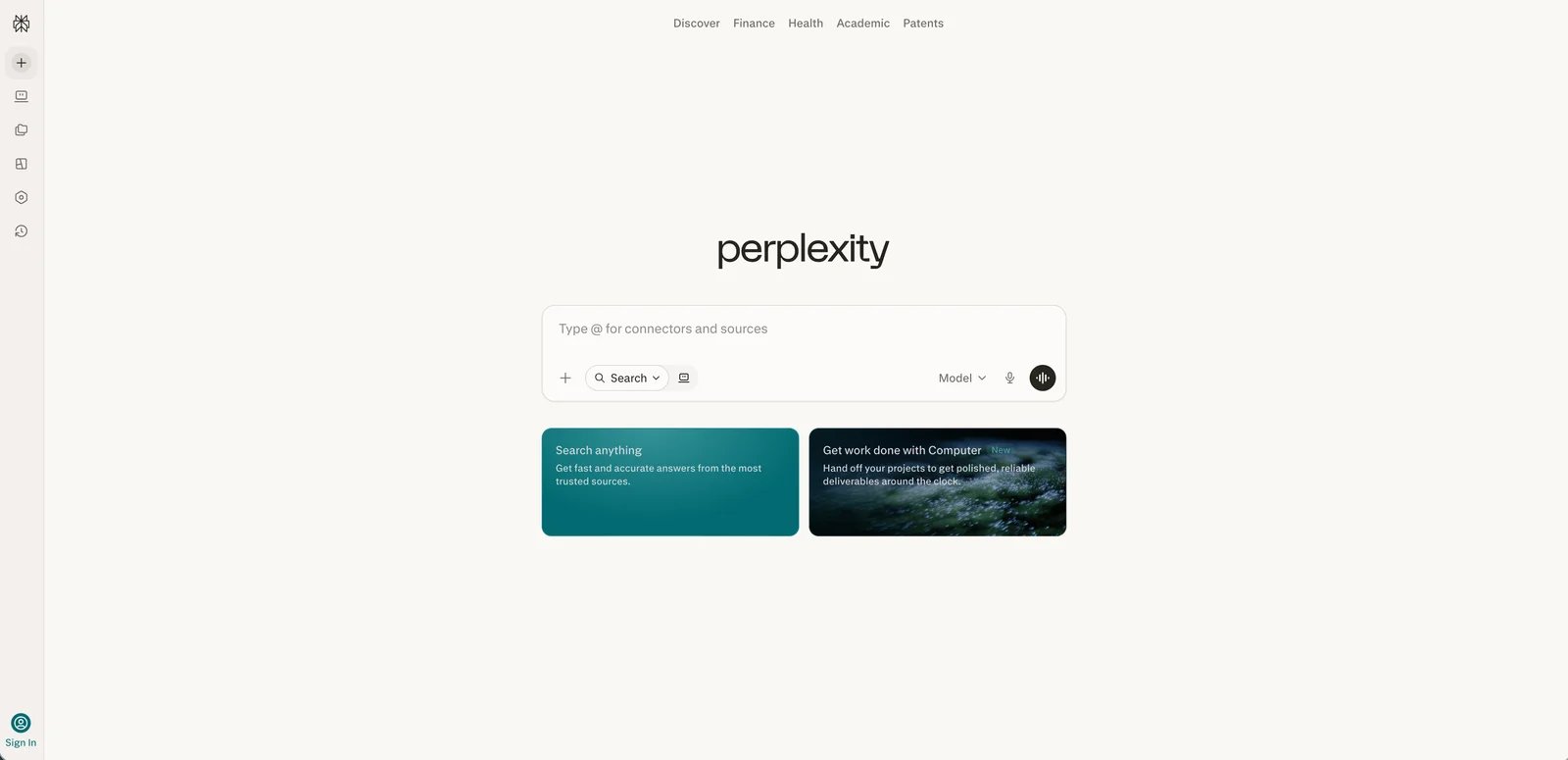
Most people's first taste of "search that just answers" was Perplexity, and it remains the engine that set the bar for the one thing that matters most: you can check the work. Every claim carries a numbered citation that links to the source, so when Perplexity tells you a statistic you can click through and confirm it isn't hallucinated — the single biggest trust gap in AI search.
What Perplexity solves vs traditional search
- Transparent, inline citations are the differentiator: numbered sources after each claim, the most auditable citation system among general answer engines. When accuracy matters, you're never guessing where a fact came from.
- Pro Search and Research mode handle multi-step questions — Pro Search runs follow-up queries automatically; Research mode synthesizes across many sources into a structured report, closer to a research assistant than a search box.
- Focus modes (Academic, Writing, Reddit, YouTube) constrain the source set, so a research question pulls from papers and a community-opinion question pulls from Reddit, instead of blending the two into mush. (Perplexity's standalone agent product is covered in our Perplexity Computer review.)
Pricing reality
Free tier covers standard answer-engine use with limited Pro Search uses per day. Pro is $20/month or $200/year (about $16.67/month annually) and adds higher limits — up to 200 Pro queries per week, up to 20 Deep Research queries per month — plus file uploads, Spaces collaboration, and model selection (frontier Claude, GPT, and Gemini models). For most individual researchers the free tier is genuinely usable; Pro pays off when you run multi-step research daily.
Real limitations
- Citation transparency doesn't guarantee citation quality — Perplexity will sometimes cite a low-quality blog that happens to assert the claim, so "has a citation" isn't the same as "well-sourced." You still have to judge the source.
- Privacy is standard, not private: queries are tied to your account and the experience is built around tracking your usage. If query privacy is the priority, Brave or DuckDuckGo fit better.
- Heavy Research-mode or Deep Research use hits limits fast; even the individual Pro plan has published weekly/monthly caps, so power users should check current limits before subscribing.
Best for: Everyday users and professional researchers who want cited answers they can verify, across general and academic topics. Not the right fit if your top priority is query privacy, or if you need clinical-grade medical or systematic-review depth (use OpenEvidence or Elicit).
Get started with Perplexity
ChatGPT Search
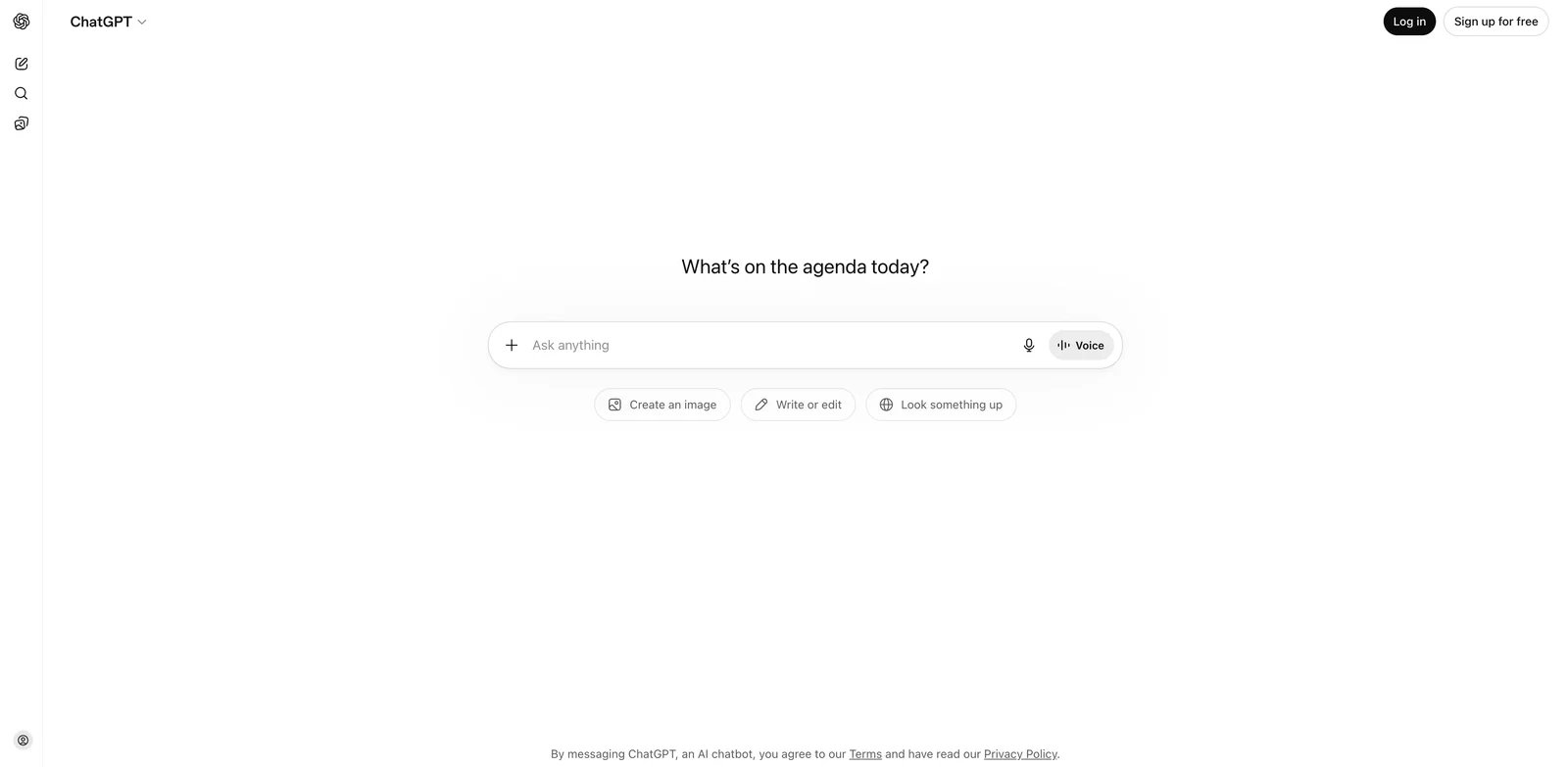
The reason ChatGPT leads AI-search and AI-chatbot usage in most 2026 third-party datasets isn't that its search is always the best — it's that hundreds of millions of people already live in ChatGPT, and search is now built in. When you ask a question that needs current information, ChatGPT pulls live web results with citations, and the answer arrives inside the same thread where you draft emails, write code, and analyze files.
What ChatGPT Search solves vs traditional search
- Analytical depth over speed: ChatGPT reads, synthesizes, and structures more than it lists — answers run more thoughtful than Perplexity or Google at the cost of being slower (often 5-15 seconds vs 2-5 for Perplexity). For "explain the trade-offs" questions, that depth wins.
- Deep Research mode (paid tiers) runs autonomous multi-step investigations — browsing dozens of sources, reasoning across them, and producing a cited report — the strongest agentic-research option among the general engines.
- The search lives inside the full ChatGPT stack, so a search result flows directly into drafting, coding, data analysis, or image generation without switching tools.
Pricing reality
Free tier includes web search with citations. Paid plans follow ChatGPT pricing: Go ~$8/mo (in supported regions), Plus $20/mo, Pro from $100/mo up to $200/mo, with Deep Research and higher limits gated to paid tiers. The value calculation isn't really about search — it's whether you want the whole ChatGPT productivity stack, with search as one feature among many.
Real limitations
- Speed: noticeably slower than Perplexity and Google for quick factual lookups, because it's reasoning rather than retrieving.
- Privacy: queries are tracked and, by default, may be used to improve models unless you opt out in settings. Not a privacy tool.
- Citation placement is less granular than Perplexity — sources are present but not always tied to the specific sentence, so verifying a single claim takes more clicking.
Best for: Users who already use ChatGPT for work and want analytical, synthesized answers with the productivity stack attached. Not the right fit if you need the fastest possible factual lookup, or if query privacy and per-claim citation precision are your priorities.
Get started with ChatGPT Search
Google AI Mode
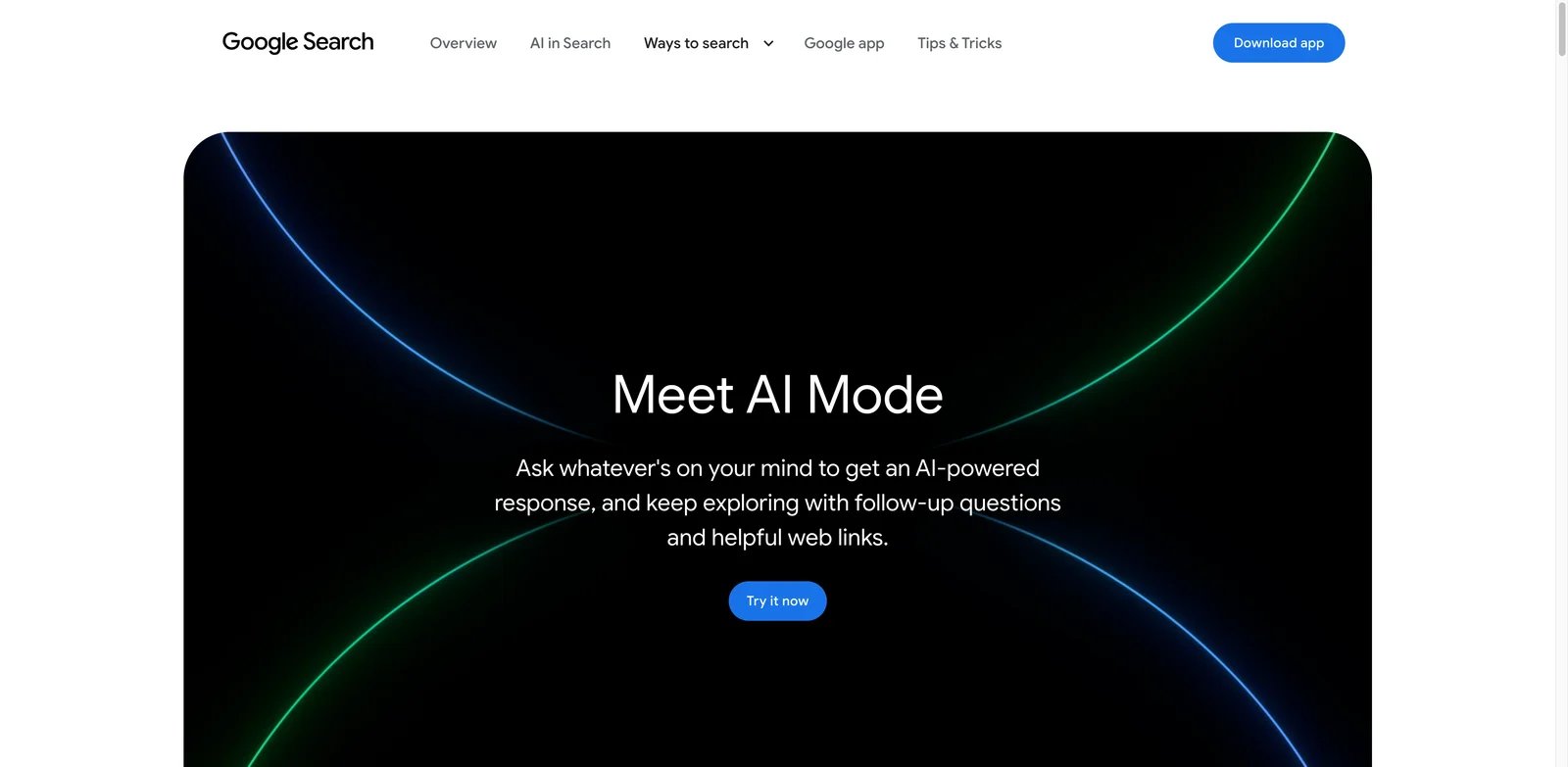
For all the disruption talk, Google still owns the questions that aren't really research at all — "what's the weather," "restaurants near me," "flights to Denver." AI Mode is Google's answer to Perplexity: a conversational search tab built on the largest live index on earth, where you ask follow-up questions in a chat-like interface instead of re-querying. For everyday and local search, the index advantage is hard to beat.
What Google AI Mode solves vs traditional search
- Largest live index means freshness and local coverage no independent engine matches — real-time prices, hours, local results, and breaking information surface faster because Google crawls more, more often.
- AI Mode handles deep multi-turn research with follow-ups, while AI Overviews give the quick one-shot summary at the top of regular results — two tiers for two needs.
- Deep Search runs more thorough multi-source investigations for eligible Google AI Pro and AI Ultra subscribers in Search Labs, integrated with the rest of Google's stack (Maps, Flights, Shopping).
Pricing reality
Free for AI Overviews and basic AI Mode. AI Plus is $7.99/mo, AI Pro is $19.99/mo, and AI Ultra is $100/mo. Note that Deep Search isn't a Plus feature in Google's current support docs — it requires eligible AI Pro or AI Ultra access in Search Labs. Compared to Perplexity Pro ($20/mo) and ChatGPT Plus ($20/mo), Google AI Plus at $7.99 is the cheapest entry into paid AI search, though the deepest capabilities sit on the pricier tiers.
Real limitations
- Privacy is the trade-off: AI Mode runs on full Google tracking, tying queries to your account and ad profile. This is the opposite of a privacy tool.
- Answer quality on contested or nuanced topics can lag Perplexity's source transparency — AI Overviews have a documented history of confidently wrong summaries on edge-case queries.
- The experience is woven into Google's ad-and-commerce surface, so the line between answer and monetized result isn't always clean.
Best for: Everyday users whose searches lean local, commercial, or time-sensitive, and who value index freshness over privacy. Not the right fit if you want an ad-free experience, query privacy, or the most transparent citations (use Brave, Kagi, or Perplexity).
Get started with Google AI Mode

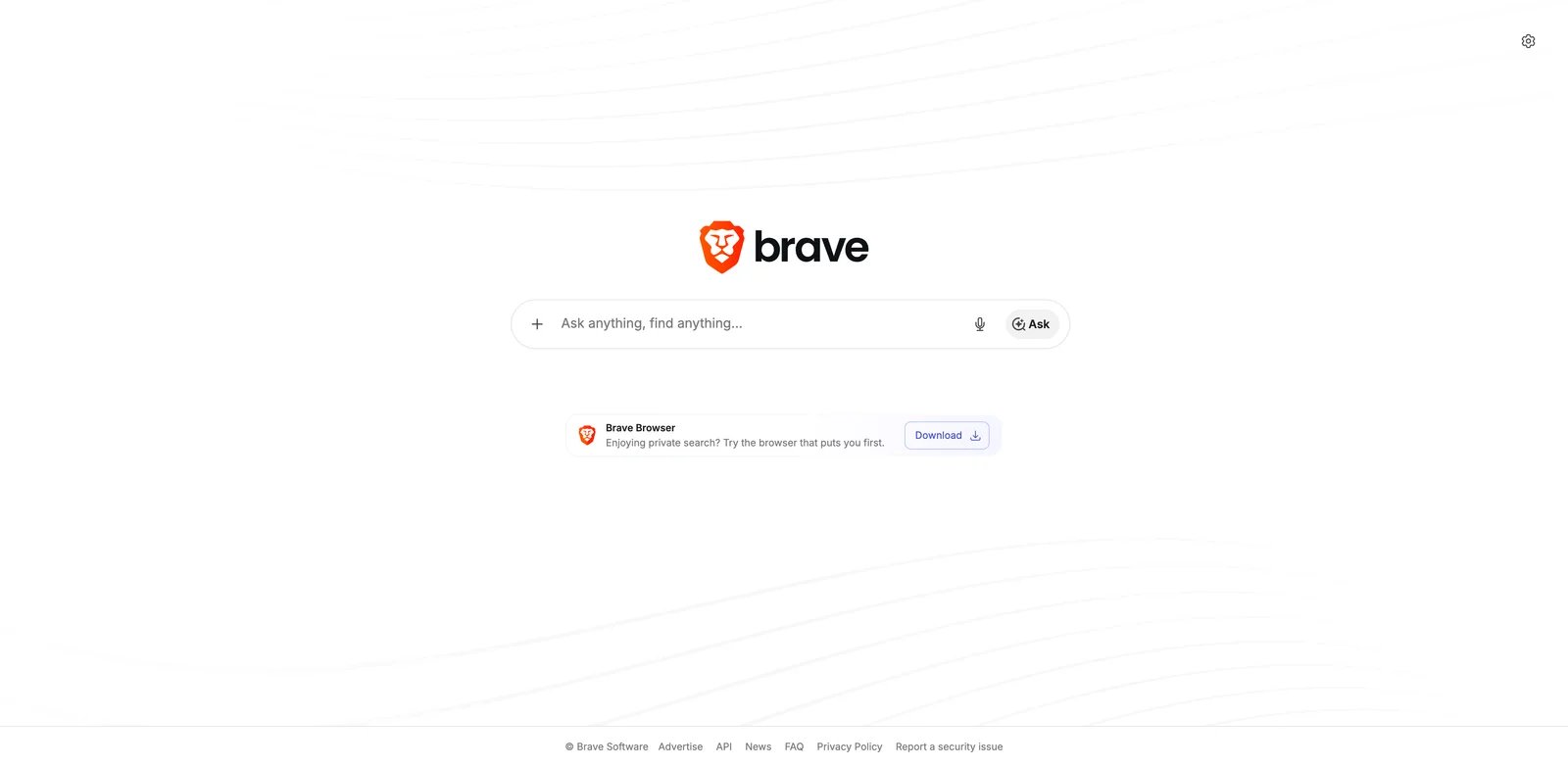
Every other engine on this list runs on Google's or Bing's index, or tracks you to pay for theirs. Brave Search is the rare independent: its own crawler, its own index, AI Answers and the Ask Brave assistant on top, and a privacy-first stance that means no tracking. Search ads can still appear on the free experience, but Search Premium removes them — and either way, what you search isn't profiled. For users who left Google specifically because of surveillance, Brave is the AI search that doesn't require the trade.
What Brave Search solves vs traditional search
- Independent index is the structural differentiator: Brave isn't reselling Google or Bing results, so its answers don't inherit those engines' ranking and tracking. That independence is rare and getting rarer.
- AI Answers summarize with citations directly in results, and Ask Brave adds a conversational follow-up layer — AI search without an account requirement or query log tied to your identity.
- Privacy is the default, not a setting: no profiling, no behavioral ad-targeting, no query history sold. Search ads, where shown, are contextual rather than tracked. What you search stays yours.
Pricing reality
Free for search and AI Answers (with contextual search ads). Search Premium is $3/mo or $29.99/year and primarily supports ad-free private search — the cheapest paid AI search on this list by a wide margin. Brave's AI Answers and API pricing are separate from the consumer Search Premium plan. Existing Brave browser users get search integrated for free.
Real limitations
- Index depth and freshness trail Google for local and long-tail queries — an independent index is smaller, so obscure or hyper-local searches can come up thinner.
- AI Answer quality is good but not best-in-class for complex multi-step research; this is everyday-search-with-privacy, not a research assistant.
- The ecosystem pull (Brave browser, Brave rewards) is a feature for some and friction for others.
Best for: Privacy-conscious users who want AI answers without tracking and are willing to accept a slightly thinner index for it. Not the right fit if you need the deepest local coverage or the most powerful multi-step research mode.
Get started with Brave Search
Microsoft Copilot
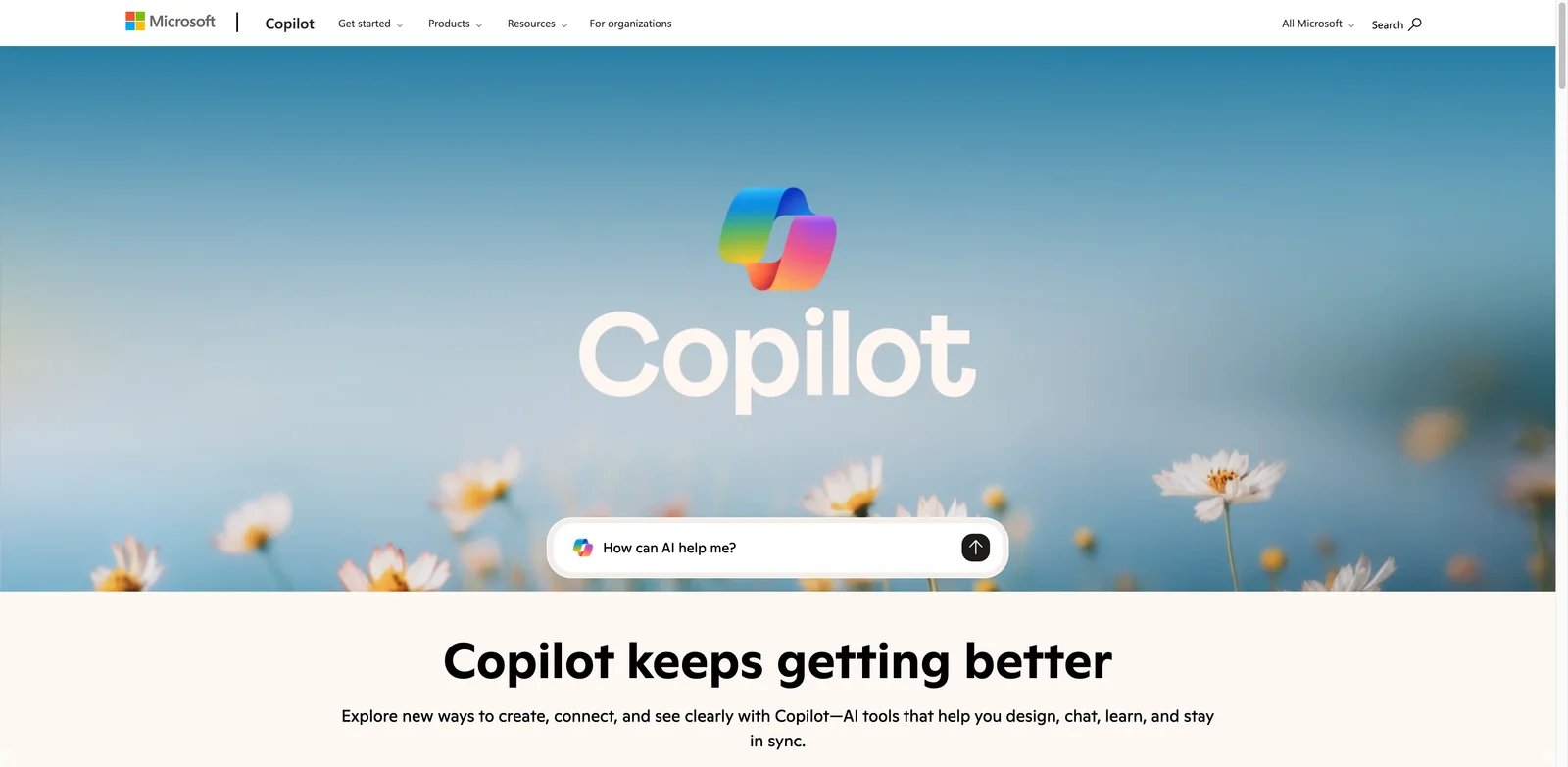
Copilot's pitch isn't that it's the best standalone answer engine — it's that you never have to leave the Microsoft surface you're already in. AI search shows up in the Edge sidebar, inside Word and Excel, and in the Windows shell, so a question about a document or a web fact gets answered where you're working rather than in a separate tab.
What Copilot solves vs traditional search
- Embedded everywhere in the Microsoft stack: Edge sidebar for web search while browsing, Office integration for document-aware answers, and Windows-level access. For Microsoft-heavy workflows, the search is already where you are.
- Web grounding with citations pulls live results into answers, backed by the same web index that powers Bing, with the broader Copilot reasoning layer on top.
- Document-context awareness lets it answer questions about the file you have open, blending web search with your own content in a way standalone engines can't.
Pricing reality
Free Copilot covers web search and chat. Copilot Pro and Microsoft 365 Copilot tiers add Office integration, higher limits, and priority access, priced into the Microsoft 365 subscription structure. The value is entirely about whether you live in the Microsoft ecosystem — for Office and Windows users it's nearly free incremental value; for everyone else it's a reason to open a separate engine.
Real limitations
- Outside the Microsoft ecosystem, Copilot offers little that Perplexity or ChatGPT don't do better as standalone engines.
- Privacy is tied to your Microsoft account, with the usual enterprise tracking — not a privacy-first option.
- The standalone Copilot answer quality is solid but rarely the reason anyone picks it; the integration is the whole case.
Best for: Windows, Edge, and Office users who want AI search woven into tools they already use daily. Not the right fit if you're not in the Microsoft ecosystem, or if you want the strongest standalone research engine.
Get started with Microsoft Copilot

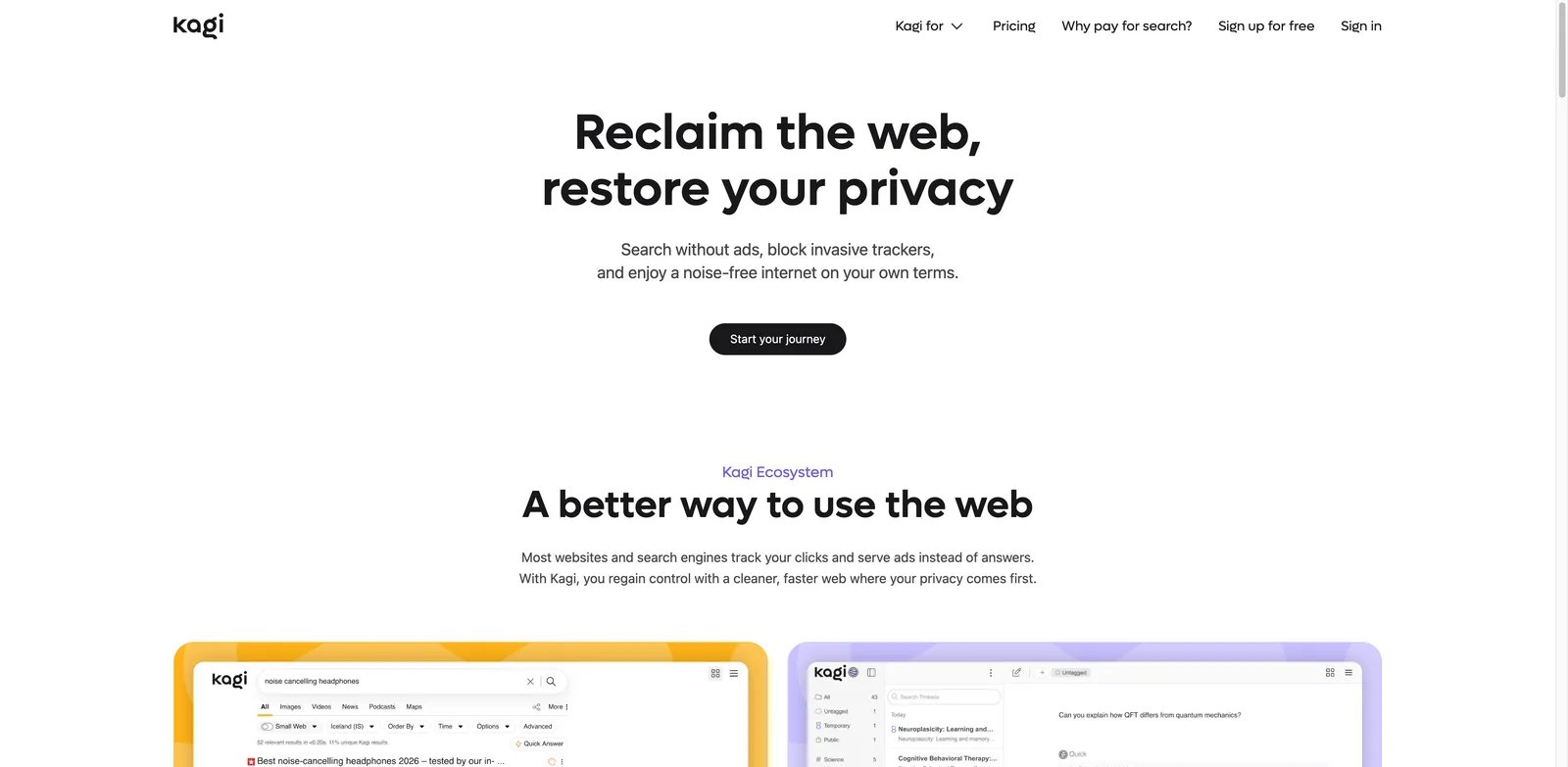
Kagi makes an argument the rest of the industry avoids: that good search costs money, and if you're not paying, you're the product. There's no free-forever tier beyond a trial, no ads, and no tracking — you pay a subscription and in return get fast, clean results plus Quick Answer (AI summaries) and Assistant (conversational AI) with no incentive to monetize your attention.
What Kagi solves vs traditional search
- Ad-free and tracking-free by design: the business model is the subscription, so there's no reason to profile you or rank results by ad spend. Results are ranked for relevance, not revenue.
- Quick Answer gives cited AI summaries on demand, and Assistant adds a conversational layer with access to multiple frontier models — AI search without surveillance.
- Personalization controls let you raise or lower specific domains in your results (boost docs, bury content farms), a level of control no ad-funded engine offers because it would hurt their economics.
Pricing reality
Free trial (limited searches), then plans from $5/mo. Higher tiers add unlimited searches and more Assistant access with premium models. There's no permanent free tier — Kagi's whole premise is that you pay rather than be monetized. For heavy searchers who value clean results and privacy, the $5-10/mo is the trade; for casual users, the lack of a free tier is the barrier.
Real limitations
- No free tier beyond the trial is the hard wall — many users won't pay for search on principle, however sound Kagi's argument.
- The index leans on multiple sources rather than a fully independent crawl, so it's not as structurally independent as Brave.
- Niche product: smaller user base means fewer community resources and a learning curve for the personalization features.
Best for: Heavy searchers and privacy-minded professionals who'll happily pay $5-10/mo for ad-free, trackable-free, controllable search with AI on top. Not the right fit if you won't pay for search, or if you need a generous free tier.
Get started with Kagi
DuckDuckGo
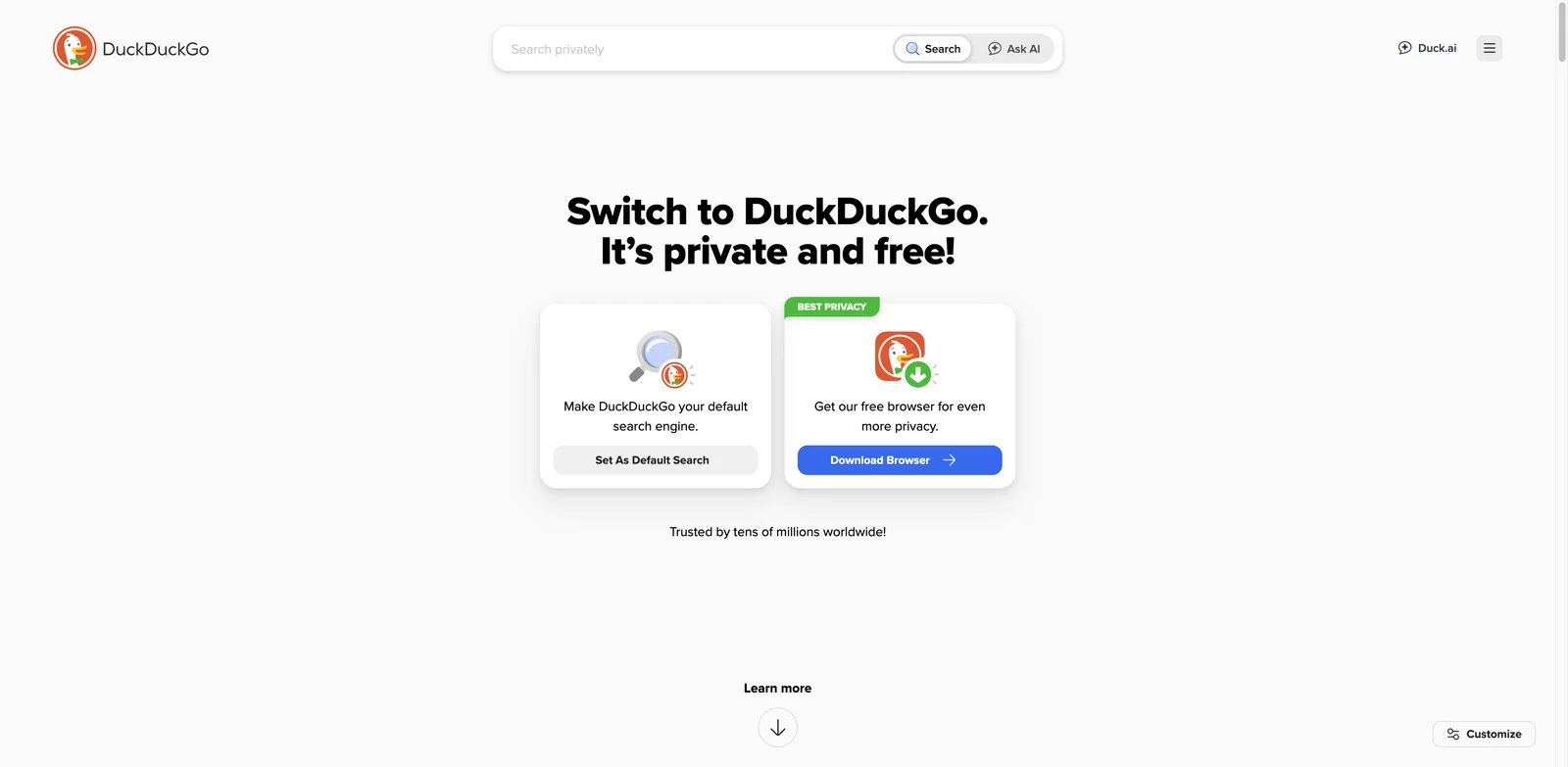
DuckDuckGo built its name on one promise — no tracking — and it has extended that promise into AI without breaking it. Search Assist adds AI summaries to results, and Duck.ai offers anonymized chat with frontier models, all under the same privacy-default stance: no query logs tied to you, no ad profile, no tracking.
What DuckDuckGo solves vs traditional search
- Privacy by default, no account needed: every search is anonymized, no profile is built, and AI features inherit that stance — Duck.ai routes your chat to models like GPT and Claude without tying the conversation to your identity.
- Search Assist surfaces AI summaries at the top of results when useful, and lets you keep the traditional link results below — AI assist without forcing the answer-engine format on every query.
- Zero friction: no login, no subscription, no setup. Open it and search privately.
Pricing reality
Free, entirely. There's no paid tier and no upsell — DuckDuckGo's model is privacy-first advertising on the search results page (contextual, not tracked) rather than subscriptions or query monetization. For a free, no-tracking AI search, nothing else on this list matches the price-to-privacy ratio.
Real limitations
- AI answer depth trails the dedicated answer engines — this is privacy-first search with AI assist, not a research assistant. Complex multi-step questions are better served elsewhere.
- The index relies on Bing and other sources rather than a fully independent crawl, so it's privacy-respecting but not index-independent the way Brave is.
- Duck.ai's anonymized chat is convenient but limited compared to using the underlying models directly with full features.
Best for: Anyone who wants free, private, no-tracking search with light AI assist and zero setup. Not the right fit if you need deep research synthesis or the most powerful AI answer engine.
Get started with DuckDuckGo
Research and academic engines — built for papers, evidence, and citations that survive peer scrutiny, not general-knowledge lookups.
Elicit
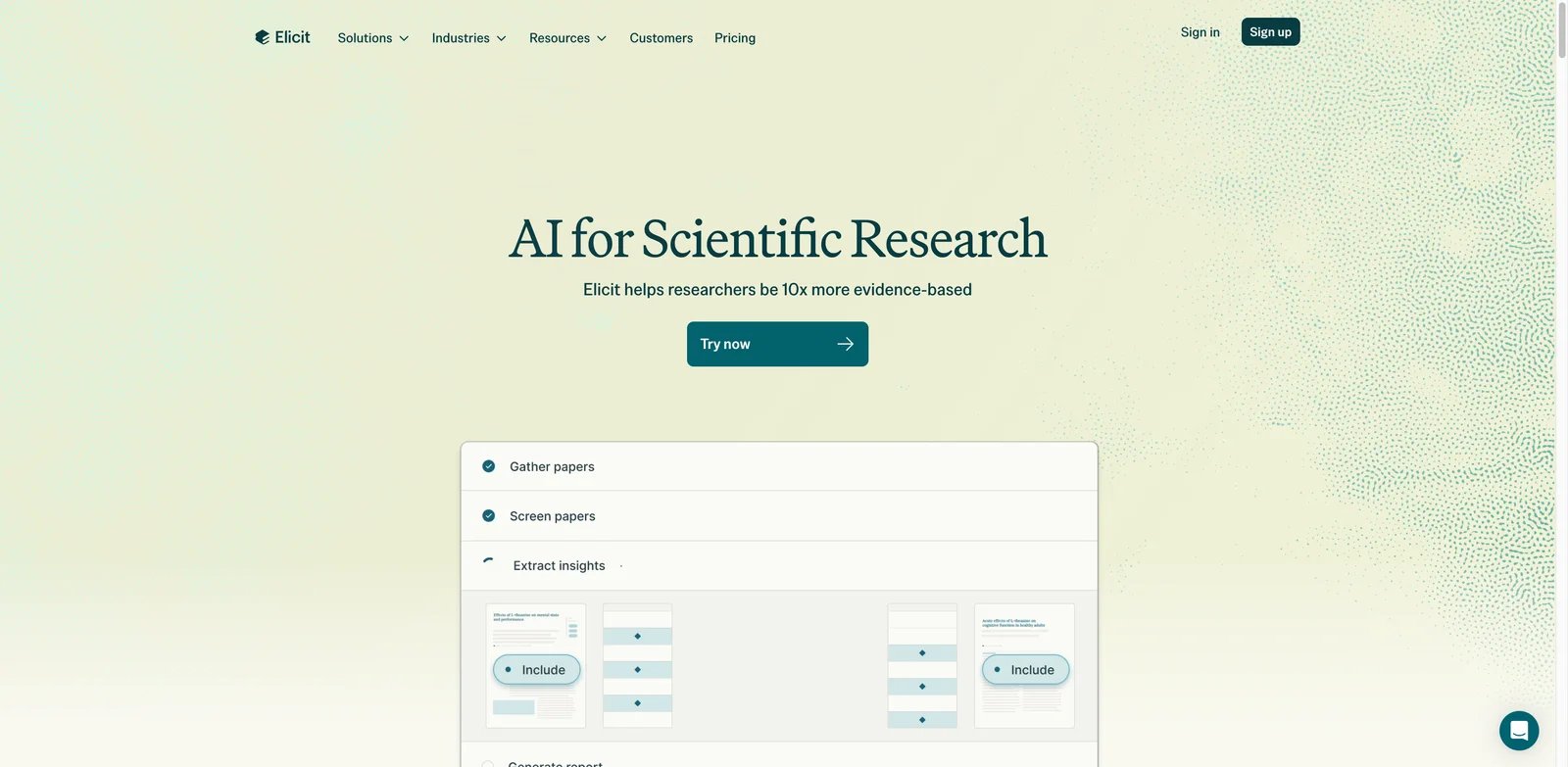
Ask Perplexity a research question and you get a cited answer; ask Elicit and you get a structured table of the actual papers, their methods, sample sizes, and findings. Elicit is built for the researcher whose job is a systematic review, not a quick answer — it searches across 138M+ papers, includes clinical-trial coverage, and extracts structured data into review tables you can verify against the source papers.
What Elicit solves vs general search
- Systematic review tables are the differentiator: instead of a prose answer, Elicit returns a structured matrix of papers with extracted columns (intervention, outcome, sample size, methodology), so you can scan 40 studies the way you'd scan a spreadsheet.
- It searches the academic corpus directly, not the open web, so results are peer-reviewed papers rather than blog posts asserting research findings.
- Data extraction across many papers at once automates the most tedious part of a literature review — pulling the same fields from each study into a comparable format.
Pricing reality
Free tier covers basic search and limited extractions. Paid individual plans start at Plus $7/mo (billed annually), while Pro is $29/mo annual or $49/mo monthly; Scale and Enterprise tiers exist for collaboration and larger reviews. Compared to the hours a manual systematic review takes, the paid tier is cheap insurance against missing relevant studies — but only if you're doing real research, not casual lookups.
Real limitations
- It's a research tool, not a general engine — asking Elicit "what's a good restaurant" makes no sense. The corpus is academic only.
- Extraction accuracy is strong but not perfect; you still verify the extracted fields against the source paper for anything you'll publish.
- The free tier's extraction limits are tight enough that serious use pushes you to paid quickly.
Best for: Graduate students, academics, and analysts running literature reviews who need structured, comparable data across many papers. Not the right fit for general search, or for clinical decision-making (use OpenEvidence for medical questions).
Get started with Elicit

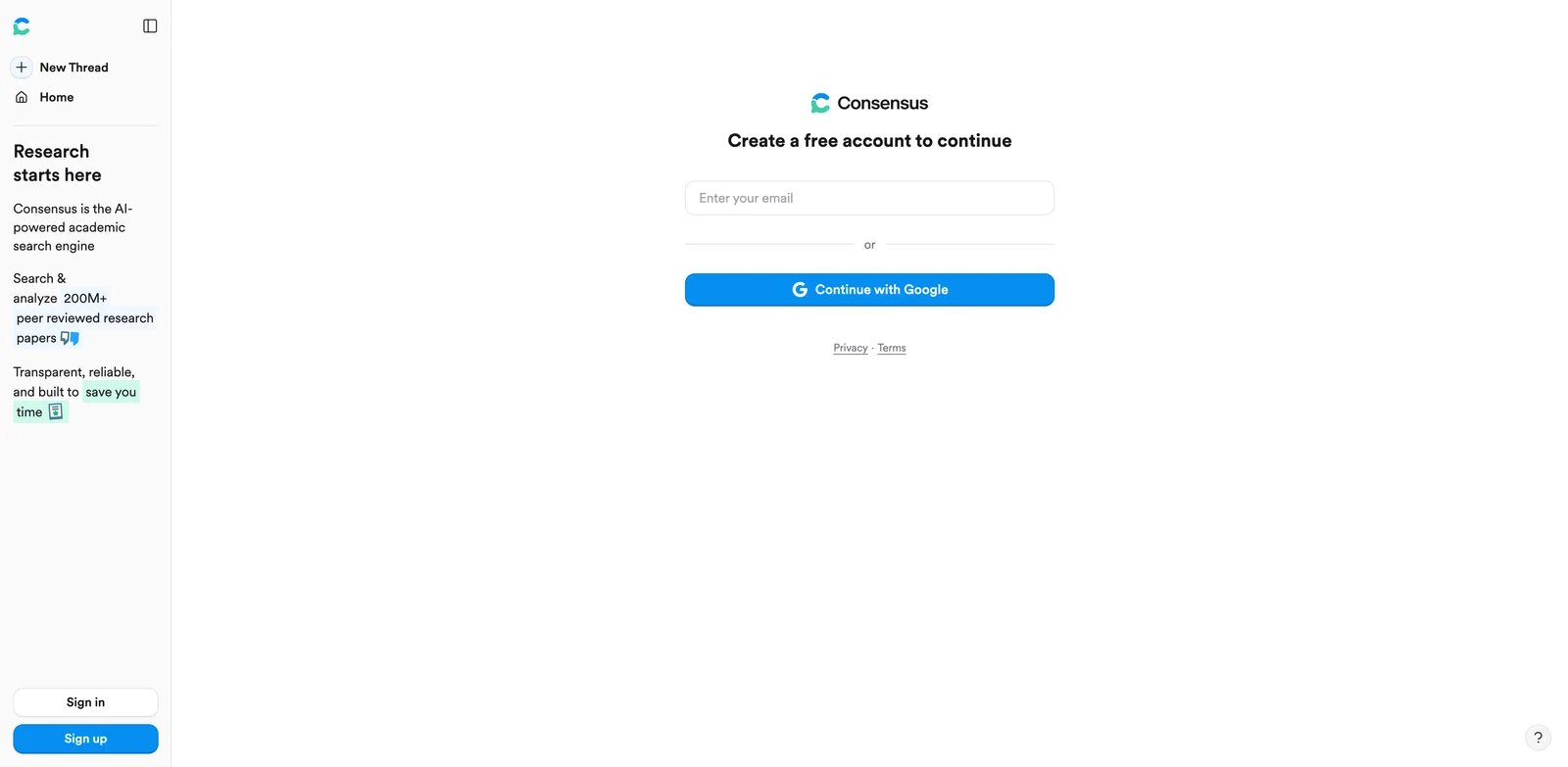
Consensus answers a specific kind of question general engines fumble: "what does the research actually say about X?" Instead of synthesizing whatever the open web asserts, it searches peer-reviewed papers and shows you a Consensus Meter — a visual summary of how much the scientific literature agrees, disagrees, or is mixed on your question. For settling "is coffee good for you" type debates with evidence, it's purpose-built.
What Consensus solves vs general search
- The Consensus Meter quantifies scientific agreement at a glance: ask "does intermittent fasting work" and you see the proportion of studies that support, contest, or are neutral — a structured read on consensus no general engine provides.
- Every answer is grounded in peer-reviewed papers with direct citations, so claims trace back to actual studies rather than secondary reporting.
- It's tuned for evidence questions specifically — health, nutrition, social science, anything where "what does the research say" beats "what does a blog say."
Pricing reality
Free tier covers basic searches with limits. Pro is $15/mo, unlocking unlimited searches, GPT-4-class synthesis, and advanced filters. For students, clinicians, journalists, and anyone who needs to cite evidence rather than opinion, the Pro tier is reasonable; casual users will find the free tier sufficient for occasional questions.
Real limitations
- The Consensus Meter is a useful heuristic, not a verdict — it summarizes study conclusions but can't weight for study quality, so a meter showing "70% support" might rest on weak studies. You still read the papers.
- Corpus is research papers only; it won't answer current-events or general-knowledge questions.
- Synthesis quality on the free tier is more limited than Pro's frontier-model synthesis.
Best for: Anyone who needs to answer "what does the evidence say" with peer-reviewed backing — students, health professionals, journalists, evidence-minded researchers. Not the right fit for general search or for questions outside the academic literature.
Get started with Consensus
OpenEvidence
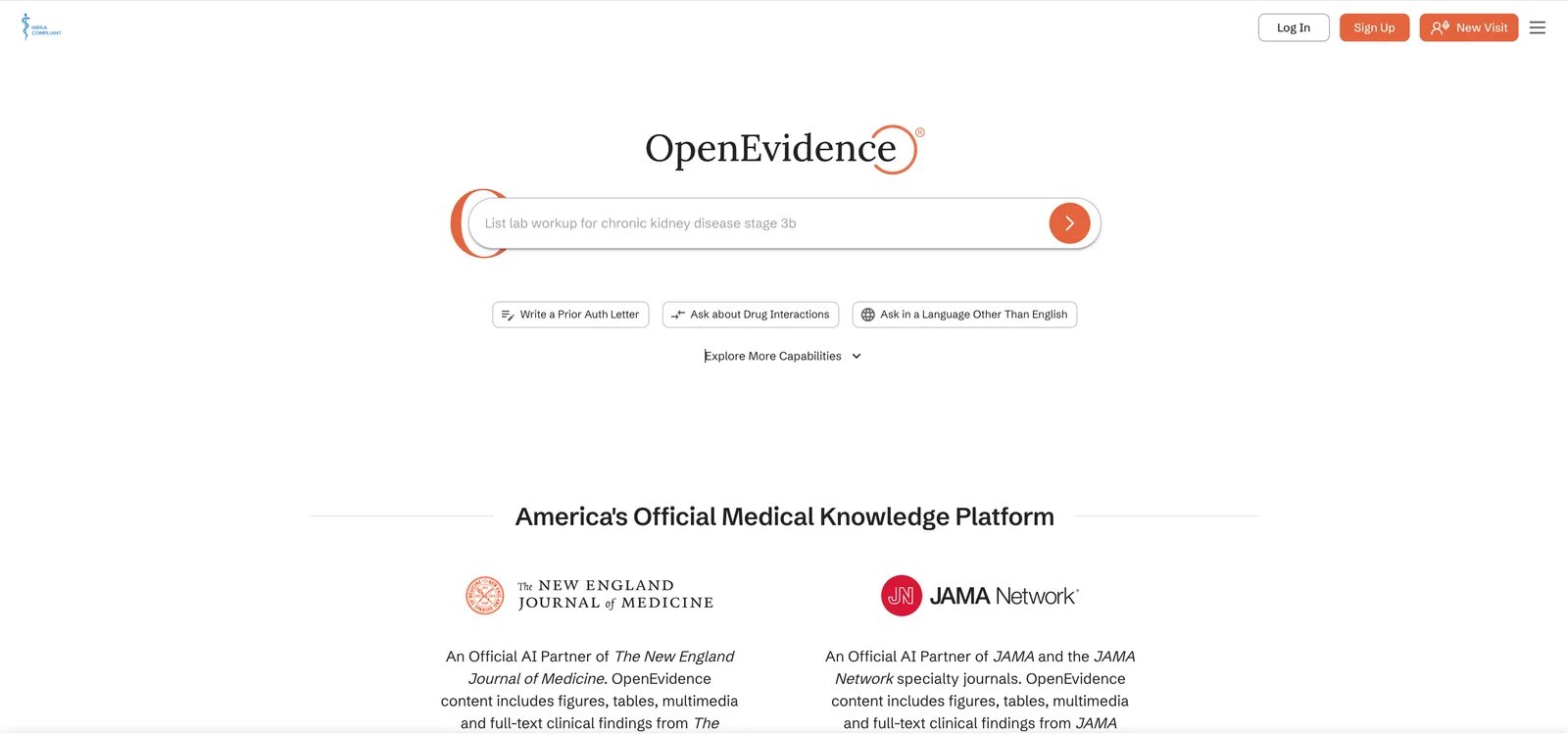
OpenEvidence is the most specialized engine on this list, and the only one that's clinical-grade: a medical answer engine built on the medical literature, free to use if you can verify a medical credential (NPI). For a physician at the point of care asking "what's the current first-line treatment for X given Y comorbidity," it delivers cited, current clinical answers that a general engine has no business attempting.
What OpenEvidence solves vs general search
- Clinical-grade answers grounded in medical literature: responses cite current studies, guidelines, and trials, tuned for the precision medicine actually requires — drug interactions, contraindications, dosing, current standards of care.
- Free for verified medical professionals, which is remarkable for a tool this specialized — the credential gate is the business model, not a paywall.
- Built for point-of-care speed: a clinician can get a cited answer in the flow of patient care rather than digging through journals or risking a general chatbot's hallucinations on a medical question.
Pricing reality
Free, contingent on verifying a medical credential (NPI or equivalent). There's no consumer paid tier — the product is gated to professionals rather than monetized per query. For verified clinicians, it's one of the highest value-for-money tools in healthcare; for everyone else, it's inaccessible by design.
Real limitations
- The credential gate means it's unavailable to non-professionals — patients, students without clinical credentials, and general users can't access the full product.
- Its user experience is functional rather than polished; it's a clinical tool, not a consumer app, and it shows.
- Scope is strictly medical — it won't help with anything outside clinical questions.
Best for: Verified physicians, nurses, and clinical professionals who need cited, current medical answers at the point of care. Not the right fit for non-clinicians, general health questions from patients (use Consensus for consumer-accessible evidence), or any non-medical search.
Get started with OpenEvidence
Undermind
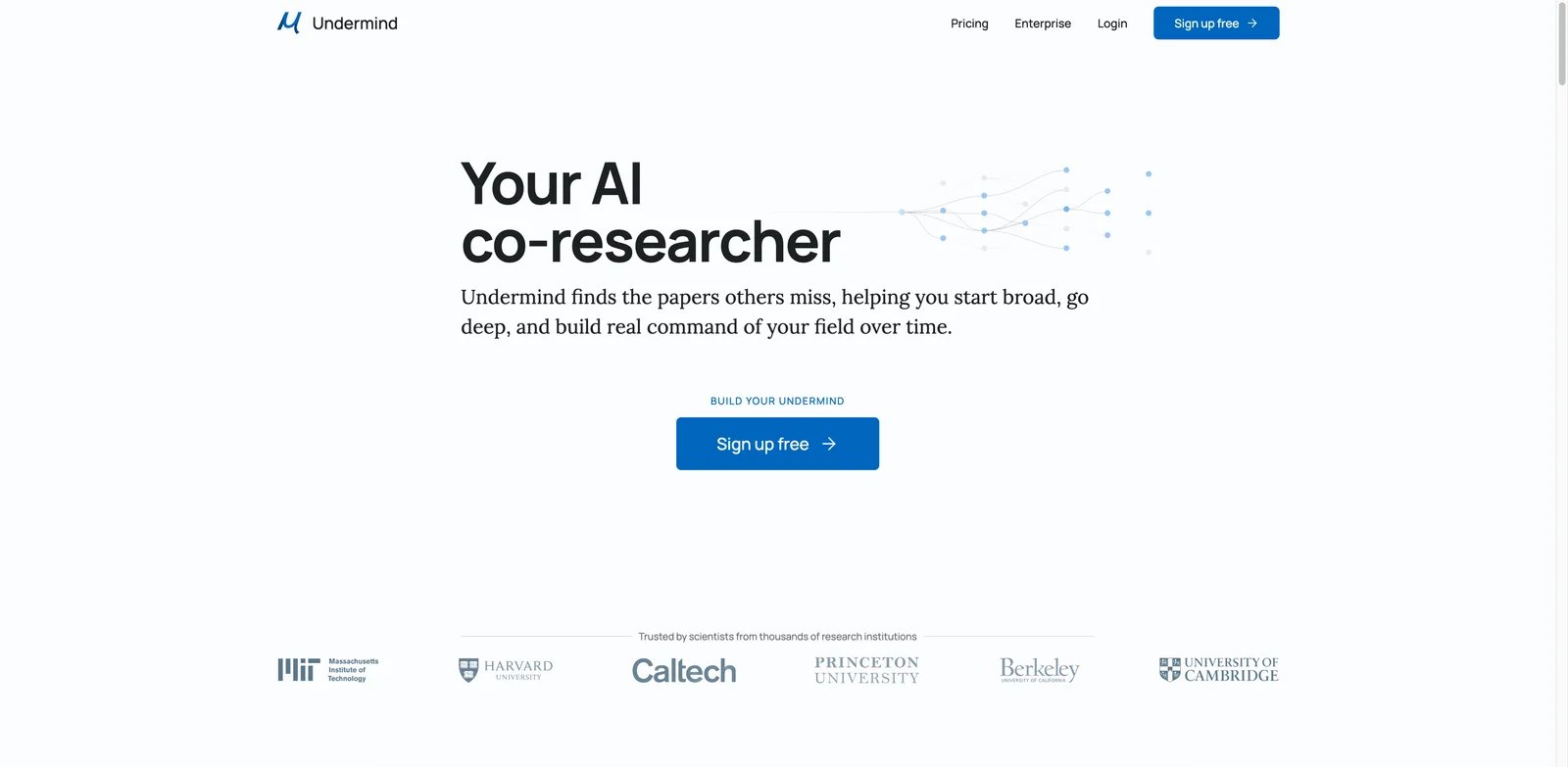
Undermind reframes academic search as a process, not a query: instead of ranking links to papers, it acts as an AI co-researcher that systematically searches, reads, and verifies sources end-to-end. For the deep-discovery question — "find me every relevant paper on this narrow topic, including the ones keyword search misses" — its thoroughness beats a one-shot search.
What Undermind solves vs general search
- End-to-end source discovery and verification: Undermind runs an iterative search process, reading candidate papers and following citation trails, surfacing relevant work that keyword-based academic search misses — closer to how a diligent researcher actually hunts.
- It verifies that surfaced papers actually address your question rather than just matching keywords, reducing the false-positive noise that plagues database search.
- Built for narrow, deep topics where completeness matters — the systematic-review use case where missing a key paper is a real failure.
Pricing reality
Free tier covers limited searches. Pro is ~$16/mo billed annually, unlocking more searches and deeper investigation runs. For researchers whose work depends on finding everything relevant, the thoroughness justifies the cost; for casual academic lookups, the free tier or Elicit/Consensus may suffice.
Real limitations
- Depth costs time: Undermind's iterative process is slower than a one-shot search, trading speed for completeness. For quick lookups it's overkill.
- The user experience is research-tool-spare, oriented to power users rather than newcomers.
- Narrower corpus focus than Elicit's 138M+ papers for some fields; verify coverage for your discipline.
Best for: Researchers running deep, narrow literature searches where finding every relevant paper matters more than speed. Not the right fit for quick academic lookups (use Consensus) or general search.
Get started with Undermind
Honorable Mentions
Two engines worth knowing that occupy distinct niches outside the main general/research split.

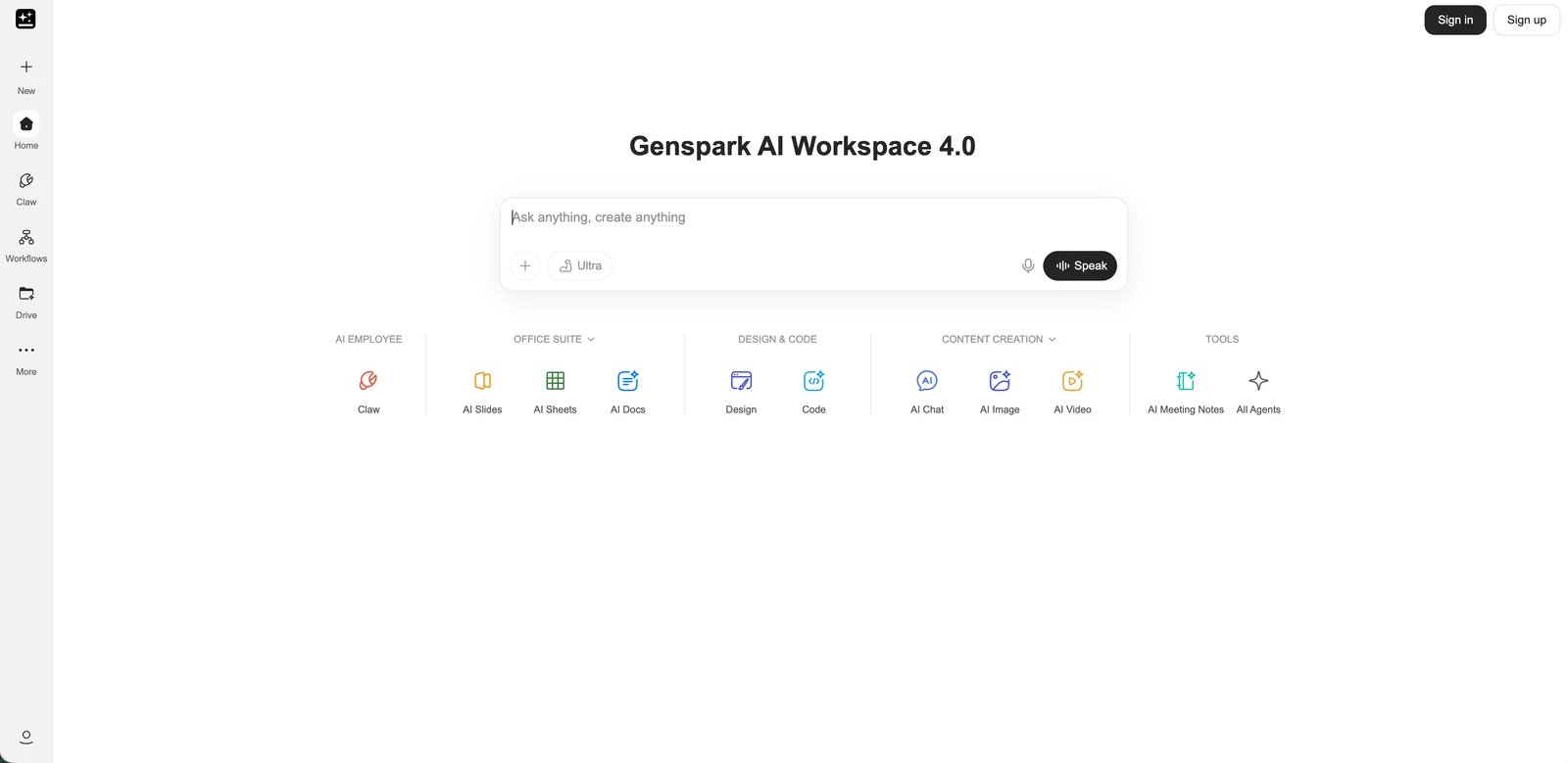
Genspark is the most innovative engine in this roundup (rank 8, innovation 91 in our scoring), and its bet is different from everyone else's: instead of returning an answer or a list, its Agentic Search auto-generates Sparkpages — structured, multi-section deliverables that turn a query into something closer to a finished research page than a search result. For "build me a structured overview of X" tasks it's genuinely novel. The catch is that the public pricing page may require login and plan details can change; Genspark's help center confirms Free, Plus, and Pro tiers, with credit allocations starting at 10,000 credits/month on Plus and 125,000 on Pro, plus commercial-use rights for Plus/Pro outputs. The agentic approach trades speed and predictability for ambition. Best for: users who want searches that produce structured deliverables rather than answers. Try Genspark
Felo
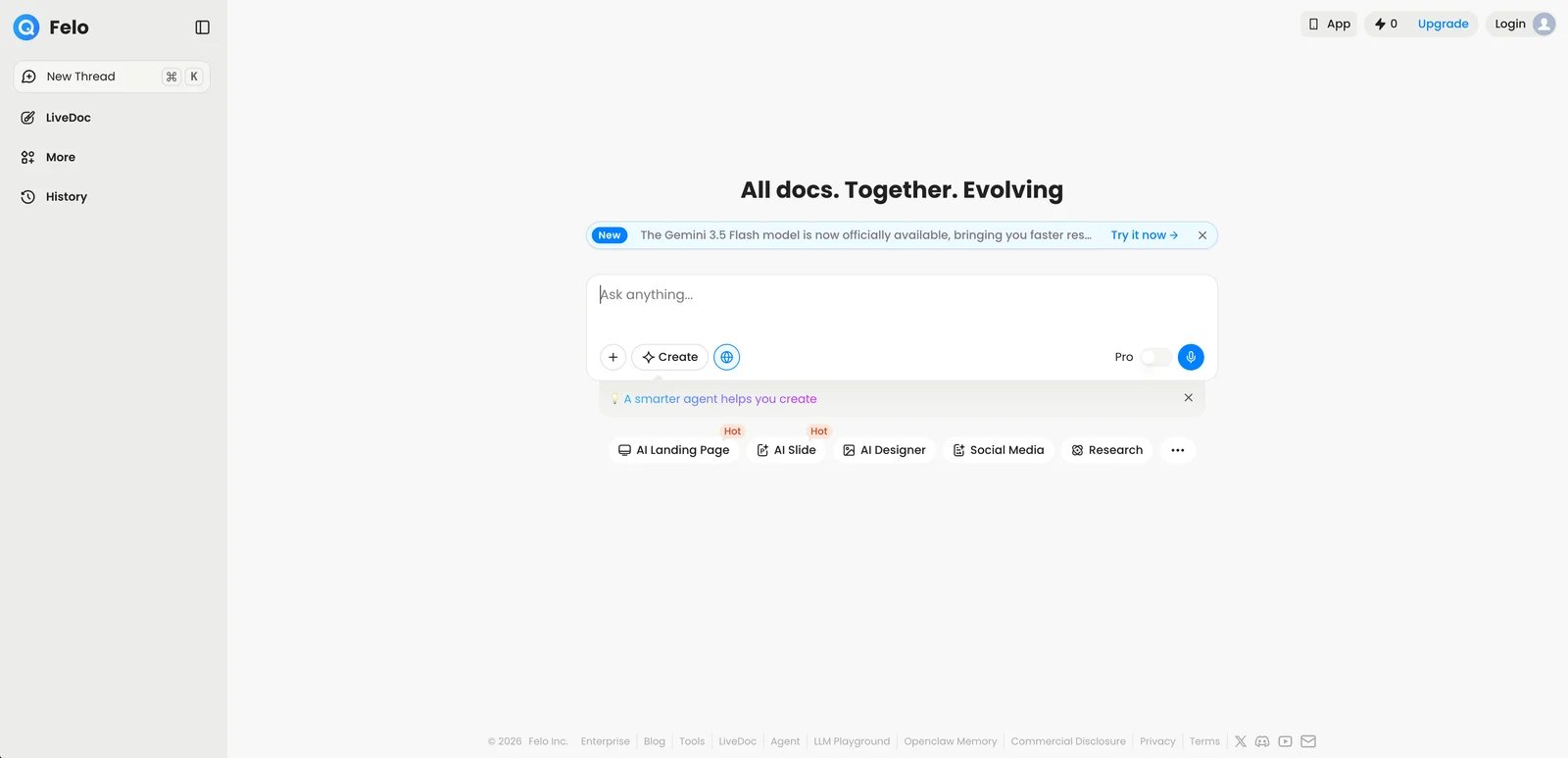
Felo is a multilingual answer engine that ships its results in formats other engines don't — alongside cited answers, it can generate PowerPoint decks, mind-maps, and reports from a single query, with strong cross-language support. For non-English research or for turning a search directly into a presentable artifact, it fills a gap the bigger engines leave open. Free tier covers core search; Pro is $14.99/mo for higher limits and advanced output formats. Best for: multilingual users and anyone who wants search output as slides or mind-maps rather than prose. Try Felo
Best AI Search Engines by Use Case
For Everyday Cited Answers You Can Verify
If your daily search is general-knowledge questions where you want a fast answer and the ability to check it, Perplexity is the default — its inline citations are the most auditable in the category. ChatGPT Search is the stronger pick when you want analytical depth inside the broader ChatGPT stack, and most 2026 third-party datasets still show ChatGPT as the category leader. For local, commercial, or time-sensitive queries, Google AI Mode wins on index freshness.
For Privacy Without Giving Up AI Answers
If you left Google because of tracking, you don't have to give up AI search. Brave Search runs AI Answers on an independent, no-tracking index for free. DuckDuckGo offers anonymized AI assist with zero setup, also free. Kagi is the premium option — pay $5-10/mo to be the customer rather than the product, with ad-free results and personalization controls.
For Systematic Literature Reviews
If you're a graduate student or academic running a real literature review, Elicit is purpose-built — structured review tables across 138M+ papers beat any prose answer. Undermind is the stronger pick when completeness matters most and you need to find every relevant paper, including the ones keyword search misses. For market and competitive research specifically, our AI market research tools cover a different toolset built for business intelligence rather than academic papers.
For "What Does the Evidence Actually Say"
When you need to settle a debate with peer-reviewed backing — health, nutrition, social science — Consensus and its Consensus Meter quantify scientific agreement directly. For clinical questions specifically, verified medical professionals should use OpenEvidence for point-of-care, citation-grade medical answers.
For Microsoft-Stack and Productivity Workflows
If you live in Windows, Edge, and Office, Microsoft Copilot puts AI search where you already work — the Edge sidebar and Office integration make it nearly free incremental value. ChatGPT Search is the broader productivity alternative if you want search inside a full work stack but aren't tied to Microsoft.
For Turning Search Into a Deliverable
If your search needs to produce something — a structured page, a deck, a report — Genspark builds Sparkpages from queries, and Felo ships slides and mind-maps alongside cited answers. Both turn the search itself into the first draft of an artifact.
How to Choose the Right AI Search Engine
The mistake most people make is picking one engine for everything. The better move is matching the engine to the search type. Five steps:
-
Separate your search types before picking tools. Everyday cited answers, privacy-sensitive queries, and deep research are three different jobs. The best general engine (Perplexity) is wrong for a systematic review, and the best research engine (Elicit) is wrong for "restaurants near me." Most people are best served by two engines, not one.
-
Decide how much you value query privacy. If your queries are sensitive or you object to tracking on principle, that single decision eliminates Google AI Mode and narrows you to Brave, DuckDuckGo, or Kagi. If privacy isn't a priority, the field opens to Perplexity, ChatGPT, and Google.
-
Test citation quality on a question you already know the answer to. Ask each candidate engine something in your area of expertise and follow the citations back to sources. You'll quickly see which engine cites real, supporting sources and which cites whatever blog happened to assert the claim. Citation transparency (which Perplexity leads) is not the same as citation quality — verify both.
-
Match research depth to research engines, not general ones. If you're doing academic, medical, or evidence work, do not use a general engine and hope. Elicit for systematic reviews, Consensus for evidence questions, OpenEvidence for clinical, Undermind for deep discovery. The corpus matters more than the interface.
-
Calculate cost against your actual usage, then pick a free-tier default. Most engines have genuinely usable free tiers — start there. Pay only when you hit limits that hurt: daily Pro Search on Perplexity, Deep Research on ChatGPT, large extractions on Elicit. For privacy-first free search, Brave and DuckDuckGo cost nothing.
Frequently Asked Questions
What is the best AI search engine in 2026?
There's no single winner — it depends on what you search for. For everyday cited answers you can verify, Perplexity leads on citation transparency. For analytical depth inside a productivity stack, ChatGPT Search wins (and leads AI-search usage across most 2026 third-party datasets). For local and time-sensitive queries, Google AI Mode's index freshness is hard to beat. For privacy, Brave Search and DuckDuckGo. For academic research, Elicit and Consensus. The honest answer is that most people are best served by pairing a general engine with a research engine rather than forcing one tool to do everything.
Is Perplexity better than ChatGPT for search?
For pure search — fast, cited factual answers you can verify — Perplexity is generally better: its inline citations are more granular and auditable, and it's faster (2-5 seconds vs ChatGPT's 5-15). ChatGPT Search is better for analytical questions where you want depth and synthesis, and for users who already work inside ChatGPT and want search alongside drafting, coding, and analysis. If search accuracy and verification are the priority, Perplexity; if analytical depth and an integrated work stack matter more, ChatGPT.
What is the best free AI search engine?
For general use, Perplexity's free tier is genuinely usable for everyday cited answers. For privacy-first free search, Brave Search and DuckDuckGo both cost nothing and don't track you. For free academic research, Consensus and Elicit have usable free tiers, and Semantic Scholar (from Allen AI) is entirely free. OpenEvidence is free for verified medical professionals. The "best free" depends on the job — but unlike most software categories, AI search has unusually strong free options across the board. If your real need is a conversational assistant rather than a search engine, our best AI chatbots roundup covers that adjacent category.
Which AI search engine is most private?
Brave Search and DuckDuckGo are the privacy leaders among free engines — no tracking, no query logs tied to your identity, no ad profiling. Brave goes further with a fully independent index (not reselling Google or Bing). Kagi is the premium privacy option: you pay a subscription instead of being monetized, getting ad-free, tracking-free results with personalization controls. Avoid Google AI Mode and ChatGPT Search if query privacy is your top priority — both tie searches to your account, and ChatGPT may use queries for training unless you opt out.
Which AI search engine is best for academic research?
It depends on the research task. For systematic literature reviews where you need structured, comparable data across many papers, Elicit (138M+ papers, structured review tables) is purpose-built. For "what does the evidence say" questions with a scientific-agreement summary, Consensus and its Consensus Meter. For deep, narrow topic discovery where finding every relevant paper matters, Undermind. For clinical medical questions, verified professionals should use OpenEvidence. Do not use a general engine like Perplexity for serious academic work — the corpus and citation rigor of a dedicated research engine matter.
Can AI search engines replace Google entirely?
For many query types, yes — and increasingly people are switching. But Google still leads on local search ("restaurants near me"), time-sensitive queries (live prices, breaking news), and the breadth of its live index. Most people in 2026 use a hybrid: an AI answer engine (Perplexity, ChatGPT, or Google's own AI Mode) for questions that want a synthesized answer, and traditional Google or a privacy engine for local and navigational searches. The "replace Google entirely" framing is less useful than "use the right engine for each search type."
How accurate are AI search engine citations?
Citation transparency and citation quality are two different things. Engines like Perplexity show you exactly which source backs each claim (high transparency), but the cited source is sometimes a low-quality blog that merely asserts the claim rather than a primary source (variable quality). The practical rule: always follow citations back to originals for anything that matters, and prefer research-grade engines (Elicit, Consensus, OpenEvidence) when you need peer-reviewed sources rather than open-web citations. AI search has made verification easier than ever — but it hasn't made it optional.
Get ToolWorthy Weekly
New AI tools, practical guides, and selected AI signals in one weekly brief.
For AI tool founders
Built a tool that belongs in this decision set?
Request an editorial evaluation for possible inclusion in ToolWorthy.
Submit your tool for reviewPaid submission does not guarantee a ranking, recommendation, inclusion, or editorial outcome.