
11 Best AI Research Tools 2026 — Credit Traps, Citation Accuracy, Fit
Every AI research tool demos beautifully — until the citation turns out to be fabricated. Eleven platforms tested with 2026 pricing and real limits.

On this page
"Find me peer-reviewed evidence that short-form video reduces adolescent attention span." Ask that of a general chatbot in 2024, and you got four confident paragraphs — plus one DOI you could actually check. Ask a dedicated AI research tool in 2026, and you get twenty citations, a retraction flag on two of them, a citation-map showing which findings replicated across labs, and an honest "the evidence is split" summary. The category has matured fast. Choosing inside it has gotten harder, not easier.
Eleven platforms now dominate the space, and they solve very different problems. Consensus and Scite give you evidence-weighted answers about the literature. Elicit and SciSpace build structured literature-review matrices. NotebookLM grounds its answers against documents you've already uploaded. ChatGPT, Gemini, and Perplexity run full "deep research" agents that crawl the open web for an hour and hand you a report. Paperpal and Paperguide lean toward the writing and drafting side. Liner lives in your browser and turns highlights into citation trails. We pulled verified 2026 pricing from official pages, read Reddit and Trustpilot complaint threads from the last twelve months, and flagged the tools whose credit systems, renewal fine-print, or hallucination patterns have burned real users. For the adjacent workflow of reading papers in bulk, our AI PDF summarizer tools guide covers extraction-focused alternatives.
| Tool | Best For |
|---|---|
| Consensus | Fast evidence-weighted answers grounded in peer-reviewed papers |
| Elicit | Structured literature reviews with extraction matrices |
| NotebookLM | Source-grounded Q&A over documents you've uploaded |
| SciSpace | End-to-end discovery → Q&A → writing in one workspace |
| Perplexity | Cross-web deep research with conversational follow-up |
| ChatGPT Deep Research | Long-form research reports with multimodal inputs |
| Gemini Deep Research | Google-integrated research reports for Workspace teams |
| Scite | Checking whether each citation supports or contradicts a claim |
| Paperpal | Research-aware academic writing with manuscript checks |
| Liner | Browser-native highlighting and research in Scholar mode |
| Paperguide | Thesis-style literature reviews and deep-research reports |
How We Selected and Tested
We selected these eleven tools from a pool of thirty-plus candidates using measurable criteria: active development in 2025–2026, verifiable pricing on an official page, an end-user product (web or app — not pure API), and evidence that the tool produces citations or source trails rather than unsourced prose. Tools without a public pricing page were noted but included only if they had significant researcher adoption. We excluded keyword-research tools, SEO "research" products, and pure note-taking platforms because they solve different problems despite occasionally ranking for the same query.
Our research methodology combined four data sources. We analyzed each product's pricing page, features documentation, and privacy policy. We cross-referenced claims against recent third-party reviews on G2, Capterra, and Trustpilot. We pulled real-user friction signals from Reddit threads and complaint reviews published between late 2024 and April 2026. And where tools had academic adoption, we looked at university library guides (Tennessee, Einstein, Clemson) to see how librarians described their limitations. This multi-source approach helped us spot gaps between marketing claims and what researchers actually reported after thirty days of real use.
Evaluation Dimensions: We evaluated each tool across five dimensions chosen to match how researchers actually make this decision:
- Citation Transparency — Are sources clickable, dated, and retraction-aware? Can you verify every claim without leaving the tool?
- Coverage Depth — Does it reach peer-reviewed papers, preprints, and recent publications, or is the corpus shallow?
- Output Type Fit — Does the tool return the output your research stage needs (discovery vs Q&A vs review matrix vs long-form report)?
- Pricing Reality — What does sustained use actually cost once quotas, credits, and renewal terms are factored in?
- Hallucination Risk — Has the tool been documented fabricating citations or misattributing claims? Users report this pattern for almost every product on this list — the question is how often and how obviously.
Note on Testing Scope: We conducted hands-on testing on the free tiers and trial plans for the eight tools that offer them. For enterprise-only features (Anara, Elicit Enterprise, Scite Institutional, Gemini Workspace), we relied on published documentation and verified user case studies. Pricing was checked against official pages as of April 2026; credit allotments and deep-research quotas shift frequently, so always confirm before purchasing an annual plan.
Transparency & Limitations: All pricing and feature claims in this guide come from official sources or verifiable third-party platforms — we don't invent rankings or star ratings. Every tool here has produced a hallucinated citation or fabricated quote at some point in the last eighteen months, according to user reports; we've flagged the pattern where it's most consistent. Research was conducted between March and April 2026.
Top 11 AI Research Tools Compared
The comparison table below surfaces the dimension most researchers misjudge at purchase time: what kind of output the tool actually produces, and how trustworthy its citations are. "Deep research" means something different at Elicit than at ChatGPT, and confusing the two is the fastest way to pay for the wrong subscription.
| Tool | Best For | Output Type | Starting Price | Citation Quality |
|---|---|---|---|---|
| Consensus | Peer-reviewed evidence Q&A | Consensus Meter + paper list | $15/mo | Excellent (clickable, peer-review filtered) |
| Elicit | Structured literature reviews | Extraction matrix + summaries | Free; paid plans from $7/mo billed annually | Excellent (paper-grounded and source-linked) |
| NotebookLM | Grounded Q&A over your docs | Chat + audio overviews | Free (Pro via Google AI) | Excellent (only your sources) |
| SciSpace | End-to-end paper workflow | Discovery + Q&A + writing | $20/mo | Good (occasional hallucinations) |
| Perplexity | Conversational web research | Cited paragraphs + follow-ups | $20/mo | Good (weaker in long threads) |
| ChatGPT Deep Research | Long-form web reports | 10-30 min research report | $20/mo (Plus, 25 queries) | Good (verify time-sensitive claims) |
| Gemini Deep Research | Workspace-integrated reports | Web research report | $19.99/mo | Good (English-only corpus) |
| Scite | Claim validation via citations | Supporting/contrasting contexts | $20/mo | Excellent for classification, hallucinated quotes reported |
| Paperpal | Writing + research combined | Drafting assistant | $11.60/mo (annual) | Limited (not a discovery tool) |
| Liner | Browser-based Scholar search | Cited answers + highlights | $17.99/mo | Good (Scholar mode) |
| Paperguide | Thesis-style review drafting | Structured review reports | $12/mo (annual) | Good (smaller source pool) |
Detailed Reviews

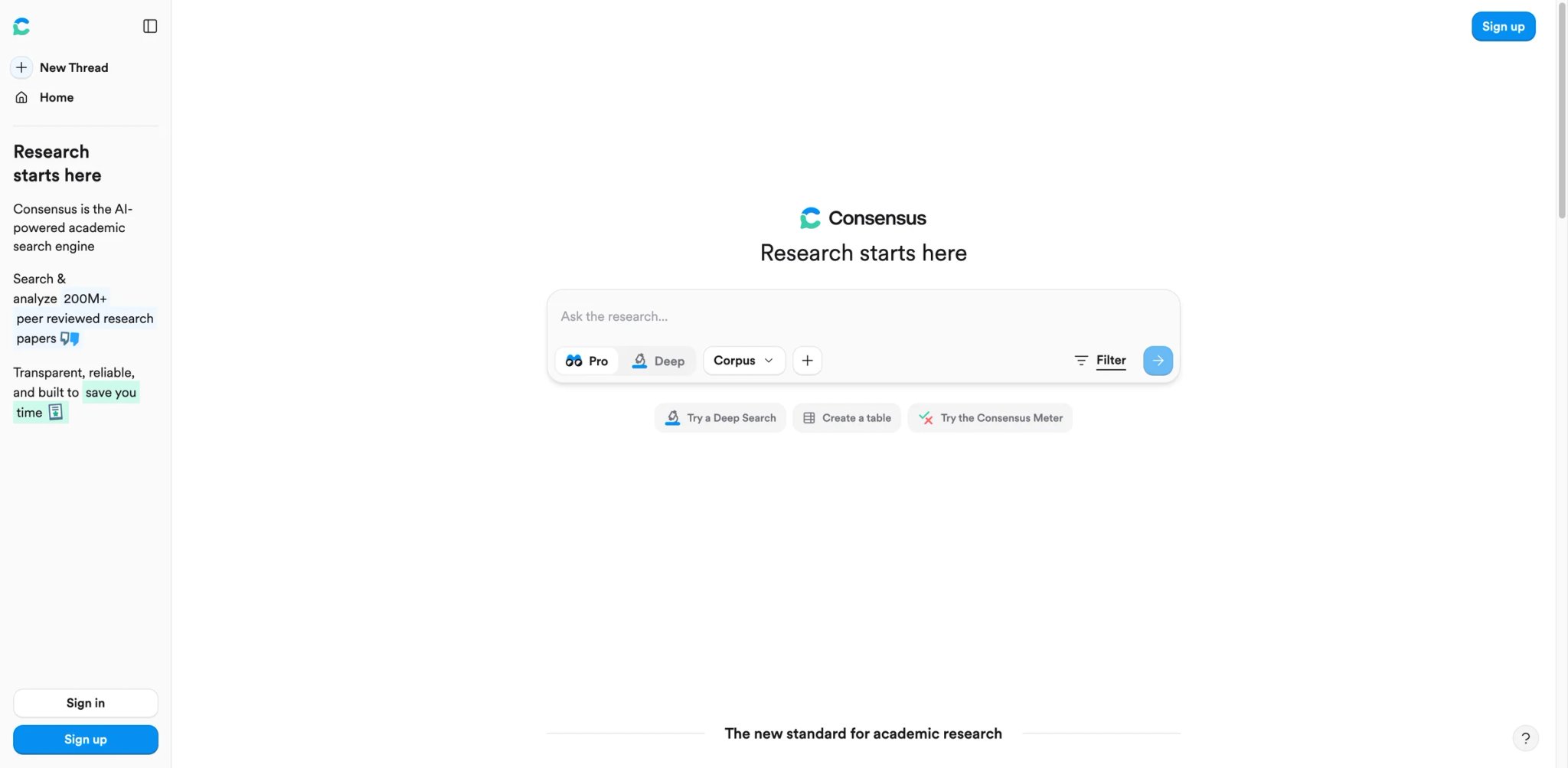
Researchers reach for Consensus when they need a defensible answer in under a minute: "Does caffeine improve cognitive performance in adults?" returns a Consensus Meter showing how many of twenty-plus peer-reviewed studies support each side, each backed by a clickable paper card with a plain-English takeaway. It's the tool you use when a colleague asks "what does the evidence say?" and you have ten minutes before the meeting.
Key Features
- Consensus Meter synthesis — Aggregates yes/no/possibly findings across papers into a single visual readout, so you can answer "is the literature mixed?" without reading twenty abstracts. The meter is the clearest differentiator from every generic chatbot on this list.
- Peer-review filters — Hard filters for study type, sample size, and journal quality, which matter more than raw paper count when a claim rides on methodology.
- Copilot for deeper analysis — GPT-4 layered over the Consensus index, used for drill-down questions where the meter can't summarize a nuanced finding.
- Broad peer-reviewed research database — Consensus says it searches 220+ million peer-reviewed papers, with data sourced from Semantic Scholar, OpenAlex, and its own scholarly-web crawl.
Pricing & Plans
Consensus is free to use. Pro is $15/month or $120/year billed annually ($10/month equivalent). Deep is $65/month or $540/year billed annually ($45/month equivalent). Teams pricing is custom by team size, and Enterprise is quote-based. TCO Note: Trustpilot reviewers have reported being charged $107.88 for annual plans with no renewal warning, and Gartner reviews flag aggressive auto-renewal terms requiring 90-day advance cancellation notice. Screenshot the renewal date the moment you subscribe.
Real Limitations: The Consensus Meter uses vote-counting, which weights a 20-person pilot study the same as a 5,000-participant trial — fine for exploratory work, risky for systematic reviews. For open-ended questions requiring numerical extraction or logical reasoning, results degrade noticeably. And the lack of deep linking within cited papers means you'll still open the PDF in a separate tab to verify where a claim actually appears.
Best For Knowledge workers, journalists, and clinicians who need quick evidence-backed answers. Not the right fit if you need methodology-weighted systematic reviews, or if you're researching topics outside the biomedical and social-science concentration.
Get started with Consensus
Elicit
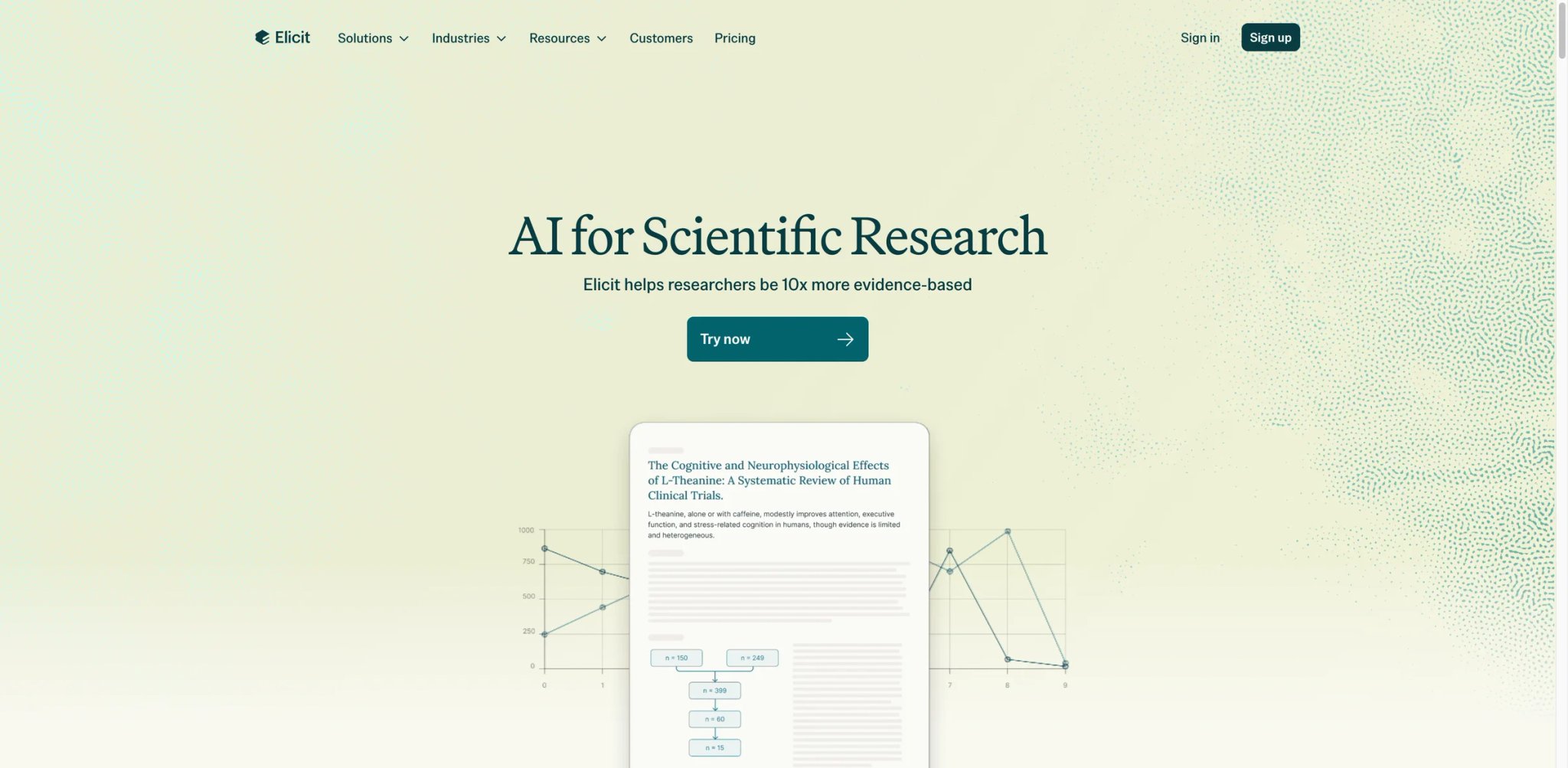
The graduate student at 2 a.m. trying to extract "sample size, population, intervention, and primary outcome" from forty RCTs — that's Elicit's person. Instead of returning a chat response, Elicit produces a spreadsheet-like matrix where each row is a paper and each column is a research variable you asked for. This is the only tool on this list built specifically for the literature-review workflow, not generic Q&A.
Key Features
- Extraction matrices — The core differentiator. You ask "find RCTs on mindfulness for ADHD," and Elicit populates a table with intervention details, outcomes, and methodology for each paper automatically. Replaces the manual spreadsheet work that literature reviews normally require.
- Semantic search across 138M papers — Indexes Semantic Scholar and PubMed without requiring you to know the exact keywords. Finds papers semantically related to your question rather than keyword-matched.
- Paper-grounded summaries — Every summary sentence links to the specific paper passage it came from, so there's less temptation to trust a summary without checking.
- Tiered research workflows — Elicit now offers Basic, Plus, Pro, Scale, and Enterprise plans with workflow caps, export options, systematic-review tooling, and collaboration features that scale from casual exploration to team-based reviews.
Pricing & Plans
Elicit Basic is free and includes limited Research Agent access plus 2 Automated Reports per month. Plus is $7/month billed annually ($84/year). Pro is $29/month billed annually ($348/year). Scale is $49/month billed annually ($588/year). Enterprise is custom-priced. TCO Note: Researchers consistently report the 5,000-credit free tier runs out within a day of serious use, pushing most users to paid within their first week.
Real Limitations: Coverage gaps hit you where you least expect them — preprints and very recent papers sometimes aren't indexed, which is painful for fast-moving fields. Several reviewers note the tool occasionally misses obviously relevant papers or includes tangential ones. And while the extraction matrix is excellent, Elicit doesn't yet have strong citation management — you can't natively save, cite, or share reference lists, which forces a second tool into the workflow.
Best For Graduate students, systematic reviewers, and research analysts doing structured evidence synthesis. Not the right fit if you want a conversational search tool or if your field has most work in preprints not yet indexed by Semantic Scholar.
Get started with Elicit
NotebookLM
NotebookLM flips the usual AI-research assumption: instead of searching the web, it only knows what you upload. Feed it twenty PDFs, three YouTube transcripts, and your meeting notes, and it will answer questions strictly within that corpus — with an inline citation pointing to which source, which paragraph. This is the only tool on this list that's genuinely useful when your sources are confidential, internal, or unpublished.
Key Features
- Strict source grounding — Every answer cites the specific chunk of an uploaded document it came from. You can't trick NotebookLM into citing something outside your sources, which is a much harder guarantee than the web-crawling alternatives provide.
- Audio Overviews — Generates a two-host podcast-style summary of your sources. Surprisingly useful for commute-time review of papers you've already read once.
- Deep Research agents (Nov 2025 update) — Now optionally supplements your sources by finding related papers online, while keeping your uploaded corpus as the citation anchor.
- Google Workspace integration — Connects to Drive, and Pro users get higher limits through Google AI Pro rather than a separate NotebookLM subscription.
Pricing: Free tier caps 50 sources per notebook, 500K words per source, and usage limits on the free model. Google AI Plus raises NotebookLM to 100 sources per notebook, Google AI Pro raises it to 300, and Google AI Ultra raises it to 600. Google AI Pro is the current $19.99/month consumer plan and includes 5 TB of storage. TCO Note: The Google AI Pro bundle includes NotebookLM Plus plus Gemini Advanced, which makes it cheaper than paying for both separately.
Real Limitations: The 50-source free cap is the most common complaint — a class-assignment fits, a thesis lit-review doesn't. Even on paid tiers, approaching the source limit reportedly degrades answer accuracy as summaries get diluted across more material. Notebooks are isolated from each other, which makes multi-project knowledge work awkward. And export is limited: you can't easily pull generated content into a structured format for further editing.
Best For Students with a focused corpus, researchers working with confidential documents, and teams reviewing internal reports. Not the right fit if your research stage is still "find me relevant papers" rather than "answer questions across sources I've already chosen."
Get started with NotebookLM
SciSpace
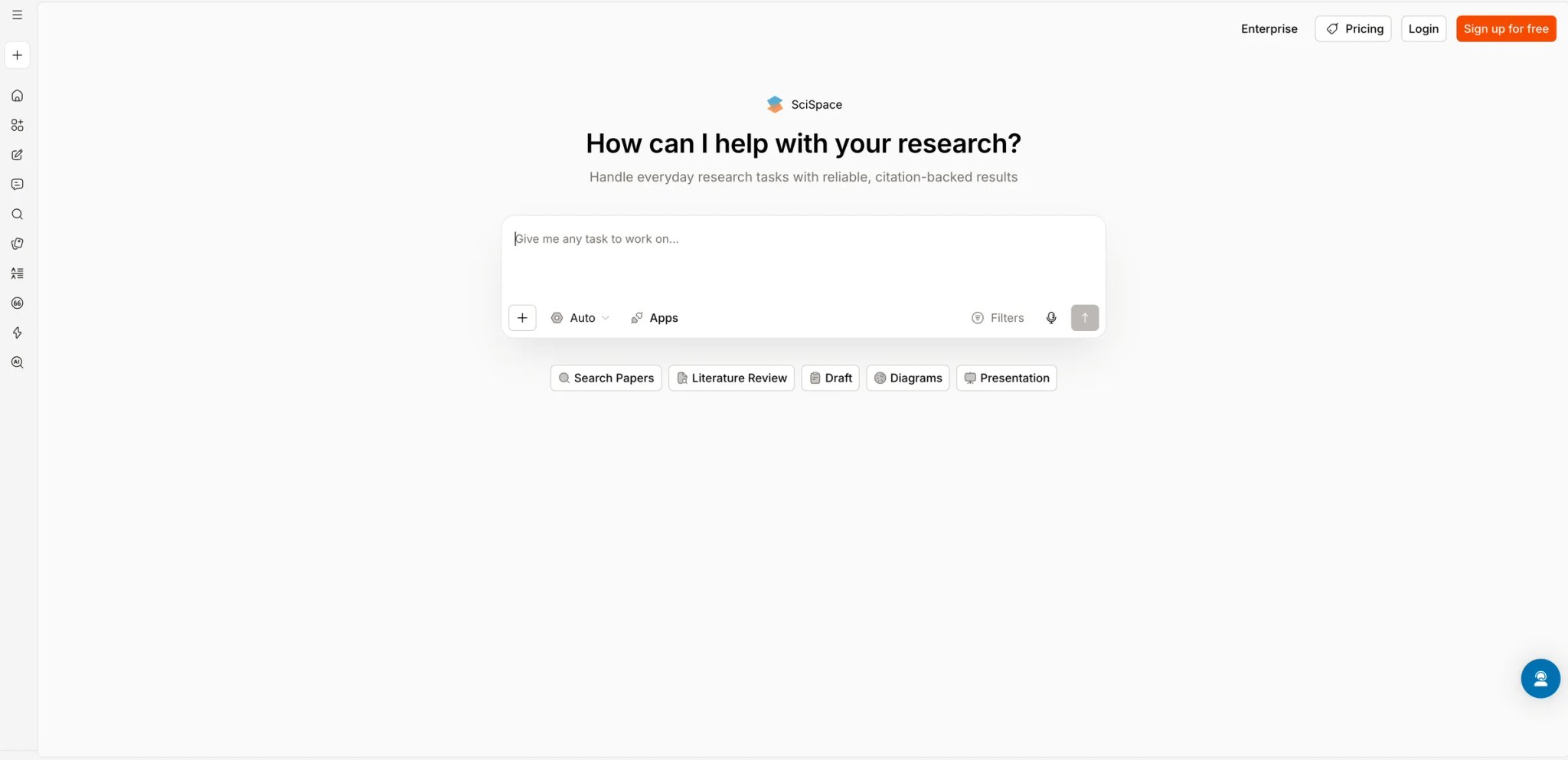
If Elicit is the extraction specialist and NotebookLM the private-corpus tool, SciSpace is the generalist that tries to own the full research arc — discover a paper, ask questions about it, build a literature review, and write the draft. That ambition is why university library guides often list it first for "try one AI research tool" — and why it shows up in complaint threads about hallucinated citations more than the focused tools above.
Key Features:
- Copilot on every paper — Upload a PDF or pull one from the index, and a chat pane answers questions about the text with page-level citations. Faster than skimming a 40-page paper cold.
- Literature Review builder — Generates a synthesis across a set of papers, similar to Elicit's matrix but more narrative-oriented. Useful for early-stage exploration, less for methodology-heavy reviews.
- AI Writer — Drafts research-paper sections (intro, methods, discussion) based on your literature review, with inline citations. A risky feature given the hallucination track record, but useful as a first draft.
- Large research corpus — SciSpace markets itself as an AI research agent over roughly 280 million papers, with discovery, review, and writing tools in one workspace.
Pricing: Free tier allows limited searches and chats. Premium is $20/month or $12/month billed annually, which unlocks unlimited copilot use and AI Writer. Teams pricing available on request. TCO Note: Trustpilot reviewers have consistently flagged SciSpace's refund process as unresponsive — cancel before your trial ends, not after, if you're on the fence.
Real Limitations: The hallucination pattern is the big one. University library guides and Trustpilot reviewers specifically report fabricated references — nonexistent co-authors, wrong journal details, and in one case a citation generated under the user's own name. Site stability issues on weekends surface repeatedly in complaints. And the AI Writer output, while convenient, has enough factual drift that most researchers treat it as a structured outline generator rather than a drafting tool.
Best For: Researchers who want one workspace covering discovery, Q&A, and review drafting, and who are willing to verify every citation before using it. Not the right fit if you need the citation reliability of a tool like Consensus or Scite, or if you're in a field with high stakes for fabricated references.
Get started with SciSpace
Perplexity
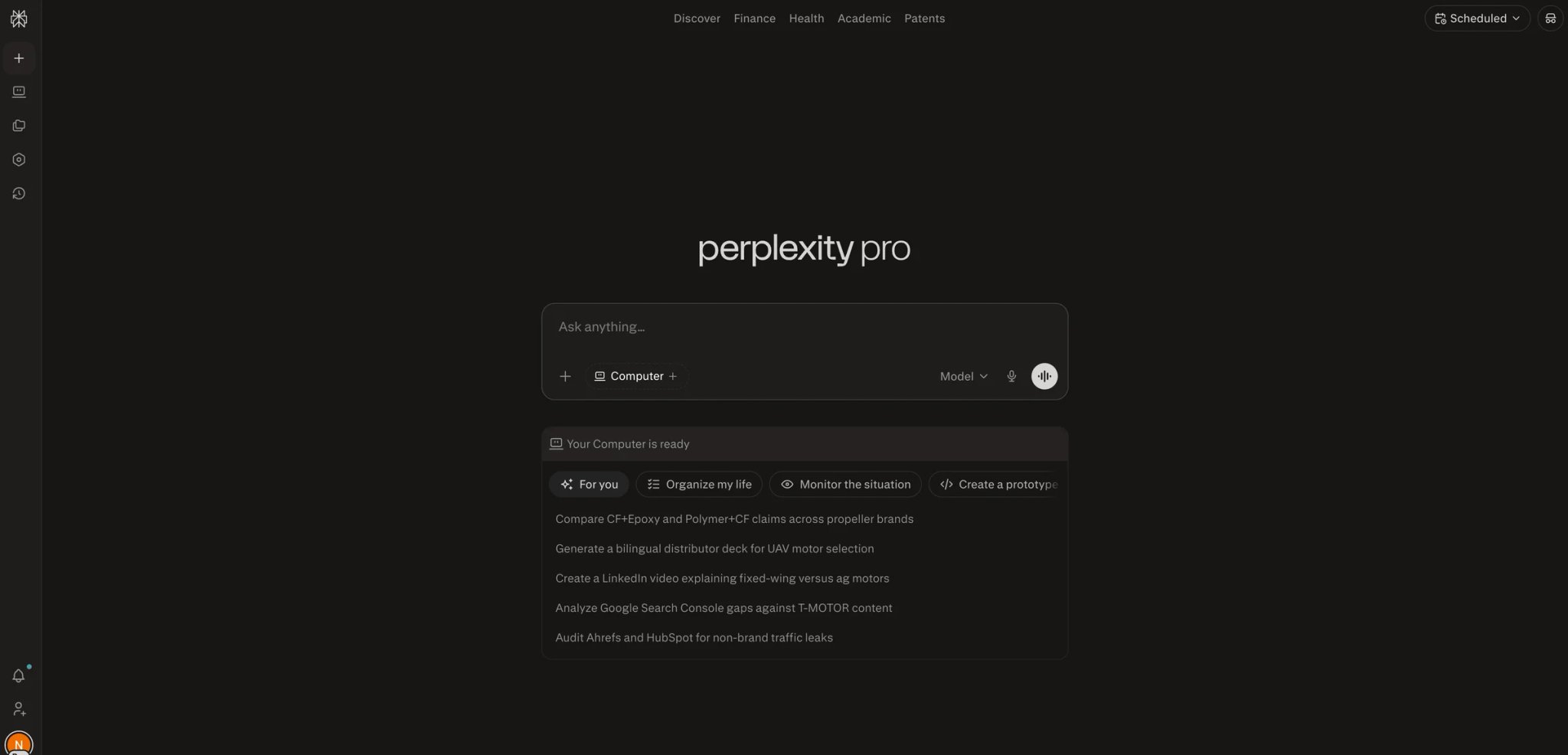
Perplexity is the tool people reach for when "research" means "I need to understand a topic quickly enough to sound informed in the next meeting" — not write a thesis. Its Deep Research mode (rolled out in 2025) will crawl dozens of sources and return a structured report, which is why it competes with ChatGPT and Gemini despite being a smaller company. The trade-off: Perplexity isn't built for academic workflows, and reviewers in 2025 noted quality degradation as the company quietly routed some queries to cheaper models.
Key Features:
- Deep Research mode — Runs a multi-source investigation for 2-5 minutes and returns a structured report with citations inline. Benchmarks well against ChatGPT's similar feature for general-knowledge topics.
- Focus filters — Narrow searches to Academic, YouTube, Reddit, or Writing modes, which is more useful for triangulating a topic than for rigorous lit-review work.
- Conversational follow-up — Unlike one-shot research reports, Perplexity keeps context across a thread so you can drill into a source or challenge a claim.
- Spaces for project research — Save research threads to shared workspaces, useful for team-based competitive intelligence or consulting work.
Pricing: Free tier includes 5 Pro searches per day. Pro is $20/month ($200/year) with unlimited Pro searches and Deep Research access. Enterprise starts at $40/user/month. TCO Note: Users have reported unexplained Pro charges after cancellation on Trustpilot and Reddit, with limited support responsiveness. Credit-card screenshots of cancellation dates help if you need to dispute.
Real Limitations: The quality-regression complaints are recent (mid-2025) and pointed — Reddit threads documented cases where the model selector displayed one choice while backend routing swapped in a cheaper model. Deep Research mode hallucinates less often than open chat but can still fabricate specifics, particularly for time-sensitive claims. Citations in long threads weaken as context fills, and the tool isn't built to surface peer-reviewed sources by default even in Academic mode.
Best For: Consultants, analysts, and journalists who need fast, web-wide topic exploration with citations. Not the right fit if you're doing peer-review-weighted academic research or if you need guaranteed citation accuracy without verification.
Get started with Perplexity
ChatGPT Deep Research
ChatGPT's Deep Research agent takes the longest of any tool on this list — 10 to 30 minutes per run — and in return produces the most thorough single-shot report. It reads like a well-structured briefing document, not a chat response. Most reviewers who A/B-tested against Gemini's equivalent in 2025 ranked ChatGPT's output higher for analytical depth, though both still hallucinate on time-sensitive facts.
Key Features
- Agentic multi-step research — The model decomposes your question into sub-queries, crawls sources, synthesizes findings, and flags uncertainty. Best-in-class for "I need a 15-page report by tomorrow" scenarios.
- Multimodal inputs — Unlike most research tools, you can upload a dataset CSV or a chart image and have Deep Research reason over it alongside web sources. Useful for market research or technical reviews.
- Citation density — Every claim carries an inline source link; the report includes a reference list at the end. Citations are clickable and generally accurate, though verify anything about current prices or recent events.
- ChatGPT memory + custom instructions — Research builds on what ChatGPT already knows about your role and ongoing projects, which speeds up follow-up work.
Pricing & Plans
ChatGPT Free includes limited lightweight Deep Research access. ChatGPT Plus is $20/month. OpenAI now offers two Pro tiers — $100/month and $200/month — with higher advanced-tool limits than Plus. Business and Enterprise are separate organizational plans. TCO Note: The 25-query Plus allotment sounds generous but burns fast on heavy-use days; most analysts report 40-60 queries/month is realistic for daily work, which pushes you toward Pro or tool rotation.
Real Limitations: Time-sensitive hallucinations are the pattern to watch — questions that depend on "as of" timing (latest release, current price, recent regulation) are where Deep Research has been caught fabricating. The report format can bury uncertainty in confident prose — scan for "according to" phrasings and verify those sources first. And restrictive content filters block some legitimate research topics, particularly in medicine, law, and politics.
Best For Consultants, analysts, and researchers who need a long-form structured report once or twice a week and are willing to verify time-sensitive claims. Not the right fit if your research is academically peer-reviewed in scope, or if you need high-frequency fast queries (Perplexity or Gemini will feel snappier).
Get started with ChatGPT Deep Research
Gemini Deep Research
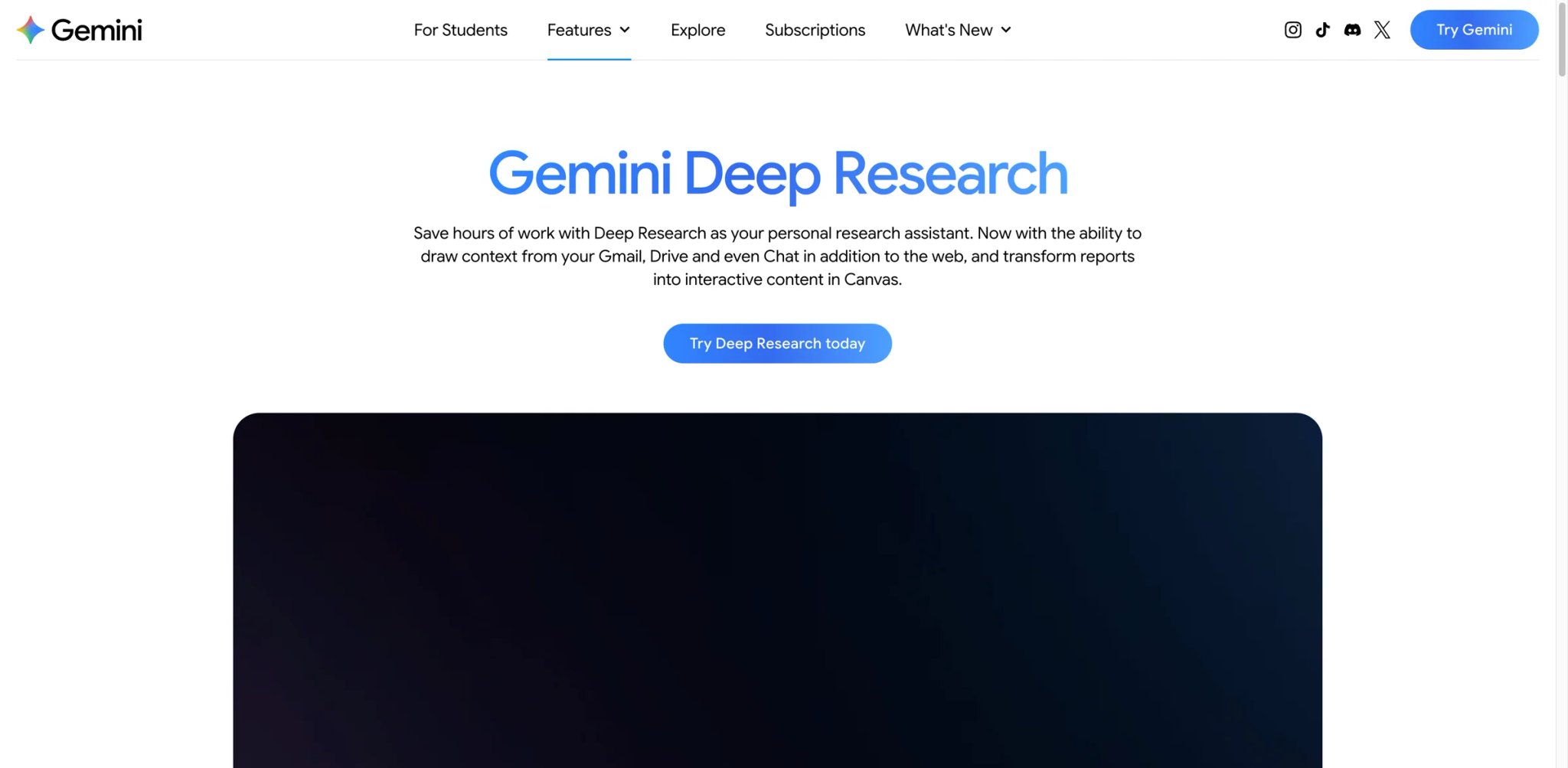
Gemini's Deep Research was the first to ship (December 2024) and remains the most Google-native choice — it integrates with Workspace, pulls from Google's index, and ends a report with "export to Docs" in one click. That workflow advantage is real. The corpus limitation is also real: Gemini only reads English-language open-web sources and skips paywalled academic content, which makes it weaker for humanities or specialized-field research than the alternatives.
Key Features:
- Integrated planning step — Before launching a run, Gemini shows the research plan (sub-questions, sources it'll check, order of investigation) and lets you edit it. More transparent than ChatGPT's black-box agent.
- Workspace export — Results drop into Google Docs with formatting preserved and citations linked. For teams already on Workspace, this eliminates the usual copy-paste mess.
- Audio Overview of reports — Similar to NotebookLM, lets you listen to the finished research rather than read it. Useful for commute-based review.
- Native Drive-source option — Combine open-web research with specific Drive files as additional context, blending public and internal knowledge.
Pricing & Plans
Deep Research is included in Google AI Pro at $19.99/month. The current Google AI Pro bundle includes 5 TB of storage and higher NotebookLM access, while Google AI Ultra offers the highest limits. Workspace customers buy Gemini capabilities through Workspace offerings rather than the consumer Google AI plan. TCO Note: If you're already paying for Google One or Workspace storage, the upgrade to AI Pro is often cheaper than paying for ChatGPT Plus plus storage separately.
Real Limitations: Gemini Deep Research uses Google Search by default, so source quality still depends on which sources you include and verify. It can also draw from Gmail, Drive, Chat, uploaded files, and NotebookLM notebooks, but request limits vary by plan and some richer visual features are unavailable when Workspace sources are included. Output depth is notably shallower than ChatGPT's equivalent according to side-by-side tests. And for anything requiring domain-specific source weighting (medical, legal), users report more generalized summarizing than analytical synthesis.
Best For: Workspace teams, market researchers, and analysts who value citation audit trails and need to share reports quickly. Not the right fit if your research depends on paywalled academic sources, non-English literature, or deep domain-specific expertise.
Get started with Gemini Deep Research
Scite
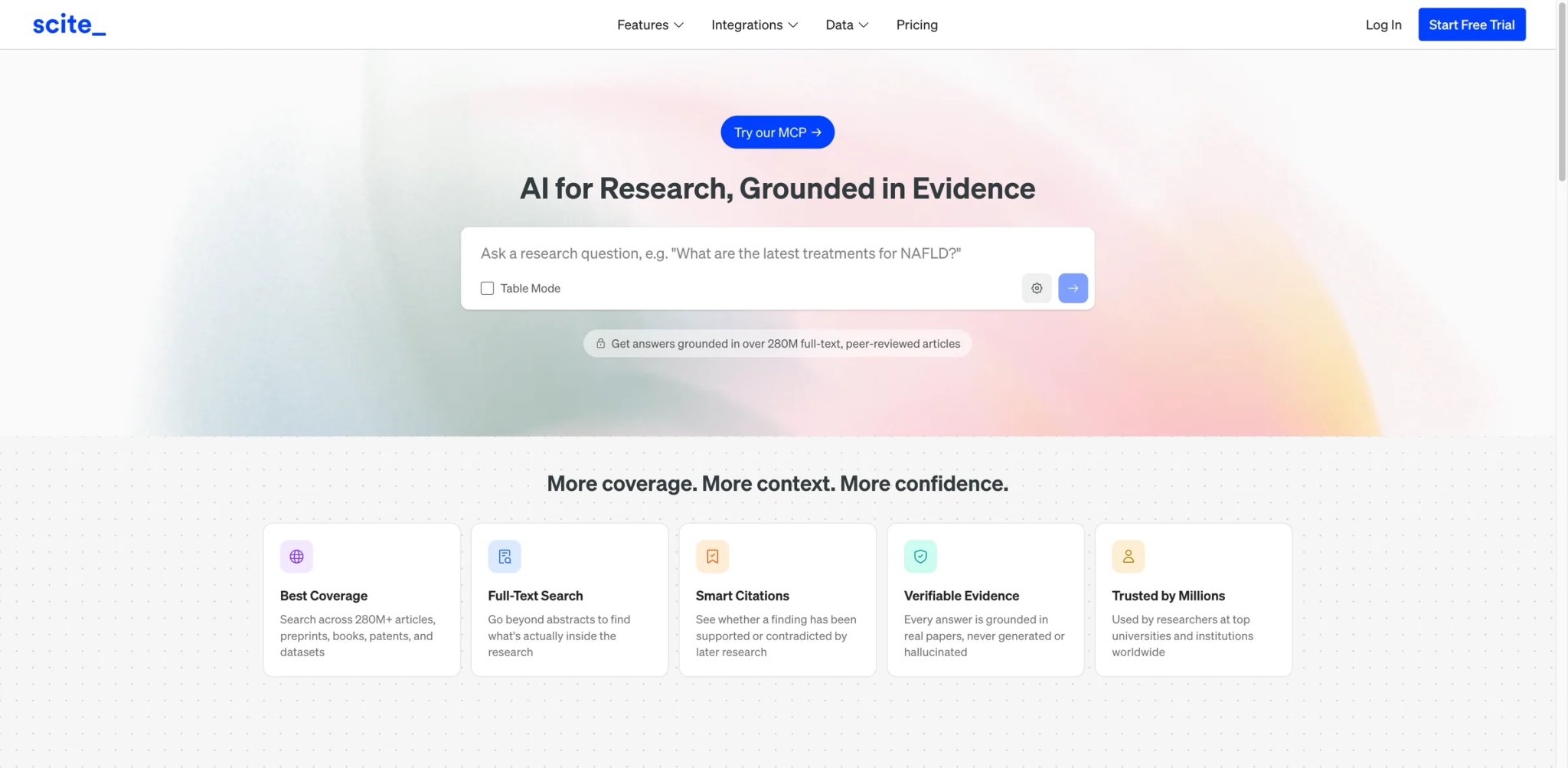
Scite does one thing that no other tool on this list does well: when a paper cites another paper, Scite tells you whether that citation is supporting, contrasting, or just mentioning. "Smart Citations" turn the usual citation count (which rewards being talked about at all) into a quality signal (which rewards being validated). For a researcher vetting whether a famous study still holds up, this is invaluable — and occasionally uncomfortable when a field's foundational paper turns out to have more contrasting citations than anyone talks about.
Key Features:
- Smart Citations classification — AI-tagged as Supporting, Contrasting, or Mentioning, based on the sentence context in the citing paper. Unique to Scite and the main reason people pay for it.
- Reference Check — Upload a paper draft and Scite flags every citation where the tone of the referenced paper contradicts the way you're citing it. Used by journal editors during peer review.
- Assistant for Q&A — Conversational layer over the citation index, answers questions with supporting-and-contrasting evidence side by side. Slower and less polished than Consensus but more methodologically honest.
- Large Smart Citations corpus — Scite says it has classified more than 1.4 billion citation statements from over 38 million scholarly papers, which remains a major moat for claim-level citation analysis.
Pricing: $20/month billed monthly, $12/month billed annually. Institutional plans for universities. TCO Note: Trustpilot reviewers consistently report refund rejections — Scite does not offer refunds even for cancellations within 24 hours of payment. Commit only after testing via the 7-day trial.
Real Limitations: The Assistant has a worse hallucination track record than Scite's own Smart Citations feature — Reddit threads document fabricated quotes "overwhelming" in assistant-generated responses, with DOI links pointing to real papers but quotes that never appear in them. Coverage is thin in niche fields and very recent preprints. The UI has been flagged as dated and cramped across reviews. And finding supporting evidence for a specific claim is weaker than Scite's headline promise suggests — it's strongest as a citation-network navigator, not a Q&A tool.
Best For: Academic researchers, peer reviewers, and journal editors who need to validate citation networks and spot contradicted claims. Not the right fit if you want a conversational research assistant (use Consensus) or if you're in a field where Scite's citation coverage is thin.
Get started with Scite

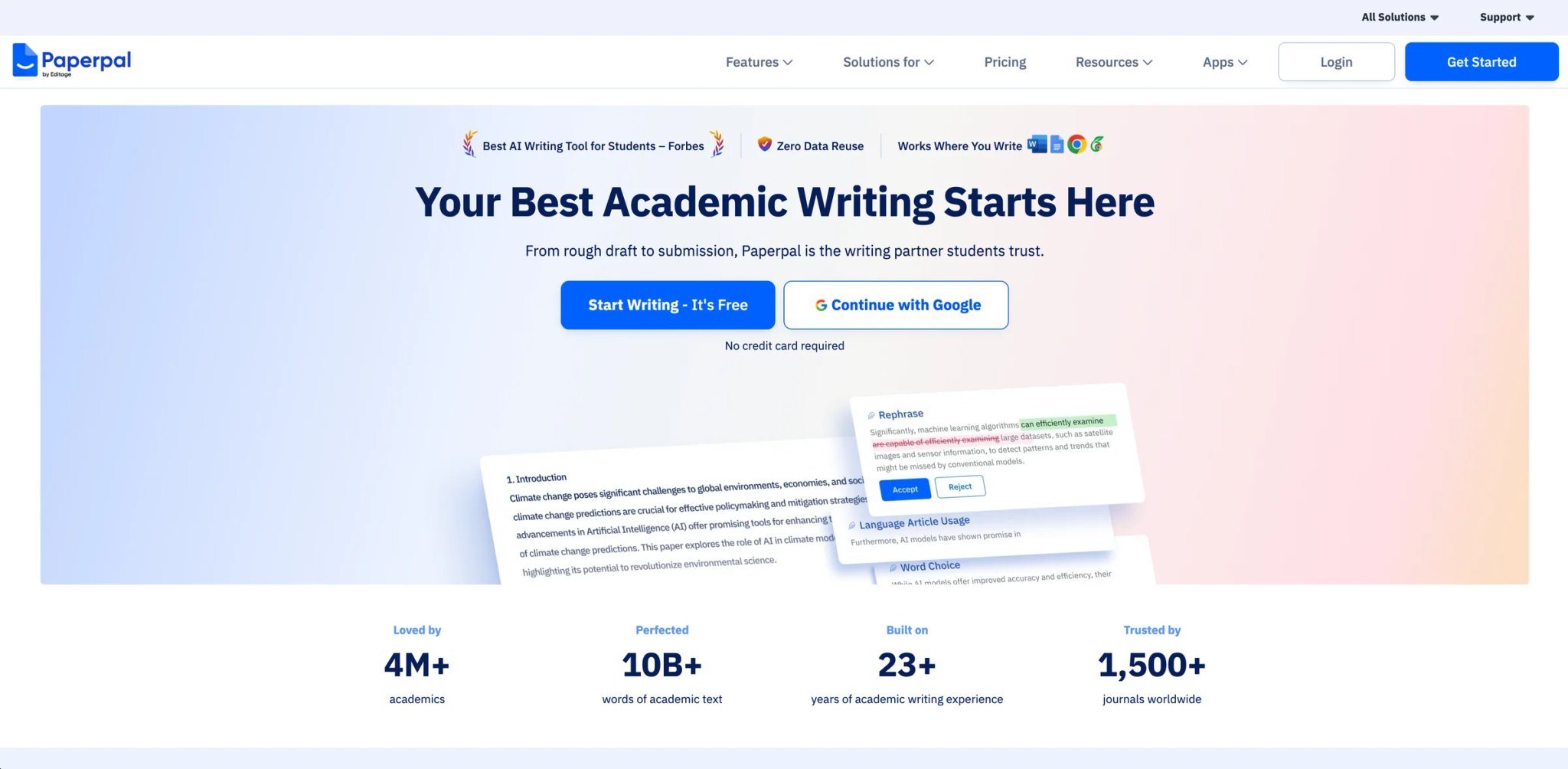
Paperpal is unusual on this list: it's not primarily a research tool, it's an academic writing tool that happens to include research-aware checks. The distinction matters. If you already have your literature in hand and need to write a paper that won't get flagged by Turnitin, journal submission systems, or peer reviewers — Paperpal's manuscript check, AI detection avoidance, and citation-style enforcement are its real value. The research features are secondary.
Key Features:
- Manuscript Check — Pre-submission review for 30+ journal and style-guide requirements (APA 7, MLA, reference-format consistency, ESL errors common in non-native English writing). Built by Cactus, the company behind Editage, so the style rules are battle-tested against journal editors.
- Word and browser integration — Works inside Microsoft Word without tab-switching, which is closer to the real academic writing workflow than standalone tools.
- Research Assistant features — Summarization, key takeaway extraction, and Q&A over uploaded papers, bundled into the writing workflow rather than as separate products.
- Plagiarism + AI-content checks — Detects AI-generated text and cross-references against academic databases, which matters for journals that now ban AI-drafted submissions.
Pricing: Free tier with limited generations. Prime at $25/month billed monthly, $55/quarter ($18.33/mo), or $139/year ($11.60/mo) — the annual rate is a strong discount but locks you in. TCO Note: Reviewers report that unused monthly generation credits do not roll over, so over-paying for a high-tier plan that matches peak-month needs doesn't save money during slower months.
Real Limitations: The research features are adequate, not distinctive — Elicit, SciSpace, and Consensus all out-research Paperpal. Customer-service complaints cluster around cancellation and refund friction. And the writing suggestions occasionally "fix" correct scientific terminology into generic English, which is frustrating when you're writing in a technical field where exact phrasing matters.
Best For: Graduate students and journal-submitting researchers who want writing + research assistance in one Word-integrated tool. Not the right fit if you need a discovery-first research tool, or if you write outside journal formats where the manuscript-check value doesn't apply.
Get started with Paperpal
Liner
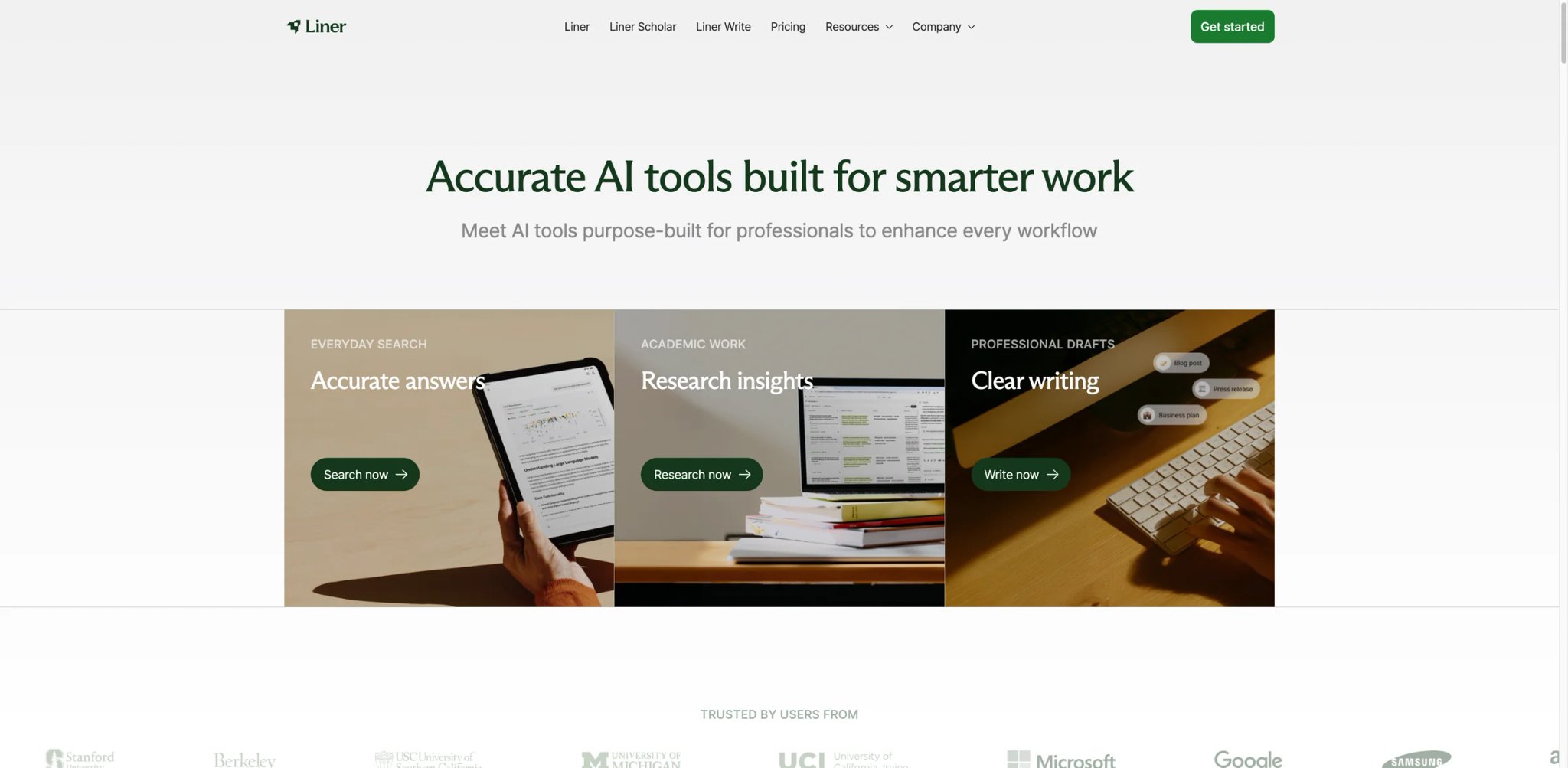
Liner lives where most research actually happens: your browser tab. The extension highlights any webpage or PDF, extracts key passages, and builds a citation-backed answer via its Scholar mode. It's the closest thing on this list to a "research OS" that runs alongside your normal browsing — which is both its differentiator and its limitation, since it optimizes for knowledge-worker speed more than academic rigor.
Key Features:
- Browser extension highlighting — Highlight anything on a webpage or PDF and Liner saves it to a research library tied to the source. This captures the actual motion of research (reading → marking → citing) that most tools ignore.
- Scholar mode with line-by-line citations — Every AI-generated statement maps to a specific line in a specific source. The highest citation transparency of any conversational tool on this list.
- Multi-platform sync — Web, iOS, Android, Chrome extension, and Apple-Safari version. Highlights sync across devices, which matters for reading-on-phone, writing-on-laptop workflows.
- AI Search vs Scholar vs Explore modes — Separate behaviors for casual search, academic research, and exploratory discovery, which prevents the mode-mismatch that plagues general chatbots.
Pricing & Plans
Liner has a Free plan, a Pro plan at $17.99/month or $14.99/month billed annually, a Max plan at $35.99/month or $29.99/month billed annually, a Team plan at $26.99/month per seat, and custom Enterprise pricing. TCO Note: Cancellation requires contacting support directly rather than self-service, which several reviewers have flagged as a friction point during disputes.
Real Limitations: Scholar mode accuracy has documented gaps — one reviewer found Liner reporting "no published research" on a non-English researcher when Google Scholar returned many results, suggesting a Western-English corpus bias. Summary brevity complaints recur on G2 — answers can over-generalize a finding rather than preserve nuance. And occasional slowness on large PDFs has been reported.
Best For: Knowledge workers, analysts, and researchers who already live in their browser and want research to integrate with highlighting and bookmarking. Not the right fit if you want a dedicated literature-review matrix (use Elicit) or if your corpus is heavily non-English.
Get started with Liner

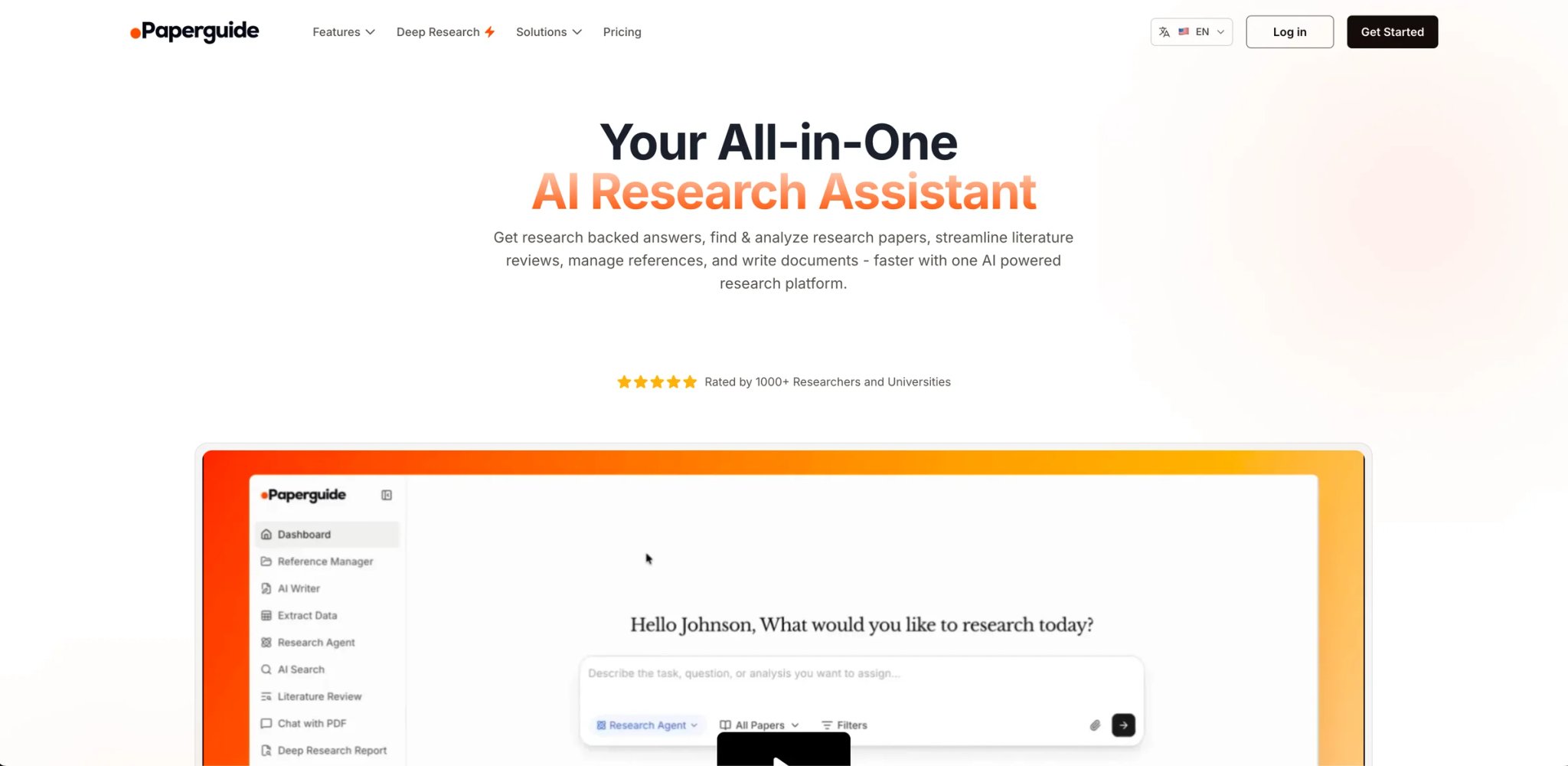
Paperguide is the least-known tool on this list, and that's fair — it's newer and its 170M+ paper corpus is smaller than SciSpace or Elicit. What it does well is structured review report generation, especially for thesis-style writing where you need a "background," "related work," and "gaps" section that reads like a real literature review rather than a chat summary. For grad students writing their first systematic review, the templates alone justify the price.
Key Features
- Deep Research Reports — Structured outputs with background, methodology, findings, and gaps sections. More opinionated than Elicit's extraction matrix, less conversational than Perplexity.
- Reference management + writing editor — Built-in citation library, export to BibTeX/RIS/EndNote, and a writing editor that pulls citations inline as you draft. The all-in-one workspace is rare at this price point.
- Paper chat and table extraction — Chat with individual PDFs, extract tables and figures, and pull key findings. Similar to SciSpace but with a cleaner UI.
- AI writing with fact-first approach — Drafts are meant to be grounded in the library you've built, not generated from the model's weights — which reduces hallucination frequency compared to general AI writers.
Pricing & Plans
Paperguide has a Free plan, Plus at $12/month billed annually, Pro at $24/month billed annually, and custom Enterprise plans for teams and institutions. The pricing page also advertises a student discount for verified college email users. TCO Note: AppSumo lifetime deal has surfaced historically; check before paying a subscription if the feature tier matches your need.
Real Limitations: The source corpus is smaller than the top tools — several reviewers have reported "the pool of articles is tiny" in niche fields, with the tool sometimes returning nothing where free Google Scholar returns dozens. Interface stability issues (bugs, broken flows) appear in multiple 2025 reviews. And while the AI-writing feature grounds in your library, citations still need double-checking.
Best For Graduate students and thesis writers who want structured review templates + reference management in one tool. Not the right fit if your field has fragmented or niche literature not well-represented in Paperguide's index, or if stability issues in a younger tool would derail your deadline.
Get started with Paperguide
Best AI Research Tools by Use Case
The "best" research tool depends less on features than on where you are in the research arc — discovering sources, synthesizing them, validating claims, or writing the paper. The scenarios below match each stage to the tool that actually fits, based on real researcher workflows we've seen documented.
For Grad Students Writing a Thesis on a Limited Budget
If you're living on stipend income and need to synthesize a hundred-plus papers into a defensible literature review, start with Elicit's Basic (free) tier — which includes limited Research Agent access plus two Automated Reports per month — together with Consensus's free tier for evidence-weighted claim checking. When drafting begins, Paperpal at $11.60/month (annual) adds manuscript-check value that the AI-only tools don't, though it's worth scanning our broader AI writing assistants coverage for Grammarly-style alternatives if journal-format checks aren't your main need. This three-tool stack runs about $12/month during the drafting-heavy weeks and is why most university library guides now recommend a multi-tool workflow rather than a single paid subscription.
For Analysts Running Weekly Competitive Intel Reports
If your deadline is "summarize this market by Friday," ChatGPT Deep Research is the fastest path from a fuzzy prompt to a structured 15-page report, and the $20/month Plus tier's 25-query allotment matches a typical weekly cadence. Analysts also running structured competitor scans should cross-reference our AI market research tools guide, which covers survey- and panel-data workflows that Deep Research agents don't replicate. For teams already on Google Workspace, Gemini Deep Research integrates one-click export to Docs, which eliminates the copy-paste friction that burns analyst time on ChatGPT. Pair either with Perplexity Pro when follow-up questions emerge — Deep Research one-shots aren't built for iteration.
For Researchers Working with Confidential or Internal Documents
If your sources are unpublished — interview transcripts, internal reports, patent filings, or draft manuscripts — NotebookLM is the only tool on this list that guarantees answers only from what you've uploaded, with no web supplementation unless you explicitly enable it. For teams that rely on meeting recordings as primary sources, our AI meeting notes tools guide covers the transcription layer that often feeds into this workflow. The free tier's 50-source cap is restrictive but sufficient for scoped projects; Google AI Pro at $19.99/month raises the ceiling to 300 sources and bundles Gemini Advanced for less than the cost of buying them separately. This is the default choice for consulting, legal discovery, and healthcare research where source confidentiality matters.
For PhDs Doing Systematic Reviews with Methodology Requirements
If your review has to pass peer scrutiny on citation quality, layer Scite's Smart Citations ($12/month annual) on top of Elicit Plus ($7/month annual). Scite catches citations where a paper's tone contradicts how you're using it — a methodology red-flag that neither Elicit nor SciSpace surfaces. For the vote-counting-sensitive fields (clinical trials, policy research), use SciSpace or Paperguide for the drafting side but verify every citation against the original PDF. Budget: around $19/month for the rigorous pair, plus whatever your writing tool costs.
For Consultants and Journalists Needing Fast Topic Scans
If research is a sideline to your actual job and you need "understand this industry in an hour," Perplexity Pro at $20/month is the sharpest tool, and Liner's browser-native highlighting at $14.99/month (Pro annual) captures the read-mark-cite flow that consultants actually use. Neither is academically rigorous, but both return faster, more conversational outputs than the deep-research giants. Skip ChatGPT's 30-minute reports for this use case — the speed mismatch is too costly when you're moving between six topics a day.
How to Choose the Right AI Research Tool
Choosing inside this category fails when researchers pick by feature list rather than by the research stage they're in. The steps below match the real decision sequence, based on what experienced researchers we've read actually report.
1. Diagnose your current bottleneck before comparing tools. Are you stuck in discovery (you don't know what papers to read), synthesis (you have papers but can't extract patterns), validation (you need to vet citations), or writing (you have the content but can't draft)? Each tool optimizes for one of these stages. Paying for Elicit when your problem is writing, or Paperpal when your problem is discovery, is the most common waste.
2. Test the free tier on five real queries before paying. Every tool on this list has a free tier or trial. Run the same five questions — from your actual research, not toy examples — across the two or three candidates. The difference between "Consensus returns the evidence distribution I expected" and "SciSpace hallucinated a citation to my own paper" shows up within five queries, and it's the signal that matters.
3. Check citation behavior specifically. Click every citation the tool returns in your trial queries. Verify the quote appears in the cited paper. If the tool surfaces retracted papers without flagging them, treat that as disqualifying for any academic use. Across this category, hallucinated citations are the failure mode that damages research careers — not missed features.
4. Model the real cost against quota systems, not headline price. The $20/month price tag masks $0 usage in months you don't use it and $200+ in months you burn through credits. Elicit's workflow caps on the Plus and Pro plans, ChatGPT's 25 Deep Research queries on Plus, and Scite's hard pricing tiers all need to be modeled against your actual usage pattern. Annual discounts lock in this math.
5. Read the cancellation and refund policy before subscribing. Trustpilot and Reddit complaint threads for Consensus, SciSpace, Scite, and Paperpal all cluster around refund refusals and aggressive auto-renewal. Screenshot the renewal date, set a calendar alert for two weeks before renewal, and know the cancellation process before your credit card is charged. The 77% annual discount is rarely worth 60 days of cancellation friction.
6. Build a multi-tool stack rather than optimizing a single subscription. Most experienced researchers use two or three tools — a discovery tool (Elicit or ResearchRabbit), a synthesis tool (Consensus or Scite), and a writing tool (Paperpal or your normal editor). The $25-40/month stack beats any single $50/month subscription at covering the actual research arc.
Frequently Asked Questions
Which AI research tool has the most accurate citations?
For peer-reviewed accuracy, Consensus and Scite have the strongest track records because both are grounded in structured citation databases rather than open-web crawls. Elicit is close behind, with paper-grounded summaries that link directly to specific passages. Every tool on this list has produced a fabricated citation at some point — the difference is frequency. General-purpose tools (ChatGPT Deep Research, Gemini, Perplexity) hallucinate citations more often on time-sensitive or niche topics than the specialized academic tools, so verify every citation before using it in published work regardless of which tool you use.
Are free AI research tools good enough for a thesis?
For the discovery and exploration phases, yes — Elicit's Basic (free) plan with two Automated Reports per month, Consensus's free searches, NotebookLM's 50-source free notebook, and ResearchRabbit's fully-free discovery tool cover most early-stage thesis work. For the synthesis and drafting phases, free tiers typically fall short: you'll hit credit walls on Elicit, lose Scite's Smart Citations, and miss Paperpal's manuscript check. Budget about $12-25/month for the drafting-intensive months of a thesis, and use free tiers for the rest.
ChatGPT Deep Research vs Gemini Deep Research — which is better for academic work?
Neither is ideal for strict academic work, but ChatGPT Deep Research produces deeper, more analytical reports in side-by-side tests, while Gemini Deep Research has tighter Workspace integration and transparent research-plan editing. Both exclude paywalled academic content by default and rely on open-web sources, which means peer-reviewed literature is underrepresented. For literature reviews or systematic reviews, use Elicit or SciSpace instead. Reserve Deep Research for background briefings, competitive landscape analysis, or topics where open-web sources are sufficient. Researchers building a broader knowledge-work stack may also find our best AI note-taking software guide useful for the capture-and-organize layer that precedes synthesis.
How do you avoid AI hallucinated citations in research papers?
Three habits eliminate most of the risk. First, only use tools that link citations to specific papers — Consensus, Scite, Elicit, NotebookLM — rather than tools that generate paragraph-level citations (where a "[3]" might not actually connect to source [3]). Second, click every citation and verify the quoted passage appears in the paper. Third, cross-check at least one claim from each cited paper against Google Scholar or the paper's abstract. Fabricated citations most often slip through when researchers trust a summary without opening the underlying source.
What's the best AI tool for systematic literature reviews?
Elicit is purpose-built for this workflow with its extraction matrix — structured columns for methodology, sample size, outcomes, and variables across dozens of papers. For methodology-sensitive systematic reviews (clinical trials, policy research), layer Scite on top to catch citation-sentiment mismatches that Elicit doesn't surface. Paperguide's structured review reports are a simpler alternative for master's-level reviews where the methodology rigor of a formal systematic review isn't required. Expect to spend around $19-28/month combined for a serious review workflow.
Is Consensus better than Elicit for research?
They solve different problems. Consensus is optimized for evidence-weighted Q&A — "does X cause Y in the literature?" returns a consensus meter with peer-reviewed studies on both sides. Elicit is optimized for structured literature reviews — "extract sample size and intervention from these 40 RCTs" returns a spreadsheet-like matrix. Use Consensus when you need a single defensible answer quickly. Use Elicit when you need to synthesize patterns across many papers. Many researchers use both and pay around $17/month for the combined annual access.
Can I use these AI research tools with confidential or unpublished documents?
NotebookLM is the best fit for confidential research because it only answers from documents you upload and doesn't supplement with web sources unless explicitly enabled. Check each tool's privacy policy for training-data language before uploading sensitive content: some tools (particularly free tiers) may use uploaded documents for model improvement. For legal discovery, medical research, or corporate intelligence where source confidentiality is mandatory, NotebookLM's source grounding plus an enterprise privacy addendum is the conservative choice.
Get ToolWorthy Weekly
New AI tools, practical guides, and selected AI signals in one weekly brief.
Related Posts
- 10 Best NotebookLM Alternatives 2026 — Research, Privacy and Export
Compare 10 NotebookLM alternatives for source-grounded research, private or local workflows, academic evidence, audio and cleaner exports.
For AI tool founders
Built a tool that belongs in this decision set?
Request an editorial evaluation for possible inclusion in ToolWorthy.
Submit your tool for reviewPaid submission does not guarantee a ranking, recommendation, inclusion, or editorial outcome.