
11 Best Virtual Staging Software 2026 — AI Tools for Real Estate
We compared 11 AI virtual staging tools on image quality, speed, MLS compliance, and real pricing — from one-time packs to monthly subscription plans.
On this page
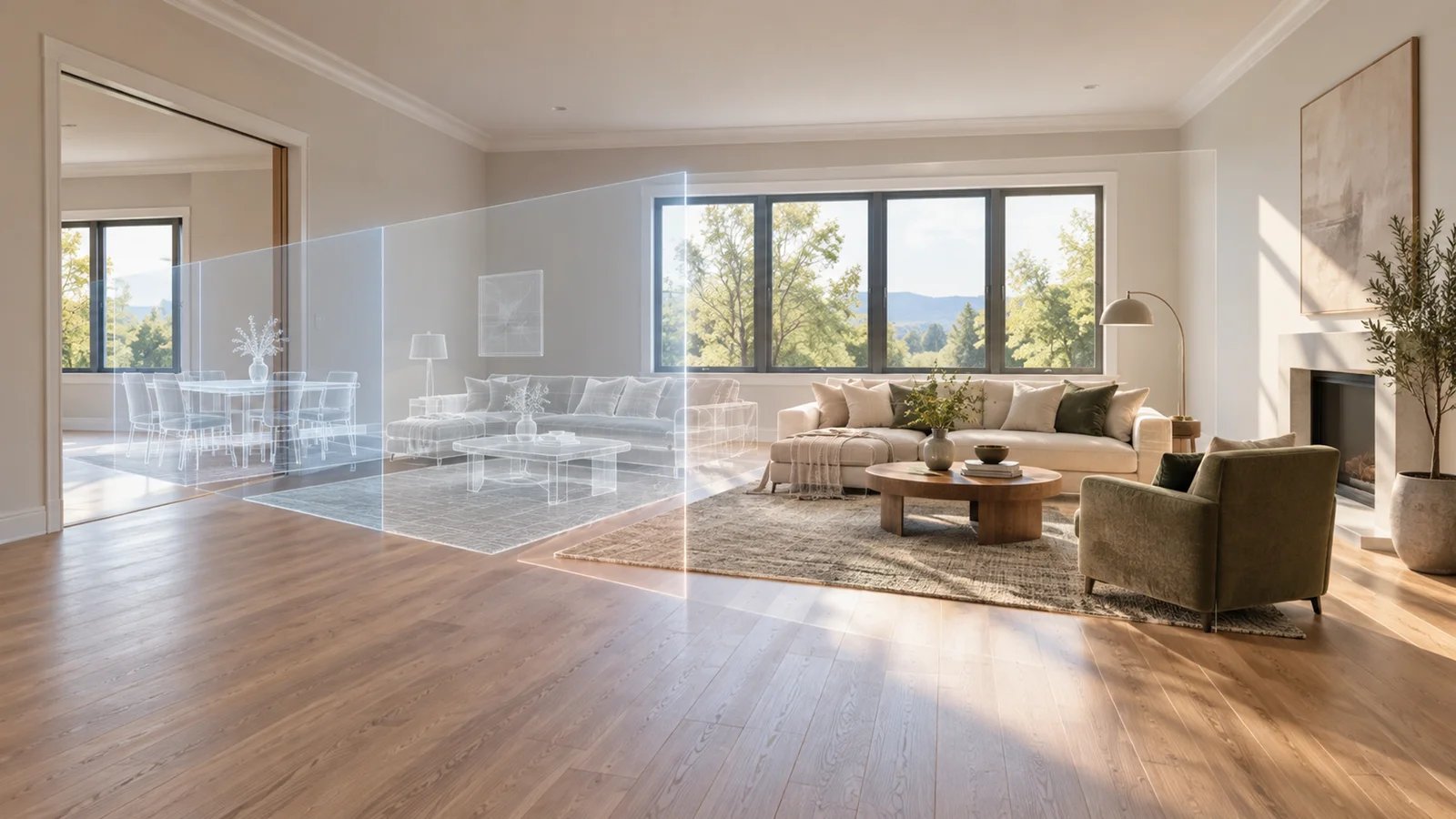
Physical staging can add significant cost and coordination to a listing. AI virtual staging changes the workflow: many self-serve tools generate a first draft in seconds or minutes, while managed services trade speed and price for human review. The useful comparison is not whether every output looks realistic; it is which workflow preserves the property's architecture, survives your disclosure requirements, and produces a usable listing image after review and regeneration.
The tricky part is choosing between the dozen-odd tools now competing in this space. Pricing models vary wildly: some charge per image, others by monthly subscription with a photo cap, a few offer unlimited regenerations within a plan. MLS compliance requirements — specifically that AI-staged images must be disclosed — add another layer of decision-making. This guide cuts through the noise with real pricing, verified feature comparisons, and honest assessments of where each tool fits and where it falls short.
| Tool | Best For |
|---|---|
| VirtualStaging.tools | Agents wanting unlimited regenerations with flat monthly pricing |
| REimagineHome | Budget-conscious agents needing broad room type coverage |
| AI HomeDesign | Designers wanting style customization beyond standard staging |
| Collov AI | High-volume teams with pay-as-you-go flexibility |
| Apply Design | Agents and photographers wanting pay-as-you-go auto staging plus manual control |
| Virtual Staging AI | Single-photo buyers testing AI staging before committing |
| RoomLift | Agents processing moderate volumes without a subscription |
| StageHQ | Flat-fee buyers needing a set block of images with no commitment |
| Virtual Staging AI App | Mobile-first agents staging on the go |
| Keystaged | Teams prioritizing MLS disclosure compliance workflows |
| PropStage.ai | Agents combining staging with AI listing description generation |
Decision Shortcut: Match the Buying Model to the Listing Workflow
| Your constraint | Shortlist first | Verify before publishing |
|---|---|---|
| Same-day self-serve staging with frequent regeneration | VirtualStaging.tools, Virtual Staging AI, or REimagineHome | Architecture preservation, generation limits, and export resolution |
| Occasional listings without an ongoing subscription | StageHQ or another one-time image pack | Expiration, watermark removal, and the true per-usable-image cost after retries |
| High-stakes or luxury work where human review matters | A verified human-edited service such as Styldod Expert Services | Turnaround, revision scope, and who performs final quality control |
| Brokerage or photography-studio volume | Collov AI or a higher-volume subscription/API tier | Seats, batch handling, overages, and style consistency across a listing |
| Strict local disclosure process | Keystaged or a tool with disclosure-ready assets | The exact current rule from your MLS and brokerage—not a vendor's generic “MLS ready” label |
AI self-service and human-edited staging are different purchase decisions. Compare them separately, then calculate cost per usable image after regeneration or revision rather than relying on the advertised unit price.
How We Researched and Compared
Virtual staging tools have proliferated fast — over 40 products now claim some variation of "AI-powered staging." We started by filtering for tools with verifiable public pricing, active development (updated within the past 6 months), and documented output quality from real estate professionals. Tools requiring custom enterprise quotes for any meaningful usage, or those built primarily as reselling fronts for the same underlying model, were excluded from this evaluation.
Our research methodology combined several data streams: we analyzed official pricing pages and feature documentation, reviewed attributed user feedback from ProductHunt, G2, Trustpilot, Reddit's r/realestate and r/RealEstateAgents communities, and examined public sample galleries. This is a source-based comparison, not a claim that ToolWorthy ran every tool against one controlled image set. We also tracked how tools describe the architectural preservation problem — replacing windows, shifting walls, or inventing structural features that were not in the original photo.
Evaluation Dimensions: We weighted these five factors based on what working agents and photographers actually care about:
- Output Quality — Furniture realism, lighting consistency, architectural preservation, and edge-case handling (awkward angles, unusual room shapes)
- Speed — Time from upload to usable output, including regeneration time when the first result misses
- Pricing Transparency — Total cost per listing at different volumes, with no hidden credit systems or mandatory add-ons
- MLS Compliance Support — Whether the tool provides disclosure language, watermarked previews, or compliance documentation
- Workflow Integration — Batch processing, format support, output resolution, and how it fits into a photography or agency workflow
Note on MLS Compliance: MLS rules vary by board. Most major MLSs now require disclosure that photos have been virtually staged — typically as a photo caption or listing disclosure. Some tools now market disclosure-ready or disclaimer-friendly workflows, but final compliance responsibility still stays with the agent or brokerage. Always verify your local MLS's current rules before publishing AI-staged images.
Transparency: Pricing was verified against official pages between April 1–7, 2026. Virtual staging is a fast-moving market — always confirm current pricing on vendor sites before purchasing.
Top 11 Virtual Staging Software Compared
The sharpest dividing line in this market is pricing model: per-image tools reward low-volume or occasional usage, while monthly subscription tools with photo caps reward consistent listing volume. The outlier is unlimited-regeneration subscription pricing, which removes the anxiety of "wasting" credits on bad outputs.
| Tool | Best For | Speed | Per-Image Cost | Monthly Plan | MLS Ready |
|---|---|---|---|---|---|
| VirtualStaging.tools | Flat-rate unlimited regen | <30 sec | ~$0.37-$0.53/photo (monthly plans) | $19-$79/mo | Yes (disclosure recommended) |
| REimagineHome | Budget staging + renovation | Not disclosed | Credit-based | $19-$119/mo | Yes |
| AI HomeDesign | Style variety | ~30 sec | $0.24-$0.63/photo | $19-$49/mo | Yes |
| Collov AI | Fast credit-based staging | ~10 sec | ~$0.24-$0.32/image | $19-$127/mo | Yes |
| Apply Design | DIY staging + designer controls | ~10-15 min | ~$7-$15/img | No | Yes |
| Virtual Staging AI | Flexible pay-as-you-go or subscription | Seconds | $0.44-$1.25/img | $39-$220/mo | Yes |
| RoomLift | Fast staging + creative suite | <60 sec | $5-$25/room | Plans available | Yes |
| StageHQ | One-time image packs | Not disclosed | $0.28-$0.95/img | No subscription | Yes |
| Virtual Staging AI App | Mobile-first workflow | ~10-15 sec | $0.53-$2.67/img | $16-$79/mo | Yes |
| Keystaged | MLS-disclosure-ready staging | ~3-6 min | $0.40-$0.58/img | Team plan available | Yes |
| PropStage.ai | All-in-one real-estate image toolkit | ~15 sec | $0.63/photo (Starter) | $19+/mo | Yes |
Detailed Reviews

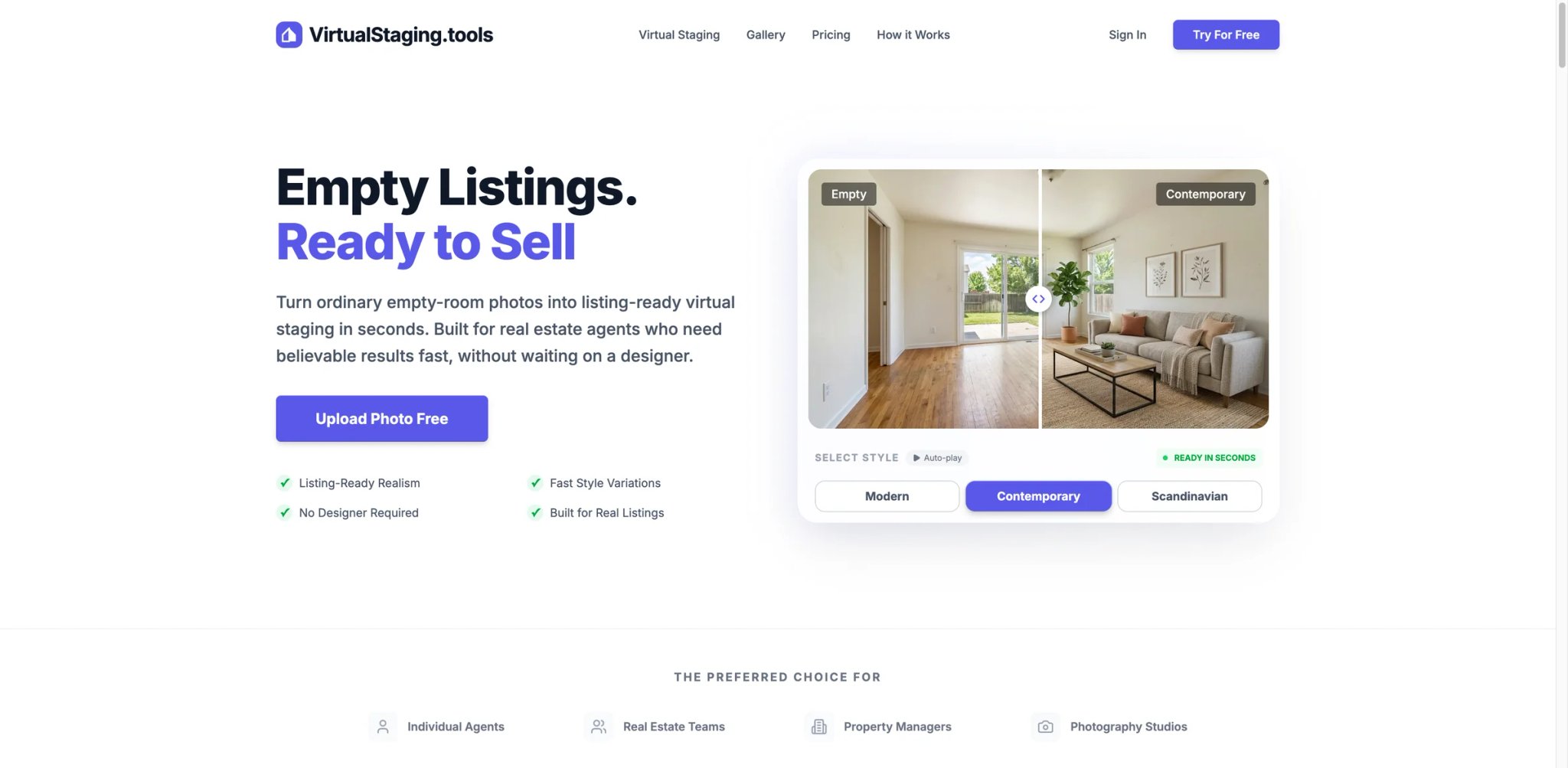
Most AI staging tools charge per image, which creates an invisible tax on experimentation: every time an output misses the mark — wrong furniture scale, clashing light temperature, a sofa placed where the window should be — you've spent another credit to fix it. VirtualStaging.tools eliminates that friction entirely. The platform runs on flat monthly plans with unlimited regenerations, meaning agents can iterate until the output is actually listing-ready without watching a credit counter tick down.
The core technology is built around two problems that plague other staging tools: architectural drift (AI hallucinating or removing structural elements like windows and doors) and lighting mismatch (staged furniture that looks lit from a different sun angle than the room). VirtualStaging.tools addresses both with intelligent architecture preservation — the system maps and locks structural elements before applying staging — and smart scene blending, which runs automated lighting analysis to match the original photo's ambient conditions.
Key Features
-
Intelligent Architecture Preservation — Windows, doors, fireplaces, and structural load points are detected and locked before furniture is placed. This solves the most common AI staging failure mode — outputs where the AI "paints over" a bay window with a bookcase or shifts a doorway to fit a sofa configuration. The result is staging that reads as photorealistic to buyers who might visit the property.
-
Sub-30-Second Output Speed — From upload to downloadable result in under 30 seconds. At scale — think a 10-room property or a photographer processing multiple listings in a day — this speed difference compounds significantly versus tools with 1-3 minute processing queues.
-
Smart Scene Blending — Automated lighting analysis adjusts the virtual furniture to match the ambient light, color temperature, and shadow direction of the original photo. Competing tools often produce a "pasted on" look when the original photo was shot in warm afternoon light but the staged furniture uses cool white studio-style rendering.
-
Style Library — Modern, Contemporary, and Scandinavian styles available at launch, with outputs in JPG, PNG, and WEBP formats. Format flexibility matters for photographers embedding images directly into MLS platforms that have specific upload requirements.
Pricing & Plans
- Free: 3 photos with watermark — sufficient for testing output quality before committing
- Standard: $19/month — 36 photos per month, unlimited regenerations
- Professional: $49/month — 108 photos per month, unlimited regenerations
- Business: $79/month — 216 photos per month, unlimited regenerations
- Annual plans save approximately 24% across all tiers
At the Professional tier, the effective per-image cost is approximately $0.45/photo — competitive with pay-as-you-go tools but with no regeneration penalty. Active agents staging 3–4 listings per month (6–12 images per listing) will find the Standard plan covers typical volume with room to spare.
Best For: Real estate agents and teams staging consistent monthly listing volume who want predictable costs and the ability to iterate outputs without per-image penalties.
Get started with VirtualStaging.tools

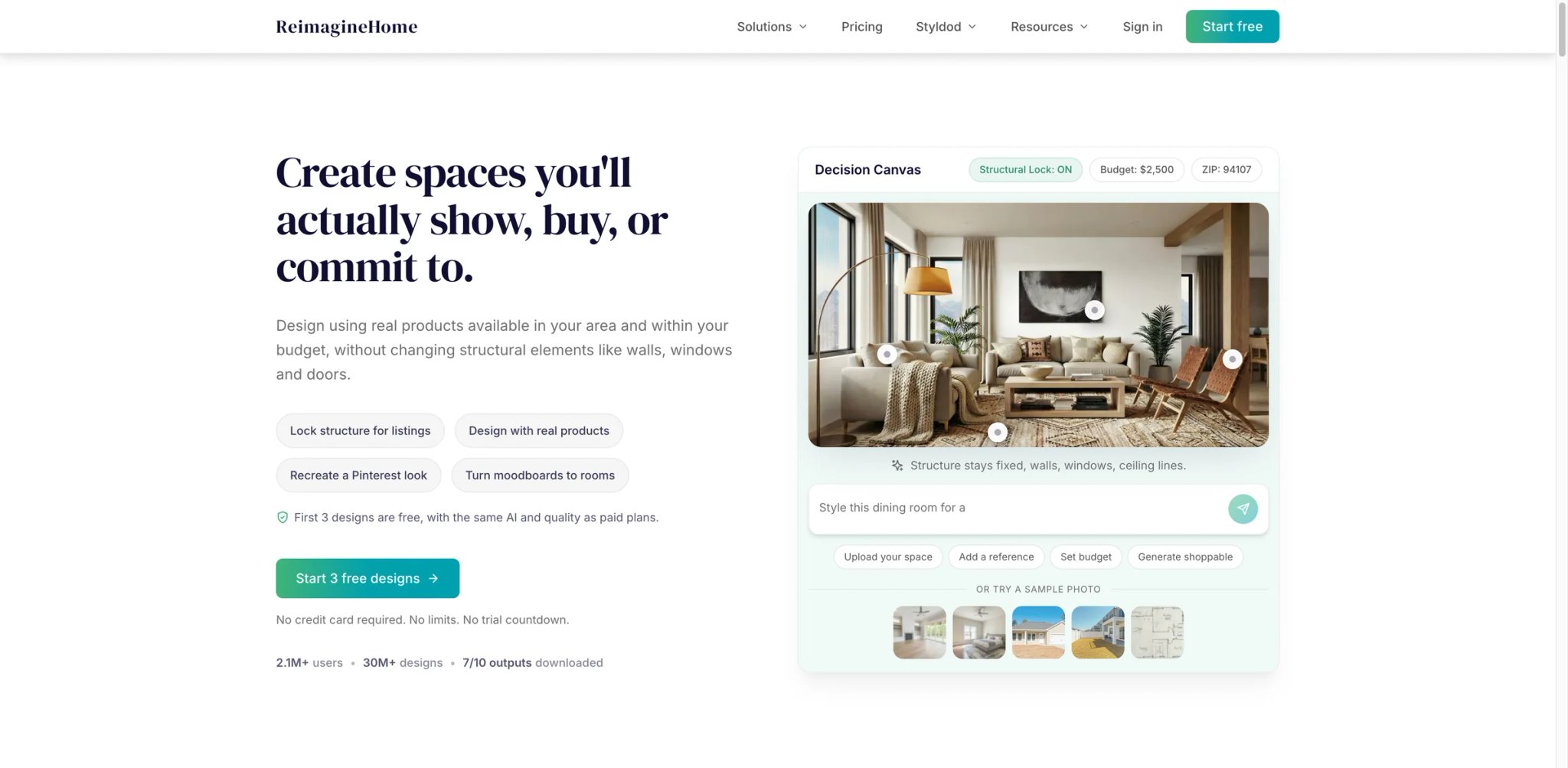
At $19/month for a credible staging output across living rooms, bedrooms, dining spaces, and outdoor areas, REimagineHome targets the large segment of agents who stage occasionally and can't justify per-image pricing that compounds quickly across a full listing package. The $19 price point matches VirtualStaging.tools' entry tier but operates on a credit system rather than unlimited regenerations — a distinction that matters once you start iterating.
Beyond staging, REimagineHome covers a wider set of real estate photography use cases than most single-purpose tools: virtual renovation (changing flooring, paint color, countertops), decluttering, and exterior redesign are all in the same dashboard. For a solo agent handling everything from photography to listing prep, that breadth can justify the subscription on its own.
Key Features
-
Multi-Room Coverage — Handles living rooms, bedrooms, kitchens, bathrooms, dining areas, and outdoor spaces from a single account. Competing tools often struggle with kitchens and bathrooms where structural elements are dense and furniture placement is constrained.
-
Virtual Renovation Layer — Beyond furniture staging, agents can virtually change flooring materials, wall colors, and countertop finishes. This addresses a pain point that staging alone doesn't solve: buyers who ask "what would this look like with hardwood floors?" can get a visual answer before making an offer.
-
Declutter Mode — Removes existing furniture and clutter from occupied rooms before restaging. Useful when sellers won't remove personal items and traditional vacant-room staging isn't possible.
-
Style Variety — Broader style catalog than several competitors, including Modern, Scandinavian, Contemporary, Coastal, and Traditional options.
Pricing & Plans
- Free: Limited credits for testing
- Free trial: 3 free designs
- Essential: $19/month — 30 credits
- Pro: $36/month — 200 credits
- Advanced: $59/month — 400 credits
- Agency: $119/month — 900 credits
Credit allocations are publicly disclosed on the pricing page. Pro and higher tiers also add features such as faster rendering, reference photos, incremental editing, and batch processing for real-estate workflows.
Limitations
- Credit-based model means regenerating poor outputs consumes additional credits; high iteration cycles can exhaust a plan faster than expected
- Output quality on complex scenes (cluttered rooms, unusual architectural angles) is less consistent than premium-tier tools
- Customer support response times have received mixed reviews; important for agents on listing deadlines
Best For: Agents who want staging plus renovation and declutter capabilities under one $19/month subscription.
Not the right fit if: You need unlimited regenerations or consistent output quality on complex room configurations.
Get started with REimagineHome


Interior designers who've crossed into real estate work — or real estate photographers offering design-adjacent services — will find AI HomeDesign's style depth more aligned with their needs than tools optimized purely for listing photography. The platform started from an interior design use case and extended into real estate staging, which shows in its style customization options and the range of furniture aesthetics it can render convincingly.
The $19/month entry point is table-stakes for this market, but where AI HomeDesign differentiates is in the granularity of style control: rather than picking "Modern" as a category, users can specify sub-styles, furniture era preferences, and color palette directions that influence the output meaningfully. For agents positioning a property toward a specific buyer demographic, that granularity can produce more targeted staging than generic style pickers.
Key Features
-
Granular Style Control — Moves beyond broad style categories to allow sub-style specifications. A "Mid-Century Modern" output looks meaningfully different from a "Contemporary Modern" output, and both differ from "Minimalist Modern" — a distinction most tools collapse into a single "Modern" option.
-
Interior Design + Staging Hybrid — The platform handles both full empty-room staging and redesign of occupied rooms, covering more of the pre-listing workflow for photographers offering design consultation alongside photography.
-
Multiple Room Types — Coverage extends to living rooms, bedrooms, dining rooms, home offices, and outdoor spaces, with specific AI models tuned for each room type rather than a one-size approach.
-
Export Quality — High-resolution outputs suitable for MLS upload requirements and print marketing materials. Some budget tools deliver outputs at insufficient resolution for large-format print.
Pricing & Plans
- Pro: $19/month — 30 photos/month
- Pro Plus: $29/month — 80 photos/month
- Enterprise: $49/month — 200 photos/month
AI HomeDesign also advertises free regenerations and unused-credit rollover on qualifying plans.
Limitations
- AI HomeDesign publicly markets virtual staging at roughly 30 seconds per image, so speed is no longer a clear weakness versus other fast AI-first tools.
- Style customization UI has a learning curve; getting reproducible results across multiple rooms of a listing requires some familiarity with the parameter options
- Less established in the North American real estate market — user reviews are thinner compared to tools with larger US agent user bases
Best For: Design-oriented agents and photographers who want fine-grained style control and are staging for specific buyer personas rather than generic "furnished" appeal.
Not the right fit if: Speed is a priority or you're staging straightforward listings where broad style categories are sufficient.
Get started with AI HomeDesign
Collov AI
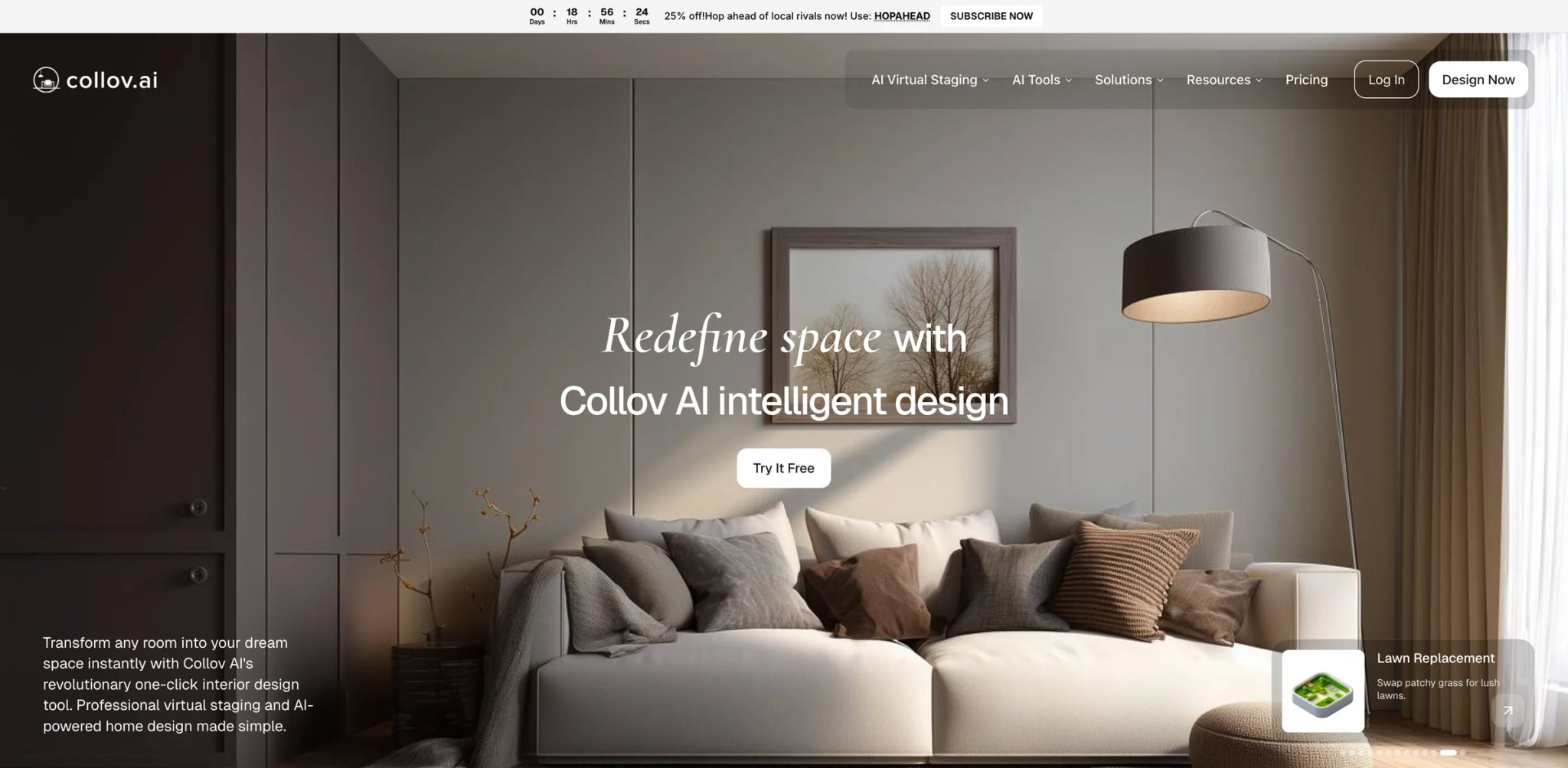
The $0.17–$0.23 per photo pricing puts Collov AI at the cheapest end of this market — a gap that's significant for photography studios processing hundreds of images per week across multiple brokerage clients. At that volume, the difference between $0.17 and $0.45 per image compounds into several hundred dollars monthly. The pay-as-you-go model means there's no pressure to hit a monthly photo quota to justify a subscription.
Collov AI initially launched as an interior design AI before pivoting toward real estate staging, and that heritage shows in the furniture catalog quality. The AI has been trained on a larger variety of furnishing styles than several staging-first competitors, which helps when listings range from luxury penthouse to starter condo in the same week's workload.
Key Features
-
Lowest Per-Image Cost at Scale — At $0.17–$0.23 per image, high-volume teams processing 200+ images monthly will see material cost savings versus subscription tools. Subscription plans are also available for teams that prefer predictable monthly billing.
-
Style Range — Design heritage means the platform handles a wider furniture aesthetic range than tools built purely for MLS listing photography, including luxury, minimalist, and eclectic style options.
-
Batch Processing — Supports uploading multiple images for simultaneous processing, important for photography studios handling multi-room listings in bulk.
-
Floor Plan Visualization — Beyond photo staging, Collov offers 2D-to-3D floor plan rendering, which opens a secondary use case for agents marketing new construction or renovation projects.
Pricing & Plans
- Standard: $19/month — 60 photo credits
- Advanced: $49/month — 150 photo credits
- Premium: $79/month — 263 photo credits
- Enterprise: $127/month — 526 photo credits
Collov's current public real-estate offer is subscription-led rather than a simple pay-as-you-go tool, and its terms state that standard AI virtual staging uses 1 credit per successfully generated image.
Limitations
- Per-image model creates iteration cost anxiety — each regeneration attempt on a poor output costs another $0.17–$0.23, which adds up if the first round of outputs needs significant revision
- Quality consistency can vary across different room types; complex architectural spaces sometimes require multiple regeneration rounds
- Customer support and documentation lean toward the interior design use case; real estate-specific guidance is thinner
Best For: High-volume photography studios and agencies where per-image cost matters more than subscription convenience, and where the team has enough volume to absorb occasional regeneration costs.
Not the right fit if: You iterate heavily on outputs and would benefit more from unlimited regenerations at a flat monthly rate.
Get started with Collov AI
Apply Design
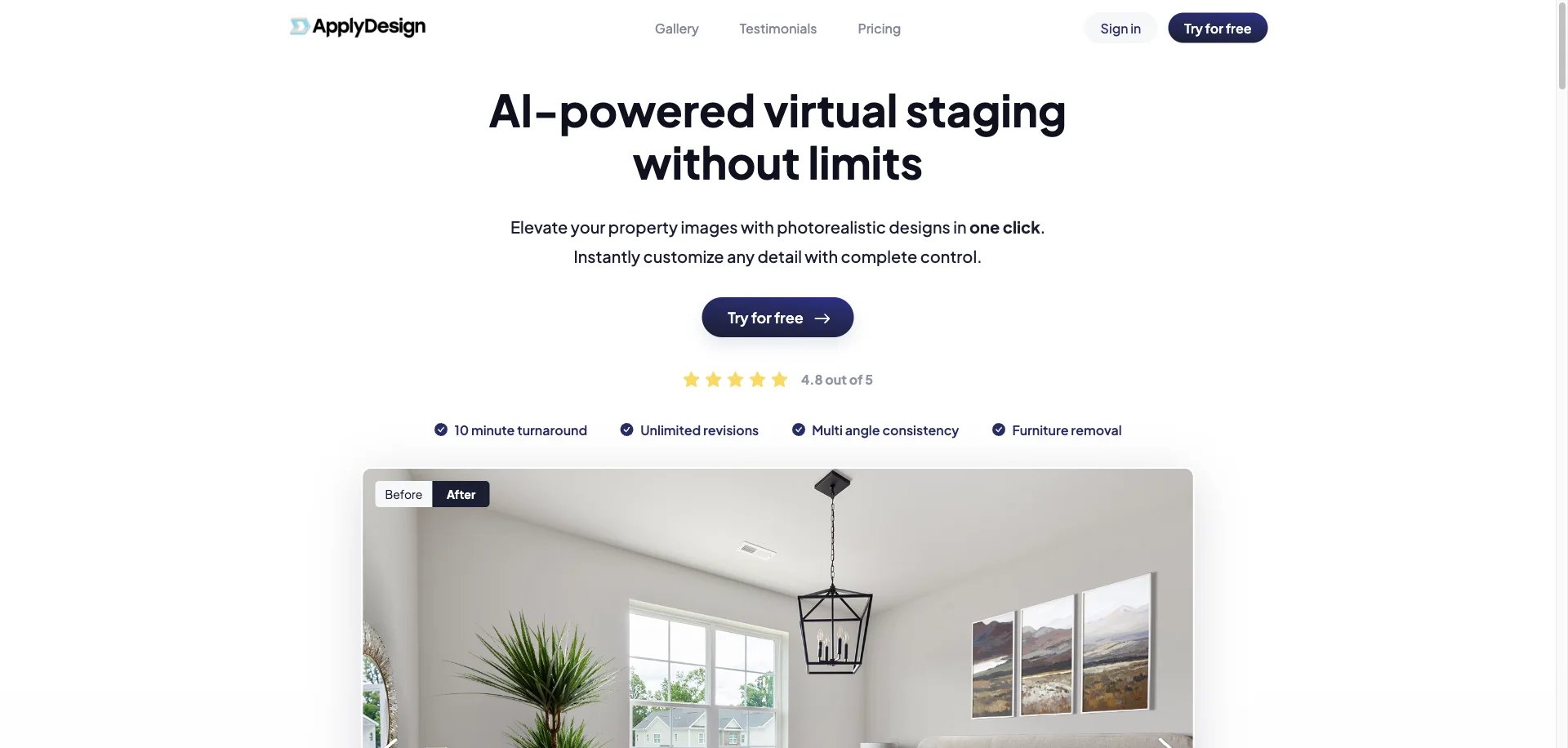
Apply Design combines two self-serve workflows: a drag-and-drop DIY editor for manual control and a one-click staging flow that generates a design from your preferences. "One-click" describes the automated workflow, not a human-managed service. Current public pricing charges one Apply Coin for a DIY 2D image and 1.5 coins for a one-click 2D image; coins cost $7-$10 depending on bundle size.
That structure suits agents and photographers who want pay-as-you-go billing without giving up the option to place, move, rotate, or resize furniture themselves. The one-click flow is the faster-starting route; the editor is the better fit when a client brief requires a specific layout.
Key Features
-
DIY and One-Click Workflows — DIY staging uses a browser editor and one coin per 2D image; one-click staging uses 1.5 coins and generates from selected preferences. Both are self-serve workflows.
-
On-the-Spot Revisions — Apply Design documents unlimited revisions and direct editing controls, which can reduce the delay of sending change requests through an external editor queue.
-
Furniture Library Depth — Access to a broader furniture catalog than self-serve tools, with specific pieces rather than generalized style fills.
-
2D and 360-Degree Support — Both DIY and one-click pricing cover 2D and 360-degree staging, with different coin costs for each format.
Pricing & Plans
- DIY virtual staging: roughly $7-$10 per 2D image depending on Apply Coin bundle size
- One-click virtual staging: roughly $10.50-$15 per 2D image depending on Apply Coin bundle size, with the first image free on the staging flow
- No monthly subscription — pure pay-per-image model
Limitations
- One-click turnaround is advertised around 10-15 minutes, slower than sub-minute tools in this roundup
- Highest effective per-image cost in this roundup by a significant margin; volume staging becomes expensive quickly
- No subscription option means no way to reduce per-image cost at consistent monthly volumes
- No documented human-editor review; buyers who need a person to execute and QC every image should compare a verified human-edited service instead
Best For: Agents and photographers who want pay-as-you-go auto staging plus a browser editor for precise furniture placement and revisions.
Not the right fit if: You need sub-minute output, a low-cost monthly volume plan, or human execution and quality control.
Get started with Apply Design

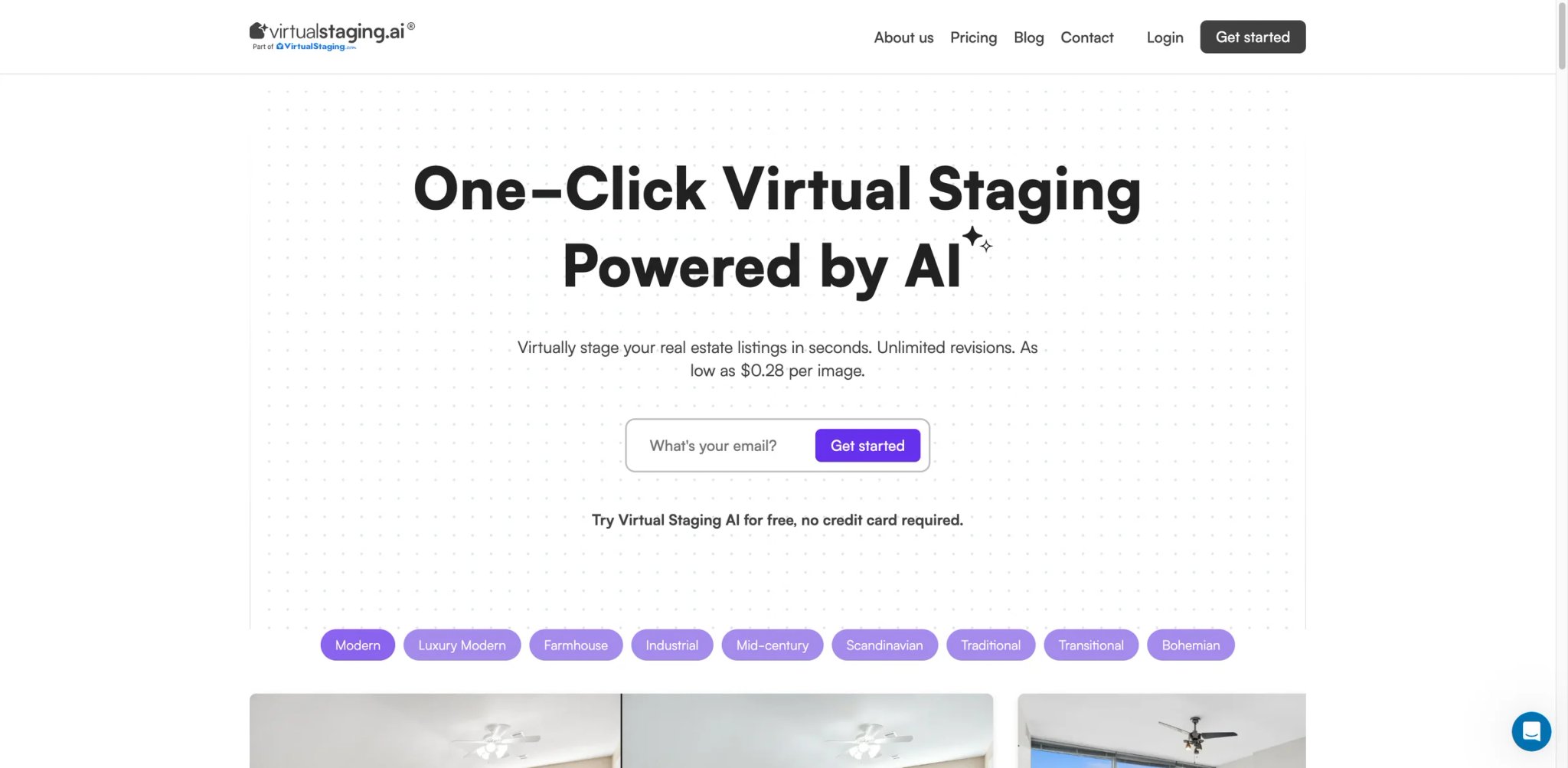
Before committing to a monthly subscription, many agents want to test whether AI staging actually works on their specific property types — difficult angles, small rooms, unusual natural light. Virtual Staging AI's $0.28/image pay-as-you-go model is purpose-built for that evaluation phase. No subscription commitment, no minimum purchase, process one image and assess the output before deciding how to proceed.
The tool's simplicity is deliberate: upload a photo, pick a style, download the result. There's no feature sprawl, no secondary tools for renovation or declutter, just the core staging output. For agents who've already decided they want staging but haven't committed to a platform, the low entry cost makes Virtual Staging AI a logical first test.
Key Features
-
Zero Commitment Entry — No subscription required to start; pay $0.28 per image and evaluate results before any recurring commitment. Useful for agents testing AI staging for the first time or evaluating whether a specific property type works well with AI outputs.
-
Fast Processing — Sub-60-second outputs in most cases, competitive with subscription-tier tools despite the pay-as-you-go model.
-
Clean Interface — Minimal UI reduces the learning curve for non-technical agents; the workflow is upload → style select → download with no configuration complexity.
-
Multiple Style Options — Standard staging styles covering the most common buyer demographics, sufficient for typical residential listings.
Pricing & Plans
-
Pay-as-you-go: starts at $1.25/image
-
Plus: $39/month — 40 photos/month
-
Premium: $85/month — 100 photos/month
-
Professional: $220/month — 500 photos/month
-
Team: $220/month for 500 photos/month plus $5 per active monthly user
-
Monthly plans are available, so Virtual Staging AI should not be positioned only as a one-off staging option.
Limitations
- No subscription option means the per-image cost doesn't decrease at volume; high-frequency users will pay more per image than subscription-based alternatives
- Style library is more limited than tools with dedicated design heritage
- No batch processing — each image requires individual upload and processing
Best For: Agents testing AI virtual staging for the first time, or those with very infrequent staging needs (1–5 images per month) where a subscription isn't cost-justified.
Not the right fit if: You stage more than 10 images per month — at that volume, a $19/month subscription becomes cheaper.
Get started with Virtual Staging AI
RoomLift

Between the $0.17 floor of Collov AI and the $7.00+ ceiling of Apply Design, RoomLift's $1.75/image sits in a middle tier that's harder to position. It's more expensive than the cheapest pay-as-you-go options but cheaper than managed service tools — and unlike subscription tools, there's no monthly commitment to manage.
The value case for RoomLift is quality consistency at that middle price point. It targets agents who've had poor experiences with the cheapest AI staging tools (where outputs frequently need multiple regeneration rounds to produce usable results) but aren't ready to pay full-service rates. The pricing implicitly acknowledges that better training data and quality control costs something.
Key Features
-
Consistent Output Quality — The $1.75 price point reflects investment in output quality control, producing more reliably usable first-round results than tools at half the price. For agents who've been burned by cheap staging tools requiring extensive revision, the higher per-image cost can actually reduce total time spent.
-
No Subscription Required — Pure pay-per-image pricing removes the mental accounting of "am I using this enough to justify the monthly fee," a cognitive overhead that affects casual users disproportionately.
-
Multiple Room Types — Covers living rooms, bedrooms, dining rooms, and outdoor spaces with consistent quality across room types — a common failure point for tools trained primarily on living rooms.
-
Clean Output Resolution — Delivers MLS-appropriate image resolutions without requiring format conversion or upscaling.
Pricing & Plans
- RoomLift's current public virtual-staging page frames pricing as roughly $5-$25 per room rather than a flat $1.75-per-image model.
- RoomLift also advertises subscription plans in its current product materials, so it is inaccurate to present it as pay-per-image only.
Limitations
- At $1.75/image, monthly costs at moderate staging volumes (40+ images) exceed the Business tier of subscription tools — the math doesn't favor RoomLift for consistent, high-volume usage
- No regeneration policy described — unclear whether second attempts on poor outputs incur full per-image charges
- Smaller user base than market leaders means less community feedback and fewer documented edge-case solutions
Best For: Agents who stage 5–25 images per month and want quality above the cheapest tier without a subscription commitment.
Not the right fit if: Your staging volume is high enough that a $19/month subscription would cost less per image overall.
Get started with RoomLift
StageHQ
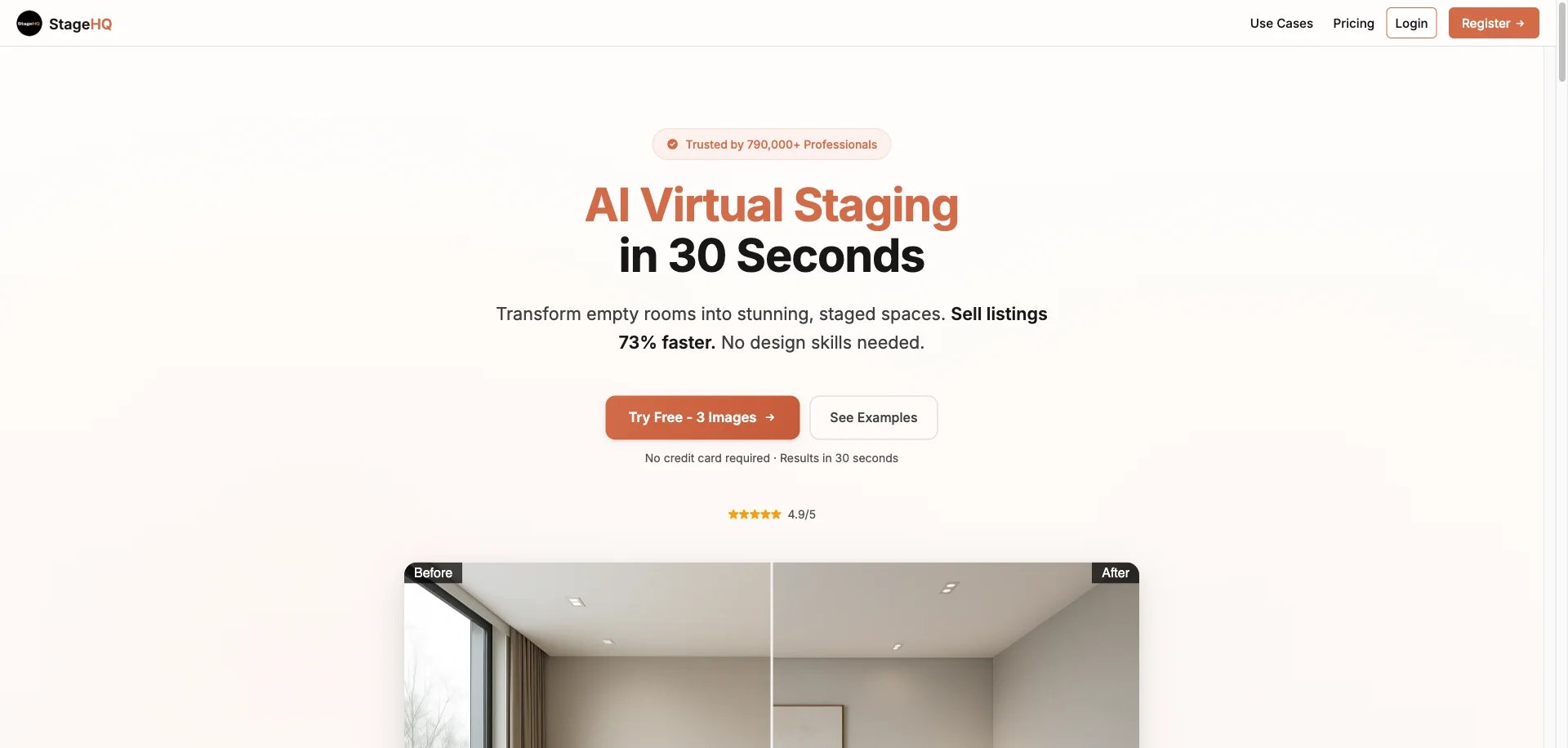
StageHQ's $19/20-image bundle is a structural anomaly in this market: it's priced exactly the same as monthly subscription tools but delivers a fixed block of images with no recurring billing rather than an ongoing subscription. That distinction has a specific use case — a listing agent who stages seasonally or project-by-project and resents the psychology of paying monthly during slow periods.
The effective cost works out to $0.95/image for the block purchase, which is mid-tier for this market. For a 20-image listing package (covering all rooms across a single property), the math is clean: one purchase, one property, no ongoing commitment.
Key Features
-
Block Purchase Model — Pay $19 for 20 images, use them at your own pace without a subscription clock running. Particularly useful for agents who have predictable per-listing staging needs but irregular listing frequency throughout the year.
-
Focused Staging Workflow — StageHQ's interface is oriented around the per-listing workflow: upload all photos for a property, stage them together, download the package. The UX reflects how agents actually use staging rather than the image-by-image workflow of general tools.
-
Style Options — Covers standard residential staging styles sufficient for most MLS listings.
-
Fast Processing — Results typically within 1 minute per image.
Pricing & Plans
- One-time packs: 20 images for $19, 100 images for $39, or 250 images for $69
- No monthly subscription option
StageHQ also offers free introductory credits, and larger packs lower the effective cost to about $0.28 per image.
Limitations
- No subscription pricing means no way to reduce per-image cost at high volume
- Style library is narrower than dedicated subscription tools with larger development teams
- The block purchase model can create a psychological pressure to "use up" purchased images, potentially leading to staging photos that didn't strictly need it
Best For: Listing agents with predictable per-property staging needs who prefer paying per-project rather than maintaining a subscription.
Not the right fit if: You stage more than one property per month, at which point a $19/month subscription covers more images for the same price.
Get started with StageHQ
Virtual Staging AI App
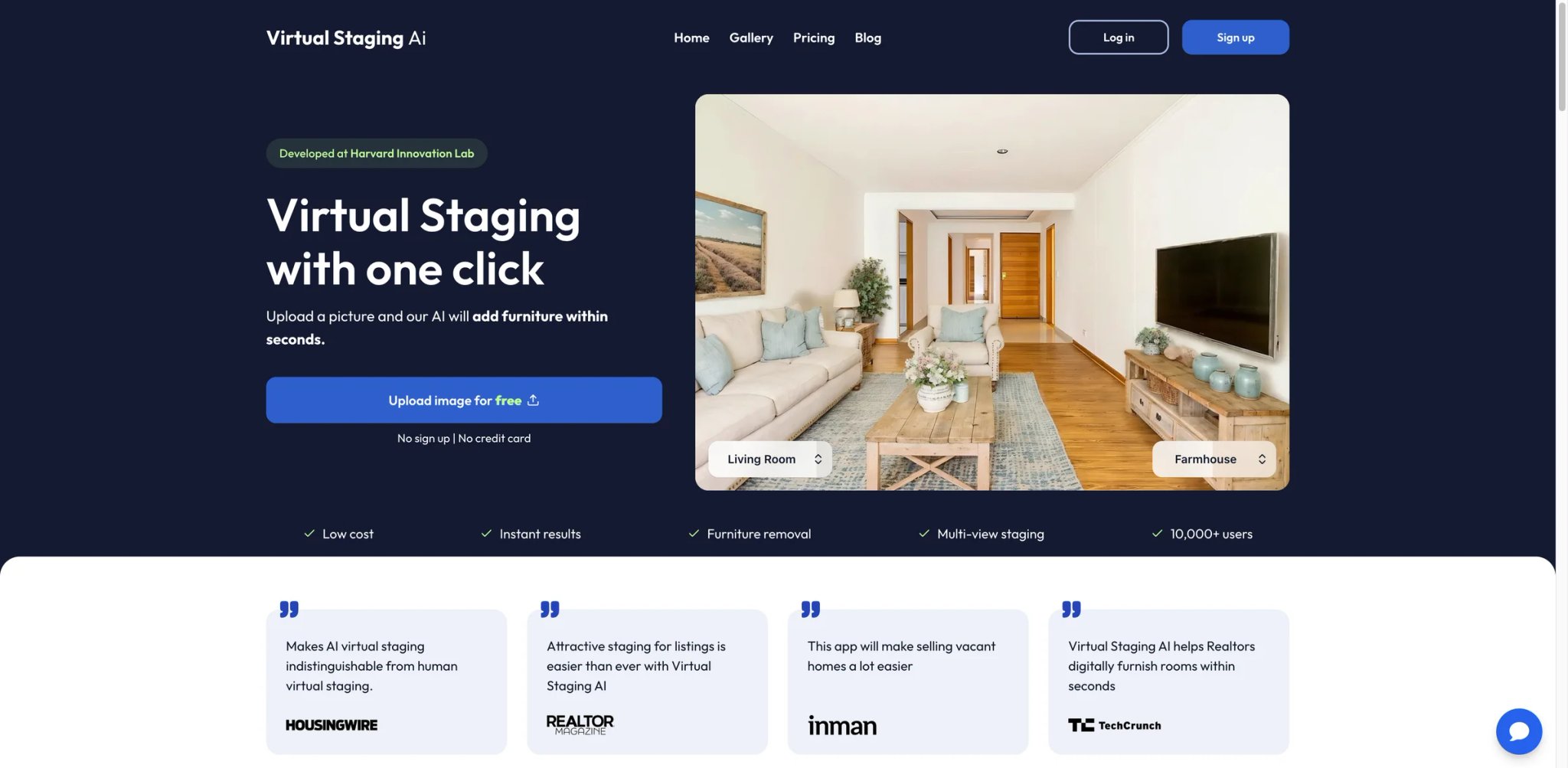
The gap between desktop staging tools and field-based real estate workflows is real. Agents previewing a property, photographers doing a walk-through assessment, or buyer's agents building a comp are all working on mobile devices when the staging question comes up. Virtual Staging AI App's mobile-first design addresses that gap with a $16/month plan that works as well on an iPhone as on a desktop browser.
This isn't just a responsive web app squeezed into a mobile frame — the interface is built around swipe-based interaction patterns, one-tap style selection, and camera integration that lets agents photograph and stage a room in a single workflow without switching apps.
Key Features
-
Genuine Mobile Experience — Native mobile interface rather than a responsive web wrapper, with workflow patterns designed around how agents use phones in the field. Camera integration allows photo → staging in a single session without exporting and re-importing.
-
$16/Month Entry Price — Lowest monthly subscription price in this roundup, making it accessible for solo agents who stage infrequently but want subscription economics rather than per-image billing.
-
Quick Turnaround — Mobile-optimized processing delivers results fast enough for on-site use; agents can show a buyer a staged version of a vacant room during the showing.
-
Multiple Room Support — Covers the standard room types expected of any staging tool, with particular attention to the room types agents photograph most often on mobile (living room, master bedroom, kitchen).
Pricing & Plans
- Monthly subscription: $16/month
- Current public plans are disclosed: Basic $16/month for 6 photos, Standard $19/month for 20 photos, Professional $39/month for 60 photos, and Enterprise $79/month for 150 photos.
Limitations
- Mobile-first design means desktop experience is secondary; agents who do most staging at a desk may prefer tools with more powerful desktop interfaces
- Photo plan limits haven't been prominently disclosed; verify current monthly image cap before subscribing
- Feature depth (style range, renovation tools, declutter) is more limited than desktop-first tools at similar price points
Best For: Mobile-heavy agents who want to stage and share photos from the field, or solo agents wanting the lowest monthly entry price in this category.
Not the right fit if: You do most staging work at a desktop and want maximum feature depth for the price.
Get started with Virtual Staging AI App
Keystaged
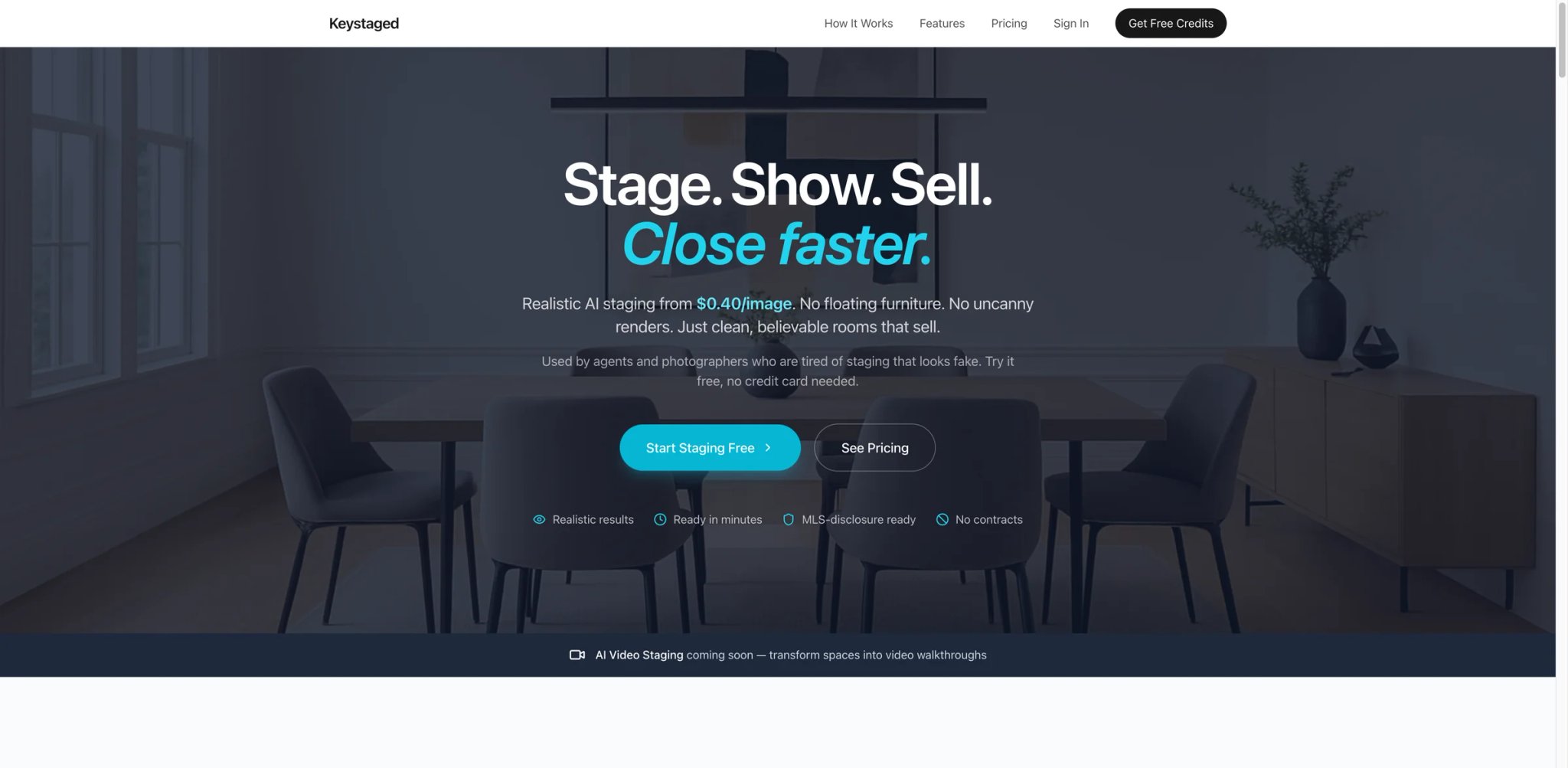
MLS compliance anxiety is real, particularly as boards update their AI disclosure policies at irregular intervals. Keystaged positions itself squarely on the compliance side of the market, with a workflow designed around documentation: staged images are flagged with metadata indicating AI enhancement, disclosure language is surfaced at export time, and the audit trail is stored in your account history.
At $0.40/image, Keystaged is priced above the cheapest options but below subscription-tier tools at low volumes. The compliance-focused workflow adds processing overhead — typically 2 minutes per image versus sub-30-second tools — but that trade-off is acceptable for agents in markets where their board is actively auditing AI disclosure compliance.
Key Features
-
Compliance-First Positioning — Keystaged publicly markets itself as "MLS-disclosure ready," but the currently visible public pages do not clearly document metadata-based exports or standardized disclosure-language generation for every MLS format. For agents operating in markets with active compliance enforcement, this documentation reduces liability exposure.
-
Audit Trail Storage — Processing history stored in the account dashboard with timestamps and original/staged image pairs, providing a retrievable record if compliance questions arise post-listing.
-
Transparent Per-Image Pricing — At $0.40/image, the pricing is clearly disclosed and predictable. No credit system complexity or subscription minimums.
-
Quality Control Layer — The longer processing time (approximately 2 minutes) reflects additional quality checking steps before delivery, producing fewer unusable first outputs than faster, cheaper tools.
Pricing & Plans
- Publicly stated pricing: about $0.40-$0.58 per image
- Team plan: $149/month for 300 images and up to 5 users
Limitations
- Public messaging places Keystaged closer to a 3-6 minute turnaround, so 2 minutes is too aggressive as a default expectation.
- No subscription option; consistent high-volume users pay more per image than subscription alternatives
- Style range is focused on standard residential staging without the design depth of tools with interior design heritage
Best For: Agents in compliance-sensitive markets where MLS boards actively audit AI staging disclosure, or brokerages building a documented compliance process.
Not the right fit if: Speed is a priority, or your market's MLS board hasn't yet implemented active AI disclosure enforcement.
Get started with Keystaged
PropStage.ai
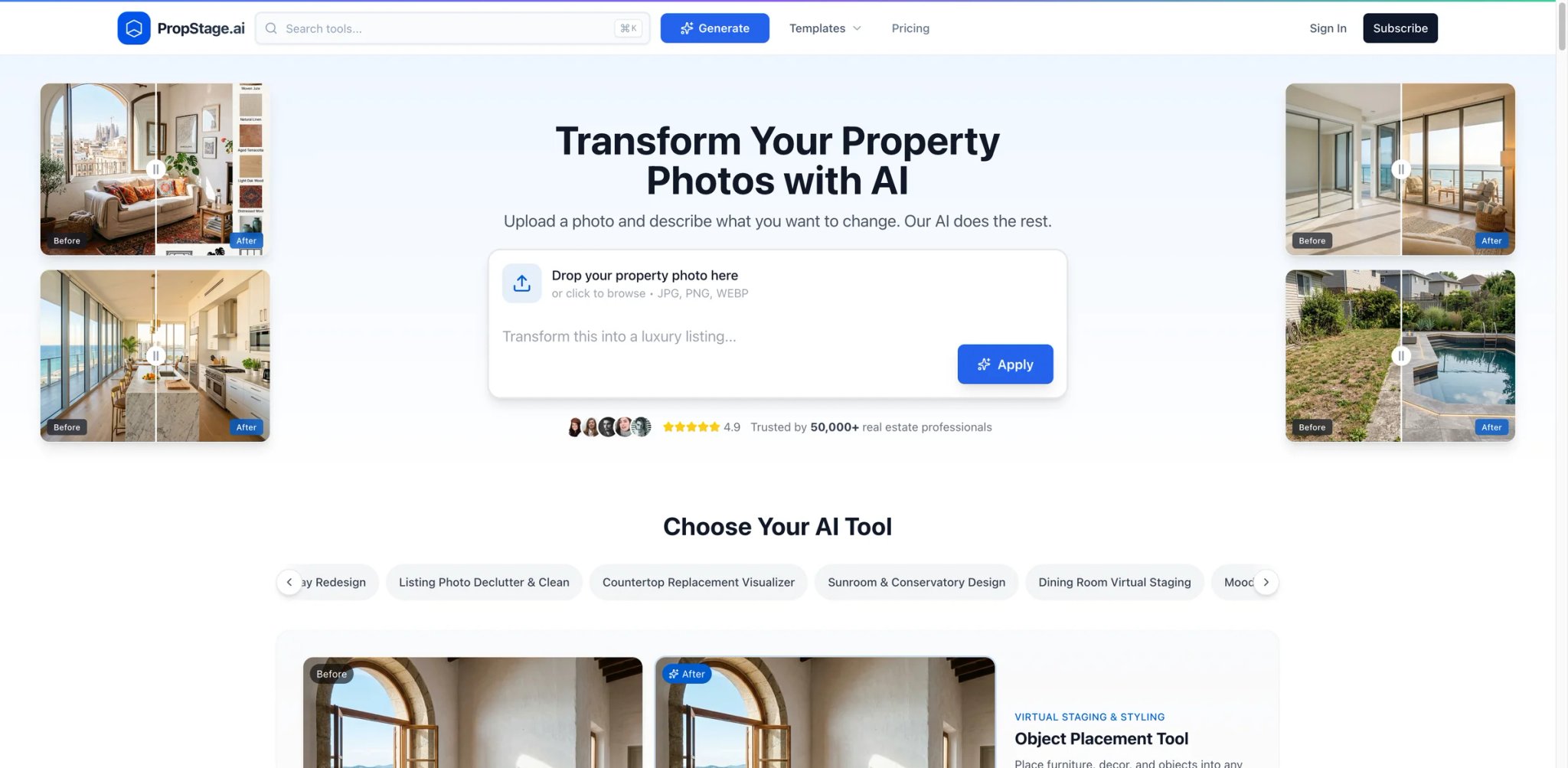
PropStage.ai is more accurately described as a broader real-estate image AI toolkit with virtual staging and adjacent property-photo editing/design tools. Its public product pages do not clearly establish AI listing-copy generation as the platform's defining differentiator. — room descriptions, property highlights, and MLS-ready language derived from the same inputs as the staging. For agents who spend time writing listing descriptions after staging photos, the integration removes a second workflow step.
At $19/month, PropStage.ai matches the entry tier of the most affordable subscription tools while adding the copy generation layer. Whether that combination is worth the same price as a pure-staging tool depends on how much time the copy generation actually saves.
Key Features
-
Staging + Listing Copy Bundle — The same AI analysis that generates staged room images also produces listing description copy for those rooms, creating a connected workflow from empty-room photo to publishable MLS content. Agents who currently switch between a staging tool and a copywriting tool will see the most efficiency gain.
-
MLS-Oriented Output — Copy outputs are formatted around MLS listing conventions: room-by-room descriptions, feature highlights, and property summary language that agents can adapt rather than write from scratch.
-
Standard Staging Quality — Visual staging outputs cover the expected residential room types with standard style options, competitive with other $19/month tools.
-
$19/Month Entry — Accessible subscription price for solo agents wanting both staging and copy assistance without paying for two separate subscriptions.
Pricing & Plans
- Monthly subscription: $19/month
- Public pricing highlights a Starter plan at $19/month for 30 photos, and paid tiers advertise HD output, watermark removal, and commercial use.
Limitations
- AI-generated listing copy requires agent review and editing before MLS submission — it's a starting draft, not a final product, and quality varies by property type
- Pure-staging tool quality at the same price point may produce better visual outputs if copy generation isn't needed
- Newer platform with a smaller track record than established tools; user review volume is limited
Best For: Agents who want a broader real-estate image toolkit at an entry price of $19/month, especially if they need staging plus adjacent property-photo editing tools rather than a staging-only workflow.
Not the right fit if: You have a preferred copywriter or template system and only need the staging component — you'd be paying for a feature you won't use.
Get started with PropStage.ai
Best Virtual Staging Software by Use Case
Solo Agent on a Budget (Under 10 Listings/Month) The math here favors a $19/month subscription tool. VirtualStaging.tools' Standard plan at $19/month covers 36 images — enough for 3–4 complete listing packages at 8–10 photos each — with unlimited regenerations removing the cost of iterating on poor outputs. REimagineHome is a close alternative if you also need virtual renovation and declutter from a single subscription.
High-Volume Photography Studio (100+ Images/Month) At this volume, per-image costs dominate total spend. Collov AI now centers its public offer on subscription tiers with monthly photo credits, so the value case is better framed around fast turnaround and predictable credit pricing than an ultra-cheap pay-as-you-go rate. Alternatively, VirtualStaging.tools' Business plan at $79/month covers 216 images — effectively $0.37/image with unlimited regenerations, which may produce lower total spend than per-image tools once regeneration rounds are factored in.
Luxury Listings Requiring Premium Quality Do not infer human review from a higher per-image price. Apply Design's one-click flow is still self-serve; for a listing that requires a person to execute and QC every image, compare a documented human-edited provider such as Styldod Expert Services. Whichever route you shortlist, run the same difficult room through it first and inspect architecture, reflections, lighting, and consistency across angles before committing the full listing.
Project-Based Agents Who Hate Subscriptions StageHQ is the better fit for agents who want one-time image packs instead of ongoing billing. Public pricing starts at $19 for 20 images and scales to larger packs, making it a cleaner option for occasional listing work than paying monthly for features you may not use every month.
Compliance-Sensitive Markets Keystaged's compliance documentation workflow and metadata flagging make it the clear choice for agents in markets where MLS boards actively audit AI disclosure. Public messaging puts Keystaged closer to $0.40-$0.58 per image with turnaround measured in a few minutes, which may still be an acceptable trade-off for agents whose primary concern is documented compliance. For more background on how AI tools are reshaping real estate marketing, see our AI tool rankings covering tools across industry verticals.
How to Choose the Right Virtual Staging Software
Step 1: Calculate Your Monthly Image Volume Count the images you realistically need staged per month — not aspirationally, but based on your actual current listing pace. A typical residential listing requires 5–15 staged photos. At 1–2 listings per month, pay-per-image tools may cost less than a subscription. At 3+ listings per month, a subscription almost always wins economically.
Step 2: Decide Whether Unlimited Regenerations Matter to You If you're comfortable accepting AI output on the first or second attempt, per-image tools give you pricing flexibility. If you tend to iterate heavily on outputs — adjusting furniture placement, trying multiple styles, requesting re-renders until the result meets your quality bar — the unlimited regeneration model eliminates a significant cost variable. This is the primary reason to choose VirtualStaging.tools over cost-equivalent competitors.
Step 3: Assess Your Property Type and Style Needs Luxury listings, unusual architectural spaces, and specialty style requests (Bohemian, Industrial, Coastal) stress-test AI staging quality more than standard suburban bedrooms and living rooms. If your listings skew toward these harder cases, prioritize tools with larger furniture catalogs and stronger architecture preservation. Check output galleries on each tool's website using sample photos similar to your actual listings before committing.
Step 4: Clarify MLS Compliance Requirements for Your Market Check with your local MLS board on their current AI staging disclosure policy. Most require a caption or listing note indicating images have been virtually staged; a few boards have stricter requirements around watermarking or disclosure placement. If your board is actively enforcing these policies, factor compliance workflow into your tool selection — Keystaged and tools with built-in disclosure language will reduce administrative friction.
Step 5: Test Before Committing Most tools in this roundup offer either a free tier or a low-cost entry option specifically for evaluation. VirtualStaging.tools' free plan delivers 3 watermarked images — enough to assess output quality on your actual property photos. Virtual Staging AI and Keystaged allow single-image purchases. Run the same room photo through two or three tools before deciding where to put your subscription budget. For context on how AI is transforming adjacent disciplines, browse our coverage of AI interior design tools.
Frequently Asked Questions
What is virtual staging software?
Does virtual staging comply with MLS rules?
How much does AI virtual staging cost?
Can buyers tell the difference between AI staging and real staging?
What is the best free virtual staging software?
How fast is AI virtual staging compared to traditional virtual staging?
Which virtual staging software produces the best quality results?
Get ToolWorthy Weekly
New AI tools, practical guides, and selected AI signals in one weekly brief.
Related Posts
- 15 Best AI Interior Design Tools 2026 — Room Redesigns, Staging & Paint Previews
We tested 20 AI interior design tools and picked 15 that save real money on redesign, staging, and paint. Side-by-side pricing and honest cons.
For AI tool founders
Built a tool that belongs in this decision set?
Request an editorial evaluation for possible inclusion in ToolWorthy.
Submit your tool for reviewPaid submission does not guarantee a ranking, recommendation, inclusion, or editorial outcome.