
12 Best AI Tools for Teachers 2026 — FERPA-Safe Planning, Grading & Feedback
We tested 20 AI tools for teachers and picked 12 that cut hours off planning, grading, and differentiation. Free tier reality and honest pricing included.

On this page
K-12 teachers spend an average of 7–12 hours a week on planning, grading, and parent communication outside scheduled class time — unpaid. AI tools are the first serious wedge into that unpaid overhead in a decade, but the category is a minefield of student-data-privacy risk, look-alike products with thin feature depth, and vendors pushing school-wide contracts when individual teachers just want a tool that works tomorrow morning. We tested the ones that solve real teacher pain without forcing a purchasing committee through a six-month procurement cycle.
We evaluated 20 AI tools for teachers against a fixed 5-dimension rubric (functionality, UX, innovation, value for money, user feedback) and selected 12 that K-12 and higher-ed teachers can actually register and use individually — without needing district approval. This guide calls out which tools meet FERPA/COPPA explicitly (the two that matter for US public schools), which free tiers are genuinely usable and which are teasers, and which tools are worth the individual subscription versus waiting for school-wide procurement. Lesson planning, quiz generation, differentiated reading, formative assessment, and parent communication are all covered — with specific notes on where each tool's ceiling actually lies.
| Tool | Best For |
|---|---|
| MagicSchool | Most complete teacher workflow with transparent pricing |
| Brisk Teaching | Chrome extension embedded in Google Docs/Slides/Classroom |
| Khanmigo | Free for teachers with strong educational safety positioning |
| Eduaide.AI | Broad teacher workflow at $5.99/mo entry price |
| Diffit | Differentiated reading with leveled adaptation |
| SchoolAI | Teacher + student AI Spaces with compliance disclosure |
| Class Companion | AI feedback and grading with LMS integration |
| Curipod | Interactive lesson slides and classroom engagement |
| Wayground | AI-generated quizzes, lessons, and video |
| Formative | Formative assessment with AI question generation |
| Teachmate | Large teacher tool library with broad coverage |
| Alayna | K-12 focus with strong free core capabilities |
How We Selected and Tested
We evaluated 20 AI tools for teachers against measurable criteria: purpose-built AI workflows for educators (lesson planning, quiz generation, grading, differentiation, or classroom management), individual-teacher self-service registration (not just school-wide procurement), and active product development in 2025–2026. Generic generative AI tools without teacher-specific workflows (ChatGPT/Claude/Gemini), AI detection tools, student-facing homework helpers, and LMS platforms without AI features were excluded.
Our research combined hands-on testing of free teacher tiers with cross-referenced data from official pricing pages, privacy policy documents, Common Sense Education privacy ratings, EdSurge reviews, and verified teacher feedback on EdTech-specialized forums. We paid particular attention to FERPA/COPPA compliance disclosures (critical for US public schools) and to whether "free for teachers" actually covers core features versus being a trial that demands upgrading within the first class period.
Evaluation Dimensions: We evaluated each tool across 5 dimensions:
- Teacher Workflow Coverage — Does the AI handle the complete loop (plan → create → deliver → assess → feedback), or just one piece? Tools that only generate lessons but skip grading cost points for incomplete coverage.
- Privacy & Compliance — Explicit FERPA/COPPA certification, PII detection in AI outputs, and clear data-retention terms. Tools without clear compliance documentation were flagged.
- Individual-Teacher Accessibility — Whether a classroom teacher can register, pay, and use the tool without district approval. Tools forcing school-wide procurement were rated lower on UX.
- Pricing Transparency — Free tier usefulness, published individual pricing, and whether paid tiers actually add material value versus just removing artificial free-tier limits.
- Integration with School Ecosystems — Google Workspace (Classroom, Docs, Slides), Microsoft 365, Canvas, Schoology, and Seesaw compatibility.
Note on Testing Scope: We tested free teacher tiers for all 12 tools and paid individual tiers for 6 of them. For school-wide tiers (SchoolAI, Class Companion, Flint), we relied on demo documentation and verified teacher reports since district contracts weren't practical to pilot. Research conducted between March and April 2026.
Transparency & Limitations: All pricing and feature claims come from official pricing pages and verified teacher feedback. AI output quality is inherently variable by subject and grade level — what works for elementary ELA may fall flat for high school calculus. We've noted where each tool's strength actually lies.
Top 12 AI Tools for Teachers Compared
This table captures the key decision factors across all 12 tools. Focus on the privacy-compliance column if your district has strict student-data requirements, and the individual-pricing column if you're self-paying rather than waiting for school procurement.
| Tool | Best For | Privacy (FERPA/COPPA) | Individual Pricing | Integrations | Free Tier |
|---|---|---|---|---|---|
| MagicSchool | Complete teacher workflow | FERPA/COPPA + SOC-2, 95% Common Sense Privacy | $8.33/mo billed annually ($12.99 billed monthly) | Google, Microsoft, Canvas | Generous |
| Brisk Teaching | Google/Microsoft embedded | FERPA/COPPA, SOC Type II, 1EdTech TrustEd Apps, 93% Common Sense | Free + Educator Pro ($99.99/year) + school custom | Chrome ext, Google Docs/Slides | Strong |
| Khanmigo | Teachers free, educational safety | FERPA compliant | Teachers free | Khan Academy ecosystem | Full for teachers |
| Eduaide.AI | Low-price broad coverage | Disclosed basics | $5.99/mo | Basic exports | Functional |
| Diffit | Differentiated reading | Disclosed basics | $14.99/mo | Google, Microsoft | Limited |
| SchoolAI | Teacher + student Spaces | FERPA + COPPA, SOC 2 | Free / school custom | Google Classroom | Strong |
| Class Companion | AI feedback with LMS | Disclosed basics | Free / school custom | Canvas, Schoology, Google | Functional |
| Curipod | Interactive slides | FERPA/COPPA/GDPR disclosed | Free / school custom | Upload existing slide decks; SSO on school plans | Strong |
| Wayground | AI quizzes and video | Disclosed basics | Free / school custom | Google Classroom, Canvas | Functional |
| Formative | Formative assessment | Disclosed basics | $20.75/mo (annual) | Google, Canvas, Schoology | Limited |
| Teachmate | Large tool library | UK-focused disclosures | Free / school custom | Basic exports | Generous |
| Alayna | K-12 free core | Disclosed basics | $9.99/mo Slides | Google Slides | Strong |
Detailed Reviews
MagicSchool
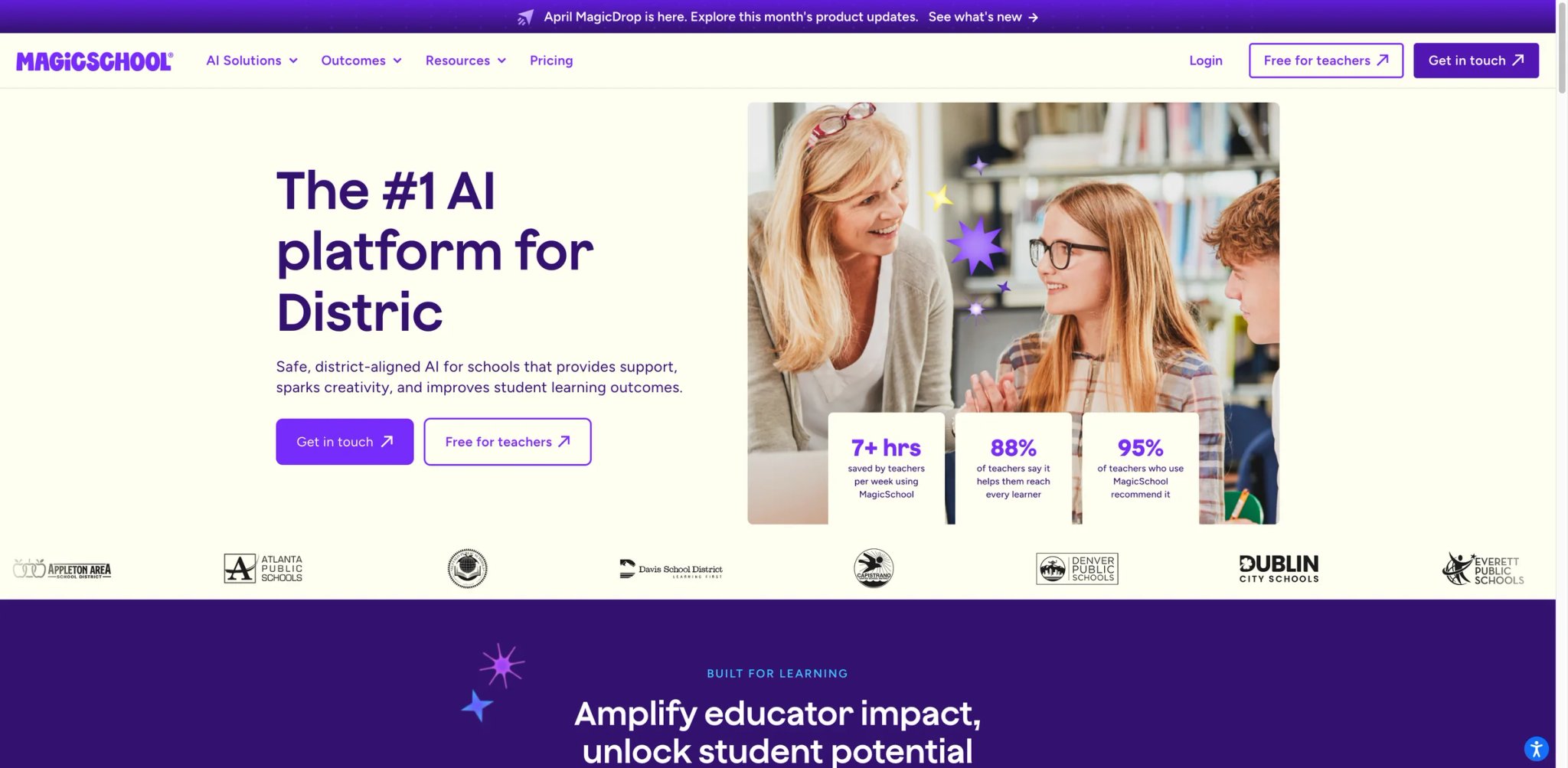
MagicSchool is the tool most teachers end up on by default after testing a few options — not because it's the flashiest, but because the workflow coverage is genuinely the widest in the category and the privacy stance is explicitly better than the alternatives. Common Sense Privacy now rates it at 95%, and MagicSchool also lists built-in smart alerts to help prevent PII leaks, bias, and factual errors, with built-in PII detection on AI outputs that you don't have to configure yourself.
Key Features
- 80+ teacher-specific AI tools — Lesson plans, quiz generators, rubric builders, IEP accommodations, parent emails, behavior intervention plans, and differentiated reading all live in one hub. No other tool matches this breadth without losing depth.
- PII detection built into outputs — AI-generated content gets automatically scanned for names and identifying information before display. Teachers don't have to remember to scrub outputs — unusual and genuinely valuable for public-school compliance.
- Raina AI tutor for students — Optional student-facing side lets teachers create guardrailed AI spaces where students get on-topic help without the content-risk concerns of raw ChatGPT access.
Pricing & Plans
| Plan | Price | Includes |
|---|---|---|
| Free | $0 | 80+ teacher tools, 50+ student tools, Raina chatbot, student learning insights, and basic support |
| Plus | $8.33/mo billed annually ($12.99 billed monthly) | Unlimited generations, unlimited output history, unlimited AI-output editing, unlimited quizzes, unlimited class writing feedback, advanced tool features, and MagicSchool Labs |
| Schools | Custom | District deployment, admin controls, training |
Free plan is usable for real evaluation — its current pricing page no longer publishes the old 10-outputs/day cap, so the free tier should be described as a forever-free evaluation tier rather than with a specific daily limit. Plus at $8.33/mo billed annually is the most transparent pricing in this category.
Pros & Cons
Pros: Widest workflow coverage in category — genuinely covers plan → teach → assess → feedback → communicate. Best-in-category privacy stance with automated PII detection. Pricing transparency unusual for EdTech.
Cons: UI density reflects the breadth — the 80+ tools list can be overwhelming on first visit. Output quality for advanced subjects (AP Calculus, college-level chemistry) is competent but not expert-level. Some teachers report that the broad tool hub ends up replacing 3–4 workflows rather than fundamentally changing any single one.
Who It's For
MagicSchool is the default pick for self-paying K-12 teachers who want a single tool to cover planning + assessment + communication without cobbling together three subscriptions. Also the strongest pick for public-school teachers prioritizing FERPA/COPPA compliance. Not the right fit if you already use Brisk inside Google Docs and don't want to leave that workflow, or if you mostly teach high-level subject matter where AI outputs need heavy editing regardless.
Get started with MagicSchool
Brisk Teaching
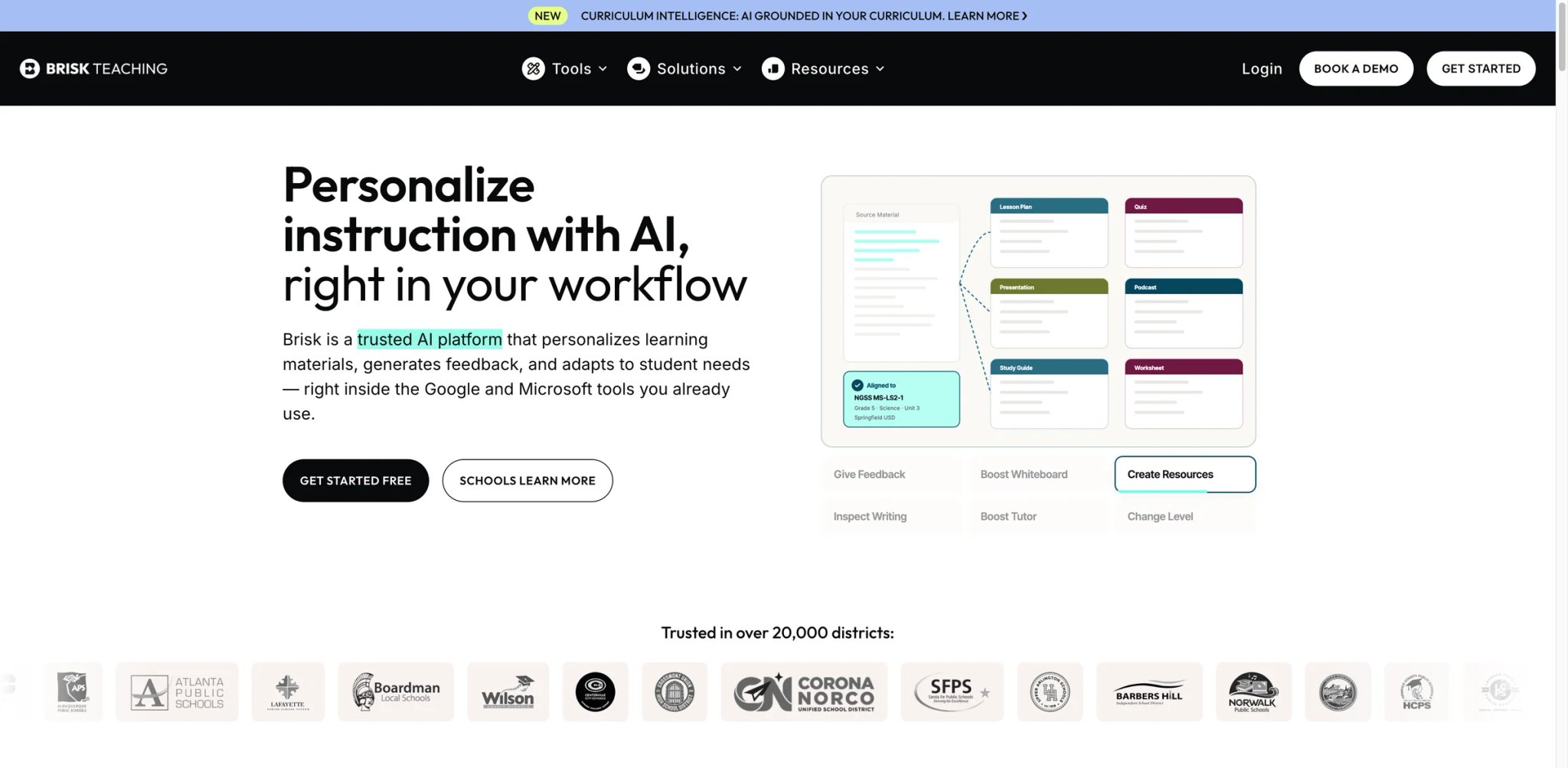
Brisk takes the opposite architecture from MagicSchool — instead of a separate platform, it's a Chrome extension that lives inside the tools teachers already use: Google Docs, Slides, Forms, and Classroom. For teachers whose workflow is already 80% Google Workspace, this "don't make me leave my tab" positioning saves meaningful friction. The trade-off is that non-Google workflows (Canvas-first schools, Microsoft districts) get less value.
Key Features
- In-browser workflow on any web page — Select text in a student's Google Doc and get feedback, differentiation, or translation suggestions without opening a separate app. Works on any site, not just Google Workspace.
- Triple-certified compliance — FERPA + COPPA + SOC 2 + GDPR + EdSafe AI + ISTE Seal. Only tool in this list with this stack of external certifications, and the one most likely to survive a cautious district's tech review.
- Feedback and replay features — Generate student-specific feedback on submitted work with "replay" that shows the student the revision path, not just the final answer. Particularly strong for ELA and history assignments.
Pricing & Plans
| Plan | Price | Includes |
|---|---|---|
| Free | $0 | 23+ core AI tools with usage limits for individual educators |
| Educator Pro | $99.99/year | Unlimited usage, Turbo AI, extra feedback styles, slides upgrades, and smarter AI |
| School & District | Custom | Standards integration, data dashboards, custom tools, professional learning, and student-facing capabilities |
Individual teachers can use Brisk free, but Brisk also now offers an optional Educator Pro plan for individual teachers; school and district pricing remains custom. This is unusual: the strongest free tier in the category for individual use, with school plans paying for deployment rather than feature access.
Pros & Cons
Pros: Free tier is genuinely full-featured for individuals — rare in EdTech. Deepest certification stack makes district rollouts easier. Chrome extension workflow matches how teachers actually work in Google Docs.
Cons: Chrome-only — no Safari, no Firefox. Microsoft-first districts get notably less value. Some users report the extension occasionally breaks on specific Google Docs extensions or Chrome updates, requiring reinstall. Educator Pro at $99.99/year unlocks Turbo AI and smarter outputs, so the free tier now has a clear upgrade ceiling rather than being feature-final.
Who It's For
Brisk is the strongest free pick for teachers whose districts are Google Workspace-first and who spend most of their time in Docs/Slides. Also the best choice when district tech reviews care about certification depth. Not the right fit for Microsoft 365-first schools, teachers primarily using Canvas or Schoology outside Google, or anyone whose workflow requires non-Chrome browsers.
Get started with Brisk Teaching
Khanmigo
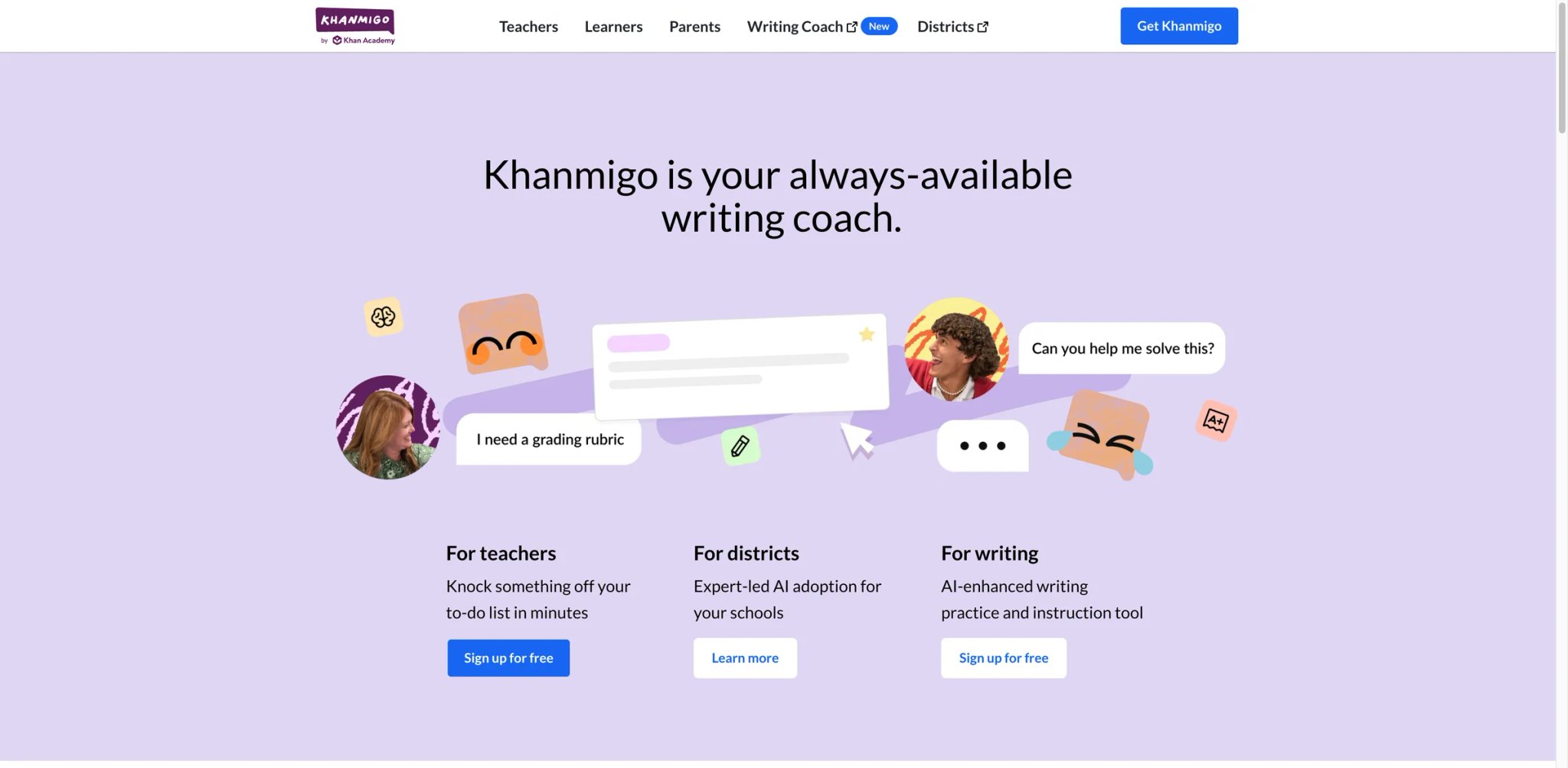
Khanmigo's positioning is different from every commercial tool in this list: it's backed by Khan Academy's non-profit mission, free for teachers, and explicitly designed around educational safety rather than raw capability. The AI refuses to write essays for students (instead tutoring them through revision), flags inappropriate content aggressively, and operates inside Khan Academy's already-approved curriculum ecosystem. For public-school teachers whose districts have blocked ChatGPT but approved Khan Academy, this may be the only AI tool they can actually use.
Key Features
- Free for all teachers — Not a trial, not a limited free tier — complete access to teacher tools at no cost, funded by Khan Academy's donor base rather than teacher subscriptions.
- Educational-safety-first design — AI deliberately avoids giving direct answers to student prompts, instead guiding through Socratic tutoring. This behavior is purpose-built for academic-integrity contexts.
- Khan Academy curriculum integration — Quiz generation, lesson alignment, and progress tracking pull from Khan's existing curriculum library, pre-aligned to US Common Core and state standards.
Pricing & Plans
| Plan | Price | Includes |
|---|---|---|
| Teachers | Free | Full teacher tools, Khanmigo AI assistant |
| Students | Paid / donor-funded | Student access via school or parent plans |
Teacher access is currently free for eligible educators, but the official site does not promise that this pricing will remain permanent. Student access is the monetization layer, with school or family plans funding student use.
Pros & Cons
Pros: Free for teachers with no hidden tier gating. Educational-safety design genuinely different from commercial tools. Integration with Khan Academy curriculum is uniquely useful for standards-aligned instruction.
Cons: Works best inside the Khan Academy ecosystem — if your school doesn't use Khan, the integration benefit disappears. Tutoring-first AI is intentionally slower than "just generate a lesson plan" tools. Student access requires separate monetization setup that not all schools have in place.
Who It's For
Khanmigo is the right pick for teachers whose schools already use Khan Academy extensively, and for any teacher in a district that has restricted commercial AI tools but approved Khan. Also strong for teachers prioritizing academic-integrity and Socratic tutoring over raw content generation. Not the right fit for teachers outside the Khan ecosystem, or anyone who wants AI to directly generate content rather than tutor through problems.
Get started with Khanmigo
Eduaide.AI
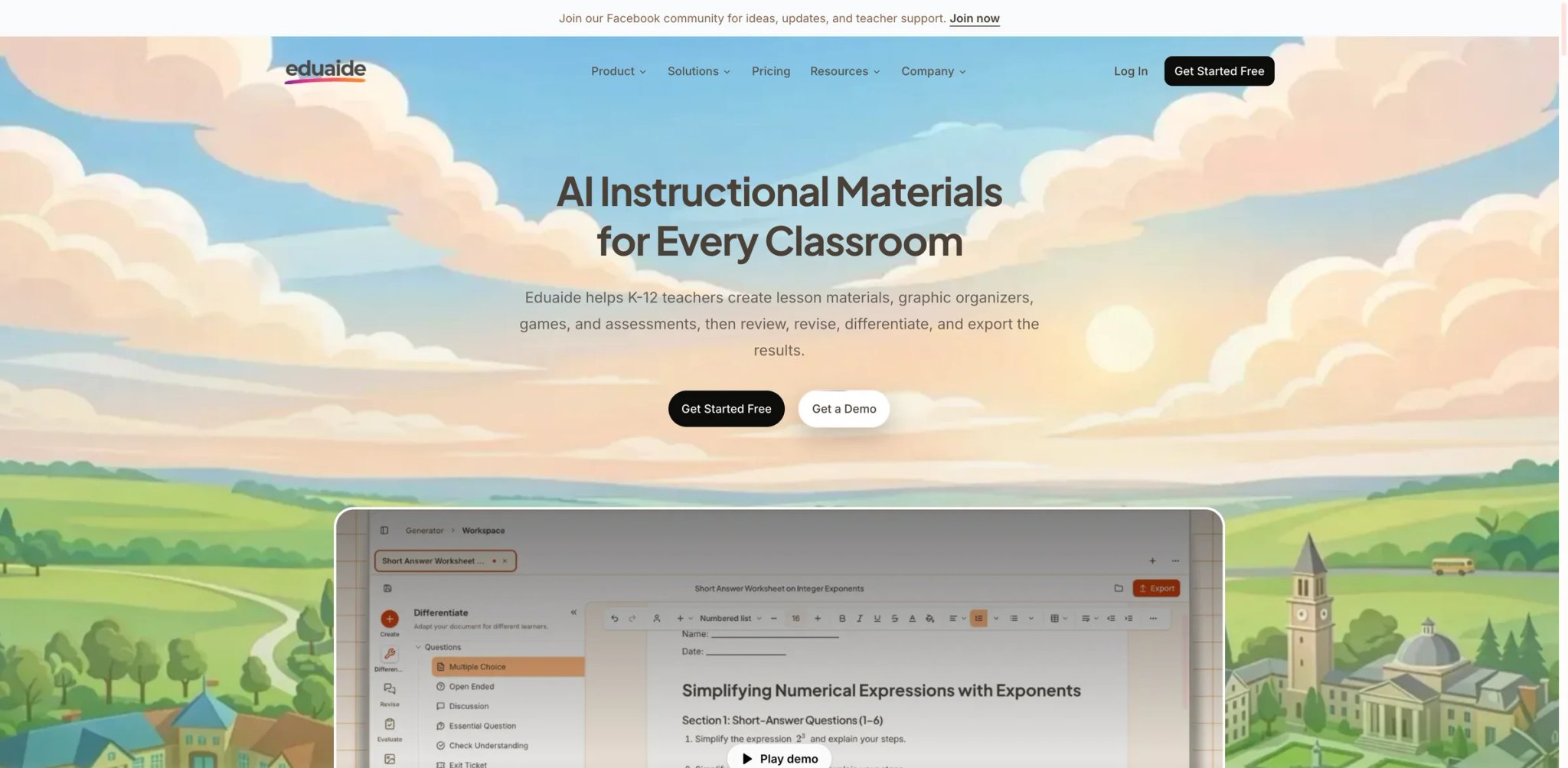
Eduaide.AI's Pro tier at $5.99/month is the cheapest serious teacher-AI subscription with meaningful workflow coverage — lesson plans, assessments, feedback, and differentiation all accessible below MagicSchool Plus's annual-billed rate. The trade-off is a smaller user base and less independent verification than MagicSchool or Brisk, so output quality depends more on teacher judgment to catch mistakes.
Key Features
- 130+ teaching resources generator — From bell-ringers to unit plans to rubrics to differentiated texts, the breadth is comparable to MagicSchool at a quarter of the price.
- Feedback Bot for student writing — Upload or paste student work and get feedback suggestions calibrated to your rubric. Time-saver for ELA and social studies assignments.
- Standards alignment across US/UK/AU — Standards-tagging spans Common Core, TEKS, NGSS, UK National Curriculum, and Australian curriculum. Broader than most US-centric competitors.
Pricing & Plans
| Plan | Price | Includes |
|---|---|---|
| Free | $0 | Basic tools with output limits |
| Pro | $5.99/mo (annual) | Full resource library, unlimited outputs, priority |
| Schools | Custom | District deployment |
Pro at $5.99/mo (annual, $71.88/year) is a meaningful price advantage — most teachers will pay it personally without flinching. Free tier is usable for evaluation but production use needs Pro.
Pros & Cons
Pros: Cheapest serious individual subscription in the category. Broad tool coverage approaches MagicSchool's without matching it exactly. International standards alignment useful outside the US.
Cons: Smaller user base means less independent verification — fewer Common Sense or EdSurge reviews to cross-check. Output quality occasionally less polished than MagicSchool's for the same prompt. Privacy documentation less comprehensive than certified competitors.
Who It's For
Eduaide.AI fits budget-conscious self-paying teachers who want MagicSchool-like coverage at a lower price point. Also useful for international teachers (UK, Australia, Canada) needing standards-specific outputs. Not the right fit if certification depth matters for your district (MagicSchool or Brisk are stronger), or if output polish is the deciding factor for high-stakes assignments.
Get started with Eduaide.AI
Diffit
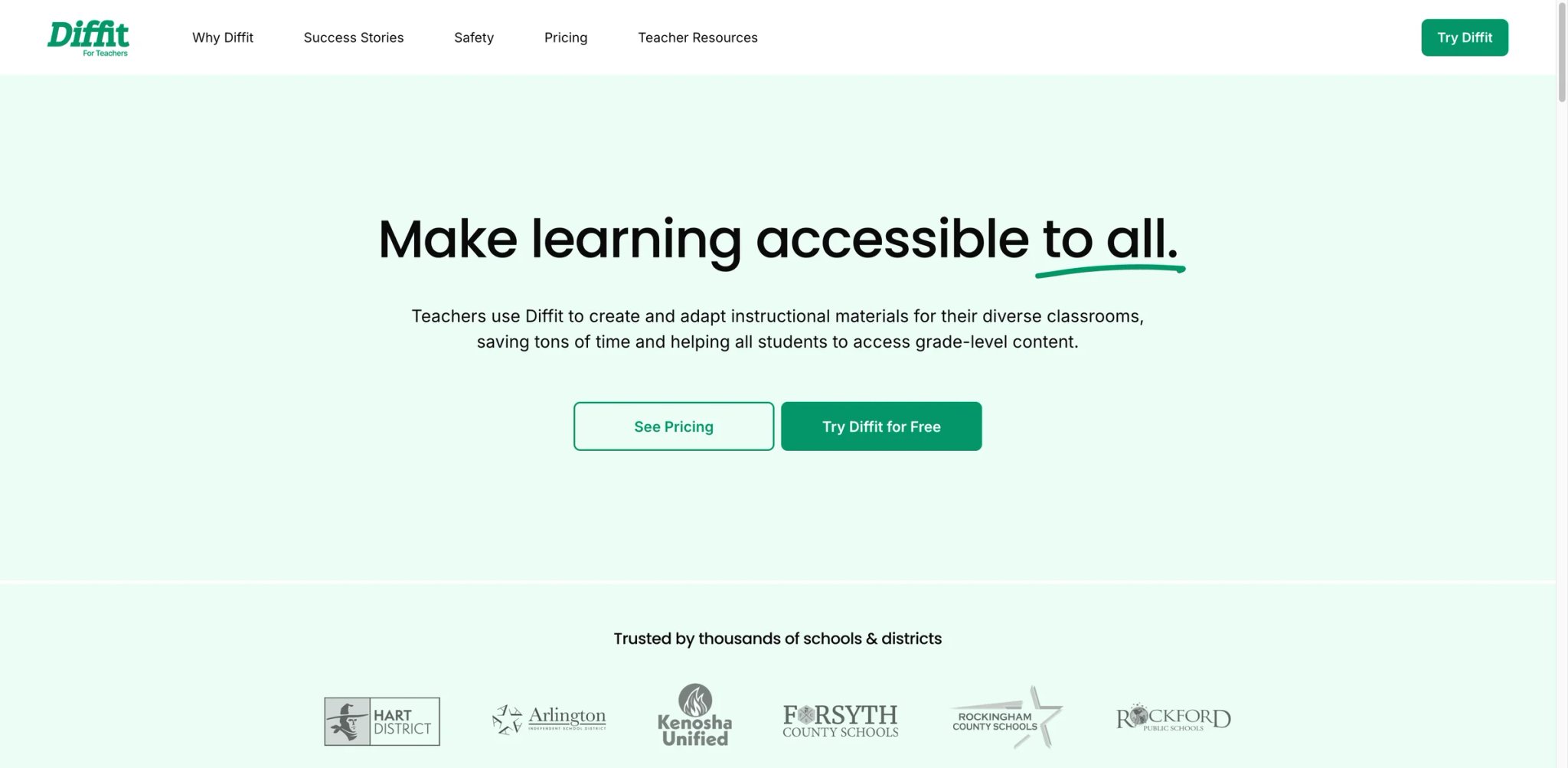
Diffit does one thing unusually well: take any text (article, worksheet, chapter) and produce reading-level-adapted versions for multiple student ability groups simultaneously. For ELA, social studies, and science teachers running mixed-ability classrooms, this differentiation workflow can replace an hour of manual adaptation per article. At $14.99/month, it's priced for serious individual use rather than a cheap teaser.
Key Features
- Automatic leveled reading adaptation — Paste a text at 11th-grade level, get back 3rd, 5th, 7th, and 9th-grade versions with comprehension questions and vocabulary at each level. Scales manual differentiation work by roughly 5x.
- Multi-language output — Same source text generated in Spanish, French, and other languages for ELL students. Useful for English Language Learner classrooms without translating manually.
- Export to Google/Microsoft natively — Outputs flow to Google Docs, Slides, Forms, and Microsoft Word/PowerPoint without copy-paste friction.
Pricing & Plans
| Plan | Price | Includes |
|---|---|---|
| Free | $0 | Limited outputs, basic features |
| Pro | $14.99/mo | Unlimited outputs, all languages, priority processing |
| Schools | Custom | District deployment, admin controls |
$14.99/mo is the entry price — no annual-only discount, no promotional pricing trap. Free tier is useful for evaluation but most teachers hit the limits quickly.
Pros & Cons
Pros: Best-in-category leveled reading adaptation — the specific use case it targets is uniquely well-solved. Multi-language output valuable for ELL contexts. Native export to Google/Microsoft avoids workflow friction.
Cons: Narrow scope — doesn't replace broader tools like MagicSchool for lesson planning or assessment. Higher per-month cost than broader alternatives. Privacy documentation is basic rather than comprehensively certified.
Who It's For
Diffit fits ELA, social studies, and science teachers running mixed-ability classrooms who spend meaningful time adapting reading materials. Also strong for ELL-heavy classrooms needing multi-language output. Not the right fit as a primary teacher-AI tool — broader coverage tools (MagicSchool, Brisk, Eduaide.AI) serve most daily teacher workflows better.
Get started with Diffit
SchoolAI
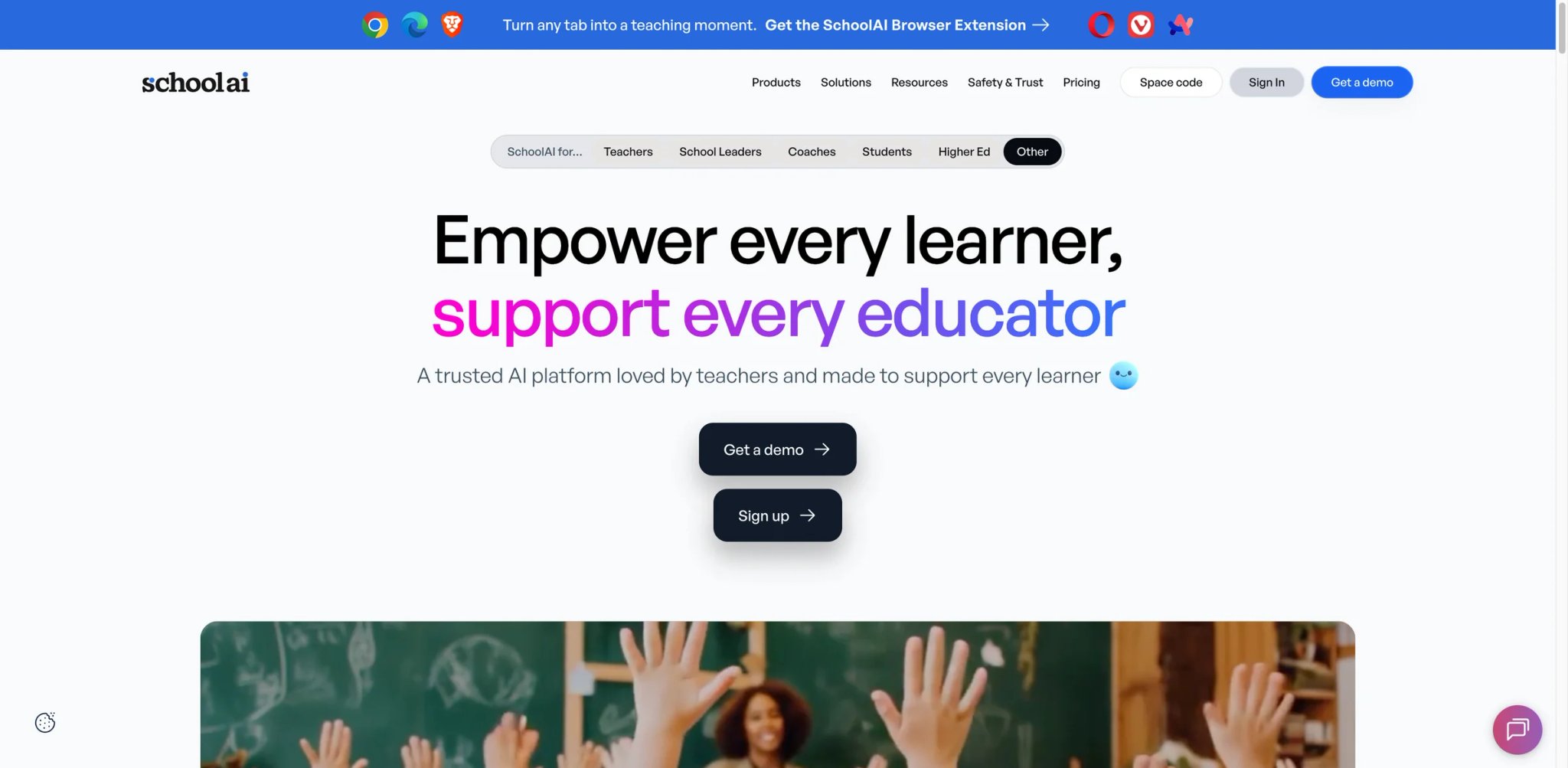
SchoolAI's architecture is unusual: Teacher Spaces for planning and Student Spaces for guided AI interaction, with teachers controlling guardrails on what the student-facing AI can and can't do. The model lets teachers deploy AI to students without the usual "what are they actually doing with ChatGPT?" anxiety, since every student interaction logs back to the teacher dashboard.
Key Features
- Teacher-controlled student AI Spaces — Create an AI tutor for a specific lesson with guardrails on topic, tone, and content type. Students interact inside the bounded space, teachers see full logs.
- Real-time student work monitoring — Live dashboard of student AI interactions during class, with flags for off-topic or struggling students. Particularly useful for computer lab or 1:1 device classrooms.
- Compliance disclosure depth — FERPA, COPPA, and SOC 2 certifications with public documentation, making district tech reviews easier than with less-documented competitors.
Pricing & Plans
| Plan | Price | Includes |
|---|---|---|
| Free | $0 | Basic teacher Spaces, limited student access |
| School | Custom | Full student Spaces, admin dashboard, district training |
Free tier gets individual teachers started; full value unlocks with school tier. Individual teachers typically hit free-tier limits once student Spaces become part of the workflow.
Pros & Cons
Pros: Student-facing AI with teacher guardrails is genuinely unique — most competitors either focus on teacher tools only or give students unfettered access. Strong compliance disclosure. Live dashboard useful for in-class monitoring.
Cons: Value ceiling for individual teachers is lower than for schools — without the school tier, student Spaces feel limited. Pricing transparency at school tier depends on sales conversation. Output quality for teacher-planning tools is solid but not category-leading.
Who It's For
SchoolAI fits schools or districts wanting to introduce AI to students with teacher oversight, and individual teachers whose schools are evaluating it as a district deployment. Not the right fit for solo-teacher use where student Spaces won't be deployed, or for teachers primarily needing planning/grading tools (MagicSchool covers that better).
Get started with SchoolAI
Class Companion
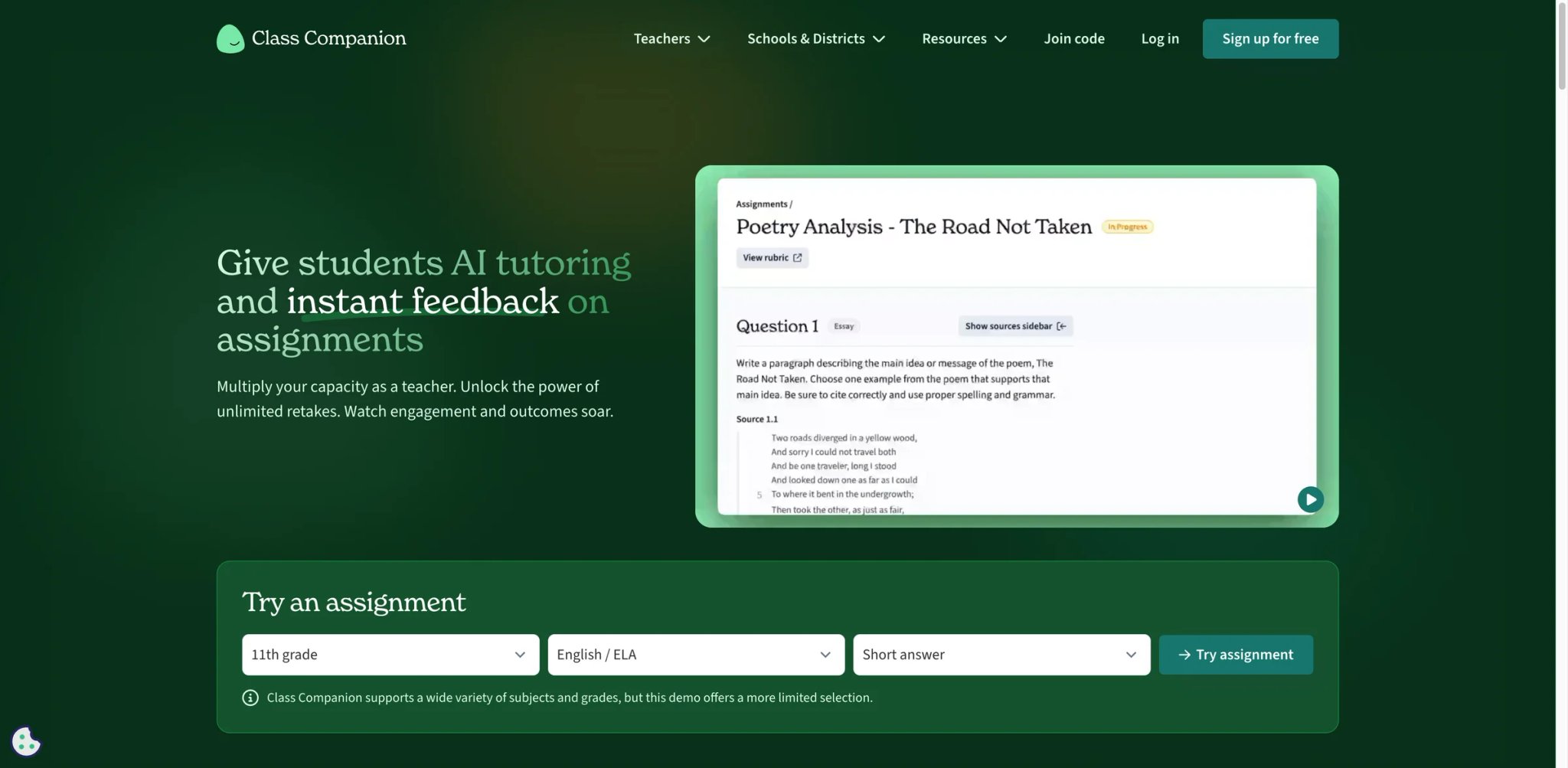
Class Companion sits at the intersection of AI feedback and LMS integration — it embeds directly into Canvas, Schoology, and Google Classroom, giving students AI feedback on submitted work while teachers see the full feedback log. For LMS-first districts that won't adopt a separate platform, this integration-depth is the primary differentiator.
Key Features
- Deep LMS integration — Native embedding in Canvas, Schoology, and Google Classroom rather than requiring a separate login. Student submissions flow directly into Class Companion for AI feedback.
- AI feedback with teacher oversight — Students get AI-generated feedback on drafts, teachers see the full history and can adjust feedback parameters. Reduces grading load while maintaining teacher-in-the-loop.
- Rubric-aligned scoring — Upload your rubric once; AI scores all subsequent submissions against it. Consistency across a full class section or multiple sections.
Pricing & Plans
| Plan | Price | Includes |
|---|---|---|
| Free | $0 | Limited AI feedback per month |
| School | Custom | Unlimited, full LMS integration, admin controls |
Free tier is enough to evaluate the feedback quality on a single class; production use needs the school tier for throughput.
Pros & Cons
Pros: LMS integration depth is the strongest in the category — no competing tool matches Canvas + Schoology + Google Classroom native embedding. AI feedback with teacher oversight balances automation and control well. Rubric-aligned scoring maintains consistency.
Cons: Full value requires school-tier procurement — individual teachers get limited benefit. Pricing transparency at school tier is opaque. Output quality varies by subject — strong on ELA writing, weaker on math/science work with non-text outputs.
Who It's For
Class Companion fits LMS-first districts (Canvas, Schoology) that want AI feedback without migrating students to a new platform. Individual teachers in districts already evaluating it benefit from free-tier testing. Not the right fit for solo teachers without LMS centralization, or for subjects where AI feedback struggles (heavy math, lab sciences with physical outputs).
Get started with Class Companion
Curipod
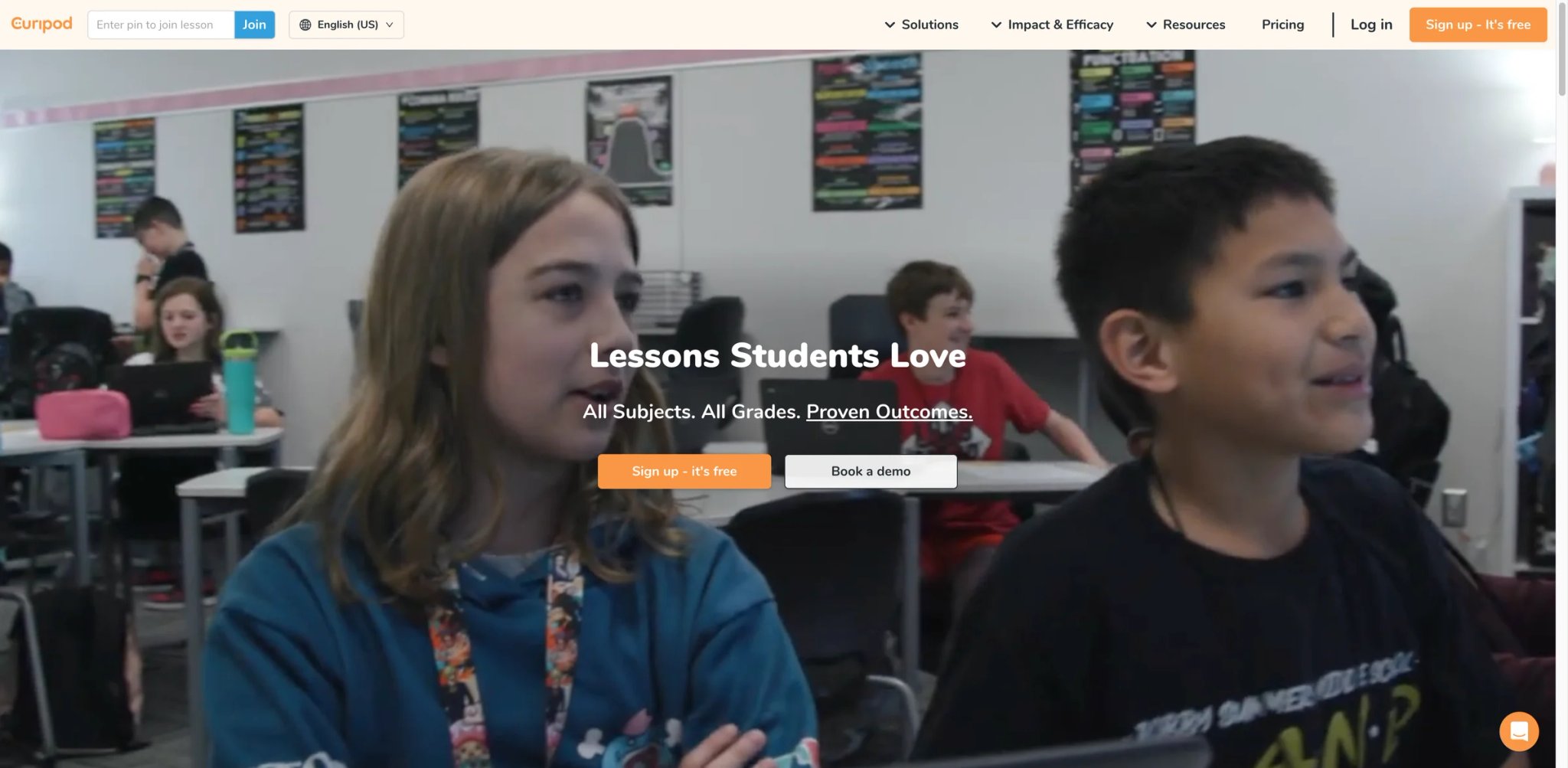
Curipod's angle is interactive lesson slides — AI-generated deck + polls + open-ended questions + word clouds + drawing prompts that make a traditional lecture into audience-participation content. For teachers whose students are phone-distracted (which is every teacher), the interaction layer genuinely changes engagement dynamics compared to static slides.
Key Features
- Interactive-first slide generation — Every generated deck includes built-in polls, word clouds, Q&A, and drawing prompts at natural pacing points. No other AI tool defaults to interactive elements this aggressively.
- Live class engagement dashboard — Real-time student response data during presentation, not just post-class analytics. Teachers see who's participating and who's drifting.
- Template library for common formats — "Review lesson," "new concept introduction," "end-of-unit assessment" templates that produce consistent output across sections.
Pricing & Plans
| Plan | Price | Includes |
|---|---|---|
| Free Plan | $0 | Limited usage, 3 free standards-aligned test prep lessons, interactive activities, AI feedback, moderation, and reports |
| School & District Plan | Custom | Unlimited usage, unlimited test prep, standards and curriculum alignment, custom AI feedback, student reports, SSO, and implementation support |
Free tier is enough to evaluate. Curipod's public pricing page currently shows a Free Plan and a custom-priced School & District Plan; there is no public self-serve individual paid tier listed.
Pros & Cons
Pros: Interactive-first slide generation is genuinely differentiated from static deck generators. Live engagement dashboard useful for adjusting pacing mid-lesson. Strong free tier for evaluation.
Cons: Narrow scope — replaces slide-based lesson delivery but not planning, grading, or communication. Individual pricing less transparent than MagicSchool or Eduaide.AI. Output polish strong for K-8, thinner for high school AP-level subjects.
Who It's For
Curipod fits teachers whose primary delivery format is slides + active engagement — especially middle school and K-8 classrooms where attention spans require interaction pacing. Not the right fit for lecture-heavy high school or higher-ed contexts, or as a primary broad-coverage tool (MagicSchool's hub structure serves that better).
Get started with Curipod
Wayground
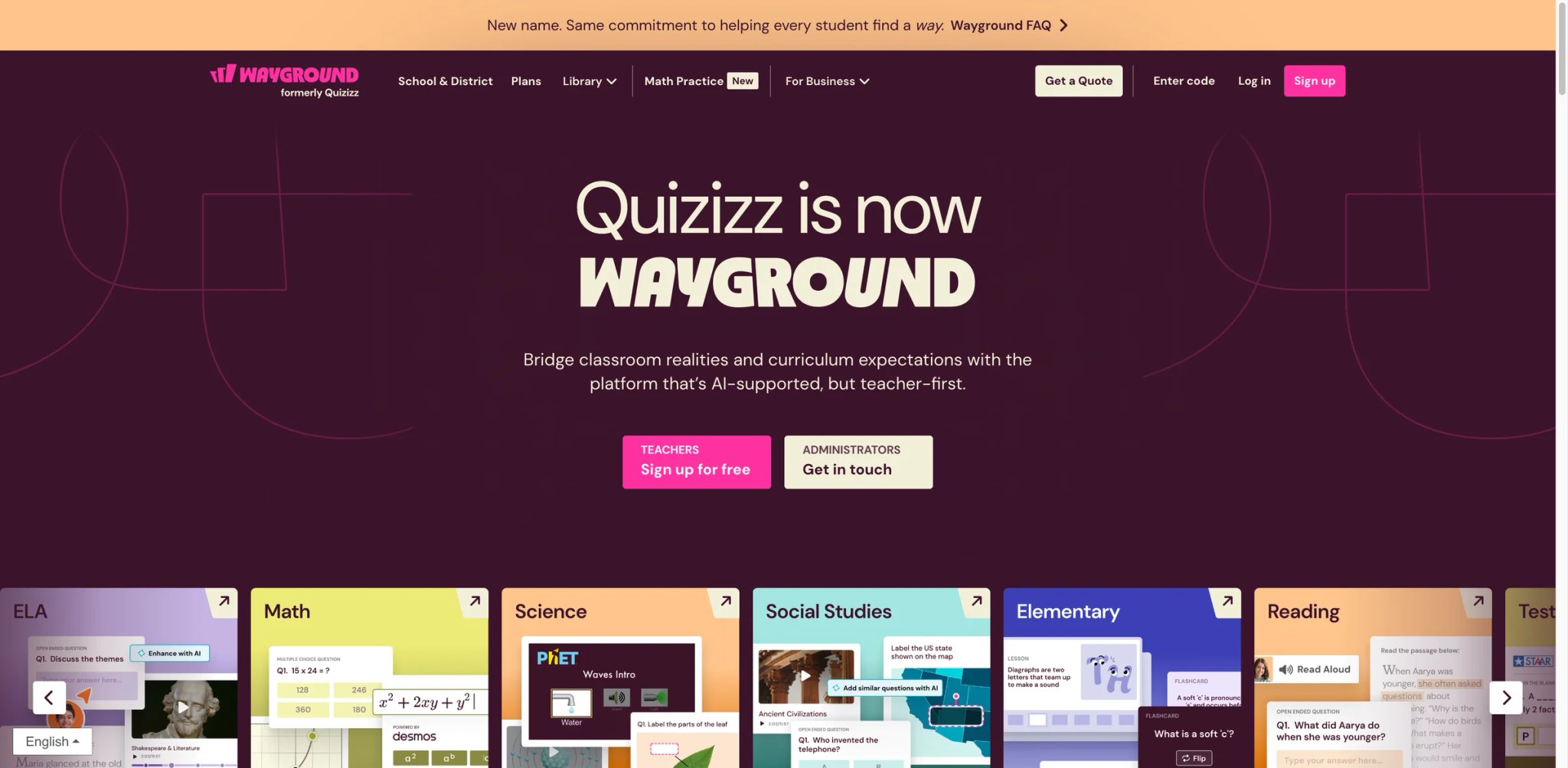
Wayground (formerly an established brand in the interactive quiz space) has added AI-generated content on top of a mature game-based learning foundation. The AI generates quizzes, lessons, and video content calibrated to your standards, delivered through the gamified engagement layer students already recognize from earlier brand iterations.
Key Features
- AI + gamified quiz delivery — AI generates standards-aligned quizzes delivered as competitive games. Combines content generation with engagement format most tools treat separately.
- Video-lesson AI assistance — Generate video lessons with AI narration and pacing cues. Useful for flipped-classroom or asynchronous instruction contexts.
- Reporting for standards mastery — Post-quiz analytics map student performance to specific standards, making data-driven instruction easier than most competitors.
Pricing & Plans
| Plan | Price | Includes |
|---|---|---|
| Free | $0 | Core features, limited AI generations |
| Pro | Varies | Unlimited AI, advanced features |
| School | Custom | District deployment, admin |
Free tier is usable for evaluation. Published individual pricing varies by region; school procurement is the dominant path.
Pros & Cons
Pros: Combines content generation with gamified delivery better than tools that do either alone. Standards-mapping reports useful for MTSS or data-driven instruction conversations. Mature user base from pre-AI product iterations.
Cons: Individual pricing less transparent than competitors. Game format may not fit all classroom cultures. AI-generated quizzes sometimes include factual errors that require teacher review before deployment.
Who It's For
Wayground fits teachers already using game-based learning formats who want to add AI content generation. Also useful for data-driven-instruction teams wanting standards-mapped analytics. Not the right fit if gamified delivery doesn't fit your classroom culture, or if you prioritize individual-pricing transparency.
Get started with Wayground
Formative
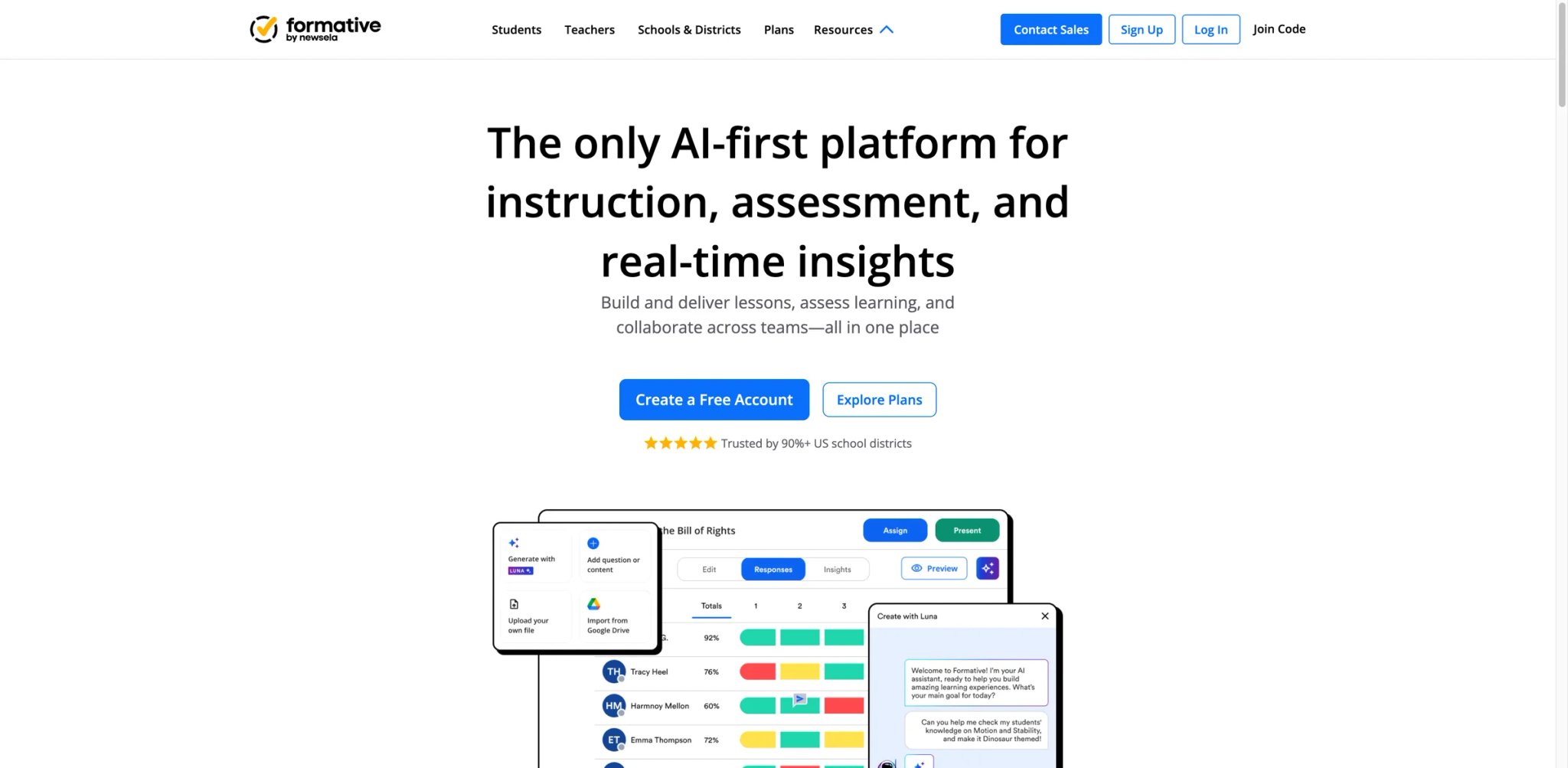
Formative focuses on the specific feedback loop at the heart of good teaching: quick formative checks, AI-generated questions, real-time AI grading, and immediate intervention. At $20.75/mo on annual billing for individual teachers, it's the most expensive tool in this guide — justifiable only if formative assessment is central to your practice.
Key Features
- AI question generation for any skill — Generate variations, follow-up questions, and misconception-targeted items automatically. Useful for building item banks across a unit.
- Real-time AI grading — Open-ended responses graded in real time during class, giving teachers immediate intervention data rather than post-class review.
- LMS integration (Google, Canvas, Schoology) — Native integration avoids copy-paste workflow friction.
Pricing & Plans
| Plan | Price | Includes |
|---|---|---|
| Free | $0 | Basic formatives, limited AI |
| Teacher | $20.75/mo (annual) | Full AI grading, question generation, reports |
| School | Custom | District deployment, admin, training |
Annual billing only at the Teacher tier — $249/year total. Higher than most comparable tools; justified by the formative-assessment depth.
Pros & Cons
Pros: Most robust formative-assessment AI in category. Real-time grading changes intervention timing meaningfully. LMS integration strong for Canvas/Schoology districts.
Cons: Price is the highest for individual teachers in this guide. Narrow scope — doesn't replace lesson planning or communication tools. Some teachers report AI-grading calibration needs occasional manual correction.
Who It's For
Formative fits teachers where formative assessment is central to practice — especially high-stakes tested subjects (ELA, math) where real-time intervention data matters. Also useful for coaching roles evaluating instructional effectiveness across multiple teachers. Not the right fit for broad teacher-AI needs (MagicSchool is cheaper and wider), or for subjects where formative assessment isn't a primary practice.
Get started with Formative
Teachmate
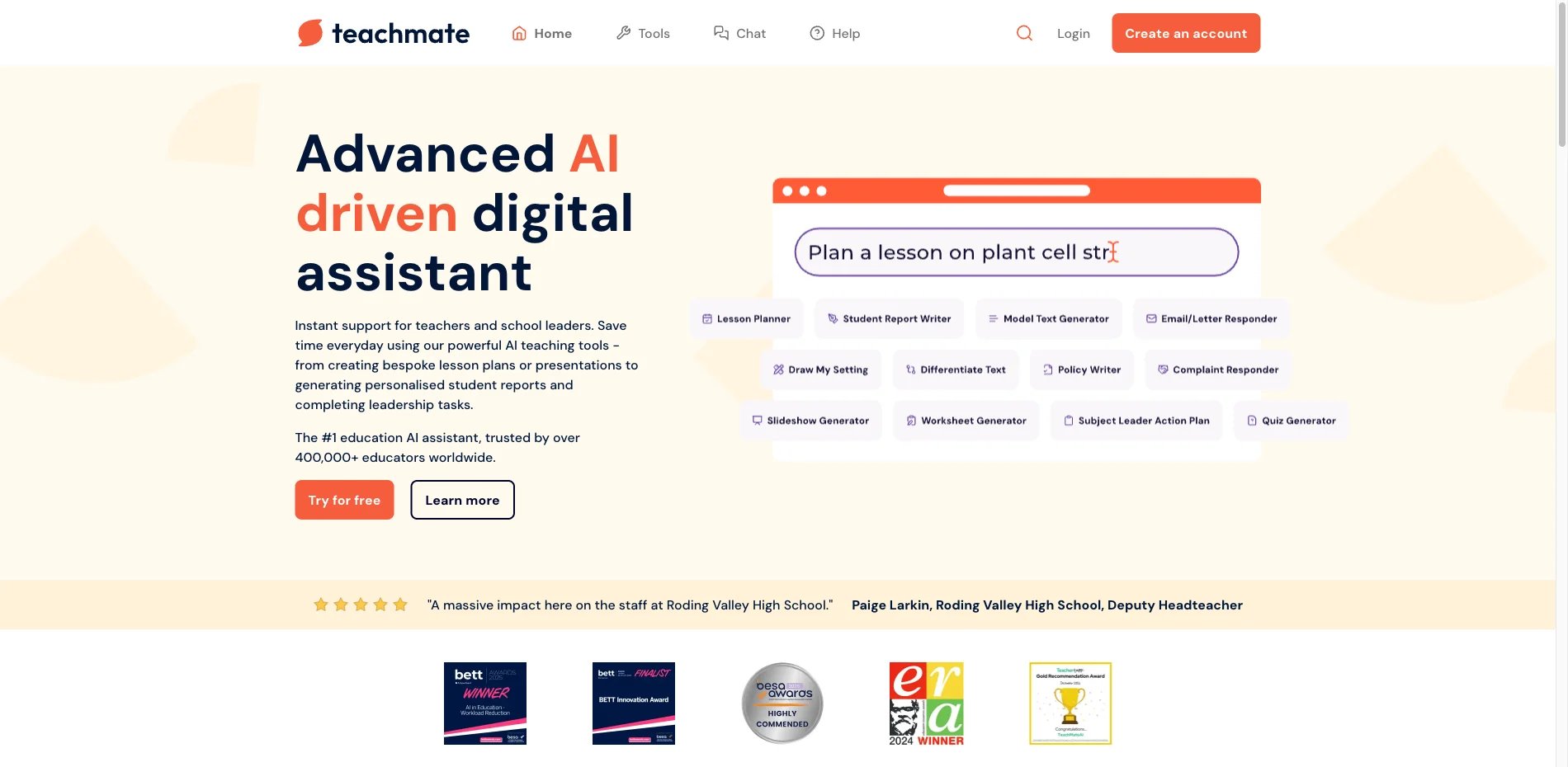
Teachmate's positioning is UK-first but internationally usable — a broad library of teacher tools (similar in structure to MagicSchool) with pricing that skews toward school-wide adoption rather than individual subscription. For UK teachers it's a natural default; for US/Canadian teachers it's worth considering if the tool coverage matches your subject, though MagicSchool generally has more US-context polish.
Key Features
- 100+ teaching tools across subject areas — Breadth comparable to MagicSchool, with particular strength in UK National Curriculum alignment.
- Multi-subject coverage with specific UK slant — Strong for GCSE and A-Level preparation contexts; useful for UK, international, and Commonwealth-curriculum schools.
- School-tier admin and collaboration — Multi-teacher workspaces with shared resource libraries for department-level coordination.
Pricing & Plans
| Plan | Price | Includes |
|---|---|---|
| Basic | Free | Access to all tools, chat, slideshow generator, and curriculum-specific outputs |
| Pro | Paid monthly individual plan | Unlocks more features for personal use |
| School | Custom | Whole-school packages and reduced pricing for schools |
Teachmate clearly offers a free individual plan and a paid monthly Pro path for individual teachers, while whole-school pricing is handled separately.
Pros & Cons
Pros: Broad tool library approaching MagicSchool's breadth. Strong UK/Commonwealth curriculum alignment. Multi-teacher workspace useful for department coordination.
Cons: Individual pricing transparency is weaker than US-focused competitors. US-context polish less refined than MagicSchool (standards alignment, parent communication templates feel UK-native). Public third-party reviews are thinner than more established US competitors.
Who It's For
Teachmate fits UK, Irish, or Commonwealth-curriculum teachers by default, and US/Canadian teachers whose schools are already evaluating it. Also useful for department-level coordinated purchasing rather than solo subscriptions. Not the right fit for US individual teachers wanting maximum individual-pricing clarity (MagicSchool is simpler).
Get started with Teachmate
Alayna

Alayna focuses on K-12 teachers with a free tier strong enough for genuine daily use — a rarity in this category where "free" usually means "3 generations then upgrade." The Slides tier at $9.99/mo adds premium features for teachers who hit free-tier limits, keeping the overall pricing friendly for individual budgets.
Key Features
- Free core capabilities with real daily-use allowance — Core lesson planning, quiz generation, and differentiation available free without aggressive output caps.
- K-12 focused content calibration — Output tone, reading level defaults, and standards tagging calibrated for K-12 rather than college contexts. Less post-generation editing needed.
- Slides-focused premium tier — $9.99/mo upgrade focuses specifically on slide generation and advanced slide customization, useful for teachers who deliver primarily through slides.
Pricing & Plans
| Plan | Price | Includes |
|---|---|---|
| Free | $0 | AI Teaching Assistant + Magic Materials free forever, unlimited use, no card required |
| Slides Generator | $9.99/mo or $99.90/year | Unlimited decks and exports, 35+ themes, 70+ K-12 layouts, and imports from PDF, YouTube, and Google Docs |
| Alayna Pro | $19.99/mo or $199.90/year | Unlimited Slides Generator, unlimited GradingPal, plus onboarding and priority support |
Free tier is meaningful for daily use — most teachers can operate without upgrading. $9.99/mo Slides tier is a lower upgrade bar than MagicSchool's Plus or Formative's Teacher.
Pros & Cons
Pros: Free tier genuinely usable for daily work. K-12 content calibration reduces post-generation editing. Slides premium tier priced for individual upgrade.
Cons: Smaller user base means less independent verification — fewer Common Sense or EdSurge reviews. Privacy documentation less comprehensive than certified competitors. Overall breadth slightly below MagicSchool or Eduaide.AI.
Who It's For
Alayna fits K-12 teachers (especially elementary and middle school) wanting a genuinely useful free tier without quickly hitting limits. Also good for slide-primary teachers who want a low-cost upgrade path. Not the right fit for higher-ed contexts (content calibration skews K-12), or for teachers needing certification depth for cautious districts.
Get started with Alayna
Best AI Tools for Teachers by Use Case
For Self-Paying Teachers Without District Budget
If you're paying out-of-pocket and need maximum workflow coverage per dollar, Eduaide.AI at $5.99/mo is the cheapest serious option with real teacher-workflow breadth. Khanmigo is free for teachers indefinitely if you work inside the Khan Academy ecosystem or have a Khan-approved district. Brisk Teaching is free for individual teachers on Chrome + Google Workspace.
For Teachers in Districts with Strict Privacy Reviews
If your district's tech committee blocks anything without explicit FERPA/COPPA certification, MagicSchool, Brisk Teaching, and SchoolAI all publish FERPA/COPPA compliance. MagicSchool also lists SOC-2 and a 95% Common Sense Privacy rating, while Brisk lists SOC Type II, 1EdTech TrustEd Apps, and a 93% Common Sense Privacy rating. These three clear the most demanding district reviews.
For Lesson-Planning + Grading in One Workflow
If you want a single tool covering plan → teach → grade → feedback, MagicSchool has the widest workflow coverage at $8.33/mo billed annually ($12.99 monthly). Formative is the stronger choice if formative assessment with real-time AI grading is central to your practice — but at $20.75/mo, only worth it for that specific use case. For broader creative tools beyond teaching, see our AI productivity tools roundup.
For Mixed-Ability Classrooms Needing Differentiation
If you teach reading-heavy subjects (ELA, social studies, science) with mixed student ability levels, Diffit at $14.99/mo produces leveled reading adaptations faster than any competitor. Eduaide.AI handles differentiation as part of broader coverage at lower cost if you don't need Diffit's depth.
For ELL-Heavy Classrooms
If you teach English Language Learner students and need multi-language content, Diffit's native Spanish/French output covers the most common classroom needs. Eduaide.AI's international standards alignment also helps for non-US curricula.
For Interactive Classroom Delivery
If your classroom culture depends on engagement rather than lecture, Curipod builds interaction into every slide by default. Wayground adds gamified delivery if that fits your student culture.
How to Choose the Right AI Tool for Teachers
1. Check your district's acceptable-use policy first. Before evaluating features, confirm whether your district permits AI tools at all — and which certifications it requires. If your policy requires FERPA + COPPA, MagicSchool, Brisk Teaching, or SchoolAI clear the bar. If your district has restricted commercial AI entirely but allows Khan Academy, Khanmigo may be your only option.
2. Match price tier to reimbursement reality. If your school reimburses up to $20/mo for teacher tools, MagicSchool Plus or Formative Teacher fits. If you're paying out-of-pocket, Eduaide.AI at $5.99 or free tiers (Khanmigo, Brisk, Alayna) are realistic. Don't evaluate a $249/year tool you won't actually pay for.
3. Start with workflow coverage, not feature lists. A tool with 50 features you won't use is worse than one with 10 features that cover your actual weekly workflow. Plan → teach → grade → feedback → communicate is the full loop — identify which 2–3 of those matter most for you this semester.
4. Test free tiers before subscribing. Every tool in this list has a usable free tier (even if some require school-tier for full value). Run free-tier evaluation for two weeks on a real class before paying for anything. Many teachers find the free tier is enough.
5. Verify output quality on your specific subject. AI output quality varies dramatically by subject and grade level — elementary ELA generally polished, high school AP subjects often weak. Test each candidate with your actual content before committing.
6. Check student-data handling explicitly. Even if a tool is FERPA/COPPA certified, read how student data flows through AI outputs. MagicSchool's automated PII detection on outputs is a genuine differentiator — competitors require manual teacher review to catch identifiable information.
Frequently Asked Questions
What is the best free AI tool for teachers?
Brisk Teaching offers the strongest free tier for individual teachers whose primary workflow is Google Workspace — 23+ core AI tools free for individuals, with an optional Educator Pro upgrade at $99.99/year and separate custom pricing for schools and districts. Khanmigo is free indefinitely for teachers working inside the Khan Academy ecosystem. MagicSchool's free tier is still usable for real evaluation, but its current pricing page no longer publishes the old 10-outputs/day cap. Eduaide.AI and Alayna offer meaningful free allowances before upgrade pressure.
Which AI tools are FERPA and COPPA compliant for US public schools?
MagicSchool, Brisk Teaching, and SchoolAI all carry explicit FERPA and COPPA certifications. MagicSchool now holds a 95% Common Sense Privacy rating, while Brisk holds 93%; both publicly state FERPA/COPPA compliance. Khanmigo is FERPA-compliant through Khan Academy's established compliance stack. Other tools in this guide have varying levels of privacy documentation; verify with your district's tech committee before using any tool with student data.
Can AI tools for teachers replace hiring a teaching assistant?
Partially. AI tools can replace meaningful chunks of lesson planning, differentiated content creation, and first-draft grading — work that would have consumed 5–10 hours per week. But they can't replace the relational work (student mentoring, classroom management, parent conferences) or expert subject matter judgment on nuanced assessments. Most teachers report AI tools give back 3–5 hours per week of planning/grading time rather than fully replacing human assistance.
How do I get my district to approve AI tools?
Start with tools that already have explicit FERPA/COPPA certification and public privacy documentation — this clears 80% of district concerns before the conversation begins. MagicSchool, Brisk Teaching, and SchoolAI are the strongest on this front. Bring documentation of the tool's compliance stack, a specific use case, and proposed student-data-handling guardrails to the district's tech committee. Avoid framing it as "I want ChatGPT for my class" — frame it as a teacher productivity tool with classroom privacy safeguards.
Is MagicSchool better than Brisk Teaching?
Depends on your workflow. MagicSchool is better when you want a centralized hub covering 80+ distinct teacher tools and work outside Google Workspace. Brisk Teaching is better when your workflow lives inside Google Docs, Slides, and Classroom and you prefer a Chrome extension that doesn't require leaving your current tab. Both cover K-12 workflows well, but their privacy ratings are no longer equal: MagicSchool is 95% on Common Sense Privacy, while Brisk is 93%. Elementary teachers often prefer MagicSchool for its breadth; Google-heavy secondary teachers often prefer Brisk for its integration depth.
How much should teachers expect to pay for AI tools?
Free tiers from Khanmigo, Brisk, MagicSchool, Alayna, and Eduaide.AI are genuinely usable for light to moderate daily use. Paid individual tiers range from $5.99/mo (Eduaide.AI Pro) to $20.75/mo (Formative Teacher annual). Most self-paying teachers land between $6–15/month. School-wide procurement for tools like SchoolAI, Class Companion, Curipod, and Wayground runs higher per-seat but adds admin controls and training; those costs typically come from school budgets rather than teacher pockets.
Are AI-generated student feedback and grading reliable enough to use?
For first-draft feedback on ELA and social studies writing, yes — tools like Brisk, Class Companion, and Formative produce feedback good enough to deliver to students after teacher review. For final grades or high-stakes assessments, AI should stay as a support tool rather than the final scorer. AI-generated grades drift on nuanced rubrics (creativity, argument strength) and can miss context that a human teacher catches. The pattern most teachers converge on: AI does the first pass, teachers spot-check and adjust before delivery.
Get ToolWorthy Weekly
New AI tools, practical guides, and selected AI signals in one weekly brief.
For AI tool founders
Built a tool that belongs in this decision set?
Request an editorial evaluation for possible inclusion in ToolWorthy.
Submit your tool for reviewPaid submission does not guarantee a ranking, recommendation, inclusion, or editorial outcome.