
12 Best AI Face Swap Tools for Photos and Video in 2026
Someone searching for the best AI face swap tool usually has a file ready and a specific constraint: swap one photo without signing up, keep a face stable through a video, replace several people in one scene, use a virtual camera live, or keep biometric media off a third-party server. Those are different jobs, and a tool that wins one can be a poor choice for another.
For face-swap modes, consent controls, deployment options, workflow integrations, and the broader inventory without rankings, browse the AI Face Swap Video category.
This guide compares 12 browser, mobile, desktop, and open-source options. Start with the media and processing mode, then verify free-tier limits, output restrictions, data handling, consent rules, and commercial rights before uploading a real person's face. Product details and prices change quickly in this category, so treat the shortlist as a route to a small test—not a substitute for testing your own source and target files.
| Your job | Start with | Rule out early if |
|---|---|---|
| Upload a photo or video in a browser | DeepSwap, Deepfakes Web, or Video Face Swap | You cannot accept cloud processing or an unclear retention policy |
| Swap a face during a live stream or call | Swapface or DeepFaceLive | You do not have a compatible desktop/GPU setup |
| Make quick template-based social clips on mobile | Reface or FaceMagic | You need custom source-video control or production rights not stated in the plan |
| Keep files local and control the pipeline | FaceFusion, DeepFaceLive, or Faceswap | You cannot maintain models, dependencies, and GPU drivers |
| Add face swap to a wider team video workflow | HeyGen or Picsi.Ai | You only need a one-off swap and would pay for unrelated platform features |
| Test irregular projects without a long subscription | Deepfakes Web or Video Face Swap | The live price or credits-to-video mapping is not clear before checkout |
How We Selected and Tested
We selected these tools to cover five distinct modes: browser upload, mobile templates, asynchronous cloud rendering, live desktop use, and local/open-source processing. We excluded general image generators that do not document an identity-preserving face-swap workflow.
This is a source-verified comparison, not a controlled visual-quality benchmark. We did not run every product against one identical consented photo-and-video test set, so we do not assign realism scores or claim that one tool has universally better output. The evaluation included:
Official source verification: We analyzed product pages, pricing pages, documentation, terms, and licensing files. Dynamic checkout prices, regional app-store prices, and free quotas still need confirmation at the time of use.
Community feedback review: We reviewed user discussions on Reddit, Twitter, and ProductHunt to understand real-world strengths and limitations beyond marketing claims.
Decision criteria: Supported inputs (photo, video, GIF, multiple faces), cloud versus local processing, setup requirements, watermarks and resolution caps, pricing transparency, retention/deletion terms, consent safeguards, commercial rights, and GPU/OS requirements.
For output quality, use the same consented source face and a short target clip containing a frontal view, head turn, partial occlusion, and lighting change. Compare identity retention, edge blending, frame-to-frame stability, processing time, watermark, and export resolution before paying. If you need broader editing rather than identity replacement, compare AI image editing tools instead.
Top 12 Best AI Face Swap Tools Compared
Face swap tools vary significantly in their approach and target users. Browser-based services like HeyGen and Deepfakes Web eliminate local setup but operate on subscription or per-output models. Mobile apps such as Reface and FaceMagic prioritize quick social sharing over professional output control. Real-time desktop tools (Swapface, DeepFaceLive) serve streamers and virtual camera users who need instant results. Open-source projects (FaceFusion, Faceswap) appeal to developers requiring code access and customization, though they demand GPU resources and technical expertise. The following table summarizes how these tools stack up across key decision factors.
| Tool | Primary mode | Processing | Try before paying? | Best fit |
|---|---|---|---|---|
| HeyGen | Uploaded video inside a wider AI video suite | Cloud/web | Limited free plan | Teams already needing avatar and video tools |
| FaceHub | Photo and video upload | Cloud/web | Verify in product | Quick browser experiments |
| Swapface | Live camera plus offline media | Local desktop | Free tier advertised | Streamers and virtual-camera workflows |
| Deepfakes Web | Uploaded video | Cloud/web | Paid processing | Occasional video projects |
| Video Face Swap | Uploaded video | Cloud/web | Verify current credits | Irregular credit-based use |
| Picsi.Ai | Face swap within an editing toolkit | Cloud/web | Verify current plan | Creators using its other editing features |
| Reface | Mobile templates and effects | Mobile/cloud | Verify in app | Fast entertainment clips |
| DeepSwap | Photo, GIF, and uploaded video | Cloud/web | Verify current offer | Custom uploads and multi-face needs |
| FaceFusion | Local photo/video pipeline | Local desktop | Open source | Technical users prioritizing control |
| DeepFaceLive | Live camera | Local desktop | Open source | Technical real-time use |
| Faceswap | Train-and-convert pipeline | Local desktop | Open source | Developers needing an auditable pipeline |
| FaceMagic | Mobile/web templates | Mobile/cloud | Verify in app | Casual social clips |
Detailed Reviews
HeyGen
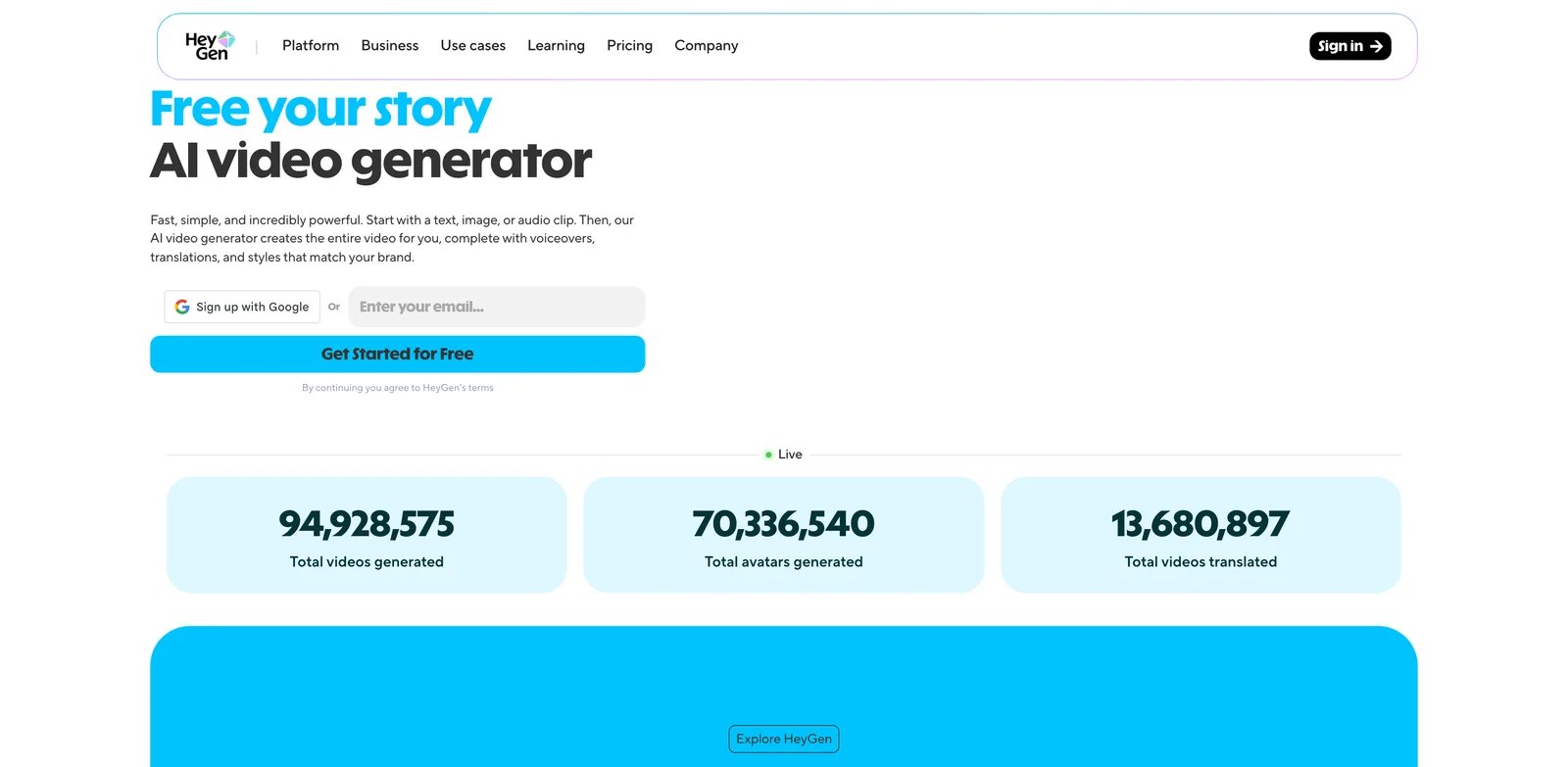
HeyGen is an AI video platform that includes a Face Swap Video tool for replacing faces in video content via a web workflow. It targets content creators, marketing teams, and business users who need fast video asset production without manual compositing. HeyGen positions itself as a comprehensive video creation suite, with face swapping as one feature among video avatars, text-to-speech, and translation capabilities.
Key Features
-
Video face swap (web tool) — Upload a video and target face, then generate a new video with the swapped face while preserving scene timing and motion. Reduces manual compositing work and speeds up producing personalized or variant video assets for campaigns, demos, and short-form content.
-
Browser-based workflow — Runs in the browser without local model setup, enabling teams to iterate on face-swap outputs from different machines and share work-in-progress links. Avoids GPU setup overhead and shortens time-to-first-result for non-technical users.
-
Plan-based access & team controls — Current tiers include Free, Creator, Pro, Business, and Enterprise; Business adds team seats and workspace collaboration. This lets organizations align spend with expected usage and manage shared work and billing.
Pricing & Plans
HeyGen offers five current web subscription tiers:
Free: $0/month — Up to 3 videos per month, with videos up to 1 minute and standard processing.
Creator: $29/month — 600 credits per month, videos up to 30 minutes, and 1080p export.
Pro: Starts at $49/month — 1,000 credits per month at the base tier, videos up to 30 minutes, and 4K export.
Business: $149/month for the first seat, plus $20 per additional seat/month — 1,500 credits per month, videos up to 60 minutes, 4K export, and workspace collaboration.
Enterprise: Contact sales — Custom pricing with dedicated support and enterprise features.
Pricing reflects monthly billing; annual discounts may be available. Check the official pricing page for current quotas and regional pricing variations.
Pros & Cons
Pros:
- Clear tiered pricing page with multiple plan options for easy comparison
- Web-based workflow lowers local deployment costs and technical barriers
- Terms of Service and content policy pages available for compliance review
Cons:
- Some quotas/features subject to real-time pricing page updates; screenshot recommended for records
- Enterprise pricing requires sales contact, reducing cost transparency upfront
Best For
- Social media creators producing 5-20 short videos weekly who need fast face-swap iterations
- Growth/advertising teams creating personalized video variants with multi-member collaboration
- Non-technical users avoiding local GPU setup and preferring a web-only interface
Get started with HeyGen
FaceHub

FaceHub is an online face-swap/deepfake web app that lets users upload media and generate face-swapped outputs through a browser workflow. It targets consumers and content creators seeking quick image/video face swapping without local installation. The platform emphasizes an "upload-anything" flow, keeping the experience centered on a simple web UI with cloud-based processing.
Key Features
-
Upload-anything workflow — Submit images or videos and run face manipulation tasks in the cloud, minimizing local setup. Helps users without GPUs or ML knowledge perform face swapping from a browser, reducing setup time and lowering experimentation barriers.
-
Premium subscription tiers — Offers monthly and annual subscription plans with different video processing quotas and features. Annual plan provides 70% discount compared to monthly billing and unlocks additional features like AI Anime/Portrait generation and multi-device login.
-
Credit-based system — Premium users consume credits for video uploads (1 credit per 15 seconds), while face swapping and photo processing are free after upload. Each plan includes 20 free credits per week to manage usage costs.
Pricing & Plans
FaceHub offers two Premium subscription tiers:
Premium (Monthly): $9.99/month (approximately $2.33/week) — 1,200 seconds of AI video face-swap processing, unlimited image face-swap, 2,000+ templates, multi-tasking parallel processing, 20 free credits per week.
Premium (Annual): $39.99/year (billed as $0.77/week, 70% off monthly rate) — 15,600 seconds of AI video face-swap processing, unlimited AI face-swap, free AI Anime/Portrait generation, unlock all pro templates, multi-device login support, 20 free credits per week.
Credits system: Premium users consume credits for video uploads (1 credit per 15 seconds). Face swapping and photo uploads/swaps are free.
Note: FaceHub has limited free access in addition to Premium. Premium costs $9.99/month or $39.99/year; video uploads on Premium consume 1 credit per 15 seconds and Premium users receive weekly free credits.
Pros & Cons
Pros:
- Official statement that users retain full rights to uploaded and created content and can delete content
- Annual plan offers significant savings (70% off) with 15,600 seconds of processing
- Clear two-tier pricing structure with monthly and annual options
- Unlimited image face-swap included in both plans
Cons:
- Limited free access may not be enough to evaluate longer videos before purchasing Premium
- Video processing quota measured in seconds may deplete quickly with long videos
- Credit-based system for video uploads adds complexity to usage tracking
Best For
- Content creators needing steady monthly output with predictable $9.99/month subscription cost
- High-volume users willing to commit annually for 70% savings ($39.99/year)
- Users prioritizing unlimited image face-swap alongside video processing
- Non-technical users preferring browser-based processing over local model installation
Get started with FaceHub
Swapface
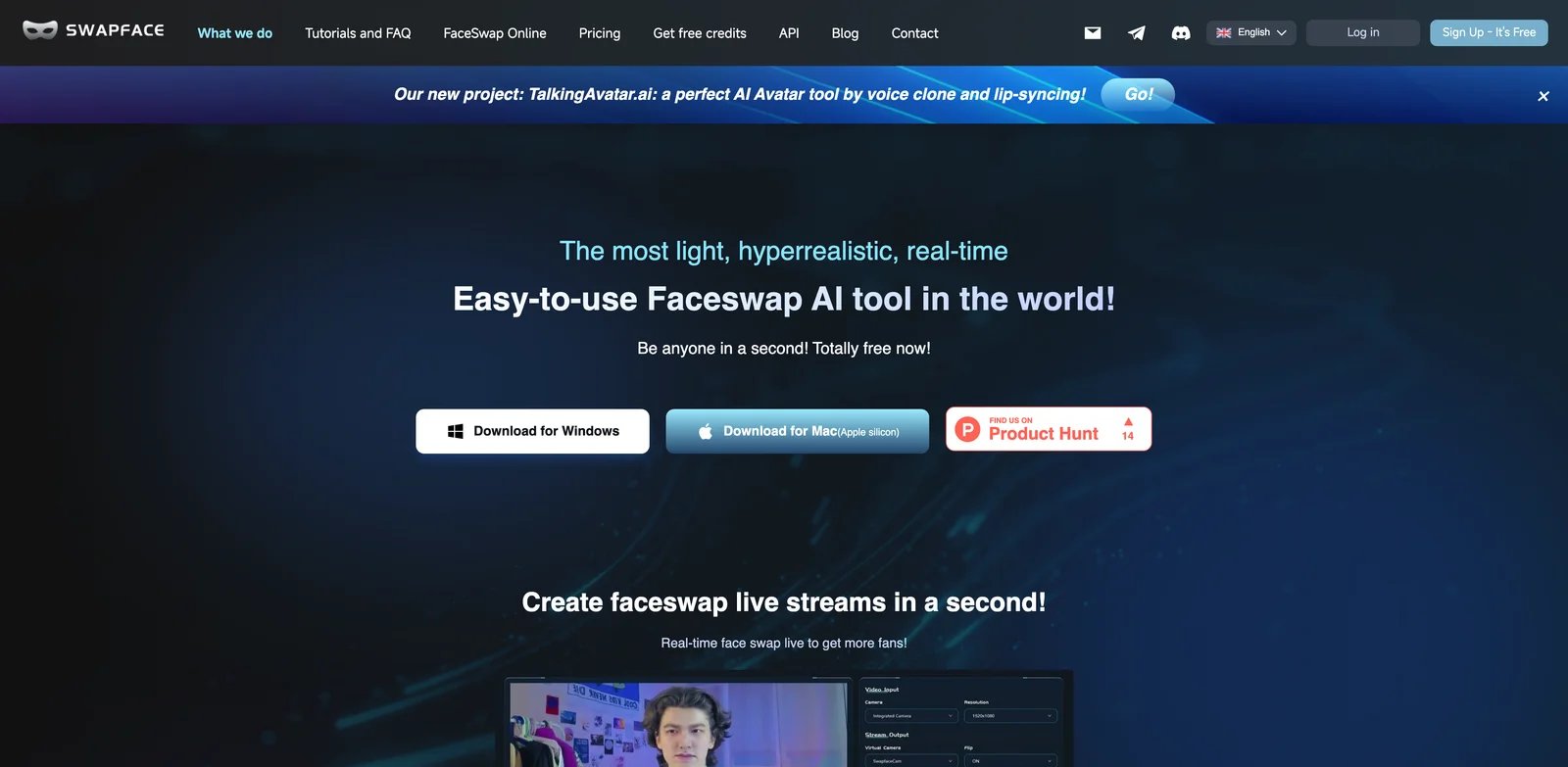
Swapface is real-time AI face swap software designed for live streaming and video calls. It targets streamers, video conferencing users, and real-time content creators who need instant face effects during broadcasts. Swapface integrates with virtual camera tools and OBS-style setups, enabling quick switching between different face effects in live production workflows.
Key Features
-
Real-time face swap for live streaming — Designed for real-time swapping on live camera feeds, enabling users to change faces during streaming or calls rather than only in offline render pipelines. Supports interactive content and live performance scenarios where turnaround time must be instant.
-
Flexible pricing tiers — Offers five pricing options from free (10 swaps/day) to enterprise ($249/month), including credit packages for offline processing and subscription plans with unlimited streaming. Lets users choose between pay-per-use credits for occasional video editing or monthly subscriptions for professional live streaming.
-
Streamer-optimized workflow — Integrates with virtual camera tools and OBS-style setups for quick switching between face effects during live broadcasts. Lets streamers add face effects as an additional layer without disrupting their existing production setup, reducing post-production workload.
Pricing & Plans
Swapface offers five pricing tiers to accommodate different usage patterns:
Free: $0 — 10 image/video/stream swaps per day, watermark included. Suitable for testing and light personal use.
Pay as you go: $19 (100 credits) or $49 (500 credits) — Credit-based pricing for offline processing. 1 image faceswap = 1 credit, 1 video faceswap = 4 credits. Nvidia GPU acceleration included. Does not include stream faceswap—credits are for image and video processing only.
Pro: $39/month, $99/quarter, or $299/year — 50 image/video swaps per day, unlimited stream faceswap with fast mode, no watermark. Includes HD MP4 exports, GPU acceleration, and priority processing.
Advance: $69/month, $199/quarter, or $499/year — 100 image/video swaps per day, unlimited stream faceswap with fast mode, no watermark. Same features as Pro with higher daily quotas.
Enterprise: $249/month, $499/quarter, or $999/year — 300 image/video swaps per day, all stream modes, unlimited stream faceswap, high priority support, no watermark. Best for professional streamers and production teams.
Note: Stream faceswap (real-time) requires Pro, Advance, or Enterprise subscription. Pay-as-you-go credits are for offline image/video processing only.
Pros & Cons
Pros:
- Free tier ($0) available with 10 swaps/day for testing before purchasing
- Five pricing tiers accommodate different budgets and usage patterns (free to $249/month)
- Unlimited stream faceswap included in Pro and higher tiers for live streaming workflows
- Annual subscriptions offer significant savings (Pro: $299/year vs $468 if billed monthly)
- Credit packages ($19-$49) provide pay-per-use option for occasional offline video editing
Cons:
- Pay-as-you-go credits do not support stream faceswap, limiting real-time use cases
- Free tier includes watermark on outputs, requiring paid plan for clean exports
- Desktop software requires local installation and GPU setup, unlike browser-based alternatives
Best For
- Live streamers needing real-time face swap during broadcasts (Pro plan at $39/month minimum)
- Professional full-time streamers requiring high daily quotas (Advance/Enterprise: 100-300 swaps/day)
- Occasional video editors who prefer pay-per-use pricing (credit packages at $19-$49)
- Budget-conscious users wanting to test real-time face swap quality (Free tier: 10 swaps/day)
- Users willing to invest time in local setup and GPU configuration for real-time performance
Get started with Swapface
Deepfakes Web

Deepfakes Web is an online app for creating deepfake videos directly in the browser using cloud processing. It targets individuals and content creators seeking straightforward face-swapped video generation without subscriptions. The platform uses a pay-per-video model, charging only for completed outputs rather than requiring monthly commitments.
Key Features
-
Online deepfake creation — Provides a browser-based flow to create deepfake outputs without local installation, positioning itself as an online app for making deepfake videos. Enables users to try deepfake creation without setting up local GPU tooling, making experimentation accessible to non-technical users.
-
Per-output purchasing — Uses a per-video purchase model rather than requiring a recurring subscription for all users. Works well for occasional users who only need a small number of videos, keeping spend predictable and avoiding ongoing commitments.
-
Cloud processing — Runs processing server-side (as implied by "online app" positioning), so users do not need local compute to generate outputs. Shifts compute cost to the service and removes the need for local GPU hardware, especially valuable for casual creators.
Pricing & Plans
Deepfakes Web offers one plan:
Pay-per-video: $10 per video — One-time payment per completed video. No subscription or monthly fees.
Pricing may change over time. No free trial is advertised; verify current offers on the site before purchase.
Pros & Cons
Pros:
- Per-video pricing suits low-frequency needs (e.g., monthly ≤3 videos)
- Online tool eliminates local installation requirements
- Low barrier to entry (no GPU deployment needed on user end)
Cons:
- Per-video pricing becomes expensive for high-volume users (5+ videos/month)
- Deepfake tools carry legal and ethical risks; carefully review terms of service before use
Best For
- Individuals needing occasional face-swap videos (monthly ≤3 videos)
- Content creators wanting quick deepfake effect validation without local tool installation
- Marketing/creative teams requiring one-time short video asset production (per-video budget)
Get started with Deepfakes Web
Video Face Swap
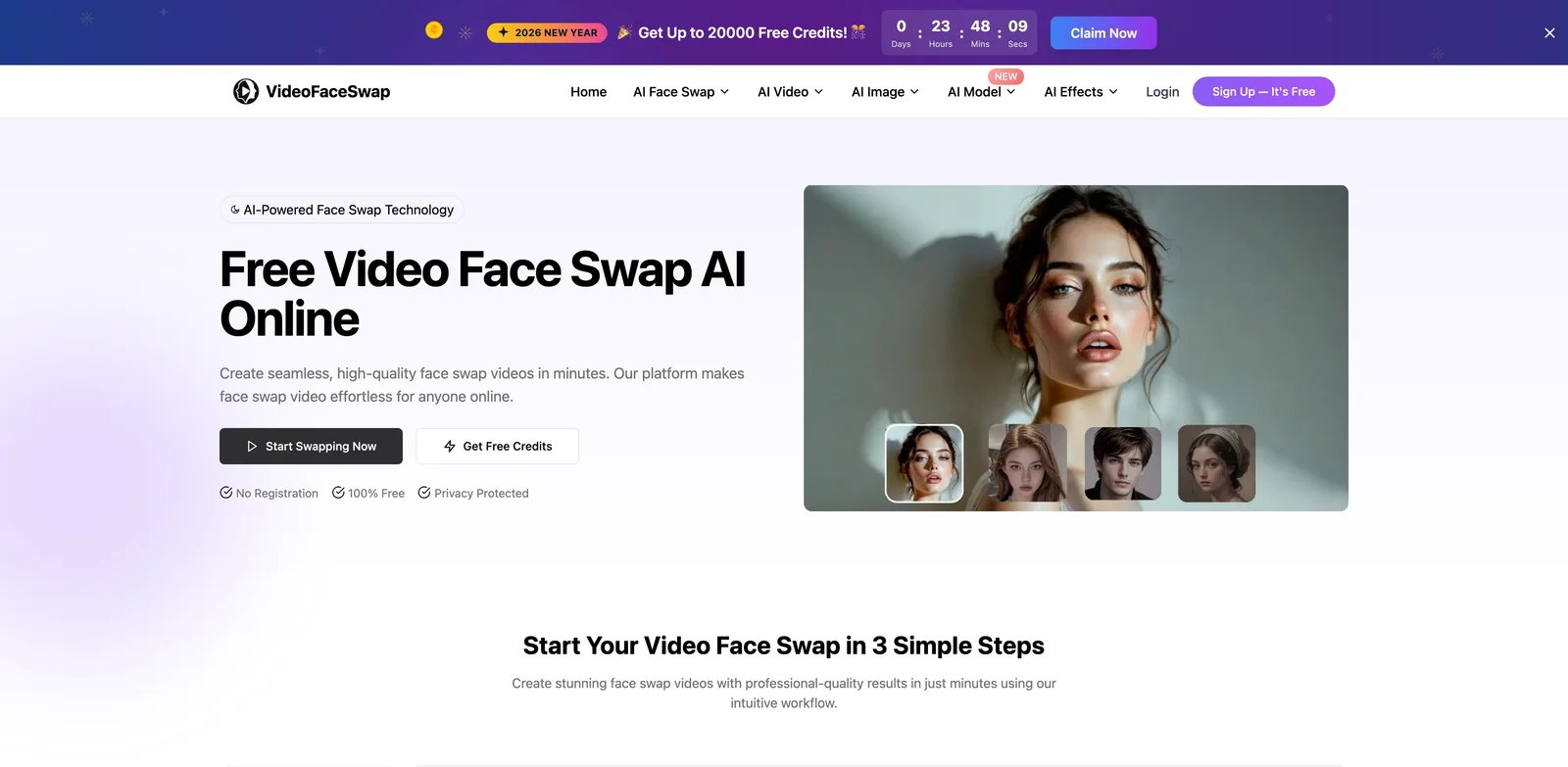
Video Face Swap is a web-based tool for swapping faces in video using a credit/package workflow. It targets individuals and content creators needing online video face swapping for short videos or asset revisions. The platform uses credit/package purchasing rather than only subscription, enabling users to buy capacity as needed and track usage via account history.
Key Features
-
Video face swap generation — Focuses on swapping faces in video content through an online workflow, typically by uploading a source video and target face image(s) and receiving a processed output. Allows creators to generate variants of video assets without manual editing, supporting fast iterations for social platforms.
-
Credit/package purchasing — Uses a pricing page that sells usage credits or packages rather than only a subscription. Makes costs more predictable for occasional use and avoids recurring subscriptions when output volume is irregular.
-
Account-based history — Includes account pages such as credit history, indicating tracking of usage and purchases over time. Helps users monitor consumption and manage spend, especially when multiple projects share the same account balance.
Pricing & Plans
Video Face Swap has a free plan plus one-time credit packages:
Free: $0 — 20 free credits per day, resetting at UTC 0:00.
Starter: $9.99 — 2,000 credits plus 1,000 bonus credits.
Standard: $29.99 — Mid-tier package for regular use.
Lite: $49.99 — 18,000 credits plus 2,000 bonus credits.
Premium: $199 — 80,000 credits plus 8,000 bonus credits.
Purchased credits never expire. Current face-swap rates are 2 credits/second for Basic video, 6 credits/second for HD video, 2 credits/image for Photo or Batch Face Swap, 2 credits/second for GIF, 8 credits/image for multi-face photos, and 10 credits/second for multi-face video.
Pros & Cons
Pros:
- Clear pricing page entry point (/price) for price verification
- Credit/package model suits users with unstable output volume
- Account and consumption history pages available for tracking
Cons:
- Credits-per-video consumption varies by video length and resolution, requiring careful cost estimation
- Package sizes may not align perfectly with project needs, potentially leaving unused credits
Best For
- Small content teams needing occasional video face swapping (buying packages, avoiding subscription)
- Creators needing batch short video asset revisions (purchasing credits based on output volume)
- Non-technical users wanting web tool to quickly run video face swap workflow
Get started with Video Face Swap
Picsi.Ai
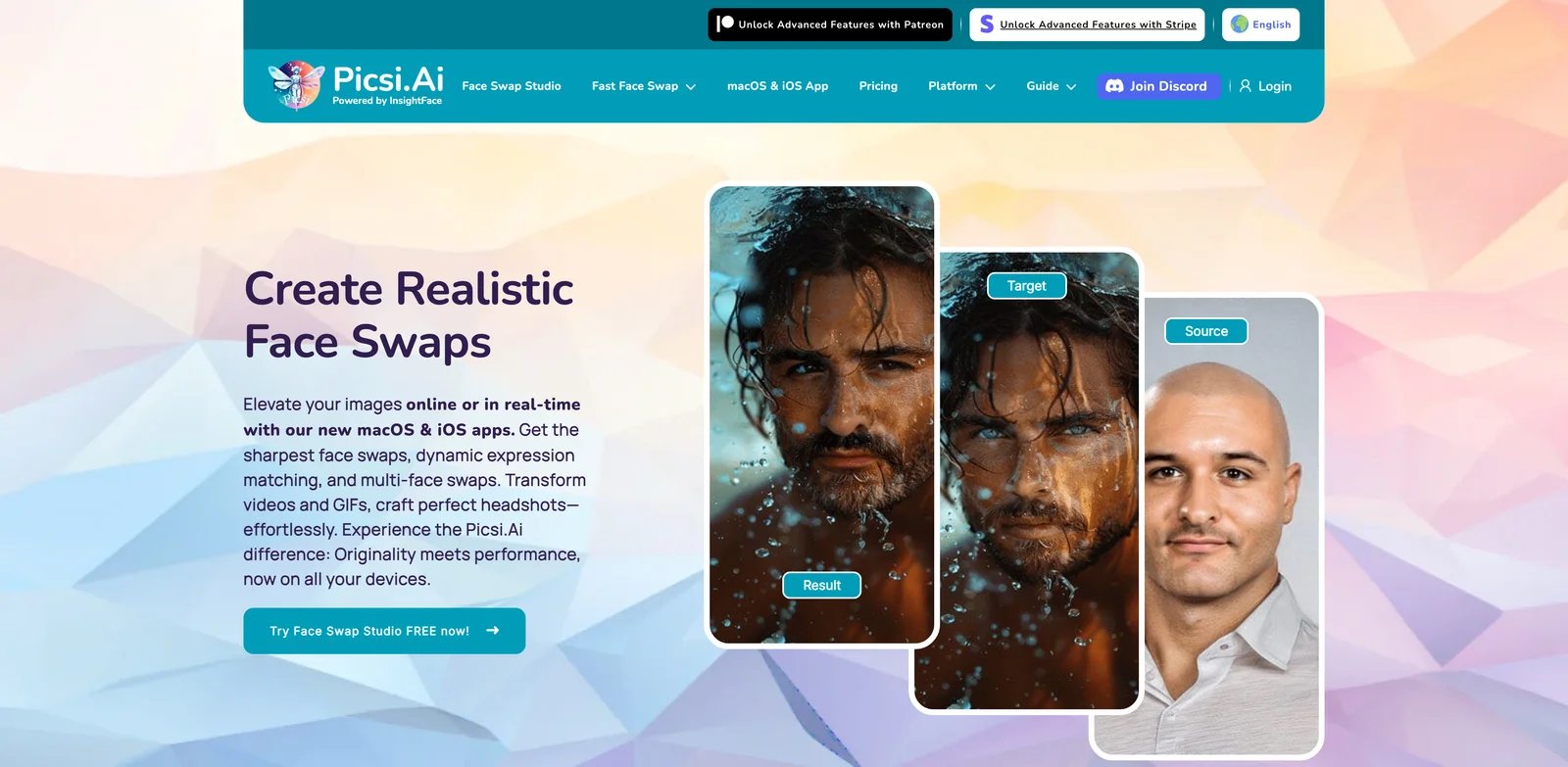
Picsi.Ai is an AI image/video editing toolkit that includes face-related editing such as face swap, offered via subscription tiers. It targets creators and marketing personnel needing online AI image/video editing (including face swapping). Picsi positions itself as an AI editing toolset where face swap is one capability among others, typically through a web-based interface tied to an account.
Key Features
-
Face swap within an editing toolkit — Positions itself as an AI editing toolset where face swap is one of the capabilities offered to subscribers, typically through a web-based interface. Enables creators to iterate quickly on visual assets by replacing faces without complex manual masking and compositing steps.
-
Multi-tier subscriptions (Basic → Ultra) — Offers multiple subscription tiers with increasing prices and (typically) expanding limits/features, visible on the subscription page and mirrored on Patreon tiers. Lets users choose a plan aligned with expected volume, avoiding overpaying for occasional use while enabling scale for professional workflows.
-
Community-backed plan availability — Maintains Patreon tiers that reflect paid access options and can serve as an alternate reference point when the main site pricing changes or is geo-variant. Provides redundancy for users and reviewers to validate plan names and price ranges even if the main pricing UI changes.
Pricing & Plans
Picsi.Ai offers multiple subscription tiers (pricing may vary by platform):
Basic: $9.99/month — Essential features for casual users.
Pro: $19.99/month — Enhanced capabilities for regular creators.
Ultra: $34.99/month — Full feature set for professional use.
The listed $9.99 Basic, $19.99 Pro, and $34.99 Ultra prices are official iOS monthly tiers; free users receive 10 daily credits, while Basic, Pro, and Ultra receive 200, 400, and 800 daily credits respectively. Picsi.Ai's Terms prohibit commercial use of free-generated images; paid commercial image use requires rights-cleared source and target photos plus clear Picsi.Ai attribution, including metadata/EXIF attribution for digital images.
Pros & Cons
Pros:
- Clear subscription tiers with verifiable pricing amounts
- Terms of Service entry point available for verifying commercial use and content rights
- Patreon serves as backup pricing reference for cross-validation
Cons:
- Pricing varies by platform (iOS vs web), requiring verification for your preferred access method
- Tier differences (quota/watermark/export limits) not fully detailed on pricing page, complicating plan comparison
Best For
- Content creators needing steady monthly AI editing output (including face swap) starting at $9.99/month
- Marketing teams requiring enhanced features and higher usage quotas (Pro tier at $19.99/month)
- Professional users needing full feature access and highest quotas (Ultra tier at $34.99/month)
Get started with Picsi.Ai
Reface
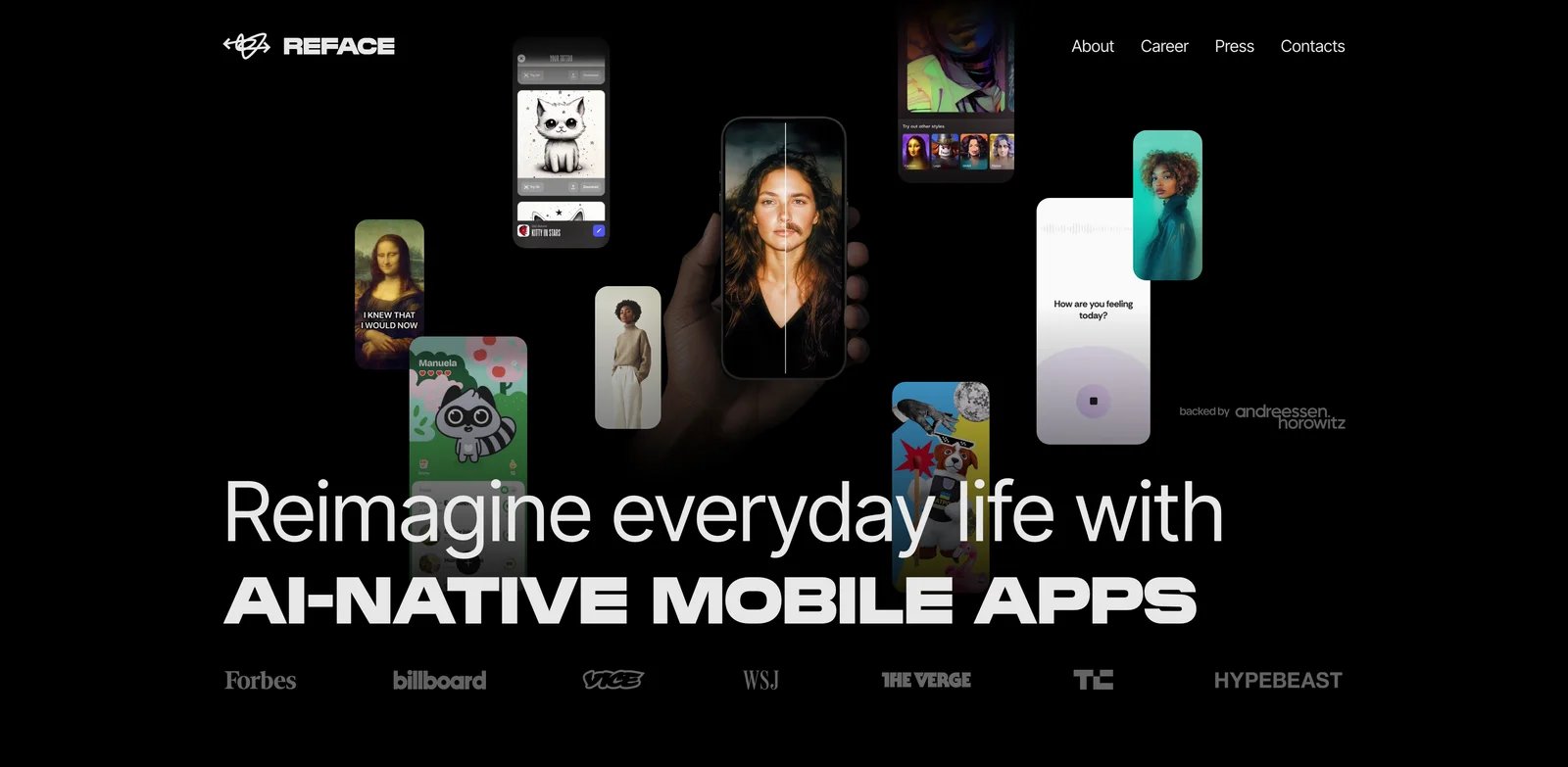
Reface (Unboring) is a mobile-first AI app for face swap and related effects, marketed via the Unboring product experience. It targets mobile users, social media content creators, and casual users who enjoy entertainment-focused face swapping and effects. Reface delivers face swap as a consumer-friendly experience inside a mobile app, focusing on quick, shareable outputs rather than long setup workflows.
Key Features
-
Mobile face swap effects — Delivers face swap as a consumer-friendly experience inside a mobile app, typically focusing on quick, shareable outputs. Enables casual users to produce entertaining face swap clips for social sharing in minutes, lowering the learning curve versus pro VFX tools.
-
Subscription-based access (in-app purchases) — Monetizes via in-app subscriptions and purchases listed on the App Store, with multiple billing cadences (weekly/monthly/annual) available. Gives users flexibility to pay for short bursts of usage (weekly) or reduce cost via longer commitments (annual), depending on creation frequency.
-
App-store distributed compliance surface — As an app-store distributed product, pricing and subscription options are publicly listed in the App Store metadata under in-app purchases. Makes price verification easier for reviewers and users because the store listing provides a canonical public record of purchase options.
Pricing & Plans
Reface is free to download with paid in-app purchases:
Free: $0 to download — The US App Store lists Reface as Free with In-App Purchases and advertises selected face-swap features for free.
Monthly (US App Store in-app purchase): $12.99/month — One of the currently listed subscription options.
Annual (in-app purchase): $24.99/year — Annual subscription (App Store in-app purchase). Features per in-app description.
Pricing above is from the US App Store In-App Purchases list. It currently also lists weekly options at $2.49, $3.99, and $6.99, plus other in-app purchases; regional pricing may differ.
Pros & Cons
Pros:
- App Store publicly lists in-app purchase prices (Weekly/Monthly/Annual with specific amounts), enabling price verification
- Mass-market mobile experience with low onboarding barriers
- Multiple billing cycles available (week/month/year)
Cons:
- Pricing and privileges primarily defined in-app; manual verification of each subscription's feature scope required
- Different regions/times may have promotions or different pricing; timestamp/location annotation recommended
Best For
- Mobile users enjoying entertainment-focused face swap/effects (short-term weekly subscriptions also available)
- Individuals needing quick social meme/short video production (monthly subscription more suitable)
- High-frequency users wanting lower long-term cost (consider annual payment)
Get started with Reface
DeepSwap

DeepSwap is a subscription-based AI face swap service for photos, GIFs, and uploaded videos. It targets creators who want cloud processing and custom uploads without local setup. Premium includes monthly credits, and supported payment methods can renew automatically unless canceled.
Key Features
-
Face swap for video & images — Markets itself as an AI face swap service capable of processing both videos and images, typically via uploading media and generating swapped outputs. Enables users to create face-swapped content without manual VFX workflows, supporting rapid experimentation for social and creative projects.
-
Subscription plus credits — Premium includes 20 credits per billing month, with additional credit packages available. Face swaps currently consume 0.1 credit per photo, 1 credit per GIF, or 1 credit per 15 seconds of video.
-
Promotional pricing — Often displays promotional discounts at checkout (e.g., 50% off first order), reducing initial investment barriers. First-order promotions can significantly lower entry costs for users testing the service.
Pricing & Plans
DeepSwap offers recurring Premium access:
Premium Monthly: $19.99/month — Includes 20 credits, priority processing, HD face swap, and longer video limits. The subscription renews automatically when the payment method supports renewal unless canceled.
Premium Annual: Check current checkout price — Includes 20 credits each month (240 total across the year); promotions and payment terms can vary.
Credit use: Photo 0.1 credit, GIF 1 credit, and video 1 credit per 15 seconds. Verify the current checkout total and renewal toggle before paying.
Verify current pricing and promotions on the official pricing page, as offers may change.
Pros & Cons
Pros:
- Monthly credits and published consumption rates make it possible to estimate output cost
- Supports custom photo, GIF, and video uploads in one browser workflow
- Additional credit packages are available for bursts of higher usage
Cons:
- Supported payment methods may auto-renew, so cancellation settings should be checked before purchase
- Credits can deplete quickly on longer videos, and promotional checkout prices can change
Best For
- Creators who need custom photo, GIF, or video uploads without local setup
- Users whose output volume fits the published credit model
- Projects that can accept cloud processing and subscription billing
Get started with DeepSwap
FaceFusion
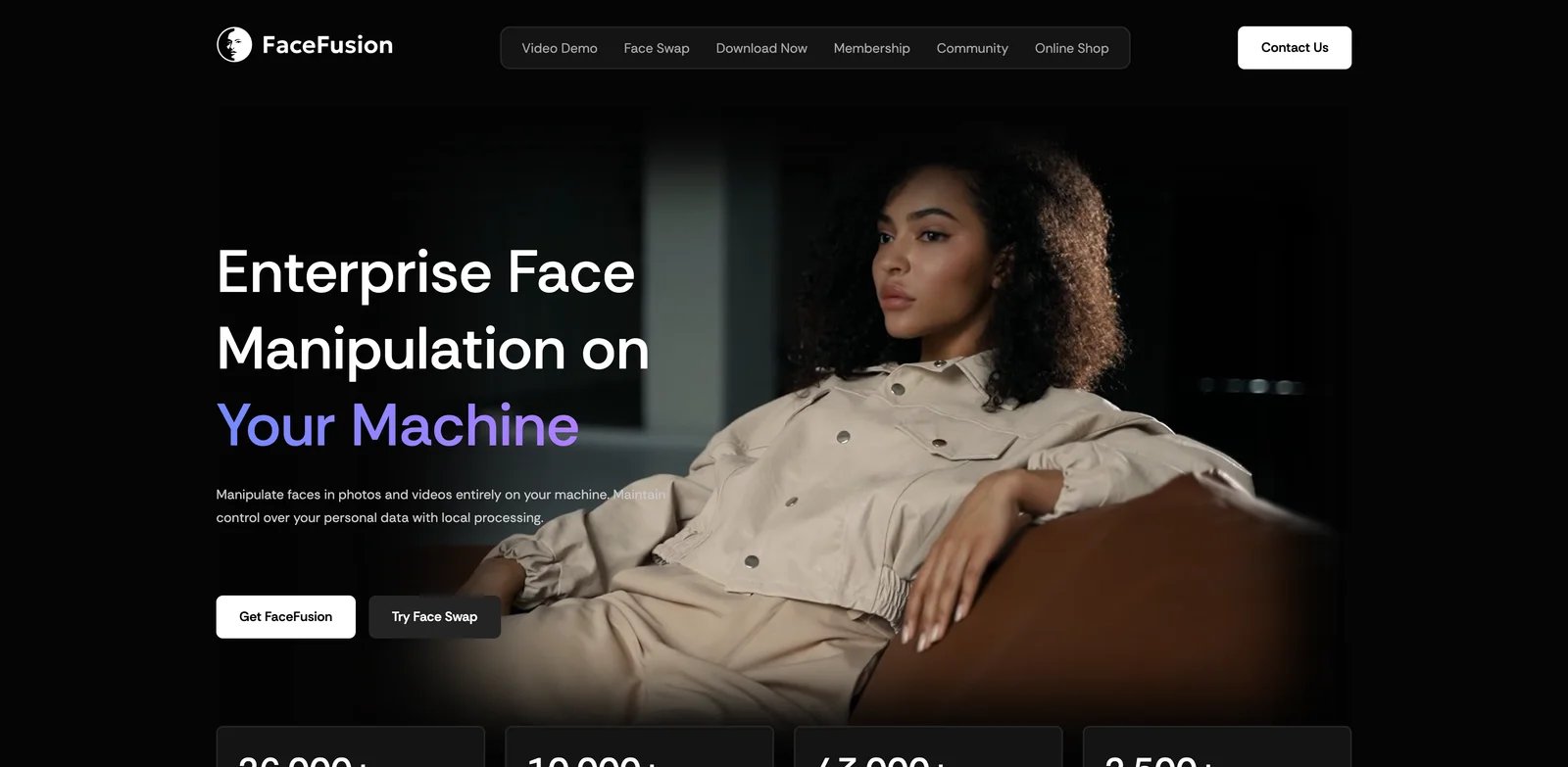
FaceFusion is a face manipulation platform with licensing options and documentation, including usage policy guidance for commercial use. It targets advanced users and creators needing local/tooling-based face processing (swapping/fusion, etc.). FaceFusion provides structured licensing documentation under OpenRAIL-AS, with additional notes on component-specific restrictions that require verification before commercial deployment.
Key Features
-
Usage policy documentation — Publishes a usage policy addressing commercial use scenarios, with licensing documented under OpenRAIL-AS framework. Some components may carry additional restrictions, requiring review of the full license documentation before commercial deployment.
-
Documentation site — Maintains a comprehensive documentation site covering installation, licensing, and usage guidance. Centralizes technical requirements and compliance information, though users should verify component-specific licenses for production use.
-
Open-source distribution — Provides a public GitHub repository with source code access. OpenRAIL-AS license permits use with certain conditions; verify that all components and models meet your commercial use requirements, as some may have non-commercial restrictions.
Pricing & Plans
FaceFusion offers one free tier:
Open-source: $0 — Source code available (GitHub) under OpenRAIL-AS license. Subject to license terms and usage policy; verify component-specific licenses for commercial use.
Optional official installers: Windows $20 one-time; macOS $30 one-time. Source-code installation remains $0. FaceFusion is distributed under OpenRAIL-AS, while supplied assets are subject to their individual licenses.
Pros & Cons
Pros:
- Official usage policy and license documentation (OpenRAIL-AS) for compliance clarity
- Dedicated documentation site covering installation, licensing, and usage guidance
- Public code repository enabling auditing and self-hosting
Cons:
- Some components may carry non-commercial or restricted licenses requiring careful verification
- Official installers have public one-time prices ($20 for Windows and $30 for macOS), while source-code installation is free but requires more manual setup
Best For
- Businesses needing official licensing documentation (OpenRAIL-AS) for compliance review
- Technical teams wanting self-deployment with code auditing capabilities
- Users willing to verify component-specific licenses before commercial deployment
Get started with FaceFusion
DeepFaceLive
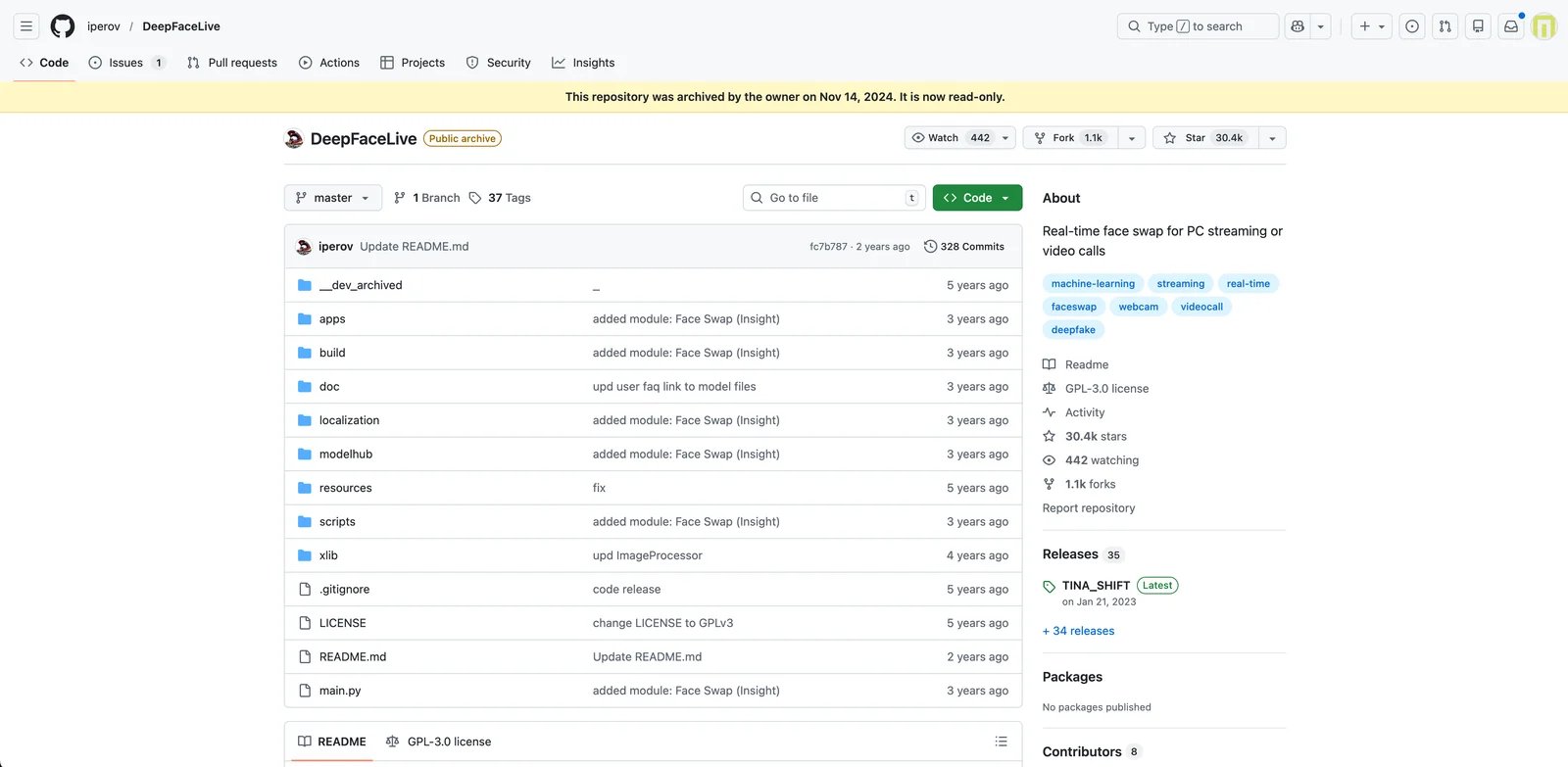
DeepFaceLive is an open-source real-time face swap application (GitHub project). It targets technical users, streamers, and researchers needing local real-time face swapping and willing to configure the environment. DeepFaceLive includes a 'Face Swap (DFM)' mode and a 'Face Swap (Insight)' option referenced in the project README, indicating real-time swapping based on multiple workflows within the application.
Key Features
-
Real-time Face Swap (DFM) — Includes a 'Face Swap (DFM)' mode referenced in the project README, indicating real-time swapping based on a DFM workflow within the application. Enables local real-time swapping use cases (e.g., live camera) for users who need interactive output rather than offline rendering.
-
Real-time Face Swap (Insight) — Lists a 'Face Swap (Insight)' option in the README feature list, suggesting an alternate swapping pipeline available inside the tool. Gives advanced users multiple swap pipelines to choose from depending on quality, performance, or model compatibility needs.
-
Open-source distribution (GPL-3.0) — Distributed as an open-source repository under GPL-3.0, allowing code inspection, modification, and community forking under the license terms. Lets technical teams self-host and customize workflows while understanding the copyleft obligations and compliance requirements.
Pricing & Plans
DeepFaceLive offers one free tier:
Open-source: $0 — GitHub repository public download/build. Requires local environment configuration; subject to GPL-3.0 constraints.
Note: Open-source free ($0); main cost is local hardware and configuration time.
Pros & Cons
Pros:
- Open-source, auditable, can run locally
- README lists multiple Face Swap modes (Face Swap DFM and Face Swap Insight)
- GPL-3.0 license is clear
Cons:
- Repository is archived (Archived), potentially limiting maintenance activity and updates
- GPL-3.0 may constrain closed-source commercial integration (GPL-3.0 is copyleft; distributing derivative works requires open-source compliance)
Best For
- Technical streamers/creators needing local real-time face swap effect (willing to configure environment)
- Users wanting code auditing, processing sensitive data locally (not relying on cloud services)
- Developers researching/learning real-time face swap implementation
Get started with DeepFaceLive
Faceswap
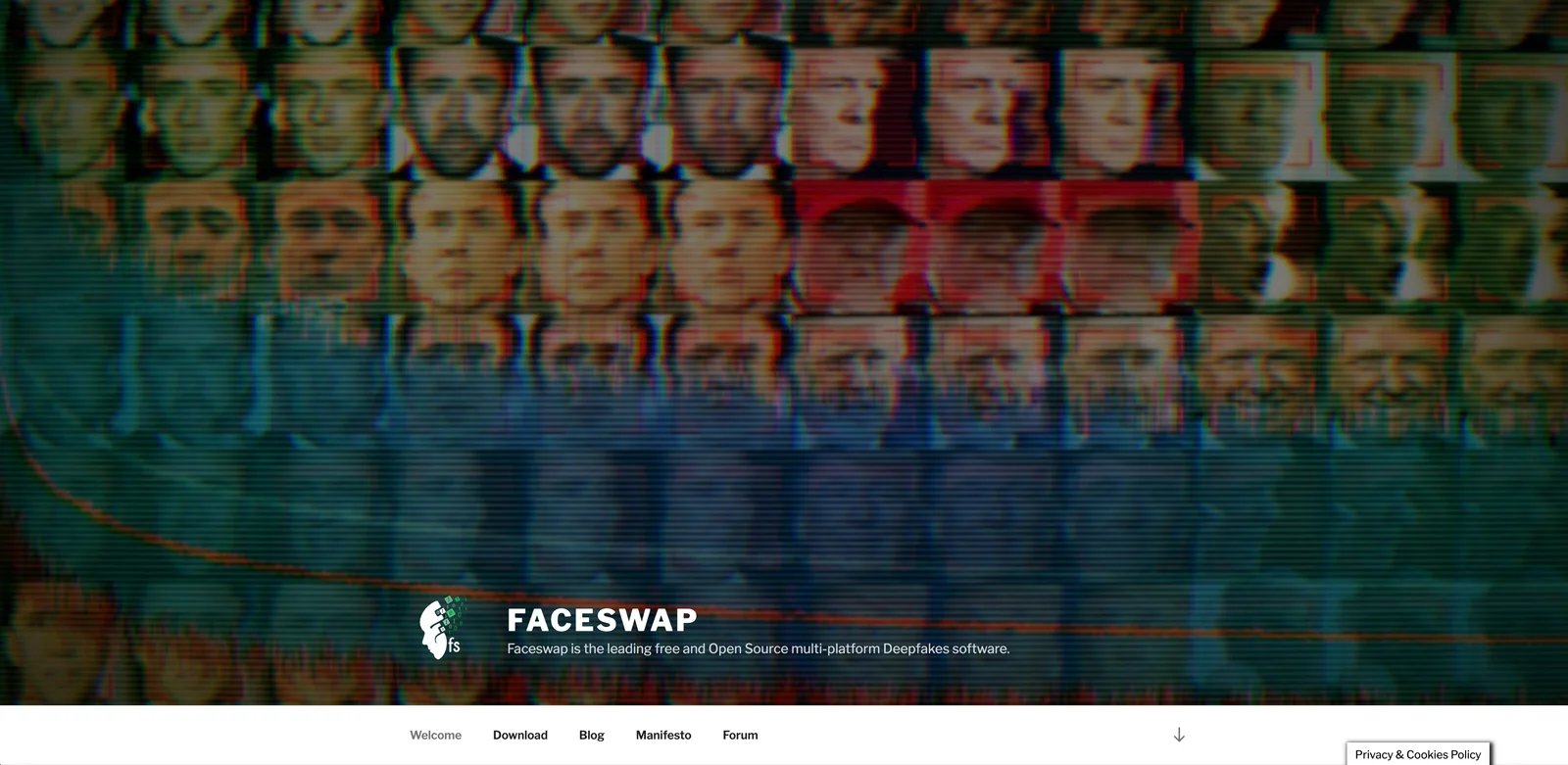
Faceswap is an open-source deepfake/face swapping software project with documentation and plugin architecture. It targets developers, researchers, and technical users needing local training and conversion flows, willing to read documentation and configure environments. Faceswap identifies itself as 'Deepfakes Software For All' in the repository description, indicating an open-source toolkit aimed at broad accessibility for creating face-swap/deepfake outputs.
Key Features
-
Open-source deepfake software — Identifies itself as 'Deepfakes Software For All' in the repository description, indicating an open-source toolkit aimed at broad accessibility for creating face-swap/deepfake outputs. Allows technical users to run and audit the full pipeline locally, which can be important for privacy, repeatability, and research experimentation.
-
Built-in documentation files — Includes dedicated documentation files such as INSTALL.md and USAGE.md in the repository, providing structured guidance for setup and operation. Reduces onboarding friction for new users and provides a verifiable reference for required dependencies and recommended workflows.
-
Plugin architecture — Contains a 'plugins' directory in the repository structure, indicating extensibility through plugins for certain components of the pipeline. Enables advanced users to adapt or extend the tool for different models, detectors, or conversion strategies while keeping changes modular.
Pricing & Plans
Faceswap offers one free tier:
Open-source: $0 — Source code available (GitHub). Can self-deploy. Requires local compute and environment configuration; subject to GPL-3.0 constraints.
Note: Open-source free ($0); actual cost is GPU/time and compliance cost.
Pros & Cons
Pros:
- Open-source, auditable, can run locally
- Provides installation and usage documentation files (repository contains INSTALL.md and USAGE.md)
- Has plugins directory, indicating extensibility
Cons:
- GPL-3.0 may constrain certain commercial distribution/closed-source integration (GPL-3.0 is copyleft; distributing derivative works requires license compliance)
- Local deployment typically requires strong compute and configuration cost (repository includes installation docs, implying dependency and environment configuration needs—requires further extraction from INSTALL.md for details)
Best For
- Users wanting fully local processing, avoiding cloud uploads
- Developers needing extensible/researchable open-source face swap pipeline
- Research/learning scenarios with high repeatability and model controllability requirements
Get started with Faceswap
FaceMagic

FaceMagic is a face swap app/service for creating face-swapped videos and images, offered via subscription plans. It targets entertainment and short video creators among casual users and content creators. FaceMagic provides a consumer-friendly workflow that commonly centers around selecting templates/effects and applying a user face to generate shareable outputs.
Key Features
-
Template-driven face swap creation — Provides a consumer-friendly workflow that commonly centers around selecting templates/effects and applying a user face to generate shareable outputs. Lets non-technical users produce entertaining face swap clips quickly for social platforms without learning editing software.
-
Subscription plans — Publishes a pricing page with subscription plans for unlocking premium access, indicating tiered access to features and/or higher usage limits. Enables repeat creators to pay a predictable monthly fee rather than purchasing per output, reducing friction for high-frequency creation.
-
Terms of Service for policy clarity — Maintains an accessible Terms of Service page, which is critical for face-related tools to clarify prohibited uses, user responsibilities, and rights in uploaded/created content. Helps users and businesses assess compliance risk before using the tool in public-facing or commercial contexts.
Pricing & Plans
FaceMagic has a free/non-Pro mode plus paid Pro subscriptions:
Free / non-Pro: Public materials can be face-swapped up to 3 times per day, with ads increasing this to 20 times per day; private materials can be used twice per material.
Pro (Monthly): Price varies by App Store or Google Play account country. Subscribers receive 20 credits per month; check the in-app PRO section for the current local price.
Pro (Annual): Price varies by App Store or Google Play account country — billed once per year; check the in-app PRO section for the current local amount.
Paid plans provide premium access, but exact prices, credits, features, and watermark rules should be verified in the in-app PRO section for the user's region.
Pros & Cons
Pros:
- Official FAQ documents usage rules, while local subscription prices remain visible in the app-store purchase flow
- Terms of Service entry point for compliance verification
- Mass-market quick onboarding experience
Cons:
- Feature differences between free and Pro tiers not fully detailed on pricing page
- Face swap content carries high compliance risk; carefully review ToS prohibited uses before use
Best For
- Individuals needing quick entertainment-focused face swap short videos (producing multiple clips weekly)
- Social media operators/short video creators (wanting subscription to unlock more templates or higher usage)
- Non-technical users not wanting local tool installation, preferring Web/in-app flow
Get started with FaceMagic
Best AI Face Swap Tools by Use Case
Choosing the right face swap tool depends on your use case, output frequency, budget, and technical comfort level. This section breaks down recommendations by common scenarios to help you narrow your options quickly.
For Live Streamers and Real-Time Use
If you need instant face swapping during live streams, video calls, or real-time presentations, consider Swapface or DeepFaceLive. Swapface offers five pricing tiers from free (10 swaps/day with watermark) to Enterprise ($249/month for 300 swaps/day). Pro plan at $39/month provides unlimited stream faceswap with fast mode, suitable for regular streamers. Annual subscriptions offer significant savings—Pro annual at $299/year saves $169 compared to monthly billing. Note that Swapface's pay-as-you-go credits ($19-$49) only support offline video processing, not real-time streaming. DeepFaceLive is open-source (GPL-3.0) and runs entirely locally, offering full control and privacy for technical users willing to configure GPU-based environments. Both tools prioritize real-time performance over offline rendering, making them suitable for interactive scenarios where latency matters most.
For Occasional or One-Time Projects
If you only need face swapping occasionally (e.g., a few videos per month), pay-per-use models may be more cost-effective than monthly subscriptions. Deepfakes Web charges $10 per video, eliminating recurring fees and making budgeting simple for low-frequency users. Video Face Swap offers credit packages, allowing you to purchase capacity as needed and track usage via account history. Both options suit creators who don't want monthly commitments and prefer paying only when they generate output.
For Social Media Creators and Mobile Users
If you produce quick face-swap content for social platforms, mobile-first tools with template libraries and short export times work best. Reface is free to download and offers several US App Store subscription options, while FaceMagic provides limited non-Pro use and region-priced Pro subscriptions. Both prioritize speed and ease of use over advanced editing control.
For Teams and Marketing Workflows
If your team needs face-swapping as part of a broader video creation pipeline, integrated platforms offer collaboration and asset management advantages. HeyGen Business starts at $149/month for the first seat, with additional seats priced separately, and adds workspace collaboration. HeyGen's browser workflow eliminates local setup, enabling distributed teams to iterate on video campaigns. Picsi.Ai bundles face swap with other AI editing tools, but teams should review its attribution and commercial-use conditions before publishing client work.
For Developers and Self-Hosting
If you require code access, local processing for privacy, or customization beyond standard workflows, open-source tools provide maximum flexibility. FaceFusion provides official usage policy documentation under OpenRAIL-AS licensing and maintains a comprehensive documentation site; verify component-specific licenses before commercial use. Faceswap includes plugin architecture and structured documentation (INSTALL.md, USAGE.md) under GPL-3.0, enabling developers to extend the pipeline for specific model or detector requirements while complying with copyleft obligations. For broader open-source AI tools, check our dedicated category.
How to Choose the Right AI Face Swap Tool
Choose by the failure that would make the result unusable, not by the longest feature list.
1. Separate photo, uploaded video, live video, and templates. A photo tool only has to blend one frame. Uploaded-video tools must keep identity stable across motion and occlusion. Live tools trade maximum quality for low latency and usually need a compatible GPU. Template apps are fast but may not let you upload a custom target video. Eliminate tools that do not support the exact input and output mode before comparing prices.
2. Test the hard frame before buying. Use a short, consented clip with a head turn, hair or a hand crossing the face, and a lighting change. Check edge blending, eye and mouth motion, identity consistency across frames, processing time, export resolution, watermark, and whether multiple faces can be assigned separately. A polished front-facing demo does not answer those questions.
3. Calculate cost from usable output. For credit plans, convert credits into the duration and resolution of your real project. For subscriptions, check video-length caps, monthly minutes, queue priority, watermark removal, and whether unused credits expire. For local tools, include GPU time, model setup, storage, and maintenance rather than treating open source as cost-free.
4. Decide whether the face can leave your device. A cloud workflow is easier, but you are uploading biometric media. Before uploading, look for a specific retention/deletion window, training-use language, account deletion controls, and a way to remove source and generated files. If the policy is vague or the subject did not consent, use a local workflow or do not run the swap.
5. Verify rights and safeguards for the intended release. Confirm consent for every identifiable person, then read the tool's prohibited-use and commercial-use terms. A paid plan does not automatically grant rights to another person's likeness, and an open-source license does not resolve privacy, publicity-right, fraud, or synthetic-media disclosure obligations.
For a fast shortlist: start with Swapface or DeepFaceLive for live camera use; FaceFusion or Faceswap when local control matters more than setup time; Reface or FaceMagic for template-led mobile clips; and the browser tools in this guide for uploaded media. Recheck the current trial and checkout terms, then buy only after one representative file passes your quality, privacy, and export requirements.
Frequently Asked Questions
What is the best AI face swap tool for beginners?
Are any AI face swap tools completely free?
Can I use AI face swap tools for commercial projects?
How do real-time face swap tools differ from offline rendering tools?
What are the typical pricing models for AI face swap tools?
Do I need a powerful GPU to run AI face swap tools?
How do I ensure compliance and avoid legal issues with face swapping?
Can I integrate AI face swap tools into my app or workflow via API?
Get ToolWorthy Weekly
New AI tools, practical guides, and selected AI signals in one weekly brief.
Related Posts

Best AI Clip Generators 2026: Pick by Workflow
Compare AI clip generators by source workflow, editing control, publishing finish, team needs, and usage meter—without pretending there is one universal winner.

Best AI Career Coach Tools: Choose by Career Bottleneck
Compare AI career coach tools by the career bottleneck they actually solve: exploration, a career pivot, job-search execution, market signal, or interview rehearsal.

Best AI Browser Agents for Everyday Work and Automation
Compare AI browser agents for everyday browsing, supervised assistance, managed web tasks, hosted runtimes, and code-first automation.
For AI tool founders
Built a tool that belongs in this decision set?
Request an editorial evaluation for possible inclusion in ToolWorthy.
Submit your tool for reviewPaid submission does not guarantee a ranking, recommendation, inclusion, or editorial outcome.
Discover More AI Tools
Browse maintained AI tool listings and source-based editorial guides, then verify current product details with the vendor for your use case.