
13 Best AI Tools for Students 2026 — Cheating Risk, Real Pricing
Worried your AI tool counts as cheating? Compare 13 AI tools for students by study task, pricing, billing risks and academic-integrity boundaries.
On this page
It's Sunday night, you have a twelve-page lit review due Thursday, a problem set Wednesday, three chapters of a textbook nobody reads, and a professor who just added a syllabus line that says "any use of generative AI will be treated as academic dishonesty unless explicitly authorized." Your roommate keeps telling you their AI tool writes essays that Turnitin can't detect. Your TA keeps telling you the university is buying new AI detectors. The gap between what's possible, what's smart, and what's allowed has never been more confusing — and every "best AI for students" list online reads like an affiliate page.
We evaluated 13 AI tools students actually use in 2026 — from ChatGPT and NotebookLM down to specialized essay, flashcard, and research assistants — using the scoring framework at ToolWorthy's tool selection standards plus fresh G2, App Store, Trustpilot, and Reddit reviews. Every pricing claim was verified against official pages (student discounts included), every limitation came from real users not vendor copy, and every "academic integrity" note reflects public institutional policies and guidance we could verify as of April 2026, but school- and instructor-level rules still vary. Whether you're in high school AP classes, a pre-med drowning in reading, or a grad student wrestling with a dissertation, this guide maps the right tool to your specific study problem.
| Tool | Best For |
|---|---|
| ChatGPT | General tutoring, step-by-step Study Mode across every subject |
| NotebookLM | Source-grounded answers that only cite your uploaded materials |
| Perplexity | Research questions with mandatory citations (when verification works) |
| Gemini | Students already in Google Docs, Drive, and Classroom |
| Grammarly | Grammar proofing with clear academic-integrity boundaries |
| StudyFetch | All-in-one dashboard for notes, flashcards, and AI tutor chat |
| Quizlet | Finding existing study sets for standardized courses |
| QuillBot | Paraphrasing, summarizing, and citation generation |
| SciSpace | Understanding dense academic papers page by page |
| Mindgrasp | Converting lecture recordings, PDFs, and YouTube into notes fast |
| Notion AI | Building a personal course-management wiki with AI Q&A |
| Knowt | Free Quizlet alternative with AI flashcards and AP prep |
| Jenni AI | Drafting academic essays with inline citation workflow |
How We Selected and Reviewed
We evaluated candidates using the five-dimension framework at ToolWorthy's tool selection standards — Functionality (25%), User Experience (25%), Innovation (20%), Value for Money (20%), and User Feedback (10%). To make the final list, a tool had to (a) have an actual student-focused feature or landing page, not just a generic AI chat, (b) offer a free tier or transparent student discount that allows a complete study task (not a 2-minute teaser), and (c) carry verifiable user feedback on G2, App Store, Google Play, or Trustpilot. Humanizer tools that promise to "beat AI detectors," pure API platforms without a student-facing product, and study-as-a-gig sites were excluded.
Our research process combined ChatGPT deep research across 31 candidates with cross-checks against G2, Capterra, Trustpilot, App Store reviews, and Reddit threads in 2025–2026. Every pricing figure was verified against the current official pricing page, every complaint was sourced from real user reviews (not marketing claims), and every "is this cheating" note was checked against what universities publicly allow as of April 2026.
Evaluation Dimensions:
- Academic integrity clarity — Does the tool publish clear guidance on what's acceptable study help versus what crosses into ghostwriting?
- Free tier sufficiency — Can a broke student complete one full homework session without hitting a paywall?
- Subject coverage — Does it actually handle the subjects you're taking (STEM, humanities, research), or is it narrow?
- Output trustworthiness — Are citations real, are answers sourced, or is it hallucinating at scale?
- Cancellation & billing — Does the subscription cancel cleanly, or is this one of the "caught in auto-renewal" traps?
Review Scope: This is a research-backed comparison, not a semester-long hands-on benchmark. We compared the decision paths students actually face — reading a PDF, making flashcards from notes, checking an essay, formatting citations and paraphrasing their own draft — against official product information and attributed user feedback. Tool performance can still vary by subject, assignment and institution policy.
Transparency & Limitations: Pricing and feature claims are cited from official pages at the time of writing. Universities differ on what AI use is allowed — always check your institution's academic integrity policy before turning in AI-assisted work. Research conducted in April 2026.
Top 13 AI Tools for Students Compared
The biggest divide between these 13 tools isn't capability — it's intent. Some are built to answer questions (ChatGPT, Gemini), some are built to stop at your own materials (NotebookLM), and some are built to write for you in ways that cross academic-integrity lines (Jenni's essay generator, some QuillBot modes). The table below pairs each tool's primary use with pricing, free-tier usefulness, and an honest note on where it sits on the "help vs. do it for you" spectrum.
| Tool | Best For | Starting Price | Free Tier Useful? | Integrity Note |
|---|---|---|---|---|
| ChatGPT | General tutoring | Free / Plus $20/mo | ✅ Most semesters | Study Mode helps; regular mode can ghostwrite |
| NotebookLM | Source-grounded study | Free / Google AI Pro $19.99/mo | ✅ 50 sources/notebook cap | Source-locked — safest for research |
| Perplexity | Cited research | Free / Education Pro $10/mo | ⚠️ Verify via SheerID | Citations visible, less ghostwriting risk |
| Gemini | Google-native students | Free / Google AI Pro $19.99/mo | ✅ Generous free | Hallucinations on facts; verify |
| Grammarly | Grammar only | Free / Pro $30/mo ($12/mo annual) | ✅ Free covers basics | Free = lower-risk; generative rewrites need policy checks |
| StudyFetch | All-in-one dashboard | $4.99/mo (annual) | ⚠️ 10 chats/2 uploads | Varies by feature used |
| Quizlet | Study sets library | Free / Plus from $35.99/yr | ⚠️ Free access is limited | Flashcards are safe; AI study tools vary in accuracy |
| QuillBot | Paraphrase & cite | Free / Premium $19.95/mo | ⚠️ 125 words/paraphrase | High-paraphrase settings can raise integrity concerns |
| SciSpace | Paper Q&A | Free / Premium $12/mo annual ($20 monthly) | ⚠️ Credit-based | Source-grounded reads; verify citations |
| Mindgrasp | Lecture-to-notes | $9.99/mo | ❌ 4-day card trial | Note-taking safe; study with human review |
| Notion AI | Course wiki | Free edu / AI trial included; paid plans from $10/mo | ⚠️ AI limits vary by plan | Q&A on your notes — low-risk |
| Knowt | Free flashcards | Free / Ultra $12.49/mo annual | ✅ Best free flashcards | Safe — spaced-repetition study |
| Jenni AI | Essay drafting | Free / Plus $12/mo / Pro $29/mo | ⚠️ Drafting raises integrity risks | High ghostwriting risk — use with caution |
Detailed Reviews

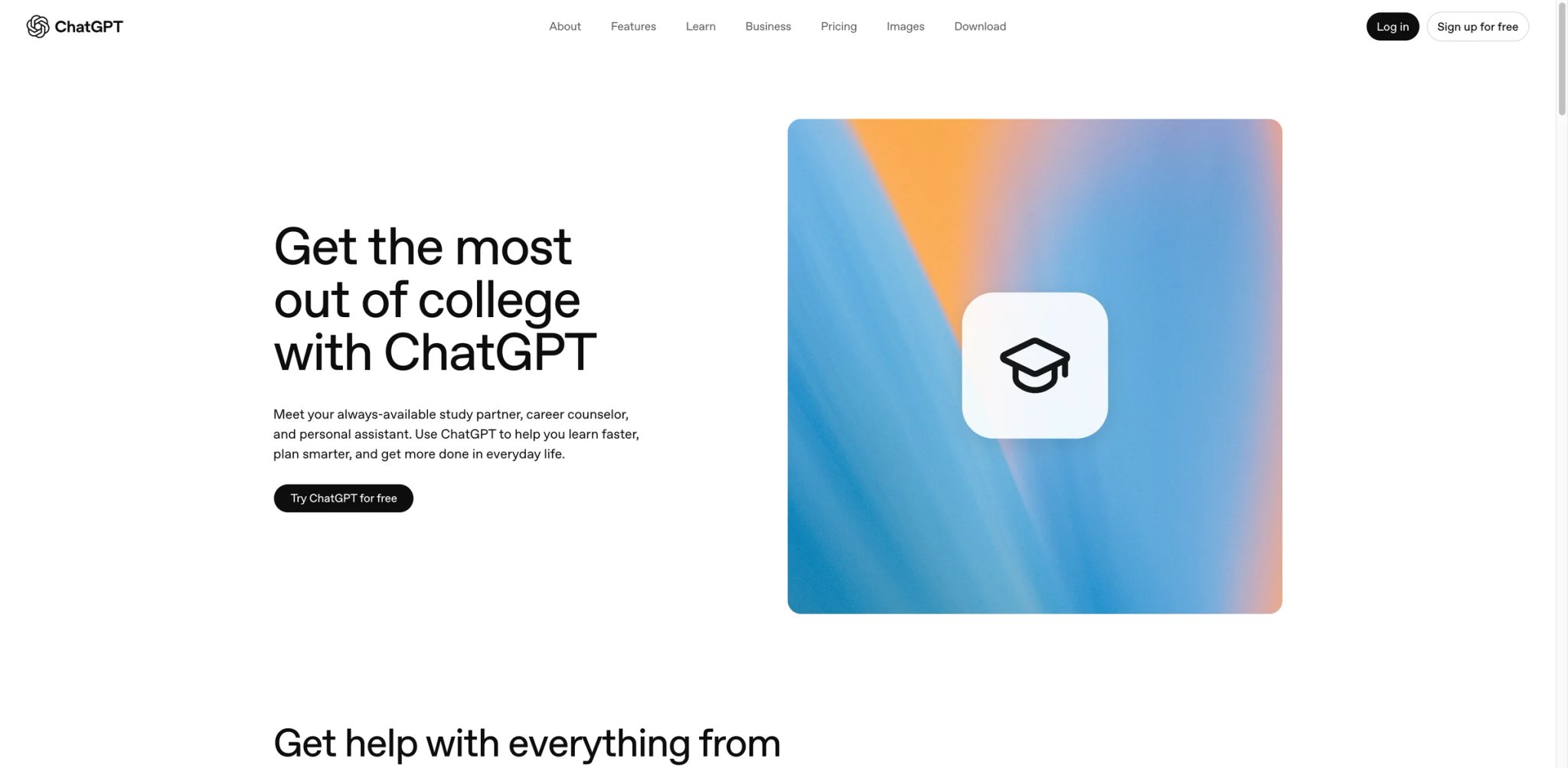
Nine out of ten students you know are already using ChatGPT — the question isn't whether it's the default, it's whether you're using Study Mode, regular mode, or paying for Plus without knowing what you're getting. OpenAI launched Study Mode in July 2025 specifically to walk students through problems instead of spitting out finished answers, and the college-students landing page added curriculum-specific workflows for essays, problem sets, and exam prep.
Core capabilities:
- Study Mode step-by-step tutoring — Turns homework questions into guided dialogues instead of copy-paste answers. Best used when you actually want to learn the material, not just submit it.
- Multi-modal reasoning — Upload a PDF, photo of a handwritten problem set, or a lecture slide; ChatGPT reads equations, diagrams, and questions directly.
- Memory and projects — Plus users can keep long-running context per course, so the tool remembers what you've covered in Biochem 301 across a semester.
Pricing & real costs: Free still covers a real study workflow, but OpenAI's current pricing page now describes it as limited access to flagship model GPT-5.3 rather than GPT-4o, alongside limited uploads, image generation, deep research, memory, and Codex access. Study Mode remains available across all ChatGPT plans. Plus is $20/month for higher limits; Pro is $200/month (mostly for researchers and professionals — not worth it for undergrad coursework).
Real limitations: Study Mode is opt-in, and students can easily switch back to regular chat behavior, so Study Mode should be framed as a helpful option rather than a hard academic-integrity safeguard. University policy in 2026 is mixed: 51% of students believe ChatGPT use is cheating; 22% admit using it anyway. UK universities formally caught nearly 7,000 AI cheating cases in 2023–24 while AI detectors still miss 94% of well-prompted outputs. Treat every assignment as a judgment call against your specific professor's syllabus.
Best for: Any student using AI for general-purpose tutoring, brainstorming, explaining dense concepts, or stepping through problem sets. Not the right fit if your course bans generative AI outright — ChatGPT's output is too recognizable to risk.
Get started with ChatGPT
NotebookLM
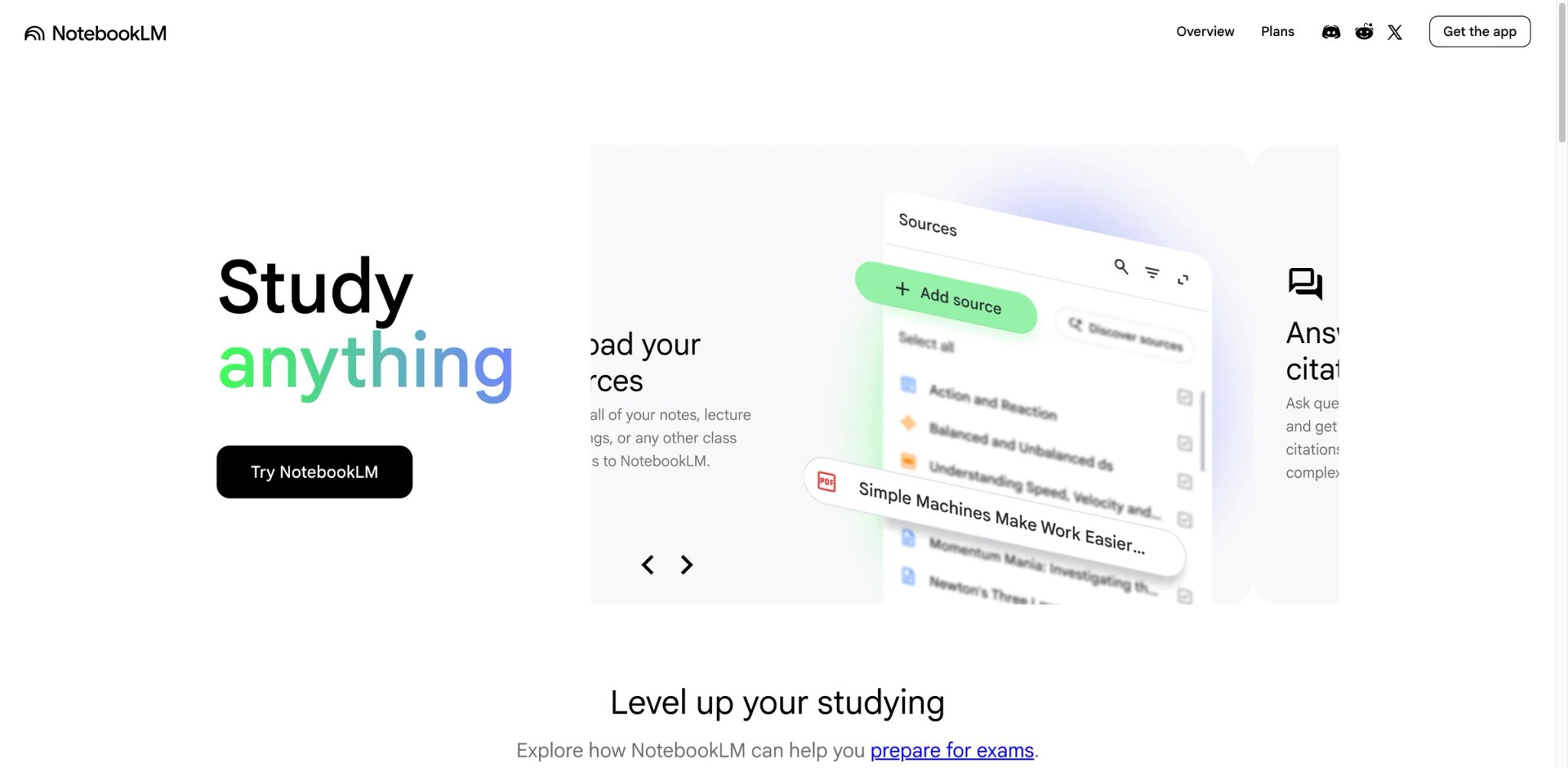
NotebookLM is one of the lower-risk study tools for submitted coursework because it answers from the sources you upload rather than relying on open-web retrieval. Drop in your textbook chapter, the PDF of the paper you're supposed to critique, and three weeks of lecture slides, and the chat surface will only quote and cite those specific documents. Nothing invented, nothing pulled from the open internet.
Core capabilities:
- Source-grounded Q&A — Every answer points to the exact page in your uploaded material. If it's not in your sources, it won't answer, which makes hallucination almost impossible.
- Audio Overviews — Generate a podcast-style discussion of your sources with two AI hosts. Genuinely useful for commuting, walking, or making dense material listenable.
- Study guides and timelines — Auto-generate structured summaries, key-question decks, and historical timelines from uploaded content.
Pricing & real costs: NotebookLM itself is free and currently includes 100 notebooks, up to 50 sources per notebook, 500,000 words per source, and 50 chat queries per day. Higher limits now come through Google AI Pro at standard public pricing of $19.99/month; Google's current Gemini student FAQ also says the previous student offer ended on March 11, 2026 in some regions.
Real limitations: Free tier's 50-sources-per-notebook cap is tight for a full course — many students hit it mid-semester and have to spin up parallel notebooks. No offline mode (every session needs connectivity). Citations are inline ("according to Source 3") but not formatted in APA, MLA, or Chicago — you still need Zotero or a reference manager alongside. Accuracy issues occasionally surface in auto-generated video overviews.
Best for: Students doing research-heavy coursework — humanities, pre-law, pre-med, grad-school seminars — where sticking to assigned readings matters. Not the right fit if you need open-ended help beyond uploaded materials, or you want formatted bibliographies.
Get started with NotebookLM
Perplexity
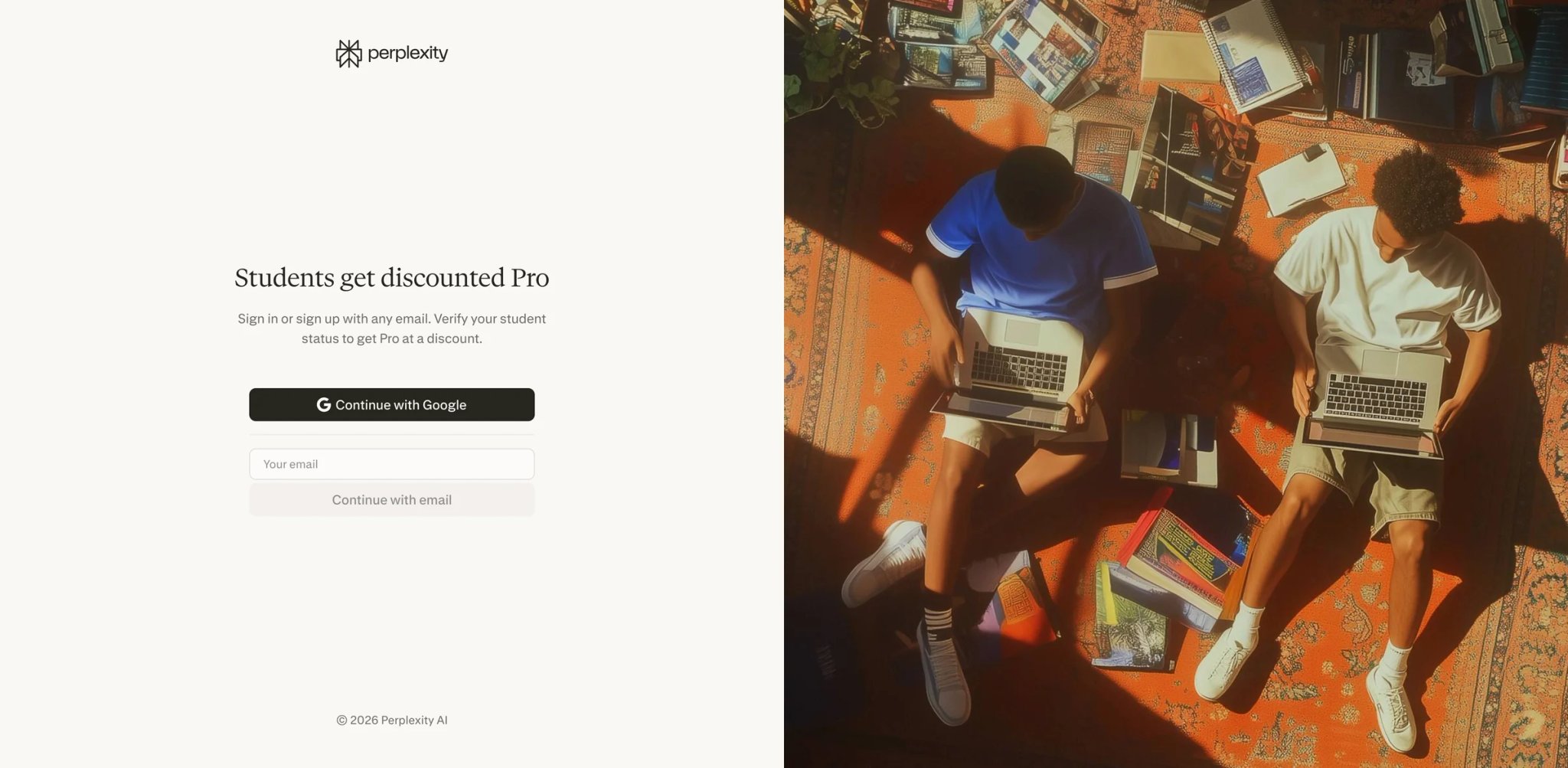
Perplexity is the research engine that shows its work. Every answer appears with numbered citations — click to see the exact source page before you trust a single claim. For students writing papers where fabricated citations can tank your grade (see: SciSpace's public clinical research incident), Perplexity's receipts-first design is a structural safety net.
Core capabilities:
- Citation-first answers — Every claim links to a specific source. Makes verifying facts before writing them into a paper a two-click job.
- Academic source filter — Focus mode restricts retrieval to scholarly sources, which matters for literature reviews and research projects.
- Follow-up threading — Refines a broader topic into a cited sub-question chain, useful when narrowing a thesis statement.
Pricing & real costs: Free tier covers basic search with daily limits. Education Pro is $10/month after SheerID verification (cheaper than the standard Pro at $20/month). In 2025–2026, some promotional periods offered a free year for verified students — check the student landing page before paying.
Real limitations: SheerID verification is a common friction point — name mismatches between your .edu email and student records cause failed verifications (Reddit and Trustpilot threads are full of these). Trustpilot rating is a rough 1.6/5 from 180+ reviews, mostly complaining about auto-renewal charges and cancellation difficulty. Pro users hit 300-600 complex queries per day, and premium-model queries (o1, Claude Opus) cap much lower — students doing heavy literature reviews can hit the wall.
Best for: Students writing research papers, doing literature review prep, or building evidence for argumentative essays where fabricated citations are unacceptable. Not the right fit if you can't complete SheerID verification or you need deep conversational tutoring (ChatGPT or NotebookLM will serve you better).
Get started with Perplexity
Gemini
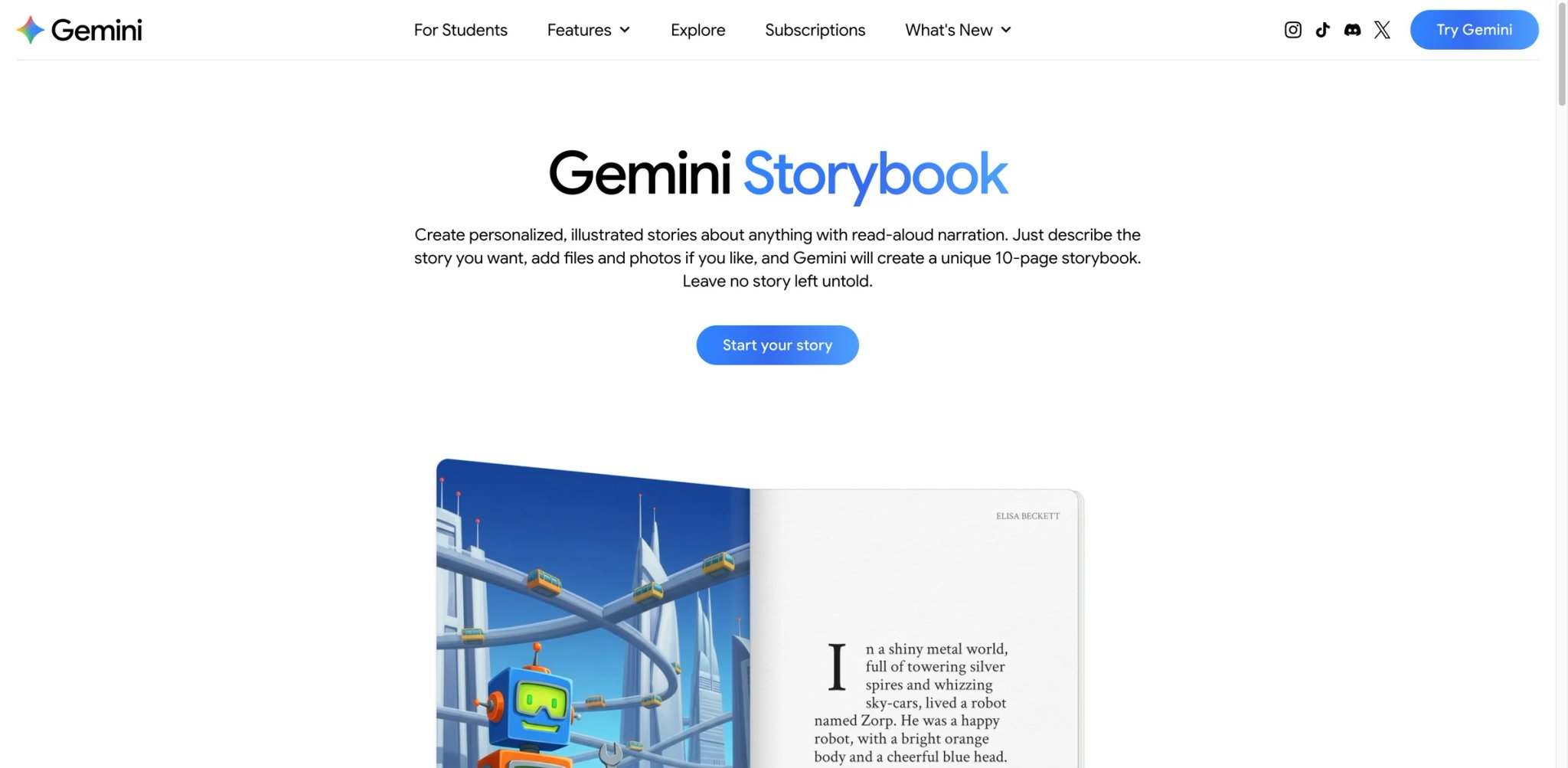
If your school runs on Google Workspace for Education, Gemini is already sitting in Docs, Slides, and Gmail — and you might already have free access without realizing it. In 2025, Google gave US, UK, Japan, Korea, Brazil, and Indonesia college students a full year of AI Pro for free, and Guided Learning mode now walks students through problems step by step rather than dumping answers.
Core capabilities:
- Native Google Docs/Slides/Drive integration — Gemini writes, summarizes, and explains directly inside the documents you're already editing. No tab-switching friction.
- Guided Learning mode — Similar to ChatGPT's Study Mode: breaks down problems, prompts you to think through steps, adapts explanations to your apparent level.
- Google Classroom tutoring — Higher-ed rollout landed in late 2025, so AI help shows up inside assignments if your institution enables it.
Pricing & real costs: Gemini has a genuinely useful free tier. The paid upgrade is Google AI Pro at standard public pricing of $19.99/month, but Gemini's current student FAQ says the previous student offer ended on March 11, 2026 in some regions, so this should not be presented as an active one-year free student trial.
Real limitations: Hallucinations on factual and math-heavy questions are a known issue — Gemini sometimes states plausible-sounding wrong answers with high confidence. Student discount eligibility is region-restricted (not available in most of Europe or Asia outside listed countries). Usage caps apply across prompt complexity, file size, and conversation length — free users hit them faster than they'd expect on a long study session.
Best for: Students already in Google Workspace-heavy schools, writing in Docs, collaborating in Drive, or using Classroom. Not the right fit if your school uses Microsoft 365 (Copilot handles that integration better) or your coursework requires high factual precision without verification.
Get started with Gemini

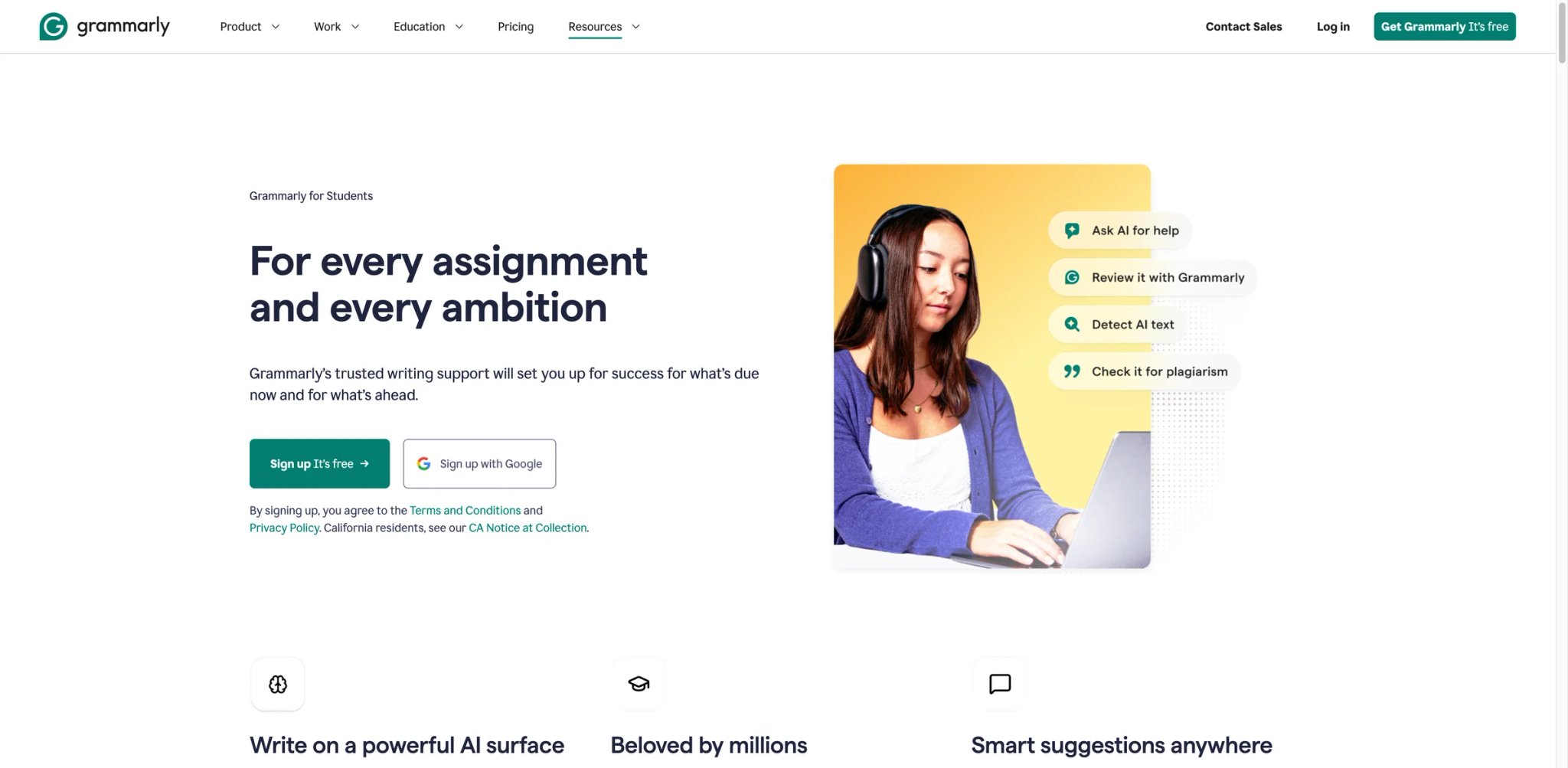
Of every tool on this list, Grammarly is the one most professors tolerate — as long as you stick to spell-check and grammar. The free tier covers basics. Once you move beyond basic grammar correction into full-sentence rewrites and tone changes, the academic-integrity risk rises materially; some university guidance now explicitly warns students to use rewrite-style Grammarly features sparingly because they may contribute to policy issues or false AI flags. A University of North Georgia student has already been put on academic probation for "unintentional cheating" with Premium.
Core capabilities:
- Browser-wide grammar and spell check — Works in Docs, Gmail, Canvas, Blackboard, and Word. One install covers 90% of where you write.
- Academic integrity badge — Grammarly's citation feature labels AI-generated improvements, which some professors recognize as a good-faith disclosure.
- Plagiarism checker — Cross-references text against 16B+ web pages and academic databases; flags unintentional overlap before submission.
Pricing & real costs: Free covers spelling, grammar, punctuation, tone, and 100 AI prompts. Grammarly Pro is currently $30/month, $60/quarter, or $144/year ($12/month effective on annual billing). Enterprise is contact sales. Student discounts available via Unidays on paid plans.
Real limitations: Premium's "rewrite for clarity" and "enhance tone" features rewrite at a scale that Turnitin and GPTZero now flag as AI-generated — the UNG case is the public warning. Many universities now recommend free Grammarly over Premium for exactly this reason. Over-reliance risk: students report losing writing-skill development when they auto-accept all suggestions.
Best for: Students who want grammar safety-netting on essays, lab reports, and application writing — particularly with the free version. Not the right fit if your professor has explicitly banned AI rewriting, or if you want AI to do more than correct grammar.
Get started with Grammarly
StudyFetch
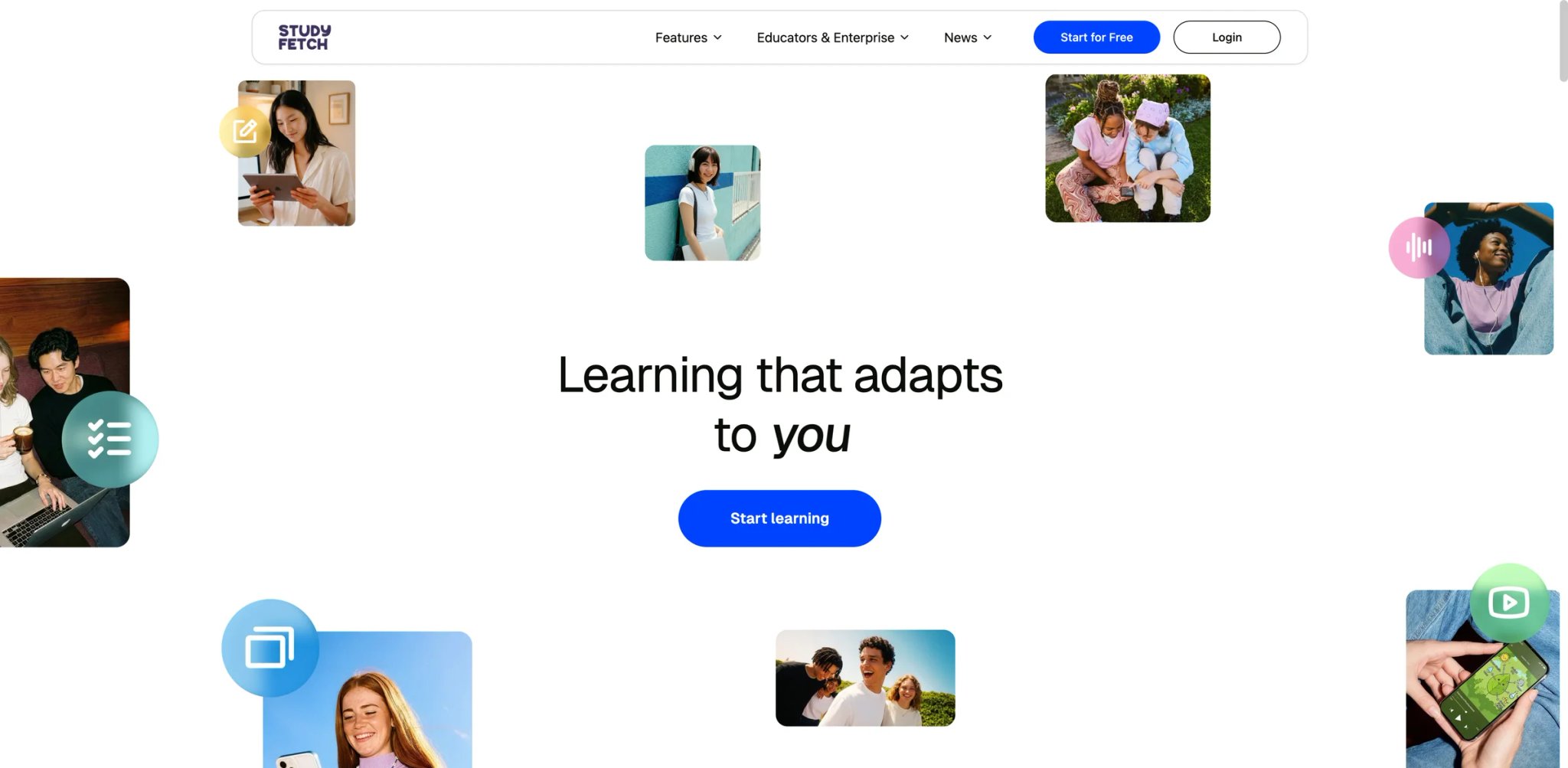
StudyFetch tries to be the single dashboard that replaces five other tools — upload a PDF, slide deck, or YouTube lecture, and get notes, flashcards, quizzes, and an AI tutor named Spark.E all from one session. Works well on text-heavy material; struggles on diagram-heavy subjects like anatomy and circuit schematics.
Core capabilities:
- Multi-input upload — PDFs, audio, YouTube URLs, and handwritten notes all feed into the same study set generator.
- Spark.E AI tutor — Chat with an AI fine-tuned on your uploaded materials. More focused than open ChatGPT for course-specific review.
- Live Lecture Assistant (Premium) — Records and transcribes lectures in real time, auto-generating notes and flashcards as the session ends.
Pricing & real costs: Free tier is tight — 10 Spark.E chats, 1 study set, 2 material uploads, no audio or video uploads. Base is $4.99/month annually ($7.99 monthly) with 100 chats, 100 sets, 10 uploads. Premium is $7.99/month annually ($11.99 monthly) for unlimited everything plus Live Lecture and handwritten note support.
Real limitations: Auto-renewal and cancellation complaints are the single most common issue across every review platform — multiple students on Trustpilot report charges for months after canceling, with Trustpilot sitting at 3.9/5 (22% 1-star reviews, most about billing). Android app is noticeably buggier than iOS. Live Lecture transcription struggles with multi-speaker discussions. Visual-heavy subjects (anatomy diagrams, circuit schematics) get misread more often than text.
Best for: Students in text-heavy humanities, social sciences, or lecture-based courses who want one dashboard instead of five tabs. Not the right fit if you're in STEM with heavy diagram/schematic content, or you want a tool you can cancel without a confrontation.
Get started with StudyFetch

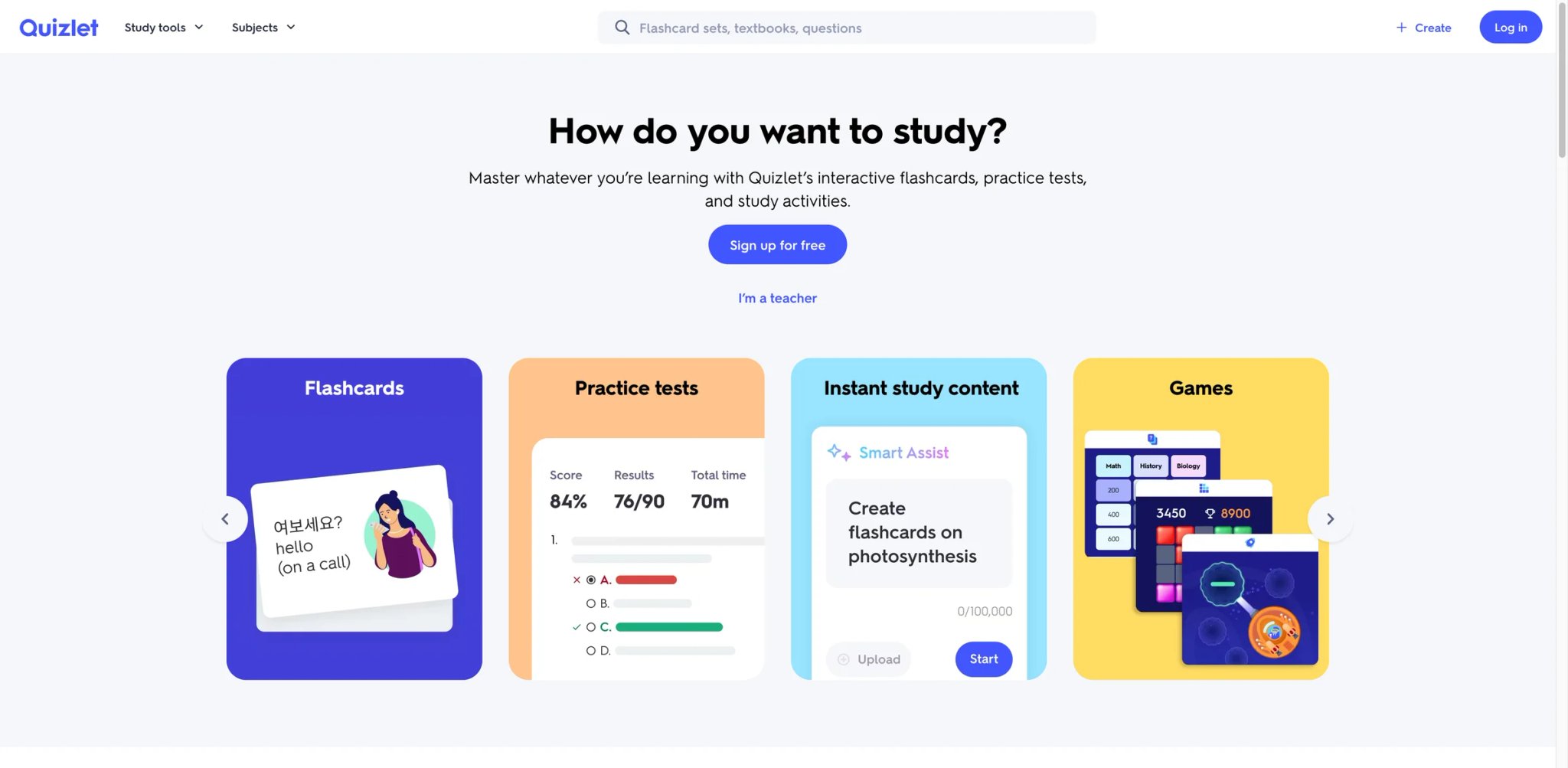
Quizlet's superpower isn't the AI — it's the 500M+ user-created study sets accumulated over 15+ years. For standardized courses (intro psych, AP Bio, USMLE Step 1), someone has already built flashcards for your exact textbook chapter. The AI layer (Q-Chat, Magic Notes, Learn mode) is an improvement, but the paywall has gotten aggressive.
Core capabilities:
- Massive existing study-set library — For any standardized course, there's likely a Quizlet set already built. Saves hours of flashcard creation.
- AI Learn mode with spaced repetition — Personalizes practice based on what you're missing; syncs across device.
- Q-Chat tutor — AI assistant that works off your study set; explains wrong answers rather than just marking them.
Pricing & real costs: Quizlet's public pricing now shows Quizlet Plus at $35.99/year ($2.99/month effective) and Quizlet Plus Unlimited at $44.99/year ($3.75/month effective). Quizlet's help center says subscriptions can renew monthly or annually depending on the plan, so the old flat "$7.99/month Plus" description is outdated. Free plan caps remain around 8 study sets with limited Learn rounds and ads.
Real limitations: Trustpilot sits at 1.4/5 (500+ reviews) almost entirely driven by paywall complaints — users who built large free libraries feel locked out as free-tier limits tightened. Q-Chat can be useful on mainstream topics, but both AI explanations and community-created study sets still need verification, especially in niche subjects. User-generated content varies wildly in quality — some sets are gold, some have typos and wrong answers. If your course is unusual, you'll build from scratch.
Best for: Students in standardized courses (AP, pre-med, pre-law, licensing exams) where existing sets exist, or anyone who prefers community-shared flashcards. Not the right fit if your course is niche enough that no one's built the set yet — Knowt or StudyFetch will serve you better with auto-generation.
Get started with Quizlet

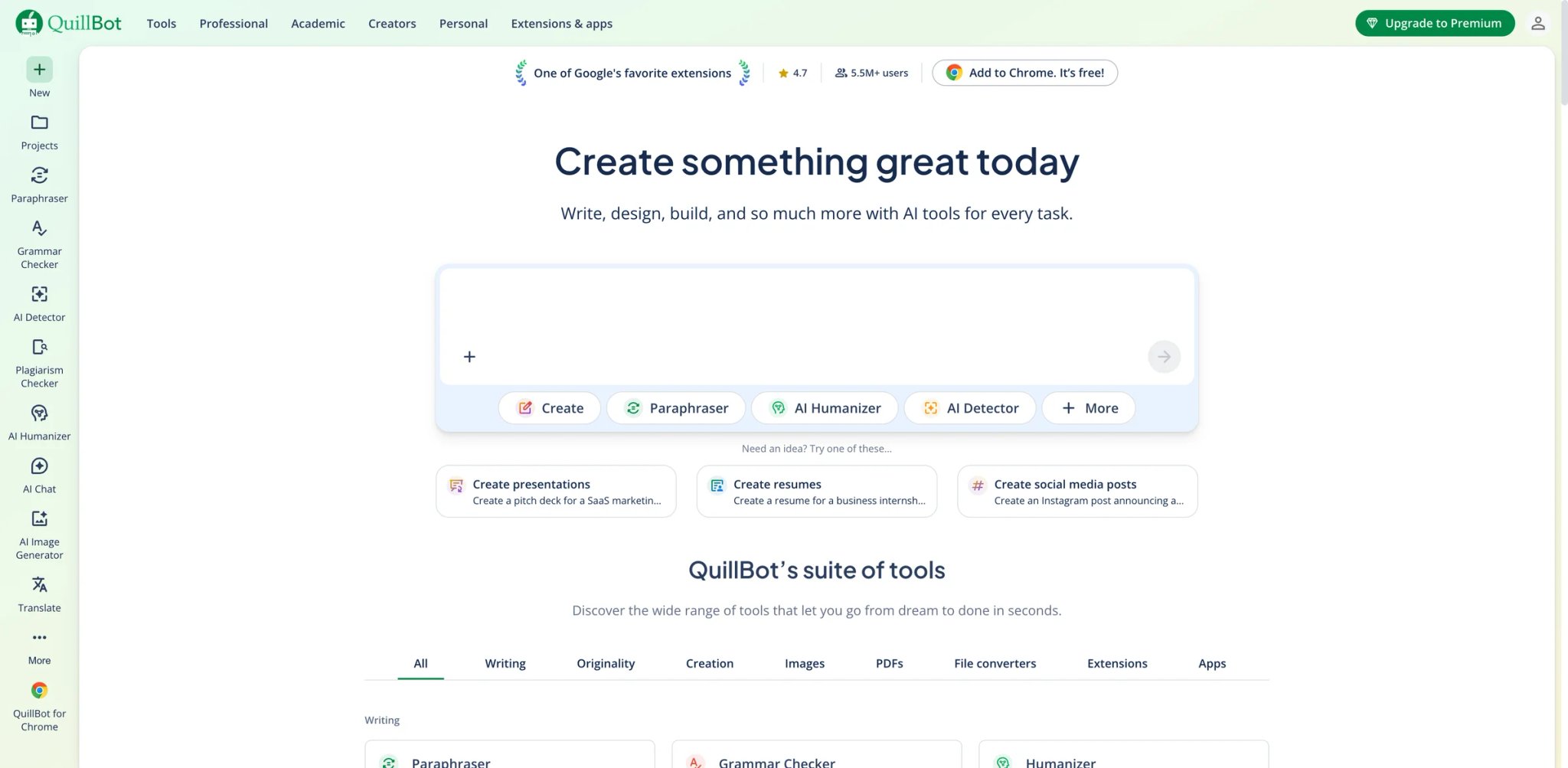
QuillBot is the Swiss Army knife for academic writing — paraphraser, summarizer, citation generator, plagiarism checker, and AI detector bundled into one subscription. It's also the tool most likely to get you in trouble if you misuse it: Turnitin and other detectors now flag heavily paraphrased text, and QuillBot's own AI detector has a measurable false-positive rate on human writing.
Core capabilities:
- Seven paraphrase modes — Standard, Fluency, Formal, Simple, Creative, Shorten, Expand. Practical for rewording your own draft, risky for passing off AI content as yours. See our AI paraphraser roundup for alternatives that preserve meaning better on technical text.
- Citation generator — APA, MLA, Chicago, and 7,000+ more citation styles. Formatted bibliographies from DOI, URL, ISBN, or manual entry.
- All-in-one bundle — Grammar checker, summarizer, plagiarism detection, AI detector, translator — one subscription covers all.
Pricing & real costs: Free tier still limits paraphrasing to 125 words at a time and caps the summarizer. QuillBot Premium is currently $19.95/month, $39.95 every three months ($13.31/month effective), or $99.95/year ($8.33/month effective). QuillBot also advertises a separate student-discount annual price starting at $6.25/month.
Real limitations: Heavy paraphrase-mode outputs (Creative, Fluency at max strength) produce robotic synonym substitutions that can make text easier for reviewers or detectors to question. QuillBot's own AI detector has false-positive issues — human-written text sometimes flags as AI, and repeat tests give different scores. For academic writing, treat the paraphraser as an editor for your own prose, not a way to "laundry" AI-generated text.
Best for: Students who need fast citation formatting, a second-pass paraphrase on their own draft, or a bundled grammar/summarizer package. Not the right fit if you want to paraphrase AI-generated text to avoid detection — that's a losing arms race against Turnitin.
Get started with QuillBot
SciSpace
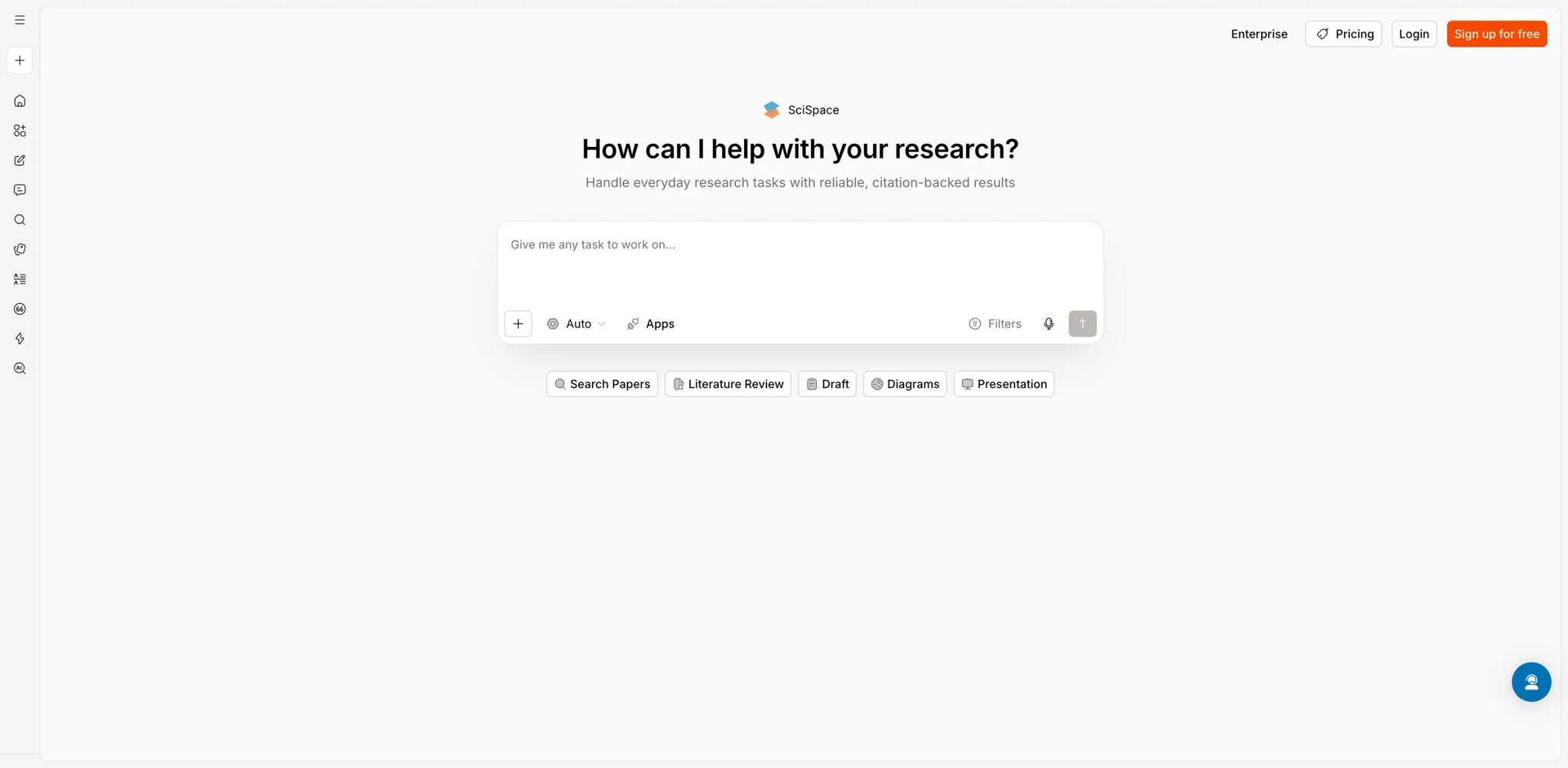
SciSpace exists because academic papers are unreadable on purpose and grad school assumes you can slog through them anyway. Upload a PDF, and the AI copilot explains dense passages in plain language, answers your questions about methodology, and points you to related papers — genuinely useful for the "I have to read 12 papers by Friday" reality of literature-heavy coursework.
Core capabilities:
- Chat with PDF for academic papers — Highlight a paragraph, ask "what does this mean," get a plain-language explanation that cites the original section.
- Literature discovery — Semantic search across 280M+ papers; finds related work even without exact keyword matches.
- Extraction tables — Pull methodology, sample size, and findings from multiple papers into a comparison table — rare among student-facing tools.
Pricing & real costs: SciSpace now frames pricing around Agent credits. Current public plans are Basic at $0/month, Premium at $12/month billed annually or $20 billed monthly, Advanced at $70/month billed annually or $90 billed monthly, and Max at $160/month billed annually or $200 billed monthly.
Real limitations: Fabricated and incorrect references are a documented issue — one clinical researcher's manuscript got back with nonexistent citations, wrong co-authors, and incorrect journal details. Verify every citation before writing it into a paper. Opaque credit consumption is a frequent Capterra and Trustpilot complaint: students run out mid-research session with no predictable cost model. Ask-the-article feature is sometimes vague. Systematic literature review search results are not fully reproducible — not a replacement for structured review protocols.
Best for: Grad students, advanced undergrads, and pre-med/pre-law students working through dense primary literature. Not the right fit if you're doing a formal systematic review (the search is not reproducible) or you need hard citation guarantees (always verify).
Get started with SciSpace
Mindgrasp
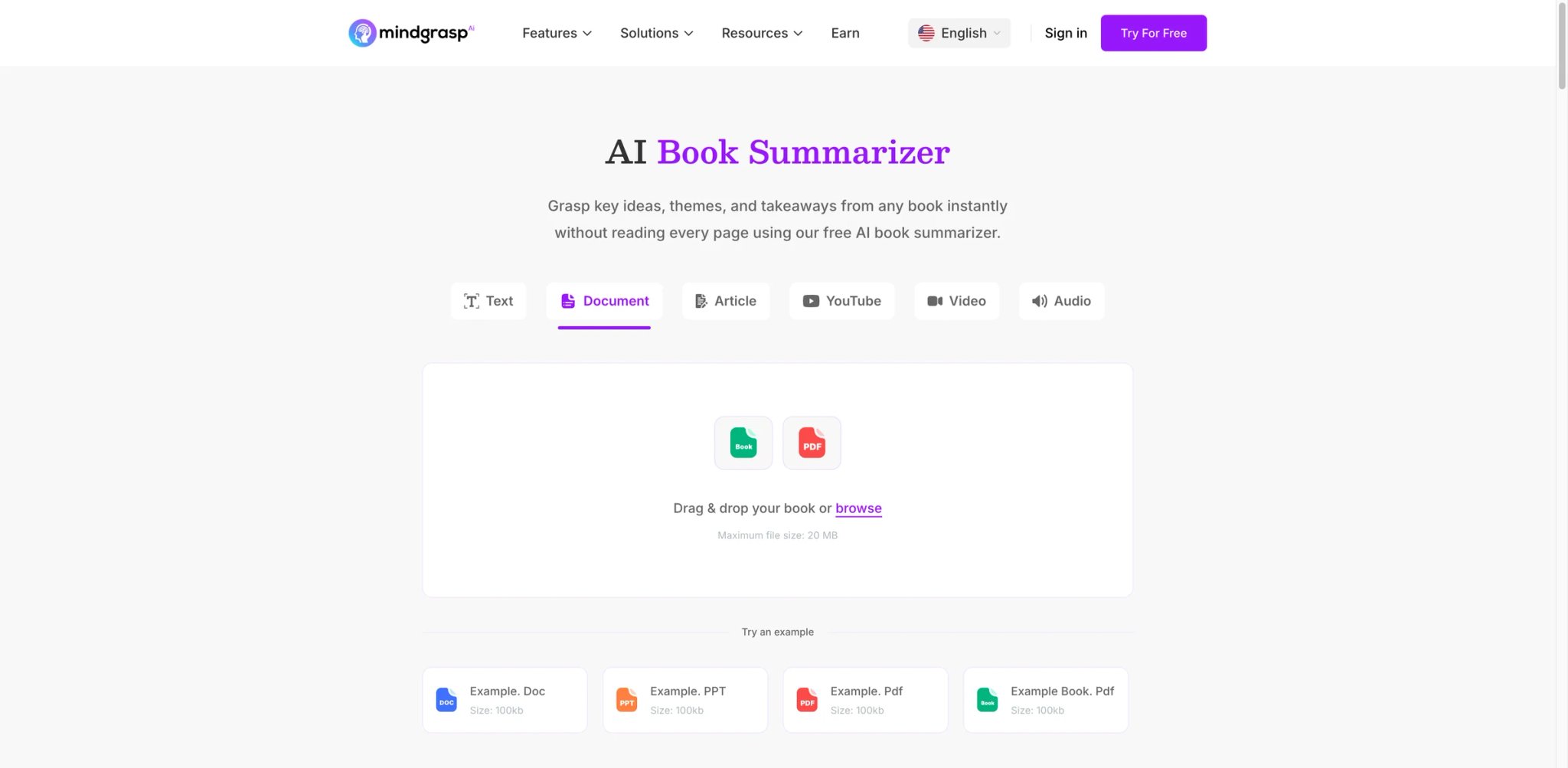
If your biggest study friction is "I recorded the lecture but never rewatch it," Mindgrasp is built for exactly that friction. Drop in a lecture audio file, PDF, article, or YouTube video, and within minutes you get structured notes, multiple-choice quizzes, and flashcards — the work a dedicated study group would do, automated.
Core capabilities:
- Multi-format input — Lecture audio, YouTube, PDFs, Word docs, websites — all funnel into notes + quizzes + flashcards output. For dedicated note-taking alternatives, see our best AI note-taking software roundup covering 13 tools.
- Auto-generated quizzes — Multiple-choice questions that actually test the material, not generic trivia.
- Cross-device sync — Web and iOS keep study sets consistent whether you're reviewing on the train or at a desk.
Pricing & real costs: Starts at $9.99/month with a 4-day free trial — and the free trial requires a credit card. No fully free tier.
Real limitations: Billing traps are the top complaint on Trustpilot (2.0/5 US) — unexpected charges during the 4-day trial, difficulty canceling, and multiple users reporting charges on dormant accounts in late 2025 / early 2026. Some users had to cancel their credit card entirely. The tool doesn't generate visual aids — no mind maps, flowcharts, or timelines. Image-heavy content (diagrams, graphs) gets weak note coverage. Audio transcription occasionally misses context from visual slides during lecture recordings.
Best for: Students with heavy lecture-recording workflows who want those recordings turned into structured review material. Not the right fit if you want visual study aids (mind maps, diagrams) or you're wary of card-required trials with documented cancellation friction — set a reminder before day 4.
Get started with Mindgrasp
Notion AI
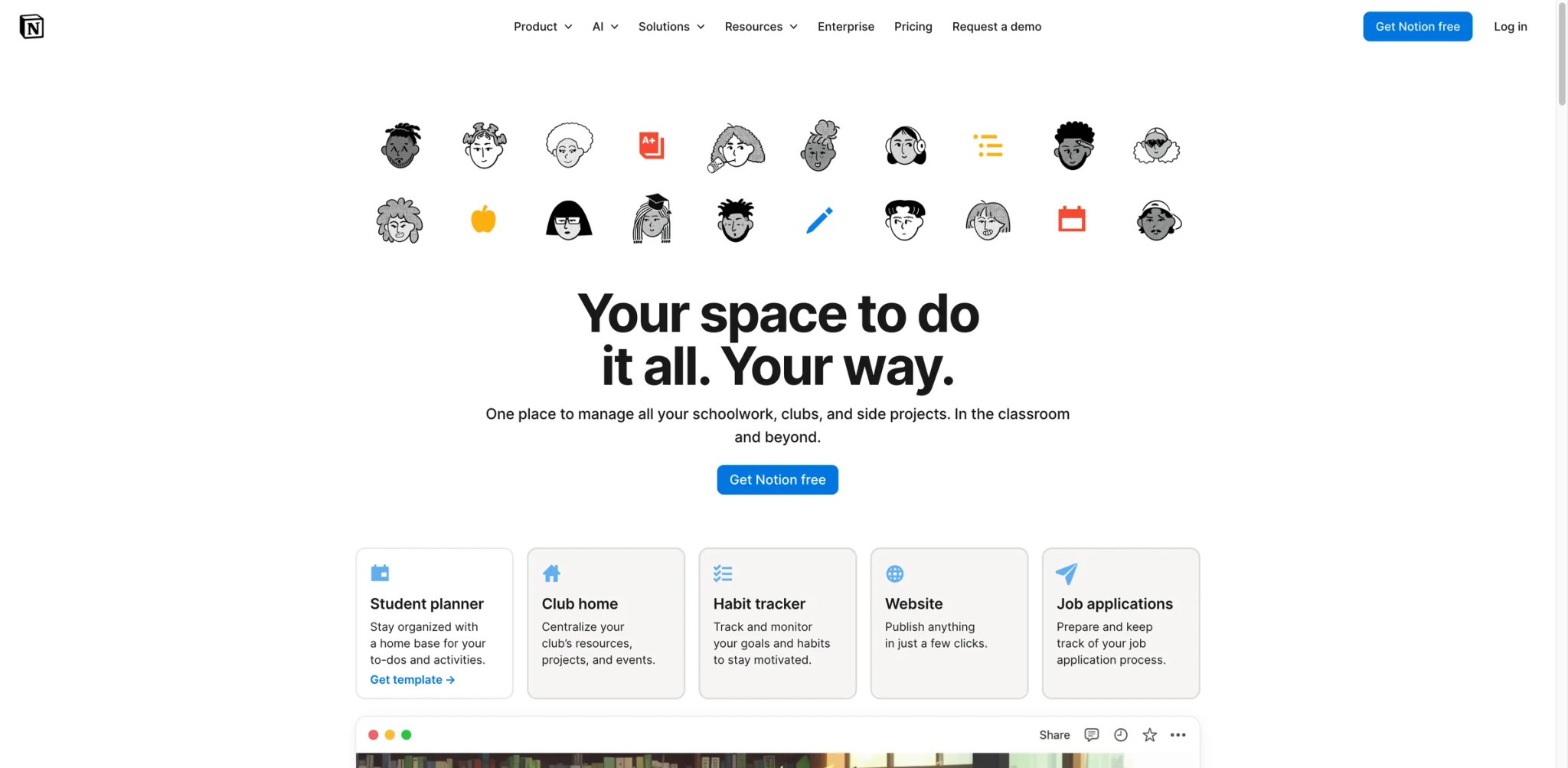
Notion's pitch for students in 2026 is strong: the Plus workspace is free with a .edu email, which gets you unlimited pages, 5MB uploads, and the full note-taking and course-management infrastructure. The AI layer, though, is not free — Notion AI is a $10/month add-on on top of the free Plus plan, which catches students by surprise.
Core capabilities:
- Free Education Plus workspace — Students with .edu emails get the Plus plan free, including unlimited pages, databases, and the full Notion workflow.
- AI Q&A across your notes — Ask questions across every page you've ever taken notes on. Useful for "what did I write about diffusion tensors in September?" queries.
- AI summarize and rewrite — Condenses long readings into bullet points; drafts outlines from raw notes.
Pricing & real costs: Eligible students can still get Education Plus for free, but Notion AI is no longer best described as a simple $10/month add-on. Notion's current pricing shows limited AI trial capabilities on Free and Plus, with broader AI features tied to plan tiers and, for some automation features, separate AI credits.
Real limitations: The biggest gotcha is that Notion AI is sold separately — students assume "Notion is free for me" applies to AI too, then hit the quota mid-semester. 5MB file upload cap on free tier is limiting for PDF-heavy coursework (a textbook scan blows through it fast). Can feel overwhelming for students who just want simple note-taking — the full Notion workflow has a learning curve. Limited offline functionality. Large databases slow down Notion AI queries.
Best for: Students who want a long-term course-management system with AI Q&A on their own notes, and who are willing to pay $10/month for the AI layer. Not the right fit if you want free AI included or you need a simpler tool than Notion's full workspace model.
Get started with Notion AI

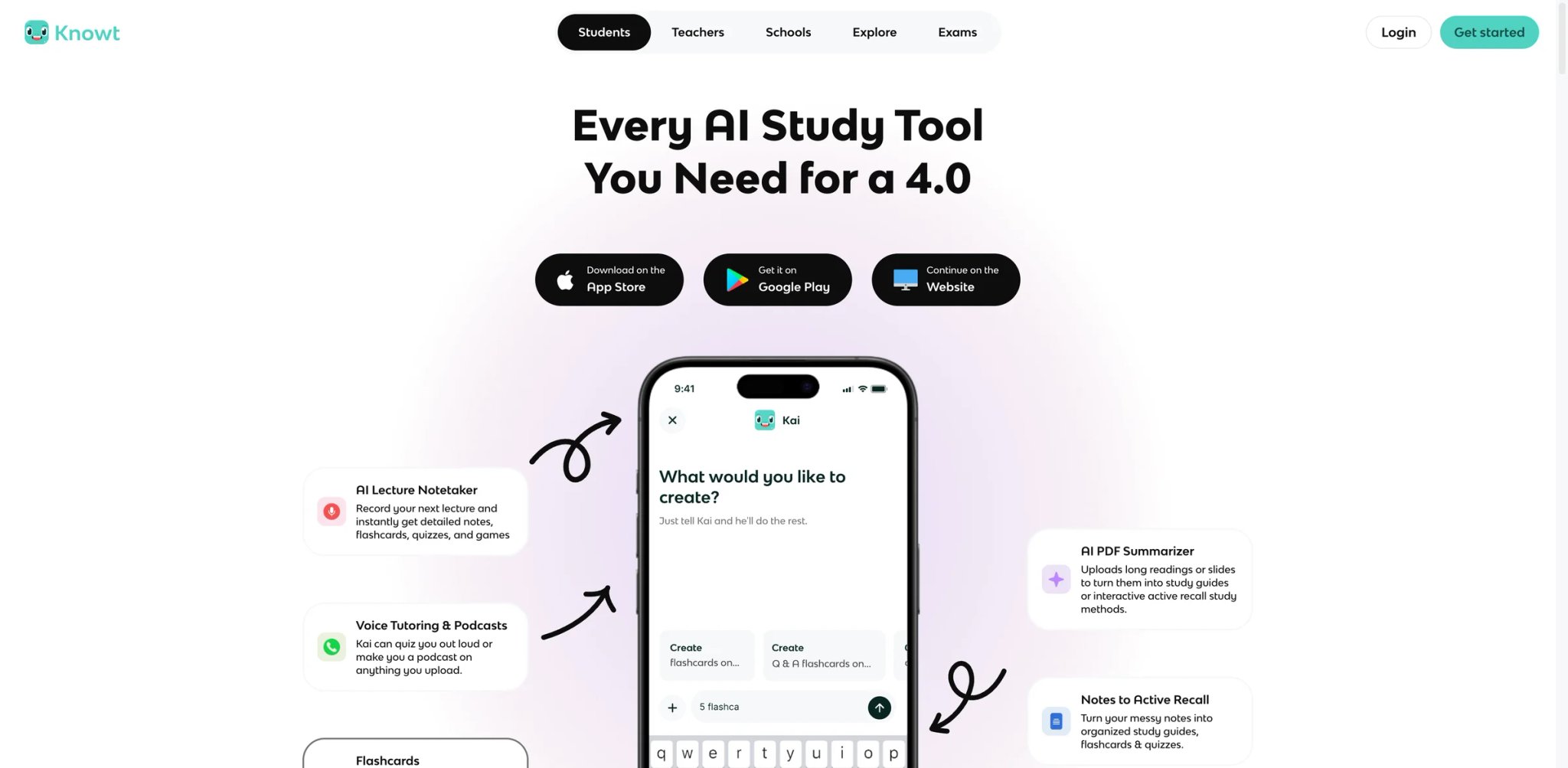
Knowt is what Quizlet used to be — free, fast, AI-powered, and built by college students who got tired of Quizlet's paywall. Upload notes or a PDF, and in seconds you get a full flashcard set with spaced repetition and unlimited practice tests, all on the free tier. It's the rare "actually generous" free tier on this list.
Core capabilities:
- AI flashcards from any upload — PDF, notes, lecture slides → full flashcard set in seconds. Fast AI flashcard generation from uploads, but students should still expect to edit mistakes before relying on a deck for exams.
- Free spaced repetition and unlimited practice tests — Quizlet put these behind Plus; Knowt keeps them free.
- Quizlet import — One-click migration from existing Quizlet sets, which lowers the switching cost.
Pricing & real costs: Free still covers the core workflow with ads. Knowt's current student pricing page lists Basic as Free, Ultra Annual at $149.99/year ($12.49/month effective), and Ultra Monthly at $24.99/month, so the "$6.99/month" figure is outdated.
Real limitations: Free-tier ads are intrusive — some users report ads covering flashcard submit buttons, which is genuinely disruptive during a study session. AI-generated flashcards sometimes need manual editing for full accuracy (the 90% claim means 1 in 10 cards is off). Sync issues reported — some users have lost flashcard content after creation. No offline mode. Less customization than Anki for advanced spaced-repetition tuning. Long-term concern: as Knowt grows, the paywall may move (this is the user worry on Reddit).
Best for: Broke students who want a free alternative to Quizlet Plus with AI flashcard generation and unlimited practice. Not the right fit if ads break your focus or you need advanced spaced-repetition tuning (use Anki).
Get started with Knowt
Jenni AI
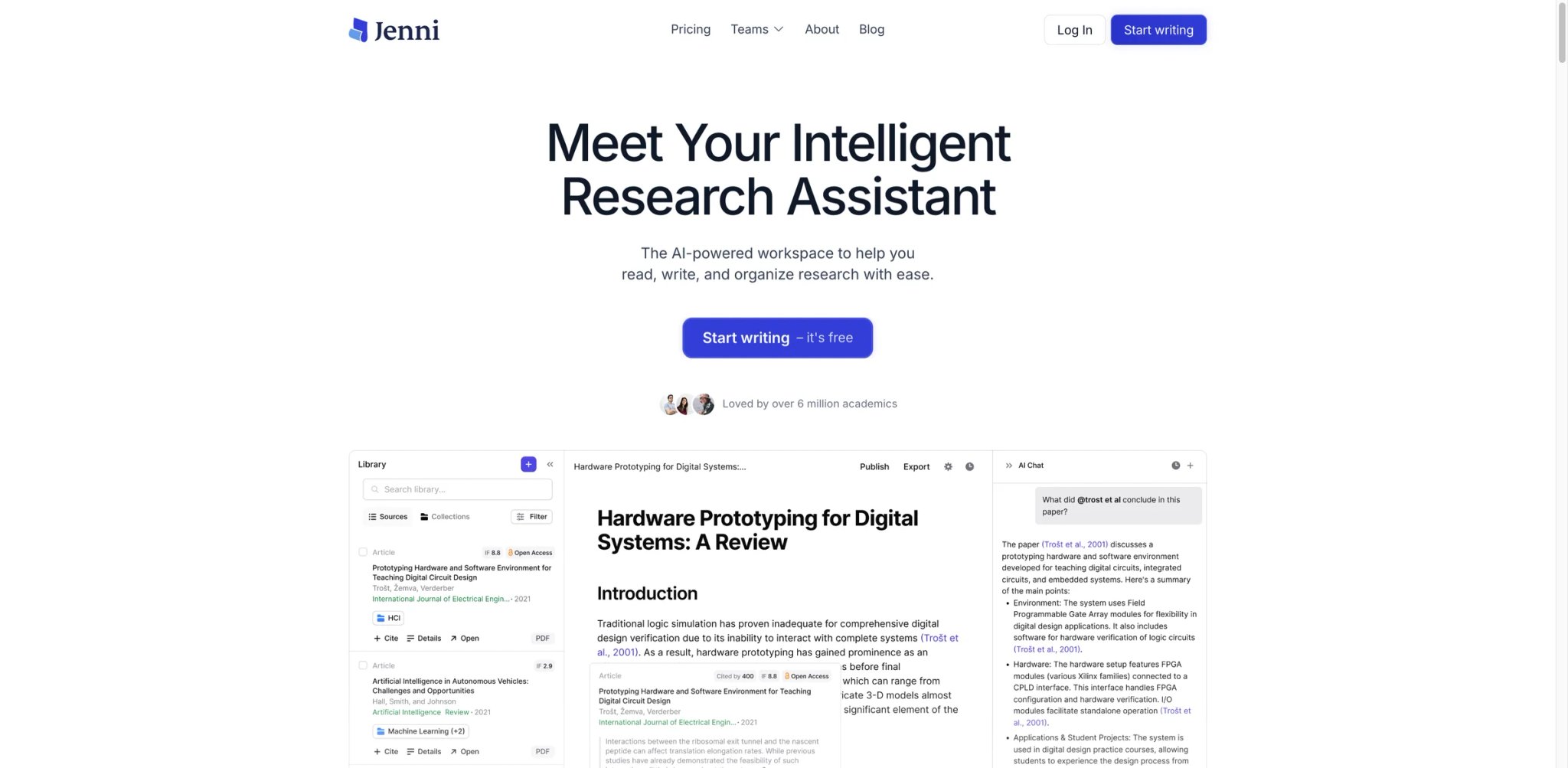
Jenni AI is the tool on this list that most directly crosses the "help me study" line into "write my paper for me" — it's designed to draft academic essays with inline citations, auto-complete paragraphs, and citation suggestions. This is powerful for grad students who want a faster first draft; it's also the highest-integrity-risk tool on this list if your school bans ghostwriting.
Core capabilities:
- Autocomplete academic prose — Drafts paragraphs in your voice once you've written a few sentences. Works in a dedicated editor, not a chat.
- Inline citation insertion — Suggests sources from its database and inserts formatted citations as you write.
- Reference library — Built-in reference manager. Import DOIs, URLs, and PDFs; cite them in-text without leaving the editor.
Pricing & real costs: Jenni's current pricing is Free ($0/month), Plus ($12/month), and Pro ($29/month). The free plan is not simply "200 words/day"—the official comparison lists 10 AI autocomplete uses per day, 5 chat messages, 5 edits, 3 reviews, and 10 library uploads. No student discount disclosed on the pricing page at time of writing.
Real limitations: Citation hallucinations are a persistent complaint — users report fake references, outdated sources, and wrong co-authors. Silently modifies text without notification (users report finding paragraphs altered or deleted). Cancellation and refund issues on Trustpilot (users denied refunds despite cancellation requests (Jenni's official refund policy says subscriptions are recurring and, in most cases, payments are not refundable; its terms say EU users may have a 14-day cancellation right where required by law)). Weak critical analysis — fills in fluent language around weak or incomplete arguments without flagging the gap. Subscription cancellation process is friction-heavy.
Best for: Grad students and researchers who need a draft-acceleration tool and will verify every citation themselves before submitting. Not the right fit if your school has any policy against generative AI essay drafting (most do) — this is the tool most likely to trigger an academic integrity hearing.
Get started with Jenni AI
Best AI Tools for Students by Use Case
For High School / AP Students on a Budget
If you're in high school or taking APs and your parents don't want another monthly subscription, the free combo that actually works is ChatGPT free tier + Knowt + Grammarly free. Use ChatGPT Study Mode for concepts you don't understand, Knowt for AP-specific flashcards and practice tests, and free Grammarly for essay proofing. Total cost: $0. Total coverage: most of what a high schooler actually needs. For dedicated problem-solving during homework sessions, our AI homework helper category tracks tools specifically tuned for guided tutoring versus direct answers.
For College Students in Research-Heavy Courses
If your assignments involve reading dense primary sources — history seminars, pre-law briefs, upper-division psych — NotebookLM is the base tool because it won't invent citations. Pair it with SciSpace for individual paper comprehension and Perplexity Education Pro for background research with verifiable sources. Avoid Jenni AI for final drafting — the citation hallucination risk is real.
For STEM Students with Problem Sets and Lab Reports
ChatGPT Study Mode remains the strongest general-purpose tutor for math, physics, chemistry, and engineering problem sets. Pair with Gemini if your school is in Google Workspace for the Docs-native integration. Mindgrasp works for lecture-to-notes if you record classes — with the caveat that diagram-heavy content (circuit schematics, anatomy) gets weaker coverage than text.
For Pre-Med / Pre-Law / Standardized Exam Prep
Quizlet wins here for one reason: 15 years of existing study sets means someone has already built decks for your specific board exam, textbook chapter, or vocabulary list. If Quizlet's paywall bothers you, Knowt is a viable free-tier substitute, especially for AP and board-style practice tests.
For Grad Students and Thesis Writers
NotebookLM and SciSpace are non-negotiable — one for keeping research grounded to your sources, one for reading primary literature faster. QuillBot handles citation formatting across 7,000+ styles. For long-form drafting, Notion AI beats Jenni AI on integrity grounds — Q&A on your own notes is lower-risk than autocomplete drafting in a dedicated essay editor.
For Students in Courses That Ban Generative AI Outright
If your professor's syllabus bans generative AI use, your tool list shrinks to: free Grammarly (grammar only — skip Premium), Quizlet/Knowt flashcards for self-study, and Notion AI for private notes (with AI disabled on anything that'll be submitted). When in doubt, ask the professor directly in office hours — a five-minute conversation is cheaper than an academic integrity hearing.
How to Choose the Right AI Tools for Students
1. Read your syllabus before you subscribe. In 2026, most syllabi have an AI-use policy section. Some allow anything; some ban generative AI outright; most sit in a gray area that varies by assignment. Spend five minutes reading the policy before signing up for three overlapping subscriptions — the free Grammarly + NotebookLM combo may be everything your course actually allows.
2. Prefer source-grounded tools over open-web AI for submitted work. NotebookLM, SciSpace, and Perplexity's Academic filter only use sources you or they cite — lower hallucination risk, fewer fabricated references, and the output is easier to verify before submission. Open-web ChatGPT and Gemini are fine for tutoring but riskier for citations.
3. Test the free tier before paying. Every tool on this list has either a free tier or a free trial. Run one realistic task — your actual problem set, your actual essay draft, your actual paper reading — before committing to a subscription. Multiple tools auto-renew in ways students on Trustpilot describe as hostile; test cancellation procedures before you commit.
4. Budget for your specific workload, not the generic recommendation. Research-heavy students benefit from paying for Perplexity Education Pro ($10/mo) or SciSpace Premium ($12/mo); flashcard-heavy studiers get more from Knowt free or Quizlet Plus ($7.99/mo). General tutoring students should pay ChatGPT Plus ($20/mo) before any other subscription. Don't pay for features you won't use.
5. Track your own understanding, not just your grade. The single clearest predictor of AI misuse backfiring is students who submit AI output they didn't read. If you can't explain what's on your own paper in office hours, the tool isn't helping you — it's setting up a future integrity hearing. Treat every AI-generated paragraph as a draft to rewrite in your own words.
6. Have a Plan B for when the tool hallucinates. SciSpace has fabricated citations. Gemini has invented historical facts. Jenni has silently rewritten paragraphs. Every tool on this list will get something wrong during a semester. Build a verification habit — especially before citations and factual claims go into submitted work.
Frequently Asked Questions
Is using AI tools considered cheating in college?
It depends on the tool, the feature, and the professor. Using ChatGPT or Gemini to explain a concept is generally allowed; using them to write your essay usually is not. Grammarly's free grammar check is accepted almost everywhere; Grammarly Premium's rewrite features have triggered academic integrity cases. NotebookLM's source-grounded Q&A is the lowest-risk category because it only draws from your uploaded materials. Always check your institution's policy and your specific syllabus — university positions in 2026 vary from "any use is cheating" to "disclose and use freely."
What is the best free AI tool for students?
For general-purpose studying, ChatGPT's free tier (with Study Mode) and Google Gemini's free tier are the strongest standalone options. For flashcards, Knowt is the best free alternative to Quizlet's tightened paywall. For research, NotebookLM's free tier (50 sources per notebook, 50 queries per day) is unusually generous. For writing, free Grammarly covers grammar and spelling without the integrity risk of Premium. Most students can cover a full semester on these free tiers alone.
Can teachers detect if I used AI to write my essay?
Sometimes, often in ways you won't predict. Turnitin, GPTZero, and Copyleaks flag some AI outputs accurately but also produce false positives on human writing. Detection accuracy varies wildly — UK university research in 2023–24 found detectors missed 94% of well-prompted AI submissions. Separately, professors increasingly notice tell-tale signs manually: generic thesis statements, missing course-specific language, citations that don't match the reading list. The safer path is to treat AI as a tutor or editor, not a ghostwriter.
What's the difference between ChatGPT Study Mode and regular ChatGPT?
Study Mode (launched July 2025) prompts the model to walk students through problems step-by-step — asking guiding questions, explaining reasoning, checking understanding — instead of giving direct answers. Regular ChatGPT gives the answer straight. Study Mode is opt-in on the free and Plus tiers, and switching back to regular mode takes two clicks. Use Study Mode when you actually want to learn material; use regular mode when you need a quick reference answer you'll verify yourself.
Are AI detectors like Turnitin reliable?
Not fully. Turnitin, GPTZero, Copyleaks, and QuillBot's own detector have documented false-positive rates on human writing and miss a large share of well-prompted AI output. Our 13 best AI detector tools roundup walks through which detectors actually hold up in 2026. Some universities have quietly stopped using AI detection as sole evidence in integrity cases because of false-positive rates. That said, detection is improving, and reviewers can also spot AI writing manually — don't rely on "undetectable" claims from any paraphraser.
What's the best AI tool for writing research papers with citations?
Perplexity Education Pro and NotebookLM are the top two because both show sources with every claim. SciSpace is useful for reading individual papers but has documented citation hallucination issues — verify every reference before writing it in. QuillBot and Grammarly cover citation formatting across 7,000+ styles. Jenni AI is cited most for citation hallucinations — treat its reference suggestions as drafts to verify, not facts to trust.
How do I cancel these AI subscriptions without getting charged?
This is a recurring complaint across StudyFetch (22% 1-star Trustpilot reviews on billing), Mindgrasp (2.0/5 Trustpilot, card-required 4-day trial), Perplexity (cancellation friction), and Jenni AI (30-day refund policy that users report doesn't honor). Before signing up: read the auto-renewal terms, set a calendar reminder 2 days before any trial ends, screenshot the cancellation confirmation page, and use a virtual card (Privacy.com or your bank's virtual card feature) that you can lock independently. If you hit a billing dispute, your credit card company's chargeback is often faster than vendor support.
Get ToolWorthy Weekly
New AI tools, practical guides, and selected AI signals in one weekly brief.
Related Posts
- 14 Best AI Homework Helper Tools 2026 - Learn Without Copying
Compare 14 AI homework helper tools by tutoring style, subject coverage, camera input, pricing, and academic-integrity risk before you pay.
- 13 Best AI Article Summarizers 2026 — Free Tiers, Citation Accuracy & Real Pricing
We tested 20 AI article summarizers and picked 13 that handle URL, PDF, and YouTube with real citation accuracy. Side-by-side pricing and honest cons.
For AI tool founders
Built a tool that belongs in this decision set?
Request an editorial evaluation for possible inclusion in ToolWorthy.
Submit your tool for reviewPaid submission does not guarantee a ranking, recommendation, inclusion, or editorial outcome.