
16 Best AI Agent Builders 2026 — From PoC to Production
Not all AI agent builders survive contact with production workloads. We reviewed 16 platforms on real pricing, self-hosting options, and LLM flexibility.

On this page
You've shipped a working demo — an AI agent that triages tickets, drafts proposals, or routes customer queries. Leadership is impressed. The timeline for production is suddenly very real. And you're staring at a list of 16 AI agent platforms wondering which one won't quietly fail you at scale, eat your API budget, or lock you into an ecosystem you'll regret in 18 months.
This guide cuts through the noise. We reviewed 16 AI agent builder platforms — covering pricing, deployment options, LLM flexibility, and the real-world limitations users actually hit in production — so you can match the right tool to your stack, team, and budget before committing.
| Tool | Best For |
|---|---|
| Salesforce Agentforce | CRM-native enterprise agents on existing Salesforce data |
| Microsoft Copilot Studio | M365 teams extending Copilot with custom agents |
| UiPath Agentic Automation | RPA shops adding AI reasoning to existing automation |
| Voiceflow | Cross-functional teams building multi-channel conversational agents |
| Botpress | Mid-market teams wanting NLU-first agent control without code |
| Relevance AI | Non-technical operators who need fast, no-code agent deployment |
| n8n | Developers who want self-hosted, code-level control over workflows |
| Dify | Open-source teams building RAG pipelines and LLM workflows |
| OpenAI Agents | Developers building tightly against OpenAI's model ecosystem |
| Google Vertex AI Agent Builder | Teams already on GCP needing production-scale agent infrastructure |
| Zapier Agents | Ops teams automating simple business workflows across 8,000+ apps |
| Lindy | Solopreneurs and small teams automating personal workflows |
| Stack AI | Enterprise on-prem and VPC deployments |
| Gumloop | Fast no-code agent workflows with Autopilot |
| Workato Agent Studio | Enterprise integration-heavy agent deployments |
| Flowise | Visual LangChain-style self-hosted workflows |
How We Selected and Tested
We selected these 16 AI agent builders based on a combination of market traction, architectural diversity, and the depth of real-world deployment evidence available. Tools without publicly accessible documentation, pricing signals, or third-party user reviews were excluded from detailed evaluation.
Our research combined official pricing and documentation pages, G2 and Gartner Peer Insights reviews, Reddit discussions, and published analysis from practitioners who have deployed these platforms in production. We cross-referenced marketing claims against actual user reports — specifically looking for gaps between what the demos show and what teams hit at scale.
Evaluation Dimensions: We assessed each tool across six dimensions:
- Production readiness — Evidence that the tool ships to real users, not just demos
- Pricing transparency and TCO — Whether costs are predictable as usage grows
- LLM flexibility — Ability to bring your own models vs. platform lock-in
- Deployment options — Cloud, self-hosted, or on-prem availability
- No-code/code balance — Whether both non-technical and engineering teams can collaborate
- Governance and observability — Audit trails, testing tools, and oversight controls
Note on Testing Scope: We conducted hands-on review of the free tiers and documented interfaces for all 16 tools. For enterprise-only features, we relied on official documentation, vendor case studies, and verified practitioner reviews. Research conducted in March 2026.
Transparency & Limitations: All pricing data comes from official pricing pages or publicly reported figures. Pricing that requires a sales call is noted explicitly. We do not accept paid placement — rankings reflect our editorial assessment of fit-for-purpose across different buyer types.
Top 16 AI Agent Builders Compared
Below is a snapshot of all platforms. Detailed reviews follow for the top 12.
| Tool | Best For | Free Tier | Starting Price | Deployment | LLM Flexibility |
|---|---|---|---|---|---|
| Salesforce Agentforce | Enterprise CRM agents | Yes (Foundations) | $5/user/mo + usage-based | Cloud only | Salesforce AI only |
| Microsoft Copilot Studio | M365 integration | 30-day trial | $200/mo (25K credits) | Cloud + limited on-prem | Mixed |
| UiPath Agentic Automation | Enterprise RPA + AI | Yes (Community) | $25/mo (Basic) | Cloud + on-prem | Mixed |
| Voiceflow | Multi-channel agents | Yes (100 credits/mo) | $60/editor/mo | Cloud + private cloud | GPT-4, Claude, custom |
| Botpress | NLU-first chatbots | Yes (PAYG + $5 AI credit) | $79/mo billed annually + AI Spend | Cloud only | Mixed |
| Relevance AI | No-code agent creation | Yes (200 actions/mo) | $19/mo billed annually | Cloud only | Multiple LLMs |
| n8n | Self-hosted automation | Yes (Community) | €20/mo billed annually | Cloud + self-hosted | Any via API |
| Dify | RAG + open-source | Yes (Sandbox) | $59/mo | Cloud + self-hosted | 100+ LLMs |
| OpenAI Agents | OpenAI ecosystem | Yes (API) | Pay-per-token | Cloud only | OpenAI models |
| Google Vertex AI Agent Builder | GCP-native agents | $300 credit (90 days) | Usage-based | Cloud only | Google + 3rd party |
| Zapier Agents | App-to-app automation | Yes (400 activities/mo) | ~$29.99/mo | Cloud only | Limited |
| Lindy | Personal workflow automation | 7-day free trial | $49.99/mo | Cloud only | Multiple LLMs |
| Stack AI | Enterprise on-prem | Yes (500 runs/mo) | Custom Enterprise | Cloud + on-prem | Multiple LLMs |
| Gumloop | No-code + Autopilot | Yes (5K credits/mo) | $37/mo | Cloud only | Multiple LLMs |
| Workato Agent Studio | Large-scale integration | Trial available | Custom usage-based pricing | Cloud only | Mixed |
| Flowise | LLM chain development | Yes (self-hosted) | $35/mo cloud | Cloud + self-hosted | 100+ LLMs |
Detailed Reviews
Salesforce Agentforce
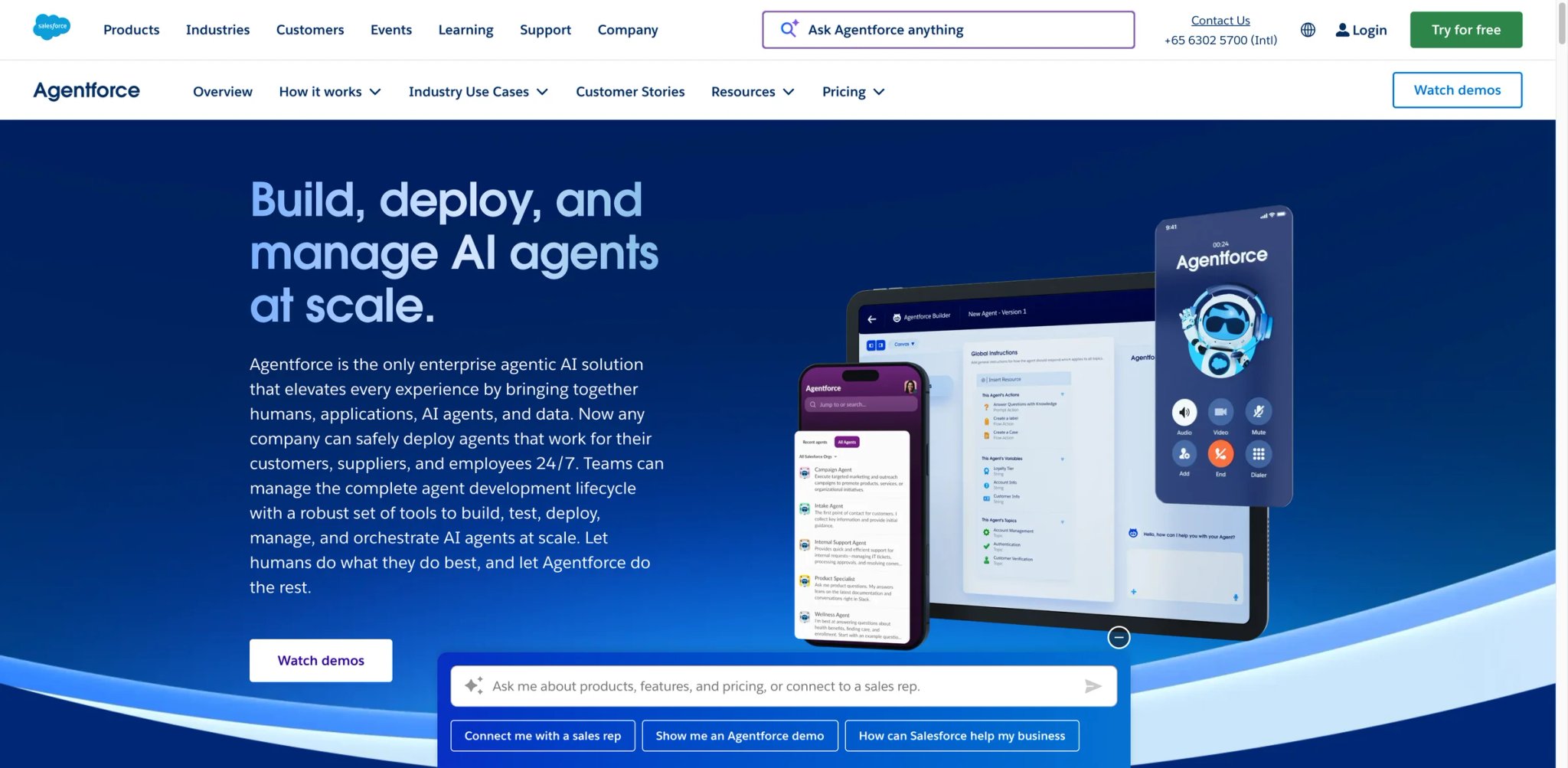
If your AI agent's job is to close service tickets, qualify leads, or handle field operations — and all the relevant data already lives in Salesforce — Agentforce is the only platform where you won't spend months plumbing your CRM into something else. Every other option on this list requires you to build that bridge yourself.
The Atlas Reasoning Engine breaks down multi-step requests and iteratively evaluates its own decisions before acting, which makes agents noticeably more reliable on complex CRM workflows than generic LLM pipelines. The Einstein Trust Layer adds zero-data-retention handling, toxicity detection, and dynamic grounding out of the box — making it the default choice for any organization that's already had a legal conversation about AI data residency.
What makes it different from general-purpose builders: Agentforce isn't a "connect anything" platform — it's a "do everything inside Salesforce" platform. That's the entire value proposition and also the entire risk.
Core capabilities:
- Atlas Reasoning Engine — breaks complex requests into multi-step plans with iterative self-evaluation; reduces hallucination on structured CRM data compared to direct LLM calls
- Agentforce Builder — combines visual flow editor, conversation-driven creation, and Apex/API code mode in one workspace; no context-switching between design and deployment tools
- Einstein Trust Layer — zero-retention prompt handling, PII detection, toxicity filtering; required reading for any regulated industry team
- Multi-channel deployment — deploys across Enhanced Chat, email, Slack, and Lightning Experience without separate integration work
- MuleSoft connectors — 1,000+ pre-built connectors for external systems (SAP, ERP, external APIs), though configuration overhead is real
Pricing & actual cost:
Agentforce Foundations is free and includes Agent Builder, Prompt Builder, 200K Flex Credits, and 250K Data Cloud credits. Paid usage is offered as $500 per 100,000 Flex Credits ($0.10 per action) or $2 per conversation for customer-facing agents, and Salesforce also lists Agentforce user licenses from $5/user/month for eligible employee-facing scenarios. Base CRM edition costs still depend on the Salesforce products you already own, so total cost should be modeled at the org level rather than as a single per-seat line item. At scale, the unpredictable consumption model is the most-cited financial risk — teams report that complex agent interactions burn credits 3-5x faster than initial estimates.
Real limitations:
- CRM data dependency: Agents degrade rapidly on fragmented, legacy, or inconsistently structured Salesforce data; many teams report 3-6 months of data cleanup before production-ready performance
- No BYOM: You cannot bring your own model or use Claude, Gemini, or Llama directly — you're locked into Salesforce AI models for all agent reasoning
- Integration overhead: Cross-system workflows (SAP, ERP, custom APIs) require significant MuleSoft configuration; "all-in-one" mostly applies when you stay inside the Salesforce ecosystem
Best for: Organizations with clean Salesforce data and a primary use case in sales, service, or field operations. If your agents need to touch more than 2-3 external systems regularly, the MuleSoft overhead erodes the "no integration work" advantage quickly. Not the right fit if your team runs primarily on HubSpot, SAP, or non-Salesforce CRM data.
Get started with Salesforce Agentforce
Microsoft Copilot Studio
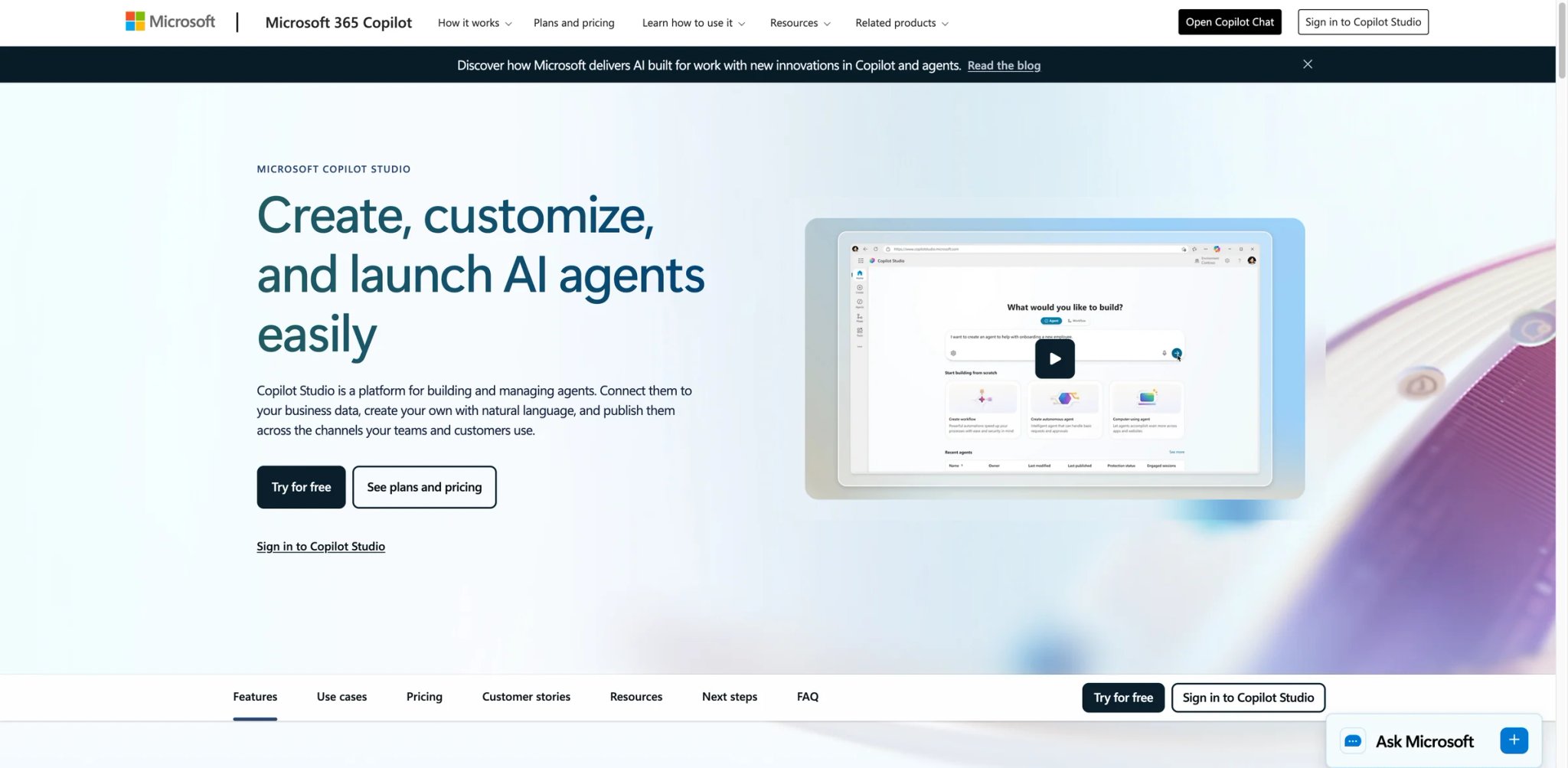
Most enterprise M365 customers don't need to rebuild their internal knowledge base in a new platform — they need to extend Copilot to answer questions about their specific processes, policies, and internal tools. Copilot Studio handles exactly that use case without requiring a separate data pipeline or a new AI vendor relationship.
The 1,400+ pre-built connectors and native MCP server support mean agents built in Copilot Studio can call SharePoint, Teams, Dataverse, and external APIs in the same workflow. For organizations with Microsoft 365 Copilot, agent usage inside Copilot Chat, Teams, and SharePoint can be zero-rated for licensed users, but standalone Copilot Studio capacity still follows the Copilot Credit model.
Core capabilities:
- Low-code visual designer — AI-powered NLU with drag-and-drop topic creation; non-technical authors can build and modify agents without IT involvement
- Multi-agent orchestration — route between specialized agents (one per department, one per use case) with automatic handoffs based on intent
- 1,400+ connectors + MCP — covers most enterprise SaaS and internal Microsoft properties; MCP server integration launched in 2025 extends to third-party AI toolchains
- Work IQ — custom business-specific agent templates with SharePoint grounding; reduces hallucination on internal policy documents
- Governance controls — role-based access, audit logs, and data loss prevention policies inherited from M365 compliance framework
Pricing & actual cost:
30-day free trial via work or school email. After that, 25,000 Copilot Credits/month at $200/month per capacity pack, or pay-as-you-go via Azure subscription. If your organization already has M365 Copilot licenses, some agent usage inside Copilot Chat, Teams, and SharePoint can be zero-rated for licensed users, but tenant-level Copilot Studio capacity planning still matters. The per-message usage limit is the most common production issue — agents hit volume caps mid-conversation and return "This agent has reached its usage limit" errors, which requires capacity planning upfront.
Real limitations:
- Hard usage quotas: Agents stop responding when monthly credit limits are hit; there's no graceful degradation — conversations fail with visible error messages
- Knowledge source unreliability: SharePoint and Confluence integrations require significant reformatting of source content before agents respond reliably; out-of-the-box accuracy on unstructured SharePoint is lower than expected
- Inconsistent cross-app behavior: Agents that work correctly in Teams often behave differently when deployed to SharePoint or email without changes to configuration
Best for: Organizations already running M365 Copilot licenses who need to customize agent behavior for internal processes, HR workflows, IT helpdesk, or knowledge management. Not the right fit if you need to deploy agents outside the Microsoft ecosystem, bring your own model, or need predictable per-interaction cost tracking before scaling.
Get started with Microsoft Copilot Studio
UiPath Agentic Automation
For organizations that built their automation stack on UiPath RPA — handling invoice processing, HR onboarding, or system integrations — the jump to agentic automation doesn't require a new vendor. UiPath's agentic layer sits on top of the robot infrastructure you already operate, adding AI reasoning to workflows that previously required structured inputs and deterministic steps.
The self-healing capability is the most defensible differentiator: when a target application's UI changes (a button moves, a form field is renamed), the agent adapts automatically rather than throwing an exception that requires developer intervention. For high-frequency RPA workflows touching unstable interfaces, this reduces maintenance overhead significantly.
Core capabilities:
- Self-healing agents — automatically adapts to UI changes in target applications; reduces the "robot breaks after every UI update" problem that plagues traditional RPA
- AI-driven process automation — agents can reason across unstructured inputs (emails, PDFs, web forms) before executing downstream robot actions
- Multi-robot orchestration — deploy and manage large fleets of AI agents across infrastructure from a single control plane
- End-to-end governance — human-in-the-loop checkpoints, audit trails, and process telemetry integrated with UiPath Orchestrator
- Hybrid automation — combine deterministic RPA steps with AI reasoning steps in the same workflow; useful for processes that are partially structured
Pricing & actual cost:
Community plan is free but limited to personal use with no agent access. Basic plan starts at $25/month for small team use. Standard and Enterprise plans require custom pricing through sales. For most production agentic deployments, organizations report starting costs well above $10,000/year once agent capacity and orchestrator licenses are included. High-volume automations see the most favorable economics; low-volume, complex cases tend to be expensive relative to alternatives.
Real limitations:
- RPA-first mental model: Designing agentic workflows requires a fundamentally different approach than traditional UiPath RPA — teams report that their existing UiPath developers need significant retraining before building effective agents
- AI decision opacity: Limited visibility into why an agent made a specific routing or reasoning decision; debugging agentic flows requires more effort than debugging deterministic bots
- Resource-intensive: Complex agent deployments consume significant compute; performance degrades noticeably on standard server configurations without dedicated infrastructure
Best for: Enterprises with existing UiPath RPA infrastructure who want to add AI judgment to existing automation workflows without replacing their robot fleet. Not the right fit for greenfield agent projects, teams without an existing UiPath license, or use cases that don't involve process automation at scale.
Get started with UiPath Agentic Automation
Voiceflow
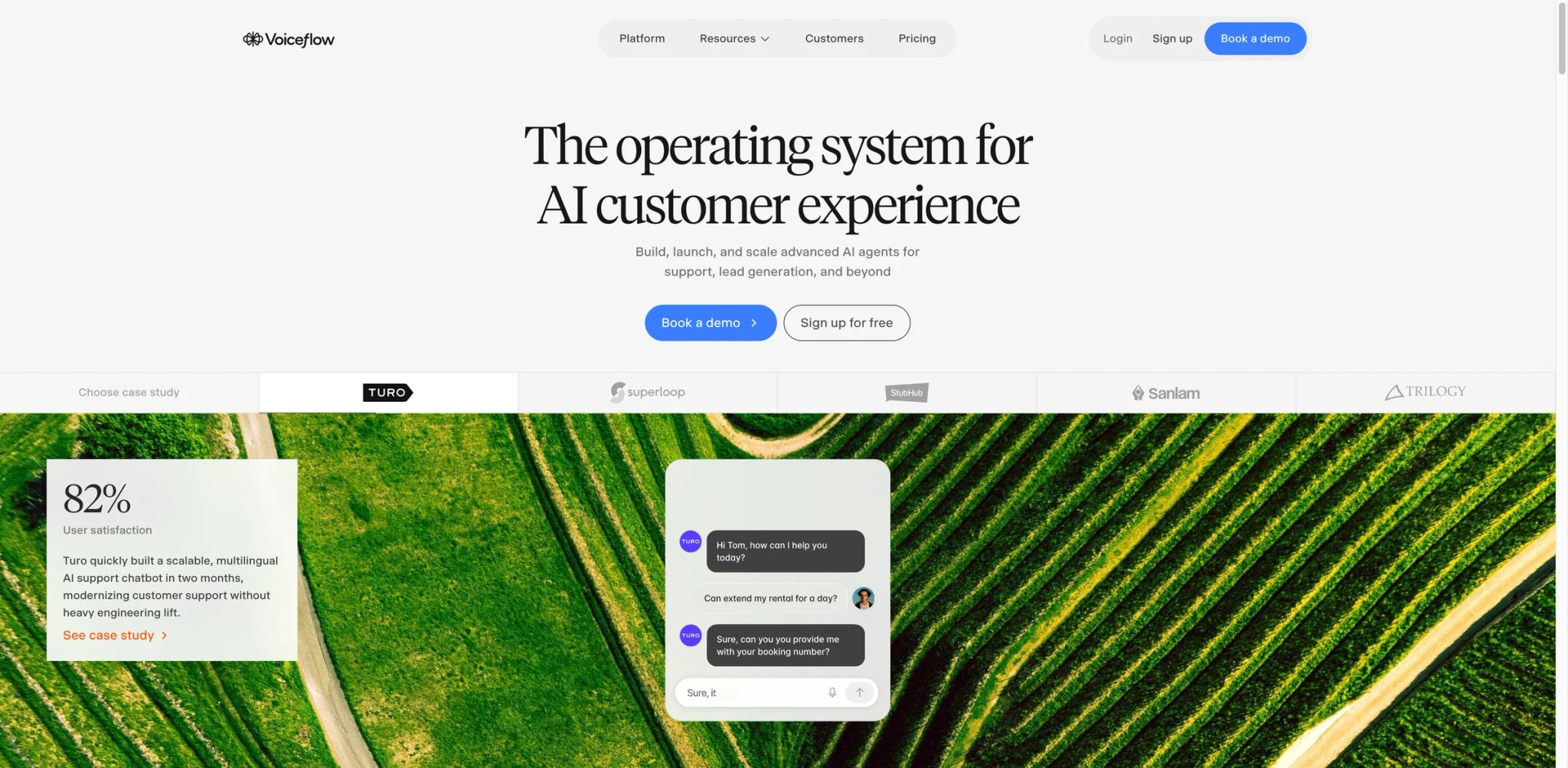
Most agent platforms force a choice: build for developers with a code-first SDK, or build for non-technical teams with a locked-down visual editor. Voiceflow sits between those extremes — the visual canvas supports business teams iterating on conversation design, while JavaScript blocks and API calls give engineers the hooks they need for production-grade logic. Both sides work in the same workspace without forking the project.
The multi-LLM routing is practical rather than theoretical: you can send different steps in the same agent to different models (GPT-4o for reasoning, a faster model for classification, a custom fine-tuned model for specific domains) without rebuilding the conversation structure.
Core capabilities:
- Multi-LLM routing — assign different models (GPT-4, Claude, custom APIs) to different steps in the same flow; useful for cost optimization at scale
- Team collaboration and version control — multiple editors, branching, and rollback; the most mature collaboration layer among mid-market agent builders
- Modular block system — reusable components that can be shared across agents in the same workspace; reduces duplication in large agent libraries
- Enterprise-grade compliance — ISO/IEC 27001:2022, SOC-2, and GDPR; private cloud hosting available on Enterprise plans for HIPAA workloads
- Omnichannel deployment — web chat, voice (IVR), SMS, WhatsApp, and custom channels from the same agent definition
Pricing & actual cost:
Free Starter plan includes 100 credits/month, 2 agents, and basic LLM access — sufficient for prototyping. Pro is $60/editor/month (note: per editor, not per workspace), which means a 3-person product team costs $180/month before additional editors. Business plan at $150/month includes 10K knowledge base sources and unlimited agents. Credits are consumed unpredictably on complex flows — users report conversations stopping mid-session when credits run out, with no graceful fallback.
Real limitations:
- Voice quality gap: Voice deployments regularly exceed 600ms latency; users report the TTS output sounds flat compared to native voice platforms; Voiceflow describes itself primarily as a "chat-first" builder
- Per-editor pricing adds up: At $60/editor/month, cross-functional teams (product, content, QA, engineering) hit costs that exceed category norms quickly
- Credit predictability: Complex multi-step agents and RAG lookups consume credits faster than the pricing calculator suggests; production budgets often require 2-3x the initial estimate
Best for: Cross-functional teams (product + engineering) building customer-facing chat agents across multiple channels, where team collaboration and LLM flexibility are more important than voice quality or cost-per-seat. Not the right fit for voice-first deployments, solo developers who want code-only control, or teams where non-technical editors significantly outnumber engineers.
Get started with Voiceflow

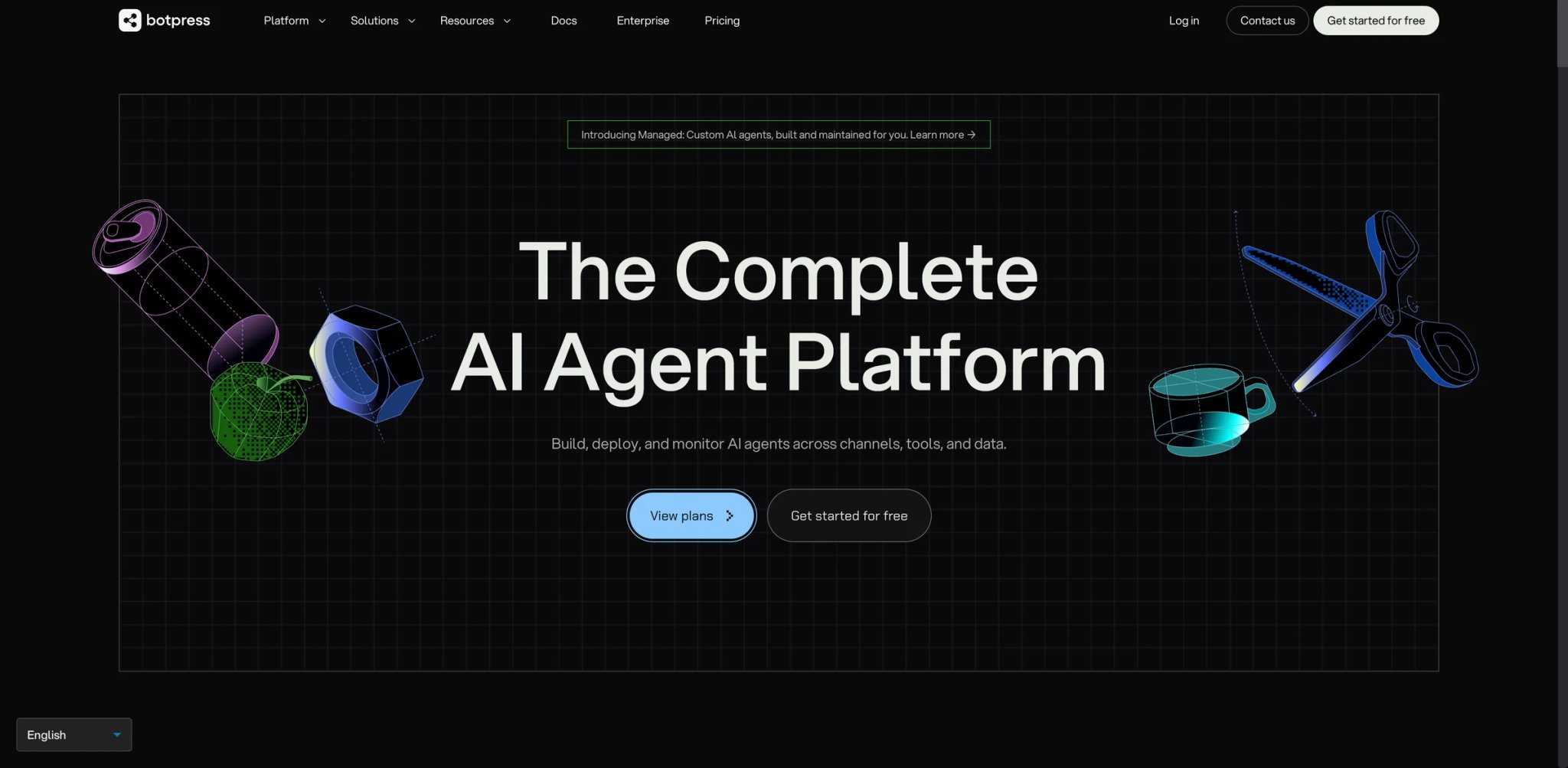
Chatbot platforms that predate the LLM era tend to expose their seams when agents need to reason rather than route. Botpress rebuilt its core around Autonomous Nodes — conversation steps where the agent decides its own path through the workflow rather than following a predefined decision tree. For support, sales qualification, or lead intake use cases, this shift from "flowchart" to "judgment" changes what's practical to build.
The NLU engine with custom intent and slot training gives teams control over how the agent interprets ambiguous user input — important for industry-specific terminology, abbreviations, or multi-turn disambiguation that generic LLMs handle poorly without fine-tuning.
Core capabilities:
- Autonomous Nodes — agent decides its own path through multi-step tasks without explicit orchestration code; reduces flow complexity for dynamic conversations
- Custom NLU training — train intent recognition and slot extraction on domain-specific language; improves accuracy for industry jargon and abbreviation-heavy use cases
- Real-time debugging — inspect conversation state, intent confidence, and variable values step-by-step during testing; speeds up iteration vs. black-box debugging
- Conversational analytics — track intent accuracy, drop-off points, and conversation outcomes in a dedicated dashboard; connects agent behavior to business metrics
- Rich integration library — pre-built connectors for Slack, Teams, WhatsApp, Salesforce, HubSpot, and Zendesk
Pricing & actual cost:
Botpress now uses a PAYG entry tier at $0/month + AI Spend, including a $5 monthly AI credit, 500 incoming messages/events, 1 bot, and 1 collaborator. Plus is $79/month billed annually ($89 monthly) + AI Spend, Team is $445/month billed annually ($495 monthly) + AI Spend, and Managed starts at $995/month billed annually. The headline price is still only part of the total cost because LLM usage is billed separately at provider cost, and self-hosted deployment remains deprecated.
Real limitations:
- No self-hosting: Botpress v12 and all self-hosted options were deprecated in 2025; teams that chose Botpress for on-prem compliance are now cloud-only with no migration path back
- Unpredictable total cost: AI Spend stacks on top of subscription fees; high-volume deployments with complex reasoning steps have seen costs 2-3x higher than initial estimates
- Channel and usage add-ons can change the total bill: message, collaborator, storage, and Always Alive add-ons can materially increase cost on higher-volume deployments
Best for: Mid-market teams building customer-facing support, sales qualification, or lead intake bots where NLU accuracy on domain-specific language matters more than self-hosted data control. Not the right fit for regulated industries that require on-prem deployment, teams building voice-first experiences, or organizations that need predictable flat-rate pricing.
Get started with Botpress

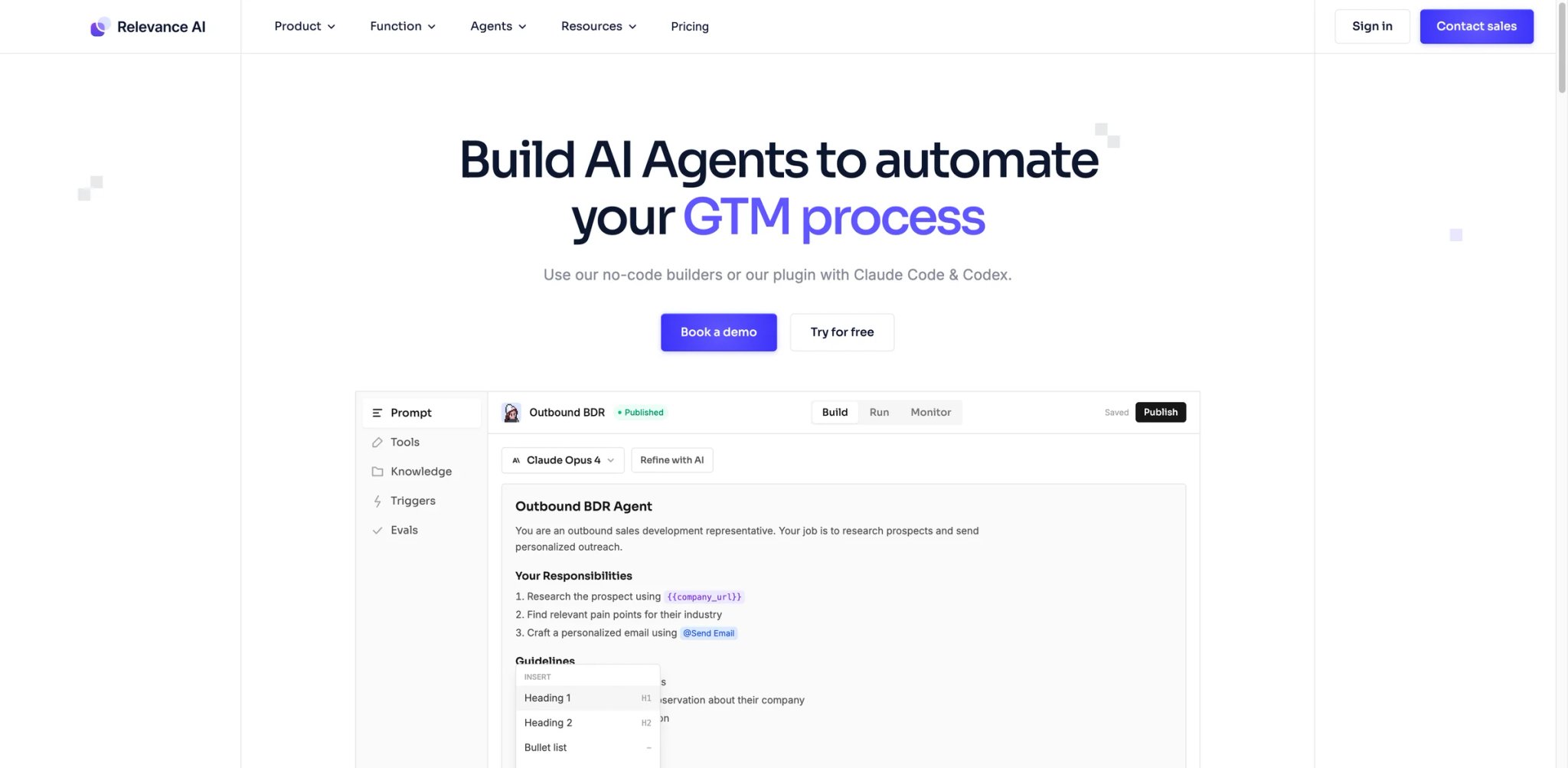
Most "no-code AI" platforms require you to think like an engineer to actually build anything useful. Relevance AI's plain-English agent creation drafts a first version of the agent from a description — tools, triggers, memory — and then lets you edit rather than build from scratch. For sales ops, marketing, or customer success teams that want agents but don't have engineering resources on the team, the gap between "write a description" and "running agent" is measured in minutes rather than sprints.
The pre-built agent marketplace adds a practical shortcut: clone an existing SDR agent, email follow-up agent, or content brief generator, and customize the variables for your workflow rather than starting from a blank canvas.
Core capabilities:
- Plain-English agent creation — describe what you want; AI generates a first draft of the agent with tools, triggers, and instructions that you can refine rather than rebuild
- Pre-built agent marketplace — clone agents for common sales, marketing, and support use cases; starting from a working template vs. blank canvas cuts time-to-first-run significantly
- 2,000+ integrations — covers core GTM, collaboration, CRM, spreadsheet, and API workflows; BYOK is available on paid plans to bypass Vendor Credits
- Multi-agent system support — chain agents into pipelines where the output of one agent is the input to the next; useful for complex content workflows or multi-step outreach sequences
- Multi-region data residency — data can be kept within specific geographic regions; addresses basic compliance requirements without on-prem infrastructure
Pricing & actual cost:
Free includes 200 Actions/month and $2 bonus Vendor Credits. Pro is $19/month billed annually (30,000 Actions/year + $240 Vendor Credits/year), Team is $234/month billed annually (84,000 Actions/year + $840 Vendor Credits/year), and Enterprise is custom. The dual billing model remains real — Actions cover agent work while Vendor Credits cover model and tool costs — but the old Business plan has been sunset.
Real limitations:
- Cloud-only: No self-hosted or on-prem option; data residency options cover region selection but not infrastructure control, which may not satisfy stricter compliance requirements
- Support improves materially on higher plans: Priority support starts on Team, so smaller paid deployments should not assume enterprise-style response times
- "No-code" ceiling: Complex multi-agent workflows and advanced data transformations often hit the limits of the visual interface, requiring workarounds or custom tool configurations that aren't well-documented
Best for: Non-technical teams in sales, marketing, or customer success who need working agents quickly without waiting for engineering bandwidth. Not the right fit for security-sensitive workloads requiring on-prem data control, teams building agents with complex data processing logic, or organizations that need guaranteed SLA on support response times at sub-$599/month spend.
Get started with Relevance AI

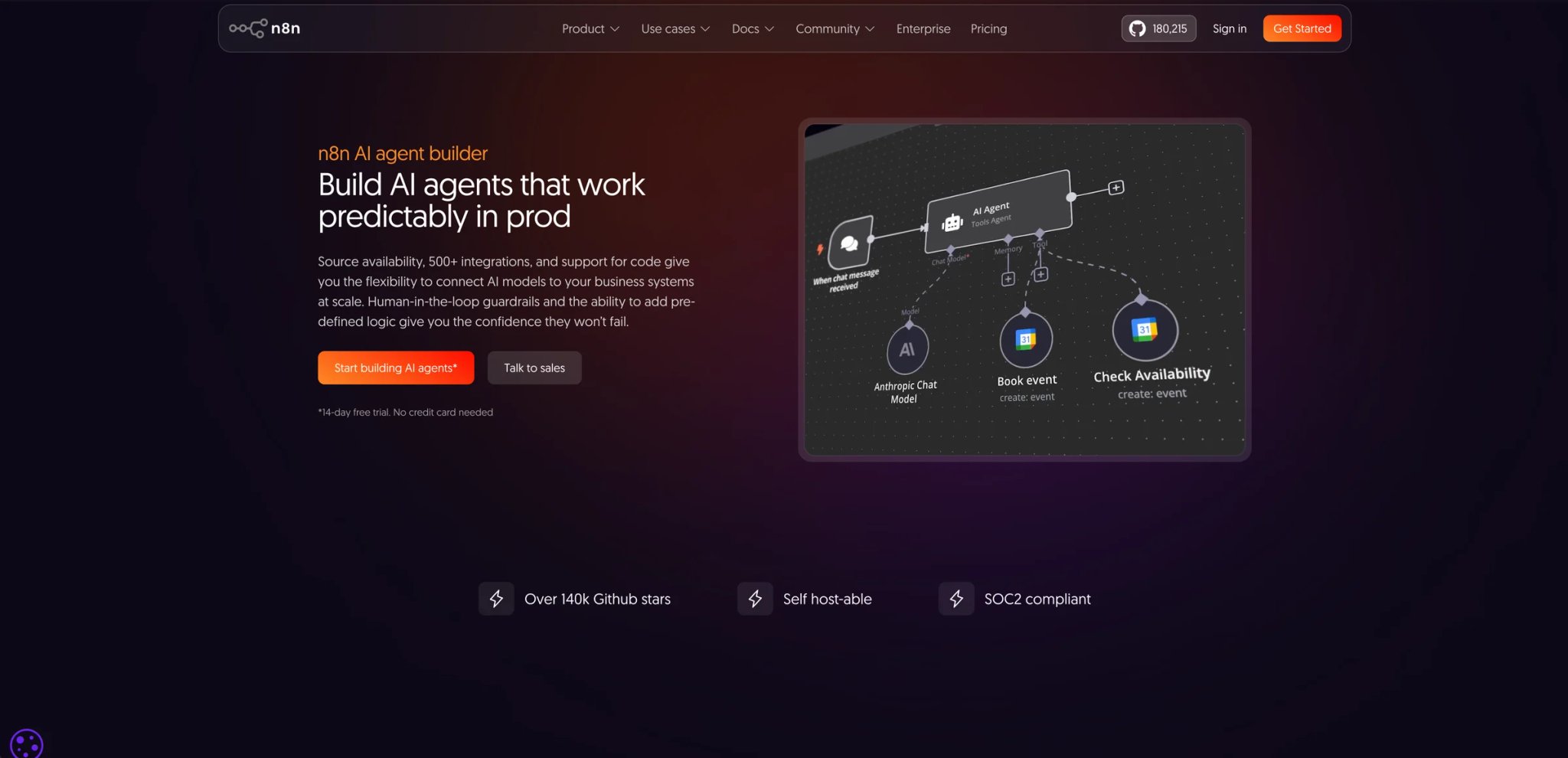
The fundamental tension in AI automation is between control and convenience: hosted platforms are fast to start but expensive to run and opaque to audit; self-built systems are flexible but time-intensive. n8n sits at an unusual position — it's genuinely self-hostable (Community Edition is free to self-host and has no execution cap, but it uses n8n's Sustainable Use License rather than an MIT-style open-source license, has 70+ AI-specific nodes including LangChain integration, and still offers a visual canvas that non-engineers can read if not always write.
For engineering teams that have been burned by vendor lock-in or hit unexpected cost cliffs on other platforms, running n8n on your own infrastructure eliminates the per-execution pricing conversation entirely.
Core capabilities:
- Self-hosted Community Edition — free, unlimited executions, runs on any Linux server; eliminates per-execution costs at scale and keeps data inside your infrastructure
- 70+ AI nodes — pre-built connectors for LLMs (OpenAI, Anthropic, Mistral, Ollama for local models), vector databases, embeddings, OCR, and speech models; no custom code required to wire them together
- LangChain integration — native LangChain nodes with support for multiple memory types (in-workflow, buffer, Redis, Postgres); lets teams reuse LangChain patterns inside a visual workflow
- 400+ integrations — covers standard SaaS (Slack, Salesforce, Postgres, Google Sheets, HubSpot) and custom HTTP endpoints; all available in the same workflow alongside AI steps; for simpler use cases, see AI workflow generator tools
- Code execution nodes — write JavaScript or Python inside the workflow when the visual nodes don't cover your logic; no full context switch to an IDE required
Pricing & actual cost:
Community Edition: free, self-hosted, unlimited. Cloud Starter: €20/month billed annually (2,500 executions). Cloud Pro: €50/month billed annually. Self-hosted Business starts at €667/month billed annually (40,000 executions), while Enterprise is custom. For teams running at volume, self-hosted is almost always the right economic choice — the cloud plans are primarily useful for teams that don't want to manage infrastructure. The per-execution model on cloud plans means a single runaway workflow can exhaust a month's quota quickly.
Real limitations:
- No persistent memory by default: Each agent run starts stateless; building memory that persists across sessions requires wiring Redis, Postgres, or another external store manually — it's not a setting, it's a build task
- Hallucination under extended load: Users report AI agents degrading in accuracy after several conversational turns; the LLM context management is manual, and prompt engineering mistakes compound
- UI performance on large workflows: Workflows with 100+ nodes become noticeably slow in the canvas editor; complex production workflows often require architectural decomposition to remain manageable
Best for: Engineering teams and technical operators who want self-hosted AI automation without per-execution pricing, and who are comfortable maintaining server infrastructure and building memory management manually. Not the right fit for non-technical teams who need drag-and-drop simplicity, organizations that need vendor-managed uptime SLAs, or teams that want memory and context management handled by the platform.
Get started with n8n

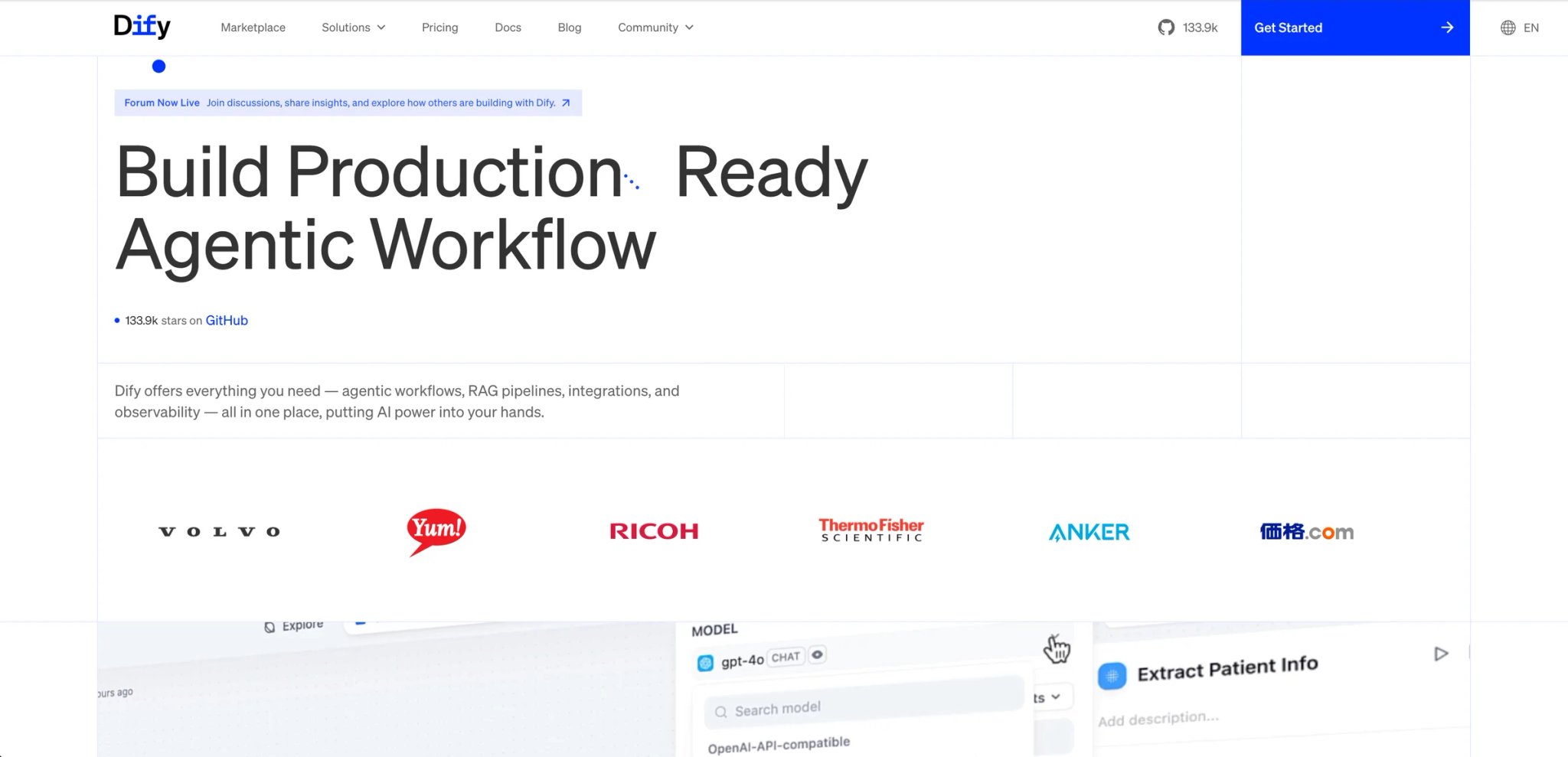
Building a RAG pipeline that actually works in production — reliable chunk retrieval, source attribution, minimal hallucination — usually means writing a non-trivial amount of LangChain or LlamaIndex code. Dify wraps that complexity into a visual workflow builder while remaining fully open-source and self-hostable. The result is a platform where a solo engineer can have a working document-grounded agent in hours rather than days, and the underlying architecture is auditable when something goes wrong.
The 100+ LLM integrations go beyond the usual OpenAI/Anthropic defaults to include Mistral, Llama3, and any OpenAI-compatible API endpoint — including locally-hosted models via Ollama, which matters for teams with data residency requirements that rule out cloud LLM APIs entirely.
Core capabilities:
- Visual RAG pipeline — ingest PDFs, Word, PowerPoint, and web content; configure chunking, embedding models, and retrieval parameters visually; no LangChain boilerplate
- 100+ LLM support — OpenAI, Anthropic, Mistral, Llama3, and any OpenAI-compatible API; local models via Ollama; switch models without rebuilding prompts
- Prompt IDE with model comparison — test the same prompt against multiple models simultaneously; quantitative comparison for accuracy, latency, and cost before choosing a production model
- Observability integrations — native connectors to Langfuse, Opik, and Arize Phoenix; every agent call is logged with latency, token count, and model response for production debugging
- Self-hosted Docker deployment — runs on AWS, Azure, GCP, or any server with Docker; zero vendor dependency on the hosting layer
Pricing & actual cost:
Sandbox (free): 200 message credits, 1 workspace, 1 team member, 5 apps, 50 knowledge documents, and 50MB knowledge storage. Professional is $59/month with 5,000 message credits, 3 team members, 50 apps, 500 documents, and 5GB storage. Team is $159/month with 10,000 message credits, 50 team members, 200 apps, 1,000 documents, and 20GB storage. Self-hosted Community Edition remains free; you pay only your own infrastructure and model costs. For most technical teams, self-hosted is the correct tier; the cloud plans are primarily for teams who want zero infrastructure management.
Real limitations:
- Cloud variable size limits: The hosted version enforces low limits on JSON object sizes that make complex data processing workflows impractical on cloud plans; self-hosted deployments don't have this restriction
- Missing logic operators: No native "contains" or "includes" check for list membership in workflow conditions; workarounds exist but require custom code nodes
- Support on cloud paid tiers: Multiple users on the $59/month plan report receiving "read the docs" responses to support tickets rather than actual assistance; dedicated support requires Enterprise
Best for: Developers and small engineering teams building RAG pipelines, document-grounded agents, or LLM workflows who want full control over the stack via self-hosting. Not the right fit for non-technical teams who need a managed service with responsive support, or organizations building high-volume cloud-hosted agents on a budget (the credit limits constrain practical use quickly).
Get started with Dify
OpenAI Agents
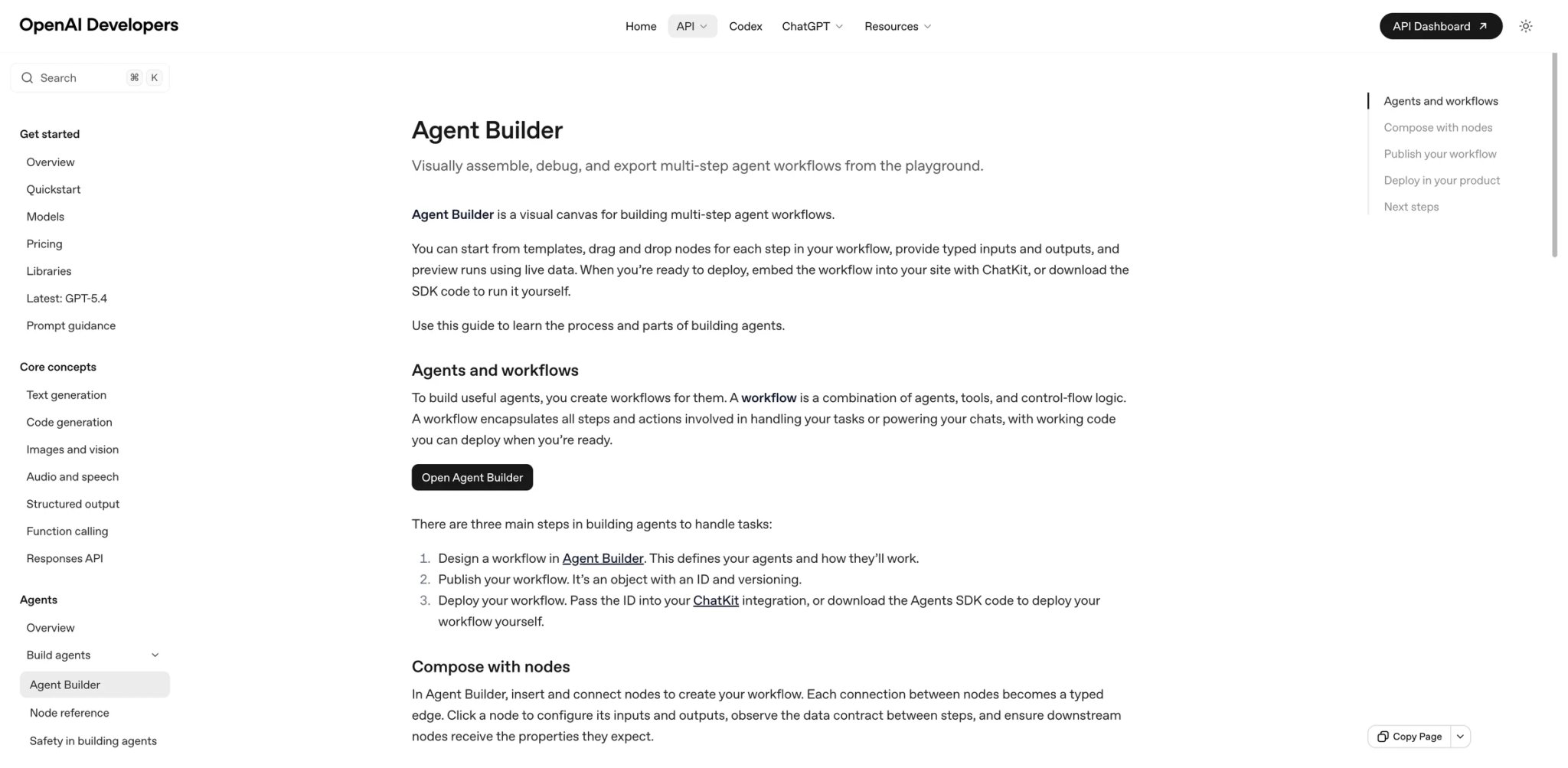
If you're already building on OpenAI models and your primary concern is agent reliability — consistent tool calling, predictable handoffs between specialized agents, meaningful guardrails — the OpenAI Agents SDK gives you first-party primitives that are tested against the models you're actually using. Third-party orchestration frameworks introduce latency and compatibility gaps that become visible in production; the official SDK doesn't.
The four primitives (Agents, Tools, Handoffs, Guardrails) are intentionally minimal — they handle orchestration logic without abstracting away the model interactions that experienced engineers want to tune directly.
Core capabilities:
- Four core primitives — Agents (instruction + tool bundles), Tools (web search, file search, code execution, custom functions), Handoffs (explicit routing between specialized agents), and Guardrails (input/output validation); enough structure to build complex systems without opaque abstraction
- Web Search — real-time retrieval with citations; sourced from Bing with direct integration, no third-party search API key required
- File Search — vector search over uploaded documents with metadata filtering; document store is hosted by OpenAI with no separate vector database setup
- Computer Use — visual interface agent that can click, type, and navigate web UIs; currently in research preview with limited reliability on complex interfaces
- Multi-agent orchestration — route between specialized agents based on task type; handoffs are explicit and auditable in traces
Pricing & actual cost:
API access is pay-per-token based on the underlying model (GPT-4o: $2.50/M input tokens, $10/M output tokens as of March 2026). The Agents SDK itself is free — you pay only for model usage. File Search storage is $0.10/GB/day for vector stores. Web Search costs vary by number of calls. For most applications, the variable cost is lower than an equivalent workflow built in a hosted agent platform — but requires accurate upfront usage modeling to avoid surprises.
Real limitations:
- Computer Use still needs workload-specific evaluation: real-world UI reliability varies by site and task, so teams should benchmark their exact workflows before production rollout
- File Search quality ceiling: No control over chunking strategy, no native CSV or image support; teams with structured data or non-text documents hit these limits quickly
- OpenAI ecosystem only: No support for Anthropic, Gemini, or open-source models; switching models requires moving to a different framework entirely
Best for: Developers building production agents on OpenAI models who want minimal abstraction, first-party reliability, and predictable API-level pricing. Not the right fit for teams that need LLM portability, non-technical teams building without code, or anyone requiring computer use automation at production scale today.
Get started with OpenAI Agents
Google Vertex AI Agent Builder
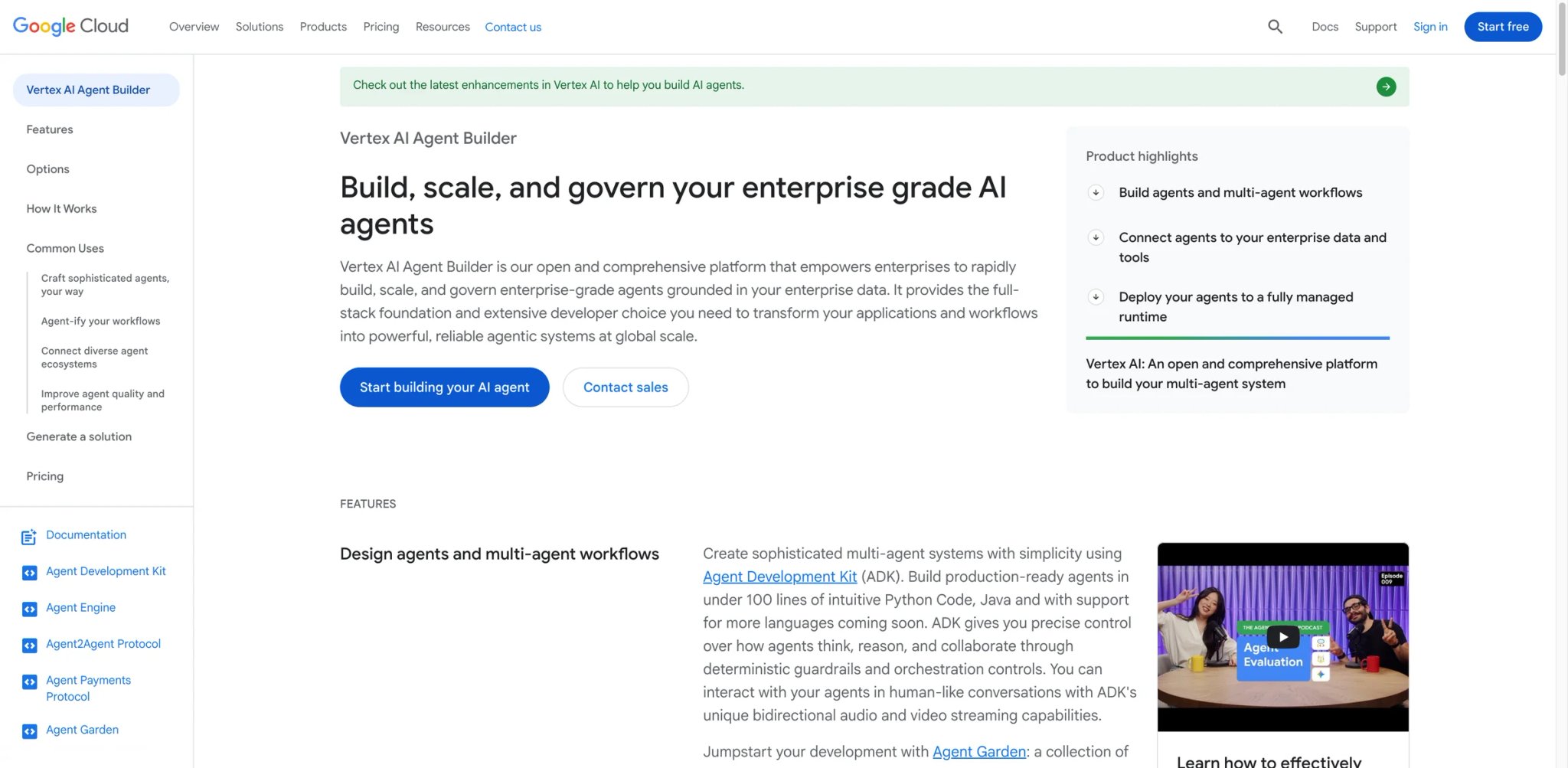
Teams building on Google Cloud that need production agent infrastructure — not just experimentation tooling — have a credible end-to-end story with Vertex AI Agent Builder: ADK for building, Agent Engine for deploying at scale, and Agent Garden for reusable sample components. The Agent Development Kit is open-source, which means you can develop locally without cloud credits and only pay when you move to production via Agent Engine.
For organizations with data already in BigQuery, Vertex AI Search, or Google Drive, the native grounding removes a significant integration burden compared to building RAG manually with an external vector database.
Core capabilities:
- Agent Development Kit (ADK) — open-source Python framework for building multi-agent systems with routing, memory, and tool use; develop locally, deploy to Agent Engine without framework changes
- Agent Engine — managed production runtime that handles scaling, session management, and deployment; targets teams who want cloud infrastructure without writing Kubernetes configurations
- Agent Designer — low-code visual interface for building single-purpose agents without Python; appropriate for simpler workflows where code is not required
- Native GCP grounding — built-in connectors to BigQuery, Google Drive, Google Search, and Vertex AI Search; ground agents on enterprise data without a separate RAG pipeline
- Agent Garden — curated library of sample agents and tools covering common enterprise use cases; accelerates prototyping for standard workflows
Pricing & actual cost:
New customers get $300 in free credits valid for 90 days. After that, Agent Engine charges $0.0864/vCPU-hour and $0.0090/GB-hour for memory/sessions. Search integration adds $1.50-$6.00 per 1,000 queries depending on feature tier. Session events and memories are $0.25 per 1,000 events (as of January 2026). Heavy agent workloads on Agent Engine can reach significant monthly costs — teams report $500-$5,000/month for production-grade deployments depending on traffic volume.
Real limitations:
- GCP lock-in: Every production feature (Agent Engine, grounding, vector search) ties deeply to Google Cloud infrastructure; multi-cloud architectures are possible but require significant additional engineering
- Rate limit failures in production: Error 429 RESOURCE_EXHAUSTED is a common production issue on Agent Engine; requires quota increase requests through Google Cloud support, which adds operational overhead for time-sensitive launches
- Steep learning curve on IAM and service accounts: New users consistently report that GCP permission setup is the first major obstacle before agents can call external services
Best for: Engineering teams already on GCP who need production-grade agent infrastructure with native BigQuery and Google Search grounding, and who are comfortable operating within the Google Cloud ecosystem long-term. Not the right fit for multi-cloud organizations, teams that need to keep infrastructure costs predictable at launch, or non-technical users who need the visual-first experience.
Get started with Google Vertex AI Agent Builder
Zapier Agents
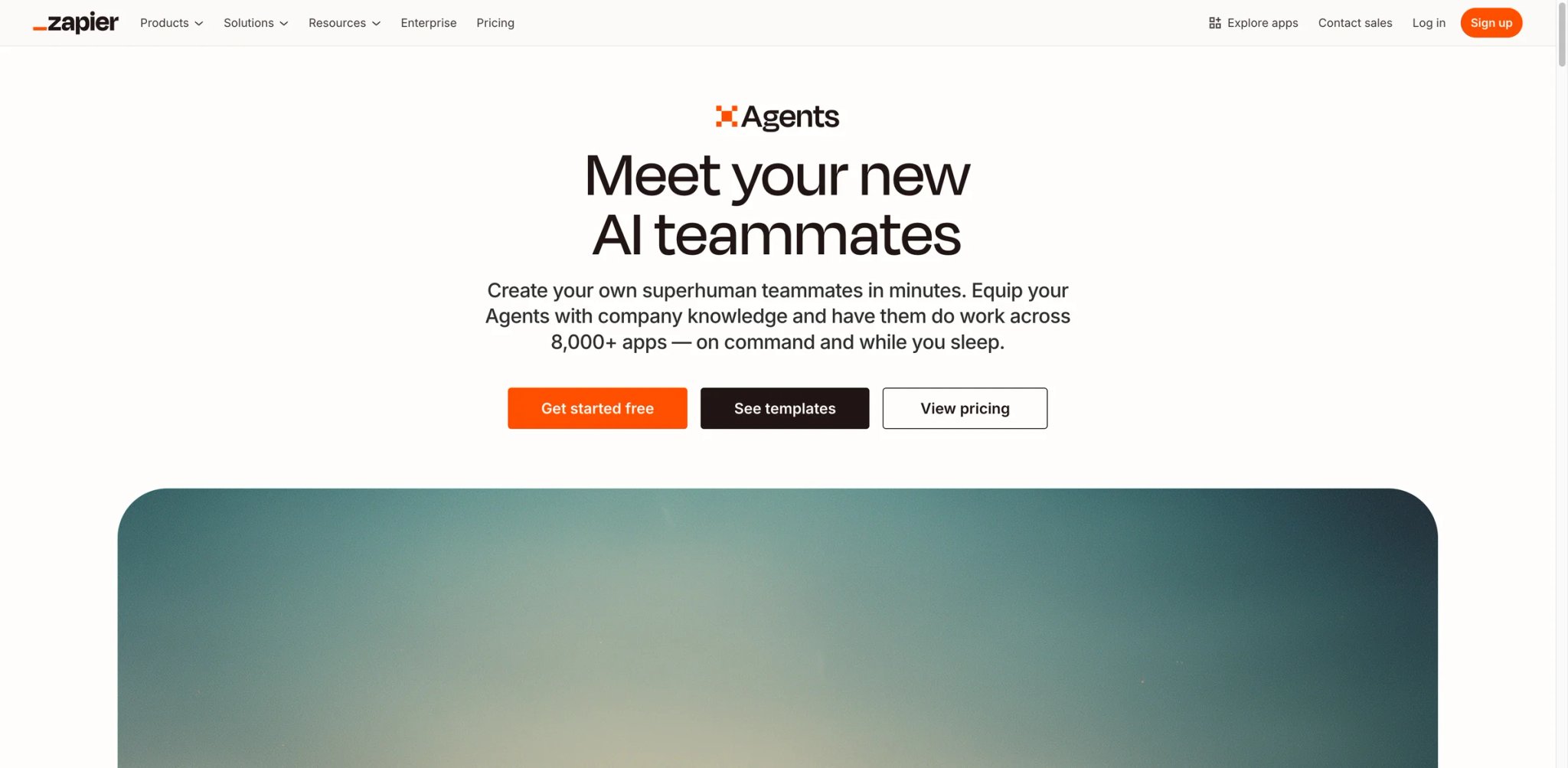
For operations teams that already use Zapier for app-to-app automation, Zapier Agents extends that existing investment into territory where agents can browse the web, reason across inputs from multiple sources, and execute up to 40 autonomous actions before checking in with a human. The value isn't the agent sophistication — it's the immediate access to 8,000+ app integrations without building a single connector.
The use case ceiling is real: Zapier Agents works well for "collect information from these sources, summarize, and update this record" type workflows. It doesn't work well for multi-turn decision-making, stateful reasoning, or use cases where the agent needs to handle unexpected edge cases intelligently.
Core capabilities:
- 8,000+ app integrations — the same connector library as Zapier's automation platform; agents can read from and write to any connected app without custom API work
- Web browsing — agents can retrieve real-time data from web pages as part of a workflow; useful for price monitoring, competitor tracking, or data collection from sites without APIs
- Attached knowledge base — upload documents, FAQs, or structured data for the agent to reference; reduces hallucination on workflow-specific factual questions
- 40 autonomous actions per session — configurable checkpoint at 10 actions on free tier; agents confirm with users before proceeding, adding a practical guardrail for consequential actions
- Zapier ecosystem continuity — agents integrate directly with existing Zaps; no migration of existing automation work
Pricing & actual cost:
Free tier includes 400 activities/month. Pro is approximately $29.99/month with 1,500 activities/month. Activities are consumed per agent action — complex multi-step agents burn through the quota faster than simple integrations. Zapier Agents is available at agents.zapier.com; a Zapier account is required.
Real limitations:
- Not built for complex reasoning: Users consistently report the agent fails when encountering unexpected inputs or edge cases that weren't explicitly handled; falls back to asking for clarification rather than reasoning through the problem
- No learning from history: The agent doesn't retain context across separate sessions or improve based on past runs; workflows that handle recurring patterns need to be manually updated when the pattern changes
- Setup overhead for non-trivial workflows: Despite the "no-code" positioning, users report 3-5 hours of configuration work for multi-step agents involving conditional logic across several apps
Best for: Operations and marketing teams already on Zapier who want to extend existing automations with AI reasoning, web browsing, or unstructured input handling — without learning a new platform. Not the right fit for agents requiring multi-turn stateful reasoning, teams building customer-facing conversational experiences, or use cases where edge case handling is a core requirement.
Get started with Zapier Agents
Lindy
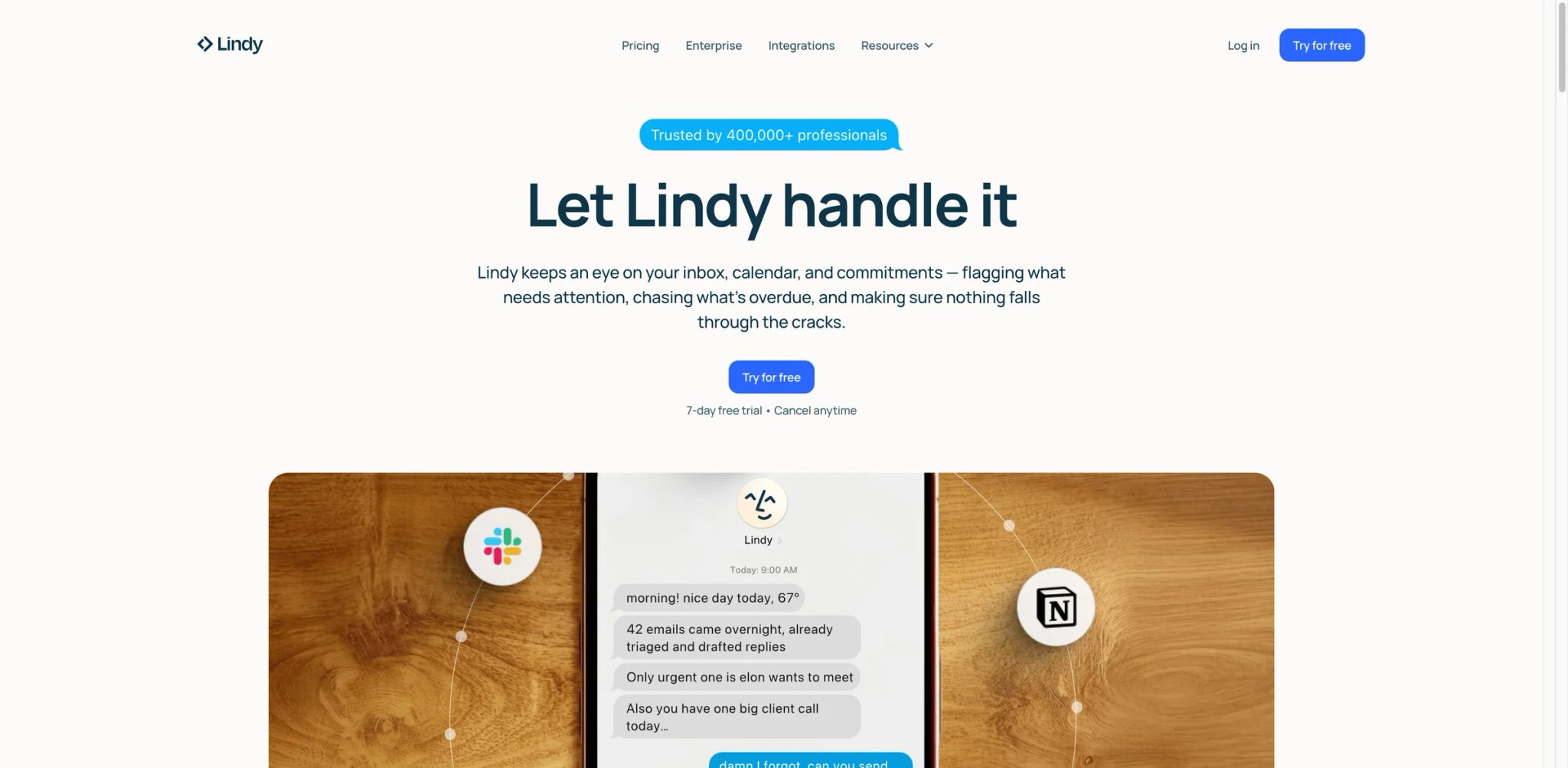
Personal productivity automation tools — IFTTT, Zapier free tier, iOS Shortcuts — handle deterministic "if this then that" logic but break down when the task requires reading context, making a judgment call, or navigating interfaces that don't have APIs. Lindy targets the gap: AI agents that can manage email, schedule meetings, draft follow-ups, and use a cloud computer to interact with tools that have no API.
The Autopilot feature (cloud-based computer use) means Lindy can complete tasks in web applications without a connector — it navigates the UI the way a human would, which covers the long tail of business tools that are too niche for major integration libraries.
Core capabilities:
- Natural language agent creation — build an agent by describing what you want; no flow builder, no prompt templates; appropriate for users who find visual builders more confusing than writing instructions
- Autopilot / Computer Use — cloud AI agent that navigates web UIs; can complete tasks in any web application without requiring a native API integration
- Hundreds of integrations — covers email, calendar, CRM, project management, and communication tools; broad coverage, but not the same scale as Zapier's 8,000+ app ecosystem
- iMessage and SMS access — deploy agents accessible via text message on Plus and higher plans; useful for mobile-first workflows
- 30+ language support — multilingual agent responses on Pro and Enterprise plans
Pricing & actual cost:
Lindy now starts with a 7-day free trial rather than a permanent free tier. Plus is $49.99/month, Pro is $59.99/month, and Enterprise is custom. Phone calls via AI remain priced separately at $0.19/minute with GPT-4o. The credit model still makes per-workflow cost hard to estimate in advance.
Real limitations:
- Credit cost unpredictability: The per-credit model means complex or long-running agents consume credits faster than simple workflows; no easy way to estimate per-task cost before building the agent
- Google ecosystem dependency: Many core workflows (email, calendar, document management) rely on Google services; users who run Microsoft or other ecosystems need workarounds for basic tasks
- Billing complaints on cancellation: Multiple users report continued charges after cancellation with delayed support responses; worth verifying cancellation process before committing to annual billing
Best for: Solopreneurs, freelancers, and small business operators who want AI to handle email management, meeting scheduling, and follow-up tasks without learning automation software. Not the right fit for engineering teams building production agents for end-users, organizations with Microsoft-heavy stacks, or workflows where per-task cost predictability is a budget requirement.
Get started with Lindy
Honorable Mentions
Stack AI
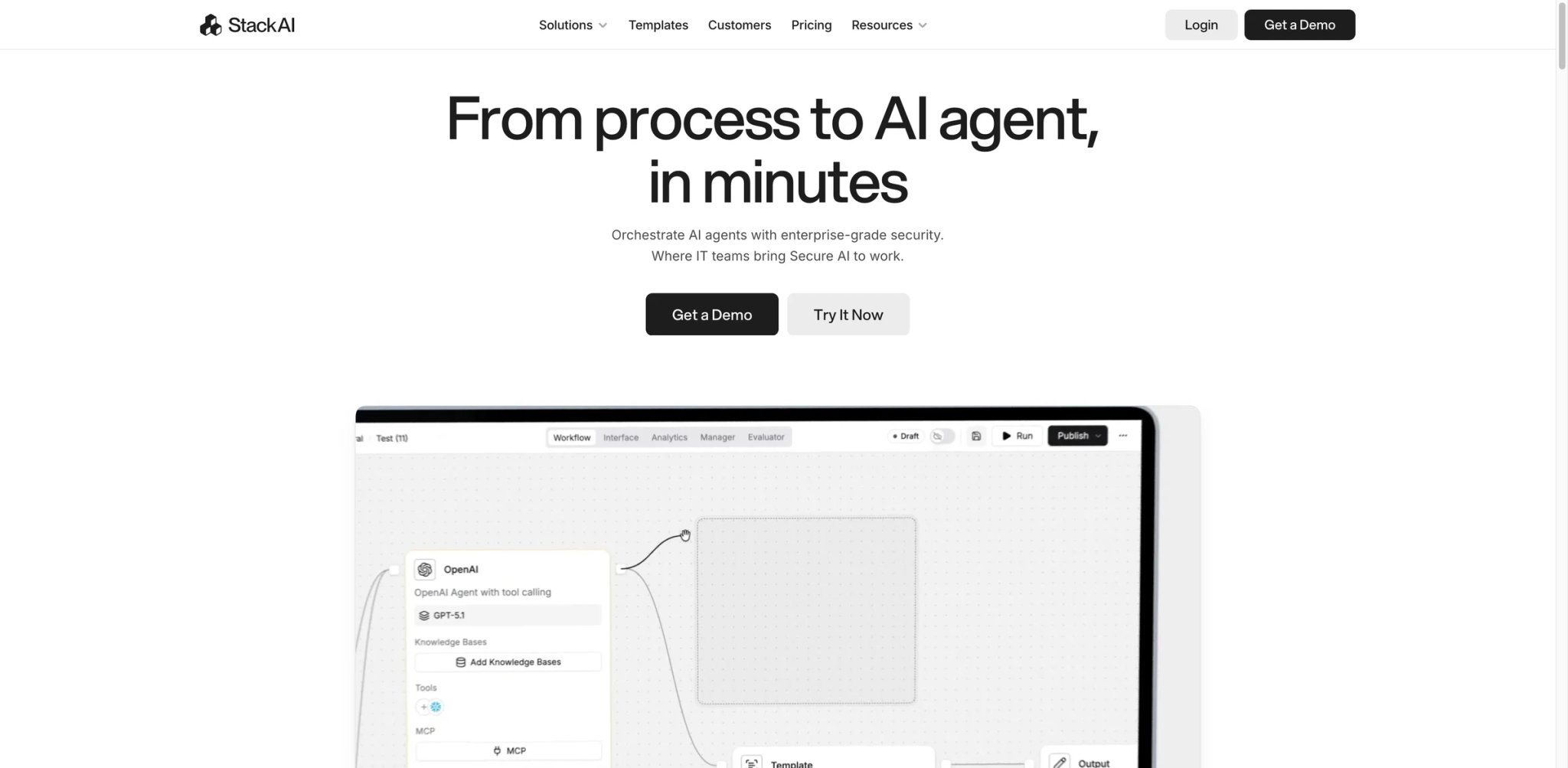
Stack AI's most defensible feature is enterprise on-prem deployment in under 10 minutes — a claim most platforms in this category can't match. The no-code builder works for straightforward agent creation, and VPC deployment plus SOC2/HIPAA/GDPR compliance make it viable for regulated industries where cloud-only options don't pass procurement. The main friction is a hard gap between the free tier (500 runs/month) and Enterprise (custom pricing, no publicly disclosed middle tier), which forces a sales conversation before teams can meaningfully validate the platform at production scale. Learn more about Stack AI
Gumloop
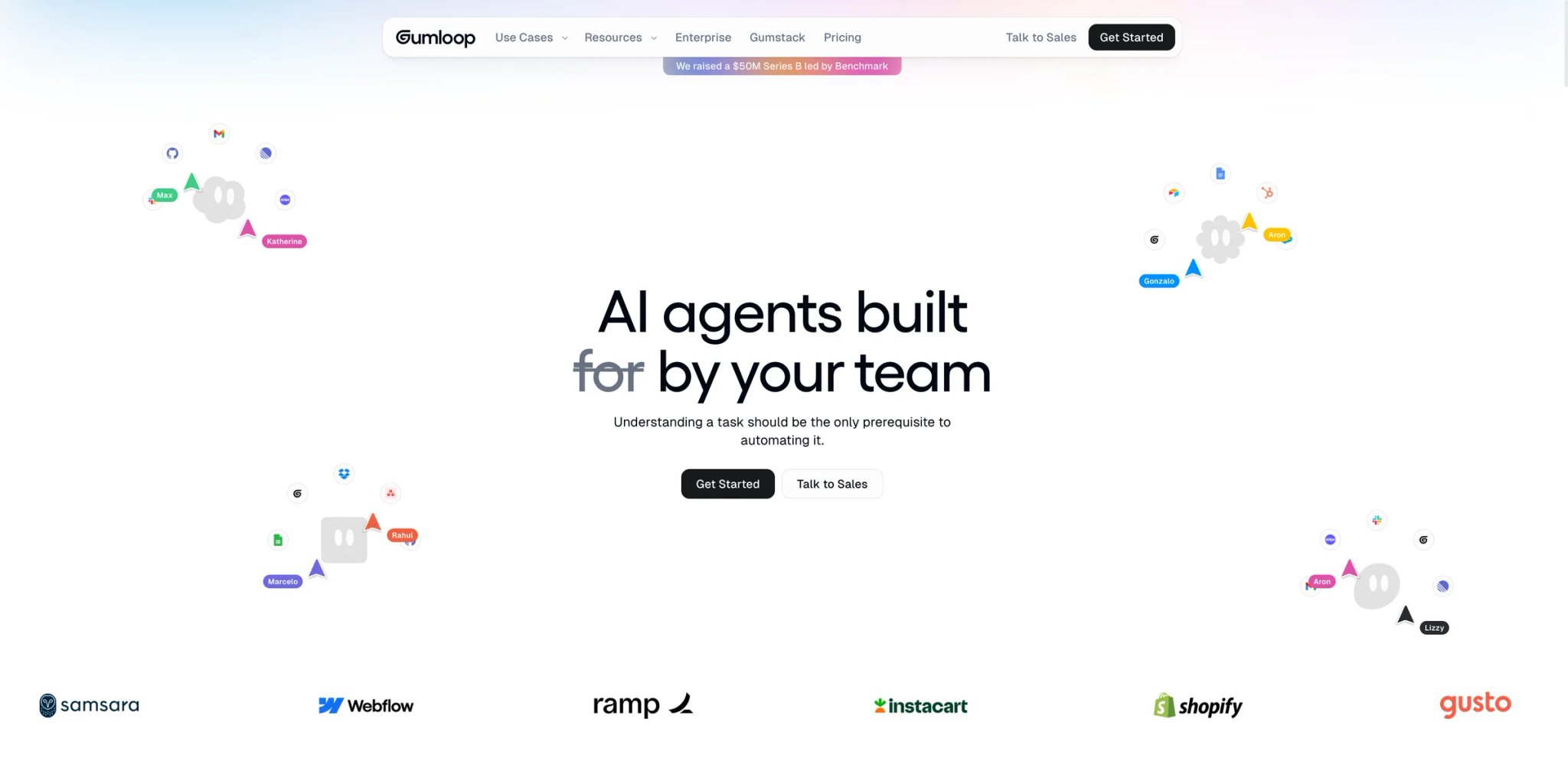
Gumloop's "vibe code" agent generation — describe what you want, get a working workflow — combined with Autopilot (cloud computer use beyond API limits) makes it a fast path from idea to running agent for non-technical operators. The Pro plan at $37/month is the most accessible paid tier in this roundup for teams needing unlimited seats. The credit model becomes opaque at scale, and the integration library is narrower than Zapier or Relevance AI, which limits applicability for teams with a diverse SaaS stack. Learn more about Gumloop
Workato Agent Studio
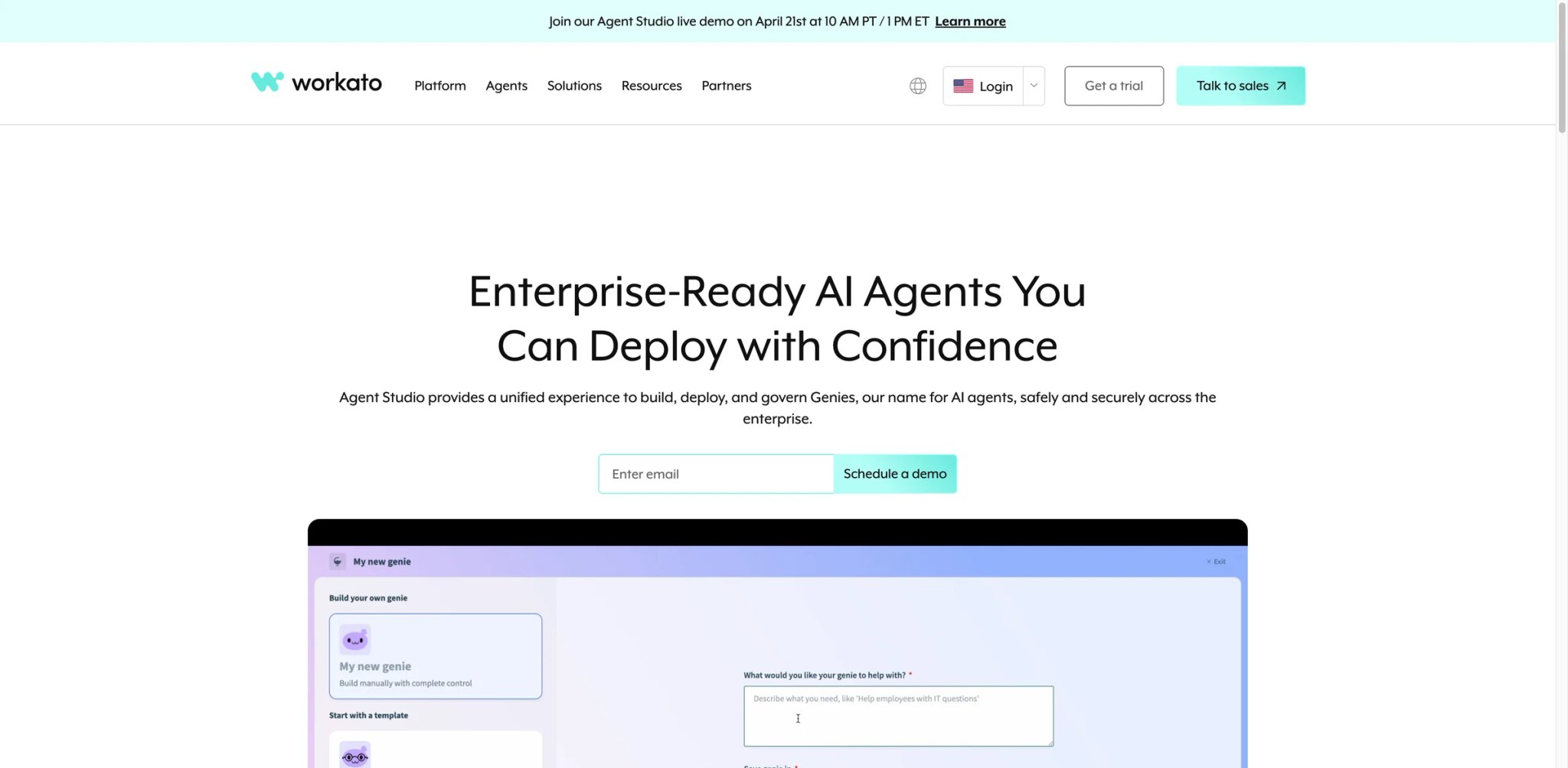
Workato's enterprise integration pedigree — 1,000+ pre-built connectors, bidirectional sync, and a mature recipe framework — is a genuine advantage for large organizations already using Workato for iPaaS. Agent Studio adds AI Genies (autonomous business process agents) with human-in-the-loop Business Approvals and full conversation auditability. Workato now uses custom, usage-based pricing with a platform edition fee plus usage fees, which keeps it expensive for many teams but is more accurate than quoting a fixed public entry price. For teams already in the Workato ecosystem, the agent layer adds value without a new vendor relationship. Learn more about Workato Agent Studio
Flowise
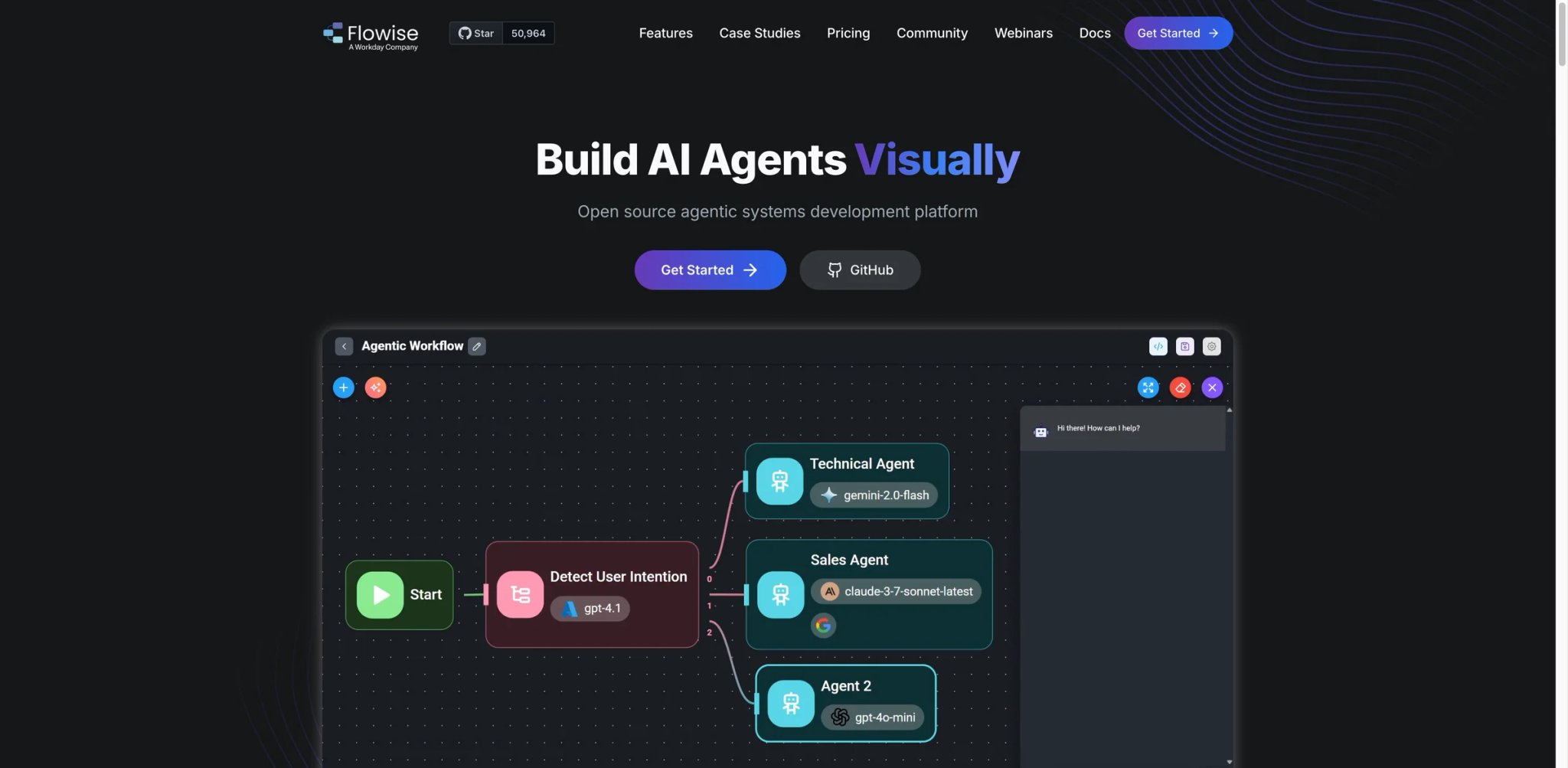
Flowise is a low-configuration visual wrapper around LangChain — if LangChain's API surface is too complex for your team but you want the RAG, memory, and tool-use patterns it provides, Flowise makes them accessible via drag-and-drop. The open-source self-hosted version is free with no credit limits. Known production concerns include memory leaks under load and breaking changes between versions that require testing before upgrades. Best for developers who want LangChain's power without writing all the orchestration boilerplate. Learn more about Flowise
Best AI Agent Builders by Use Case
For Teams Scaling a PoC to Production on a Tight Timeline
If your demo worked in a sandbox and leadership has set a production deadline without giving you more engineers, the fastest path to production is a platform that handles infrastructure, observability, and scaling without you having to build it. Relevance AI or Voiceflow get you from working prototype to deployed agent fastest — Relevance AI if the team is non-technical, Voiceflow if product and engineering need to collaborate in the same workspace. Dify is the right choice if the PoC involves document retrieval and you're comfortable self-hosting to avoid credit limits.
For Enterprise Teams Under Compliance Scrutiny
Organizations in healthcare, finance, or government that need data residency controls, audit trails, and compliance certifications before agents can go near production data should evaluate Stack AI (on-prem in under 10 minutes, HIPAA/GDPR/SOC2), Voiceflow Enterprise (private cloud, ISO 27001:2022, SOC-2), or Salesforce Agentforce (Einstein Trust Layer, zero-retention handling) as the shortlist. UiPath Agentic Automation is the right choice if the compliance requirement is specifically around process auditability rather than data residency.
For Developers Who Don't Want Platform Lock-in
Teams that have been burned by per-seat pricing, feature removal, or vendor pivots should evaluate self-hosted options: n8n (Community Edition, unlimited executions, free), Dify (Docker self-host, 100+ LLM support), or Flowise (LangChain visual builder, open-source). All three let you run on your own infrastructure with no ongoing platform fees beyond the LLM API costs you'd pay anyway. Google Vertex AI ADK is the right choice if you want open-source development tooling with managed production deployment on GCP.
For Business Operations Teams Without Engineering Support
Sales ops, marketing ops, or customer success teams that need AI agents to handle email triage, meeting scheduling, or CRM data entry — without writing a line of code or waiting for an engineer — should look at Lindy (personal workflow automation via natural language), Zapier Agents (extend existing Zapier automations with AI reasoning), or Relevance AI (clone agents from the marketplace). Microsoft Copilot Studio is the right choice if the team already uses M365 Copilot and wants custom agents without a new vendor.
For Organizations Already on a Major Cloud Provider
Teams where the infrastructure decision is already made: Salesforce Agentforce if you're on Salesforce, Microsoft Copilot Studio if you're on M365, Google Vertex AI Agent Builder if you're on GCP, and UiPath Agentic Automation if you're an existing UiPath RPA customer. The operational advantage of staying within your existing cloud footprint — shared IAM, consolidated billing, native data connectors — outweighs marginal feature differences in most cases.
How to Choose the Right AI Agent Builder
1. Start with your data location, not your feature wishlist. If all the data your agent needs is in Salesforce, the answer is Agentforce. If it's in M365, it's Copilot Studio. If it's in BigQuery, it's Vertex AI. Every platform's native connectors to its own ecosystem are an order of magnitude faster to set up than third-party integrations.
2. Decide upfront whether your team can self-host. Self-hosted platforms (n8n, Dify, Flowise) eliminate per-execution pricing entirely and give you full data control, but they require someone who can maintain server infrastructure, handle upgrades, and respond to downtime. If that person doesn't exist on your team, hosted platforms are the right choice even at higher cost.
3. Map your compliance requirements before demoing anything. On-prem deployment (Stack AI, UiPath), HIPAA certification (Voiceflow Enterprise, Stack AI), and data residency options (Relevance AI multi-region, Vertex AI regional endpoints) are not retrofittable features. If compliance is a procurement requirement, filter for it first and then evaluate the remaining platforms on functionality.
4. Prototype on the free tier before committing. Every platform on this list except Workato Agent Studio has a free tier or free trial. Run your actual use case, not a "hello world" demo, before committing to an annual contract. The gap between what works in the demo and what works on your production data is where most vendor evaluations fail.
5. Model the TCO at your target production volume. Per-execution pricing (Zapier, Gumloop), per-action billing (Relevance AI), and consumption credits (Voiceflow, Agentforce) all look inexpensive at low volume and expensive at scale. Estimate cost at 10x your current usage before signing anything; ask the vendor for a worst-case scenario calculation, not just the average.
6. Verify LLM portability. If there's any chance you'll want to switch models — for cost, capability, or regulatory reasons — choose a platform that supports multiple LLMs (Voiceflow, Dify, n8n, Relevance AI) rather than one that locks you into a single provider (Salesforce Agentforce, OpenAI Agents). Model capabilities and pricing change faster than agent platform contracts. If you're also evaluating inter-agent communication standards, the A2A protocol beginner's guide covers the emerging framework for agent-to-agent coordination across platforms.
Frequently Asked Questions
What's the difference between an AI agent builder and a chatbot platform?
Which AI agent builders support on-premises or self-hosted deployment?
How do I estimate the real cost of an AI agent platform at production scale?
Can I use my own LLM (Anthropic, Mistral, local Ollama model) with these platforms?
What happens when an AI agent makes an error or takes a wrong action?
Is there a free AI agent builder suitable for production use?
How long does it typically take to deploy an AI agent in production?
Get ToolWorthy Weekly
New AI tools, practical guides, and selected AI signals in one weekly brief.
Related Posts
- 10 Best Zapier Alternatives 2026 - AI Workflows, Cost & Control
Compare 10 Zapier alternatives for 2026, including Make, n8n, Activepieces, Pipedream, Power Automate, Workato, Tray.ai, and IFTTT.
- 14 Best AI Business Automation Tools 2026 - Workflow Fit
Compare 14 AI business automation tools for visual workflows, APIs, data operations, RPA, AI agents, enterprise governance, pricing, and rollout risk.
- 10 Best AI Security Tools 2026 - Runtime, Agents, and AI-SPM
Compare 10 AI security tools for agent protection, runtime guardrails, AI-SPM, red teaming, and Microsoft data security workflows.
For AI tool founders
Built a tool that belongs in this decision set?
Request an editorial evaluation for possible inclusion in ToolWorthy.
Submit your tool for reviewPaid submission does not guarantee a ranking, recommendation, inclusion, or editorial outcome.