



Overview
Wondershare Repairit is an AI-assisted tool for photo restoration, image repair, and visual enhancement. The product page positions it around practical work rather than novelty: users bring in an old photo, damaged image, faded portrait, or family archive scan and use the tool to move faster from raw input to a usable output.
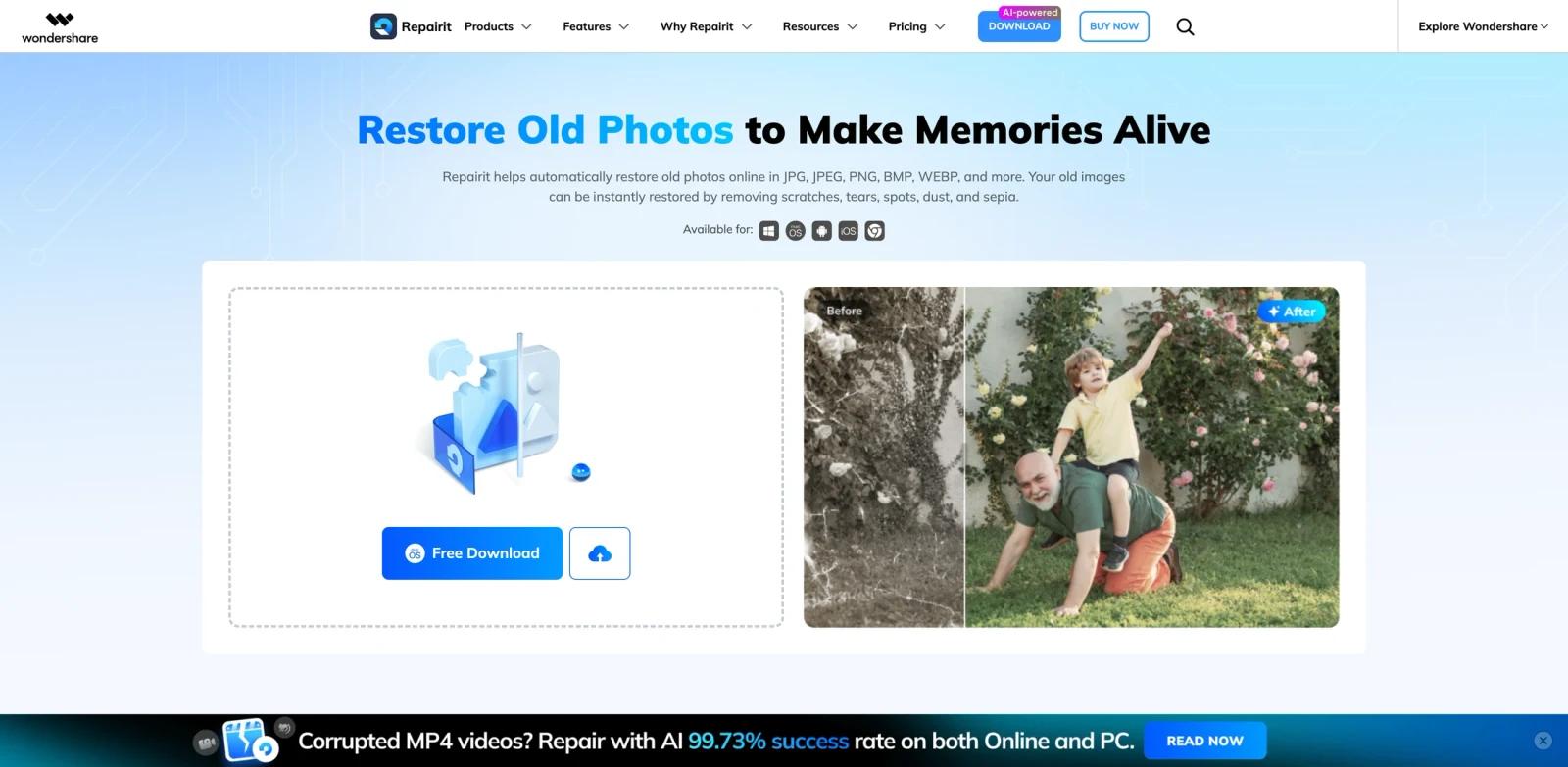
Experience seamless AI-powered photo revival! Effortlessly transform old photo to new photo with our top-notch ai photo restoration. Unleash the magic of photo restore ai now. Visible page signals include "Restore Old Photos to Make Memories Alive.", "The Best Old Photos Restoration For Corrupted Pictures.", "Remove Scratches from Pictures with AI.", which helps buyers evaluate fit against real workflows.
Wondershare Repairit sits in the same workflow as AI photo restoration tools and AI image enhancers. Teams doing broader edits may also compare it with AI image editors. The strongest fit is a team or individual with a repeatable workflow, clear review standards, and a need to reduce manual setup without handing final judgment to automation.
Key Features
- AI photo repair - Restores faded, scratched, blurry, or damaged images so old photos become easier to preserve and share.
- Enhancement and sharpening - Improves facial detail, contrast, and clarity without requiring manual retouching expertise.
- Colorization support - Adds color to black-and-white images when users want a more modern or emotionally vivid result.
- Fast visual previews - Lets users compare restoration results before deciding whether an image is ready to download or refine.
- Archive-friendly workflow - Helps families, creators, and restoration businesses process repeated image repair tasks.
How to Get Started
- Open Wondershare Repairit from the official product page and confirm that the workflow matches the task you want to improve.
- Prepare one realistic input from your current work: an old photo, damaged image, faded portrait, or family archive scan.
- Run a first output with default settings, then review quality, formatting, factual accuracy, tone, and handoff requirements.
- Test exports, integrations, collaboration settings, and privacy terms before using it for production work.
- Compare the time saved with the review time added. The tool is worth adopting when it reduces repeated work without lowering quality control.
Pricing & Plans
Wondershare Repairit should be evaluated as a paid or sales-led product unless the vendor currently lists a durable free tier. The main buying question is not only the starting price; teams should verify implementation effort, integrations, support, admin controls, data terms, and how AI features are packaged.
| Plan type | What to expect | Best fit |
|---|---|---|
| Trial or demo | Limited evaluation, sales demo, or guided proof of concept when available. | Teams validating fit before procurement. |
| Paid subscription | Core workflow access, integrations, reporting, collaboration, and standard support. | Teams using photo restoration, image repair, and visual enhancement in regular operations. |
| Enterprise | Security review, custom terms, admin controls, procurement support, and premium success services. | Organizations with compliance, scale, or multi-team rollout needs. |
Ask the vendor to confirm current base pricing, seat rules, usage limits, data retention, AI add-ons, support response times, and renewal terms before purchase.
Best For
- families repairing scanned archive photos
- creators improving old or damaged images for publishing
- photo businesses handling restoration requests at volume
- genealogy users who want clearer portraits and colorized memories
- Teams comparing multiple tools in this category and needing a practical benchmark before committing budget
FAQ
What is Wondershare Repairit used for?
Wondershare Repairit is used for photo restoration, image repair, and visual enhancement. It helps users turn a prompt, file, draft, dataset, recording, or workflow requirement into a more usable output with less manual setup.
Is Wondershare Repairit free?
Wondershare Repairit should be evaluated as a paid or sales-led product unless the vendor currently lists a durable free tier. Check whether a trial, demo, or proof of concept is available before procurement.
Who should consider Wondershare Repairit?
Consider Wondershare Repairit if your team handles photo restoration, image repair, and visual enhancement regularly and the current process is slow, inconsistent, or too dependent on one specialist. Occasional users may still benefit, but the return is clearer when the workflow repeats every week.
What should I test before adopting it?
Test it with a real input from your workflow. Review output quality, editing effort, privacy terms, export formats, collaboration controls, integrations, and whether the result can move cleanly into the next tool your team uses.
How does Wondershare Repairit compare with general AI chatbots?
General chatbots are flexible, but Wondershare Repairit provides a more focused workflow for photo restoration, image repair, and visual enhancement. That focus can reduce setup time, preserve formatting, and make handoff easier when the result needs to be published, shared, or reused.
Can teams use Wondershare Repairit for client or commercial work?
Many tools in this category support professional use, but licensing and commercial rights vary by plan. Verify usage rights, watermarking, attribution, data handling, and output ownership before using results in client-facing or paid work.
Does Wondershare Repairit replace human review?
No. It can reduce drafting, planning, analysis, or production time, but users should still review accuracy, tone, formatting, compliance, accessibility, and brand fit before publishing or sending final work.
What are the main risks?
The main risks are over-trusting generated output, misunderstanding plan limits, uploading sensitive data without checking terms, and using first drafts as finished work. A lightweight review checklist solves most of these issues.
What alternatives should I compare?
Compare Wondershare Repairit with category-specific tools listed in AI photo restoration tools, plus adjacent workflows such as AI image enhancers and AI image editors. The right choice depends on whether you need speed, control, collaboration, governance, or the strongest final output quality.


