



Overview
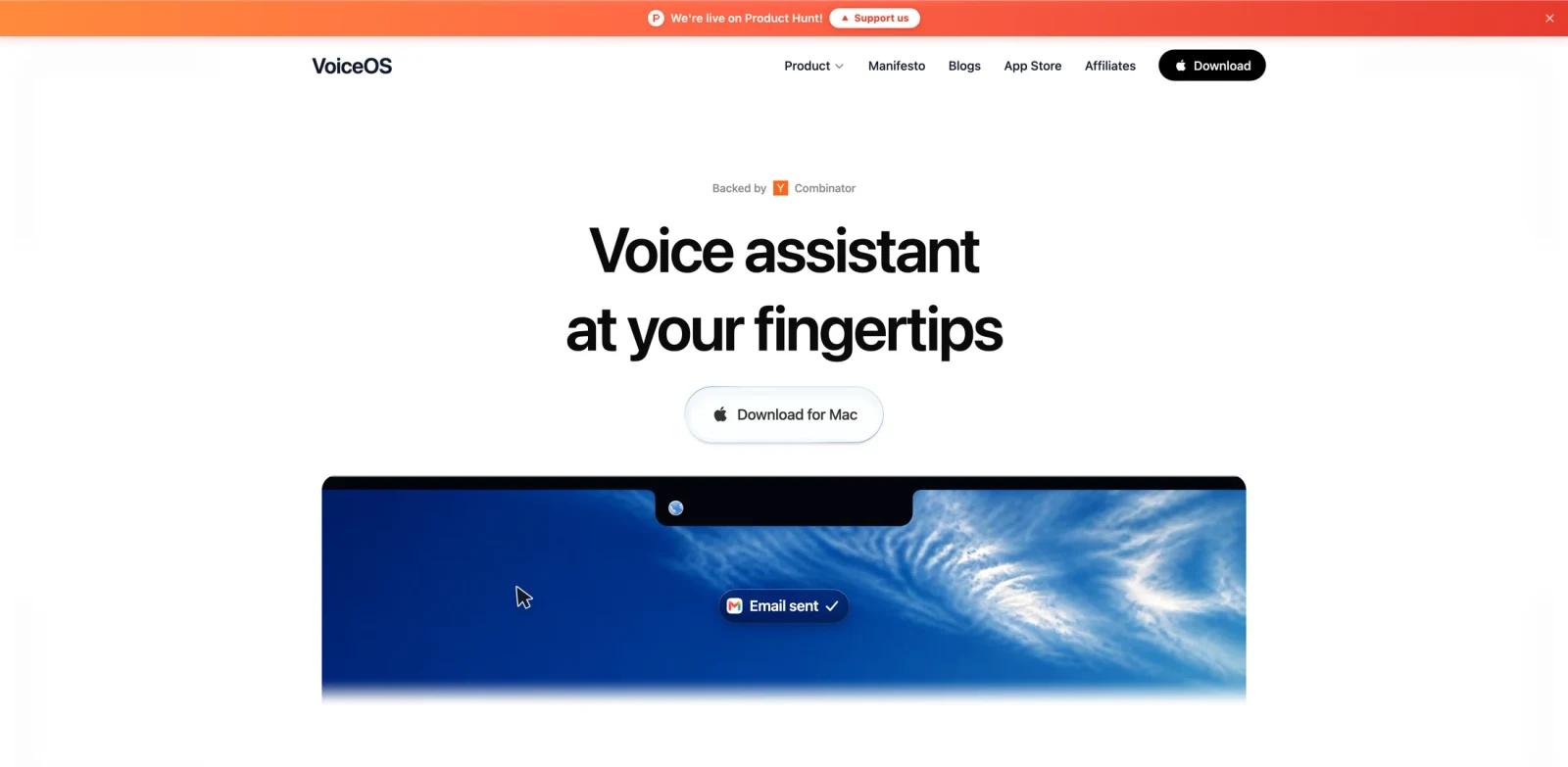
VoiceOS is a voice operating system and AI voice assistant for Mac and Windows. Its official site describes a product that goes beyond dictation: users can speak commands to send messages, search the web, find files, schedule meetings, create reminders, draft proposals, and automate apps by voice.
The key difference from normal AI voice generator tools is direction. VoiceOS is not mainly about generating synthetic speech. It turns the user's spoken input into polished writing and real actions across desktop apps. The homepage compares typing, dictation, and VoiceOS, arguing that dictation speeds up text entry while VoiceOS can multiply productivity by acting in the right app.
VoiceOS is also building around screen context. The site describes a "point anywhere on your screen" workflow where the cursor becomes context, so users can ask about a message, chart, document, button, or app state without first taking and uploading a screenshot.
Key Features
System-wide dictation - Lets users speak into apps across Mac and Windows, with support for 100+ languages and custom vocabulary.
Voice-to-action agent mode - Turns spoken requests into app actions such as sending an email, replying to a message, scheduling a meeting, filing a bug, or taking a note.
Screen context pointing - On Mac, users can point at something on screen and ask about it, reducing the need to crop and upload screenshots.
Cross-app productivity - The homepage shows Slack, Linear, Gmail, Cursor, Reminders, iMessage, Google Docs, Obsidian, Apple Maps, Claude, Notion, Telegram, calendars, Superhuman, VS Code, ChatGPT, Google Drive, WhatsApp, Outlook, and more.
Privacy controls - VoiceOS says audio is never stored on its servers, never used to train models, and that users decide what leaves the Mac.
Free and Pro tiers - Offers a free plan for trying voice workflows and a paid Pro plan for unlimited daily usage.
How to Get Started
The simplest pilot is dictation in a daily writing surface: email, Slack, Notion, Google Docs, or a code editor. Once the voice input feels reliable, test Agent Mode on low-risk actions such as creating reminders, drafting replies, or finding a file before letting it send or schedule automatically.
For screen-context use, start with "ask about this" tasks: explain a confusing error, compare two options, summarize a highlighted paragraph, or draft a reply to a selected message. This is where VoiceOS overlaps with AI productivity tools, because it reduces context switching between the app, screenshot tool, and chatbot.
Teams should review transcript storage, data retention, SSO, and compliance needs before wider rollout.
Pricing & Plans
VoiceOS publishes machine-readable pricing in /pricing.md.
| Plan | Price | Notes |
|---|---|---|
| Free | $0 forever | 100 uses/week, Dictation Mode, Agent Mode, custom vocabulary, 100+ languages, local transcript history |
| Pro | $11.99/month annual billing or $29.99/month monthly | Unlimited usage, Edit Mode, priority support, priority feature access, team features |
| Enterprise | Custom | Zero data retention options, SOC 2 Type II and ISO 27001 support, SSO/SAML, centralized billing, dedicated support |
The free plan does not require a credit card, making it suitable for testing before switching daily workflows.
Best For
- Founders, operators, writers, and developers who want to reduce typing and app switching
- Users who already dictate but want the assistant to perform actions, not only transcribe
- Teams using Slack, Gmail, calendars, docs, code editors, and task tools all day
- Accessibility and hands-free productivity use cases where voice input matters
- People comparing desktop AI agent tools with voice-first workflows
FAQ
What is VoiceOS?
VoiceOS is a voice-to-action desktop assistant for Mac and Windows. It supports dictation, rewriting, app actions, web search, reminders, messages, and screen context.
Is VoiceOS free?
VoiceOS has a Free plan with 100 uses per week, no credit card required, Dictation Mode, Agent Mode, custom vocabulary, 100+ languages, and local transcript history.
How much does VoiceOS Pro cost?
Pro costs $11.99/month when billed annually or $29.99/month when billed monthly.
Does VoiceOS store audio?
The homepage says audio is never stored on VoiceOS servers and never used to train models.
Does VoiceOS work on Windows?
The site describes VoiceOS as available for Mac and Windows. Some screen-pointing features are described as built and tested on Mac, while Windows users can start with dictation and Agent Mode.
What makes VoiceOS different from dictation?
Dictation turns speech into text. VoiceOS can also take action in apps, search, schedule, reply, and use screen context when the user points at something.