



Overview
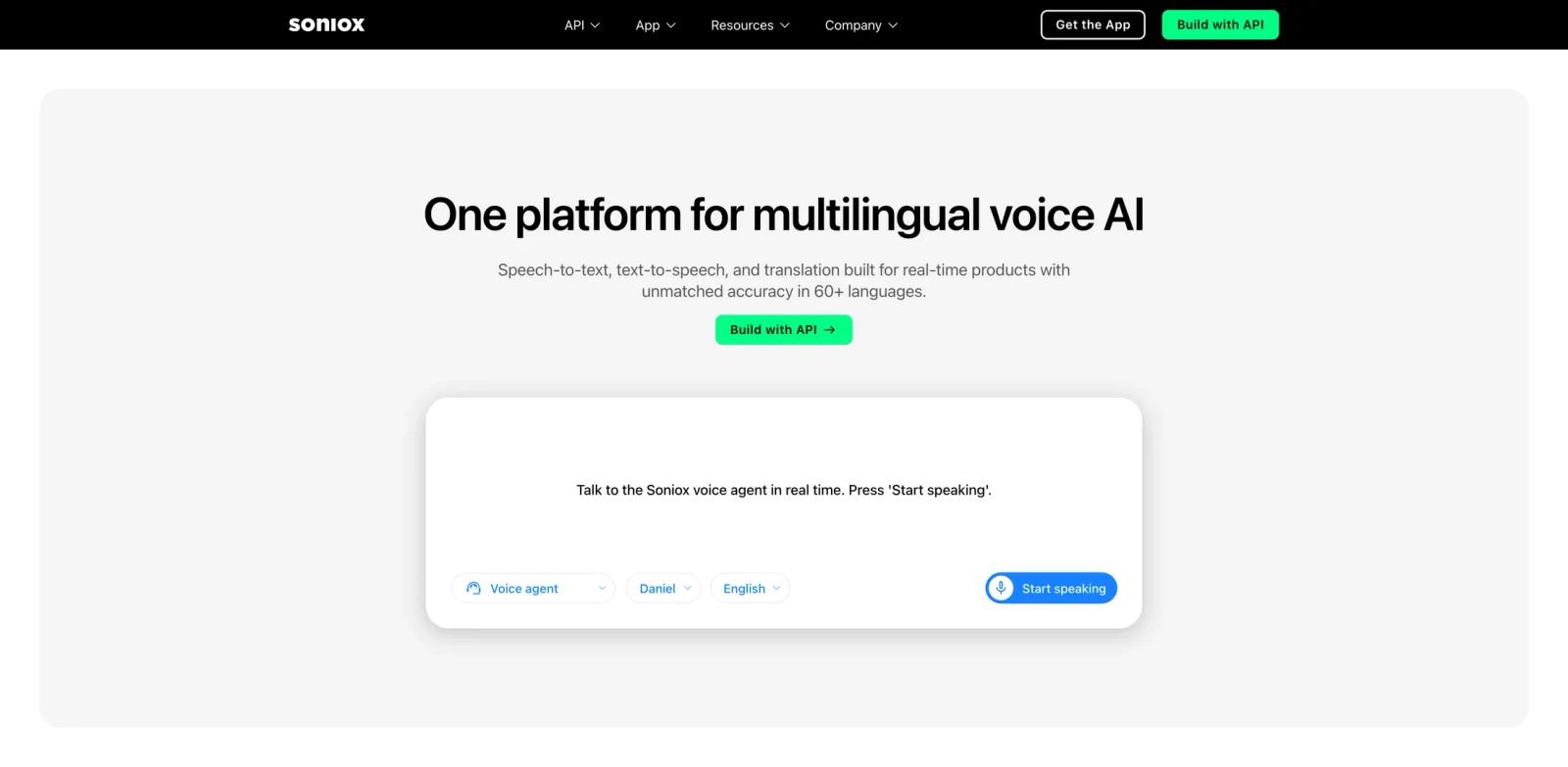
Soniox is a multilingual voice AI platform for teams building real-time speech products. It combines speech-to-text, text-to-speech, and speech translation APIs in one stack, with support for more than 60 languages and thousands of translation pairs.
The platform is aimed at developers building production voice agents, live transcription, translation, call center workflows, accessibility tools, medical transcription, media transcription, and speech analytics. Instead of piecing together separate STT, TTS, and translation vendors, Soniox gives teams a single provider and API surface for the full voice pipeline.
For teams evaluating AI voice generator, AI text to speech, or AI transcription tools, Soniox is best understood as developer infrastructure rather than a consumer recording app. It matters most when latency, language switching, alphanumeric accuracy, regional deployment, and API reliability affect the end-user experience.
Key Features
- Real-time speech-to-text - Soniox transcribes live audio streams across 60+ languages, with support for multilingual conversations, accents, numbers, names, and domain-specific vocabulary.
- Streaming text-to-speech - The TTS API can generate high-fidelity speech in many languages and is designed for low-latency use cases where audio should begin before the full response is complete.
- Live speech translation - Soniox can translate speech in real time across 3,600 language pairs, supporting captions, interpreter workflows, multilingual meetings, and voice agents.
- Unified voice API - STT, TTS, and translation are available through one platform, simplifying architecture compared with combining several separate speech providers.
- Production voice-agent fit - The platform emphasizes low latency, code-switching, alphanumeric precision, and streaming behavior that matter in LLM-powered voice applications.
- Regional and compliance options - Soniox supports regional processing in locations such as the US, EU, and Japan, and public materials describe SOC 2 Type 2, ISO 27001, HIPAA, and GDPR support.
How to Get Started
- Create a Soniox account - Sign up through the Soniox console and create an API key.
- Choose the API surface - Use REST for file-based transcription or single-request TTS, and WebSocket APIs for real-time STT or streaming TTS.
- Pick a region - Select an available region that fits your latency and data residency needs.
- Prototype one workflow - Start with one narrow use case such as real-time captions, speech translation, or a voice-agent turn loop.
- Measure production constraints - Test latency, accuracy, language switching, concurrent sessions, error handling, and budget limits before rolling out broadly.
Pricing & Plans
Soniox uses token-based API pricing. The public pricing page translates those token costs into approximate hourly equivalents for common workloads.
| API area | Public pricing signal | Best fit |
|---|---|---|
| Async speech-to-text | About $0.10/hour of audio | File transcription and batch processing |
| Real-time speech-to-text | About $0.12/hour of streaming audio | Live captions, call analysis, and voice agents |
| Text-to-speech | About $0.70/hour of generated speech | Voice agents, narration, and spoken responses |
| Enterprise / committed use | Contact Soniox | Large production deployments, data residency, support, and procurement needs |
Soniox also offers a separate end-user app with a Free plan and Pro plan, but the API pricing above is the more relevant model for developer and product teams.
Best For
- Developers building multilingual voice agents and live assistants.
- Product teams that need real-time transcription, translation, or spoken responses inside an app.
- Call center, healthcare, media, and accessibility teams with production speech workloads.
- Engineering teams comparing Soniox with providers such as Deepgram, AssemblyAI, and OpenAI.
- Teams that need a single voice infrastructure provider instead of separate STT, TTS, and translation vendors.
FAQ
What is Soniox?
Soniox is a voice AI platform that provides APIs for speech-to-text, text-to-speech, and speech translation across more than 60 languages.
Is Soniox an app or an API?
Soniox offers both a developer API platform and an end-user app. This review focuses on the API platform for teams building voice products.
How much does Soniox cost?
The public API pricing page lists token-based pricing equivalent to about $0.10 per hour for async STT, $0.12 per hour for real-time STT, and $0.70 per hour of generated TTS speech.
Does Soniox support real-time translation?
Yes. Soniox supports real-time speech translation across 60+ languages and 3,600 language pairs.
Is Soniox good for voice agents?
Yes, Soniox is designed for low-latency voice-agent workflows where real-time transcription, translation, and speech generation need to work together.
What should teams test before using Soniox in production?
Teams should test latency, transcription accuracy, TTS pronunciation, code-switching, alphanumeric handling, region selection, concurrency limits, error behavior, and privacy requirements.