

Overview
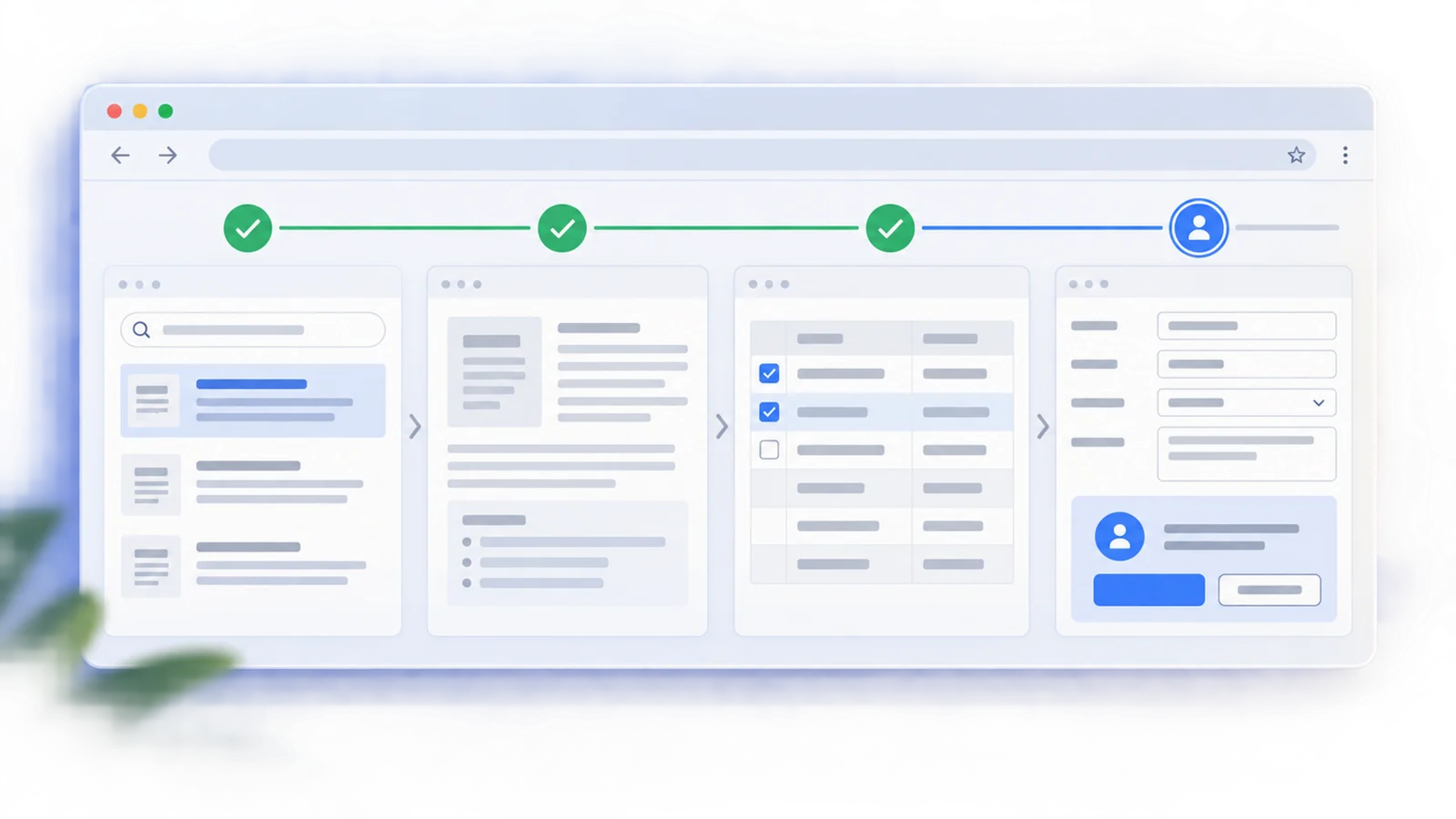
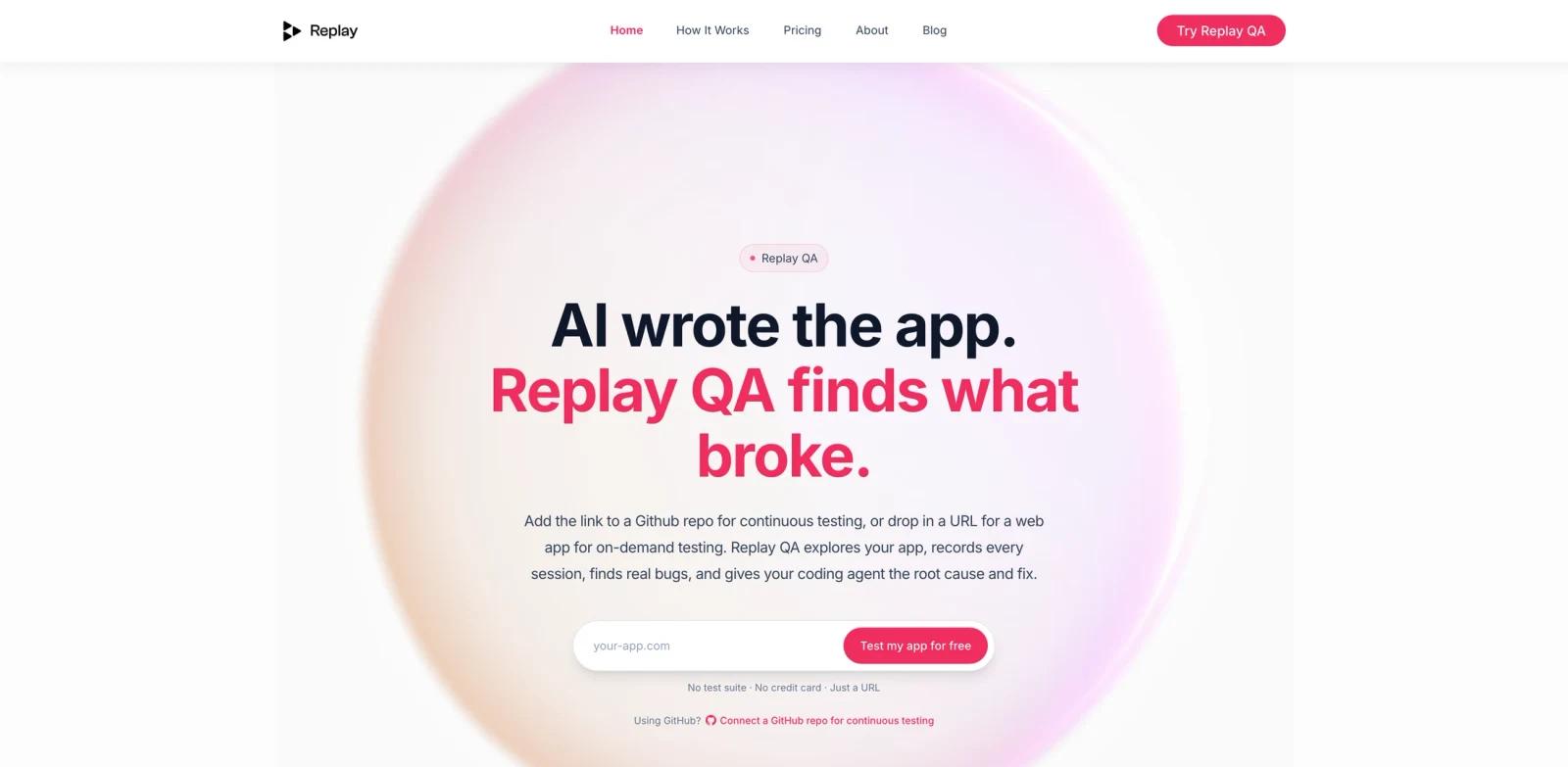
Replay QA is an autonomous testing tool from Replay that helps developers find bugs before users do. You can give it a live web app URL for an on-demand check, connect a GitHub repository for continuous testing, or use its API loop with a coding agent. Replay QA then explores the app, discovers user journeys, writes Playwright tests, records each run with Replay's time-travel browser, and produces bug reports with root cause analysis and suggested fixes.
The tool sits between traditional end-to-end testing and modern AI code checker workflows. It is not just generating tests from a spec; it records actual browser execution so engineers and agents can inspect what happened after the fact. That runtime evidence is the core difference from simple screenshot-based bug reports or log-only CI failures.
Replay QA is especially relevant for teams using AI coding agents to ship web apps faster than their test coverage can keep up. A solo builder can drop in a URL and get an initial bug report. A team can connect GitHub and have QA results posted on pull requests. An agent workflow can use Replay QA's API to keep testing, fixing, and marking bugs resolved until no open issues remain.
Key Features
URL-based autonomous testing - Paste a web app URL and Replay QA explores user journeys, creates Playwright tests, runs them, and reports bugs without requiring an existing test suite.
GitHub repository integration - Connect a repo so Replay QA can run on main-branch updates, pull requests, or both. Results can appear where code review already happens.
Time-travel recordings - Every test run is captured with Replay Browser, preserving DOM mutations, network requests, JavaScript execution, React render chains, and state flow. This gives developers evidence, not just an error message.
Root cause and suggested fixes - Bug reports include a plain-language explanation of what failed, why it failed, and what code-level fix may address it.
Coding-agent workflow - Replay documents a loop where an AI agent creates a QA project, polls for results, reads bug reports, applies fixes, and marks issues fixed through the API.
CI and test-suite support - Teams already running Playwright or Cypress can record failures with Replay and get PR comments that explain the root cause.
How It Compares
Replay QA is different from three common testing approaches:
| Approach | What it does well | Where Replay QA is different |
|---|---|---|
| Manual QA | Human judgment and product intuition | Replay QA creates an automated first pass and gives agents structured evidence |
| Playwright or Cypress alone | Deterministic scripted testing | Replay QA can discover journeys and record failures with time-travel context |
| Session replay tools | Show what the user did | Replay records browser runtime so code execution and state can be inspected retroactively |
This makes Replay QA a strong fit for AI-built apps, internal tools, and fast-moving SaaS teams that need more coverage without staffing a large QA process. It does not replace thoughtful test strategy, but it can close the gap between "we shipped with no tests" and a full engineering QA program.
Pricing & Plans
Replay's public pricing is usage-based and includes a free tier. Pricing is shown with monthly and annual options; the public pricing page lists annual-billing monthly equivalents and notes that Individual and Team plans unlock more volume and integrations.
| Plan | Price | Monthly Credits | Best For |
|---|---|---|---|
| Free | $0 | 25 credits | Trying Replay with no credit card |
| Individual | $17/month billed annually | 50 credits | Solo builders and individual developers |
| Team | $170/month billed annually | 500 credits | Startups and small teams shipping often |
| Enterprise | Custom | Custom | Larger organizations with negotiated usage or seat-based contracts |
Replay also describes Replay QA as testable for free from a URL with no credit card. Confirm the exact credit consumption for your app during evaluation because crawl depth, test volume, and CI usage can vary.
Best For
- Developers shipping web apps with AI code generator tools and limited test coverage
- Startup teams that want PR-level QA signals without writing every Playwright test manually
- Agencies building multiple client apps that need a repeatable pre-handoff QA check
- Internal-tool builders who want to test a private or localhost app through Replay's supported workflows
- Engineering teams already using Replay recordings and wanting a more autonomous QA layer
FAQ
Do I need an existing test suite to use Replay QA?
No. Replay QA can start from a URL, discover journeys, generate Playwright tests, run them, and report bugs. Existing test suites are useful for CI workflows but are not required for the standalone URL flow.
Can Replay QA connect to GitHub?
Yes. Replay's documentation describes connecting a GitHub repository so runs can trigger on main-branch updates, pull requests, or both. Replay QA can then report findings back where engineers review code.
What does a Replay QA bug report include?
Replay describes bug reports as including a recording, root cause analysis, execution evidence, and a suggested fix. The exact report depends on the app, available source maps, and the failure found.
Can coding agents use Replay QA?
Yes. Replay documents an API-driven workflow where a coding agent creates a QA project, waits for Replay QA to run, reads open bug reports, applies fixes, and marks issues fixed through the API.
Is Replay QA free?
Replay offers a free tier and the Replay QA homepage says users can test an app for free with no credit card. Paid plans add more monthly credits and usage capacity.
What kinds of apps work best?
Replay QA can test web apps available through a URL. Replay's docs note that React-based apps with source maps work especially well because the tool can inspect component trees, render traces, and source-level failures.