Where MNKI Fits
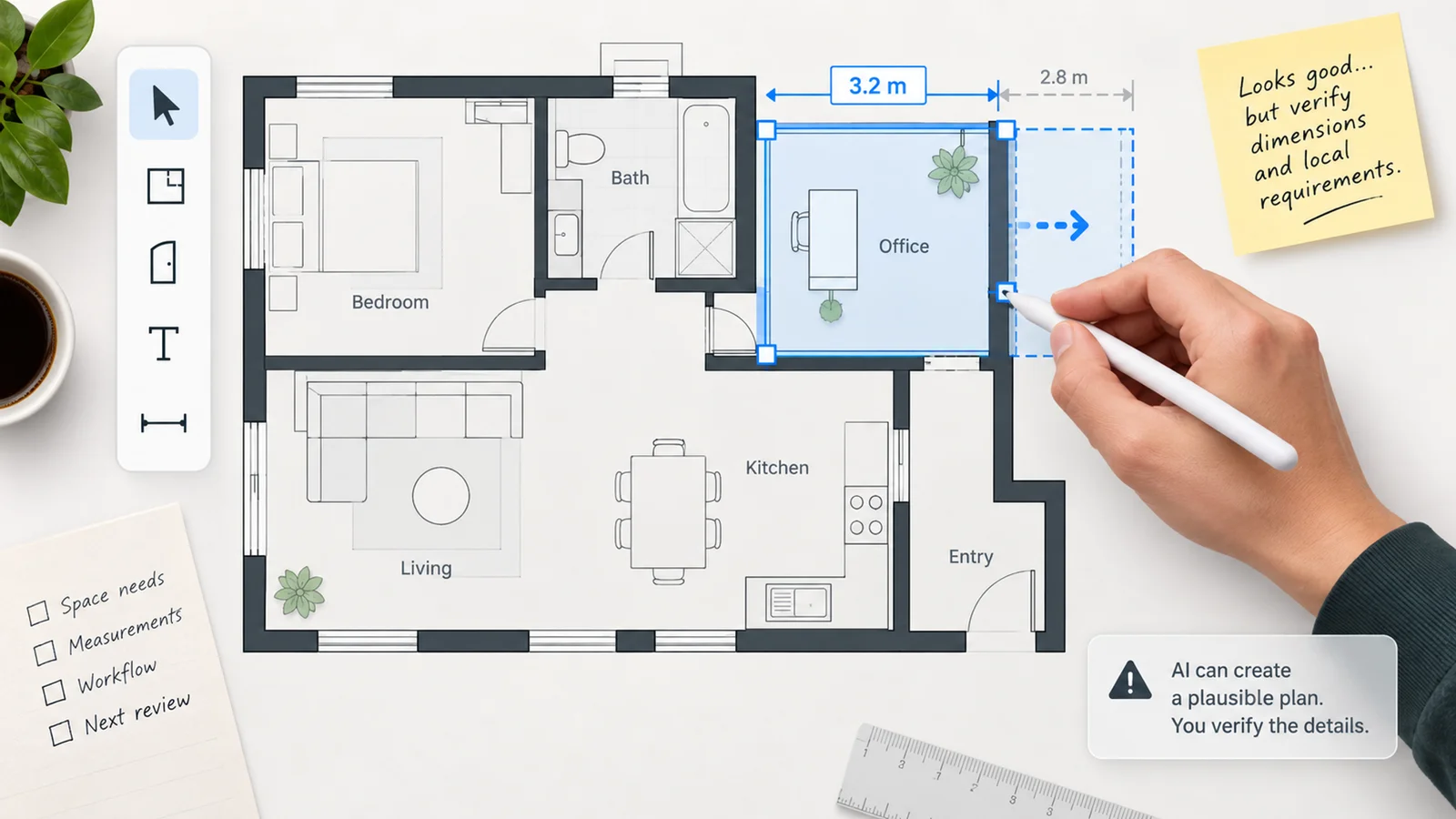
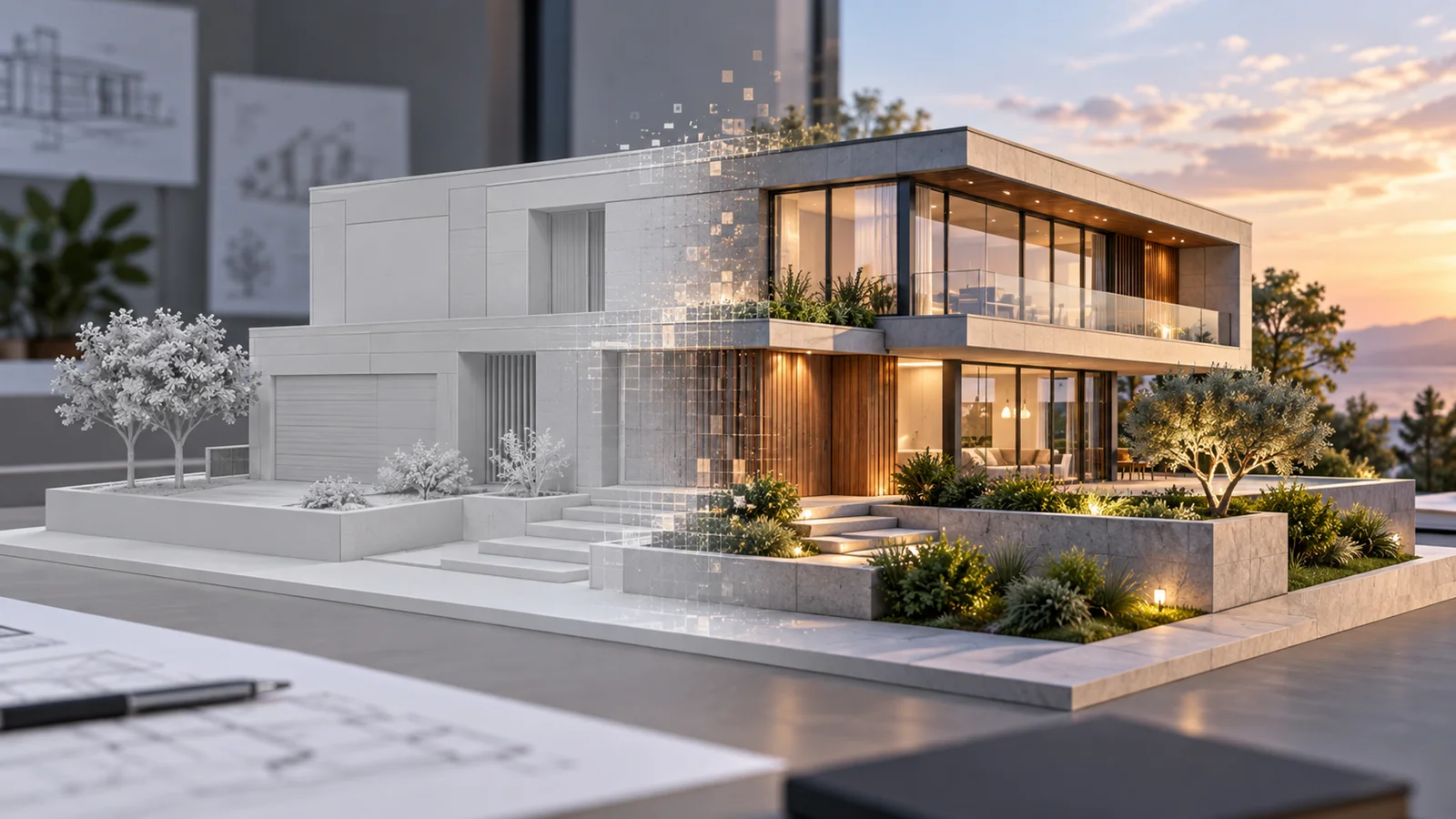
MNKI is a browser-based architectural visualization workspace for architects and interior designers turning early design inputs into images for concept discussions. Its documented inputs include sketches, floor plans, model images and photos. Rendering sits alongside local image editing, mood boards and material palettes, so the product can support several steps of a visual proposal in one workspace.
MNKI focuses on concept visualization: developing images from early design inputs for design discussions and visual presentations.
MNKI is worth considering when an early sketch or model view needs visual development, particularly for an occasional project that does not justify a recurring subscription. The availability of credit top-ups on Free makes that workflow possible without a monthly plan.
From an Input to an Editable Render
The official tutorial distinguishes Professional Studio from AChAt, its conversational interface. Studio organizes inputs, settings and rendering history into projects. The documented starting path is to create a project, add an input, choose General Render and an image engine, then generate and download the result. MNKI also provides a built-in drawing canvas.
Its FAQ describes nine generation modules. The most relevant to architectural visualization are General Render, Architecture Study and 3D Plan; Mood Board and Material Palette support design presentation. Remove, Add and Replace target selected regions of an existing image.
In Studio, a generated image can become the input for the next edit through Refine. A polygon mask selects the area for Inpaint Replace, and Custom Directives specify the intended change. This gives users a direct path from an initial concept render to a material variation in the same project.
MNKI also provides Strict, Balanced and Creative generation strategies for choosing how constrained or exploratory a rendering should be.
What Worked in Our Hands-On Check
On October 12, 2026, we used a Free account and MNG 3 Ultra to check a sketch-to-render and editing workflow with a self-created building sketch.
- From sketch to downloadable render: General Render produced an architectural concept image from the sketch. At the selected 2K setting, the operation used 6 credits and the downloaded PNG measured 2400 × 1792 pixels.
- A facade-material variation in the same project: We used Refine and a polygon mask to select the front facade, then requested warm red brick through Inpaint Replace. The generated image showed the requested brick finish, and we downloaded the edited result. This operation used 8 credits.
- A higher-resolution export on Free: A further General Render at the selected 4K setting succeeded without a paid upgrade. It used 8 credits and produced a downloadable 4800 × 3584 PNG.
These three steps used 22 trial credits and completed image generation, a local material change and PNG export within one project. These findings describe the operations and files from this check, using synthetic inputs.
The page preview is an official MNKI AI video, presented separately from our hands-on findings.
Credits and Access
The Free plan includes 40 trial credits rather than a continuing monthly allowance. The pricing page lists standard renders at 4 credits, 2K pro renders at 6 and 4K pro renders at 8. The FAQ lists inpainting operations at 8 credits. Those trial credits cover ten standard renders, six 2K pro renders or five 4K pro renders if spent entirely on that operation; mixed workflows and retries reduce the number of finished images.
- Free top-ups: USD 10 for a 150-credit pack, available without a monthly subscription. Under the terms, purchased credits do not expire while the account remains open, but remaining credits are lost if the account is deleted or terminated for breaching the terms.
- Basic: USD 28.99/month, including 500 monthly credits. The public pricing page lists output up to 2K and one owned team workspace, with up to three members and three projects.
- Pro: USD 148.99/month, including 3000 monthly credits. The public page lists up to 4K, batch processing and broader team-workspace allowances. Presentation and beta video features are also listed on this tier, but are outside the rendering evaluation described here.
- Team & Enterprise: contact sales for custom credits and access.
Monthly plan credits reset without rollover under the terms. Purchased top-ups are a separate balance. Unlimited projects does not mean unlimited generation: rendering and other operations still consume credits.
Project Retention and Client Materials
The pricing and privacy pages specify project retention by plan: 90 days on Free, 365 days on Basic, and retention while the relevant higher-tier subscription remains active. The project retention window applies to the project and its contents, so a later edit should not be assumed to restart that window. Download outputs that need to remain available beyond the project lifetime.
MNKI states that it does not train on uploaded content or outputs without separate opt-in consent. Its privacy policy says its AI providers do not train on submitted content under their commercial API terms, but may retain inputs and outputs for abuse monitoring and legal compliance, typically for about 30–55 days depending on the provider. Generation also involves third-party processing and infrastructure outside the user's country. That policy is a vendor statement about data handling, rather than an independently audited security certification or a guarantee that uploads remain local.
MNKI's terms permit personal and commercial use of outputs subject to their conditions, but do not guarantee copyright protection or exclusivity. Other users may receive similar outputs, and generated designs may resemble existing works. They also require users to have rights to the input and to verify outputs before professional reliance. Commercial permission and architectural accuracy answer different questions.
For broader workflow discovery, browse AI architecture rendering tools or AI interior design tools.
Sources & Verification
- Last verified: October 12, 2026.
- Evaluation scope: architectural image generation, local edits, export access and the basic commercial conditions for using those workflows.
- Method: Official-source research and an authenticated Free-account check of General Render, Inpaint Replace and PNG exports, using self-created inputs. The findings above describe those specific operations; the preview video is from the MNKI AI channel.
- Official sources: Product, pricing, FAQ, tutorials, terms and privacy.