Release Summary
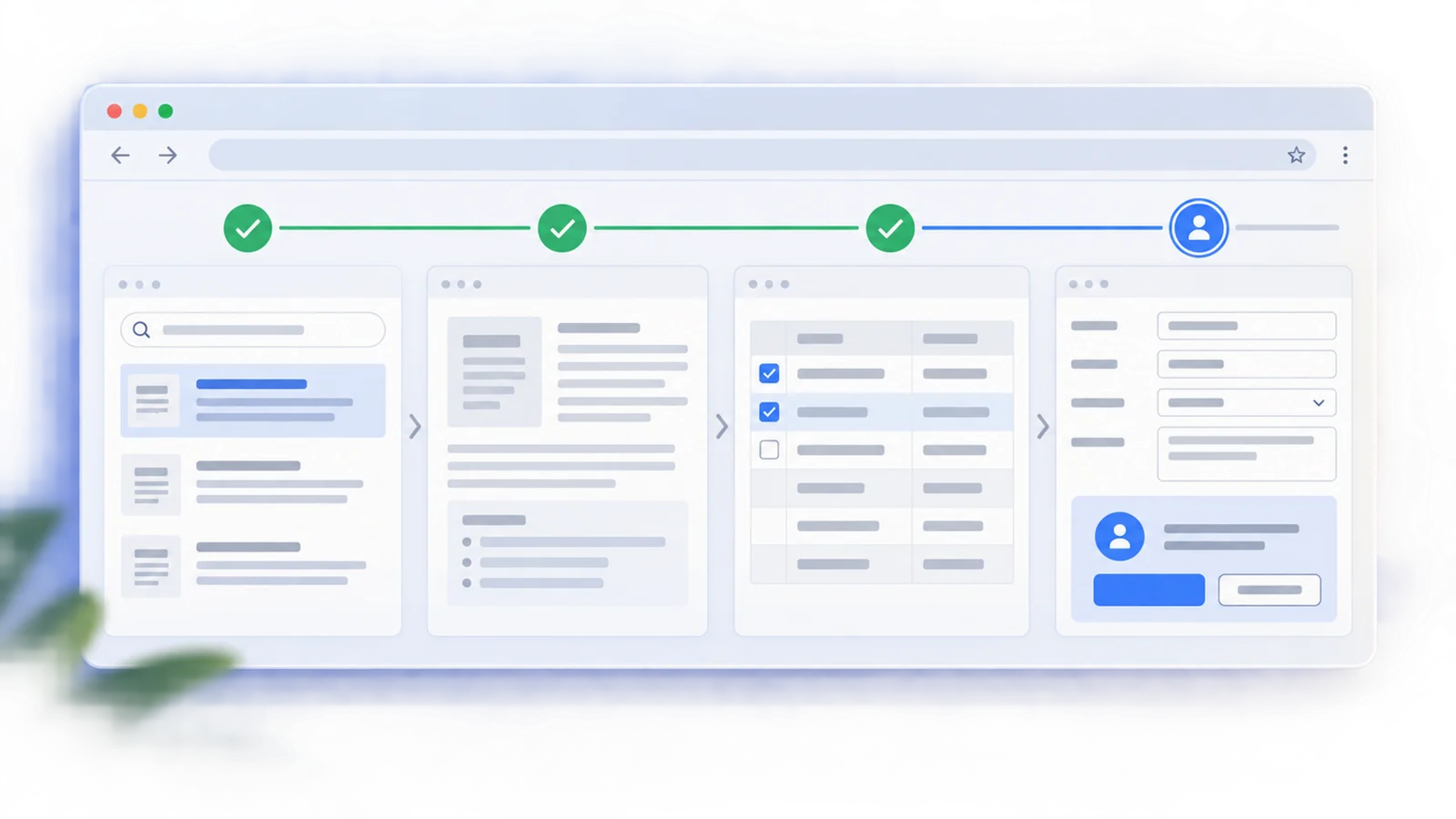
Manus 2.0, announced September 28, 2026, is a broader product release rather than a new choice of agent model. It combines a new agent harness, event-triggered workflows, an expanded desktop workspace, and creation environments for video and games. The upgrade matters most to people whose work moves between research, files, apps, creative editing, and persistent automation.
Manus also introduced Cue on the same day, but calls it a separate app for personal agents. Cue's invitation-based early access is a distinct product decision, not a Manus version entitlement.
What Changed
Cascade and event-triggered Automations
Cascade, Manus's in-house agent harness, keeps a project lightweight and adds specialized capabilities as needed. In one vendor-tested configuration, Manus reports 23.2% fewer tokens, 28.2% less task time, and 32% lower operating cost than its previous system. These figures describe that configuration; they are not a guaranteed saving for every user task.
Automations extend the earlier Scheduled Tasks model. A connected-service event, such as an email, calendar event, Slack message, or change in ad performance, can now trigger a task. That creates a practical reason to consider 2.0 if a workflow needs to react to new information rather than run at fixed times.
Manus Studio, Video Editor, and Game Dev
The desktop app is upgraded to Manus Studio. It brings document, spreadsheet, slide, website, code, game, and video work into a shared project workspace while loading specialized tools when needed.
The new Video Editor exposes generated clips, images, text, graphics, and audio on a timeline. Users can replace footage or music, rearrange elements, export, or ask Manus to continue from their edits. Manus positions it for short ads, AI UGC, tutorials, vlogs, and similar videos. Its Alchemy mode combines video and code generation for a more directed first cut; the result remains editable on the timeline.
Game Dev combines video, image, and coding models with a live Edit panel for assets, code, movement, art, and scenes. A finished game can be published as a website. Multiplayer projects can use a purchased Cloud Computer for an always-on server. The game editor is the new 2.0 environment; Manus had already introduced Cloud Computer in April 2026.
Authorized desktop Computer Use
In a connected, authorized session, Manus can work with approved local files, browser pages, and apps in a visible desktop workspace. Remote Control lets a user direct that work from a phone. Direct local-machine access itself was already introduced as My Computer in March 2026. The 2.0 change is the visible Computer Use workspace and remote-control workflow.
Compared With Manus 1.6
| Decision area | Manus 1.6 launch | Manus 2.0 launch |
|---|---|---|
| Main emphasis | Max agent performance, mobile app development, and visual image editing in Design View | Connected project architecture, event-driven Automations, Manus Studio, Video Editor, Game Dev, and Remote Control |
| Creative control | Design View supports targeted image edits | Video Editor exposes a timeline; Game Dev exposes a live game editor and assets |
| Automation | The 1.6 announcement did not present event-triggered Automations | Connected-service events can start a task in addition to schedules |
| Desktop and persistent environments | Not headline features of the 1.6 announcement | My Computer and Cloud Computer launched between 1.6 and 2.0; 2.0 connects them to Studio, Remote Control, multiplayer games, and always-on work |
This compares the two named launch announcements. Manus shipped other features between them, so a feature's absence from the 1.6 announcement does not mean it first appeared on September 28.
Choose the Right Environment
| If the work needs... | Start with... | Decision point |
|---|---|---|
| A report, script, or one-off website task | A regular Manus task | The ordinary sandbox is temporary; no persistent server is implied. |
| Editing a local file, video, or game with direct controls | Manus Studio on desktop | Connect and authorize the desktop session before Manus uses local material. |
| A bot, database, or multiplayer game server that remains online | A separately purchased Cloud Computer | Budget for the monthly environment and the lifecycle of files stored on it. |
| Personal agents with separate identities and a shared chat | Cue | Cue is a separate invitation-based app, not a Manus 2.0 plan feature. |
This division follows Manus's own environment guide and 2.0 launch. It prevents a common mistake: buying persistent compute for a one-off task or assuming a desktop session will keep running when a local computer is off.
Availability and Access
Manus says 2.0 is available on web, desktop, and mobile. Studio is the upgraded desktop app. Computer Use requires a connected and authorized session, while an always-on Cloud Computer is a separate purchase. The launch announcement does not specify which subscription tiers include each Studio mode, so check the current in-app entitlement before committing to a workflow.
For persistent projects, the official Cloud Computer billing guide, updated during the week of September 29, lists Standard at $30/month and Advanced at $50/month. This is current Cloud Computer pricing, not a price change attributed to the 2.0 release. An upgrade restarts the virtual machine. If the Cloud Computer subscription stops, Manus says that machine shuts down and its stored working files, tools, and databases are deleted; previously delivered chat outputs remain. That distinction matters before placing a live game or database on it.
Who Should Upgrade or Wait
- Consider 2.0 if you need event-triggered Automations, an editable Video Editor timeline, Game Dev, or Studio with Remote Control. Local-file and app access alone was already available through My Computer before 2.0.
- Evaluate the cost and file lifecycle first if a game or automation needs an always-on Cloud Computer; it is a separate monthly purchase, and cancellation deletes files stored on that machine.
- Wait for clearer entitlement details if your decision depends on a specific Studio mode being included in your current Manus plan.
Sources
- Introducing Manus 2.0, Manus, September 28, 2026.
- Introducing Manus 1.6, Manus, December 15, 2025.
- Introducing Cloud Computer, Manus, April 30, 2026.
- Introducing My Computer, Manus, March 16, 2026.
- Understanding Cloud Computer Plans and Billing, Manus Help Center, checked September 29, 2026.
Source-based research from official Manus announcements. No hands-on testing was performed for this update.