

Overview
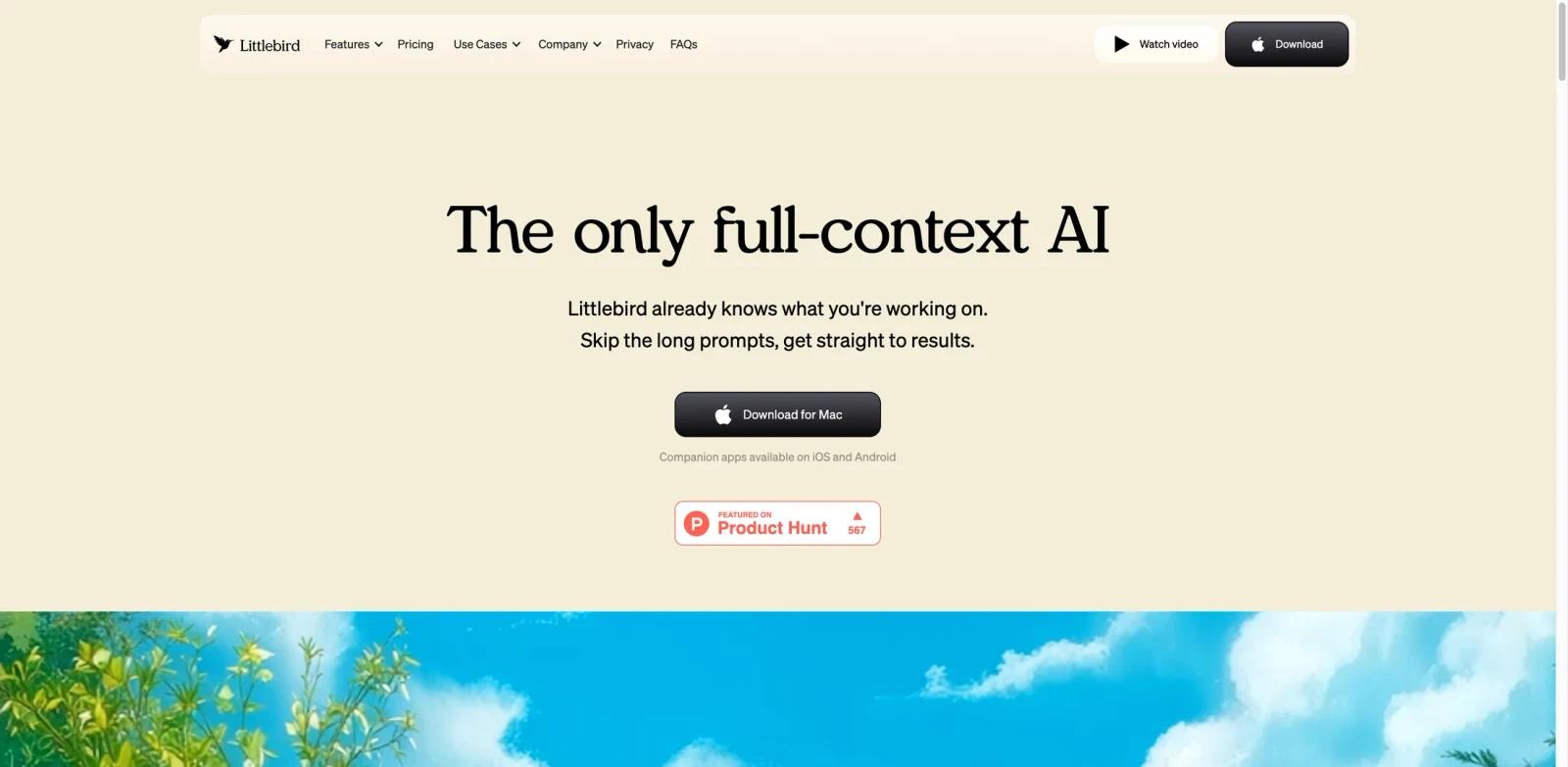
Littlebird is an always-on AI personal assistant that runs at the OS level on your Mac, continuously monitoring what is happening across all your applications—documents, meetings, emails, and more—without requiring you to manually feed it context. Rather than functioning as a chatbot you prompt from scratch, Littlebird builds a persistent understanding of your work in real time, so when you ask a question or request a summary, it already knows what you have been doing.
Launched in March 2026 alongside an $11M seed round, Littlebird targets knowledge workers who lose time switching between apps, re-reading past notes, and recapping meetings. It reads screen content directly (no screenshot storage) and delivers automatic outputs—daily activity logs, meeting transcripts, scheduled briefings—alongside a conversational interface that draws on full context from your day.
It currently runs on macOS, with Windows support on the roadmap.
Key Features
- Chat with Full Context — Conversational AI that already knows what you are working on across every app, eliminating the need to copy-paste or re-explain your situation before asking a question.
- Automatic Meeting Notes — Transcribes and summarizes meetings in real time using system audio, extracting action items automatically. Supports 10+ languages, making it practical for multilingual teams.
- Routines — Scheduled, proactive briefings you define—daily standup summaries, yesterday's work recap, weekly activity digests—delivered at the times you choose without any manual trigger.
- Daily Journal & Activity Log — Automatically generates a structured summary of your digital activity at the end of each day, capturing what you worked on across documents, calls, and apps in one place.
- Cross-App Memory & Search — Builds a personalized knowledge base from your ongoing work, making past decisions, discussed ideas, and referenced documents searchable across all your connected apps.
- Integrations & Mobile Companion — Connects with calendar, email, and other optional integrations; companion iOS and Android apps let you query your context and review notes from your phone.
How to Get Started
Getting started with Littlebird takes under five minutes:
- Download the macOS app from littlebird.ai and create a free account.
- Grant accessibility permissions — Littlebird needs screen-reading access to observe app activity. The setup flow guides you through macOS system permissions step by step.
- Connect your apps — Optionally connect calendar, email, Notion, and Slack to enrich Littlebird's context with structured data from those sources.
- Choose which apps to include — You control which applications Littlebird can read. Toggle apps on or off in Settings > Privacy to exclude anything you prefer to keep unmonitored.
- Set up your first Routine — Configure a daily briefing or end-of-day summary to start receiving proactive outputs automatically.
After setup, Littlebird runs silently in the background. You can interact via the menu bar icon or the companion mobile app at any point.
How It Compares
| Littlebird | Rewind AI | Microsoft Copilot | Granola | |
|---|---|---|---|---|
| Context method | Direct screen reading (no screenshots) | Varies by product; verify current method on vendor site | Integrates with Microsoft 365 apps | Meeting-focused workflow; verify current method on vendor site |
| Meeting notes | ✅ Automatic, 10+ languages | ✅ Via recording | ✅ Teams only | ✅ Primary feature |
| Proactive briefings | ✅ Schedulable Routines | ❌ | ✅ (Copilot Daily) | ❌ |
| Works outside meetings | ✅ All-day context | ✅ All-day recall | ✅ Within Microsoft apps | ❌ Meeting-focused |
| Cross-platform | macOS only (2026) | macOS/Windows | Windows/web | macOS/Windows |
| Free tier | ✅ | ❌ | Limited | ❌ |
| Starting price | $17/mo | Verify current pricing on vendor site | Verify current pricing on vendor site | Verify current pricing on vendor site |
Littlebird's key differentiator, based on its official product positioning, is cross-app screen reading without screenshot recording, enabling context-aware AI assistance throughout the workday. The free tier and Mac availability make it especially practical for individual Mac users in the near term; organizations standardized on Microsoft 365 may prefer Copilot for its Microsoft ecosystem alignment.
Pricing & Plans
Littlebird offers three tiers with a meaningful free option:
| Plan | Price | Best For |
|---|---|---|
| Basic | Free | Individuals exploring always-on AI context |
| Plus ⭐ Most Popular | $17/month (billed annually) or $20/month | Power users who want advanced AI intelligence and unlimited meeting notes |
| Pro | From $100/month | High-volume users who need 5–12× more usage than Plus |
Basic (Free) includes limited daily chats, limited Routines, limited meeting notes (10+ languages), web search, cross-app search, mobile chat, and community support.
Plus ($17/mo annual) adds advanced AI intelligence, enhanced memory and personalization, more chats, more Routines, unlimited meeting notes, image generation, and priority email support.
Pro ($100+/mo) provides 5× or 12× higher usage limits than Plus, auto language detection in meeting notes, premium image generation, and early access to new features.
Annual billing saves approximately 15% compared to monthly. You can start on the free Basic plan from the Littlebird website.
Best For
- Knowledge workers on macOS who want AI assistance throughout the day without manually prompting or copy-pasting context
- Professionals attending frequent meetings who need automatic AI meeting notes and action items without a separate meeting tool
- Founders, executives, and consultants managing high context-switching across apps, clients, and projects
- Anyone building a personal AI knowledge base from their daily digital work without manual input
- Teams in early-stage or remote-first environments where async catch-up and daily summaries save significant overhead
- Individuals who have tried traditional AI note-taking software but found the manual capture step too disruptive to sustain
FAQ
What is Littlebird and how is it different from a regular AI chatbot?
Littlebird is an always-on OS-level assistant that continuously reads your screen context across all applications. Unlike a chatbot that starts with no memory of your work, Littlebird already knows what you have been doing when you ask a question—no copy-pasting, no catching it up. It also delivers proactive outputs like daily journals and meeting notes without any manual prompt.
Is Littlebird available on Windows?
Not yet. Littlebird currently runs on macOS only. Windows support is on the roadmap but no release date has been announced as of early 2026. The companion iOS and Android apps are available for mobile access.
How does Littlebird handle privacy and data security?
Littlebird is SOC 2 certified and GDPR/CCPA compliant. It does not use your data to train AI models and does not sell your data to third parties. All data is encrypted in transit and at rest. You control exactly which apps Littlebird can read via the Privacy settings, and you can delete your data at any time.
Does Littlebird use screenshots to track my activity?
No. Littlebird reads screen content directly at the OS level without storing screenshots. This is a deliberate design choice that distinguishes it from recall tools that depend on periodic screenshot capture.
What meeting platforms does Littlebird support for automatic notes?
Littlebird captures meeting audio via the system audio channel, so it captures meeting audio through your Mac's system audio, so it is designed to work across meetings played through your device. It works through system audio capture rather than a meeting-bot workflow. Meeting notes support 10+ languages on all plans; automatic language detection is available on the Pro plan.
Can I control which apps Littlebird monitors?
Yes. The Privacy settings let you toggle monitoring on or off for individual applications. You can exclude sensitive apps—personal banking, health tools, anything you prefer to keep private—while keeping Littlebird active for your work apps.
Is there a free trial or free plan?
Yes. Littlebird's Basic plan is permanently free and includes limited daily chats, Routines, and meeting notes alongside mobile access and cross-app search. No credit card is required to start. For more details on what's available across AI assistant options, see this best AI assistant comparison.
How accurate are the automatic meeting transcriptions?
Littlebird's meeting transcription supports 10+ languages and is designed for practical note-taking use. Accuracy is comparable to other AI transcription tools and depends on audio quality and speaker clarity. It is best used as a working summary and action-item tracker rather than a verbatim legal record.
What integrations does Littlebird support?
Littlebird connects with calendar apps, email, Notion, and Slack. The companion iOS and Android apps extend access to your context from mobile. Additional integrations are actively being developed given the platform's early-stage status.
Can I use Littlebird for team collaboration, or is it personal only?
Littlebird is primarily designed as a personal productivity assistant. Team-level features and shared context are not prominently featured in the current product. For team knowledge management, pairing Littlebird with a dedicated tool may be more practical for now.