



Overview
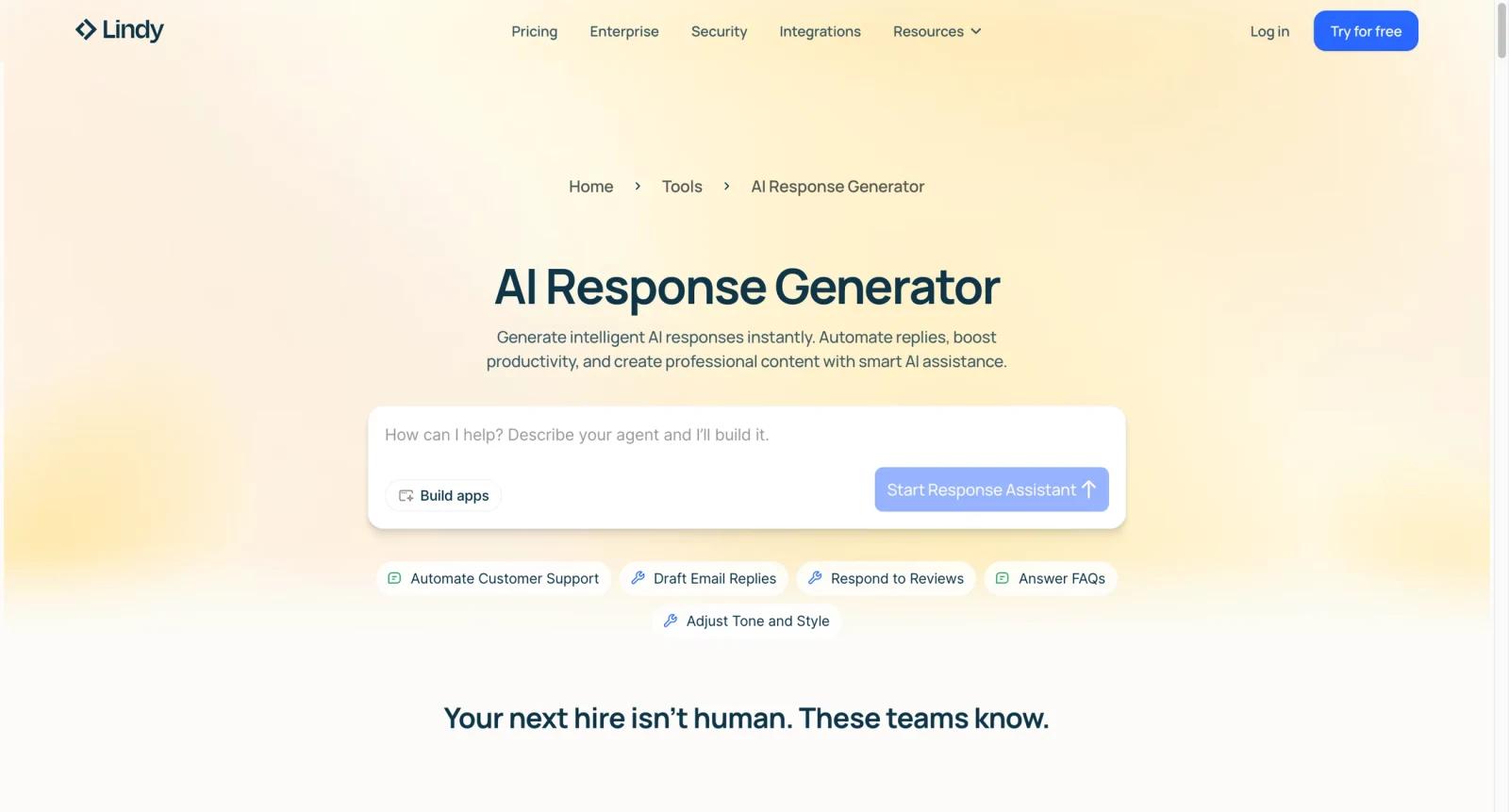
Lindy AI Reply Generator is a free-to-start tool for drafting replies from context, tone, or intent. It is one of Lindy's public AI tools, but the larger Lindy product is a no-code AI assistant platform for automating tasks across email, calendar, CRM, meetings, support workflows, and internal operations.
That distinction matters for pricing and expectations. The reply generator can help with a single message, but Lindy's paid value comes from assistants that can keep working across apps. Teams use Lindy to build AI workers for inbox management, meeting follow-up, lead handling, and business process automation.
For users comparing AI chatbots, Lindy is more automation-oriented than a simple customer support reply writer. If your need is only a website answer bot, tools like Wonderchat AI Reply Generator or Overchat AI Reply Generator may be simpler.
Key Features
- AI reply drafting - Generate a response from a short prompt, customer message, or communication context to save time on routine replies.
- Tone and intent control - Adjust output toward professional, friendly, concise, or context-specific response styles.
- Broader Lindy assistant platform - Move from one-off reply generation into AI assistants that automate email, meetings, CRM, and task workflows.
- Credit-based usage - Paid Lindy plans include usage and credit limits that matter for higher-volume automation.
- Workflow integrations - Lindy can connect to business apps so assistants can take actions instead of only writing text.
- Team and enterprise options - Higher tiers support heavier workloads, business use, and enterprise needs beyond public tools.
Pricing & Plans
The AI Reply Generator can be tried for free, while Lindy's broader platform uses paid monthly plans. The official pricing page lists Plus, Pro, Max, and Enterprise options, with Plus shown at $49.99/month.
| Plan | Pricing | Best fit |
|---|---|---|
| Public AI tools / free start | Free to try | One-off reply drafting and initial evaluation |
| Plus | $49.99/month | Individual users or small teams starting with always-on AI assistant workflows |
| Pro | $99.99/month | Users needing more usage and more powerful assistant workflows |
| Max | $199.99/month | Heavy workloads and more demanding automation volume |
| Enterprise | Custom pricing | Organizations needing security, governance, procurement, and larger deployment |
Before subscribing, check included credits, assistant limits, integrations, human-assistant options, usage overages, and whether reply generation alone is enough or you actually need Lindy's automation platform.
Best For
- Busy professionals drafting many email or customer replies per week
- Sales and customer success teams standardizing first-draft responses
- Operators who want reply generation connected to CRM, calendar, or task workflows
- Small teams experimenting with AI agent assistants before custom automation
- Users comparing Lindy with simpler reply tools and chatbot builders
FAQ
What is Lindy AI Reply Generator?
It is a public Lindy tool for generating draft replies from context, prompts, or messages.
Is Lindy AI Reply Generator free?
The public reply generator can be tried for free. Lindy's broader AI assistant platform has paid plans.
How much does Lindy cost?
The official pricing page lists Plus at $49.99/month, Pro at $99.99/month, Max at $199.99/month, and custom Enterprise pricing.
Is Lindy only for reply generation?
No. Reply generation is one public tool. Lindy's main product is a broader AI assistant and automation platform.
Can Lindy automate business workflows?
Yes. Lindy assistants can connect with apps and workflows, depending on plan, integrations, and setup.
How does Lindy compare with a chatbot?
A chatbot mainly answers conversations. Lindy is better understood as a no-code AI assistant platform that can draft, take actions, and coordinate workflows.
Who should not buy Lindy?
Users who only need occasional paraphrasing or email drafts may be better served by a cheaper writing assistant.
What should I check before subscribing?
Check credits, assistant limits, integrations, overage rules, security terms, human review options, and whether your workflow can be safely automated.


