



Overview
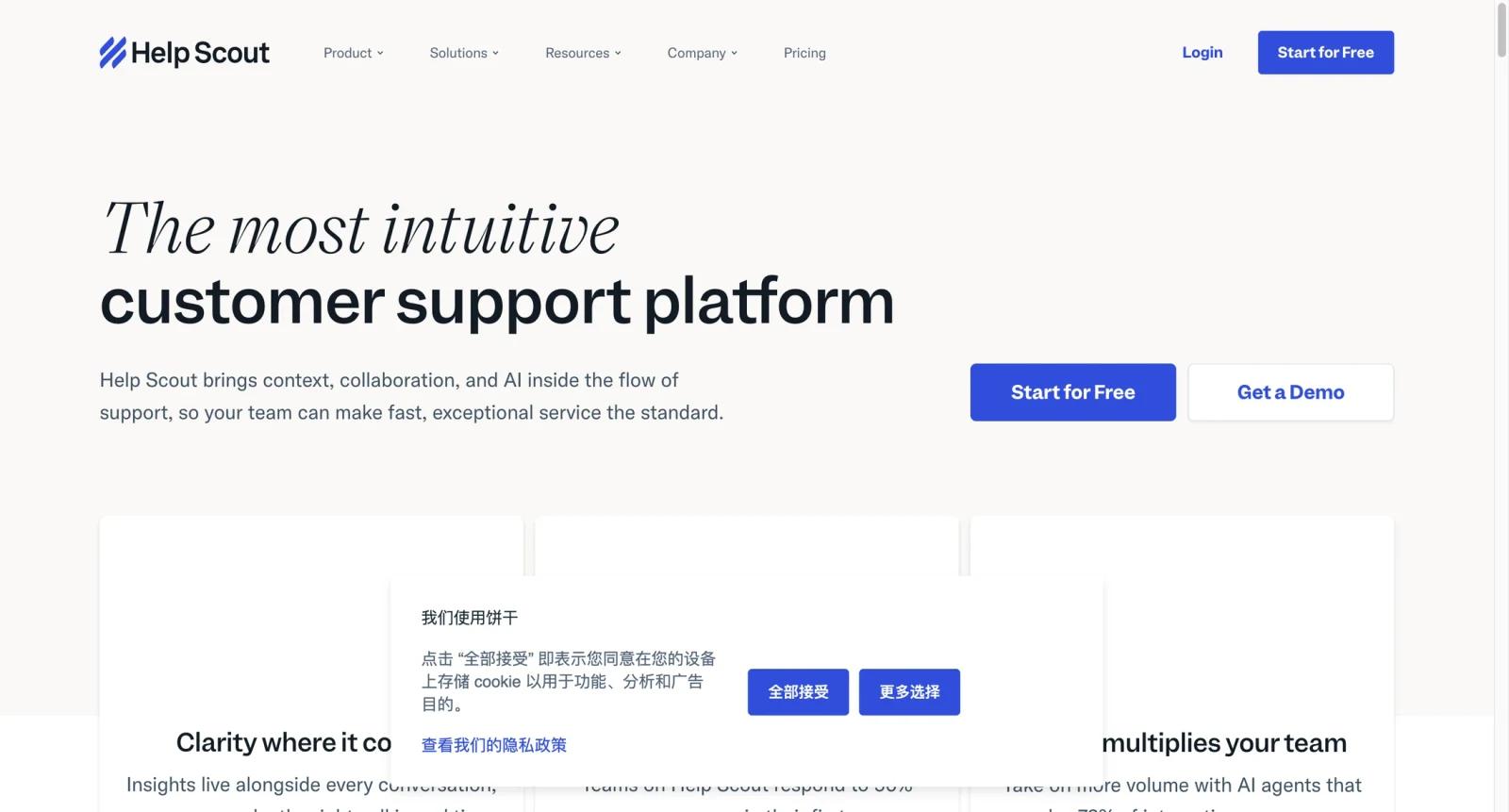
Help Scout is a customer support platform built around shared inboxes, help docs, Beacon messaging, workflows, reporting, and customer context. It is popular with support teams that want a human, email-like support experience without turning every customer interaction into a heavy enterprise ticket.
The product's strength is simplicity and clarity. Teams can manage support conversations collaboratively, publish a knowledge base, automate routing and tagging, and offer self-service through Beacon. Help Scout's AI features, including AI Answers and AI assistance, extend that workflow without making the product feel like a chatbot-first platform.
For teams comparing Help Scout with Freshdesk, Gorgias, Zendesk AI, and Front, the best fit is usually teams that value a clean shared inbox and knowledge base over deep ecommerce automation or complex enterprise service management.
Key Features
- Shared inboxes - Manage support email collaboratively with assignments, notes, status, collision detection, and customer history.
- Docs knowledge base - Build a help center that reduces repetitive support and gives AI Answers approved content to draw from.
- Beacon widget - Offer help articles, chat-style support, and customer messaging inside a website or product.
- Workflows and automation - Route, tag, assign, and prioritize conversations based on rules and customer context.
- AI Answers and AI support tools - Use AI to answer questions from help content, assist agents, and reduce repetitive workload depending on plan and add-ons.
- Reporting and customer context - Track volume, response times, team performance, and customer history without overwhelming smaller support teams.
Pricing & Plans
Help Scout uses paid per-user plans. Public pricing commonly lists Standard, Plus, and Pro tiers, with AI Answers or other AI usage potentially adding separate usage-based cost.
| Plan | Pricing | Best fit |
|---|---|---|
| Standard | From $25/user/month | Small teams that need shared inboxes, Docs, Beacon, and core support workflows |
| Plus | Higher per-user tier | Growing teams needing more mailboxes, advanced permissions, integrations, and compliance features |
| Pro | Higher per-user or custom plan | Larger support organizations needing stronger scale, security, and service levels |
| AI Answers | Usage-based add-on | Teams that want self-service AI resolution from approved help content |
Before buying, verify current monthly versus annual pricing, mailbox limits, Docs site limits, AI Answers cost per resolution, HIPAA or compliance requirements, Salesforce or advanced integrations, and whether all agents need paid seats.
Best For
- SaaS and service teams that want a collaborative support inbox with customer context
- Support teams publishing a help center and using Beacon for self-service
- Small and mid-sized teams that prefer a lighter workflow than Zendesk
- Customer success teams that want human support plus AI-assisted answers
- Teams comparing support desks with broader AI chatbots
FAQ
What is Help Scout?
Help Scout is a customer support platform for shared inboxes, knowledge base, Beacon messaging, workflows, reporting, and AI-assisted support.
Is Help Scout free?
Help Scout is generally sold through paid plans, though trials may be available. Check the official pricing page for current trial terms.
How much does Help Scout cost?
Public pricing commonly starts with Standard at $25 per user per month, with Plus and Pro tiers costing more.
What is Help Scout AI Answers?
AI Answers is Help Scout's AI self-service capability that can answer customer questions from approved help content.
Is Help Scout good for ecommerce?
It can support ecommerce teams, but Gorgias is more ecommerce-specific. Help Scout is better for teams that prioritize a clean shared inbox and Docs workflow.
How does Help Scout compare with Freshdesk?
Freshdesk has a more traditional help desk and ticketing model. Help Scout is cleaner and more inbox-centered.
Does Help Scout support live chat?
Help Scout's Beacon can provide messaging and self-service experiences. Teams should verify current chat and channel features by plan.
What should I check before subscribing?
Check user pricing, mailbox limits, Docs site limits, AI Answers cost, integrations, compliance features, reporting needs, and whether annual billing changes the price.


